
Presentation Will Not Open
Pain
PowerPoint says the file is corrupt or unreadable. Double-clicking fails; Open and Repair feels like a dead end.
WPS Solution
PowerPoint repair with File Repair—scan broken structures and rebuild a usable deck.
Fast, local PowerPoint repair for corrupted PPT and PPTX files—restore slides without uploading your deck.
Crashes, bad USB copies, and half-saved decks should not erase a week of slides. WPS PowerPoint repair restores presentations locally—then you keep editing in Presentation.
Pain
PowerPoint says the file is corrupt or unreadable. Double-clicking fails; Open and Repair feels like a dead end.
WPS Solution
PowerPoint repair with File Repair—scan broken structures and rebuild a usable deck.
Pain
Charts vanish, images turn into red X icons, and layouts jump after a failed save or crash.
WPS Solution
Content restore targets text, media, charts, and slide masters whenever data is still readable.
Pain
Web “PPT recovery” sites ask you to upload board decks, client pitches, or confidential training packs.
WPS Solution
Local PowerPoint repair on your PC or Mac. No third-party upload.
Pain
A Microsoft 365 seat should not be required just to rescue one damaged presentation.
WPS Solution
Free Presentation — repair the file, then edit and Save As .pptx in the same suite.
Built Into WPS Office
Stop gambling with shady online uploaders. Open File Repair, drop in the damaged presentation, and export a recovered deck you can trust.
One installer · Writer + Spreadsheet + Presentation + PDF

PowerPoint repair built for deadline pressure—high recovery success, one-click speed, preview before save, and privacy-first local processing inside WPS Office.
Afraid the deck is gone for good? WPS uses a deep, in-house repair engine so PowerPoint repair can rebuild more than plain text.
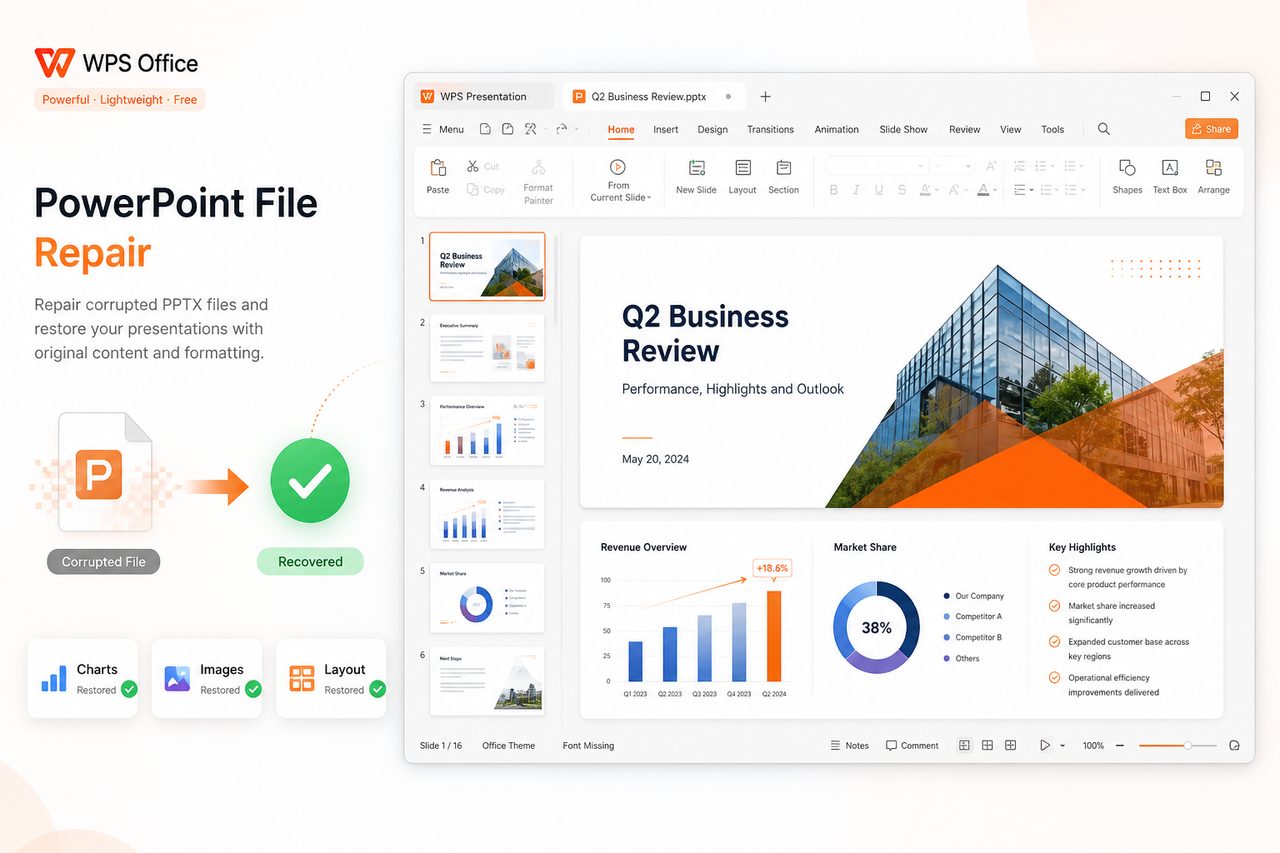
Meeting or defense in a few hours? Skip long repair wizards—PowerPoint repair in WPS is built for urgent deadlines.
Don't buy or commit blindly. Preview recovered slides and text before you save—so PowerPoint repair results are visible first.


Board decks and unpublished research should not go to random upload sites. WPS keeps PowerPoint repair on your device.
REAL USERS · WPS OFFICE
Presenters and students run PowerPoint repair locally—then keep polishing slides in Presentation.
0
Users
5
Platforms
Local
Repair
Windows · Mac · Linux · Android · iOS
"Our investor pitch would not open the night before the meeting. WPS File Repair handled PowerPoint repair with charts intact—no upload."
Michael R.
Product Manager
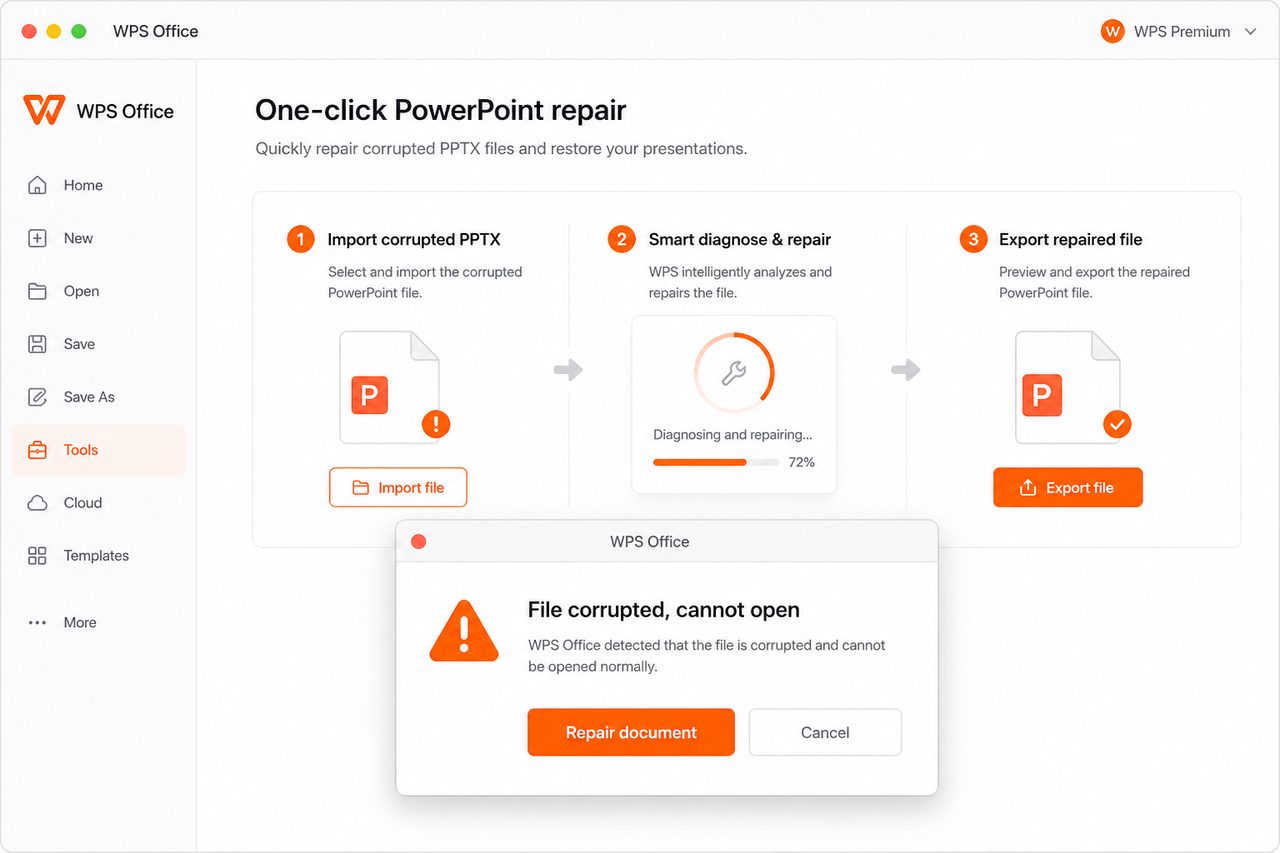
Install the free suite. On the Home page, open Productivity Tools → File Repair to launch PowerPoint repair tools built into WPS.
Browse or drag your damaged .pptx / .ppt file into File Repair. WPS scans broken structures, slides, and media on your device.
Review recovered slides, then export a clean PowerPoint file. Continue editing in WPS Presentation or share the .pptx with PowerPoint users.
Download WPS Office free and run PowerPoint repair locally—fix corruption and reopen presentations without a Microsoft PowerPoint license.
One installer · Writer + Spreadsheet + Presentation + PDF