Ai Change Hair Color

Test a new hair shade in a photo with a prompt and selected-area editing.

or drag and drop your photo here

Choose full-image editing for broad changes, or brush a selected area when only one part needs attention.

Source preview

Paint over the area to edit, then describe the change you want in the instruction box.

Image details will appear here after upload.

Brush size28 px
Describe the exact visual change you want to generate.0 / 500

0%

Processing...

Hair Color Edits
No Signup Required
Brush Selection
No Ads
Free to Use
No Sign-Up
No Ads
Any Browser

How to change hair color in a photo in 3 steps

  1. Step 1: Upload a Portrait

    Choose a clear photo where the hair is visible. Good lighting makes the generated color easier to judge.

  2. Step 2: Brush the Hair Area

    Paint over the hair if you want a local edit, then describe the new shade. This supports change hair color in photo ai requests without changing the whole portrait.

  3. Step 3: Generate and Compare

    Review whether the color, edges, and skin tones still look natural. Try another prompt if the shade is too strong or too subtle.

Preview a Hair Color Before Committing

Preview a Hair Color Before Committing

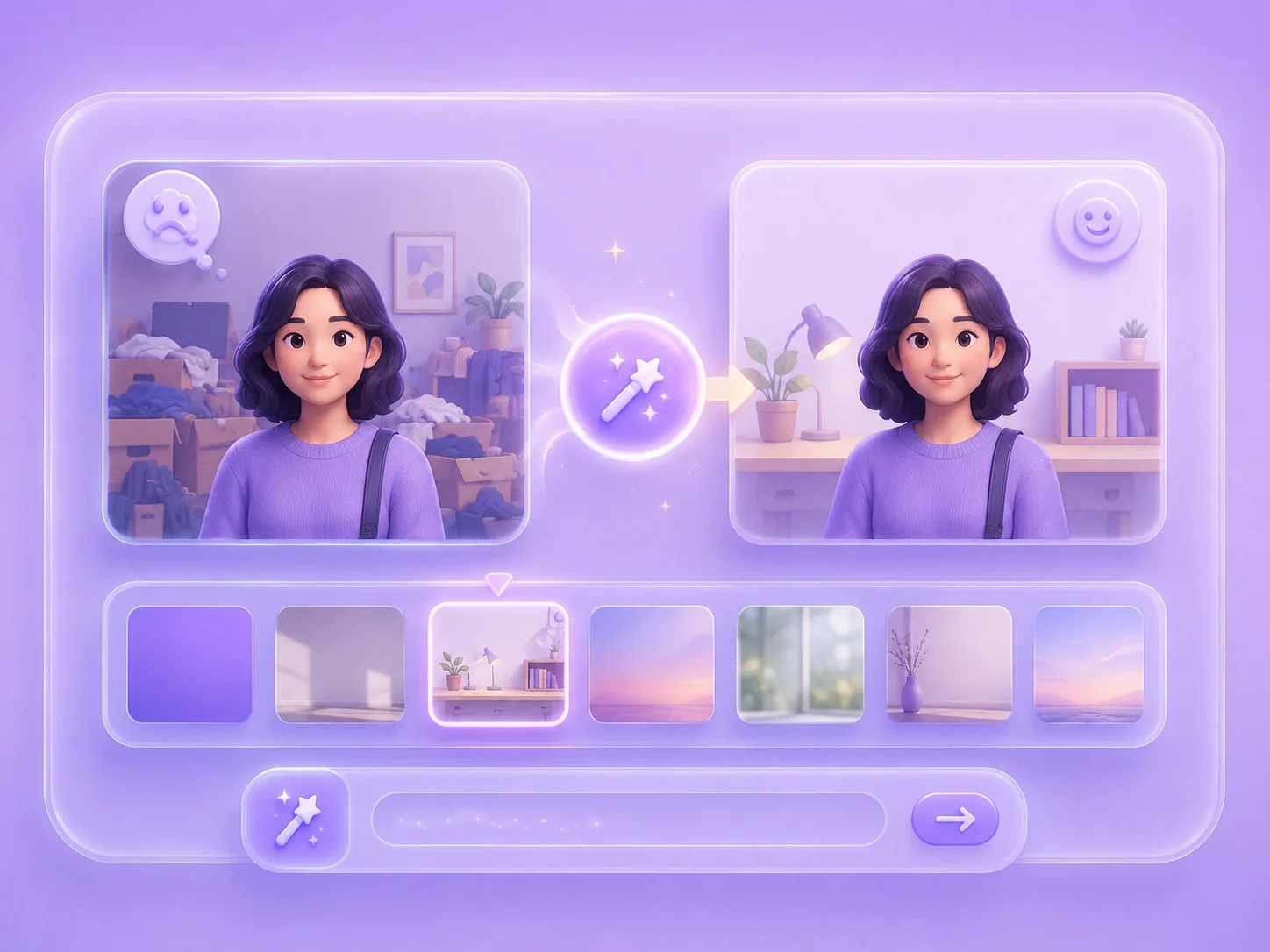
Choosing a new hair color from a swatch can be hard because it does not show how the shade fits your face, lighting, or photo style. This editor lets you upload a portrait, select the hair area, and describe the color you want to test. It is useful for ai change hair color free experiments before a salon visit, costume look, or profile update.
Try a Hair Color
Local Brush Editing for Hair Areas

Local Brush Editing for Hair Areas

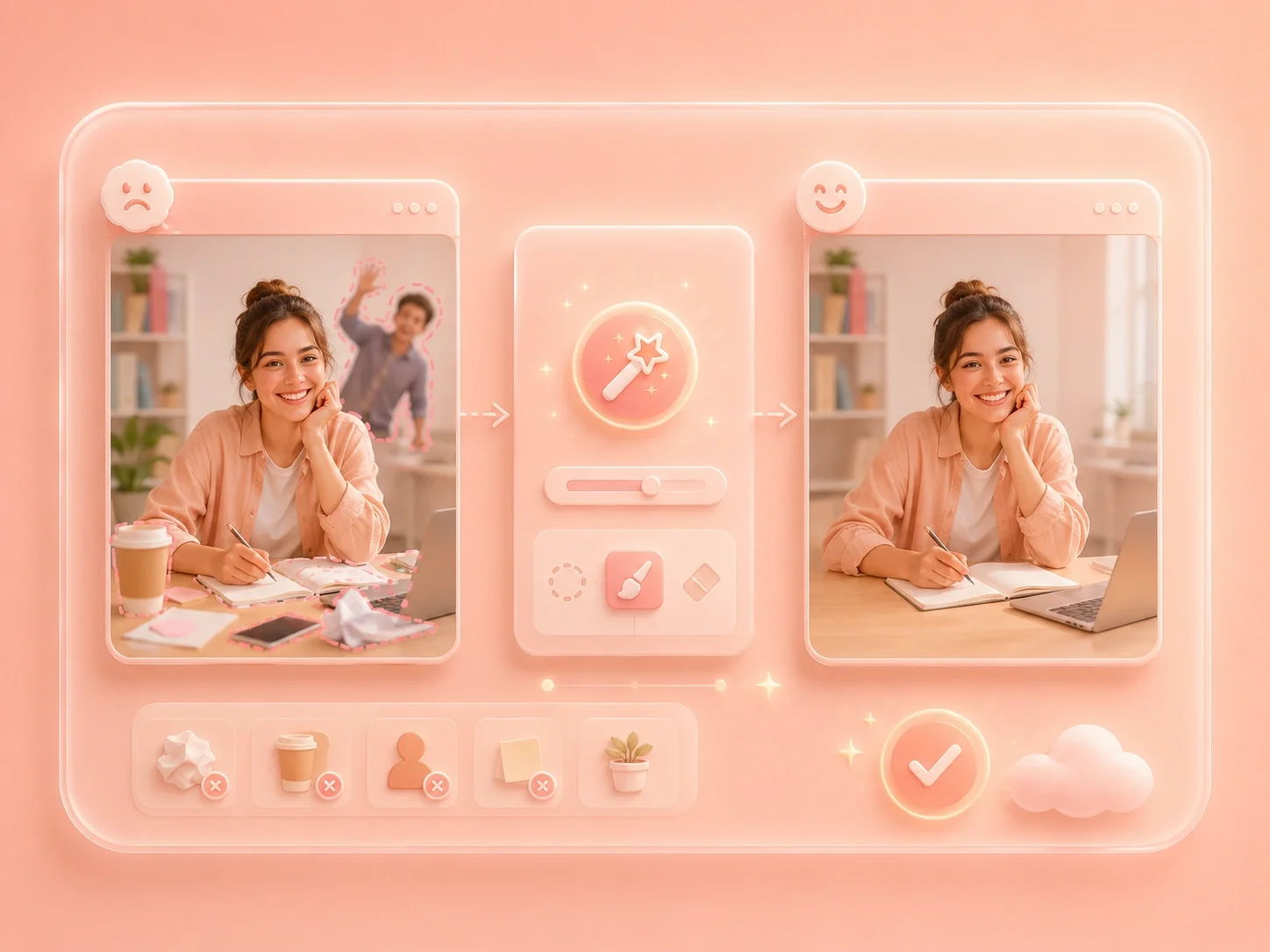
Hair color edits can look messy when the change spills onto skin, clothing, or the background. Brush mode helps you mark the hair before entering the instruction. That gives an ai hair color changer free workflow a clearer target and makes the result easier to inspect.

Brush the Hair
Color Ideas for Personal, Social, and Creative Photos

Color Ideas for Personal, Social, and Creative Photos

Different users need different levels of change, from subtle brown tones to vivid fantasy colors. You can test natural shades, creative looks, or a virtual hair color changer ai idea for a post or character image. Review each result for edge quality, strand detail, and whether the color suits the photo lighting.

Compare Color Ideas
Review Face and Hair Details Together

Review Face and Hair Details Together

A hair color edit should not make the face, eyebrows, or background look inconsistent. After generation, inspect hair edges, skin tone, shadows, and the overall portrait balance. This keeps a free ai hairstyle color editor workflow useful for trying ideas without treating the preview as a guaranteed salon match.

Review the Portrait

Hair color preview user reviews

First-person reviews from users testing hair color ideas in photos

Color preview

I wanted to see whether copper hair would suit my portrait before making a real change. I brushed the hair area, generated a preview, and compared it with my original photo.

Color preview

User review

Profile look

I needed a creative look for a profile image but did not want the background to change. Local editing helped me focus the prompt on my hair color.

Profile look

User review

Style comparison

I was deciding between a natural shade and a brighter style. The online hair color workflow let me test both and review which one looked more believable.

Style comparison

User review

ai change hair color FAQ

01

What is ai change hair color?

It is a prompt-guided photo edit where you upload a portrait, describe a new hair shade, and generate a preview for review.

02

Can I preview hair color for free?

You can generate a visual preview, but it should be treated as an image edit rather than a guaranteed real-world dye result. Lighting, hair texture, and source photo quality matter.

03

How do I change hair color in photo ai without changing skin?

Use brush mode to select the hair area before entering the prompt. After generation, check skin tone, eyebrows, and hair edges.

04

What prompt should I use for a virtual hair color changer ai test?

Name the shade and intensity, such as soft auburn, dark espresso brown, platinum blonde, or pastel pink. Add natural lighting if you want a subtler result.

05

Can ai hair color changer free work on group photos?

You can try it, but portraits with one clear subject are easier to review. Group photos may need more precise brushing.

06

What should I check before downloading?

Inspect hairline edges, loose strands, skin color, clothing, and whether the new shade matches the photo lighting.