Ai Face Editor

Retouch selected facial details with text prompts while reviewing every generated result.

or drag and drop your photo here

Choose full-image editing for broad changes, or brush a selected area when only one part needs attention.

Source preview

Paint over the area to edit, then describe the change you want in the instruction box.

Image details will appear here after upload.

Brush size28 px
Describe the exact visual change you want to generate.0 / 500

0%

Processing...

Face Retouching
No Signup Required
Local Brush Edits
No Ads
Free to Use
No Sign-Up
No Ads
Any Browser

How to retouch a face photo in 3 steps

  1. Step 1: Upload a Face Photo

    Choose a portrait or image where the face detail you want to adjust is visible. Clear lighting helps you review the generated result.

  2. Step 2: Select the Facial Area

    Brush the part you want to retouch, then type a precise instruction. This makes edit face with ai online tasks more focused than changing the entire photo.

  3. Step 3: Generate and Review Carefully

    Check identity, expression, skin texture, symmetry, and nearby background details before saving. Regenerate if the result looks unnatural.

Retouch Face Details Without Full Photo Rework

Retouch Face Details Without Full Photo Rework

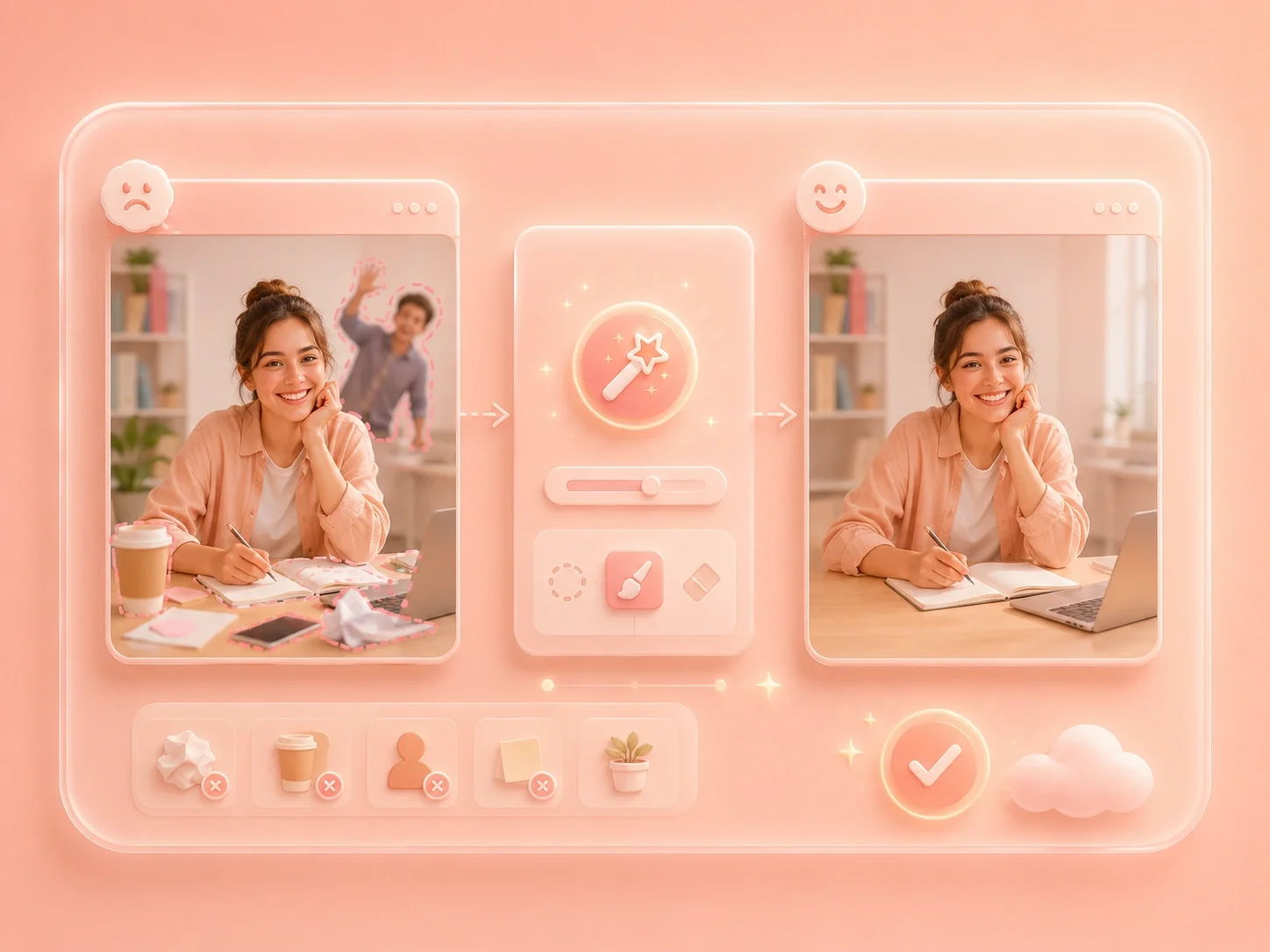
Portrait edits often need a small adjustment rather than a complete image transformation. This editor lets you upload a face photo, brush a selected area, and describe the retouch you want. It fits free portrait editing needs for profile photos, presentation portraits, creator images, and personal keepsakes.

Edit a Face
Local Brush Control for Facial Features

Local Brush Control for Facial Features

Face edits can become noticeable when the change spreads beyond the intended area. Brush mode helps you target a cheek, smile, eye area, hairline, or other visible detail before generating. This makes an ai facial feature editor workflow easier to inspect and refine.

Select Face Details
Practical Portrait Edits for Real Uses

Practical Portrait Edits for Real Uses

A profile photo, resume image, team slide, or social post can lose impact because of one distracting detail. You can request subtle cleanup, local retouching, or style changes, then decide whether the result still looks like the person. The best ai face photo editor free workflow keeps review at the center instead of assuming the first result is final.

Prepare Portraits
Human Review for Natural-Looking Results

Human Review for Natural-Looking Results

Face edits deserve extra caution because small changes can affect expression, identity, and trust. After generation, compare the face with the original and inspect skin texture, eyes, mouth, and edges. This keeps online portrait retouching responsible and practical for everyday cleanup.

Review the Face

Face retouching user reviews

First-person reviews from users fixing portrait details with careful review

Profile retouch

I had a profile photo I liked, but one facial detail distracted me. I selected only that area, generated a subtle edit, and checked that my expression still looked natural.

Profile retouch

User review

Work portrait

I needed a cleaner portrait for a work slide. Using a local face edit helped me avoid changing the entire background or outfit.

Work portrait

User review

Style retouch

I wanted to test a small style change without losing the original look. The online face editing workflow helped me compare the result before downloading.

Style retouch

User review

ai face editor FAQ

01

What is ai face editor?

It is a prompt-based portrait editing workflow where you upload a face photo, optionally select a local area, and generate a retouched result for review.

02

Can I retouch small facial details for free?

Yes. Local brush mode is useful when you want to focus on one visible detail instead of changing the whole image.

03

How do I edit face with ai online responsibly?

Use precise prompts, avoid misleading changes, and review identity, expression, skin texture, and surrounding details before using the image.

04

What can an ai facial feature editor adjust?

You can request visible retouching or style edits on selected facial areas, then decide whether the generated result looks natural enough for your use.

05

Does online face retouching keep the original identity?

You should review the result carefully. AI edits can alter expression or facial balance, so compare with the original before downloading.

06

What photos work best for face editing?

Clear portraits with good lighting and visible facial details are easier to review than blurry, dark, or heavily filtered images.