I only had a few minutes to fix an image for a class file. I did not want to register, so I uploaded the photo, wrote the change, and reviewed the result right away.
Class image fix
User review
Use this no-signup AI image editor to upload a photo, describe the edit, and download the result without account friction.
or drag and drop your photo here
Choose full-image editing for broad changes, or brush a selected area when only one part needs attention.
Processing...

Add the image you want to change directly on the page. The upload flow lets you begin editing before any account setup.

Type a practical instruction for the full photo or paint a local area first. This keeps a free ai photo editor no sign up workflow focused on the actual visual fix.

Check the generated image for details that matter, then download the edited result. If it needs another attempt, change the prompt and regenerate.
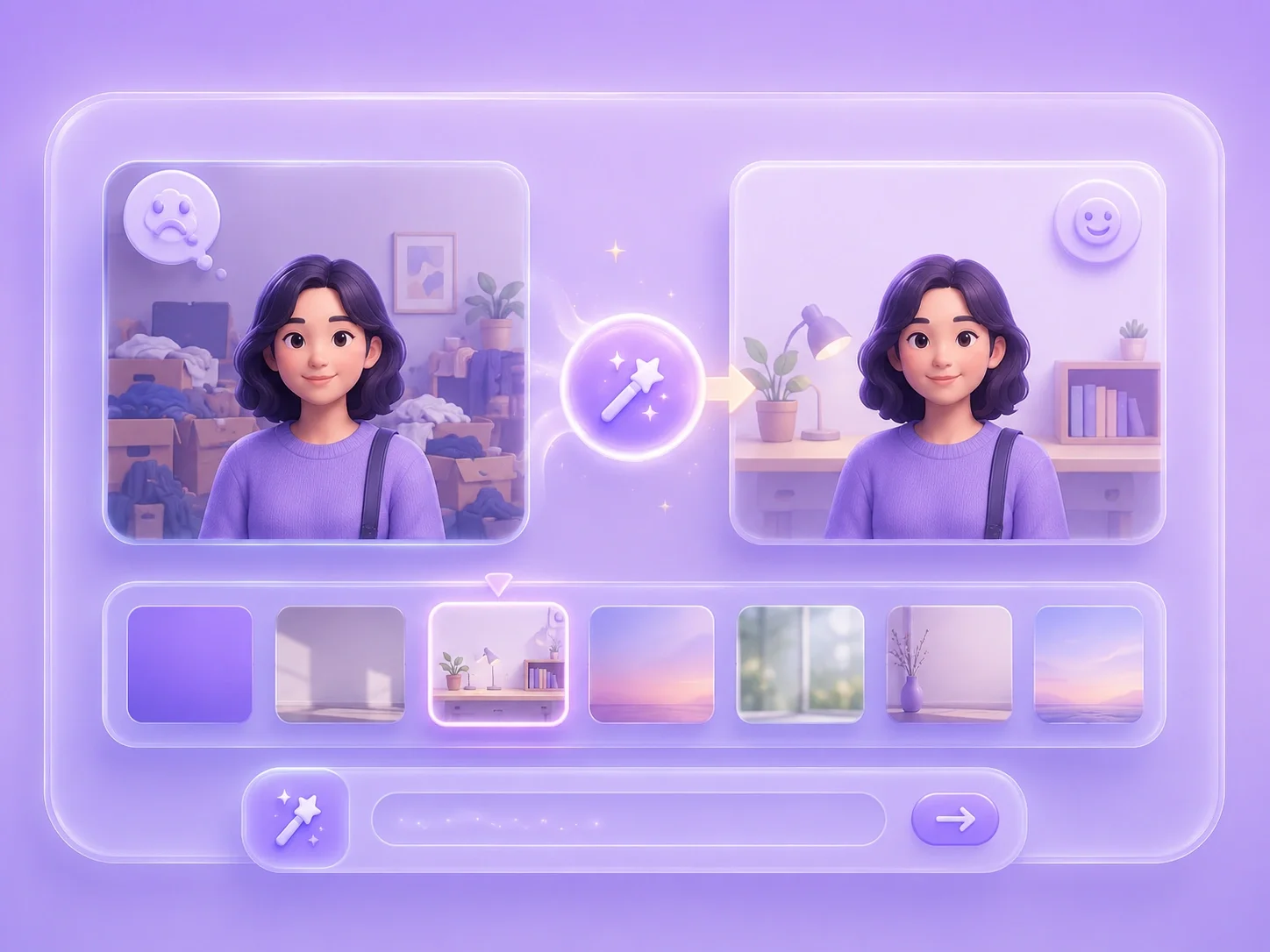
Many quick photo fixes are too small to justify creating another account. This page lets you upload, prompt, generate, and review an image without a registration step in the editing flow. It fits users who search for online ai image editor no login because they need the result more than a new dashboard.
Edit Without LoginA simple image problem can still take too long in manual software. The editor accepts text instructions for common needs such as background changes, object cleanup, selected-area retouching, and style updates. That makes ai photo editor free without account use practical for school images, work documents, and personal photos.
Describe the Fix

Editing the whole picture can introduce changes you did not ask for. Brush mode lets you mark only the area you want to update before entering the prompt. This gives no-account editing more control when the issue is a face detail, product mark, sign, or background corner.
Use the BrushNo-login editing should still end with careful review, not blind publishing. After the generated result appears, check whether the subject, edges, background, and text look right. If the result is close but not ready, revise the instruction and generate again before saving.
Check the Result

Convert WEBP images to high-quality PNG format quickly and securely.

Easily change Apple HEIC photos to standard JPG format for universal viewing.

Transform WEBP graphics into universally supported JPG images in seconds.

Convert next-gen AVIF image files into widely compatible JPG format.

Convert iPhone HEIC images to transparent and high-resolution PNGs.

Change AVIF files to PNG format while preserving image quality and transparency.

Compile your HEIC photos into a secure and shareable PDF document.

Extract tabular data from JPG images and convert them into editable Excel spreadsheets.

Save your MP3 tracks as compact M4A files for clear online playback.

I only had a few minutes to fix an image for a class file. I did not want to register, so I uploaded the photo, wrote the change, and reviewed the result right away.
Class image fix
User review

I needed to remove a distracting detail from a work visual. The no-login flow kept me focused on the image instead of another signup form.
Work visual cleanup
User review

I wanted to try an edit before deciding whether the photo was worth using. A no-signup editor made that quick test simple.
Quick edit test
User review

