
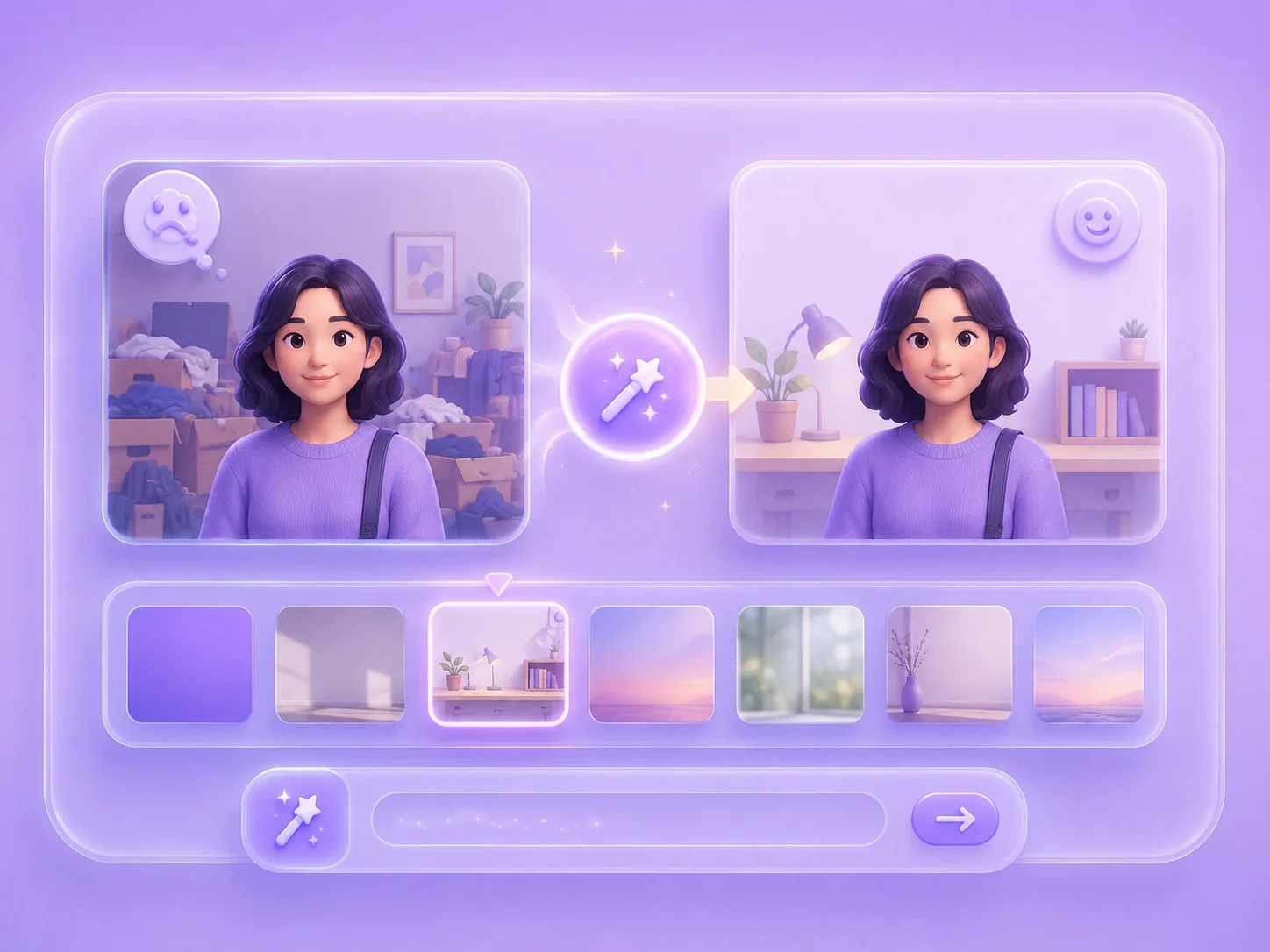
Ai Photo Restoration

Describe repairs for old or damaged photos and review the generated image before saving.

or drag and drop your photo here

Choose full-image editing for broad changes, or brush a selected area when only one part needs attention.

Source preview

Paint over the area to edit, then describe the change you want in the instruction box.

Image details will appear here after upload.

Brush size28 px
Describe the exact visual change you want to generate.0 / 500

0%

Processing...

Photo Repair Prompts
No Signup Required
Local Brush Edits
No Ads
Free to Use
No Sign-Up
No Ads
Any Browser

How to restore an old photo in 3 steps

  1. Step 1: Upload the Old Photo

    Add a scanned or digital photo that needs visible repair. A clearer source image gives you more detail to compare after generation.

  2. Step 2: Describe the Damage

    Write a prompt for fading, scratches, stains, missing background areas, or selected details. You can brush a damaged area when you want a focused repair request.

  3. Step 3: Generate and Compare

    Compare the restored version with the original for faces, clothing, text, and background details. Regenerate if the repair changes something important.

Repair Old Photos with Prompt Guidance

Repair Old Photos with Prompt Guidance

Old photos often carry scratches, fading, stains, or damaged corners that make them harder to share. This editor lets you upload the image, describe the repair, and generate a new version for review. It supports free ai photo restoration tasks when you need a practical first pass before saving or sharing a memory.


Restore a Photo
Focused Repair for Damaged Areas

Focused Repair for Damaged Areas

Some old pictures need attention only in one part of the image, not across the whole photo. Brush mode lets you select the damaged area before writing a repair prompt. That makes restore old photos with ai workflows more controlled when scratches cross a face, background, or important object.

Brush the Damage
Restoration for Family, School, and Archive Images

Restoration for Family, School, and Archive Images

A damaged photo can still hold value for family albums, school projects, personal archives, or memorial slides. You can request cleanup of marks, fading, or damaged regions, then decide whether the generated version keeps the important details. The result should be reviewed carefully because AI can fill gaps with generated detail.

Preserve Useful Details
Review Generated Details Before Saving

Review Generated Details Before Saving

Photo restoration is sensitive because missing or damaged areas may be reconstructed rather than recovered exactly. After generation, inspect faces, hands, text, clothing, and background patterns. This keeps ai old photo restoration free use honest and avoids treating generated details as confirmed historical facts.

Review the Repair

Old photo repair user reviews

First-person reviews from users repairing old or damaged images

Family photo

I had a family photo with scratches across the background. I described the damage, generated a repaired version, and checked that the faces still looked familiar.

Family photo

User review

School archive

I needed an old image for a school project, but stains made it distracting. A restoration prompt gave me a cleaner version to compare with the original.

School archive

User review

Faded memory

I wanted to share a faded photo without losing the feeling of the original. The online restoration workflow helped me test a repair and review the details carefully.

Faded memory

User review

ai photo restoration FAQ

01

What is ai photo restoration?

It is a prompt-guided workflow for repairing visible damage in old or worn photos. You upload an image, describe the issue, generate a result, and review it before saving.

02

Can I repair scratched photos for free?

Yes, you can request scratch cleanup and use brush mode for focused areas. Review the repaired area because generated details may not match the original exactly.

03

How do I repair damaged photos with ai?

Upload the photo, describe the visible damage, brush a local area if needed, generate the edit, and compare the result with the original.

04

Does online photo restoration recover missing details exactly?

No exact recovery should be assumed. AI may generate plausible details, so review important faces, text, objects, and historical details carefully.

05

Can I restore old photos with ai if the image is faded?

You can request a clearer or repaired version of a faded image. Strong fading may require more review and additional prompt attempts.

06

What should I check after ai old photo restoration free edits?

Check faces, hands, clothing, text, background patterns, and whether the image still represents the original memory accurately enough for your purpose.