AI Signature Generator

Create a digital name mark with this free ai signature generator. Draw or type online, refine style, and export PNG or JPG for documents and forms.

Mode
Start writing on the canvas.
4px
1px12px
100%
60%160%
Format
Your signature image is ready.
Generated signature preview
Download format
Free and Unlimited
No Signup Required
Save Time
No Ads
Free to Use
No Sign-Up
No Ads
Any Browser

How to Create a Signature Image Online

  1. Step 1: Add Your Name

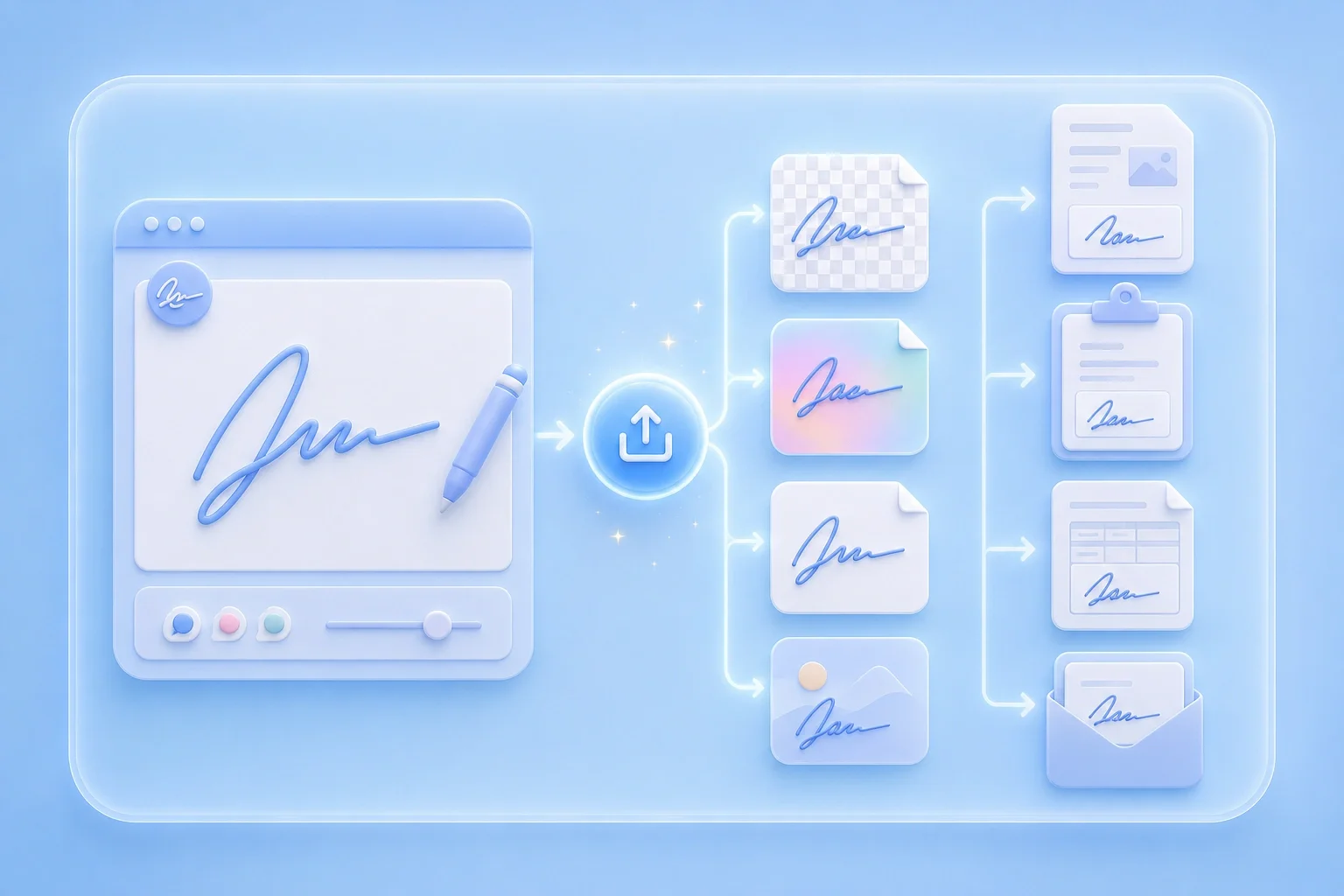
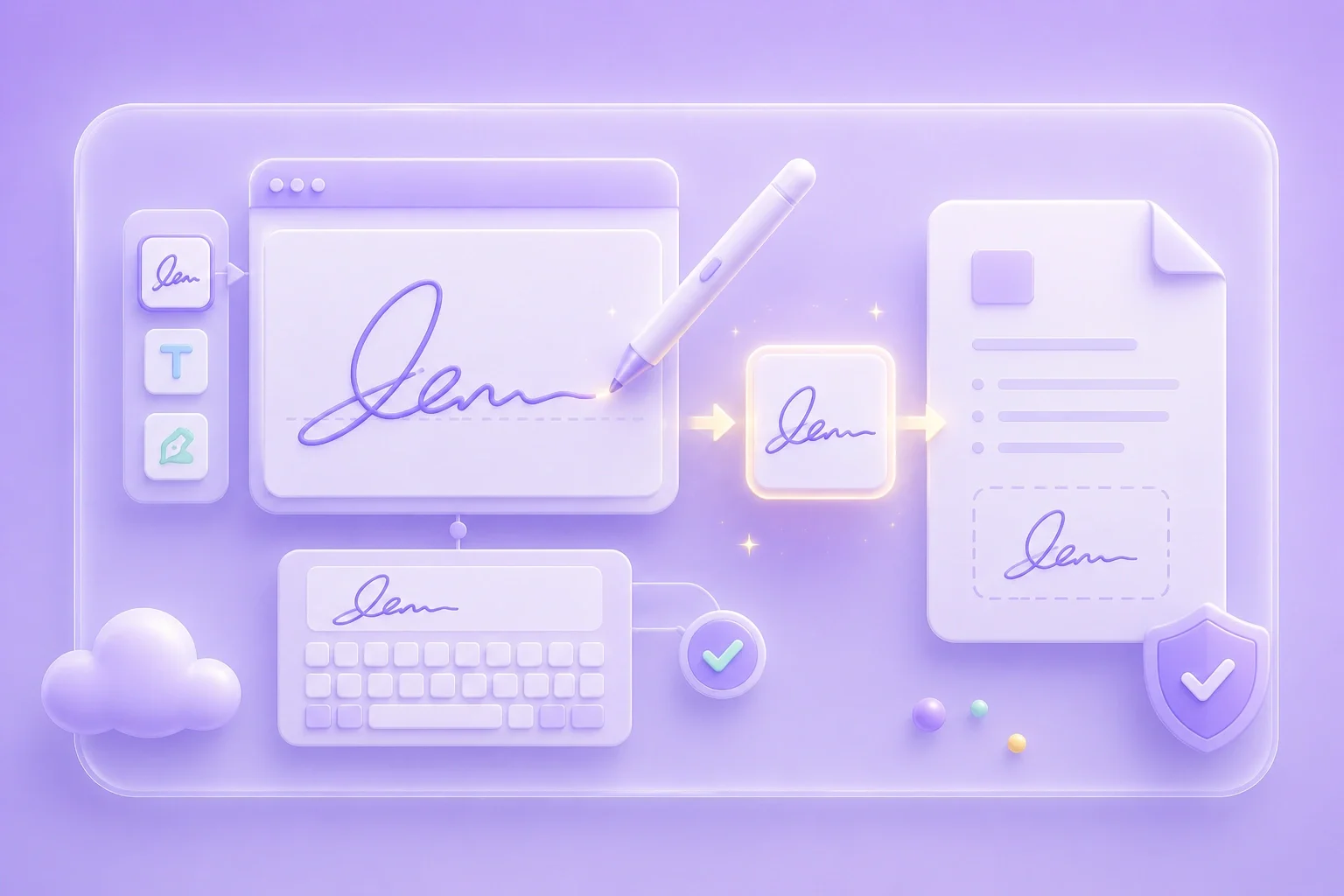
    Type your name for a clean mark or draw for a handwritten look. Keep the first version simple.

  2. Step 2: Refine Style Controls

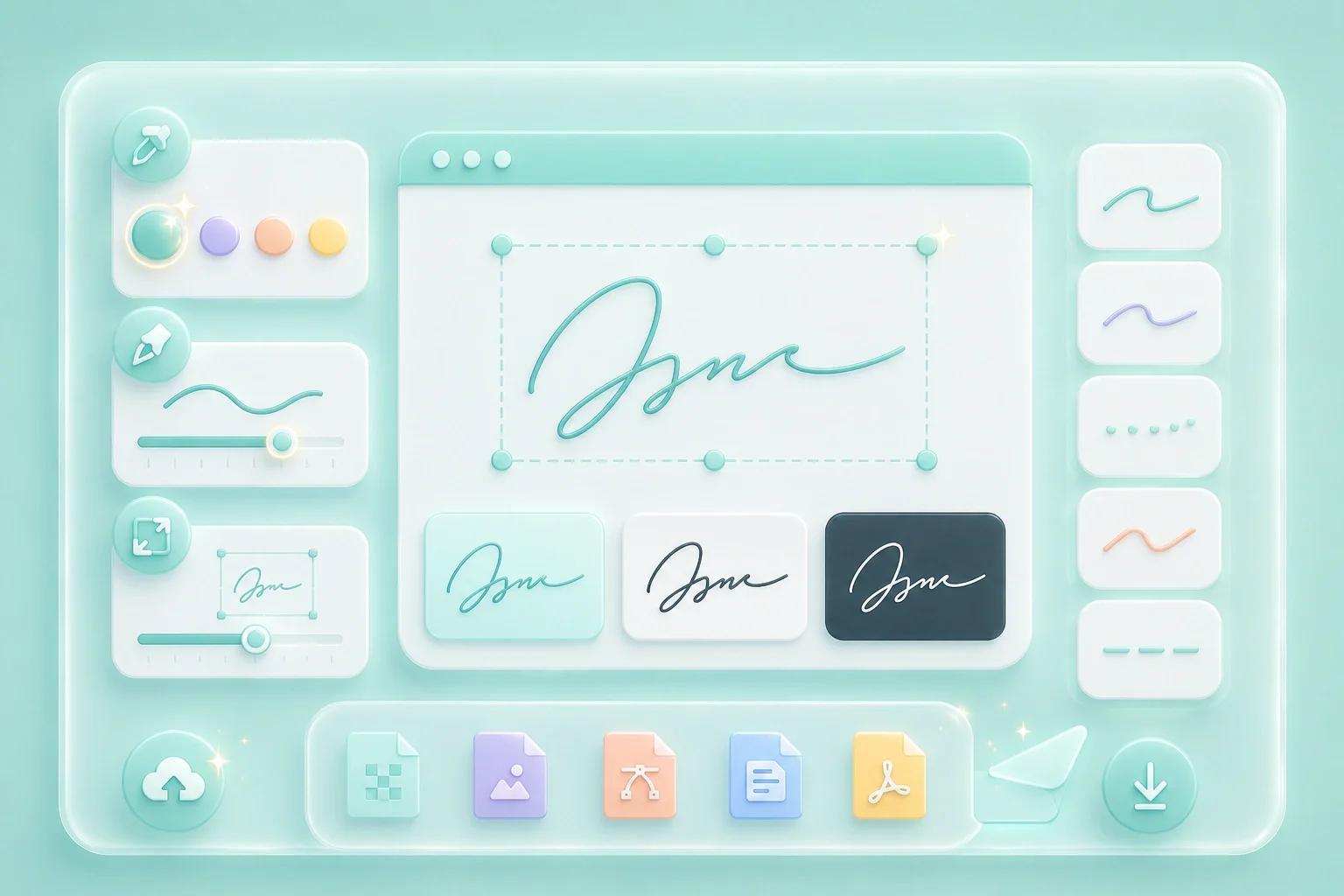
    Adjust color, stroke thickness, and size until the signature stays clear at smaller sizes.

  3. Step 3: Export the Image

    Download PNG or JPG and insert the file where image signatures are accepted.

Create a Signature Image Online

Create a Signature Image Online

This free tool helps you create a reusable signature image directly in the browser. It works well for proposals, forms, shared files, and other everyday documents. Adjust the signature until it looks clear and consistent before saving the final image.

Create Signature
Choose a Handwritten or Typed Look

Choose a Handwritten or Typed Look

Use draw mode when you want a more natural handwritten appearance. Choose type mode when you need a cleaner and more consistent name mark. Both options let you create a signature style that fits different document needs.

Choose Mode
Create a Signature From Your Name

Create a Signature From Your Name

Use the ai signature generator for name input to quickly turn your name into a signature image. Preview the canvas to check spacing, size, and overall balance. Adjust the stroke weight so the letters remain readable after export.

Enter Name
Export PNG or JPG Quickly

Export PNG or JPG Quickly

Use this ai signature generator online free flow to save your finished signature as PNG or JPG. Choose PNG when you need a transparent background for clean placement on documents. Use JPG when you need a simple image file for uploads or sharing.

Export Image

Signature Image Use Cases

Practical ways to create a digital signature image online

Invoices

I use an ai signature generator when I need a signature image for client invoices. It helps me keep the same clean name mark across invoices without signing each file separately.

Invoices

Use case

Online Forms

I create a short signature with an ai signature generator when an online form asks me to upload a signature image. I can keep the mark simple so it stays clear even in a small upload area.

Online Forms

Use case

Approvals

I export my signature as a transparent PNG when I need to add it to a shared approval sheet. This makes it easy to place the signature into the document without covering the background or nearby content.

Approvals

Use case

Signature Generator Questions

01

What does this tool do?

It is an online tool for creating a signature image by typing or drawing your name and exporting PNG or JPG.

02

Is it free to use?

You can create and download a signature image using the controls shown here.

03

Can I create a signature online for free?

Yes. You can create ai signature online free: open the tool, build the mark, adjust style settings, and export the image.

04

Can I make a handwritten-looking mark?

Draw mode supports an ai handwritten signature generator look. Type mode supports a cleaner name-based mark.

05

How do I create a signature from my name?

Use the ai signature generator online in type mode, enter your name, adjust color and stroke, then export.

06

Is the exported image a certified e-signature?

It is a visual signature image. Legal acceptance depends on the document type and local requirements.