Calligraphy Signature Generator

Design an elegant name mark with this free calligraphy signature generator. Draw or type online, refine stroke and color, then export PNG or JPG.

Mode
Start writing on the canvas.
4px
1px12px
100%
60%160%
Format
Your signature image is ready.
Generated signature preview
Download format
Free and Unlimited
No Signup Required
Save Time
No Ads
Free to Use
No Sign-Up
No Ads
Any Browser

How to Use the Calligraphy Signature Generator

  1. Step 1: Start With Your Name

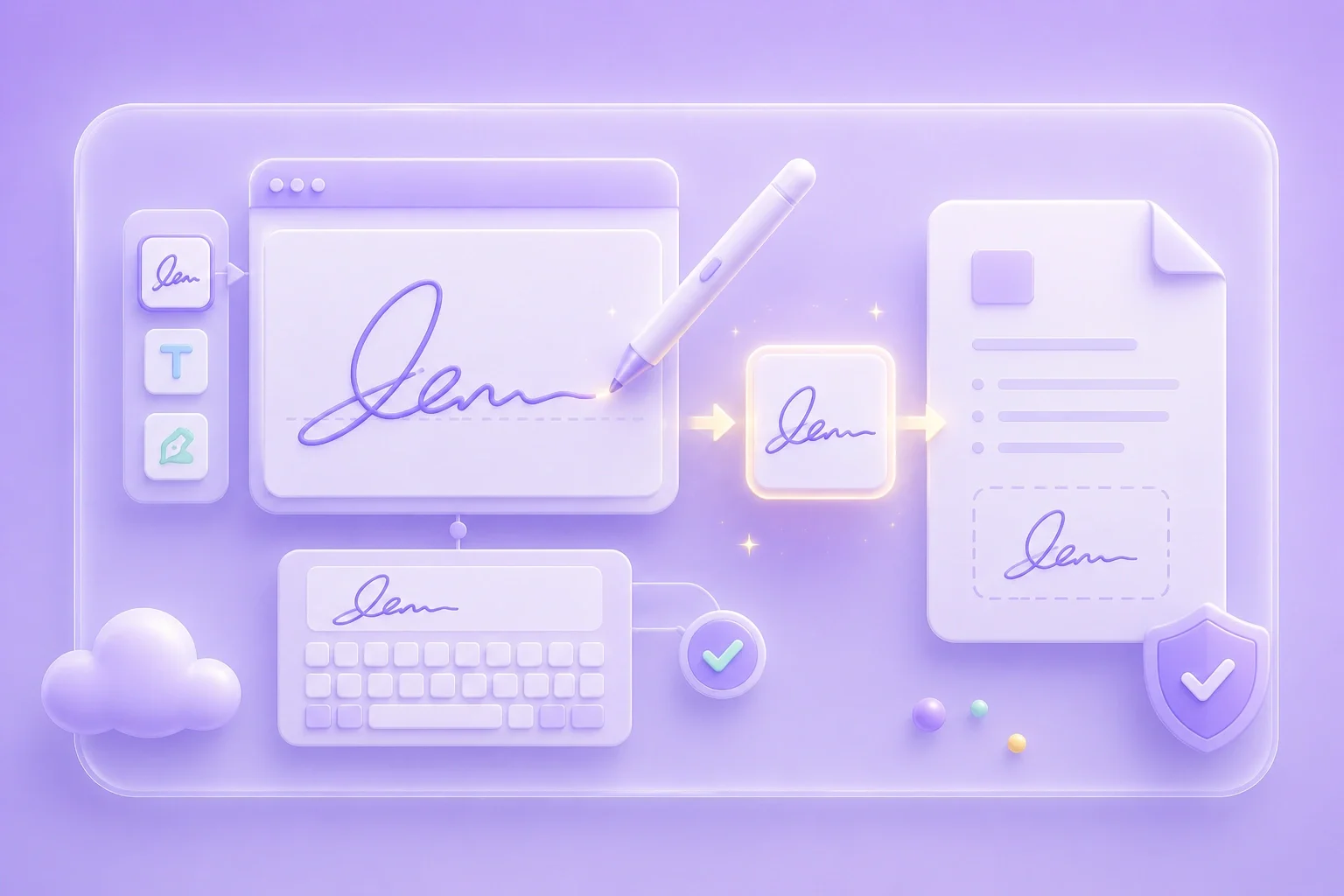
    Draw for a calligraphy-inspired handwritten path, or type for a cleaner name layout. Keep spacing open so flourishes stay clear.

  2. Step 2: Balance Stroke Weight

    Use color and thickness controls so thin strokes remain visible after the image is resized.

  3. Step 3: Export the Final Image

    Save PNG or JPG and place the signature where your document workflow accepts image marks.

Prepare an Elegant Signature Image

Prepare an Elegant Signature Image

This free calligraphy signature generator online free option helps you create a decorative name image with a polished look. It works well for invitations, certificates, and formal documents. Adjust the style until the signature feels elegant and easy to read.

Start Creating
Draw Flourishes With Care

Draw Flourishes With Care

Long flourishes can make a signature look more expressive, but they may blur when scaled down. Preview the result at a smaller size before exporting. Simplify loops or curves that make the letters feel crowded.

Refine Lines
Match Color to the Page

Match Color to the Page

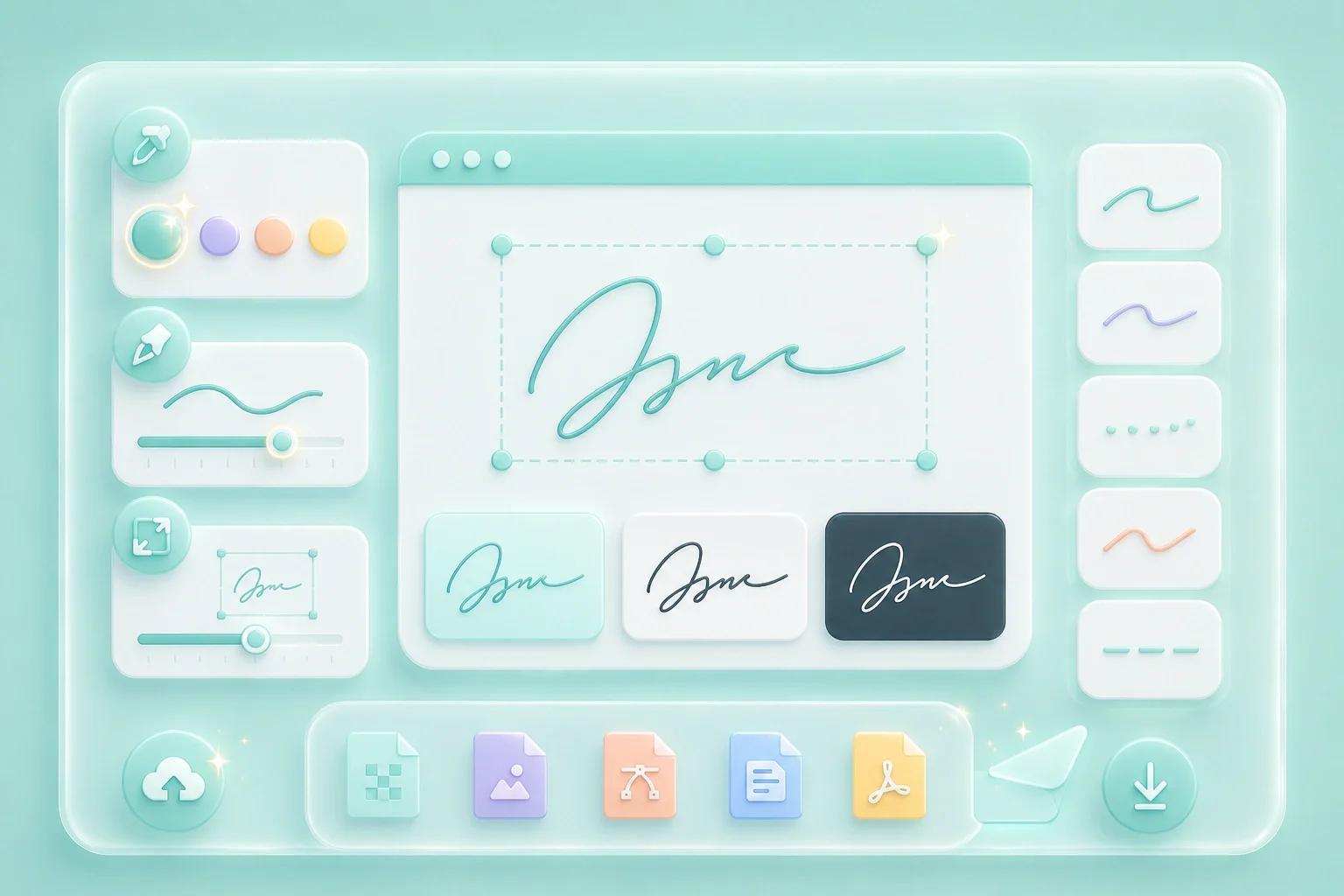
Dark ink-style colors usually stay clear on light paper backgrounds. Lighter colors may need thicker strokes to keep enough contrast. Choose a combination that keeps the signature visible without overpowering the page.

Set Color
Export for Print or Screen

Export for Print or Screen

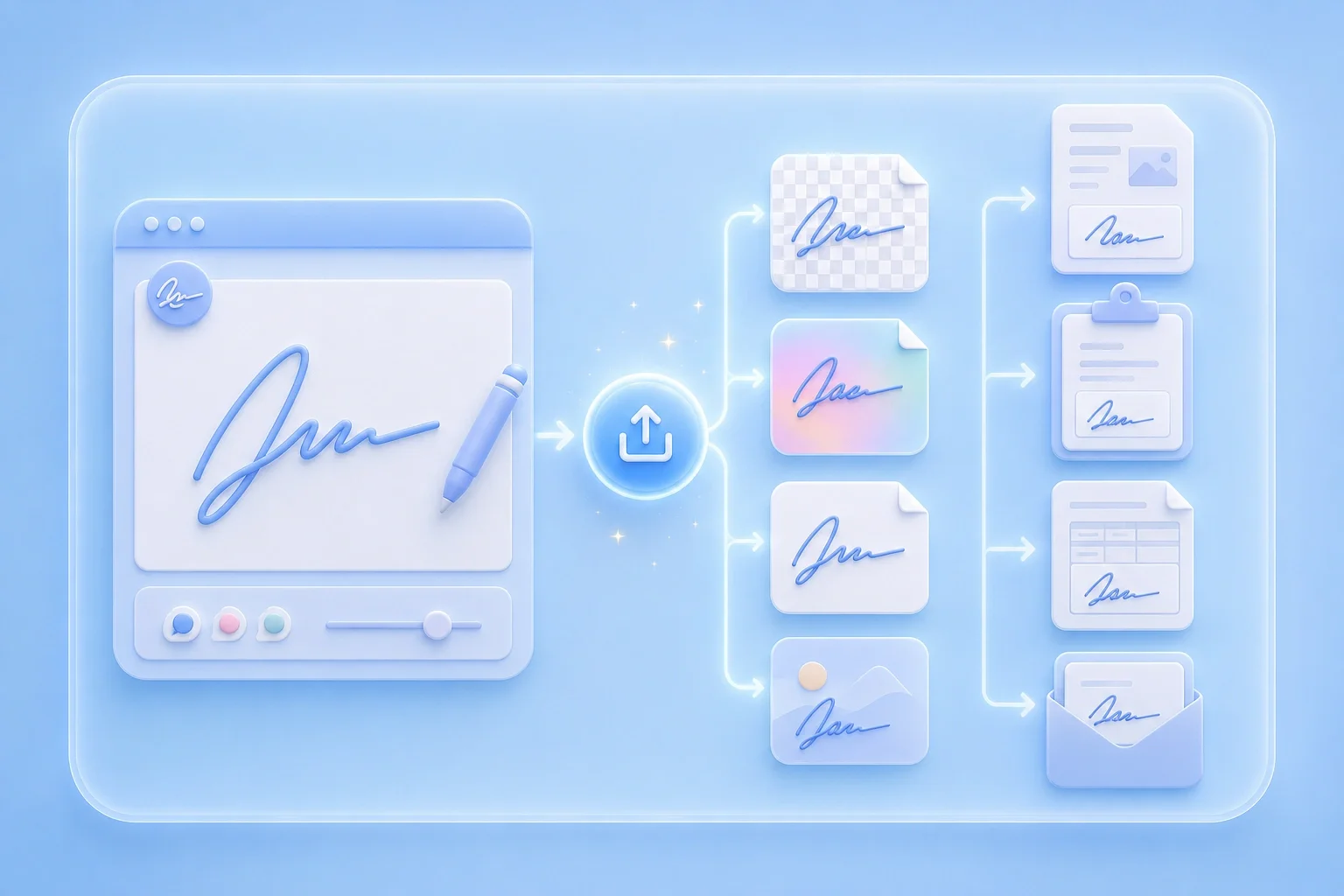
Use this calligraphy signature generator online to save your finished signature as an image. Export PNG when you need transparency, or choose JPG for simple uploads. Both formats work well for documents, print materials, and digital use.

Export Image

Calligraphy Signature Use Cases

Situations where an elegant signature image fits well

Invitations

I use the Calligraphy Signature Generator when I want my name to look more elegant on invitation mockups. It helps me create a decorative signature that feels more polished than plain typed text.

Invitations

Use case

Certificates

I create a neat calligraphy-style name mark for certificate templates when I want the signature area to look more formal. I can adjust the style until the letters stay clear and balanced.

Certificates

Use case

Letterheads

I save my calligraphy signature as a transparent PNG when I need to place it over a light letterhead. The transparent background helps the signature blend naturally into the page without covering the design.

Letterheads

Use case

Calligraphy Signature Generator Questions

01

What is a calligraphy signature generator?

It is an online tool for creating an elegant signature image through drawing or typing, then exporting PNG or JPG.

02

Is this a free calligraphy signature generator?

You can create and download a signature image using the controls on this page.

03

Can I use a calligraphy signature generator online?

Yes. Work in the browser canvas, adjust style settings, and export when the mark looks ready.

04

How do I keep calligraphy strokes readable?

Avoid overly thin lines, reduce crowded flourishes, and preview the export at a smaller size.

05

PNG or JPG for calligraphy signatures?

PNG is better when you need a transparent background. JPG works for simple image placement.

06

Is the export a legal electronic signature?

The file is a visual signature image. Formal acceptance depends on document rules and local requirements.