Cursive Signature Generator

Build a flowing name mark with this free cursive signature generator online. Draw or type your name, refine stroke and color, then download PNG or JPG.

Mode
Start writing on the canvas.
4px
1px12px
100%
60%160%
Format
Your signature image is ready.
Generated signature preview
Download format
Free and Unlimited
No Signup Required
Save Time
No Ads
Free to Use
No Sign-Up
No Ads
Any Browser

How to Use the Cursive Signature Generator

  1. Step 1: Enter Your Name

    Use draw mode for a cursive handwriting feel, or type mode for a smoother name-based mark. Start with your full name or initials.

  2. Step 2: Shape the Cursive Style

    Adjust color, stroke thickness, and size until the curves stay clear when the image is scaled down.

  3. Step 3: Download the Image

    Export as PNG or JPG and insert the file into documents that accept signature images.

Create a Flowing Name Mark Online

Create a Flowing Name Mark Online

This free cursive signature generator helps you create a signature image with smoother letter connections and a natural handwritten look. It works well for forms, letters, documents, and files that need a consistent signature style. Adjust the appearance until the name mark feels clear, balanced, and suitable for repeated use.

Create Cursive Mark
Cursive Signature Generator for Name

Cursive Signature Generator for Name

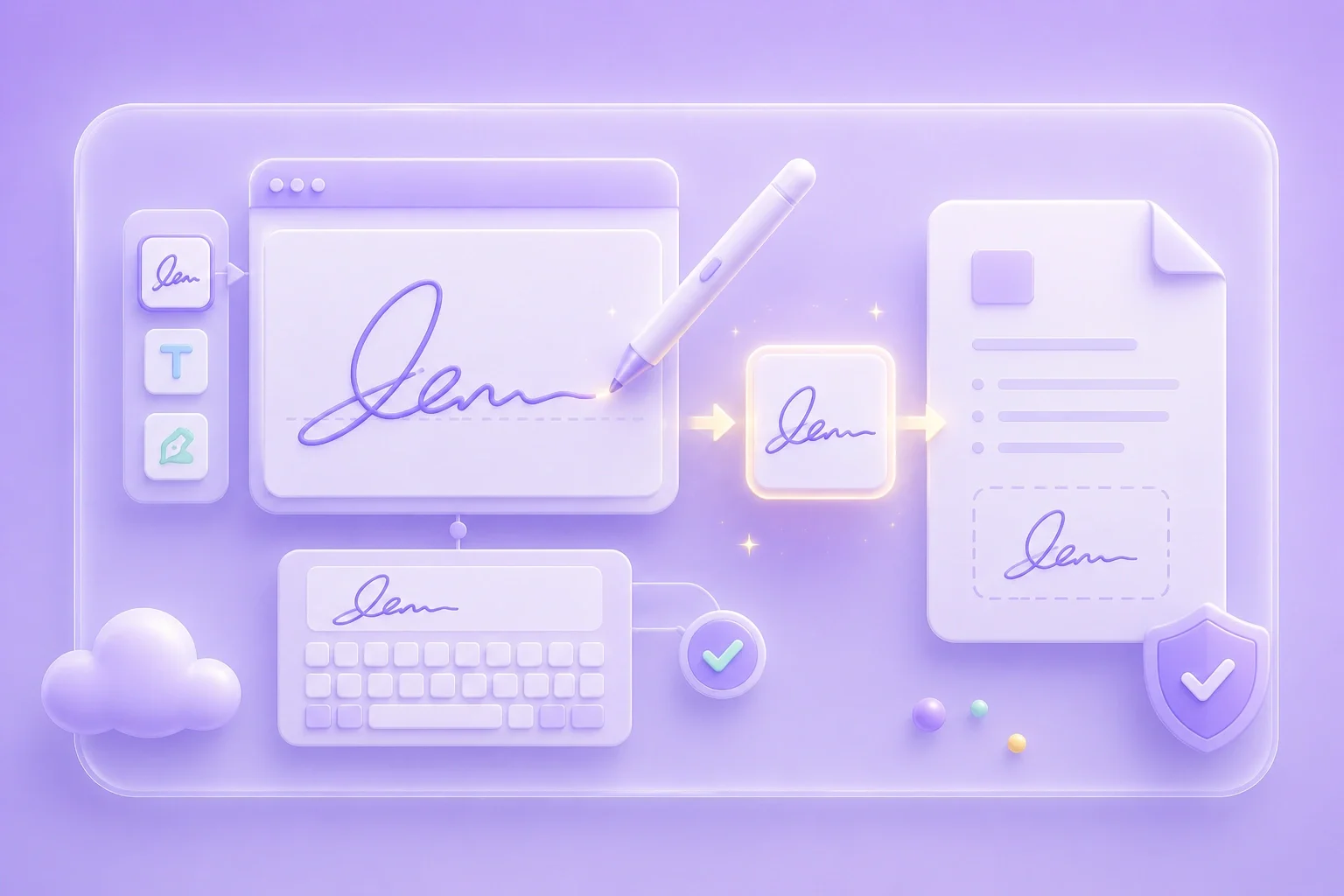
Type your name when you want a quick and consistent signature style, or draw it manually when you prefer a more personal handwritten rhythm. Both options let you create a cursive signature that matches different document needs. Once finished, you can export the result as an image and reuse it across files without creating the signature again.

Enter Name
Keep Curves Readable

Keep Curves Readable

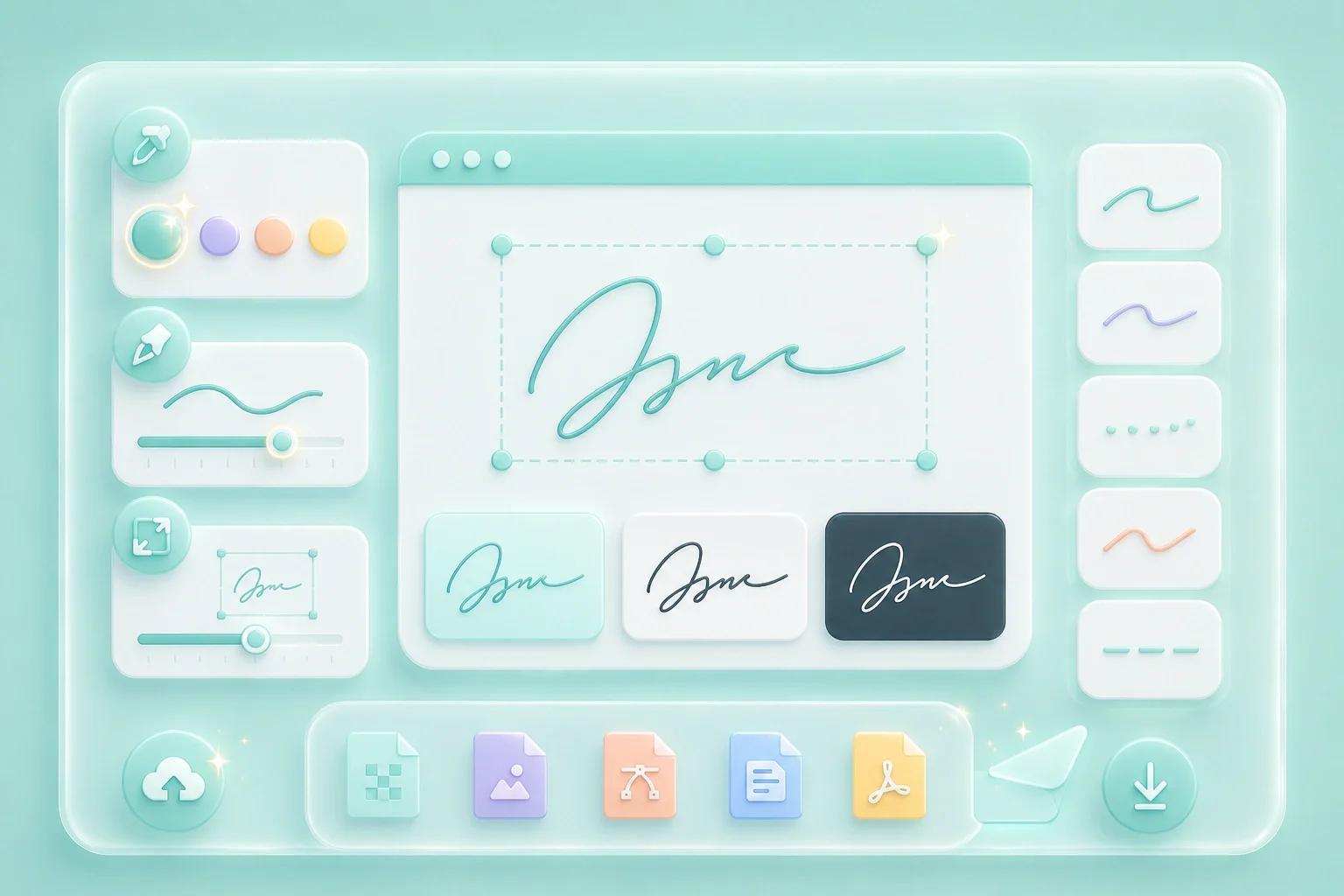
Stroke thickness and signature size can make a noticeable difference in how cursive lettering appears after export. Slightly thicker lines often keep connected letters and small curves clearer when the signature is placed into a PDF or document. Preview the result and adjust the settings until the signature remains easy to recognize at the size you plan to use.

Tune Stroke
Export for Everyday Documents

Export for Everyday Documents

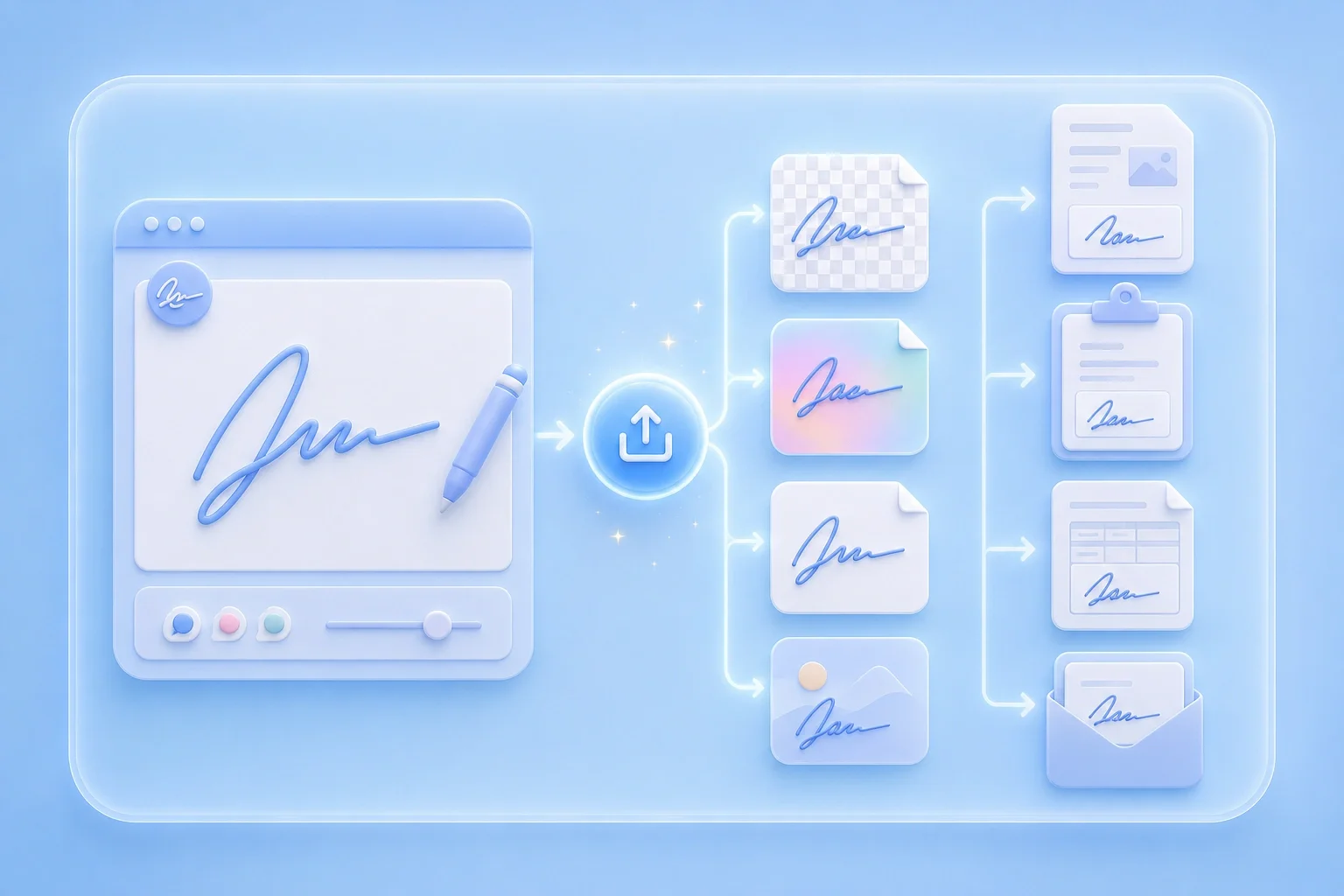
Use this cursive signature generator online free workflow to create a reusable signature image for everyday documents. Save the result as PNG when you need a transparent background, or choose JPG for simple uploads and image-based workflows. The exported file can then be inserted into forms, letters, PDFs, and other documents when needed.

Export Image

Cursive Signature Use Cases

Where a cursive-style signature image is commonly useful

Client Approvals

I use the Cursive Signature Generator when my typed name looks too plain for client-facing documents. It helps me create a smoother, more polished signature that I can add to approval sheets.

Client Approvals

Use case

Letter Templates

I turn my name into a handwritten-style signature for letters and personal templates. I can adjust the stroke and size until it looks natural and easy to read.

Letter Templates

Use case

Contract Drafts

I export my cursive signature as a transparent PNG when I need to place it on contracts or PDFs. The transparent background helps it sit cleanly on the page without looking like a pasted image.

Contract Drafts

Use case

Cursive Signature Generator Questions

01

What is a cursive signature generator?

It is an online tool that helps you create a cursive-looking signature image by drawing or typing, then exporting PNG or JPG.

02

Is there a free cursive signature generator?

Yes. You can create and export a signature image with the on-page controls shown here.

03

How do I use a cursive signature generator for name text?

Switch to type mode, enter your name, adjust style settings, and export the image.

04

Can I use this cursive signature generator online free?

Open the tool in your browser, create the mark, and download the image from the result panel.

05

Draw mode or type mode for cursive?

Draw mode captures freehand curves. Type mode keeps letterforms more consistent. Choose based on the look you need.

06

Will the image work in Word or PDF?

After export, insert the image with your editor’s image tools and resize it carefully for readability.