
Doctor Signature Generator

Prepare a clear name mark with this free doctor signature generator. Draw or type online, adjust style, and export PNG or JPG for forms and documents.

Mode
Start writing on the canvas.
4px
1px12px
100%
60%160%
Format
Your signature image is ready.
Generated signature preview
Download format
Free and Unlimited
No Signup Required
Save Time
No Ads
Free to Use
No Sign-Up
No Ads
Any Browser

How to Use the Doctor Signature Generator

  1. Step 1: Enter Your Name

    Type a clean name mark or draw a short handwritten version. Keep it compact so it fits signature lines.

  2. Step 2: Adjust for Readability

    Set color and stroke thickness so the mark stays clear after printing or scanning.

  3. Step 3: Export the Image

    Download PNG or JPG and insert it only where your document process allows image signatures.

Create a Compact Clinical Name Mark

Create a Compact Clinical Name Mark

This free doctor signature generator online free workflow helps you create a short and readable signature image for routine paperwork. It is useful when you need a compact name mark that fits neatly into small signature fields. Adjust the style until the signature stays clear without taking up too much space.


Create Signature
Doctor Signature Generator for Name

Doctor Signature Generator for Name

Type your name when you want a consistent signature style across different documents. Draw it manually when you prefer a more personal handwritten appearance. Keep the overall shape compact so it fits comfortably into narrow form fields.

Enter Name
Doctor Style Signature Generator Tips

Doctor Style Signature Generator Tips

Clear strokes usually work better than decorative loops when space is limited. Keep the signature simple enough to remain readable after resizing. Preview the mark before exporting to make sure the letters do not become crowded.

Refine Style
Export for Forms and Files

Export for Forms and Files

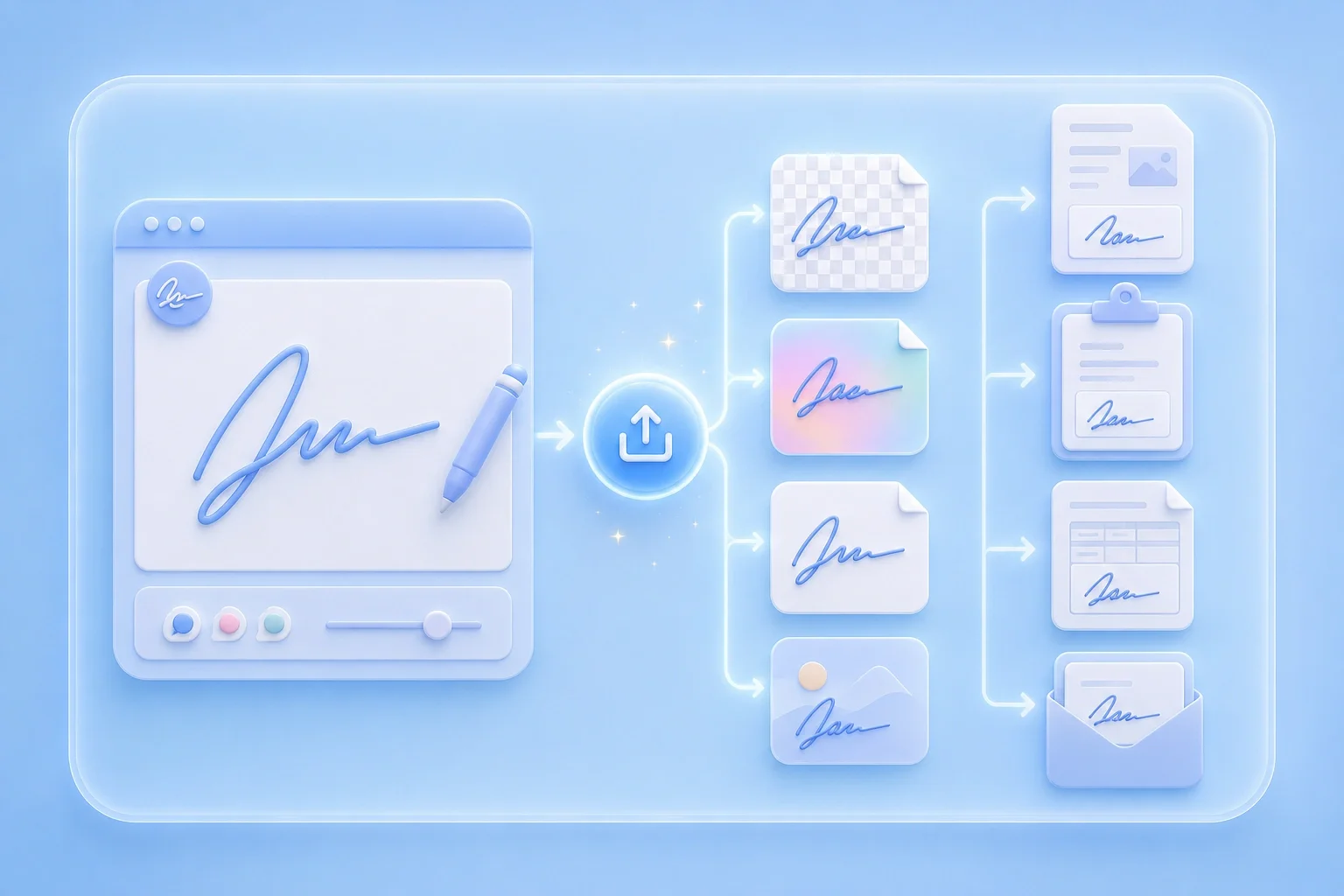
Use this doctor signature generator online to save your finished signature as PNG or JPG. Choose PNG when you need a transparent background for clean placement on documents. Use JPG when you need a simple image file for uploads or basic file workflows.

Export Image

Doctor Signature Use Cases

Practical ways to prepare a clear signature image for paperwork

Form Templates

I use a doctor signature generator when I need a compact signature image for printable form templates. It helps me keep the name mark neat enough to fit into smaller signature fields.

Form Templates

Use case

Referral Letters

I export my signature as a transparent PNG when I need to add it to referral letter drafts. This makes it easier to place the same signature cleanly into shared clinic documents.

Referral Letters

Use case

Scanned Forms

I increase the stroke thickness when I know a form will be printed and scanned later. A clearer line weight helps the signature remain visible after scanning or resizing.

Scanned Forms

Use case

Doctor Signature Generator Questions

01

What is a doctor signature generator?

It is an online tool for creating a signature image by typing or drawing a name, then exporting PNG or JPG.

02

Is this a free doctor signature generator?

You can create and download a signature image with the controls on this page.

03

Can I use a doctor signature generator for name text?

Yes. Enter your name in type mode, adjust style settings, and export the image.

04

What is a doctor style signature generator approach?

Keep the mark compact and readable, with enough stroke weight for print and scan workflows.

05

Can I use this doctor signature generator online free?

Open the tool in your browser, create the mark, and export PNG or JPG from the result panel.

06

Is this valid for medical-legal signing?

Treat the export as a visual signature image. Follow your organization’s formal signing and compliance rules.