
Electronic Signature Generator

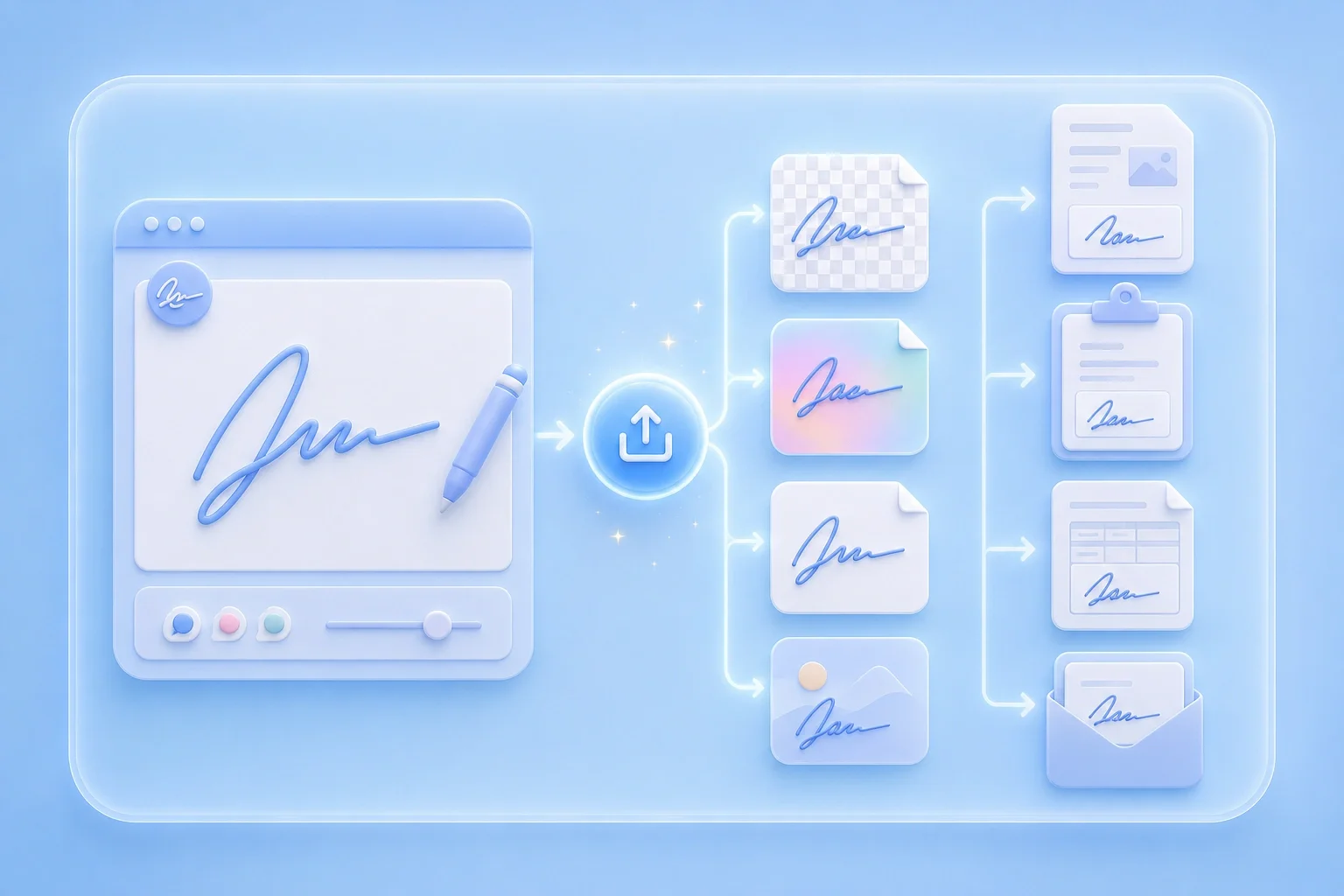
Create a reusable signature image with this free electronic signature generator. Draw or type online, adjust style, and export PNG or JPG for digital documents.

Mode
Start writing on the canvas.
4px
1px12px
100%
60%160%
Format
Your signature image is ready.
Generated signature preview
Download format
Free and Unlimited
No Signup Required
Save Time
No Ads
Free to Use
No Sign-Up
No Ads
Any Browser

How to Use the Electronic Signature Generator

  1. Step 1: Draw or Type Your Mark

    Choose draw mode for a handwritten look or type mode for a cleaner name image.

  2. Step 2: Adjust Style for Screens

    Set color and stroke so the signature stays clear on screen and in printed copies.

  3. Step 3: Export the Signature Image

    Download PNG or JPG and insert it into workflows that accept electronic signature images.

Prepare an Electronic Signature Image

Prepare an Electronic Signature Image

This free electronic signature generator online free path helps you create a reusable signature image for digital documents. It works well with PDFs, forms, and shared files that allow image-based signing. Adjust the signature until it looks clear and suitable for repeated use.


Create Signature
Electronic Signature Generator for Name

Electronic Signature Generator for Name

Type your name when you want a consistent signature style across different documents. Draw it manually when you prefer a more personal handwritten appearance. Choose the option that best matches how you want your electronic signature to look.

Enter Name
Check Contrast Before Export

Check Contrast Before Export

Dark signatures usually stay clearer on light document backgrounds. Lighter colors may become harder to see after resizing or inserting the image into a file. Preview the canvas after each style change to make sure the signature remains easy to read.

Adjust Style
Export for Digital Document Flows

Export for Digital Document Flows

Use this electronic signature generator online to save your finished signature as PNG or JPG. Choose PNG when you need a transparent background for clean placement on documents. Use JPG when you need a simple image file for uploads or shared workflows.

Export Image

Electronic Signature Use Cases

Common places for an electronic signature image

PDF Proposals

I use an electronic signature generator when I need a signature image for PDF proposals that I send remotely. Exporting it as a transparent PNG makes it easy to place the signature neatly without printing and scanning the document.

PDF Proposals

Use case

Online Forms

I type my name into the electronic signature generator when an online registration form accepts an uploaded signature image. It gives me a clean and consistent mark that I can reuse for similar forms.

Online Forms

Use case

Upload Portals

I save my electronic signature as a JPG when a document portal only needs a simple image upload. The file is easy to upload and works well when transparency is not required.

Upload Portals

Use case

Electronic Signature Generator Questions

01

What is an electronic signature generator?

It is an online tool that creates a signature image by drawing or typing your name and exporting PNG or JPG.

02

Is this a free electronic signature generator?

Yes. Create and download a signature image using the controls on this page.

03

Can I use an electronic signature generator for name text?

Enter your name in type mode, refine style settings, and export the image.

04

Is this the same as a certified e-signature service?

No. This page exports a visual signature image. Use certified platforms when identity verification or audit trails are required.

05

Can I use this electronic signature generator online free?

Open the tool in your browser, create the mark, and export from the result panel.

06

How do I add the image to a PDF?

Export first, then insert the image with your PDF editor and resize it for the signature field.