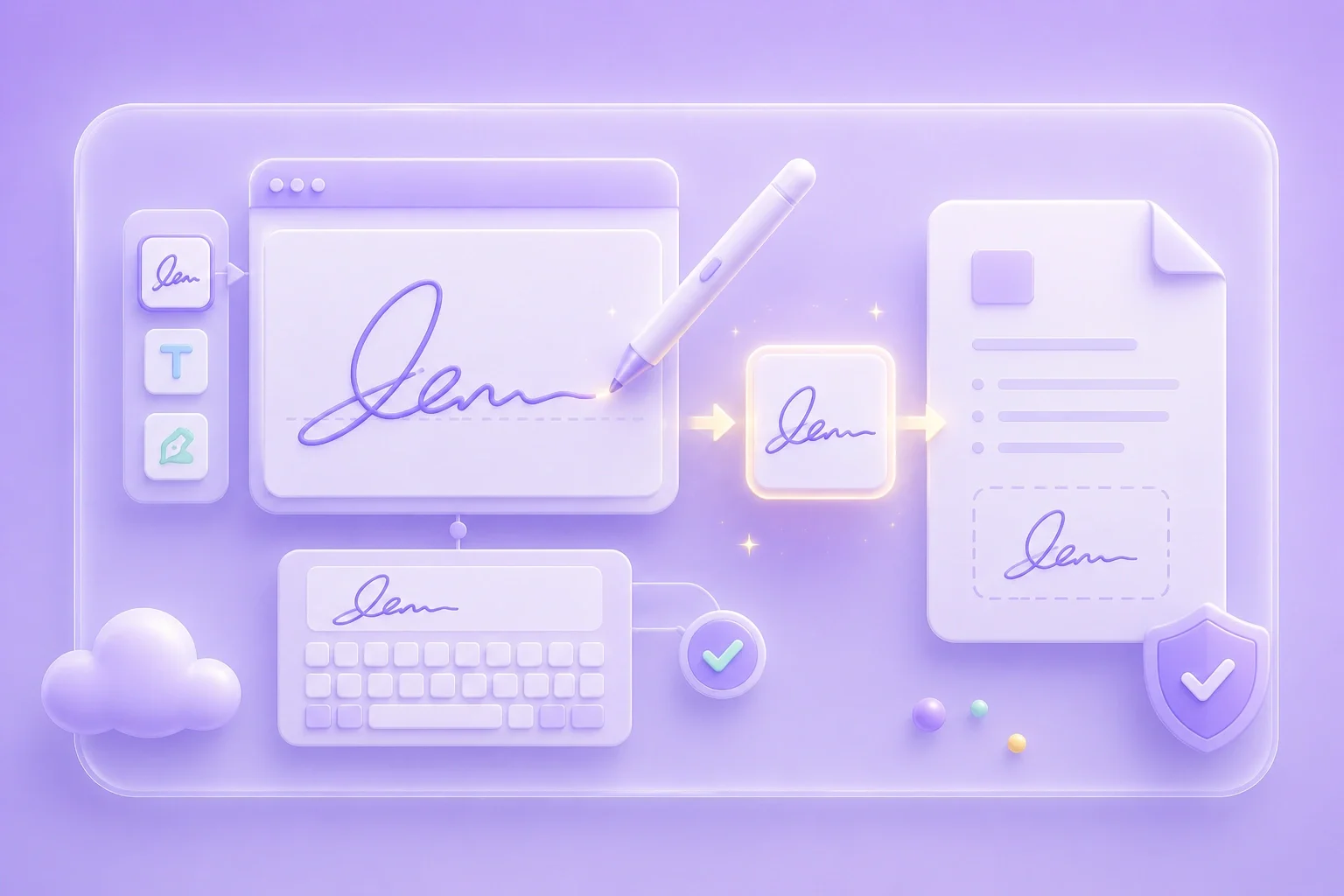
Create a Handwritten Look Online
When a typed name feels too plain, this free handwritten signature generator online free path lets you draw on the canvas and prepare a reusable image for proposals, forms, and shared files.

Use this free handwritten signature generator to draw your name online, tune color and stroke, then export a signature image as PNG or JPG for documents and forms.
Open draw mode for a handwritten look, or type mode when you want a clearer name mark. Keep the first draft simple so it stays readable at small sizes.
Set color, stroke thickness, and size so the mark stays clear on light or dark document backgrounds.
Export PNG or JPG, then place the image where your workflow allows. Review formal signing rules before using it on legal paperwork.
When a typed name feels too plain, this free handwritten signature generator online free path lets you draw on the canvas and prepare a reusable image for proposals, forms, and shared files.

Draw mode suits a handwritten appearance. Type mode suits a cleaner name mark. Pick the mode that matches the document and the style you want.
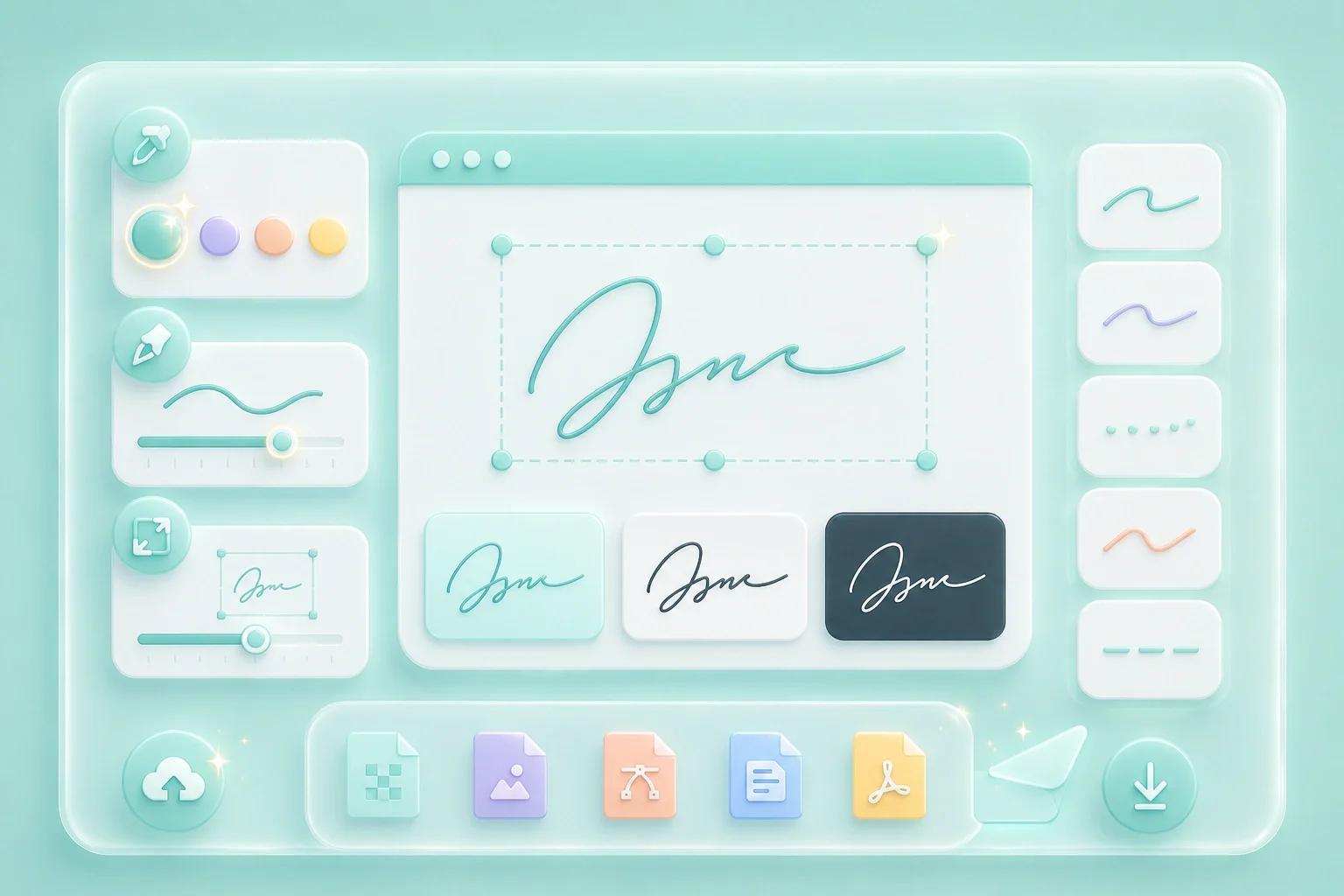
Color, line thickness, and size controls help the signature stay readable after it is placed into a PDF, Word file, or email attachment.
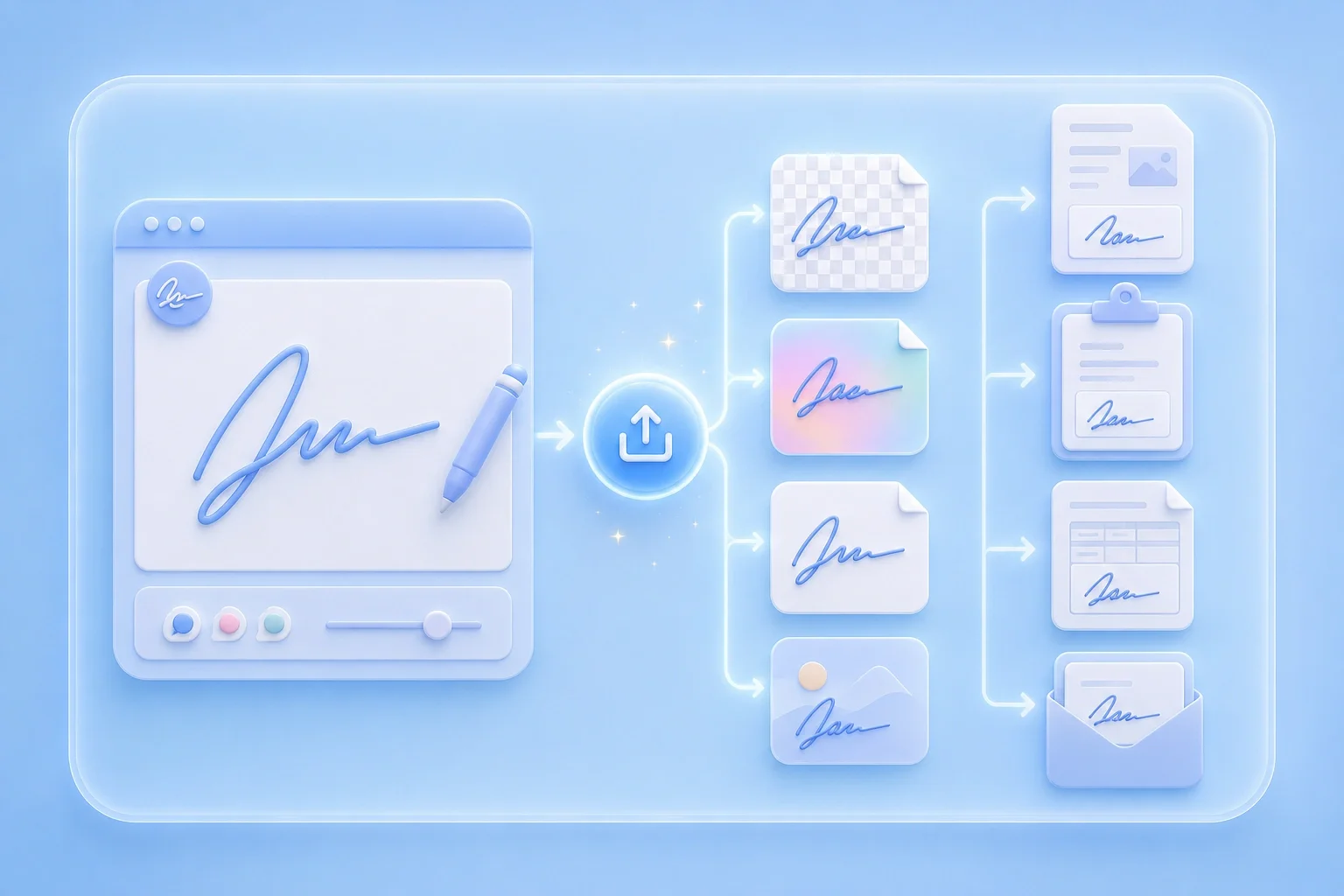
Choose PNG when you need a transparent background, or JPG for simpler image workflows. Insert the file only where electronic signature rules allow it.
Practical ways to prepare a handwritten-style signature image

Add a handwritten signature image to a proposal without printing or scanning the document. Export it as PNG so the signature fits cleanly into the page.
Use case

Create a typed signature image for school forms that allow image-based signatures. Keep the name clear and consistent before uploading the form.
Use case

Make a signature easier to read before placing it into a shared PDF. Increase the stroke thickness so the lines stay visible after resizing or sharing.
Use case

Clean up your photos by seamlessly erasing unwanted text, dates, and watermarks.

Obscure faces, license plates, or sensitive data in your pictures quickly and easily.

Resize images online in seconds for better fit, quality, and sharing.

Remove watermarks from images quickly for cleaner, more usable visuals.

Edit images with AI online to enhance, adjust, and improve your pictures.

Reduce image size easily while keeping your pictures clear and shareable.

Crop images online to focus on the best part of your picture.

Create a digital signature quickly for documents, forms, and everyday use.

Increase image size online to make pictures larger, clearer, and easier to use.
It is an online tool for creating a signature image by drawing or typing your name, then exporting PNG or JPG for document use.
You can create and export a signature image in the browser with the controls shown on this page.
Yes. Draw or type in the workspace, adjust style settings, and export the image without leaving the page.
Draw mode feels closer to handwriting. Type mode is cleaner. Choose based on readability and preference.
Select PNG when you want a transparent background for placing the signature over documents.
Acceptance depends on the document and local rules. Treat the export as a visual signature asset and check formal e-signature requirements separately.