Professional Signature Generator

Prepare a clean business mark with this free professional signature generator. Draw or type online, refine style, and export PNG or JPG for work documents.

Mode
Start writing on the canvas.
4px
1px12px
100%
60%160%
Format
Your signature image is ready.
Generated signature preview
Download format
Free and Unlimited
No Signup Required
Save Time
No Ads
Free to Use
No Sign-Up
No Ads
Any Browser

How to Use the Professional Signature Generator

  1. Step 1: Create Your Name Mark

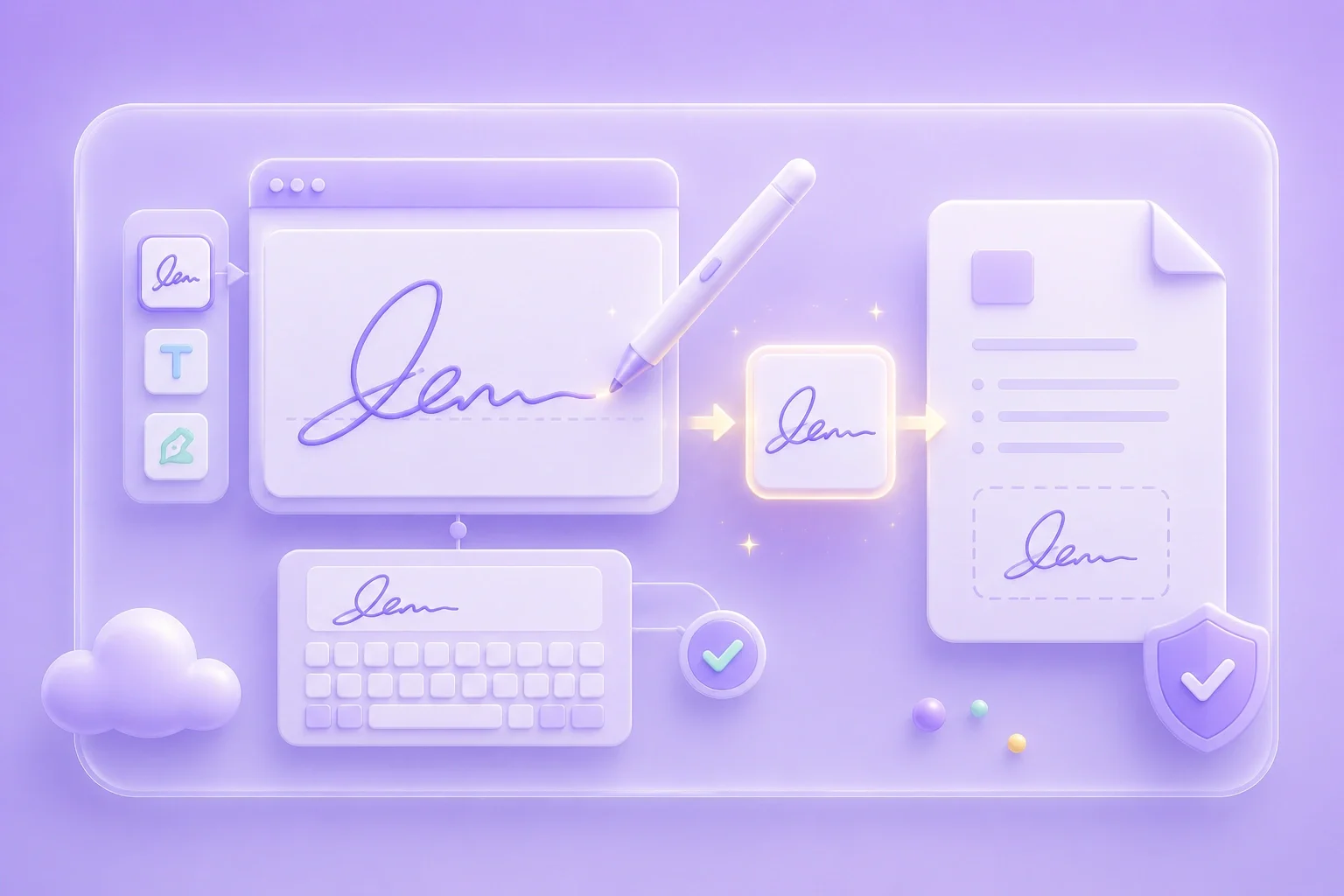
    Type for a neat business look, or draw when you want a personal handwritten touch that still stays readable.

  2. Step 2: Keep the Style Simple

    Use restrained color and stroke settings so the signature stays clear on contracts, memos, and slide decks.

  3. Step 3: Export for Work Files

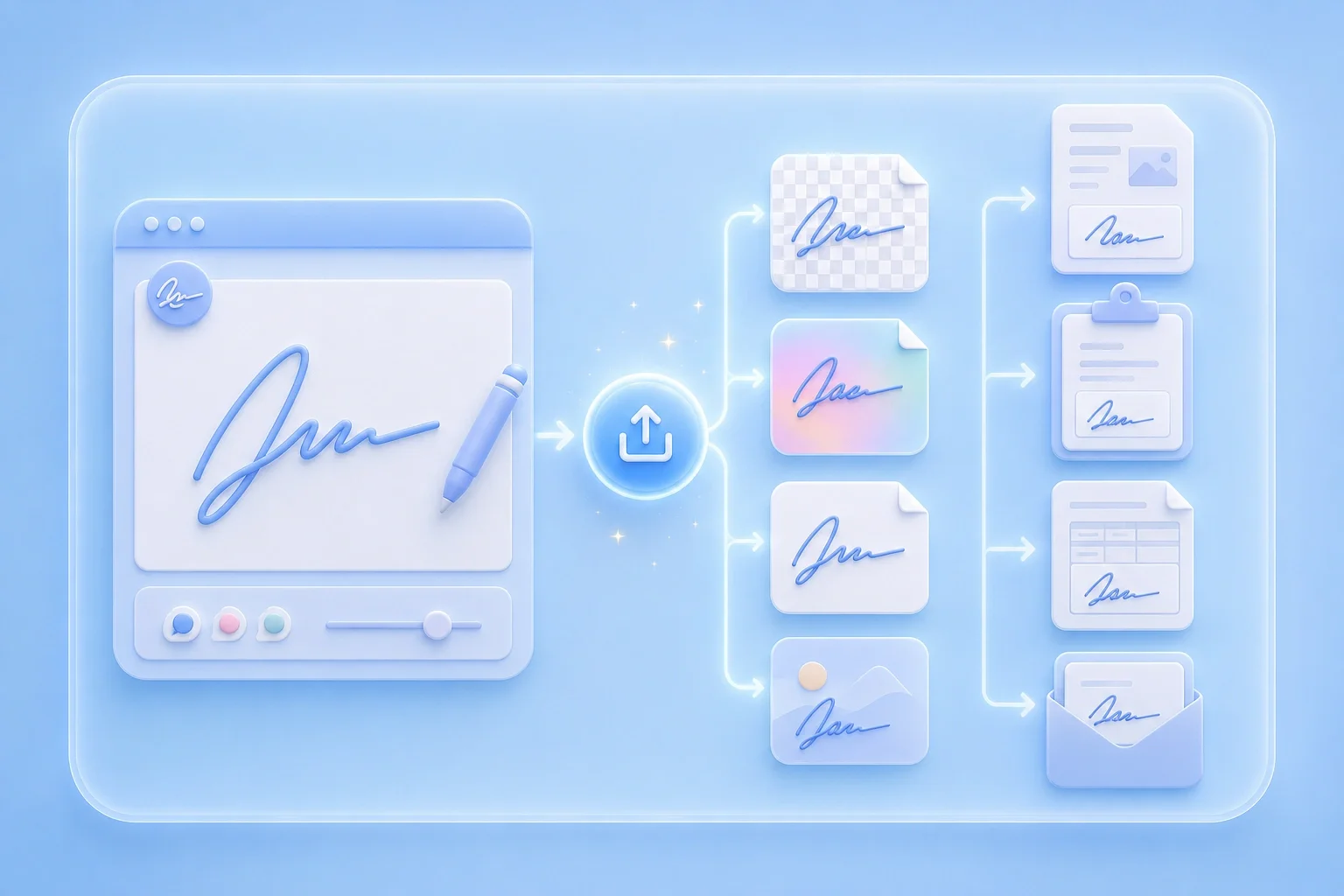
    Download PNG or JPG and place the image in workflows that accept signature images.

Build a Clean Business Signature Image

Build a Clean Business Signature Image

This free professional signature generator online free path helps you create a consistent signature image for business documents. Use it for proposals, approvals, internal files, and other professional workflows. Adjust the style until the signature looks polished, balanced, and suitable for repeated

Create Signature
Prefer Clarity Over Decoration

Prefer Clarity Over Decoration

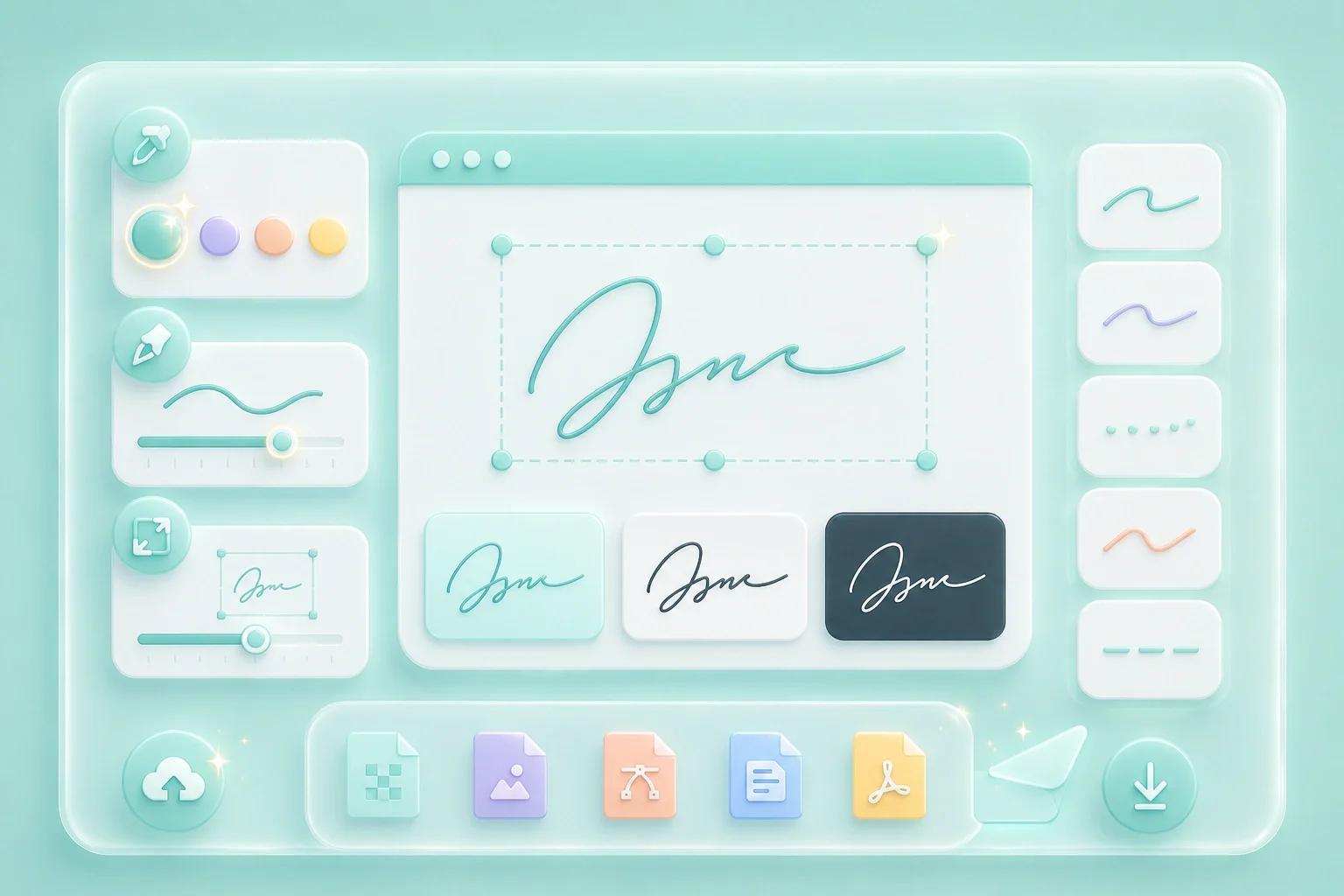
A professional signature usually looks better when the letterforms stay clear and easy to recognize. Too many flourishes can make the mark harder to read, especially at smaller sizes. Preview the signature before exporting and simplify any details that feel crowded.

Simplify Style
Match Brand Color Carefully

Match Brand Color Carefully

Dark navy, black, and other deep colors usually stay clear on white document pages. Lighter brand colors may need thicker strokes to maintain enough contrast. Check the signature against the page background before choosing the final color.

Set Color
Export for Shared Workflows

Export for Shared Workflows

Use this professional signature generator online to save the finished signature as PNG or JPG. Choose PNG when you need a transparent background for clean placement on documents. Use JPG when you need a simple image file for uploads or shared workflows.

Export Image

Professional Signature Use Cases

Where a clean signature image supports work documents

Proposals

I use a professional signature generator when I need a clean signature for proposal covers. It helps me create a polished mark that looks consistent across client-facing documents.

Proposals

Use case

Approvals

I type my name into a professional signature generator when I need a neat signature for approval sheets. It saves me from signing each document manually while keeping the same professional look.

Approvals

Use case

Letter Templates

I export my signature as a transparent PNG when I need to add it to letter templates shared with finance. This lets me reuse the same professional signature without covering the text or background underneath.

Letter Templates

Use case

Professional Signature Generator Questions

01

What is a professional signature generator?

It is an online tool for creating a clean signature image by drawing or typing your name, then exporting PNG or JPG.

02

Is this a free professional signature generator?

Yes. Create and download a signature image with the on-page controls.

03

Can I use a professional signature generator online?

Work in the browser, adjust style settings, and export when the mark looks ready for documents.

04

What style works best for business files?

Keep strokes clear, avoid overcrowded flourishes, and preview the image at the size you will insert.

05

PNG or JPG for professional use?

PNG is useful for transparent backgrounds. JPG works for simple image placement.

06

Does this replace a formal e-signature platform?

No. This export is a visual signature image. Use formal signing tools when the document requires them.