Always-Online Only
Pain
Google Slides stalls on planes, trains, and weak Wi‑Fi. No connection often means no productive slide work.
WPS Solution
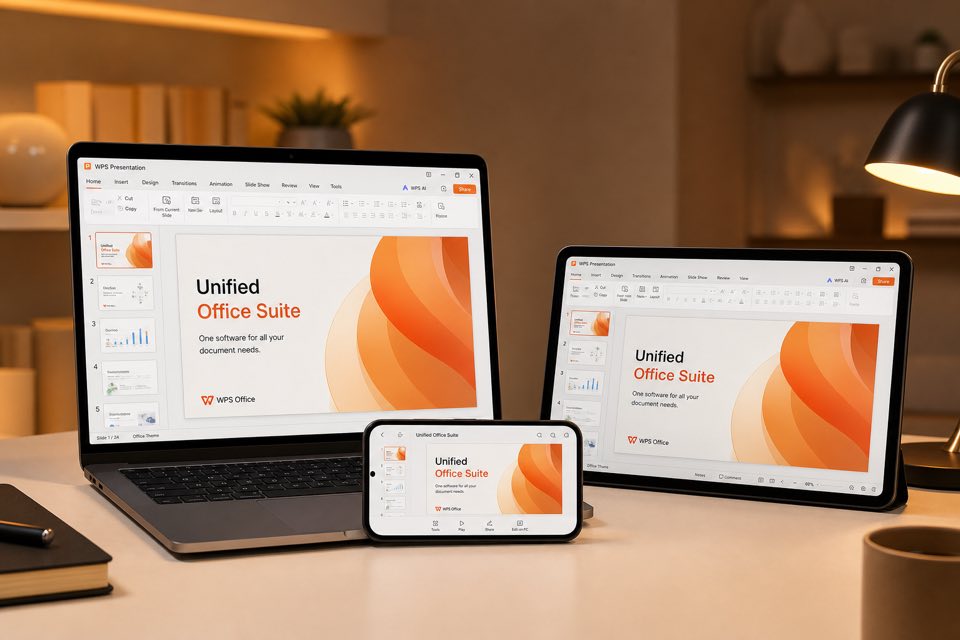
Offline Presentation — edit decks on desktop without the web, then sync to WPS Cloud when you reconnect.
Switch to WPS Presentation—a free Google Slide alternative with real-time co-editing, offline desktop editing, PPTX fidelity, AI slide tools, and an all-in-one Office suite.
WPS AI Slides · Create with AI preview
Google Slides is great online—until you lose connectivity, break PowerPoint layouts, or juggle separate apps for docs, sheets, and PDF. WPS closes those gaps.
Pain
Google Slides stalls on planes, trains, and weak Wi‑Fi. No connection often means no productive slide work.
WPS Solution
Offline Presentation — edit decks on desktop without the web, then sync to WPS Cloud when you reconnect.
Pain
Exporting from Google Slides to .pptx often scrambles fonts, animations, and complex layouts clients expect.
WPS Solution
PPTX-native Presentation — open and save Microsoft PowerPoint files with high fidelity for handoffs.
Pain
You still bounce to Docs, Sheets, and a PDF tool for the rest of the job—more tabs, more friction.
WPS Solution
All-in-one suite — Writer + Spreadsheets + Presentation + PDF in one free installer.
Pain
Storage limits, Google account requirements, and paid add-ons can box teams into one ecosystem.
WPS Solution
Free download + online — use WPS Office desktop or WPS Presentation without Microsoft 365 pricing.
WPS Presentation · WPS Office
Download WPS Office or open WPS Presentation. Co-edit with share links, keep building slides offline, and hand off clean .pptx files—plus AI outline, rewrite, and design assist.
One installer · Writer + Spreadsheet + Presentation + PDF
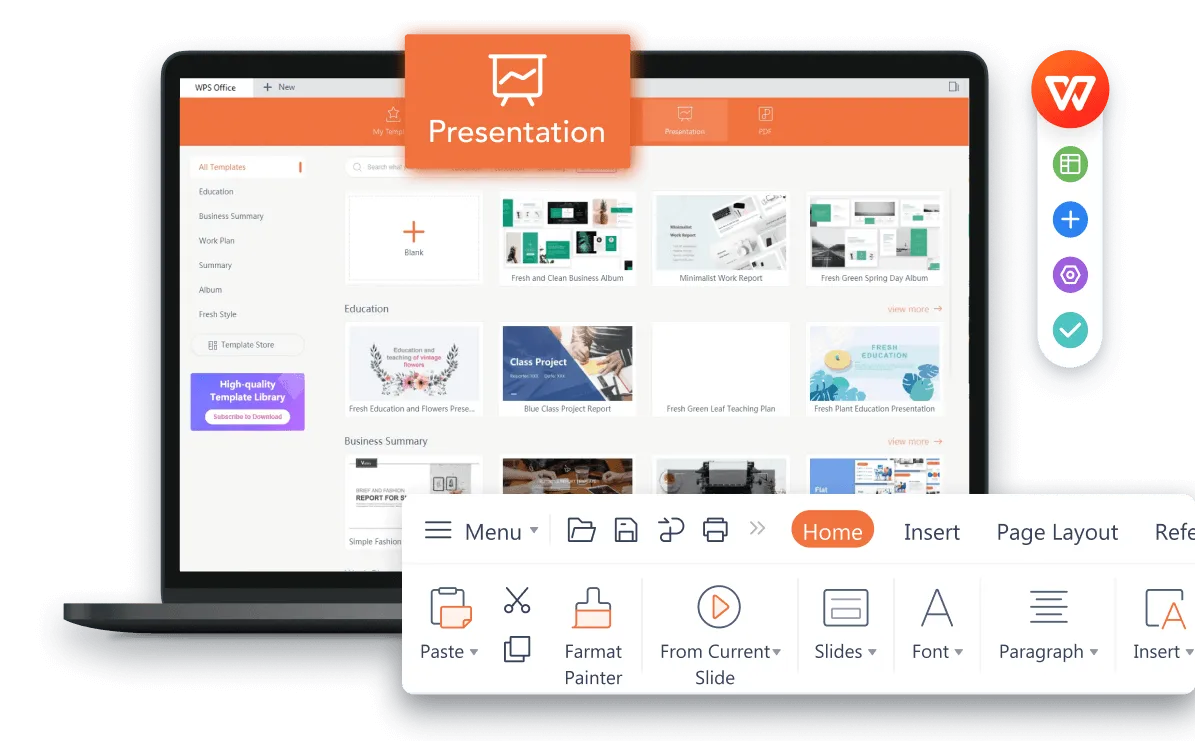
WPS Presentation slide editing interface
Collaboration like Google Slides—plus offline Presentation, Microsoft PowerPoint compatibility, WPS AI, and a full suite for docs, sheets, and PDF.
Collaborate in WPS Cloud with comments, share links, and view or edit permissions—just like Google Slides.
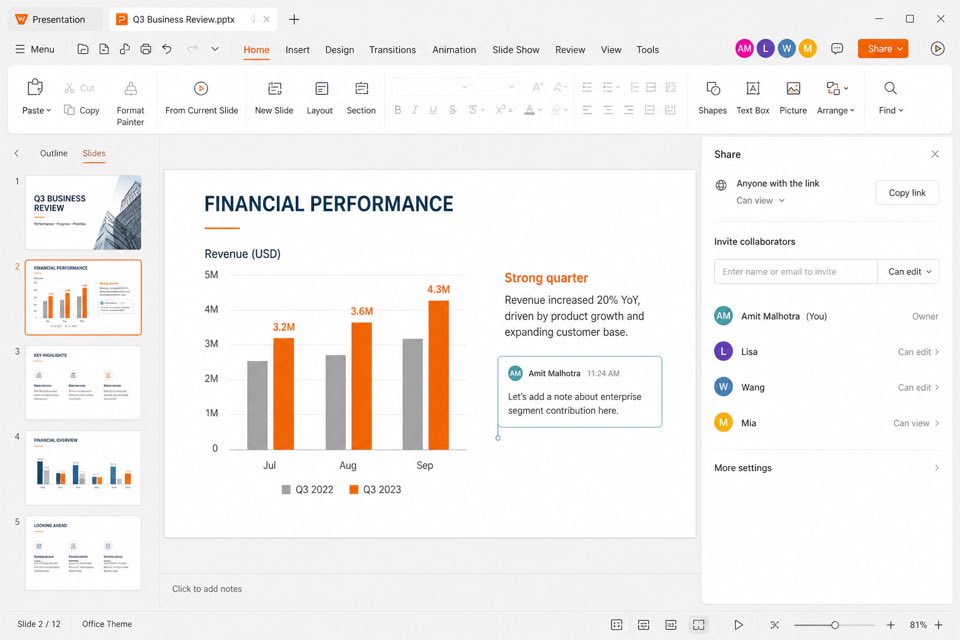
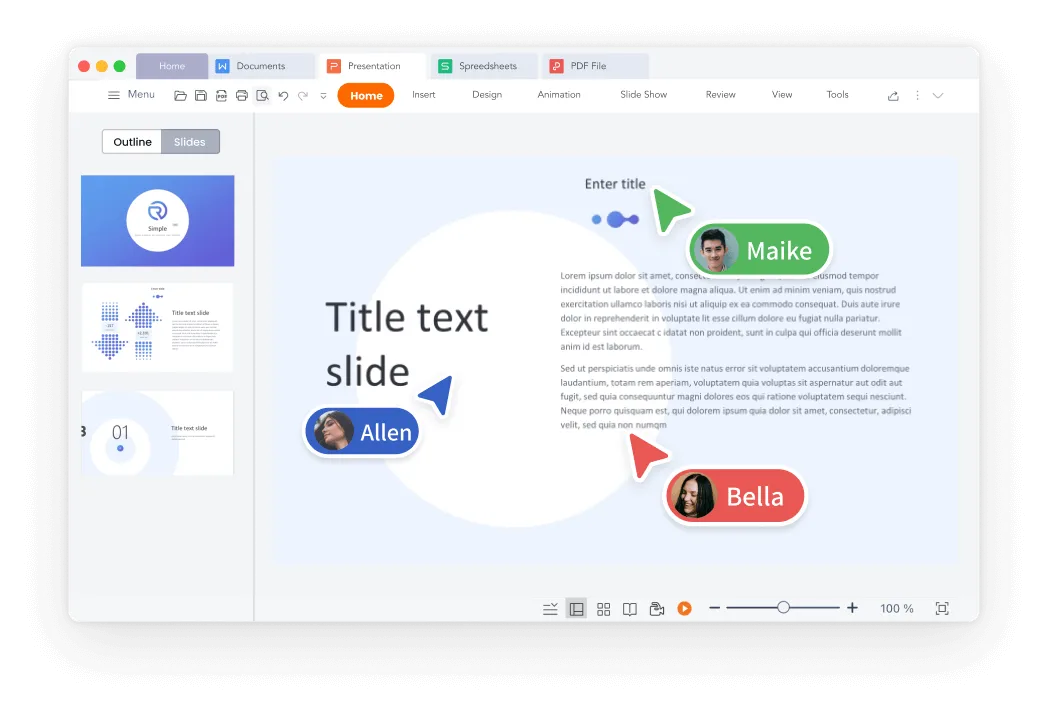
Google Slides needs the internet. WPS Presentation keeps you productive offline on every platform—then syncs when you are back online.
Looking for apps similar to Google Slides that open PowerPoint files cleanly? WPS Presentation is built for .pptx, .ppt, and Office fidelity.
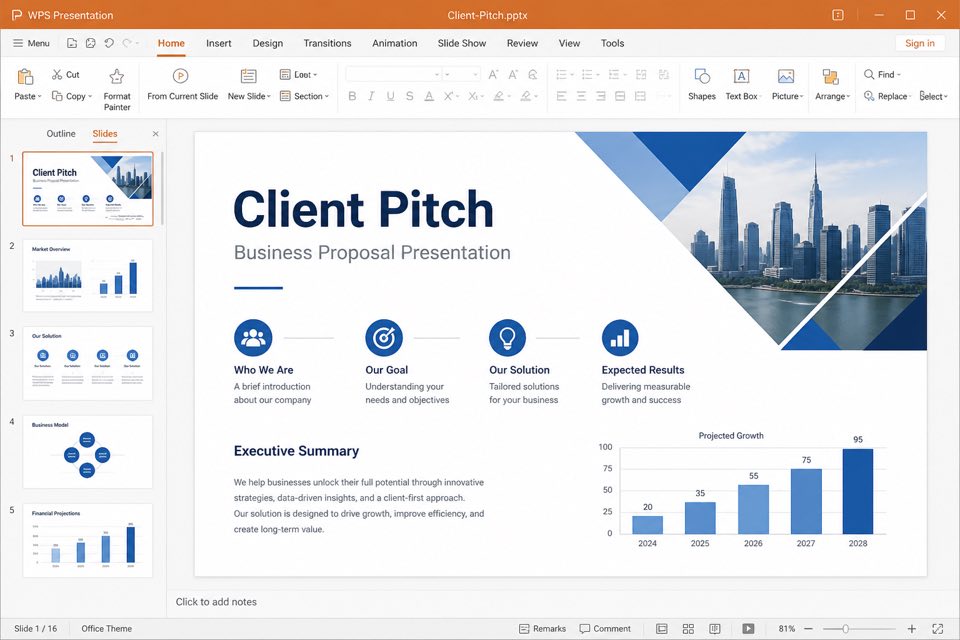
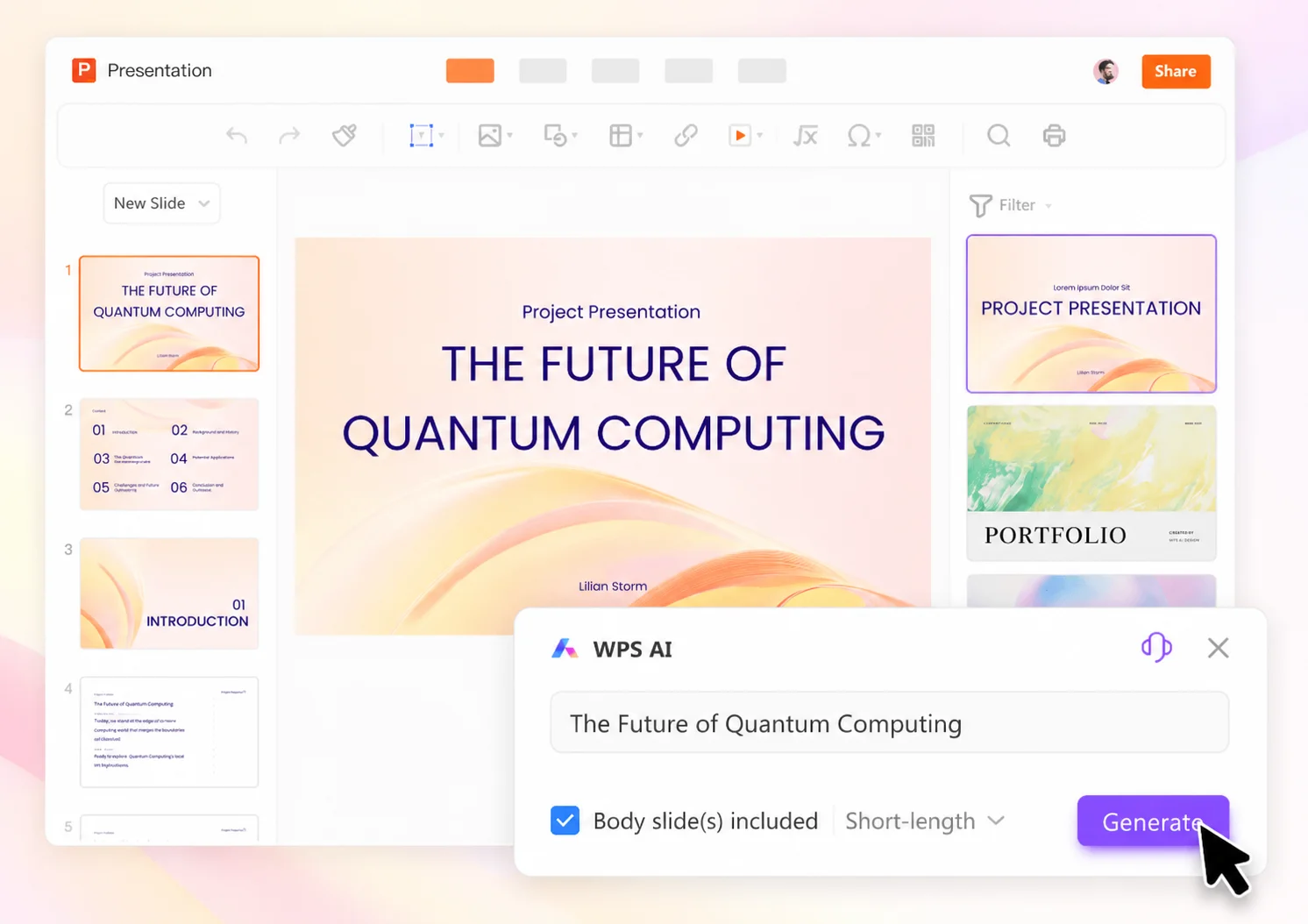
Draft outlines, rewrite speaker notes, and polish layouts with WPS AI—then finish docs, sheets, and PDFs without leaving WPS.
REAL USERS · WPS OFFICE
People switch from Google Slides for offline Presentation, cleaner PPTX handoffs, and free co-editing across Windows, Mac, Linux, and mobile.
0
MAU
Co-edit
Cloud
Free
Download
Windows · Mac · Linux · Android · iOS
"We needed a Google Slide alternative that still worked on flights. WPS Presentation offline plus Cloud share links finally stuck for our team."
Aisha K.
Program Manager
Install free WPS Office on Windows, Mac, Linux, Android, or iOS—or start in the browser when you want to co-edit a deck online.
New presentation or existing .pptx in WPS Presentation—then save to WPS Cloud so the file is ready for sharing and sync across devices.
Send a share link with view or edit permission. Collaborate with comments and real-time co-editing—or keep building slides offline and sync later.
Download WPS Office free—or open WPS Presentation—for co-editing, offline slides, PPTX compatibility, AI decks, and templates in one suite.
One installer · Writer + Spreadsheet + Presentation + PDF