A deep dive into the pros and cons of Microsoft's perpetual and subscription office suites to help you make the right choice.
Read more
Microsoft Office 2024 is finally here—bringing a powerful, one-time purchase alternative to Microsoft 365. Whether you're a home user, a small business owner, or an enterprise IT manager, Office 2024 offers tailored solutions through editions like Office Home & Business 2024, Office Professional Plus 2024, and the enterprise-focused Office LTSC 2024. For those seeking a free, powerful, and more accessible productivity suite, WPS Office remains the premier modern alternative.
Free, secure, and compatible with all MS Office files.
Microsoft Office 2024 is the latest one-time purchase (perpetual license) productivity suite publisher after Microsoft Office 2021 version. It is perfect for home users, small businesses, freelancers, and remote workers who want classic Office tools without a subscription.
While Office 2024 offers the appeal of a one-time purchase, it intentionally sacrifices the innovation found in Microsoft 365. Users will miss out on essential modern tools, including real-time cloud collaboration, seamless co-authoring, and AI-driven features like Copilot that are reshaping how people work with documents and data. It prioritizes rigid stability over growth, leaving users with a product that becomes increasingly outdated over time. For those who need a dynamic, AI-ready, and free productivity suite that keeps pace with the evolving workplace, WPS Office delivers a far more versatile and modern experience.
These are official Generic Volume License Keys (GVLKs) for KMS activation in volume licensing environments. They are publicly documented by Microsoft.
| Product | GVLK (Product Key) |
|---|---|
| Office LTSC Professional Plus 2024 | FXYTK-NJJ8C-GB6DW-3DYQT-6F7TH |
| Office LTSC Standard 2024 | V28N4-JG22K-W66WM-DHQGB-JYCK8 |
| Word LTSC 2024 | MQ84N-7VYDM-FXV7C-6K7CC-VFW9J |
| Excel LTSC 2024 | 82FTR-NCHR7-W3944-MGRHM-JMCWD |
| PowerPoint LTSC 2024 | K2G8N-9CWYG-HYK9F-QVXGA-HRDKB |
| Outlook LTSC 2024 | NQPXP-WVB87-H3MMB-FYBW2-9QFPB |
| Access LTSC 2024 | 82CNJ-W82TW-BY23W-BVJ6W-W48GP |
| Project Professional 2024 | NBBBB-BBBBB-BBBBB-BWPGH-6BDQ3 |
| Project Standard 2024 | NBBBB-BBBBB-BBBBB-BW976-BK6XQ |
| Visio LTSC Professional 2024 | NBBBB-BBBBB-BBBBB-BWG6X-79VMT |
| Visio LTSC Standard 2024 | NBBBB-BBBBB-BBBBB-BW3B4-YM27G |
Microsoft Office 2024 represents a specific choice for users in 2024: stability over innovation. As a perpetual license, it appeals to organizations that want to avoid subscriptions and need a consistent software environment. The LTSC model guarantees 5 years of support with security updates but no new features post-release.
Is Office 2024 for you? For the average student, freelancer, or home user, the answer is likely no. The acquisition process is complex (volume licensing), and the cost is high upfront. More importantly, you miss out on the collaborative and AI-driven features that define modern productivity. For these reasons, a comprehensive free suite like WPS Office is a more practical and powerful choice for the vast majority of users.
Microsoft Office 2024 is available in multiple editions tailored to different users and licensing models.
| Edition | Apps Included | Target User | License & Price |
|---|---|---|---|
| Office Home 2024 | Word, Excel, PowerPoint, OneNote | Personal/home users (non-commercial) | 1 device, $149.99 |
| Office Home & Business 2024 | Word, Excel, PowerPoint, OneNote, Outlook | Small biz & freelancers with commercial use | 1 device, $249.99 |
| MS Office 2024 Professional Plus | Word, Excel, PowerPoint, OneNote, Access | Professionals, small teams, enterprises | Volume license pricing |
| Office LTSC 2024 Standard | Word, Excel, PowerPoint, OneNote, Outlook | Offline/locked-down business environments | Volume license – fixed-cycle updates |
| Office LTSC Professional Plus 2024 | Word, Excel, PowerPoint, OneNote, Outlook, Access | Enterprise, regulated environments | Volume license – long-term servicing |
| Feature | Office 2024 LTSC | Microsoft 365 | WPS Office (Free) |
|---|---|---|---|
| Cost Model | One-time Purchase | Monthly/Yearly Subscription | Free (with Premium option) |
| AI Features (Copilot) | No | Yes (Integrated) | Yes (WPS AI) |
| Updates | Security only | Continuous Feature Updates | Continuous Feature Updates |
| Cloud Storage | None included | 1TB OneDrive | Free WPS Cloud storage |
| Best For | Specialized commercial use | Users wanting latest features | Price-conscious users needing compatibility |
Go to the Official Microsoft Page
Visit office.com/setup or sign in to your Microsoft account at account.microsoft.com to access your purchased products.
Select Your Office 2024 Product
Under your account's "Services & Subscriptions" or "Order History," locate Office 2024 and click "Install" to begin the download.
Run the Installer File
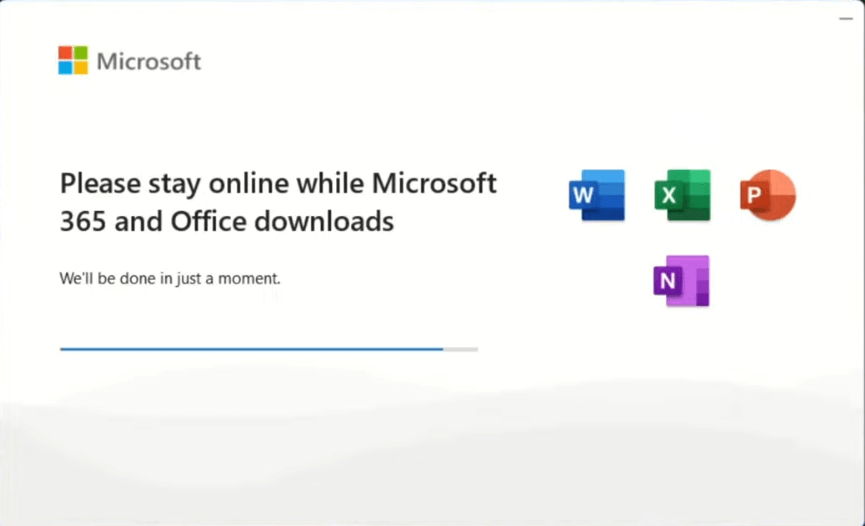
Once the installer downloads, double-click the file to launch it. A Microsoft Office installation window will open and fetch the remaining files automatically.
Follow the On-Screen Prompts
Accept the license agreement and follow the installation wizard. No additional configuration is needed — Office 2024 installs with sensible defaults.
Click "Close" When Complete
Wait for the progress bar to finish, then click "Close." Office 2024 apps will appear in your Start menu immediately.
No, Microsoft Office 2024 LTSC is a commercial product requiring a paid volume license. There is no official free version. The best way to get a free office suite in 2024 is by downloading a compatible alternative like WPS Office.
"Better" depends on your needs. For users who want the latest features, AI tools, and cloud integration, Microsoft 365 is superior. For businesses that need a locked, unchanging version for specific regulated devices, Office 2024 LTSC is better.
No, the initial release of Office 2024 LTSC will not include Microsoft's AI-powered Copilot features. These are exclusive to the Microsoft 365 subscription service.
Yes, Office 2024 LTSC requires activation via a volume license key (MAK or KMS). It cannot be used without proper licensing and activation.
15 years of office industry experience, tech lover and copywriter. Follow me for product reviews, comparisons, and recommendations for new apps and software.
Get a full office suite with AI features for free. Fully compatible with Microsoft Office formats.
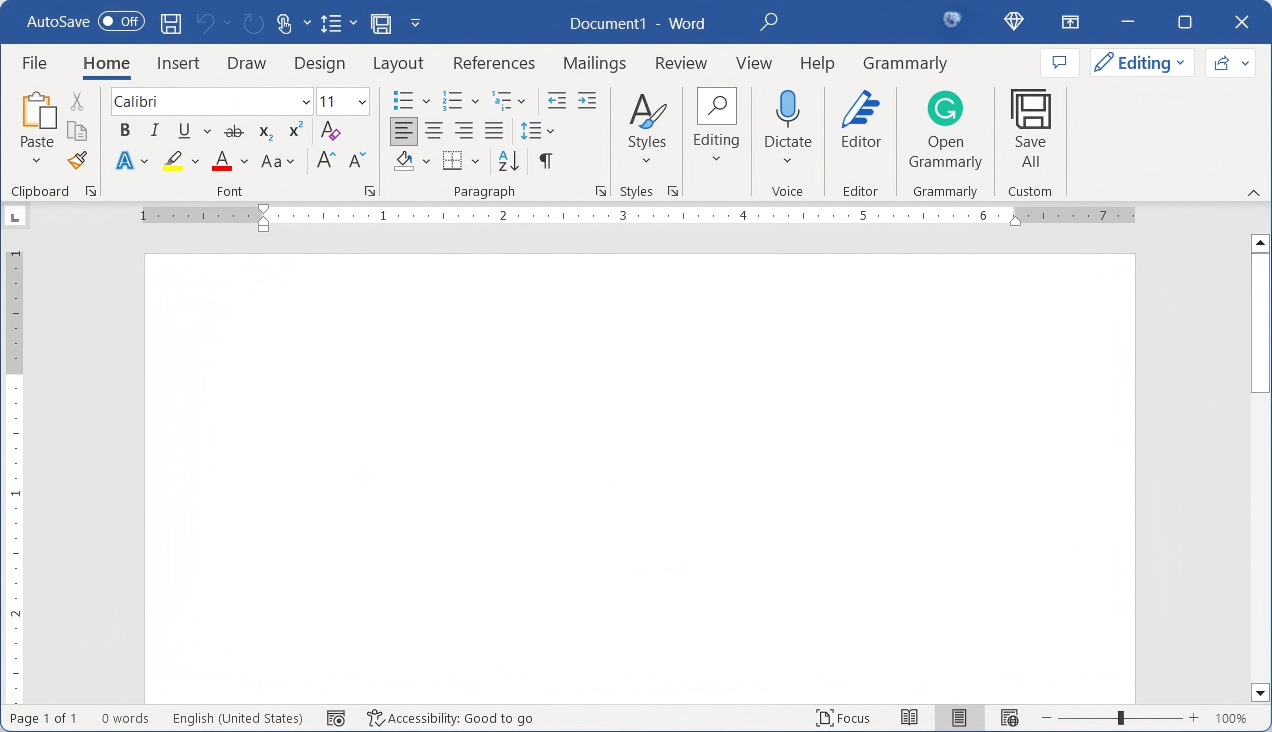
Powerful free word processor, fully compatible with .docx files.
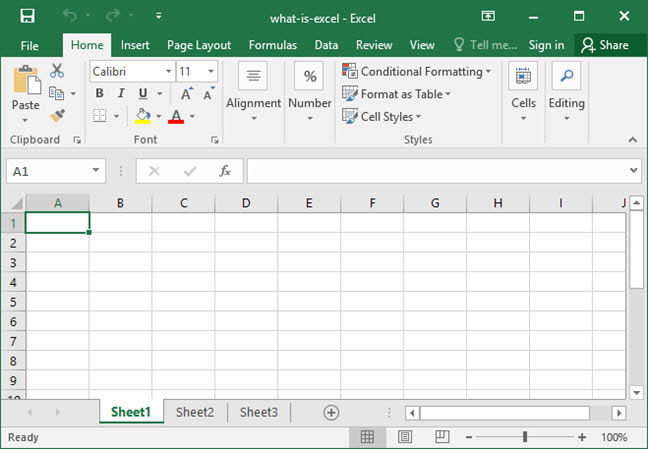
Advanced spreadsheet tool for data analysis, compatible with .xlsx.
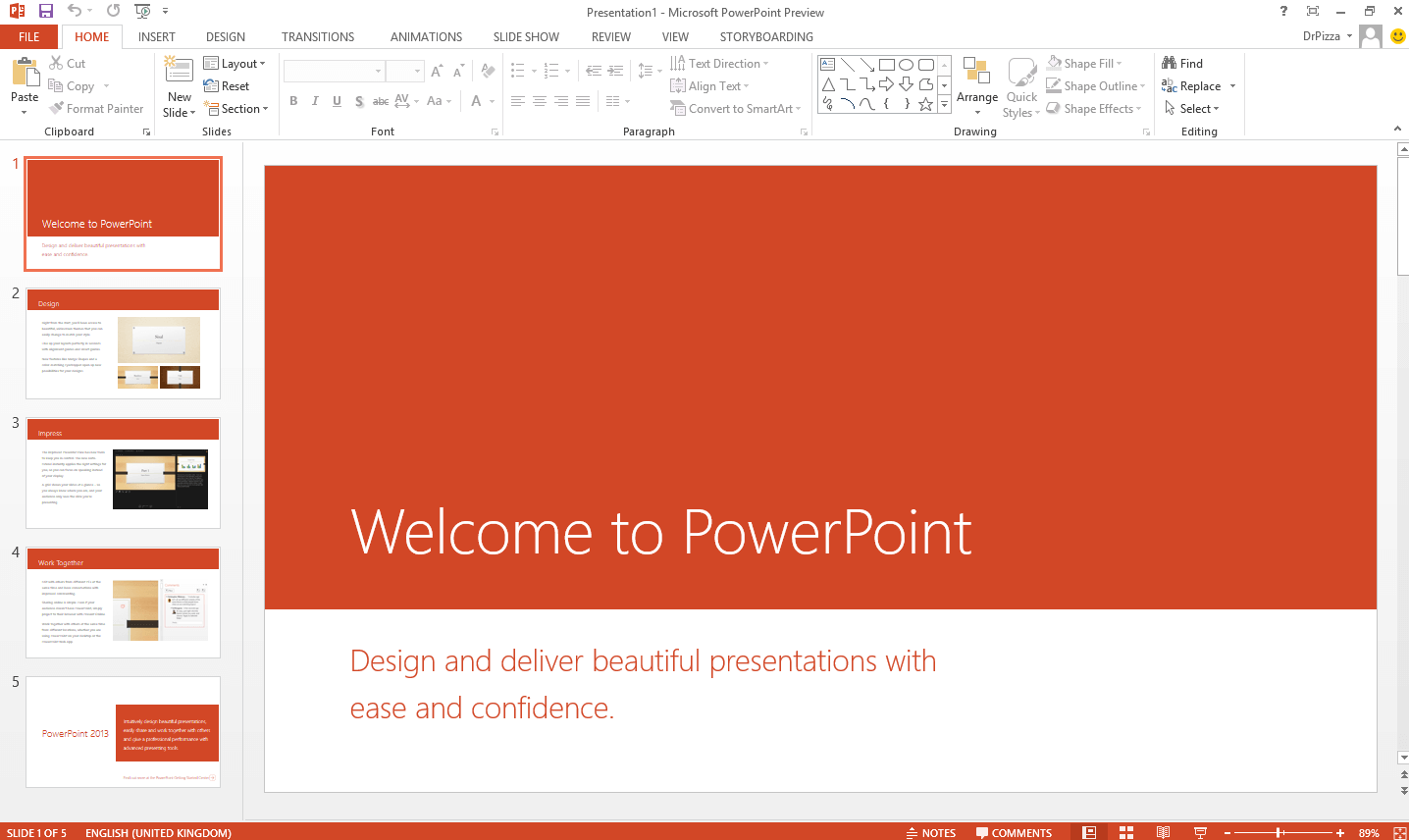
Create stunning presentations for free, compatible with .pptx.
The subscription service with AI, cloud storage, and constant updates.
A powerful and free tool to read, edit, convert, and manage PDF documents.
AI-powered spelling and grammar checker for flawless documents.
A deep dive into the pros and cons of Microsoft's perpetual and subscription office suites to help you make the right choice.
Read more
Learn how system administrators use the ODT to deploy and manage Office 2024 LTSC installations within an organization.
Read more
Why pay for an office suite? We review the best free options that offer full compatibility and powerful features without the cost.
Read moreInstead of a costly, feature-locked version, get a complete, modern office suite that's fully compatible with all Microsoft formats for free. Experience a lightweight, powerful, and secure solution for 2024.
* Basic components (Writer, Spreadsheet, Presentation) are permanently free.
Open, edit, and save Word, Excel, and PowerPoint files seamlessly.