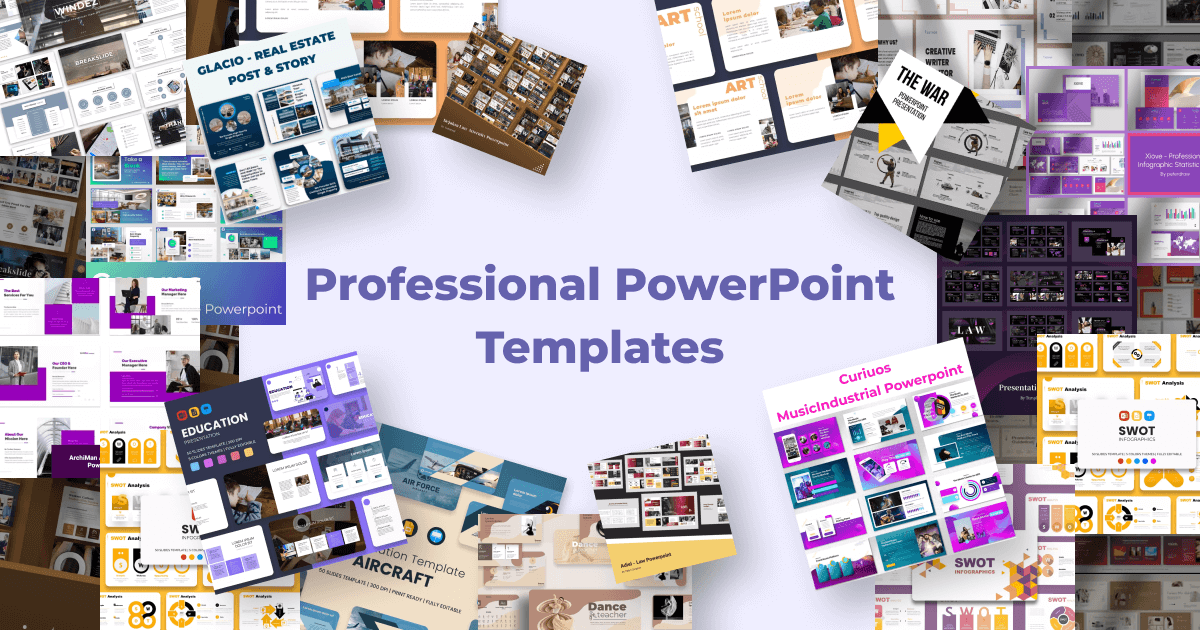
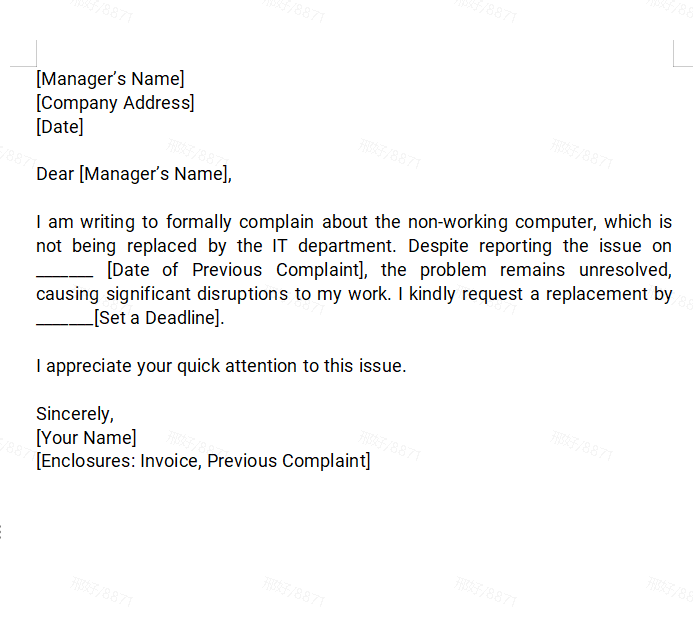
Browse hundreds of professionally designed formal letter and presentation templates. Fully compatible with PowerPoint 365 formats, ready to customize in WPS.
Learn More →
Unlock your creativity with PowerPoint 365, the world's leading presentation software. Create high-impact slides with smart AI design tools, real-time collaboration, and 3D model integration. Note: PowerPoint 365 requires a Microsoft 365 subscription. For a permanently free, professional-grade alternative that opens all .pptx files, download our recommended PowerPoint 365 alternative.
Full PowerPoint 365 compatibility. No monthly fees. Fast & light.
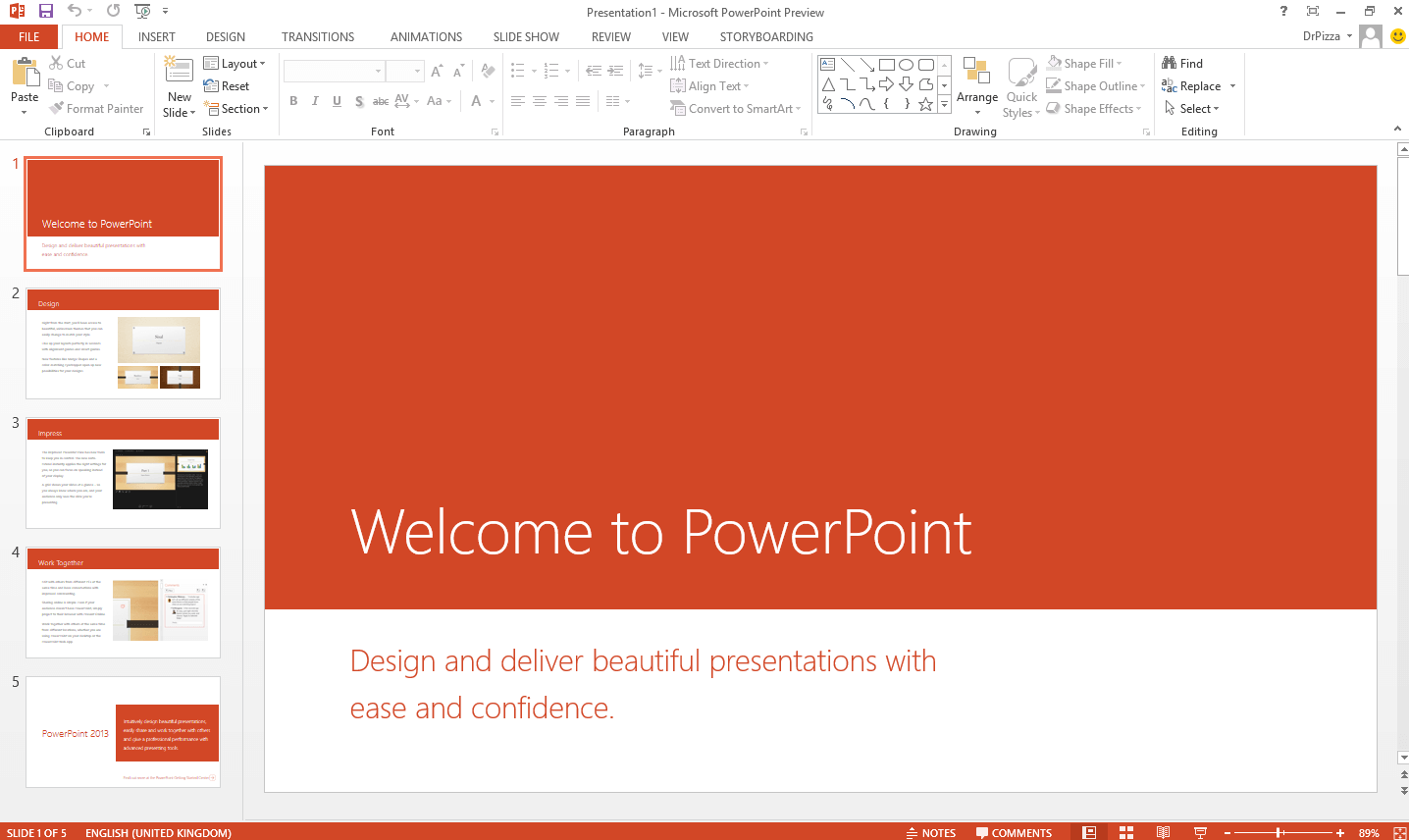
PowerPoint 365 is the cloud-based presentation component of the Microsoft 365 suite. Unlike traditional one-time purchase versions, PowerPoint 365 offers continuous feature updates, 1 TB of OneDrive storage, and advanced AI tools. It empowers users to create stunning slides with Morph transitions, AI Designer suggestions, and embedded 3D models.
For many users, the recurring subscription cost of PowerPoint 365 can be a barrier. This is where WPS Office excels as a powerful, permanently free alternative. WPS Presentation provides a familiar interface and supports all modern PowerPoint 365 formats — including animations, video embedding, and transitions — making it the top choice for students and professionals seeking free presentation software. To compare all PowerPoint download options, visit Microsoft PowerPoint Free Download for a complete guide across all versions and platforms.
The transition to PowerPoint 365 has changed how we think about presentations. Instead of static slides, we now have access to dynamic content, live subtitles, and automated design layouts. Whether you are pitching a startup or presenting a classroom project, the tools within PowerPoint 365 are designed to save time while maximizing visual impact.
However, many users search for PowerPoint 365 free download options to avoid the recurring subscription model. While Microsoft provides a web-based version at office.com, it lacks many powerful offline features. WPS Office provides the best of both worlds: a free-to-use desktop application that handles PowerPoint 365 files with 100% fidelity, preserving all animations, transitions, and embedded media.
A common point of confusion: PowerPoint 365 is not a standalone product you can purchase separately. It is one application within the broader Microsoft 365 subscription bundle. Here is how the two relate:
The full subscription bundle
The presentation app inside M365
What you should know before buying
Create smooth, cinematic animations between slides without any manual keyframing. Objects seamlessly move, scale, and transform as you advance.
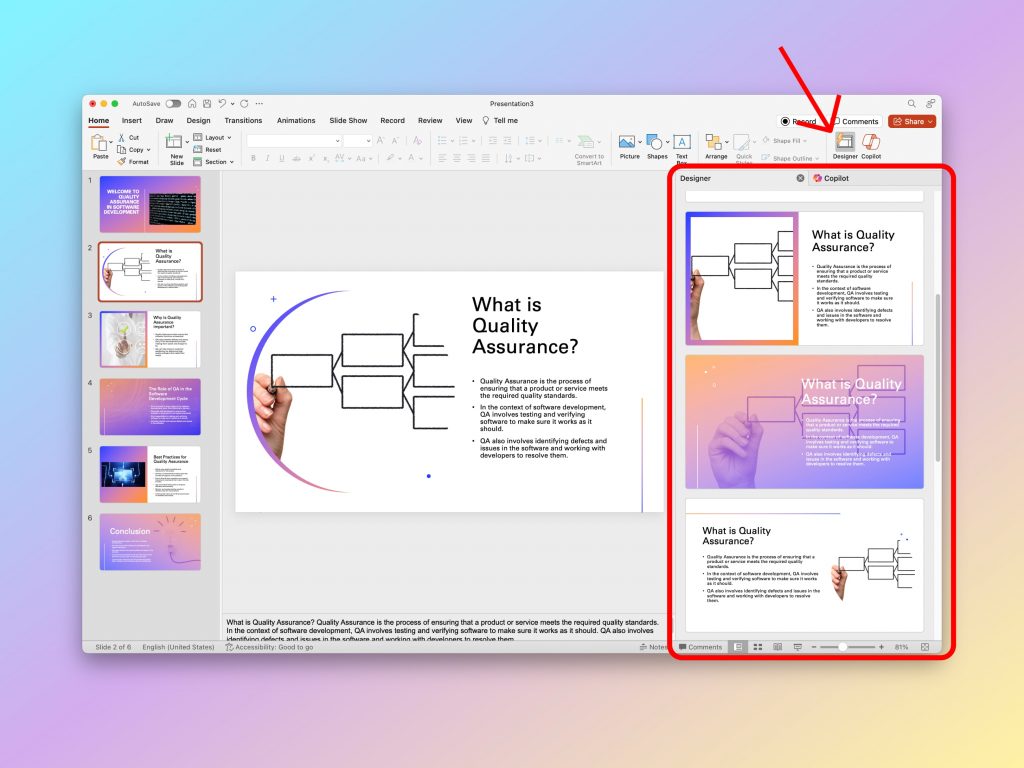
PowerPoint 365's AI engine automatically suggests professional layout designs, color palettes, and typography based on your content and images.
Insert fully rotating 3D models from the Microsoft library and animate handwriting with Ink Replay, adding depth and interactivity to any slide.
Powered by OneDrive, multiple users can co-author a single .pptx file simultaneously, tracking changes in real-time across any device.
| Feature | PowerPoint 365 | WPS Presentation |
|---|---|---|
| Cost Model | Monthly/Yearly Sub | Free to Download |
| Cloud Storage | 1TB OneDrive | WPS Cloud (Free tier) |
| AI Design Tools | Designer + Copilot | WPS AI (Built-in) |
| .pptx Compatibility | Native | 100% Compatible |
| Morph Transitions | Yes (Exclusive) | Limited support |
| Supported Devices | Up to 5 devices/user | Unlimited devices |
| Annual Price | From $69.99/year | $0 — Completely Free |
Verdict: PowerPoint 365 leads in exclusive AI features and ecosystem integration. For 90% of home and student users, WPS Presentation offers a faster, free experience with full .pptx compatibility.
Follow these four steps to get the PowerPoint 365 free download running on your device.
Open your browser and go to office.com. Sign in with your existing Microsoft account, or create a free one in minutes to access your dashboard.
Select a Microsoft 365 Personal, Family, or Business plan. Click "Try free for 1 month" if you want to evaluate PowerPoint 365 before committing.
Click "Install Office" from your Microsoft 365 account dashboard. Run the downloaded .exe (Windows) or .pkg (Mac) file to begin installation.
Once installation is complete, open PowerPoint 365 and sign in with your Microsoft account to automatically activate your full subscription.
Skip the subscription. WPS Presentation delivers professional-grade slide creation for free — fully compatible with every .pptx file from PowerPoint 365.
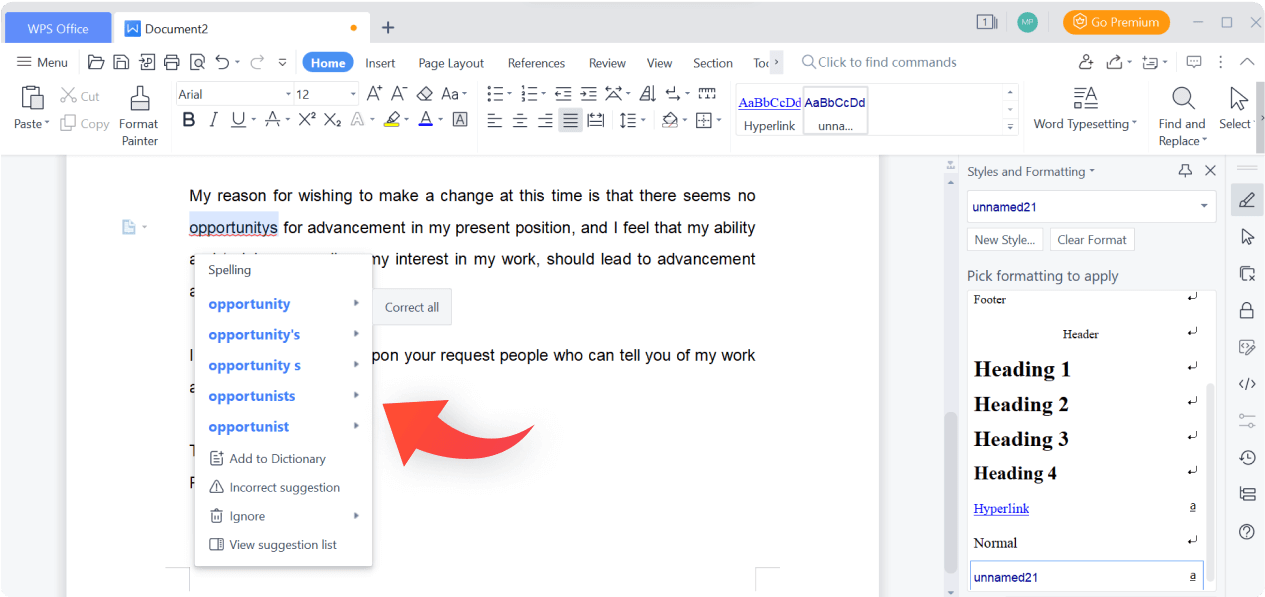
WPS Presentation Interface — Modern, intuitive design with complete PowerPoint 365 format and animation compatibility.
AI-Powered Design Tools — Smart layout suggestions, automated template application, and one-click style enhancement.
Cross-Platform Cloud Sync — Present and edit your slides seamlessly across Windows, Mac, iOS, and Android.
Avoid monthly fees. Get all the presentation power you need with WPS. 100% compatible with PowerPoint 365.
Full suite with PowerPoint, Word, Excel & 1TB Cloud.
Best free alternative to PowerPoint 365 for Windows.
One-time purchase version of Microsoft PowerPoint.
Convert and edit presentations as PDF files for free.
Free Word compatible processor with tabbed UI.
Boost your productivity with built-in AI assistance.
Browse hundreds of professionally designed formal letter and presentation templates. Fully compatible with PowerPoint 365 formats, ready to customize in WPS.
Learn More →
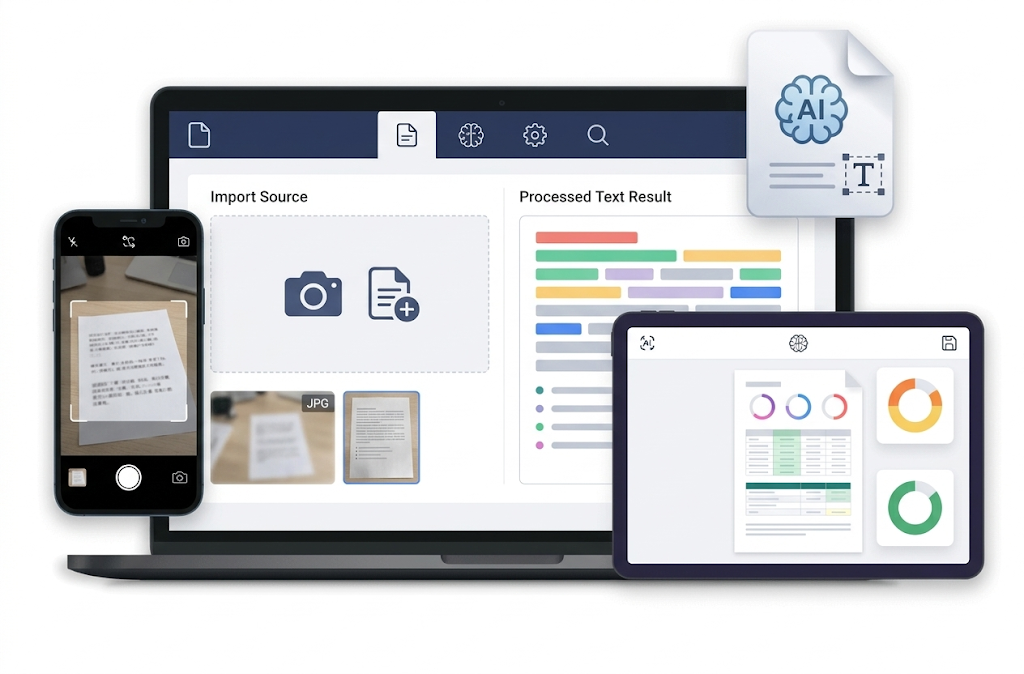
Use WPS AI to instantly extract, parse, and reformat text from PDFs, presentations, and documents without any manual copy-pasting.
Learn More →Find out how to legally download Microsoft Word 365 and discover the best free alternatives available in 2026 — no subscription needed.
Learn More →Why pay for PowerPoint 365 when you can get professional presentation tools for free? WPS Presentation supports all animations, transitions, and templates with a lighter, faster engine.
* Used by over 200 million users worldwide for professional presentations.
Native support for all animations, transitions, SmartArt, and embedded media in .pptx files.