

'%3e%3cpath%20d='M8%200C12.4183%200%2016%203.58172%2016%208C16%2012.4183%2012.4183%2016%208%2016C3.58172%2016%200%2012.4183%200%208C0%203.58172%203.58172%200%208%200ZM11.6162%204.38379C11.2257%203.99337%2010.5927%203.99338%2010.2021%204.38379L8%206.58594L5.79785%204.38379C5.40732%203.99334%204.77429%203.99329%204.38379%204.38379C3.99331%204.77429%203.99335%205.40733%204.38379%205.79785L6.58594%208L4.38379%2010.2021C3.99348%2010.5927%203.99341%2011.2257%204.38379%2011.6162C4.77426%2012.0066%205.40734%2012.0065%205.79785%2011.6162L8%209.41406L10.2021%2011.6162C10.5927%2012.0066%2011.2257%2012.0067%2011.6162%2011.6162C12.0067%2011.2257%2012.0066%2010.5927%2011.6162%2010.2021L9.41406%208L11.6162%205.79785C12.0066%205.40735%2012.0066%204.77429%2011.6162%204.38379Z'%20fill='%23080E17'%20fill-opacity='0.46'/%3e%3c/g%3e%3cdefs%3e%3cclipPath%20id='clip0_3761_713'%3e%3crect%20width='16'%20height='16'%20fill='white'/%3e%3c/clipPath%3e%3c/defs%3e%3c/svg%3e)




'%3e%3cpath%20fill-rule='evenodd'%20clip-rule='evenodd'%20d='M21.4999%2010.9993C21.4999%205.20009%2016.7986%200.498901%2010.9993%200.498901C5.19994%200.498901%200.498657%205.20009%200.498657%2010.9993C0.498657%2016.2404%204.33858%2020.5844%209.35855%2021.3722V14.0346H6.69238V10.9993H9.35855V8.68594C9.35855%206.05427%2010.9262%204.60062%2013.3248%204.60062C14.4736%204.60062%2015.6753%204.80571%2015.6753%204.80571V7.38979H14.3512C13.0468%207.38979%2012.64%208.19921%2012.64%209.0296V10.9993H15.5523L15.0867%2014.0346H12.64V21.3722C17.66%2020.5844%2021.4999%2016.2404%2021.4999%2010.9993Z'%20fill='%231568EA'/%3e%3c/g%3e%3c/svg%3e)


'%3e%3cpath%20d='M2.42045%2022.1876H6.31818V12.7217L0.75%208.54553V20.5171C0.75%2021.4414%201.49892%2022.1876%202.42045%2022.1876Z'%20fill='%234285F4'/%3e%3cpath%20d='M19.682%2022.1876H23.5797C24.5041%2022.1876%2025.2502%2021.4387%2025.2502%2020.5171V8.54553L19.682%2012.7217'%20fill='%2334A853'/%3e%3cpath%20d='M19.682%205.48293V12.7216L25.2502%208.54543V6.31816C25.2502%204.25236%2022.8921%203.07469%2021.2411%204.31361'%20fill='%23FBBC04'/%3e%3cpath%20d='M6.31824%2012.7217V5.48303L13.0001%2010.4944L19.6819%205.48303V12.7217L13.0001%2017.733'%20fill='%23EA4335'/%3e%3cpath%20d='M0.75%206.31816V8.54543L6.31818%2012.7216V5.48293L4.75909%204.31361C3.10534%203.07469%200.75%204.25236%200.75%206.31816Z'%20fill='%23C5221F'/%3e%3c/g%3e%3cdefs%3e%3cclipPath%20id='clip0_2954_7305'%3e%3crect%20width='24.5'%20height='18.375'%20fill='white'%20transform='translate(0.75%203.8125)'/%3e%3c/clipPath%3e%3c/defs%3e%3c/svg%3e)


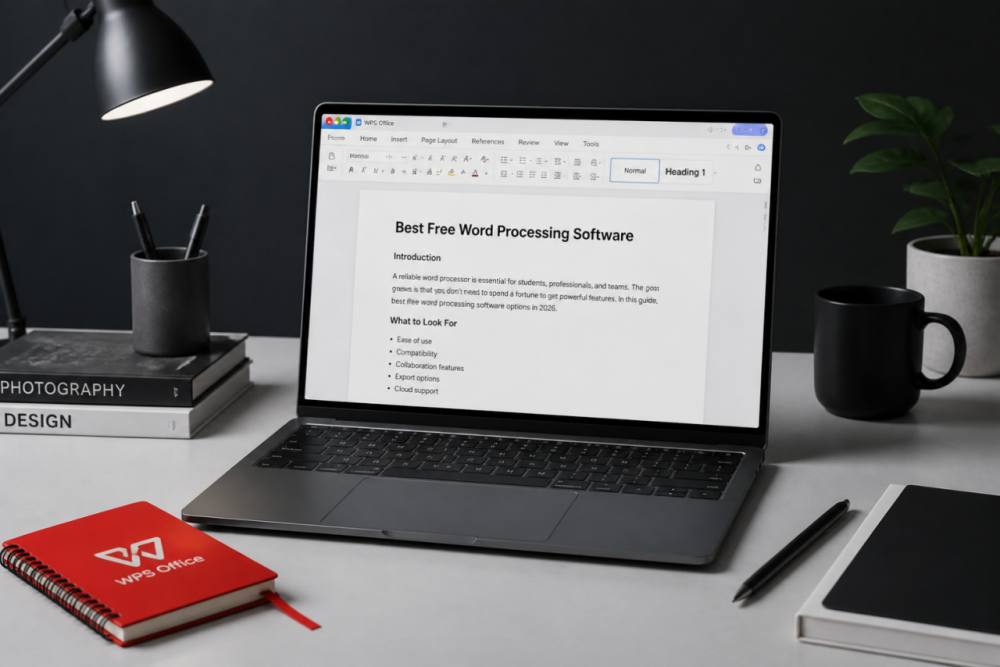
Students and professionals create and edit documents every day for school and work. Word processing software helps you write, format, and customize documents on a PC, laptop, or phone. Microsoft Word remains popular, but it is not free for full desktop use in most cases.
Looking for a free Microsoft Word alternative with solid editing features? Which free word processor fits Windows, Linux, or Mac best?
In this updated 2026 guide, we compare the 10 best free word processing software options for Windows, Linux, and Mac, plus how to get started with each one.
1. WPS Writer
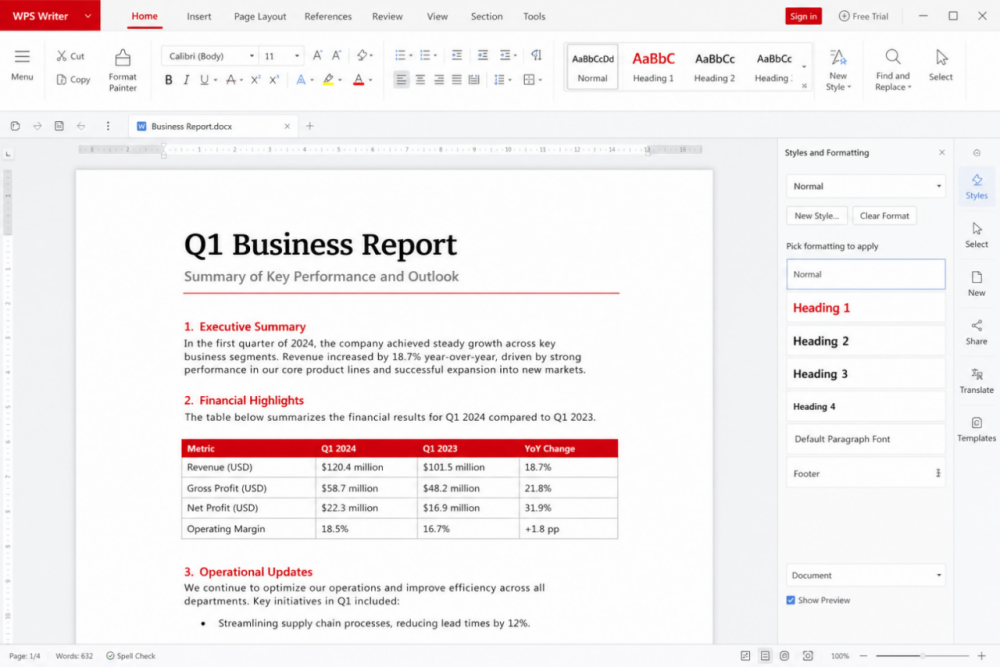
If you want polished, professional documents without paying for Word, WPS Writer is a strong first pick. It is the word processor inside the WPS Office suite, works with common Microsoft Office formats, and runs on Windows, macOS, Linux, Android, and iOS.
Main Features
Free to download for core document editing
Create polished reports, resumes, letters, and school papers
Compatible with DOC, DOCX, and other common formats
Large template library for faster starts
PDF to Word conversion and PDF tools in the same suite
Familiar Microsoft-like interface that is easy to learn

How To Download And Use WPS Writer?
WPS Writer comes as packaged software with the WPS Office suite. You can download WPS Office from official WPS website for free.
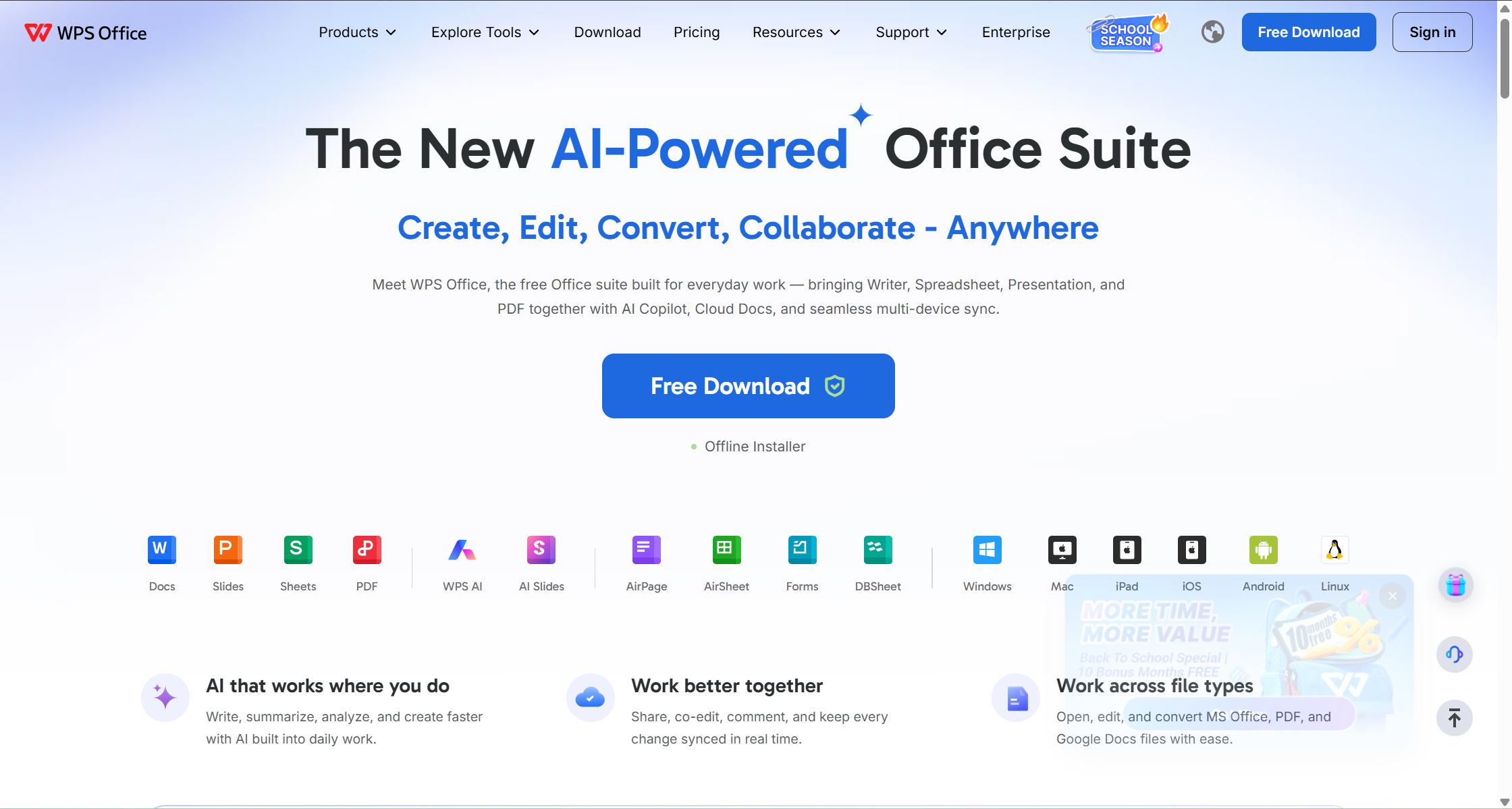
Install WPS Office and open the app.
On the home page, choose Document / Writer.
Start from a blank document or pick a template.
Edit, save as DOCX, or export to PDF when you need to share.
Want a deeper product view? Read this WPS Office features and pricing guide.
2. Google Docs
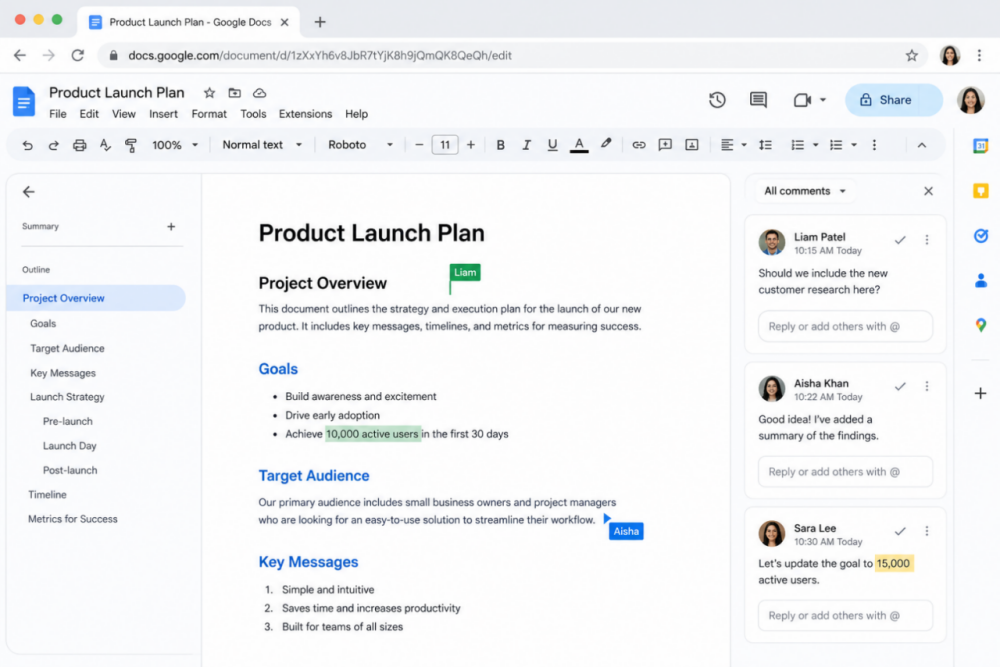
Google Docs is a free online word processor from Google and part of Google Workspace. It is the best option when teammates in different places need to edit one document together in real time.
Main Features & Pros
Seamless collaboration from any browser
Suggesting mode, comments, and shared editing
Smart writing assists in supported languages and accounts
Import and export Word documents with Google Docs
Cons
Document size and complexity limits on very large files
Fewer advanced desktop publishing controls than full desktop suites
Needs internet for the full experience (offline mode is limited)
Template depth is lighter than major desktop suites
How To Use Google Docs?
Google Docs is web-based, so you usually do not install a desktop suite. Open your browser, go to Google Docs, sign in with a Google account, and start from a blank file or template.
Comparing cloud Docs with offline Writer? See this Google Docs alternative overview.
For a direct side-by-side, read WPS Docs vs Google Docs.

3. LibreOffice Writer
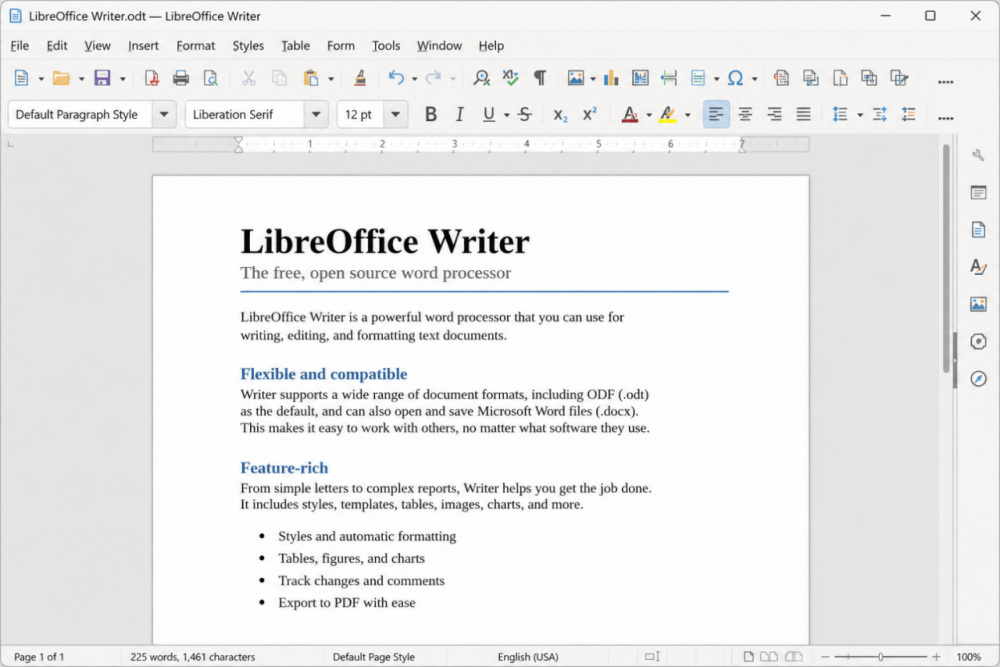
LibreOffice Writer is free and open-source word processing software for everyday documents. It includes strong formatting tools, templates, and PDF export, and it is a reliable offline alternative for Windows, macOS, and Linux.
Main Features & Pros
Free and open-source
Formula and equation tools for academic writing
Saves in Open Document Format (ODF) and supports common Word formats
Grammar help options through language tools and extensions
Cons
Interface can feel dated next to modern suites
Built-in real-time cloud collaboration is weaker than Google Docs
Beginners may need time to find advanced settings
How To Download And Use LibreOffice?
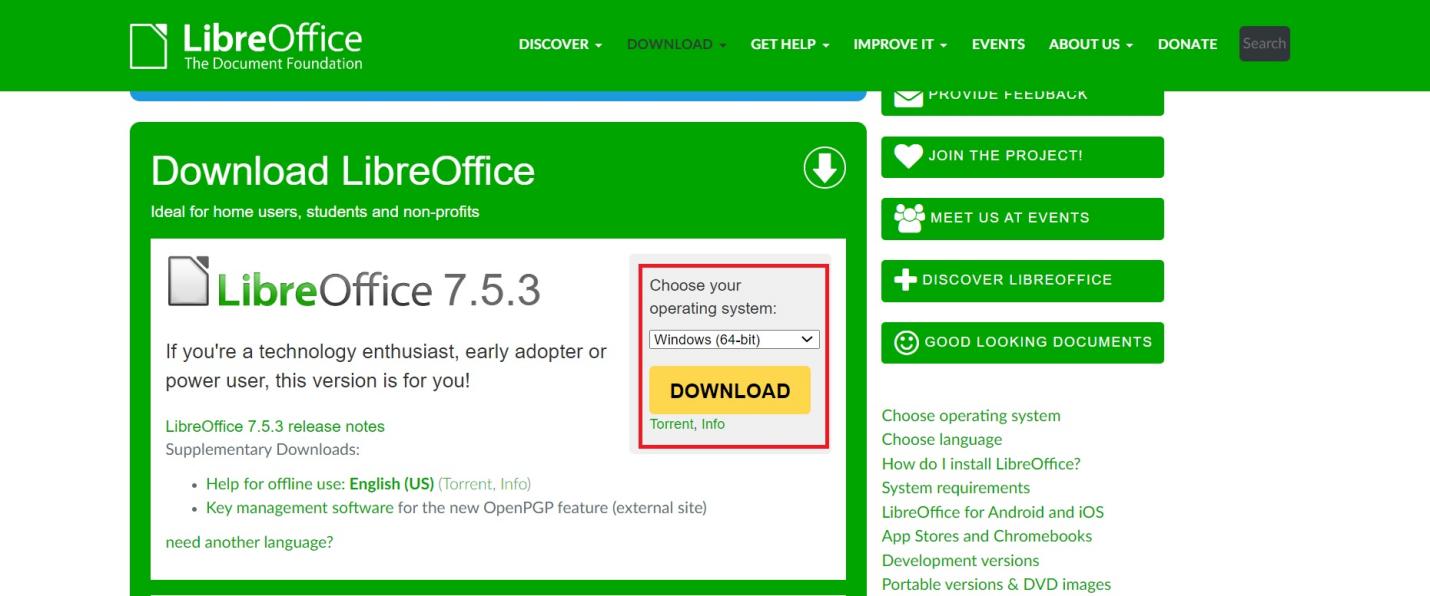
Download LibreOffice from its official website, install it, then open LibreOffice Writer to create and edit documents offline.


4. WriteMonkey
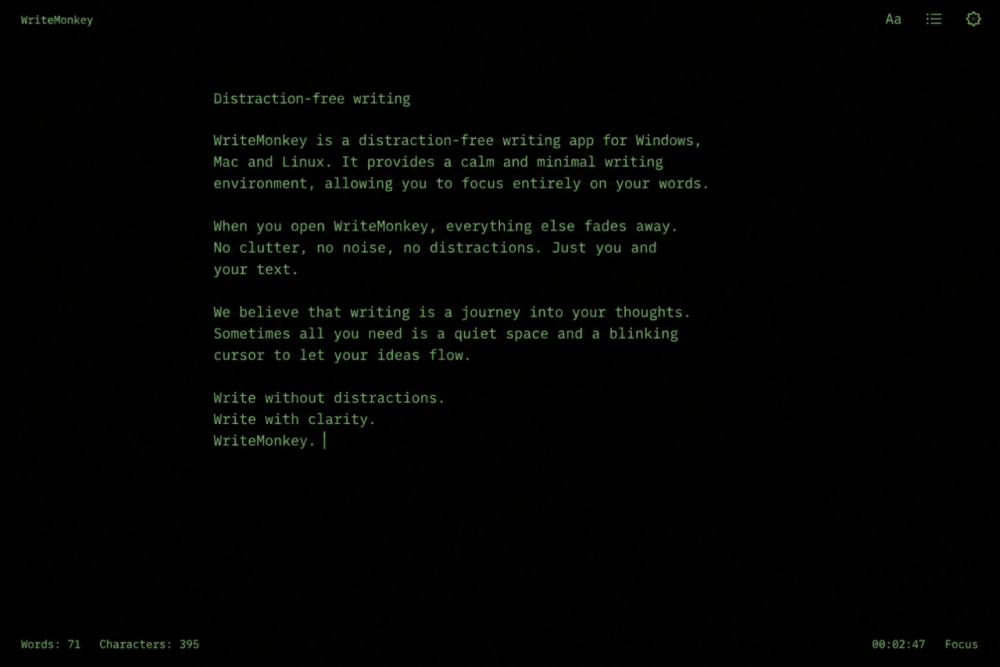
WriteMonkey is a free, minimal word processor for focused drafting. The interface stays quiet on purpose so you can write without ribbon clutter.
Main Features & Pros
Portable option with no heavy install in many setups
Free to use
Simple, distraction-free interface
Cons
No full office-style spell ecosystem by default
Limited support for standard complex Office layouts
Missing advanced tools such as TOC builders, macros, and rich style systems
How To Download And Use WriteMonkey?
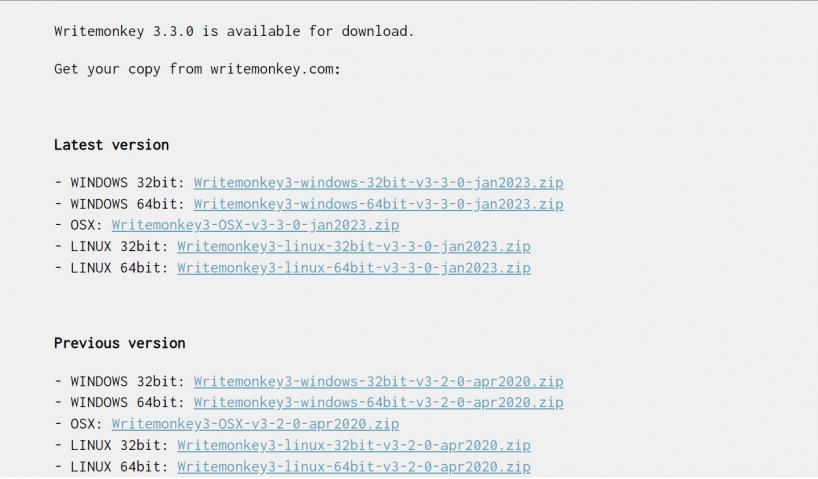
To download WriteMonkey, go to the official website of WriteMonkey and download the zip file for your desired operating system. Extract the zip file and run the exe file to use WriteMonkey. There is no need for installation.
5. FocusWriter
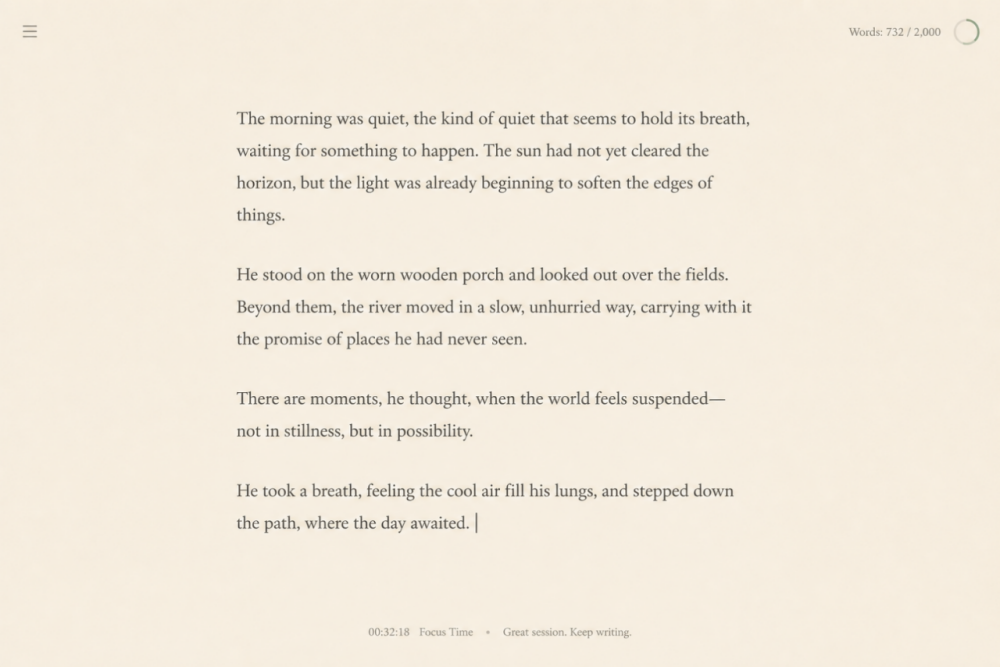
FocusWriter is a simple writing app for distraction-free drafting. It keeps controls hidden until you need them and works well on Windows and Linux.
Main Features & Pros
Txt, basic RTF, and basic ODT file formats supported
Theme customization
Optional spell-checking feature
Creation of Goals to track and stay on the task
Cons
Limited features
No support for complex, rich text documents
How To Download And Use FocusWriter?
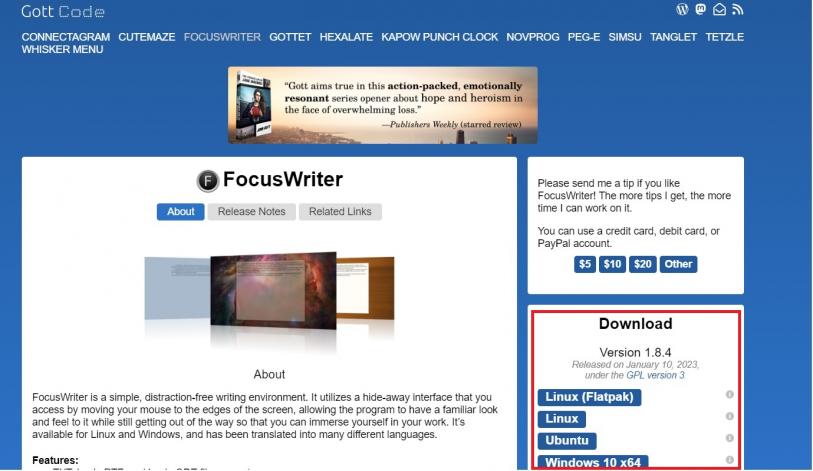
You can get FocusWriter from its official website Gott Code. Download your desired version and install it on your device. It has a simple interface. You can hover your mouse on the screen edges to get the options menu.
6. AbiWord
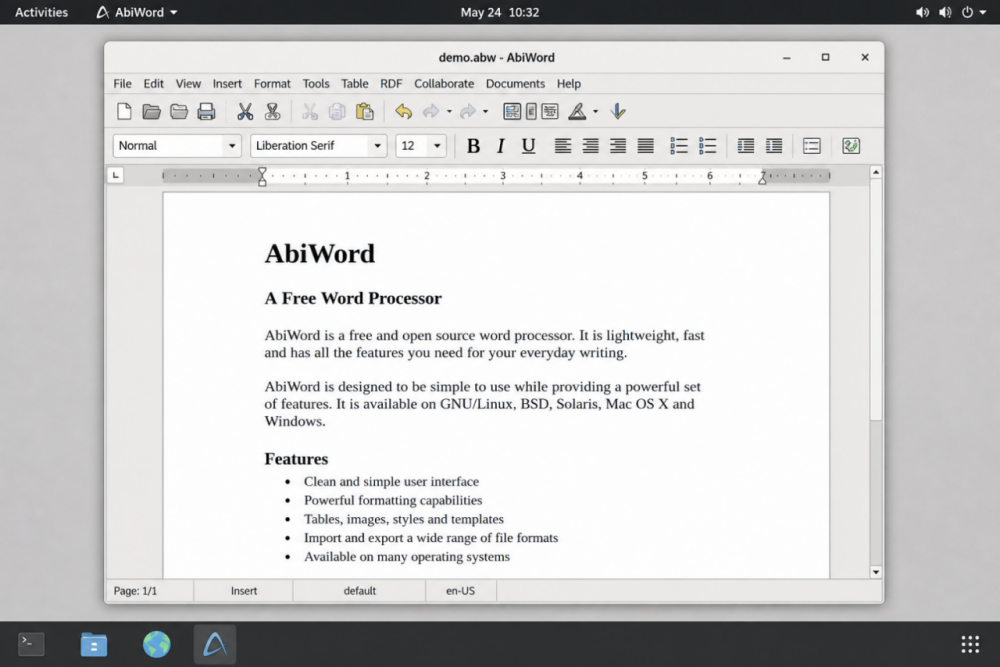
AbiWord is a free word processor mainly known on Linux. It keeps menus organized, supports common formats such as DOC, DOCX, and RTF, and includes practical extras like spell check and auto-save.
Main Features & Pros
Free to use
Supports all standard file formats
Spell check and auto-save features
Online collaboration among groups

Cons
Advanced layout tools are limited
Primarily a Linux-focused choice for many users
Interface feels less modern than current commercial suites
How To Download And Use AbiWord?
AbiWord is available for download at its official website. You can download and install it on your Linux machine.
7. AbleWord
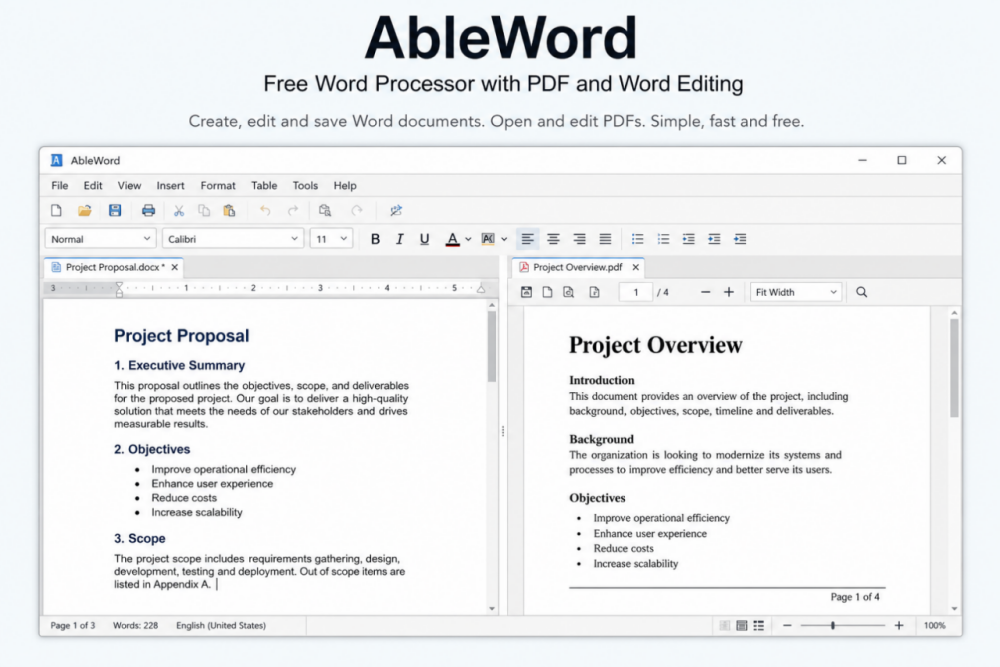
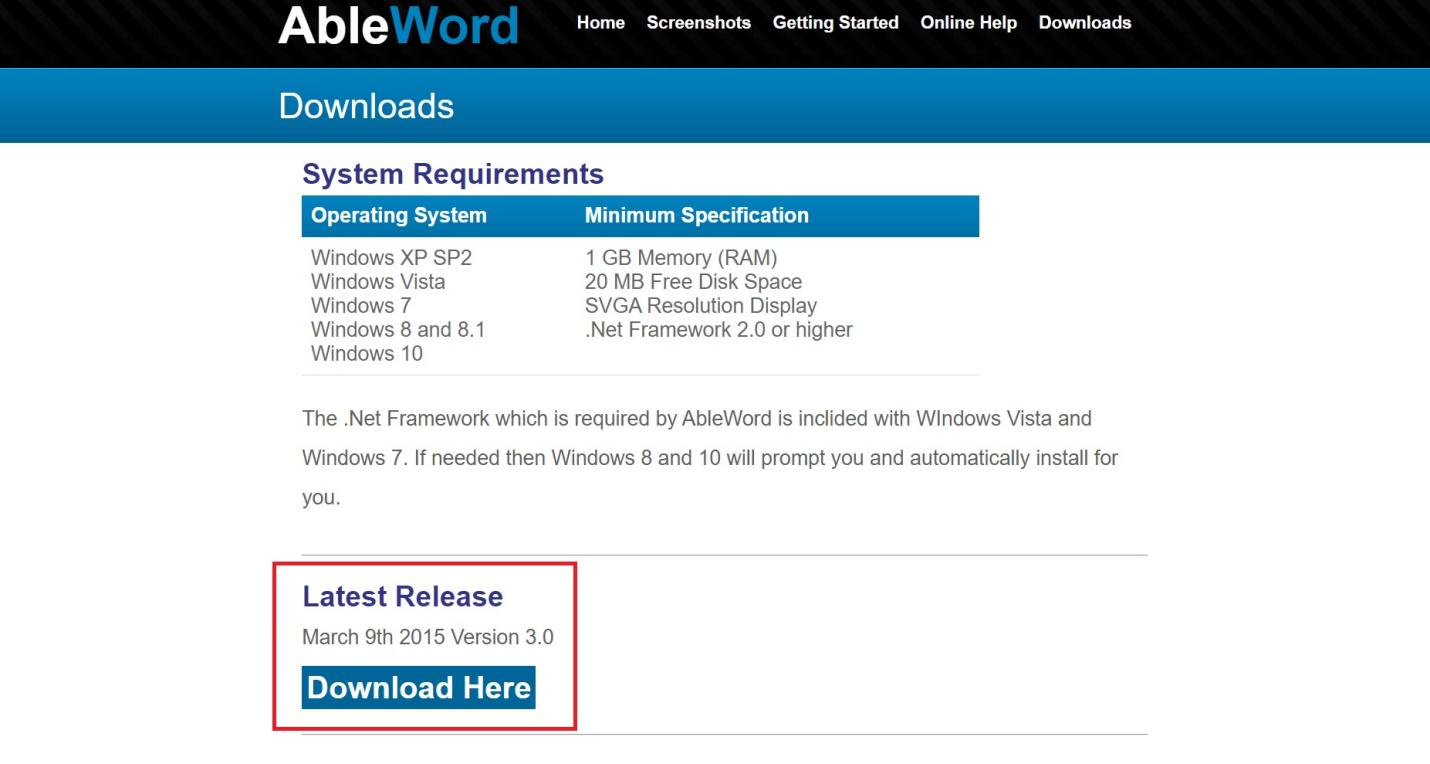
AbleWord is a free word processor with a simple interface and a useful twist: it can work with both Word and PDF files. That makes basic PDF-to-Word conversion convenient for light editing jobs.
Main Features & Pros
PDF editing features
Converts PDF files to Word
Supports file formats including TXT, DOC, DOCX, RTF, and PDF
Spell check feature
Cons
Lack of advanced PDF editing features
Not updated since 2015, so use with caution on modern systems.
How To Download And Use AbleWord?
If you still choose AbleWord, download it from its official source, install it, and open a new or existing document. For long-term reliability, prefer actively maintained tools such as WPS Writer or LibreOffice.
8. Jarte
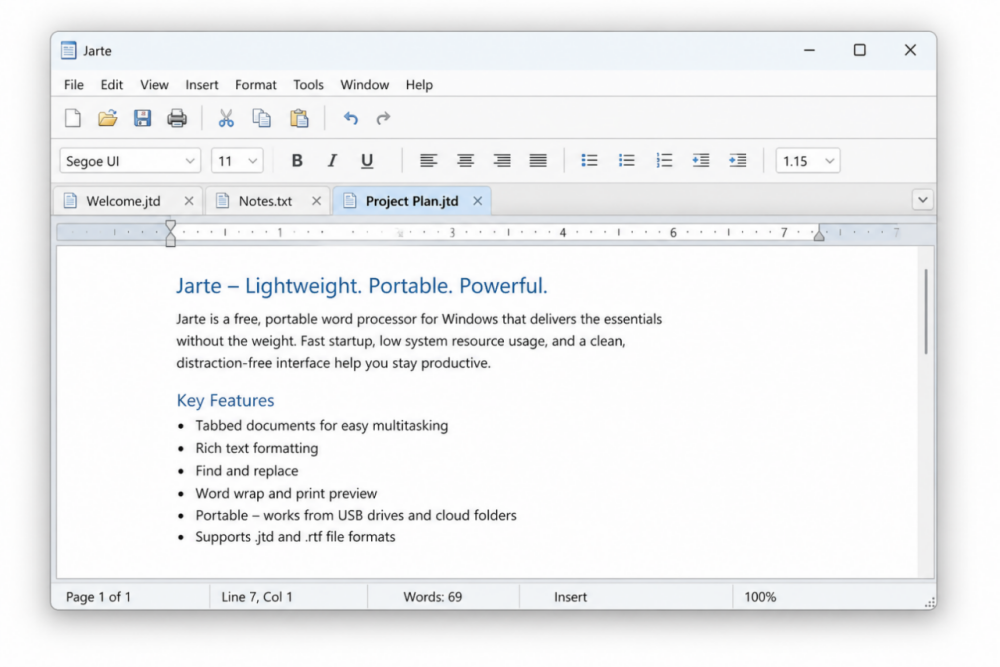
Jarte is a free, lightweight word processor in a WordPad-like style. It is easy to run, offers a portable build, and covers standard document basics. Jarte Plus adds paid extras if you need more.
Main Features & Pros
Very simple and lightweight software package
Offers a portable version as well as an installation package
Opens different documents in individual tabs
Supports standard file formats, e.g., DOC, DOCX, ODT, etc
Cons
No update since 2018
Lack of auto spell check feature
How To Download And Use Jarte?
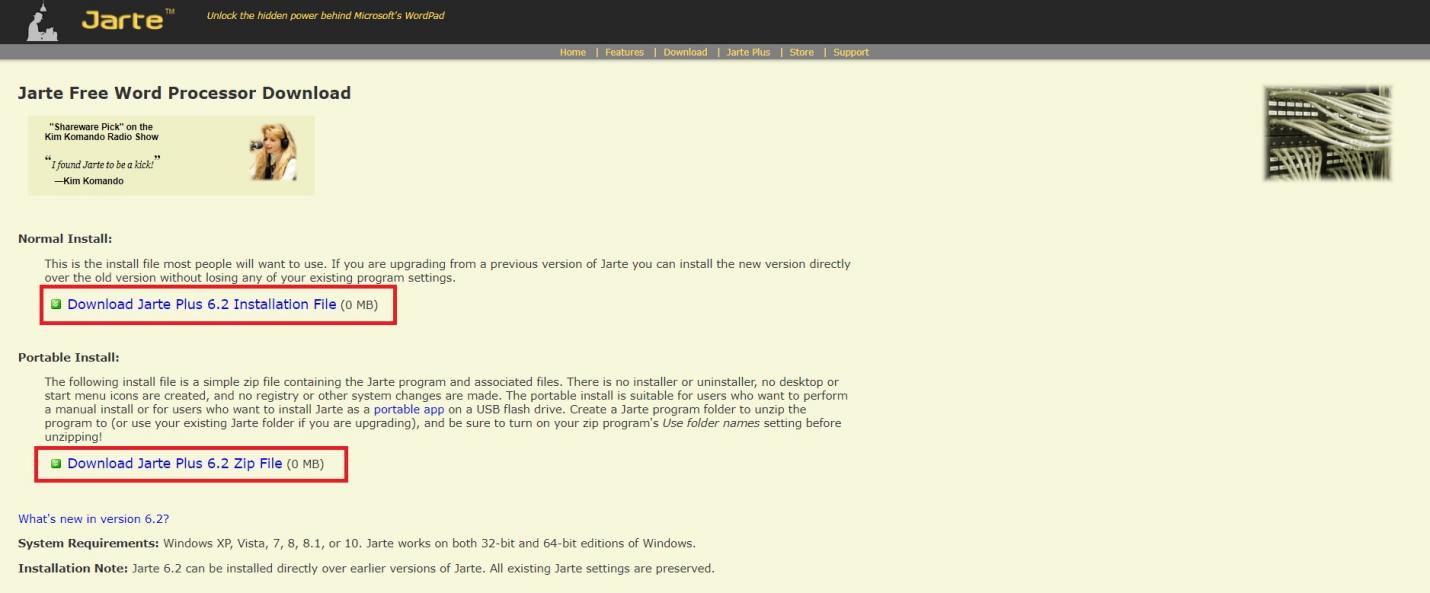
You can download Jarte from its official website. It is available both as an installation package and as a portable version. It is recommended to use a portable version as no installation is required.
9. OpenOffice Writer
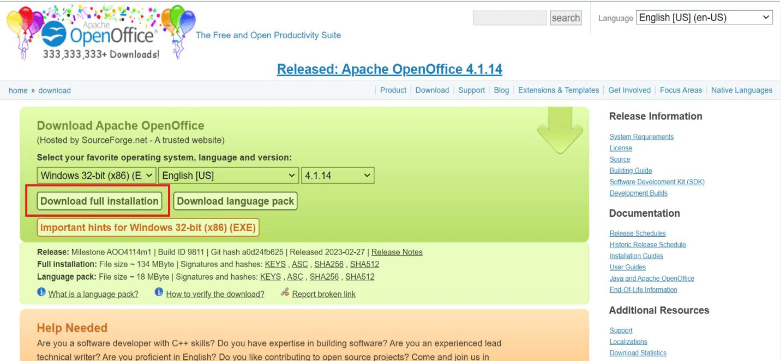
It is another open-source and free word processor inside the Apache OpenOffice suite. You download the full suite to use Writer. It includes spell check, templates, and extension support.

Main Features & Pros
Supports common formats such as Doc, Docx, Txt, etc.
Supports extensions and templates
Auto spell-checking feature
A portable version is also available in some channels
Cons
Must download the entire Office suite for Writer
Download and install experience can feel slow
Interface is less friendly than modern alternatives like WPS Writer
How To Download And Use OpenOffice Writer?
Download OpenOffice from its official website (standard or portable). Launch the suite and choose Text Document to create your first file.
10. SoftMaker FreeOffice
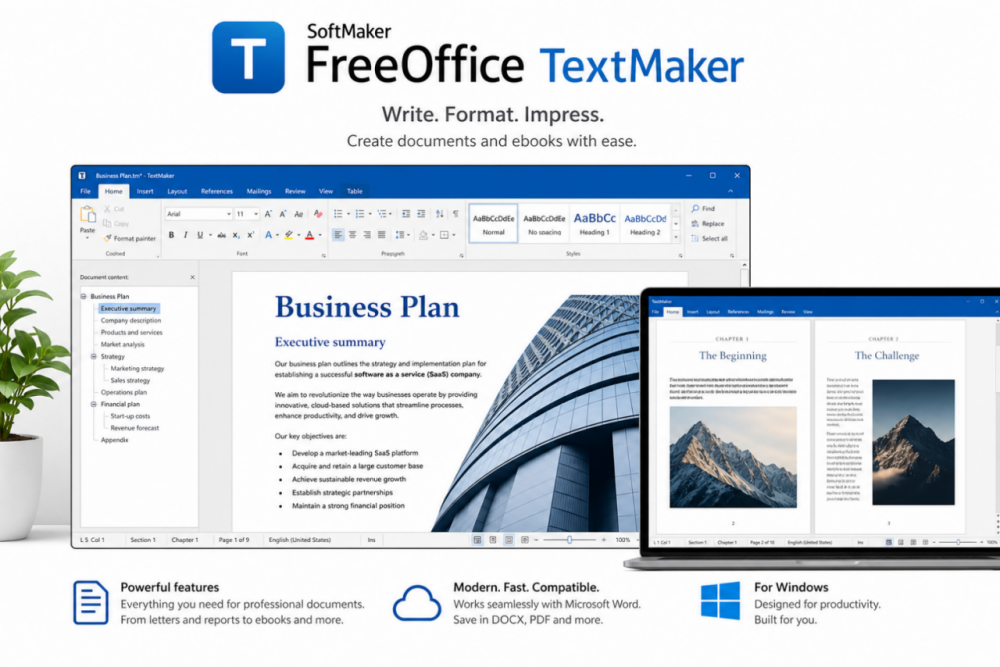
SoftMaker FreeOffice is also an Office suite containing a word processing software called TextMaker. It is available for major operating systems, e.g., Windows, Linux, and MacOS. It supports all file formats of MS Office, OpenOffice, and plain text files. You can also create E-books using TextMaker.
Main Features & Pros
Free to use
Feature for creating an E-book
Supports all standard document file formats, e.g., DOC, DOCX, RTF, ODT, WRI, and WPD, etc.
Contains many advanced features
Cons
Lacks collaborative features
Limited document viewing options
Slow performance on complex tasks
How To Download And Use SoftMaker FreeOffice?
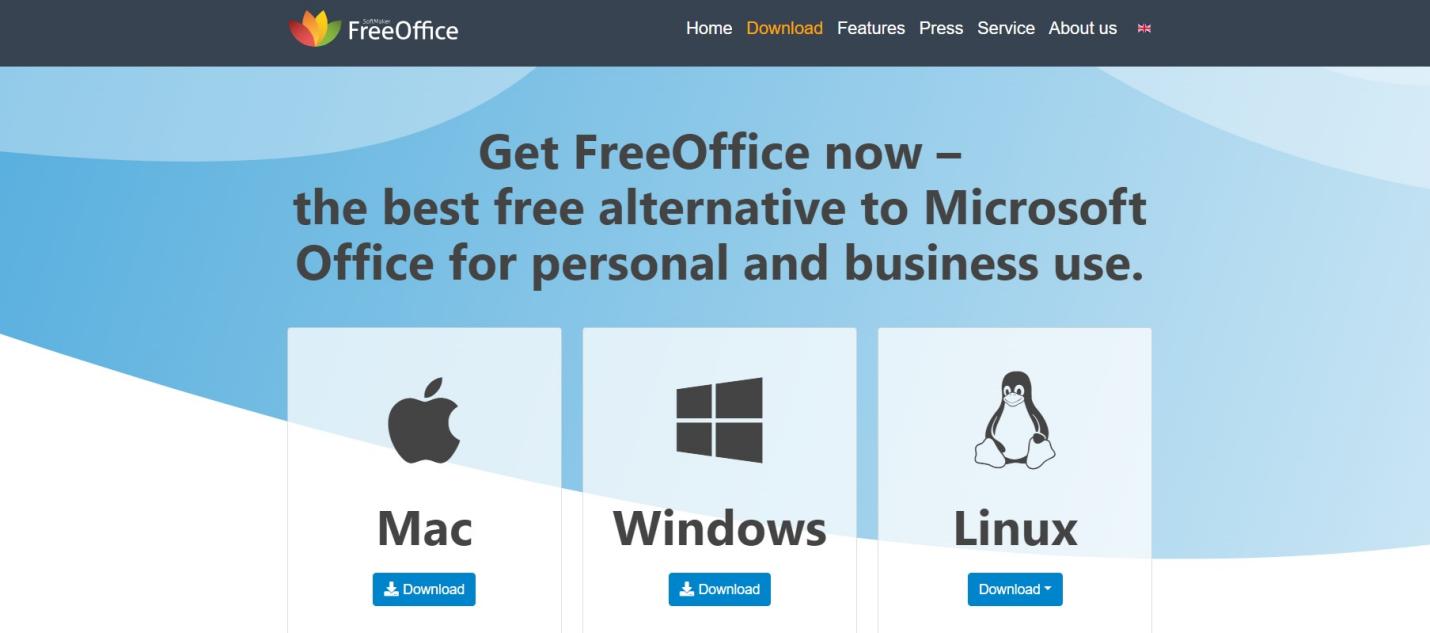
Go to the official website of FreeOffice to download it. You can select your desired operating system on the download page.
Features of Word Processing Software
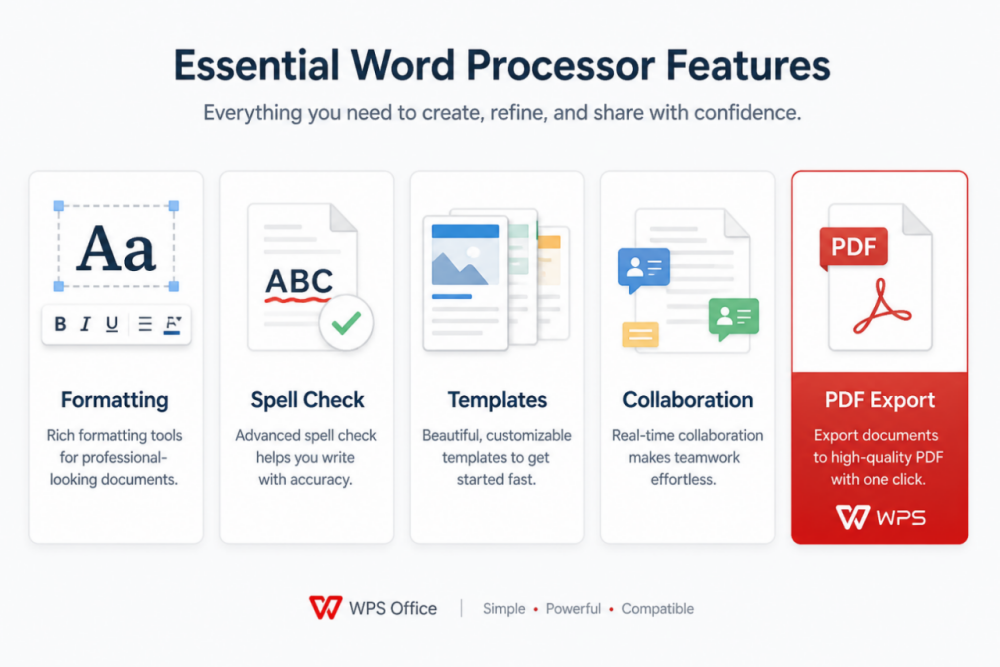
Different word processors may differ in the features they offer. However, all word processors have the following essential features.
Insert and delete text, images, and tables in the document
Copy, cut, and paste the text
Find and replace a word(s) in the document
Word wrap and word count
Formatting features such as margins, borders, text alignment, line and paragraph spacing, bullets, and numbering
Font type and size adjustment
These basic features are included in almost all types of word processing software. However, some word processing software may support some additional features such as;
Spelling and grammar checking
Cross-reference and citations
Adding a table of contents and bibliography
Inserting graphics such as illustrations and vector art etc
Define and execute macros in the document
Built-in dictionary
Collaborative features, e.g., many team members located at dispersed locations, can simultaneously work on a single document.
AI features, e.g., voice inputs, reading text aloud, and translation from one language to another.
Difference between Word Processors & Text Editors & Desktop Publishing Systems
Word processors are similar to Text editors and desktop publishing systems. A text editor only contains the basic editing features. It does not include advanced features to design and format the document. Programmers usually use text editors to write code.
On the other hand, desktop publishing systems are more advanced than word processors and text editors. They are equipped with advanced features to perform complex tasks. However, the Line dividing the word processors and desktop publishing systems is opaque. Modern word processors are also equipped with some of the advanced features of desktop publishing systems.
Frequently Asked Questions
What is the best free word processing software in 2026?
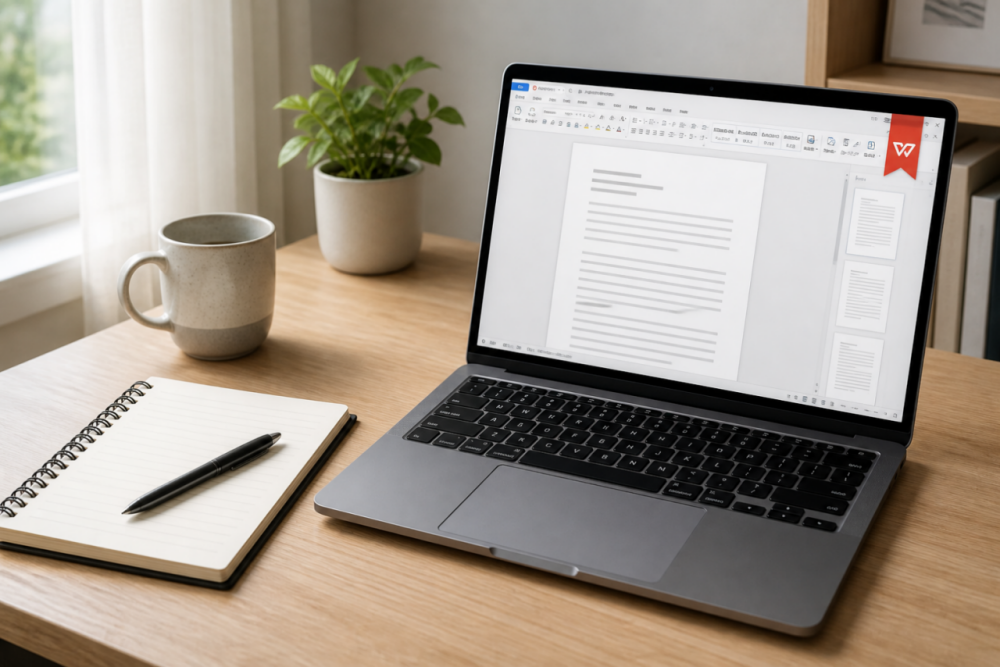
It depends on your needs. For an MS Office-compatible suite with templates and PDF tools, WPS Writer is a strong free choice. For real-time collaboration, Google Docs works well. For offline open-source editing, LibreOffice Writer is a reliable option.
Is there a free alternative to Microsoft Word?
Yes. WPS Writer, Google Docs, LibreOffice Writer, OpenOffice Writer, and SoftMaker FreeOffice (TextMaker) are popular free alternatives that can open and edit common Word formats such as DOC and DOCX.
Can free word processors work offline?
Many can. Desktop tools like WPS Writer, LibreOffice Writer, SoftMaker FreeOffice, FocusWriter, and WriteMonkey work offline after installation. Google Docs is primarily cloud-based and needs an internet connection for full functionality.
Is Excel a word processing software?
No. Excel is a spreadsheet program for numerical data, charts, and tables. A word processor is designed for writing and formatting text documents. Spreadsheet apps store data in cells and columns, while word processors use a free-form page layout.
What is the difference between a word processor and a text editor?
A text editor focuses on plain text and basic editing, often used for code or notes. A word processor adds formatting, styles, images, tables, spell check, templates, and export options such as PDF—features most people need for school or business documents.
Some Other Word Processing Software
Apart from the word processing software listed above, there are numerous other word processors. Some of the examples of these word processors are:
CalmyWriter
Ginger Software
Zoho Office
Grammarly
Jotterpad
Evernote Web
Readable
Prowritingaid

Summary
In this article, we have discussed the ten best free word processing software of 2026. We have described each software's main features, pros, and cons. You can select a word processing software of your choice from this list.
However, we recommend you choose the WPS Office suite. WPS Office is a free, robust, and user-friendly office suite. It contains a word processing tool, a spreadsheet program, a presentation maker, and a PDF reader. It supports all file formats of MS Office, OpenOffice, LibreOffice, and FreeOffice. It is also available for major operating systems, including Windows, Linux, Android, Mac OS, and iOS users. You can get WPS Office for free from its official website.

'%3e%3cpath%20d='M19.9911%204.11386V6.471H18.5894C18.0775%206.471%2017.7322%206.57814%2017.5536%206.79243C17.3751%207.00671%2017.2858%207.32814%2017.2858%207.75671V9.44421H19.9019L19.5536%2012.0871H17.2858V18.8639H14.5536V12.0871H12.2769V9.44421H14.5536V7.49779C14.5536%206.39064%2014.8632%205.53201%2015.4822%204.92189C16.1013%204.31177%2016.9257%204.00671%2017.9554%204.00671C18.8304%204.00671%2019.509%204.04243%2019.9911%204.11386Z'%20fill='%23333333'/%3e%3c/g%3e%3cdefs%3e%3cclipPath%20id='clip0_2938_8199'%3e%3crect%20width='16'%20height='16'%20fill='white'%20transform='translate(8%204.00671)'/%3e%3c/clipPath%3e%3c/defs%3e%3c/svg%3e)
'%3e%3cpath%20d='M17.5237%2010.7813L23.4811%204H22.0699L16.8949%209.88693L12.7648%204H8L14.2469%2012.9029L8%2020.0133H9.4112L14.8725%2013.7952L19.2352%2020.0133H24M9.92053%205.04213H12.0885L22.0688%2019.0224H19.9003'%20fill='%23333333'/%3e%3c/g%3e%3cdefs%3e%3cclipPath%20id='clip0_2938_8200'%3e%3crect%20width='16'%20height='16.0134'%20fill='white'%20transform='translate(8%204)'/%3e%3c/clipPath%3e%3c/defs%3e%3c/svg%3e)


