

'%3e%3cpath%20d='M8%200C12.4183%200%2016%203.58172%2016%208C16%2012.4183%2012.4183%2016%208%2016C3.58172%2016%200%2012.4183%200%208C0%203.58172%203.58172%200%208%200ZM11.6162%204.38379C11.2257%203.99337%2010.5927%203.99338%2010.2021%204.38379L8%206.58594L5.79785%204.38379C5.40732%203.99334%204.77429%203.99329%204.38379%204.38379C3.99331%204.77429%203.99335%205.40733%204.38379%205.79785L6.58594%208L4.38379%2010.2021C3.99348%2010.5927%203.99341%2011.2257%204.38379%2011.6162C4.77426%2012.0066%205.40734%2012.0065%205.79785%2011.6162L8%209.41406L10.2021%2011.6162C10.5927%2012.0066%2011.2257%2012.0067%2011.6162%2011.6162C12.0067%2011.2257%2012.0066%2010.5927%2011.6162%2010.2021L9.41406%208L11.6162%205.79785C12.0066%205.40735%2012.0066%204.77429%2011.6162%204.38379Z'%20fill='%23080E17'%20fill-opacity='0.46'/%3e%3c/g%3e%3cdefs%3e%3cclipPath%20id='clip0_3761_713'%3e%3crect%20width='16'%20height='16'%20fill='white'/%3e%3c/clipPath%3e%3c/defs%3e%3c/svg%3e)




'%3e%3cpath%20fill-rule='evenodd'%20clip-rule='evenodd'%20d='M21.4999%2010.9993C21.4999%205.20009%2016.7986%200.498901%2010.9993%200.498901C5.19994%200.498901%200.498657%205.20009%200.498657%2010.9993C0.498657%2016.2404%204.33858%2020.5844%209.35855%2021.3722V14.0346H6.69238V10.9993H9.35855V8.68594C9.35855%206.05427%2010.9262%204.60062%2013.3248%204.60062C14.4736%204.60062%2015.6753%204.80571%2015.6753%204.80571V7.38979H14.3512C13.0468%207.38979%2012.64%208.19921%2012.64%209.0296V10.9993H15.5523L15.0867%2014.0346H12.64V21.3722C17.66%2020.5844%2021.4999%2016.2404%2021.4999%2010.9993Z'%20fill='%231568EA'/%3e%3c/g%3e%3c/svg%3e)


'%3e%3cpath%20d='M2.42045%2022.1876H6.31818V12.7217L0.75%208.54553V20.5171C0.75%2021.4414%201.49892%2022.1876%202.42045%2022.1876Z'%20fill='%234285F4'/%3e%3cpath%20d='M19.682%2022.1876H23.5797C24.5041%2022.1876%2025.2502%2021.4387%2025.2502%2020.5171V8.54553L19.682%2012.7217'%20fill='%2334A853'/%3e%3cpath%20d='M19.682%205.48293V12.7216L25.2502%208.54543V6.31816C25.2502%204.25236%2022.8921%203.07469%2021.2411%204.31361'%20fill='%23FBBC04'/%3e%3cpath%20d='M6.31824%2012.7217V5.48303L13.0001%2010.4944L19.6819%205.48303V12.7217L13.0001%2017.733'%20fill='%23EA4335'/%3e%3cpath%20d='M0.75%206.31816V8.54543L6.31818%2012.7216V5.48293L4.75909%204.31361C3.10534%203.07469%200.75%204.25236%200.75%206.31816Z'%20fill='%23C5221F'/%3e%3c/g%3e%3cdefs%3e%3cclipPath%20id='clip0_2954_7305'%3e%3crect%20width='24.5'%20height='18.375'%20fill='white'%20transform='translate(0.75%203.8125)'/%3e%3c/clipPath%3e%3c/defs%3e%3c/svg%3e)


You do not need special software to put a list into alphabetical order: WPS Spreadsheet, Microsoft Excel, Word, and free online tools all sort A to Z in one click. This guide shows the fastest way to alphabetize columns, paragraphs, and paste-in lists without scrambling your data.
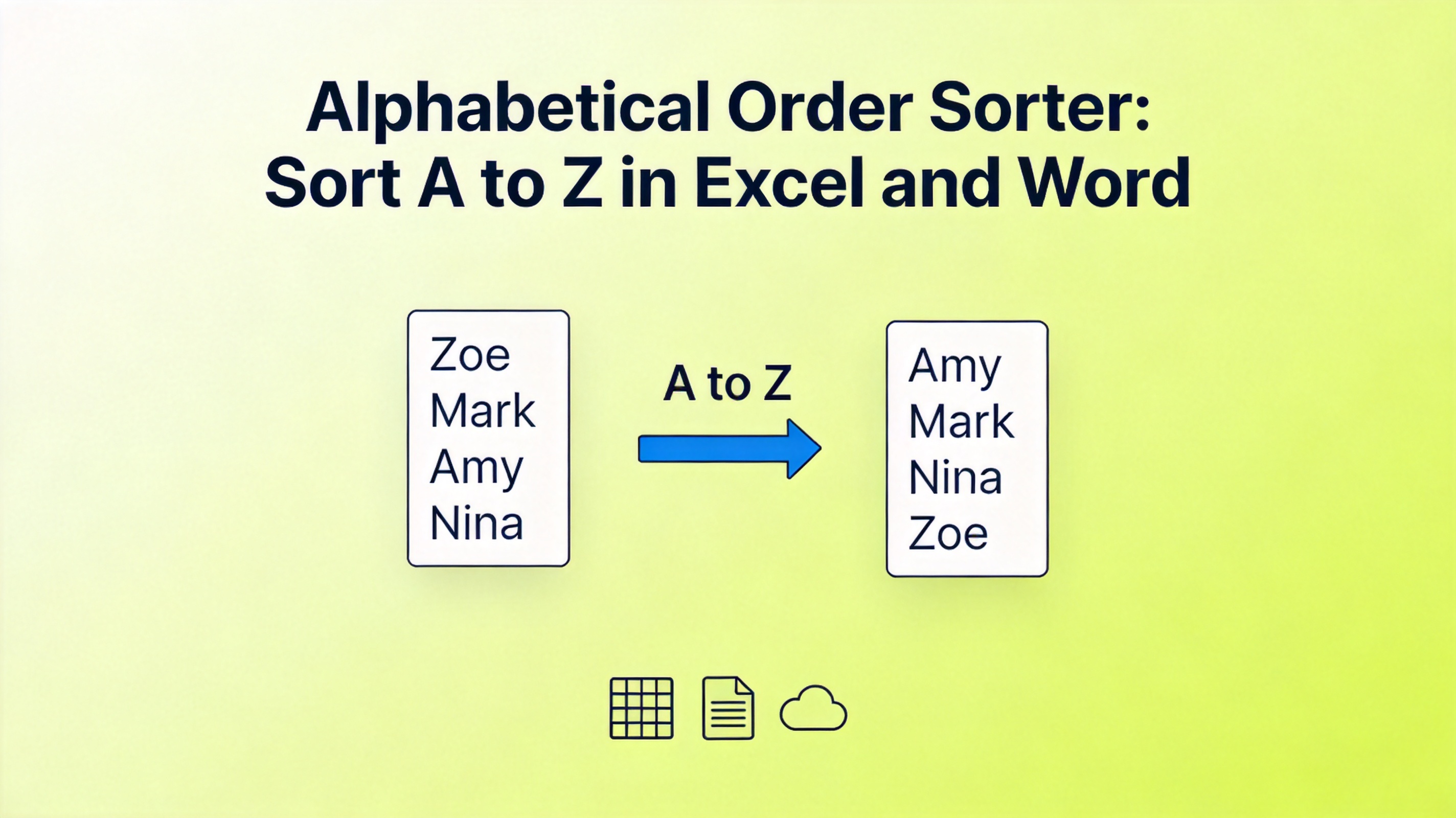
Alphabetical Order Sorter: How to Sort Text in Excel, Word, and Online
How to Sort a Column Alphabetically in WPS Spreadsheet and Excel
Sorting one column is a two-click operation in both WPS Spreadsheet and Microsoft Excel. The key is to select the whole data range first, not just the cells in the column, so every row stays together:
Select the data range including the header row and all adjacent columns.
Click the Data tab (or Home in some versions) and open the Sort menu.
Choose Sort A to Z for ascending order, or Sort Z to A for descending order.
Confirm the warning when asked to expand the selection, then check that rows moved as whole units.
The A to Z button below sorts the selected column instantly while keeping neighboring data aligned:
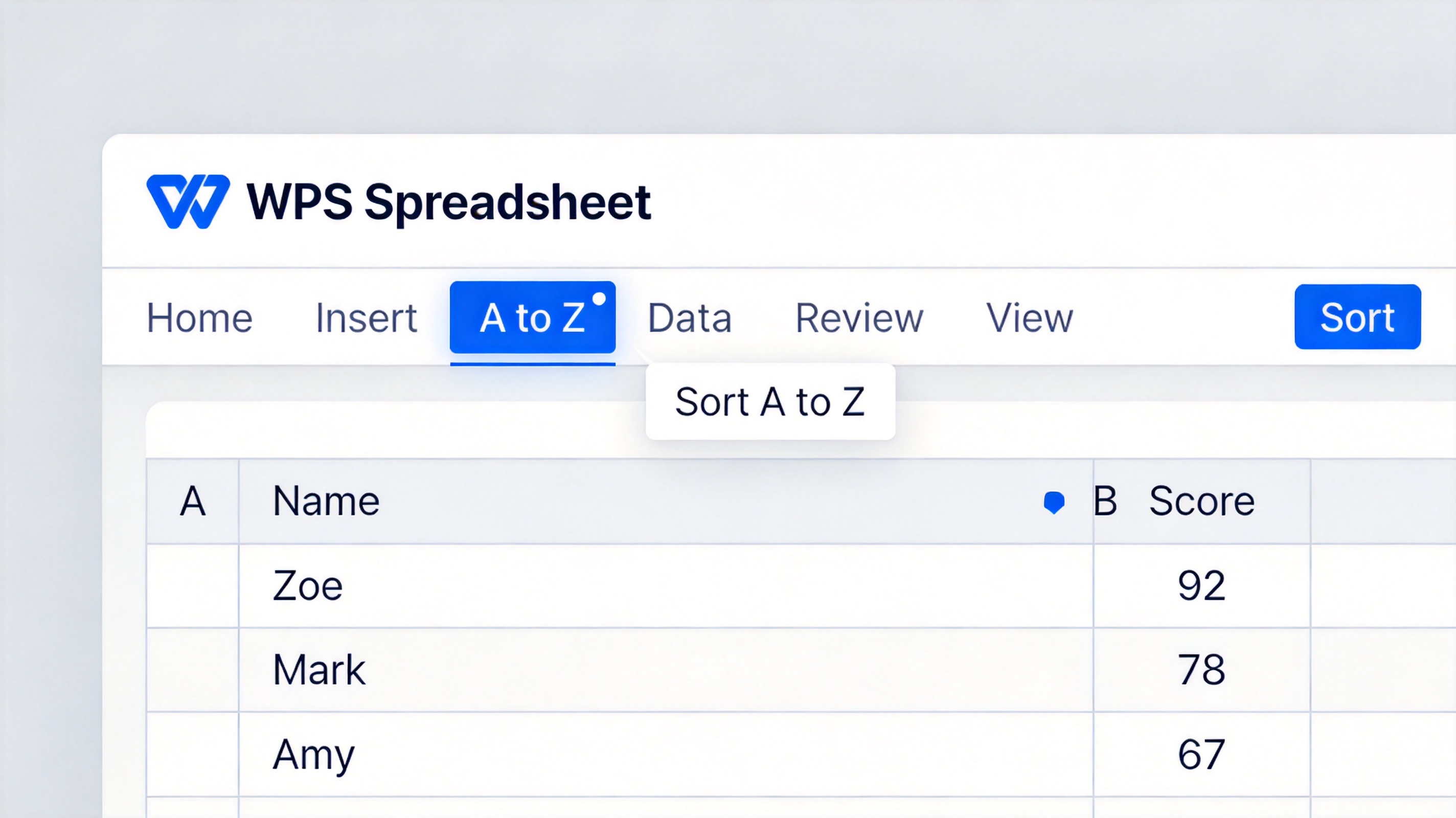
WPS Spreadsheet sort A to Z button


How to Sort Multiple Columns Alphabetically Without Breaking Rows
When you sort by a second key, such as sorting by last name and then by first name, use the Sort dialog with levels instead of clicking A to Z twice. Clicking A to Z again on another column overwrites the first sort and can separate values that belonged to the same row:
Select the full table, including headers.
Click Data > Sort to open the Sort dialog.
Set the first Column (primary key), then click Add Level and set the second column.
Keep Order as A to Z (or Z to A) for each level, and click OK.
The dialog below shows two sort levels; every row moves as one block, so names and their scores stay matched:

Excel Sort dialog box open
How to Sort a List Alphabetically in Word
Word and WPS Writer can alphabetize paragraphs, single-line lists, or table rows without retyping anything. This is the fastest alphabetical order sorter for documents such as bibliographies and name lists:
Select the paragraphs or list items you want to sort.
On the Home tab, click the Sort button (the A-to-Z icon) in the Paragraph group.
In the Sort Text dialog, set Sort by to Paragraphs and Type to Text.
Choose Ascending for A to Z or Descending for Z to A, then click OK.
Use the same dialog to sort a column inside a Word table by switching Sort by to the column name:
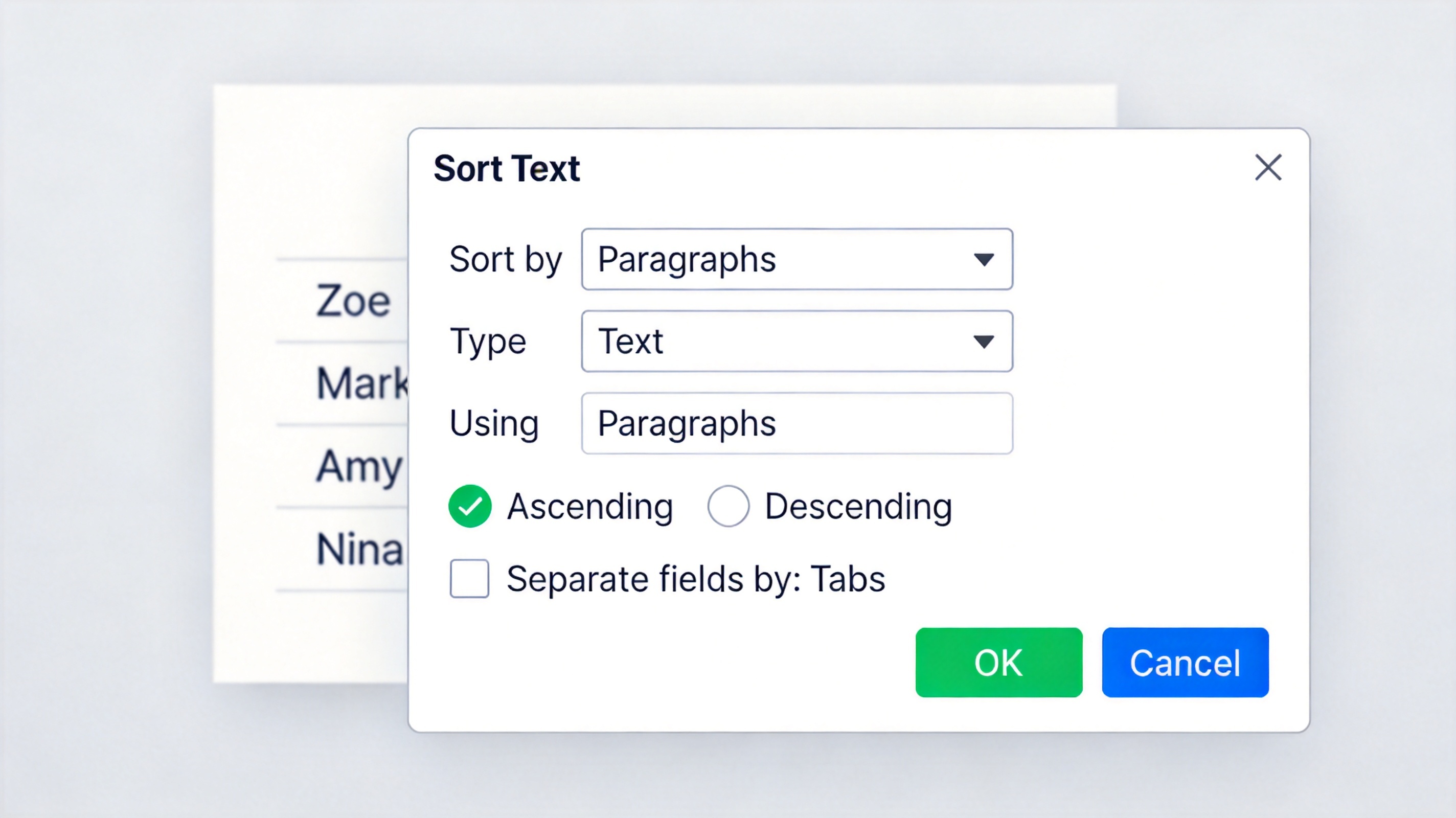
Word Sort Text dialog box Ascending
How to Sort Text Alphabetically Online for Free
If your list lives in a chat message, an email, or a note, an online alphabetical order sorter finishes the job without opening a spreadsheet. Paste the list, click the sort button, and copy the result:
Paste your items one per line into the input box of any alphabetical order sorter tool.
Click Sort A to Z (or choose Z to A and case-sensitive options).
Copy the sorted output and paste it back into your document or message.
Online tools sort only what you paste and never keep a copy, so they are safe for names and short notes. For anything with columns, numbers, or formulas, use a spreadsheet instead; see how to sort columns alphabetically in Excel for the full workflow.
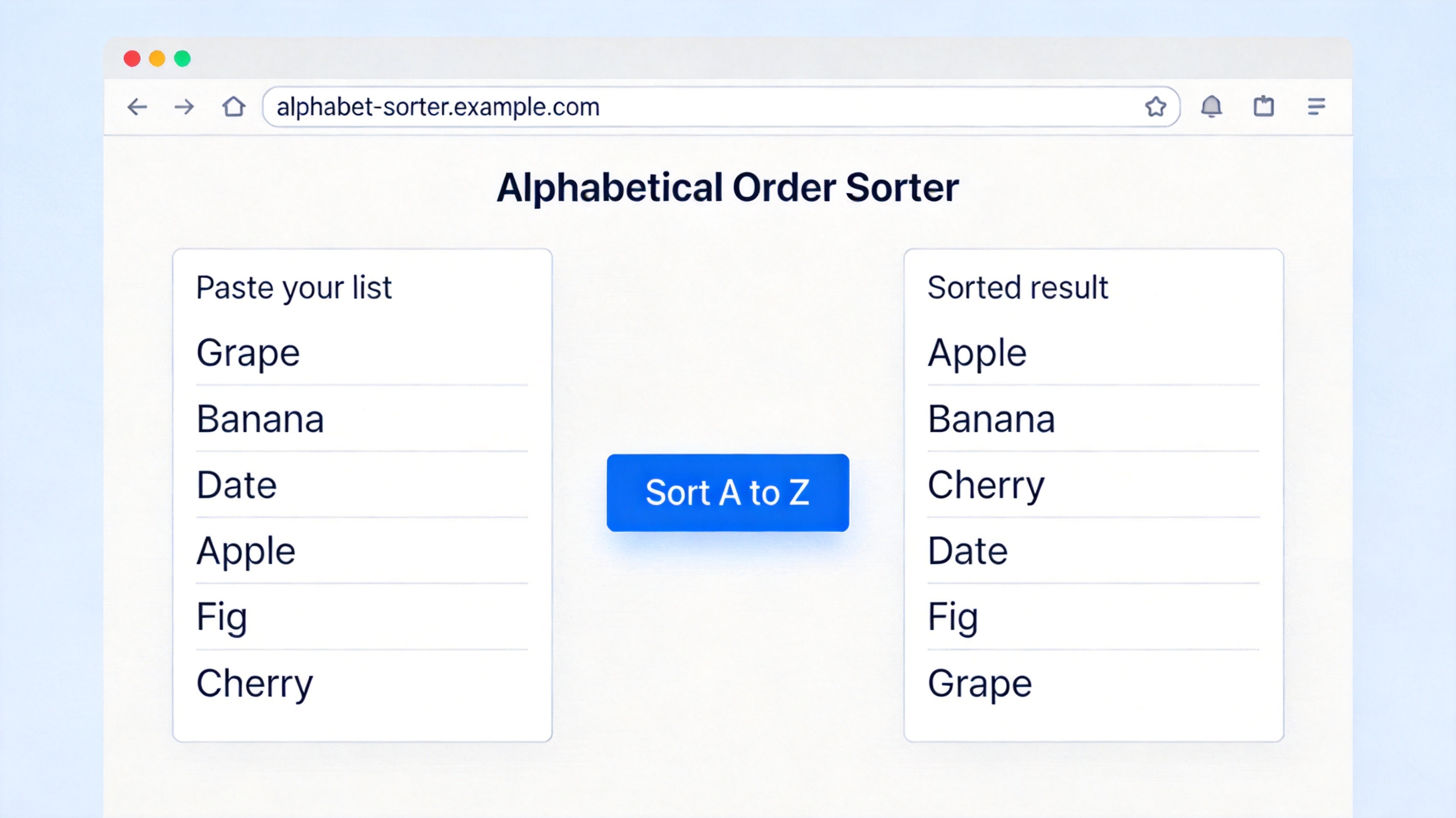
Online alphabetical order sorter tool
The Best Free Alternative: WPS Office
WPS Office bundles Spreadsheet, Writer, and Presentation in one free suite, so the same alphabetical order sorter workflow works across your tables, documents, and slides without switching apps. WPS Spreadsheet opens and saves .xlsx files with full compatibility and includes the same A to Z sorting, multi-level Sort dialog, and filter tools as Excel. Its built-in PDF toolkit also exports sorted tables for sharing.
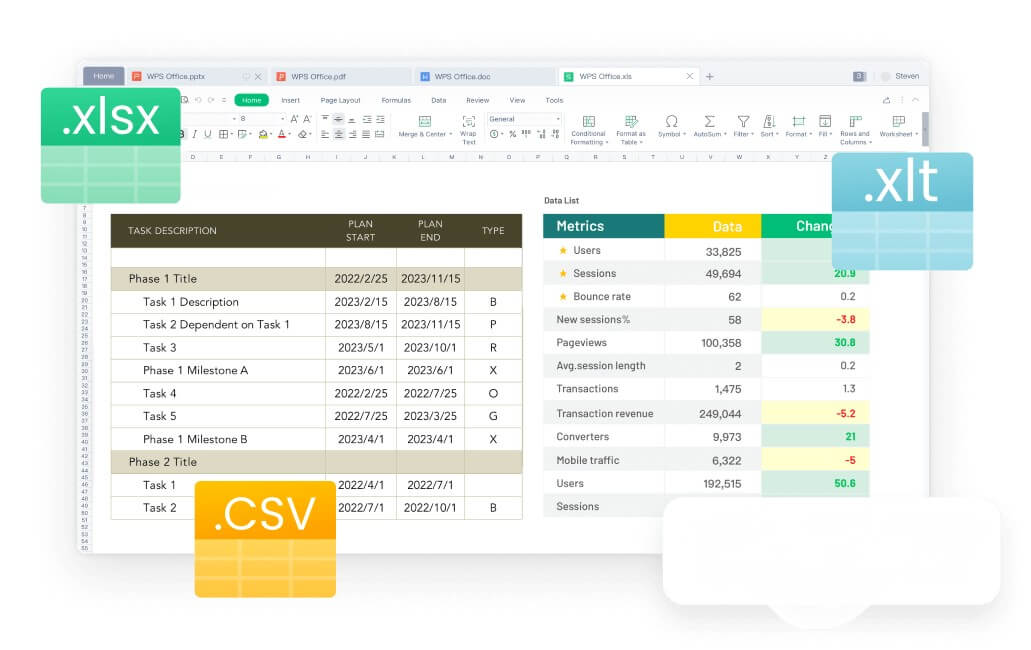
WPS Spreadsheet xlsx CSV file formats
FAQs
How do I sort a column alphabetically in Excel?
Select the whole data range, click Data > Sort A to Z (or use the Sort dialog), and confirm that the selection is expanded so rows stay together.
Why does sorting one column scramble my spreadsheet?
Sorting a single column without expanding the selection moves only that column, detaching its values from the rest of the row. Always select the full table before sorting.
How do I sort a list alphabetically in Word?
Select the paragraphs, click Home > Sort, choose Paragraphs and Text, pick Ascending or Descending, and click OK.
Can I sort alphabetically online without uploading my data?
Yes. Paste-based alphabetical order sorter tools sort text in your browser and keep no copy of your list, so nothing is uploaded to a server.
Does WPS Spreadsheet sort the same way as Excel?
Yes. WPS Spreadsheet includes A to Z sorting, the multi-level Sort dialog, and filters, and it reads .xlsx files with full compatibility.


'%3e%3cpath%20d='M19.9911%204.11386V6.471H18.5894C18.0775%206.471%2017.7322%206.57814%2017.5536%206.79243C17.3751%207.00671%2017.2858%207.32814%2017.2858%207.75671V9.44421H19.9019L19.5536%2012.0871H17.2858V18.8639H14.5536V12.0871H12.2769V9.44421H14.5536V7.49779C14.5536%206.39064%2014.8632%205.53201%2015.4822%204.92189C16.1013%204.31177%2016.9257%204.00671%2017.9554%204.00671C18.8304%204.00671%2019.509%204.04243%2019.9911%204.11386Z'%20fill='%23333333'/%3e%3c/g%3e%3cdefs%3e%3cclipPath%20id='clip0_2938_8199'%3e%3crect%20width='16'%20height='16'%20fill='white'%20transform='translate(8%204.00671)'/%3e%3c/clipPath%3e%3c/defs%3e%3c/svg%3e)
'%3e%3cpath%20d='M17.5237%2010.7813L23.4811%204H22.0699L16.8949%209.88693L12.7648%204H8L14.2469%2012.9029L8%2020.0133H9.4112L14.8725%2013.7952L19.2352%2020.0133H24M9.92053%205.04213H12.0885L22.0688%2019.0224H19.9003'%20fill='%23333333'/%3e%3c/g%3e%3cdefs%3e%3cclipPath%20id='clip0_2938_8200'%3e%3crect%20width='16'%20height='16.0134'%20fill='white'%20transform='translate(8%204)'/%3e%3c/clipPath%3e%3c/defs%3e%3c/svg%3e)


