

'%3e%3cpath%20d='M8%200C12.4183%200%2016%203.58172%2016%208C16%2012.4183%2012.4183%2016%208%2016C3.58172%2016%200%2012.4183%200%208C0%203.58172%203.58172%200%208%200ZM11.6162%204.38379C11.2257%203.99337%2010.5927%203.99338%2010.2021%204.38379L8%206.58594L5.79785%204.38379C5.40732%203.99334%204.77429%203.99329%204.38379%204.38379C3.99331%204.77429%203.99335%205.40733%204.38379%205.79785L6.58594%208L4.38379%2010.2021C3.99348%2010.5927%203.99341%2011.2257%204.38379%2011.6162C4.77426%2012.0066%205.40734%2012.0065%205.79785%2011.6162L8%209.41406L10.2021%2011.6162C10.5927%2012.0066%2011.2257%2012.0067%2011.6162%2011.6162C12.0067%2011.2257%2012.0066%2010.5927%2011.6162%2010.2021L9.41406%208L11.6162%205.79785C12.0066%205.40735%2012.0066%204.77429%2011.6162%204.38379Z'%20fill='%23080E17'%20fill-opacity='0.46'/%3e%3c/g%3e%3cdefs%3e%3cclipPath%20id='clip0_3761_713'%3e%3crect%20width='16'%20height='16'%20fill='white'/%3e%3c/clipPath%3e%3c/defs%3e%3c/svg%3e)



'%3e%3cpath%20fill-rule='evenodd'%20clip-rule='evenodd'%20d='M21.4999%2010.9993C21.4999%205.20009%2016.7986%200.498901%2010.9993%200.498901C5.19994%200.498901%200.498657%205.20009%200.498657%2010.9993C0.498657%2016.2404%204.33858%2020.5844%209.35855%2021.3722V14.0346H6.69238V10.9993H9.35855V8.68594C9.35855%206.05427%2010.9262%204.60062%2013.3248%204.60062C14.4736%204.60062%2015.6753%204.80571%2015.6753%204.80571V7.38979H14.3512C13.0468%207.38979%2012.64%208.19921%2012.64%209.0296V10.9993H15.5523L15.0867%2014.0346H12.64V21.3722C17.66%2020.5844%2021.4999%2016.2404%2021.4999%2010.9993Z'%20fill='%231568EA'/%3e%3c/g%3e%3c/svg%3e)


'%3e%3cpath%20d='M2.42045%2022.1876H6.31818V12.7217L0.75%208.54553V20.5171C0.75%2021.4414%201.49892%2022.1876%202.42045%2022.1876Z'%20fill='%234285F4'/%3e%3cpath%20d='M19.682%2022.1876H23.5797C24.5041%2022.1876%2025.2502%2021.4387%2025.2502%2020.5171V8.54553L19.682%2012.7217'%20fill='%2334A853'/%3e%3cpath%20d='M19.682%205.48293V12.7216L25.2502%208.54543V6.31816C25.2502%204.25236%2022.8921%203.07469%2021.2411%204.31361'%20fill='%23FBBC04'/%3e%3cpath%20d='M6.31824%2012.7217V5.48303L13.0001%2010.4944L19.6819%205.48303V12.7217L13.0001%2017.733'%20fill='%23EA4335'/%3e%3cpath%20d='M0.75%206.31816V8.54543L6.31818%2012.7216V5.48293L4.75909%204.31361C3.10534%203.07469%200.75%204.25236%200.75%206.31816Z'%20fill='%23C5221F'/%3e%3c/g%3e%3cdefs%3e%3cclipPath%20id='clip0_2954_7305'%3e%3crect%20width='24.5'%20height='18.375'%20fill='white'%20transform='translate(0.75%203.8125)'/%3e%3c/clipPath%3e%3c/defs%3e%3c/svg%3e)


The best free flashcard apps right now are Anki for serious spaced repetition, Quizlet for shared class decks, Brainscape for confidence-based ratings, and Knowt for free AI-generated practice — with Cram, Studies.Online, and a printable WPS workflow covering the rest. Here is how they compare, plus the newest trend: apps that build cards from your own notes.
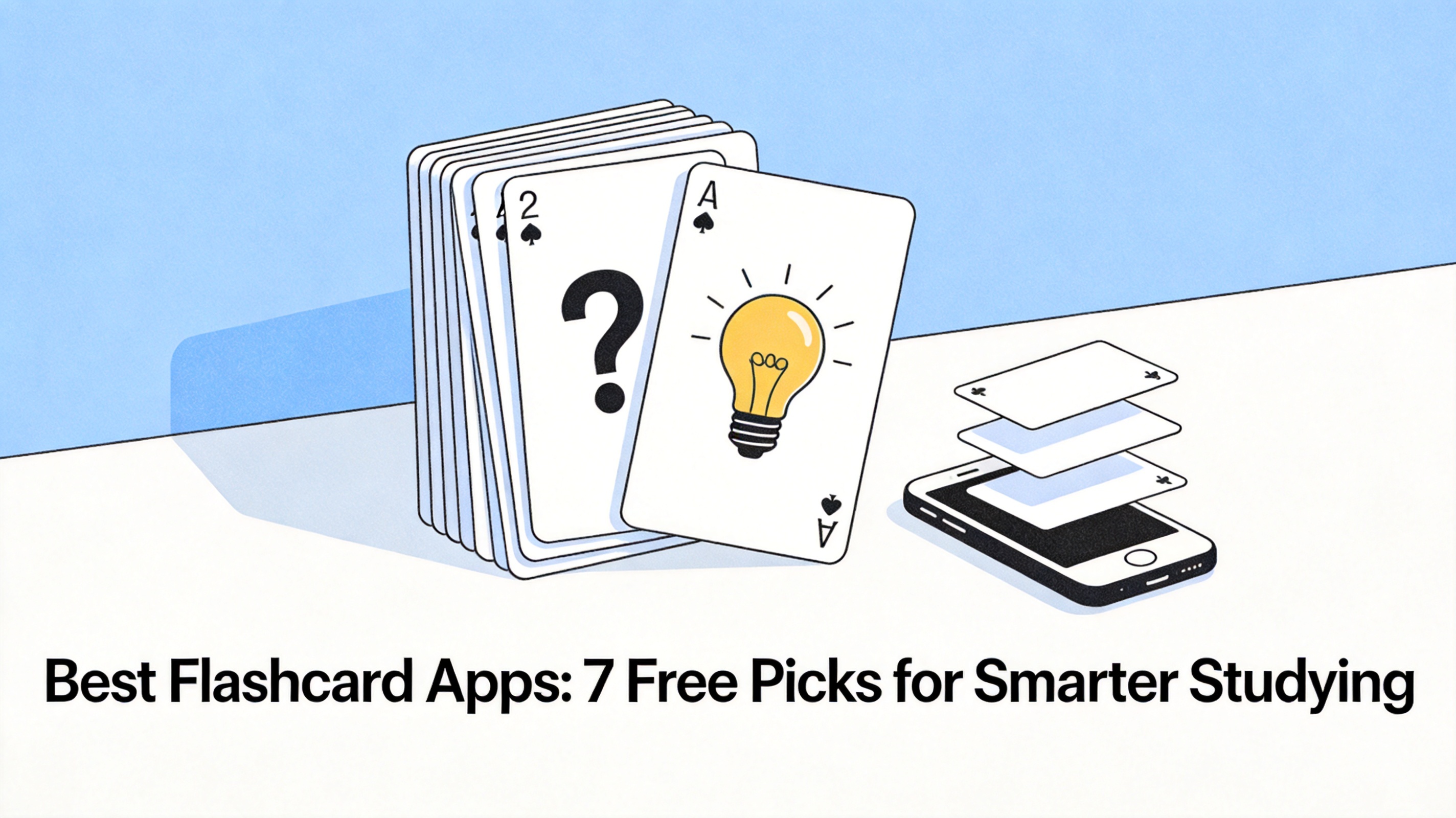
Best Flashcard Apps: 7 Free Picks for Smarter Studying
What makes the best flashcard app
Flashcard apps live or die on three things: how they schedule reviews, how fast you can create cards, and how well your decks travel between devices. Research on spaced repetition is clear that reviewing just before you forget beats massed rereading, so the scheduling algorithm is the real product.
Card creation matters more than students expect. If making 50 cards costs an hour of typing, you will quit by week two — which is exactly why AI card generation became the deciding feature in the past two years.
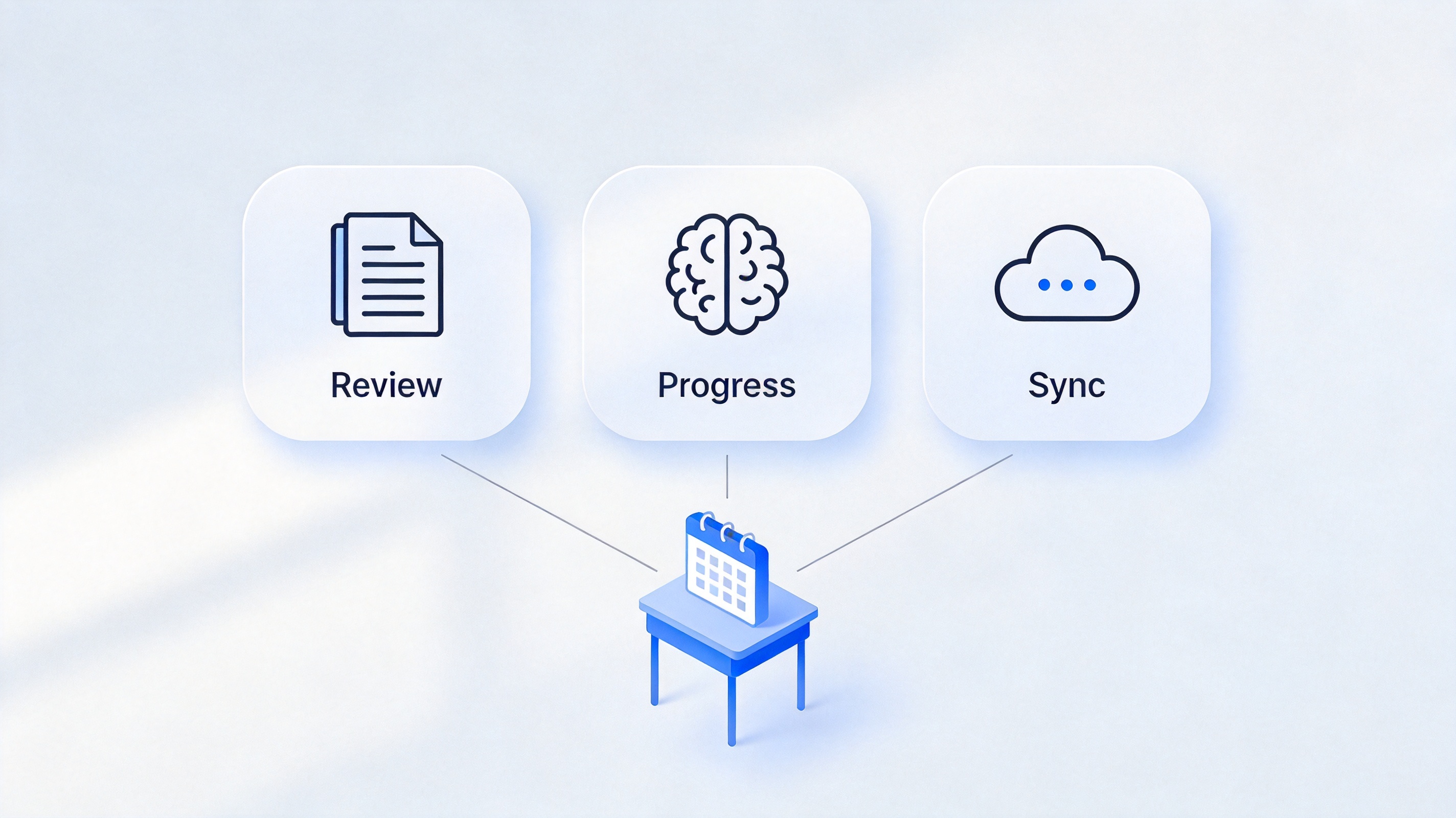
How to compare flashcard apps


Price and platform decide as much as features. Every pick below has a genuinely usable free tier, but the free ceilings differ — Quizlet limits advanced modes, Anki charges only for the iOS app, and spreadsheet-based decks cost nothing at any size. Match the ceiling to how many cards your courses actually generate each week.
The 7 best flashcard apps compared
Anki — best for medical and language learners. The gold-standard spaced repetition engine, free on Android, web, and desktop; iOS app is paid. Steeper interface, unmatched long-term retention.
Quizlet — best for shared class decks. Search millions of existing sets, five free study modes, and clean mobile apps. Advanced features moved behind Quizlet Plus.
Brainscape — best confidence-based rating. You rate how well you knew each answer on a 1–5 scale, and the algorithm schedules accordingly. Free tier covers basic study.
Knowt — best free AI flashcard maker. Paste notes or upload a PDF and it generates cards and practice tests; positions itself as the free Quizlet alternative.
Cram — simplest for quick decks. Two-sided cards with a cramming mode right before exams, fully free.
Flashcards.io — best minimal free maker. AI-assisted card creation with no account friction for getting started.
WPS Spreadsheets — best printable workflow. Not an app-store flashcard app, but a question-and-answer table that doubles as a deck you can print, sort, and review offline — details in the next section.
The trend: AI that turns your notes into flashcards
The fastest-growing category is apps that generate cards from source material instead of waiting for you to type. Upload a lecture PDF or paste textbook pages, and Knowt, Quizlet's AI mode, or Flashcards.io produce question-answer pairs in seconds.
Two cautions keep the trend useful. First, generated cards skew toward recall of definitions; edit them into "why" and "compare" questions for deeper subjects. Second, review the deck before studying it — AI summaries of your own notes sometimes merge two concepts into one card, and you will memorize the error.
The habit matters more than the app. Tie reviews to a fixed trigger — the bus ride, the first ten minutes of study hall — and let the scheduler pick the cards, because students who self-select reviews predictably avoid the hard ones. Ten focused minutes daily beats a two-hour weekend session for the same deck.
Finally, write cards as questions, not statements. "What are the three causes of X?" forces retrieval; "The three causes of X are…" invites rereading disguised as studying.
How to make free flashcards you can print in WPS Office
Printable decks still win for final-week revision without screens. In WPS Spreadsheets, a flashcard deck is a two-column table — and hiding the answer column turns it into a self-test:
Create a two-column table with the question in column A and the answer in column B.
Add a status column marked Easy, Medium, or Hard so you can sort the cards you keep missing.
Self-test by hiding column B, answering each question from memory, then revealing it.
Print as cards. Set rows as page breaks in page layout, and each printed slip becomes a physical card.
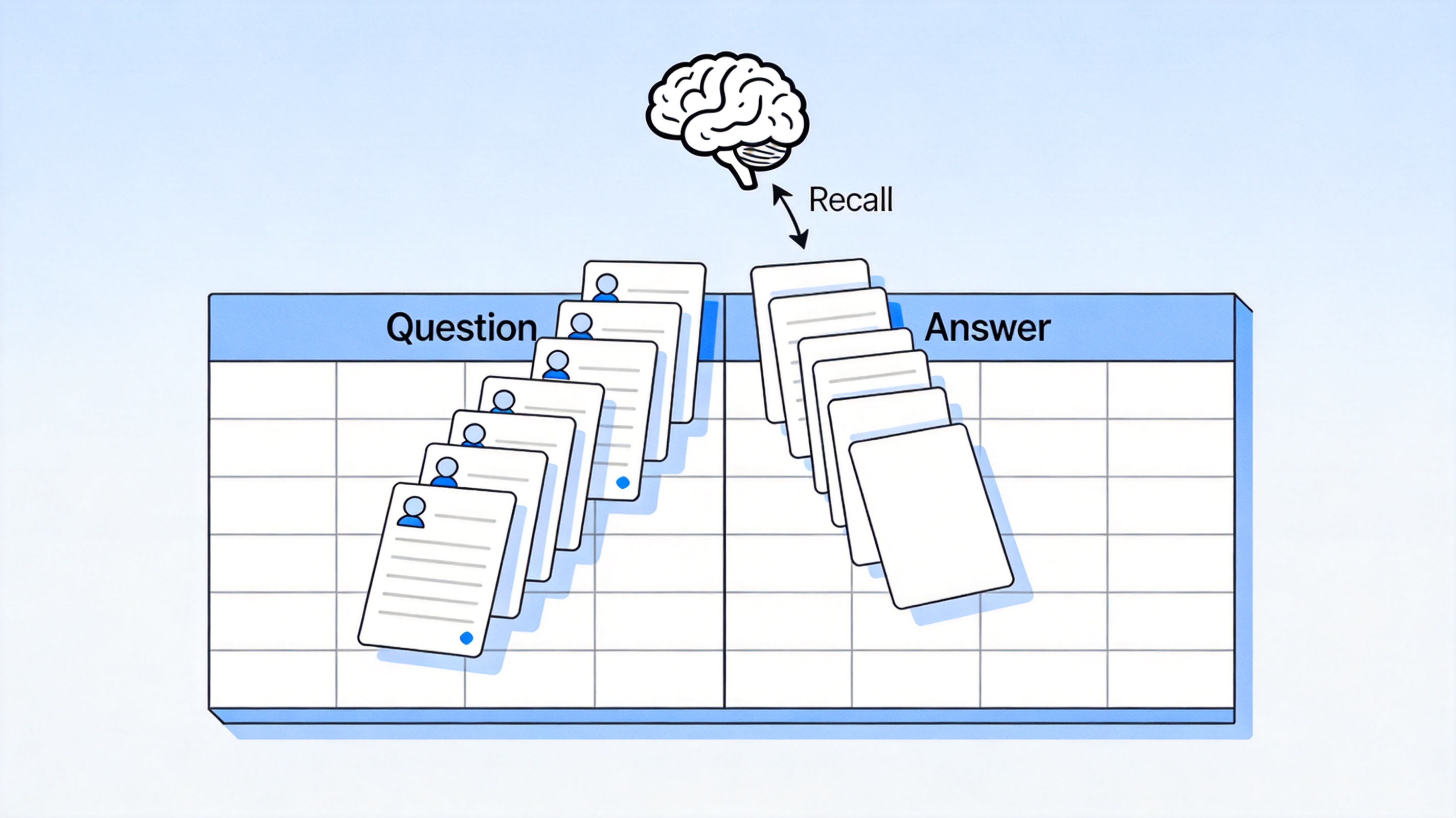
Flashcard deck built in a WPS spreadsheet
The Best Free Study Companion: WPS Office
WPS Office rounds out any flashcard app: Spreadsheets for decks and review trackers, Writer for self-tests and Cornell notes, and a full PDF reader for annotating the textbook your cards came from — all free, all compatible with Word, Excel, and PowerPoint files.
Pairing a scheduling app with WPS for card creation and printable revision keeps every part of the workflow free and on your own device.
WPS Office suite for study workflows
FAQs
What is the best flashcard app for free?
Anki is the most powerful free option across desktop, web, and Android. For a gentler start, Quizlet and Knowt offer the friendliest free tiers, and a WPS spreadsheet covers printable decks at zero cost.
Is Anki really better than Quizlet?
For long-term retention, yes — Anki's spaced repetition algorithm is more rigorous. Quizlet wins on ease of use and ready-made decks. Many students use both: Quizlet for weekly quizzes, Anki for cumulative exams.
Are AI-generated flashcards accurate?
Mostly, but not always. Review every generated deck before studying, split merged concepts, and rewrite shallow definition cards into comparison or application questions.
Can I use flashcard apps offline?
Anki and printable WPS decks work fully offline. Quizlet and Knowt require a connection for most features, though some allow offline review of downloaded sets.
How many flashcards should I review per day?
20 to 40 new cards daily is sustainable alongside school work; scheduled reviews pile up quickly, so cap new cards before exam season rather than after.


'%3e%3cpath%20d='M19.9911%204.11386V6.471H18.5894C18.0775%206.471%2017.7322%206.57814%2017.5536%206.79243C17.3751%207.00671%2017.2858%207.32814%2017.2858%207.75671V9.44421H19.9019L19.5536%2012.0871H17.2858V18.8639H14.5536V12.0871H12.2769V9.44421H14.5536V7.49779C14.5536%206.39064%2014.8632%205.53201%2015.4822%204.92189C16.1013%204.31177%2016.9257%204.00671%2017.9554%204.00671C18.8304%204.00671%2019.509%204.04243%2019.9911%204.11386Z'%20fill='%23333333'/%3e%3c/g%3e%3cdefs%3e%3cclipPath%20id='clip0_2938_8199'%3e%3crect%20width='16'%20height='16'%20fill='white'%20transform='translate(8%204.00671)'/%3e%3c/clipPath%3e%3c/defs%3e%3c/svg%3e)
'%3e%3cpath%20d='M17.5237%2010.7813L23.4811%204H22.0699L16.8949%209.88693L12.7648%204H8L14.2469%2012.9029L8%2020.0133H9.4112L14.8725%2013.7952L19.2352%2020.0133H24M9.92053%205.04213H12.0885L22.0688%2019.0224H19.9003'%20fill='%23333333'/%3e%3c/g%3e%3cdefs%3e%3cclipPath%20id='clip0_2938_8200'%3e%3crect%20width='16'%20height='16.0134'%20fill='white'%20transform='translate(8%204)'/%3e%3c/clipPath%3e%3c/defs%3e%3c/svg%3e)


