

'%3e%3cpath%20d='M8%200C12.4183%200%2016%203.58172%2016%208C16%2012.4183%2012.4183%2016%208%2016C3.58172%2016%200%2012.4183%200%208C0%203.58172%203.58172%200%208%200ZM11.6162%204.38379C11.2257%203.99337%2010.5927%203.99338%2010.2021%204.38379L8%206.58594L5.79785%204.38379C5.40732%203.99334%204.77429%203.99329%204.38379%204.38379C3.99331%204.77429%203.99335%205.40733%204.38379%205.79785L6.58594%208L4.38379%2010.2021C3.99348%2010.5927%203.99341%2011.2257%204.38379%2011.6162C4.77426%2012.0066%205.40734%2012.0065%205.79785%2011.6162L8%209.41406L10.2021%2011.6162C10.5927%2012.0066%2011.2257%2012.0067%2011.6162%2011.6162C12.0067%2011.2257%2012.0066%2010.5927%2011.6162%2010.2021L9.41406%208L11.6162%205.79785C12.0066%205.40735%2012.0066%204.77429%2011.6162%204.38379Z'%20fill='%23080E17'%20fill-opacity='0.46'/%3e%3c/g%3e%3cdefs%3e%3cclipPath%20id='clip0_3761_713'%3e%3crect%20width='16'%20height='16'%20fill='white'/%3e%3c/clipPath%3e%3c/defs%3e%3c/svg%3e)



'%3e%3cpath%20fill-rule='evenodd'%20clip-rule='evenodd'%20d='M21.4999%2010.9993C21.4999%205.20009%2016.7986%200.498901%2010.9993%200.498901C5.19994%200.498901%200.498657%205.20009%200.498657%2010.9993C0.498657%2016.2404%204.33858%2020.5844%209.35855%2021.3722V14.0346H6.69238V10.9993H9.35855V8.68594C9.35855%206.05427%2010.9262%204.60062%2013.3248%204.60062C14.4736%204.60062%2015.6753%204.80571%2015.6753%204.80571V7.38979H14.3512C13.0468%207.38979%2012.64%208.19921%2012.64%209.0296V10.9993H15.5523L15.0867%2014.0346H12.64V21.3722C17.66%2020.5844%2021.4999%2016.2404%2021.4999%2010.9993Z'%20fill='%231568EA'/%3e%3c/g%3e%3c/svg%3e)


'%3e%3cpath%20d='M2.42045%2022.1876H6.31818V12.7217L0.75%208.54553V20.5171C0.75%2021.4414%201.49892%2022.1876%202.42045%2022.1876Z'%20fill='%234285F4'/%3e%3cpath%20d='M19.682%2022.1876H23.5797C24.5041%2022.1876%2025.2502%2021.4387%2025.2502%2020.5171V8.54553L19.682%2012.7217'%20fill='%2334A853'/%3e%3cpath%20d='M19.682%205.48293V12.7216L25.2502%208.54543V6.31816C25.2502%204.25236%2022.8921%203.07469%2021.2411%204.31361'%20fill='%23FBBC04'/%3e%3cpath%20d='M6.31824%2012.7217V5.48303L13.0001%2010.4944L19.6819%205.48303V12.7217L13.0001%2017.733'%20fill='%23EA4335'/%3e%3cpath%20d='M0.75%206.31816V8.54543L6.31818%2012.7216V5.48293L4.75909%204.31361C3.10534%203.07469%200.75%204.25236%200.75%206.31816Z'%20fill='%23C5221F'/%3e%3c/g%3e%3cdefs%3e%3cclipPath%20id='clip0_2954_7305'%3e%3crect%20width='24.5'%20height='18.375'%20fill='white'%20transform='translate(0.75%203.8125)'/%3e%3c/clipPath%3e%3c/defs%3e%3c/svg%3e)


Rereading your notes feels productive, but it often leaves little in your memory. Active recall reverses that: instead of looking at the material again, you force yourself to pull it out of your head. This guide walks you through how to practice active recall step by step, and how free WPS tools — a spreadsheet for flashcards, Writer for self-tests, and a PDF editor for annotating your textbook — turn the method into a simple daily routine.

How to Practice Active Recall A Study Method That Works with WPS Office
What makes active recall work
Active recall works because retrieving information strengthens the memory path you use to reach it. When you pull an answer from your own mind instead of seeing it again, your brain practices finding that knowledge, so it becomes easier to find under pressure — in an exam, a quiz, or a presentation.
The practical takeaway is simple: quiz yourself, don't re-read. Cover the answer, try to remember it, then check. WPS gives you the free documents to build these retrieval exercises, and the rest of this article shows the exact routine.
How to practice active recall with flashcards in WPS Spreadsheets
Flashcards are the fastest active recall tool because each card is one question you must answer from memory. You can build a digital deck in a spreadsheet that hides the answer until you are ready.
Create a two-column table in WPS Spreadsheets. Put the question in column A and the answer in column B.
Add rows for each fact you want to remember — terms, formulas, dates, or concepts from a chapter.
Quiz yourself by covering column B. Select column B and hide it, read each question in column A, and say or write the answer before revealing the column.
Add a status column with Easy, Medium, or Hard so you know which cards need another pass tomorrow.
Because the sheet stores question and answer side by side, you can sort by status and review only the cards you keep getting wrong — a focused active recall session instead of rereading a whole chapter.
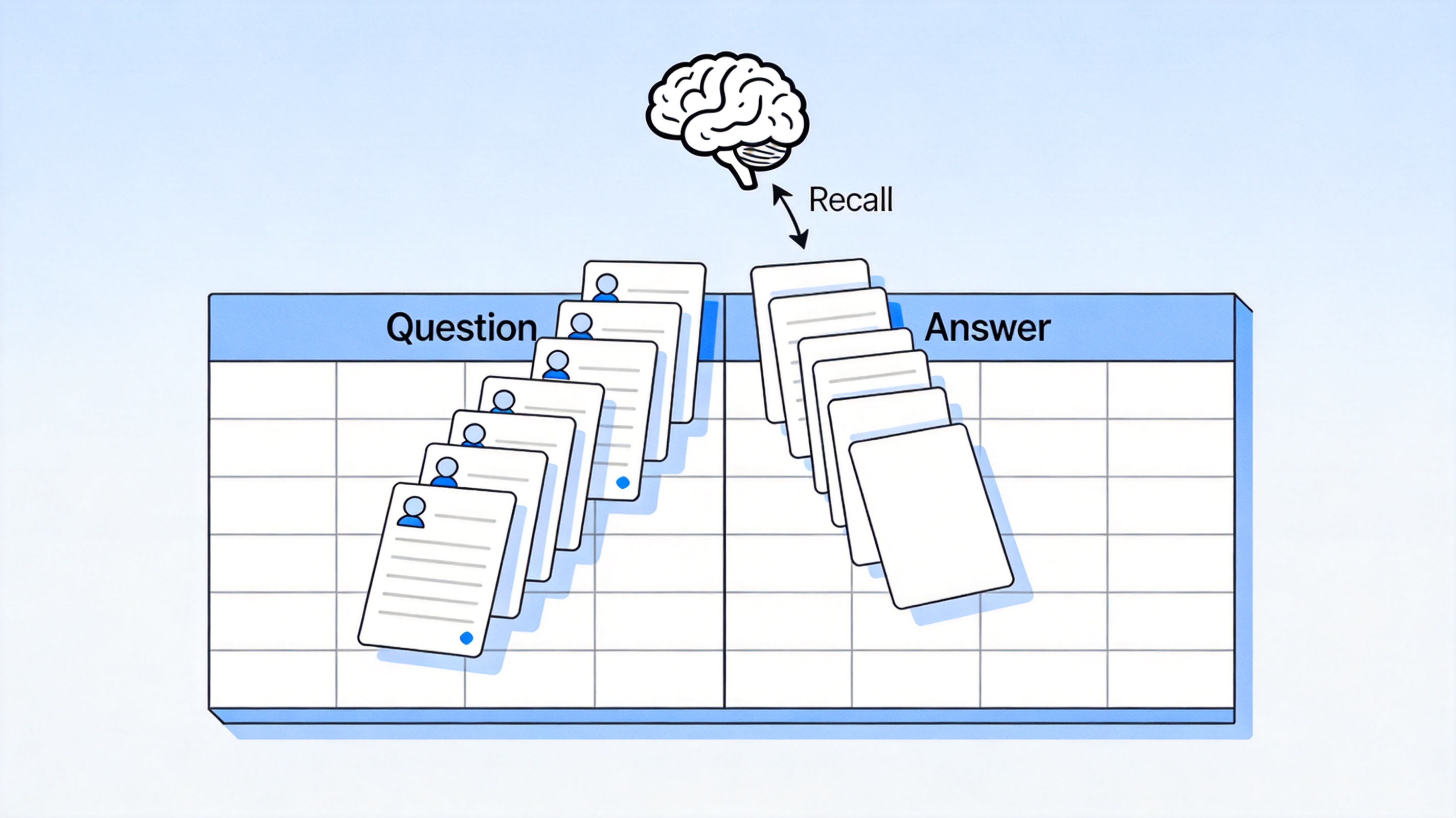
Build a flashcard deck in a WPS spreadsheet


Practice active recall with self-testing in WPS Writer
Self-testing is active recall applied to bigger topics: you write your own quiz, answer it without the notes, then check. This works especially well for definitions, lists, and essay-style questions.
Write a list of questions in WPS Writer based on your headings — turn each heading into "What is…?" or "Explain…" prompts.
Answer from memory in a separate document or on the back of a printed page, without opening your notes.
Compare and mark. Highlight every point you missed and add it to your flashcard sheet for review.
Repeat the test a day later, answering from memory again until the marks disappear.
Keep your test document clean by using WPS Writer's built-in headings and lists. You can also use AI Writer to draft practice questions from your own notes, then answer them yourself for a genuine recall session.
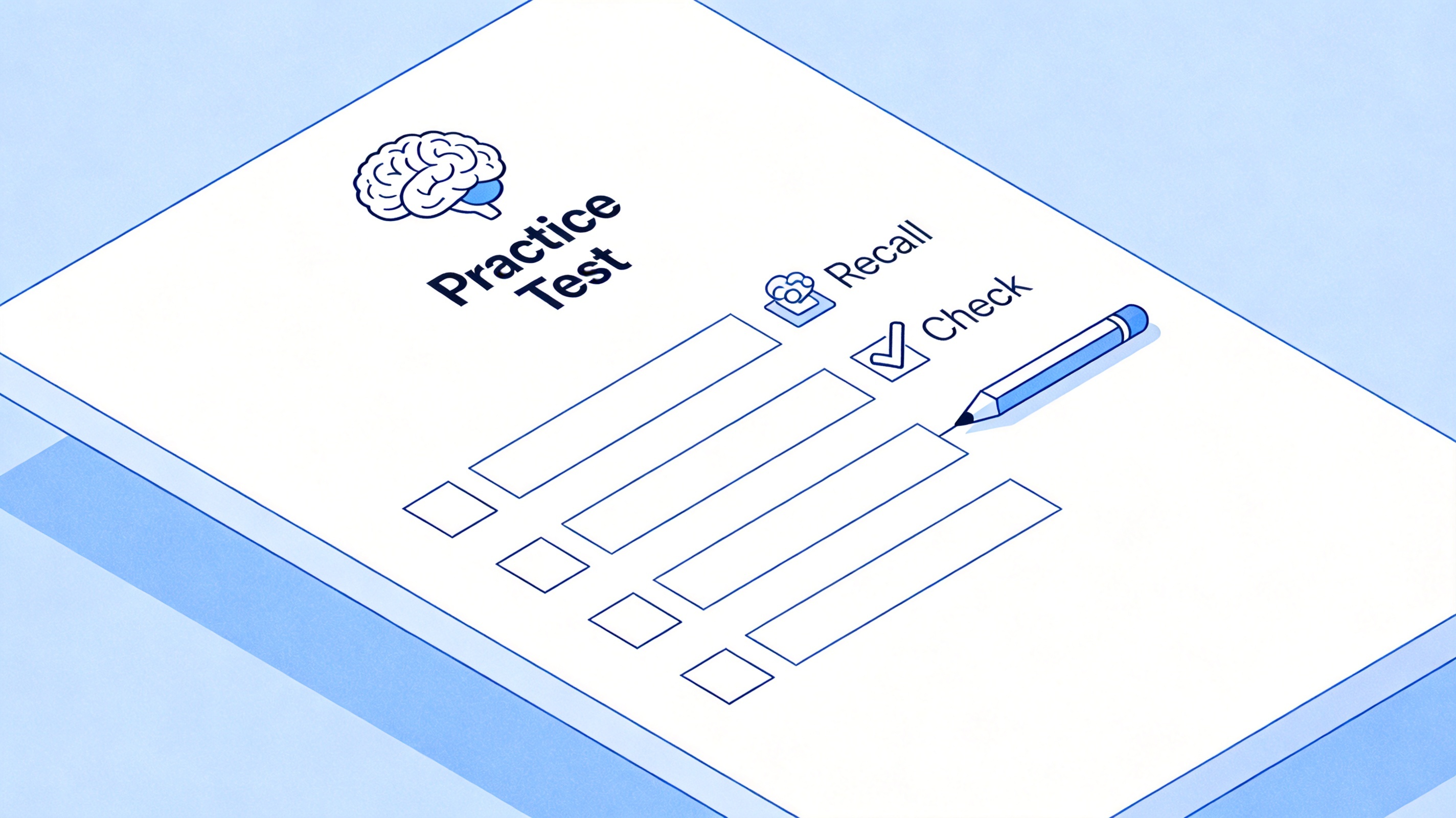
Write practice test questions for active recall
Active recall with the Cornell note method
The Cornell method turns your notes into a recall tool by design. You divide each page into a narrow cue column, a wide notes area, and a summary strip, so the page itself prompts you to test yourself later.
Take notes in the wide column during class or while reading.
Write cue questions in the narrow column right after — one question per main point, phrased so you can answer from memory.
Fold or cover the notes column so only the cues show, then answer each cue out loud or in writing.
Write a short summary at the bottom in your own words to close the loop.
You can reproduce this layout in WPS Writer with a two-column table, or download a Cornell template and fill it in each session. Keeping cues and answers on the same page makes it the easiest active recall format to review before an exam.
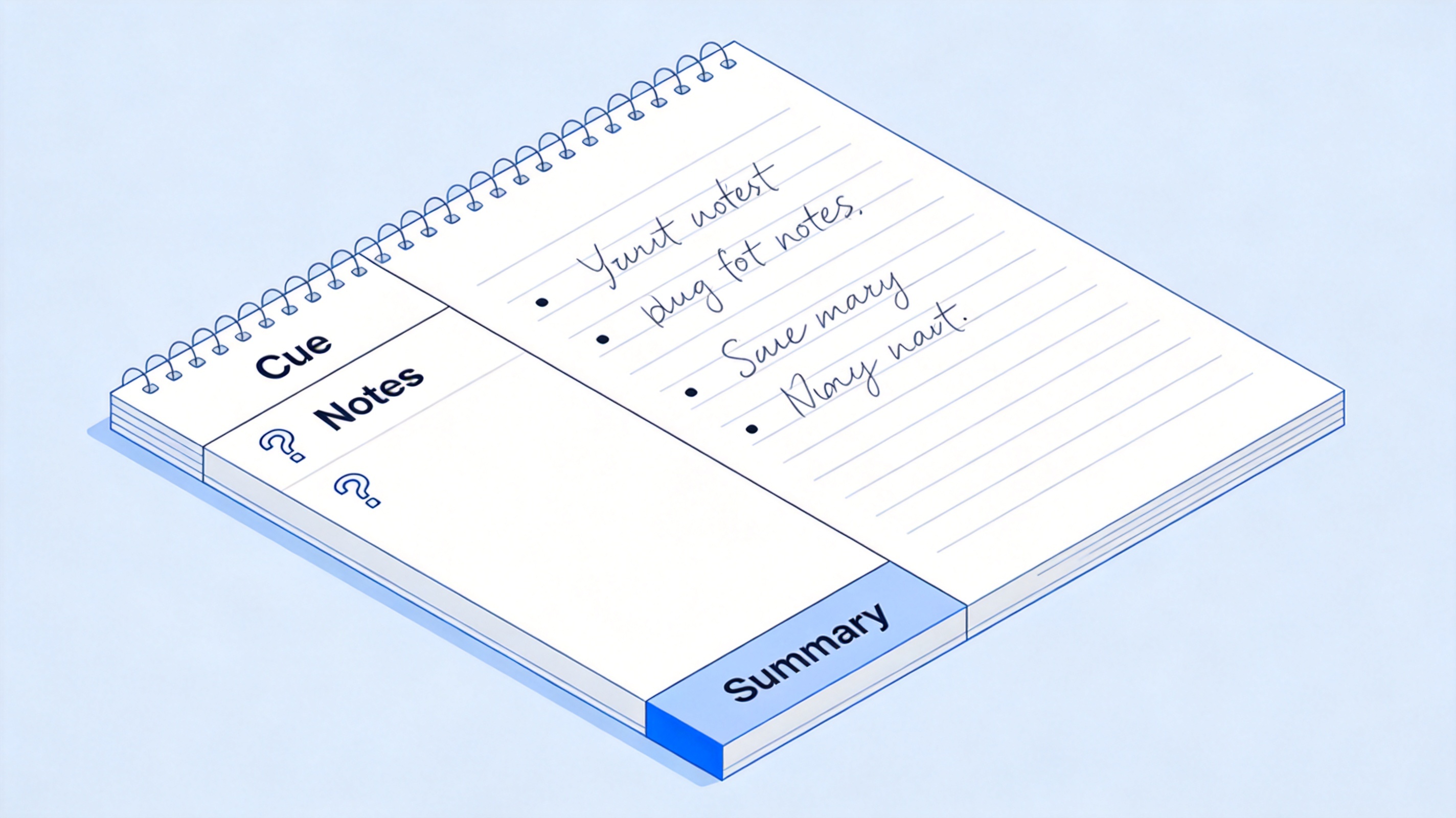
Use the Cornell method for active recall
Use annotated PDFs for active recall
When you study from a PDF textbook, annotate it so the marks themselves become your recall cues. Highlight a key term, cover the highlighted area, and try to remember what it meant before you look again.
Open the textbook in WPS Office's free PDF reader.
Highlight terms and definitions with the highlight tool, and add short cue notes in the margin with the comment tool.
Review by covering the highlighted area, recalling the meaning, then revealing it to check.
Export your marks as a separate notes file or copy the comments into your flashcard sheet for spaced review.
Keeping your annotations directly on the source page means your active recall session reuses the real textbook, not a rewritten version — which is often faster and more faithful to the course content.
The Best Free Study Companion: WPS Office
WPS Office bundles every active recall tool in one free suite: Spreadsheets for flashcard decks, Writer for self-tests and Cornell notes, and a full PDF reader and editor for annotating your textbook. You never switch apps, and everything stays on your own device.
The interface matches the office tools you already know, so building a study system takes minutes rather than a learning curve. Whether you prepare flashcards before class, test yourself the night before an exam, or mark up a PDF chapter, WPS keeps the whole workflow free and compatible with Word, Excel, and PowerPoint files.
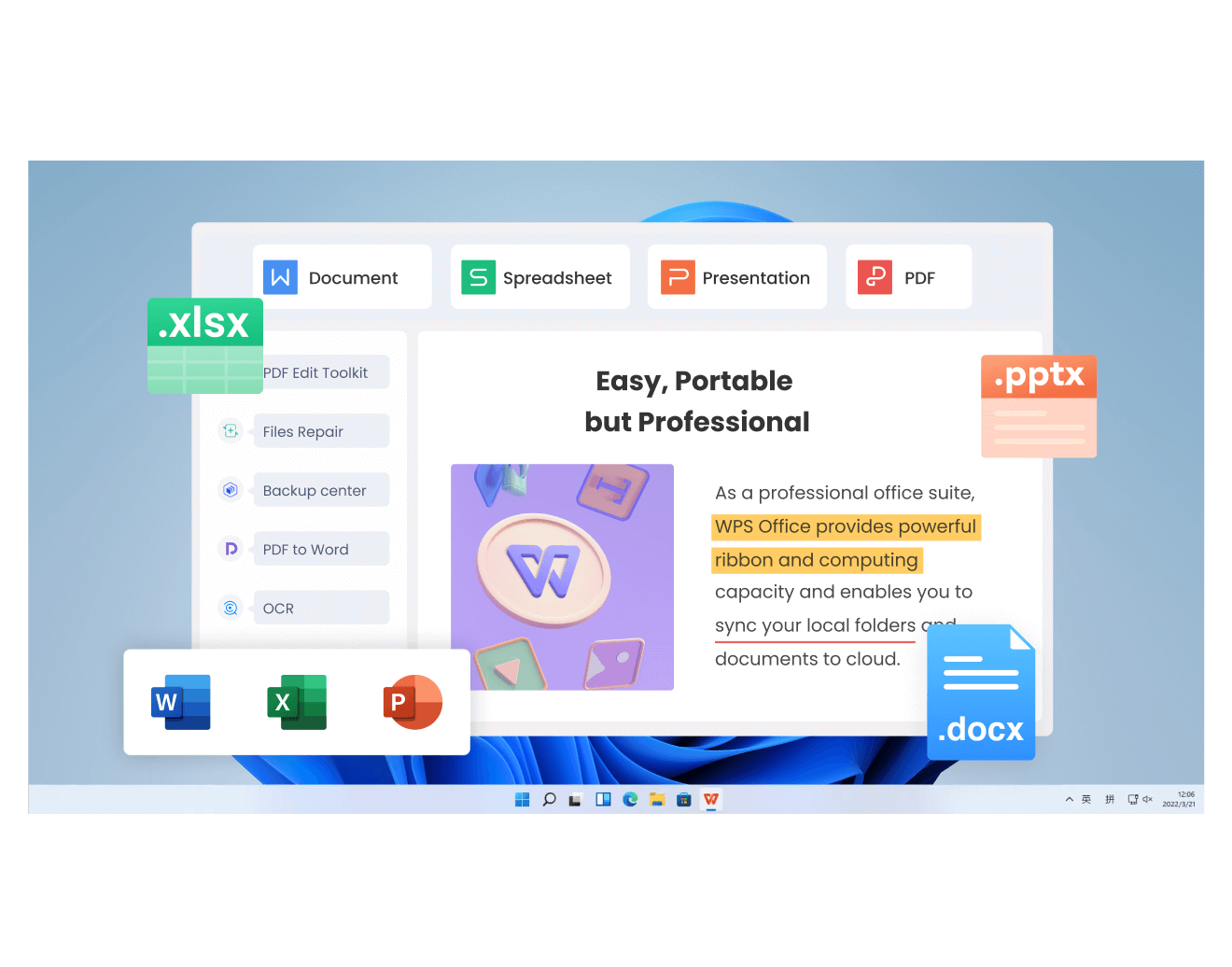
WPS Office suite for study and active recall
FAQs
What is active recall in simple terms?
Active recall is studying by trying to remember information without looking at it first. Instead of rereading notes, you close them, recall the answer, then check whether you were right.
Is active recall better than rereading notes?
For most people, yes. Retrieving information from memory builds a stronger recall path than seeing it again, which is why quiz-style review usually outperforms passive rereading.
How do I make active recall flashcards in WPS?
Create a two-column sheet in WPS Spreadsheets, put the question in one column and the answer in the next, then hide the answer column while you quiz yourself and reveal it to check.
Can I use active recall with PDF textbooks?
Yes. Highlight key terms in the WPS PDF reader, add cue notes with the comment tool, then cover the highlight and try to recall the meaning before checking.
How often should I practice active recall?
Short daily sessions beat long weekly ones. Review your flashcard deck for 10–15 minutes a day, and schedule a self-test after each chapter so material moves from short-term to long-term memory.


'%3e%3cpath%20d='M19.9911%204.11386V6.471H18.5894C18.0775%206.471%2017.7322%206.57814%2017.5536%206.79243C17.3751%207.00671%2017.2858%207.32814%2017.2858%207.75671V9.44421H19.9019L19.5536%2012.0871H17.2858V18.8639H14.5536V12.0871H12.2769V9.44421H14.5536V7.49779C14.5536%206.39064%2014.8632%205.53201%2015.4822%204.92189C16.1013%204.31177%2016.9257%204.00671%2017.9554%204.00671C18.8304%204.00671%2019.509%204.04243%2019.9911%204.11386Z'%20fill='%23333333'/%3e%3c/g%3e%3cdefs%3e%3cclipPath%20id='clip0_2938_8199'%3e%3crect%20width='16'%20height='16'%20fill='white'%20transform='translate(8%204.00671)'/%3e%3c/clipPath%3e%3c/defs%3e%3c/svg%3e)
'%3e%3cpath%20d='M17.5237%2010.7813L23.4811%204H22.0699L16.8949%209.88693L12.7648%204H8L14.2469%2012.9029L8%2020.0133H9.4112L14.8725%2013.7952L19.2352%2020.0133H24M9.92053%205.04213H12.0885L22.0688%2019.0224H19.9003'%20fill='%23333333'/%3e%3c/g%3e%3cdefs%3e%3cclipPath%20id='clip0_2938_8200'%3e%3crect%20width='16'%20height='16.0134'%20fill='white'%20transform='translate(8%204)'/%3e%3c/clipPath%3e%3c/defs%3e%3c/svg%3e)


