

'%3e%3cpath%20d='M8%200C12.4183%200%2016%203.58172%2016%208C16%2012.4183%2012.4183%2016%208%2016C3.58172%2016%200%2012.4183%200%208C0%203.58172%203.58172%200%208%200ZM11.6162%204.38379C11.2257%203.99337%2010.5927%203.99338%2010.2021%204.38379L8%206.58594L5.79785%204.38379C5.40732%203.99334%204.77429%203.99329%204.38379%204.38379C3.99331%204.77429%203.99335%205.40733%204.38379%205.79785L6.58594%208L4.38379%2010.2021C3.99348%2010.5927%203.99341%2011.2257%204.38379%2011.6162C4.77426%2012.0066%205.40734%2012.0065%205.79785%2011.6162L8%209.41406L10.2021%2011.6162C10.5927%2012.0066%2011.2257%2012.0067%2011.6162%2011.6162C12.0067%2011.2257%2012.0066%2010.5927%2011.6162%2010.2021L9.41406%208L11.6162%205.79785C12.0066%205.40735%2012.0066%204.77429%2011.6162%204.38379Z'%20fill='%23080E17'%20fill-opacity='0.46'/%3e%3c/g%3e%3cdefs%3e%3cclipPath%20id='clip0_3761_713'%3e%3crect%20width='16'%20height='16'%20fill='white'/%3e%3c/clipPath%3e%3c/defs%3e%3c/svg%3e)




'%3e%3cpath%20fill-rule='evenodd'%20clip-rule='evenodd'%20d='M21.4999%2010.9993C21.4999%205.20009%2016.7986%200.498901%2010.9993%200.498901C5.19994%200.498901%200.498657%205.20009%200.498657%2010.9993C0.498657%2016.2404%204.33858%2020.5844%209.35855%2021.3722V14.0346H6.69238V10.9993H9.35855V8.68594C9.35855%206.05427%2010.9262%204.60062%2013.3248%204.60062C14.4736%204.60062%2015.6753%204.80571%2015.6753%204.80571V7.38979H14.3512C13.0468%207.38979%2012.64%208.19921%2012.64%209.0296V10.9993H15.5523L15.0867%2014.0346H12.64V21.3722C17.66%2020.5844%2021.4999%2016.2404%2021.4999%2010.9993Z'%20fill='%231568EA'/%3e%3c/g%3e%3c/svg%3e)


'%3e%3cpath%20d='M2.42045%2022.1876H6.31818V12.7217L0.75%208.54553V20.5171C0.75%2021.4414%201.49892%2022.1876%202.42045%2022.1876Z'%20fill='%234285F4'/%3e%3cpath%20d='M19.682%2022.1876H23.5797C24.5041%2022.1876%2025.2502%2021.4387%2025.2502%2020.5171V8.54553L19.682%2012.7217'%20fill='%2334A853'/%3e%3cpath%20d='M19.682%205.48293V12.7216L25.2502%208.54543V6.31816C25.2502%204.25236%2022.8921%203.07469%2021.2411%204.31361'%20fill='%23FBBC04'/%3e%3cpath%20d='M6.31824%2012.7217V5.48303L13.0001%2010.4944L19.6819%205.48303V12.7217L13.0001%2017.733'%20fill='%23EA4335'/%3e%3cpath%20d='M0.75%206.31816V8.54543L6.31818%2012.7216V5.48293L4.75909%204.31361C3.10534%203.07469%200.75%204.25236%200.75%206.31816Z'%20fill='%23C5221F'/%3e%3c/g%3e%3cdefs%3e%3cclipPath%20id='clip0_2954_7305'%3e%3crect%20width='24.5'%20height='18.375'%20fill='white'%20transform='translate(0.75%203.8125)'/%3e%3c/clipPath%3e%3c/defs%3e%3c/svg%3e)


The blurting method is a five-minute study loop: read one section, close the source, write down everything you can remember, then reopen the book and mark exactly what you missed. It beats rereading because your brain has to retrieve the information instead of just recognising it, and you can start with the template below on a blank page.
Blurting Method: How to Study by Writing What You Remember
How the blurting method works, step by step
Pick one section, not a whole chapter; the method fails when the unit is too large to recall in one pass. Then run the loop:
Study one small unit. Read two to four pages, or watch one short video, and stop while the idea is still clear.
Close everything. Shut the book, hide the notes, and put the phone face down. Nothing to glance at.
Blurt. On a blank page, write everything you remember: definitions, formulas, arguments, the example diagram. Set a timer for five minutes and keep the pen moving.
Compare and mark. Reopen the source and mark three things in a second colour: what you got right, what you got wrong, and what you never mentioned.
Fix only the gaps. Rewrite the missing points from the source, then close it again and blurt those points once more. That second pass is where the learning happens.
Space the repeats. Repeat the same unit after one day, three days, and a week. Each pass takes minutes instead of the original hour.
The output is a page of your own words with visible holes in it. That page is more useful for revision than a tidy copy of the textbook, because it shows what your memory actually holds.
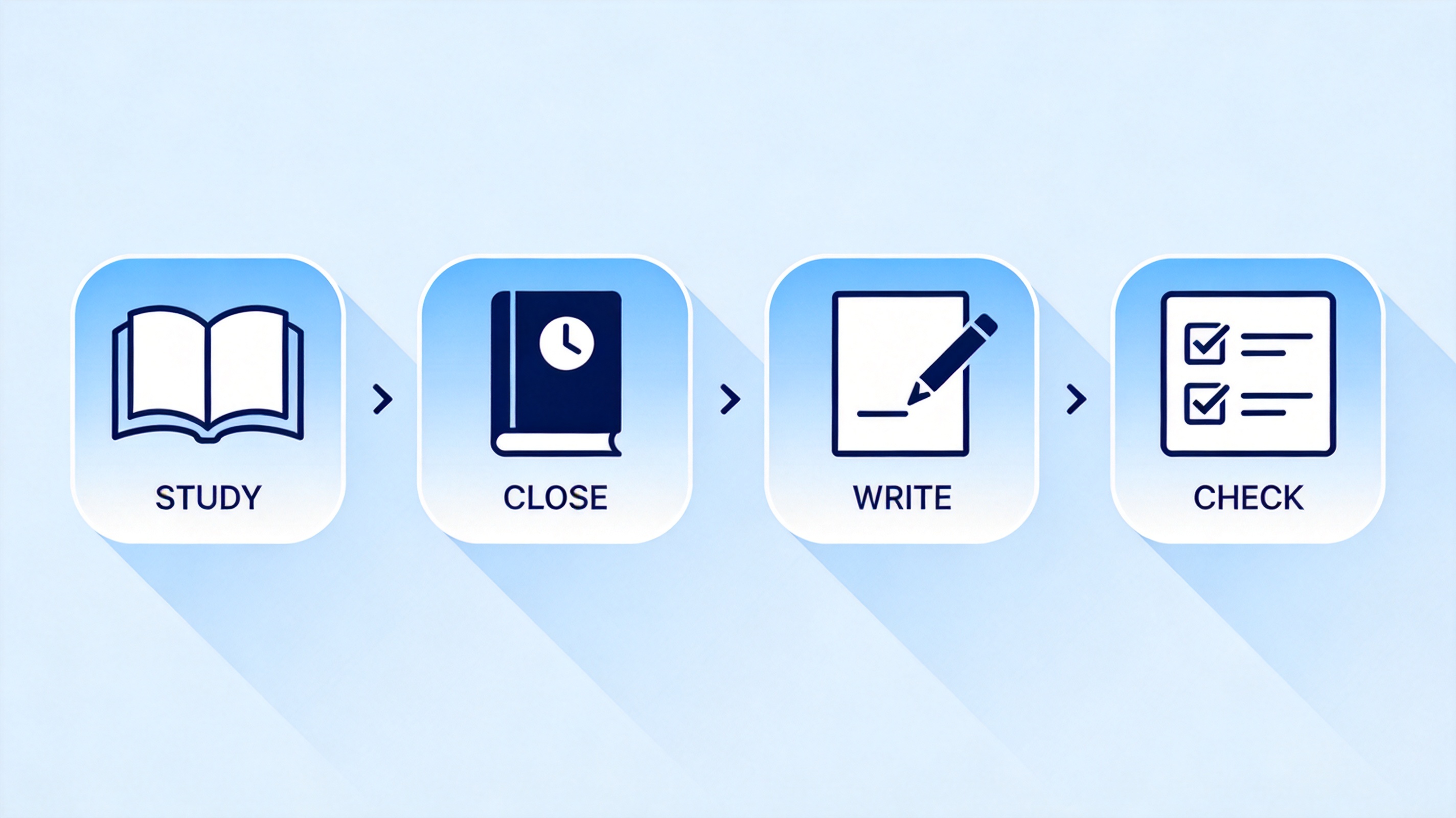
Study close write check blurting steps


Why blurting works better than rereading
Rereading feels productive because the text becomes familiar, and familiarity is easy to mistake for knowledge. When the exam question arrives, familiarity is not what you need; you need to produce the answer without the page in front of you. Retrieval practice forces that production, and the difficulty is the point: an easy review leaves a weak trace, while a slightly painful recall strengthens the route back to the memory.
It exposes gaps early. You cannot hide behind highlighted text, so weak topics surface while there is still time to fix them.
It builds exam-style fluency. Writing from memory is closer to answering a question than reading an answer is.
It shortens revision sessions. Fifteen minutes of recall usually beats an hour of passive review for the same chapter.
It works across subjects. Definitions in biology, cases in law, formulas in physics, and vocabulary all survive the same loop.

Rereading versus recalling a chapter
A blurting template you can copy
Keep the layout to three columns. One column holds the recall attempt, one holds the correction, one holds the fix you will test yourself on tomorrow. A working row looks like this:
| What I remembered | What I missed | Fix for tomorrow |
| Mitochondria produce ATP through cellular respiration | Chemiosmosis and the role of the inner membrane | Draw the membrane and label the proton gradient |
| Supply curve shifts right when costs fall | Difference between a shift and a movement along the curve | Explain both in two sentences without notes |
| Causes of the 1929 crash: credit, speculation | Overproduction and the Smoot-Hawley tariff | Write a five-line timeline from memory |
Print it, or keep it as a document you can duplicate for every subject. The three columns matter more than the format: recall, correction, next test.

Three-column blurting template layout
Blurting mistakes that waste the session
Blurting a whole chapter. You run out of working memory after a few minutes and start copying. Use one section.
Peeking at the source. A quick glance turns recall into recognition and removes the benefit.
Rewriting the whole page. Only the missing points and the wrong ones need rewriting; the rest is already yours.
Skipping the second pass. Correcting without re-testing is reading again. Close the source and blurt the fixed points.
Never spacing it. One heroic session decays within days. Three short returns beat one long one.
A session that produces a messy page with five marked gaps is working. A session that produces a neat summary copied from the book is not, even if it looks better in the folder.
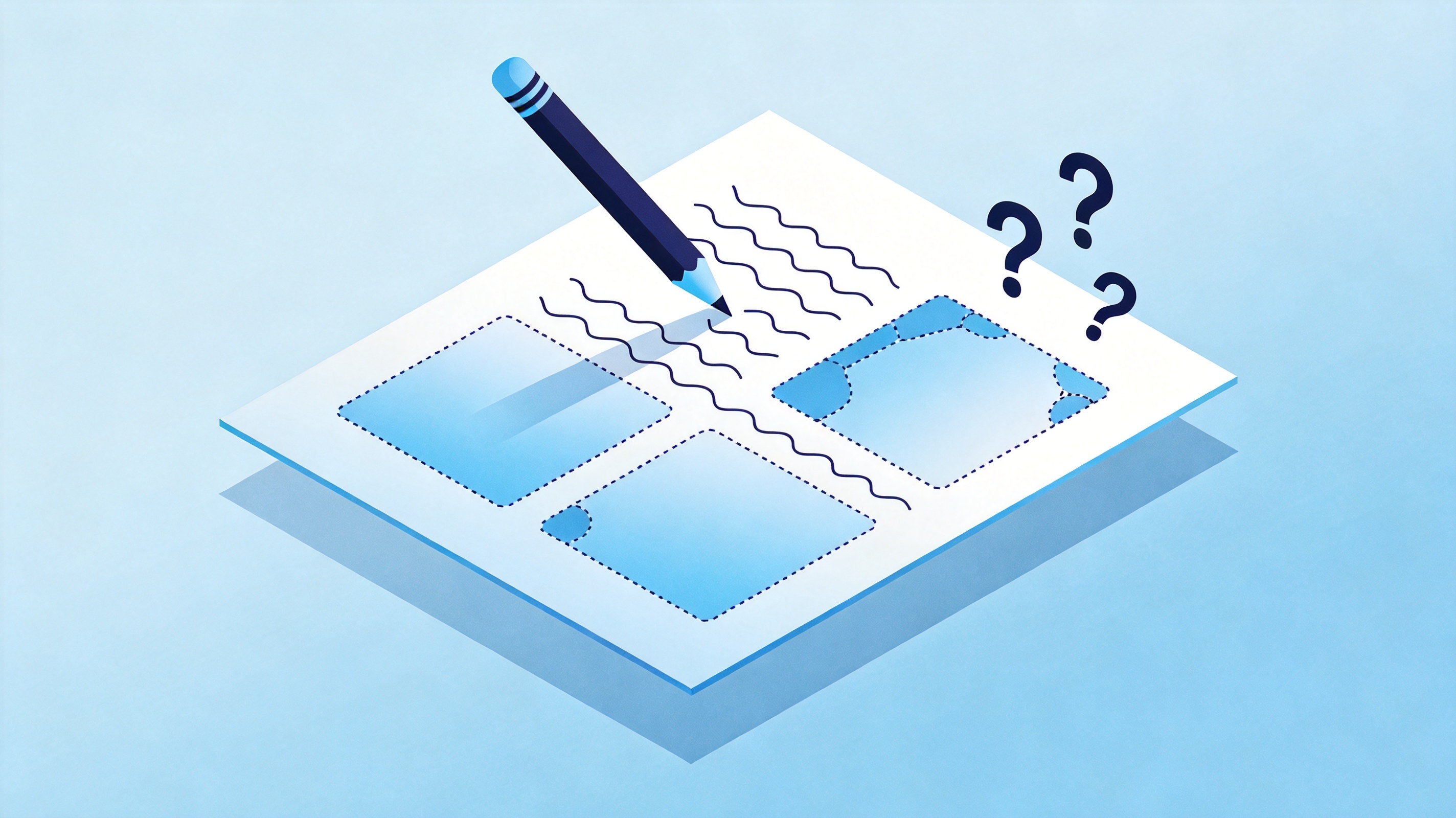
Empty gaps in a blurting page
The 2026 twist: let AI mark your blurt
The comparison step is the slowest part, which is why students now paste their blurt and the source text into a document with an AI assistant and ask for a gap list. It saves time on marking, but it introduces a new failure: a model can invent a point that is not in the source, and you will study the invention.
Give the model the exact section text, not the topic name, so it can only compare what is on the page.
Ask for a list of missing points with quotes, then verify each quote in the source before you add it.
Never let the model write the blurt. Recalling is the exercise; generating is not.
Keep your own correction column, because the act of writing the correction is a second recall.
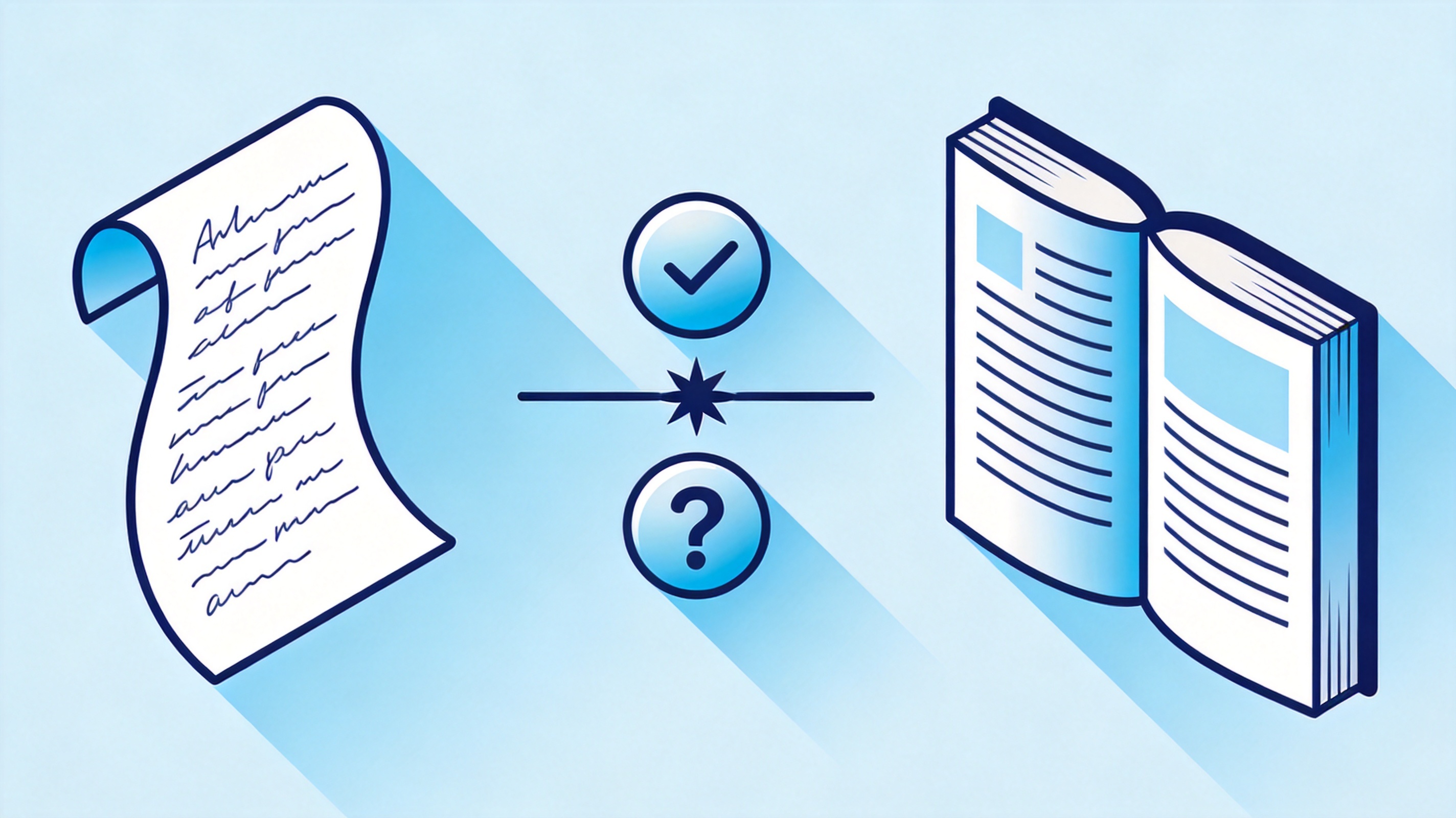
Comparing a blurt with the source
Run the loop in a document that holds all four parts, and the session becomes reusable: the same file grows into a revision pack for the term, and the mistakes column becomes the thing you actually reread before an exam.
The Best Free Study Workspace for Blurting: WPS Office
WPS Writer makes the loop fast: open a new document, insert a three-column table, duplicate the page for each unit, and the file stays searchable across subjects. Writer also handles the pieces around it, including formula-friendly sheets in Spreadsheet, a revision deck in Presentation, and PDF export when a tutor wants a clean copy.
It is free, it opens Word documents without converting, and it syncs between Windows, macOS, Android, and iOS, so the page you blurt on a laptop is on your phone on the bus. For other techniques that pair well with it, our guide to study methods that actually work covers spaced repetition and interleaving in the same practical style.
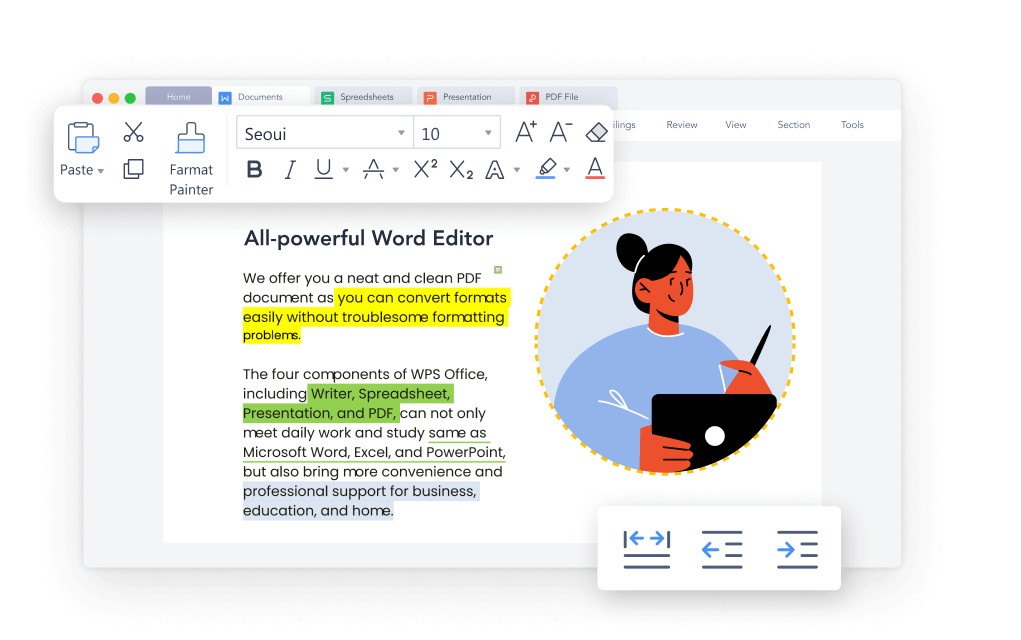
WPS Writer document for study notes
FAQs
What is the blurting method?
It is a study technique where you read a small section, close the source, write everything you remember from memory, and then compare your page with the original to find and fix the gaps.
How long should a blurting session take?
About fifteen minutes: five minutes of reading, five minutes of writing from memory, and five minutes of checking and fixing. Long sessions usually turn into copying.
Is blurting the same as active recall?
Blurting is one form of active recall. Any method that makes you produce information without the source, such as flashcards or practice questions, belongs to the same family.
Does blurting work for maths and science?
Yes, if you blurt the reasoning, not just the words. Write the formula, then explain when it applies, then work one example from memory.
Can I type my blurt instead of writing it?
Yes. Typing is faster and easier to search later, and the gap-finding step works the same way.


'%3e%3cpath%20d='M19.9911%204.11386V6.471H18.5894C18.0775%206.471%2017.7322%206.57814%2017.5536%206.79243C17.3751%207.00671%2017.2858%207.32814%2017.2858%207.75671V9.44421H19.9019L19.5536%2012.0871H17.2858V18.8639H14.5536V12.0871H12.2769V9.44421H14.5536V7.49779C14.5536%206.39064%2014.8632%205.53201%2015.4822%204.92189C16.1013%204.31177%2016.9257%204.00671%2017.9554%204.00671C18.8304%204.00671%2019.509%204.04243%2019.9911%204.11386Z'%20fill='%23333333'/%3e%3c/g%3e%3cdefs%3e%3cclipPath%20id='clip0_2938_8199'%3e%3crect%20width='16'%20height='16'%20fill='white'%20transform='translate(8%204.00671)'/%3e%3c/clipPath%3e%3c/defs%3e%3c/svg%3e)
'%3e%3cpath%20d='M17.5237%2010.7813L23.4811%204H22.0699L16.8949%209.88693L12.7648%204H8L14.2469%2012.9029L8%2020.0133H9.4112L14.8725%2013.7952L19.2352%2020.0133H24M9.92053%205.04213H12.0885L22.0688%2019.0224H19.9003'%20fill='%23333333'/%3e%3c/g%3e%3cdefs%3e%3cclipPath%20id='clip0_2938_8200'%3e%3crect%20width='16'%20height='16.0134'%20fill='white'%20transform='translate(8%204)'/%3e%3c/clipPath%3e%3c/defs%3e%3c/svg%3e)


