

'%3e%3cpath%20d='M8%200C12.4183%200%2016%203.58172%2016%208C16%2012.4183%2012.4183%2016%208%2016C3.58172%2016%200%2012.4183%200%208C0%203.58172%203.58172%200%208%200ZM11.6162%204.38379C11.2257%203.99337%2010.5927%203.99338%2010.2021%204.38379L8%206.58594L5.79785%204.38379C5.40732%203.99334%204.77429%203.99329%204.38379%204.38379C3.99331%204.77429%203.99335%205.40733%204.38379%205.79785L6.58594%208L4.38379%2010.2021C3.99348%2010.5927%203.99341%2011.2257%204.38379%2011.6162C4.77426%2012.0066%205.40734%2012.0065%205.79785%2011.6162L8%209.41406L10.2021%2011.6162C10.5927%2012.0066%2011.2257%2012.0067%2011.6162%2011.6162C12.0067%2011.2257%2012.0066%2010.5927%2011.6162%2010.2021L9.41406%208L11.6162%205.79785C12.0066%205.40735%2012.0066%204.77429%2011.6162%204.38379Z'%20fill='%23080E17'%20fill-opacity='0.46'/%3e%3c/g%3e%3cdefs%3e%3cclipPath%20id='clip0_3761_713'%3e%3crect%20width='16'%20height='16'%20fill='white'/%3e%3c/clipPath%3e%3c/defs%3e%3c/svg%3e)



'%3e%3cpath%20fill-rule='evenodd'%20clip-rule='evenodd'%20d='M21.4999%2010.9993C21.4999%205.20009%2016.7986%200.498901%2010.9993%200.498901C5.19994%200.498901%200.498657%205.20009%200.498657%2010.9993C0.498657%2016.2404%204.33858%2020.5844%209.35855%2021.3722V14.0346H6.69238V10.9993H9.35855V8.68594C9.35855%206.05427%2010.9262%204.60062%2013.3248%204.60062C14.4736%204.60062%2015.6753%204.80571%2015.6753%204.80571V7.38979H14.3512C13.0468%207.38979%2012.64%208.19921%2012.64%209.0296V10.9993H15.5523L15.0867%2014.0346H12.64V21.3722C17.66%2020.5844%2021.4999%2016.2404%2021.4999%2010.9993Z'%20fill='%231568EA'/%3e%3c/g%3e%3c/svg%3e)


'%3e%3cpath%20d='M2.42045%2022.1876H6.31818V12.7217L0.75%208.54553V20.5171C0.75%2021.4414%201.49892%2022.1876%202.42045%2022.1876Z'%20fill='%234285F4'/%3e%3cpath%20d='M19.682%2022.1876H23.5797C24.5041%2022.1876%2025.2502%2021.4387%2025.2502%2020.5171V8.54553L19.682%2012.7217'%20fill='%2334A853'/%3e%3cpath%20d='M19.682%205.48293V12.7216L25.2502%208.54543V6.31816C25.2502%204.25236%2022.8921%203.07469%2021.2411%204.31361'%20fill='%23FBBC04'/%3e%3cpath%20d='M6.31824%2012.7217V5.48303L13.0001%2010.4944L19.6819%205.48303V12.7217L13.0001%2017.733'%20fill='%23EA4335'/%3e%3cpath%20d='M0.75%206.31816V8.54543L6.31818%2012.7216V5.48293L4.75909%204.31361C3.10534%203.07469%200.75%204.25236%200.75%206.31816Z'%20fill='%23C5221F'/%3e%3c/g%3e%3cdefs%3e%3cclipPath%20id='clip0_2954_7305'%3e%3crect%20width='24.5'%20height='18.375'%20fill='white'%20transform='translate(0.75%203.8125)'/%3e%3c/clipPath%3e%3c/defs%3e%3c/svg%3e)


Digital literacy is the ability to find information, judge whether it is trustworthy, turn it into a file other people can use, and share it without exposing data you should protect. The quickest way to test your own level is a 60-second source check, so start with the four-step routine below, then use the rest of this guide to close the gaps it exposes.
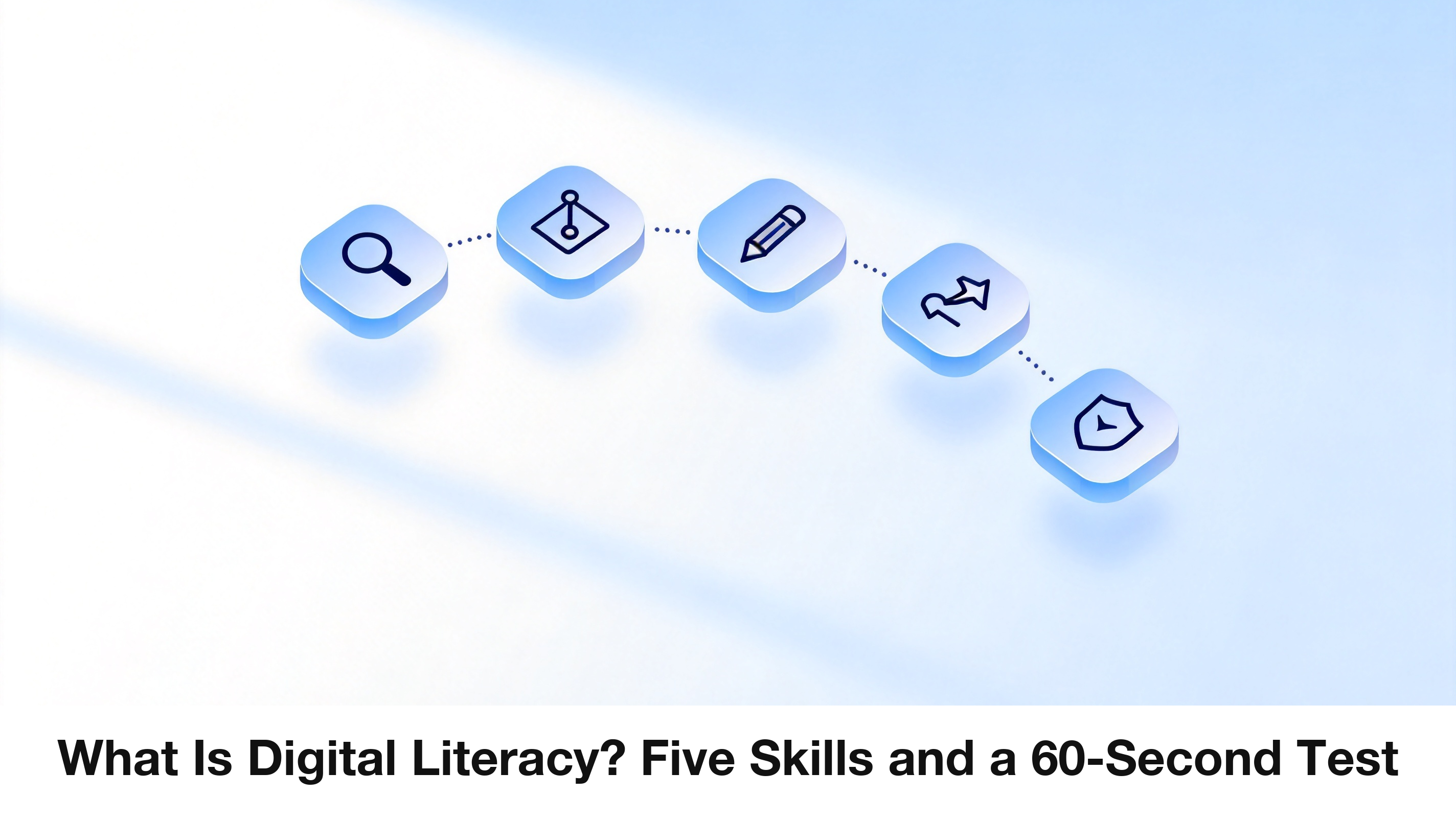
What Is Digital Literacy? Five Skills and a 60-Second Test
The five digital literacy skills that get tested
UNESCO’s Digital Literacy Global Framework and the EU’s DigComp model both describe competence areas rather than a single score: information and data, communication and collaboration, content creation, safety, and problem solving. Stripped of policy language, they turn into five things you do on a normal Tuesday:
Find it. You can query, filter, and open the right file or record instead of scrolling through folders.
Judge it. You check who published it, when, and whether the numbers survive a second source.
Create it. You produce a document, sheet, or slide that opens correctly on someone else’s machine.
Share it. You pick the right format, set permissions, and keep a version you can return to.
Protect it. You recognise phishing, manage passwords, back up, and keep other people’s data out of the wrong window.
That is why “good with computers” is a weak claim in an interview and “I can turn a messy scan into a searchable, correctly named PDF and share it view-only” is a strong one. The second sentence describes a task a colleague can verify.
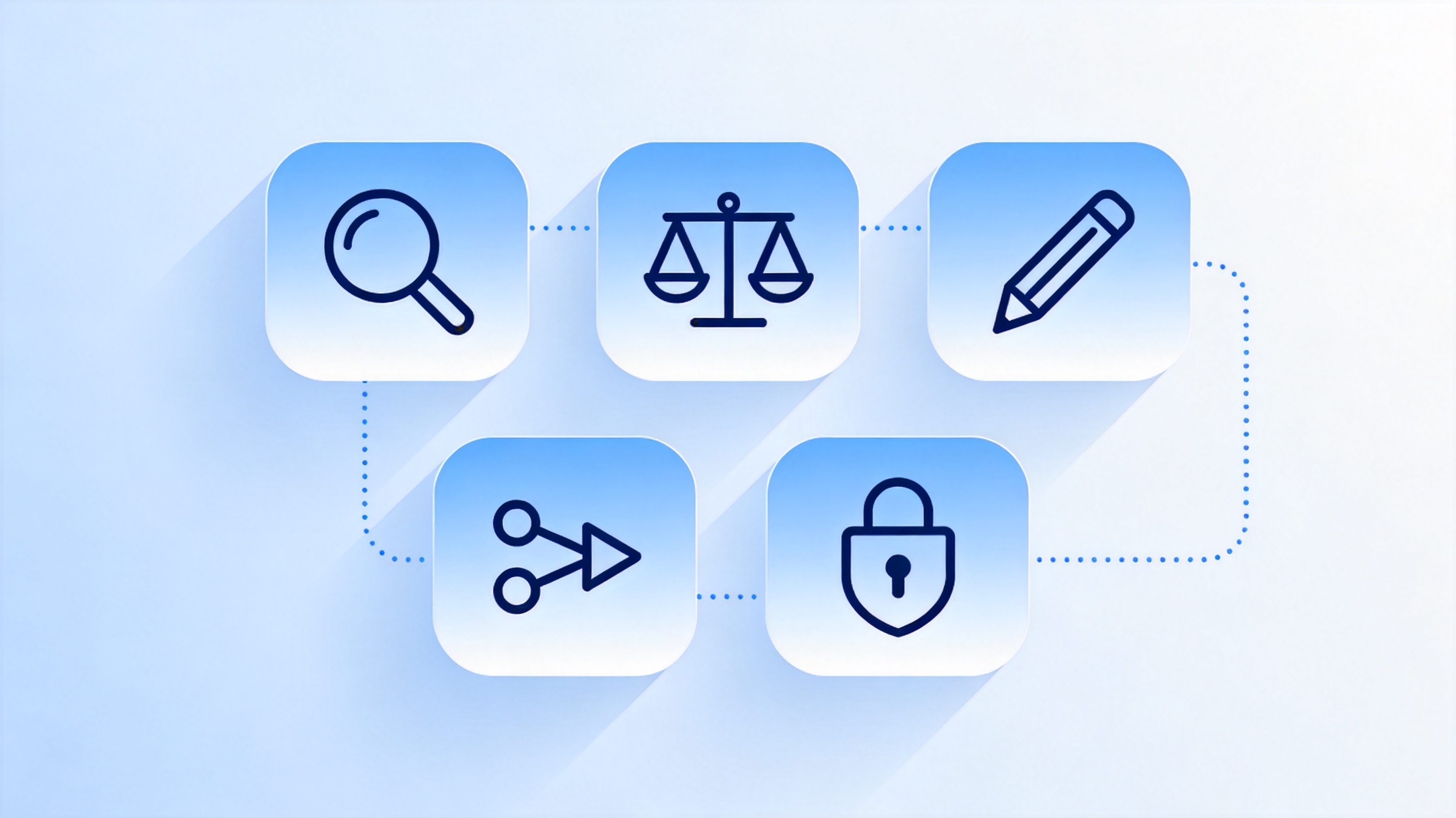
Find, judge, create, share digital skills


Digital literacy vs computer literacy vs media literacy
| Term | Core question | Typical failure |
| Computer literacy | Can I operate the device and the software? | Saves over the wrong file, then cannot find it |
| Digital literacy | Can I finish the task safely, end to end? | Shares a private link with an entire group |
| Media literacy | Can I judge the message and its intent? | Reposts a fabricated screenshot as proof |
They overlap rather than compete. Someone who can build a pivot table but forwards a phishing link has computer literacy without digital literacy, and someone who fact-checks brilliantly but cannot export a readable PDF still loses the argument at work.
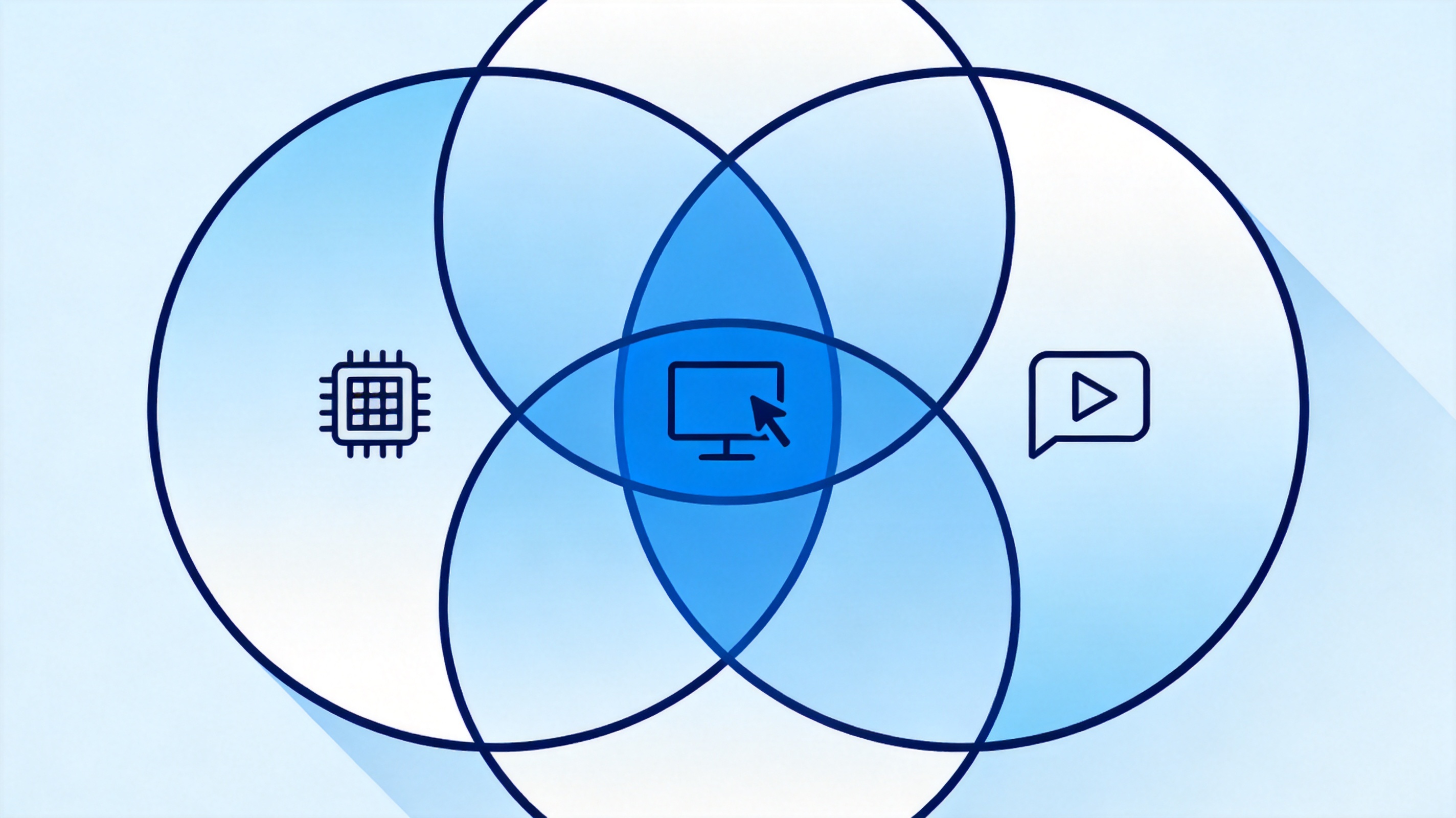
Computer, digital, and media literacy overlap
Digital literacy in action: check a source in 60 seconds
SIFT is a four-move habit developed by media researcher Mike Caulfield, and it works better on a phone than the older CRAAP checklist because it starts with leaving the page:
Stop. Before you quote or repost, close the tab for a moment and ask what claim you are about to repeat.
Investigate the source. Search the site or author name plus “about”, “funding”, or “who we are” in a new tab.
Find better coverage. Look for two independent outlets, or the primary document, instead of trusting one summary.
Trace the claim. Click through to the original study, dataset, or PDF, and check the sentence the headline was built from.
CRAAP still has a place in academic work, where you must weigh currency, relevance, authority, accuracy, and purpose in writing. For everyday decisions, the faster test is whether the claim survives being traced back one step.
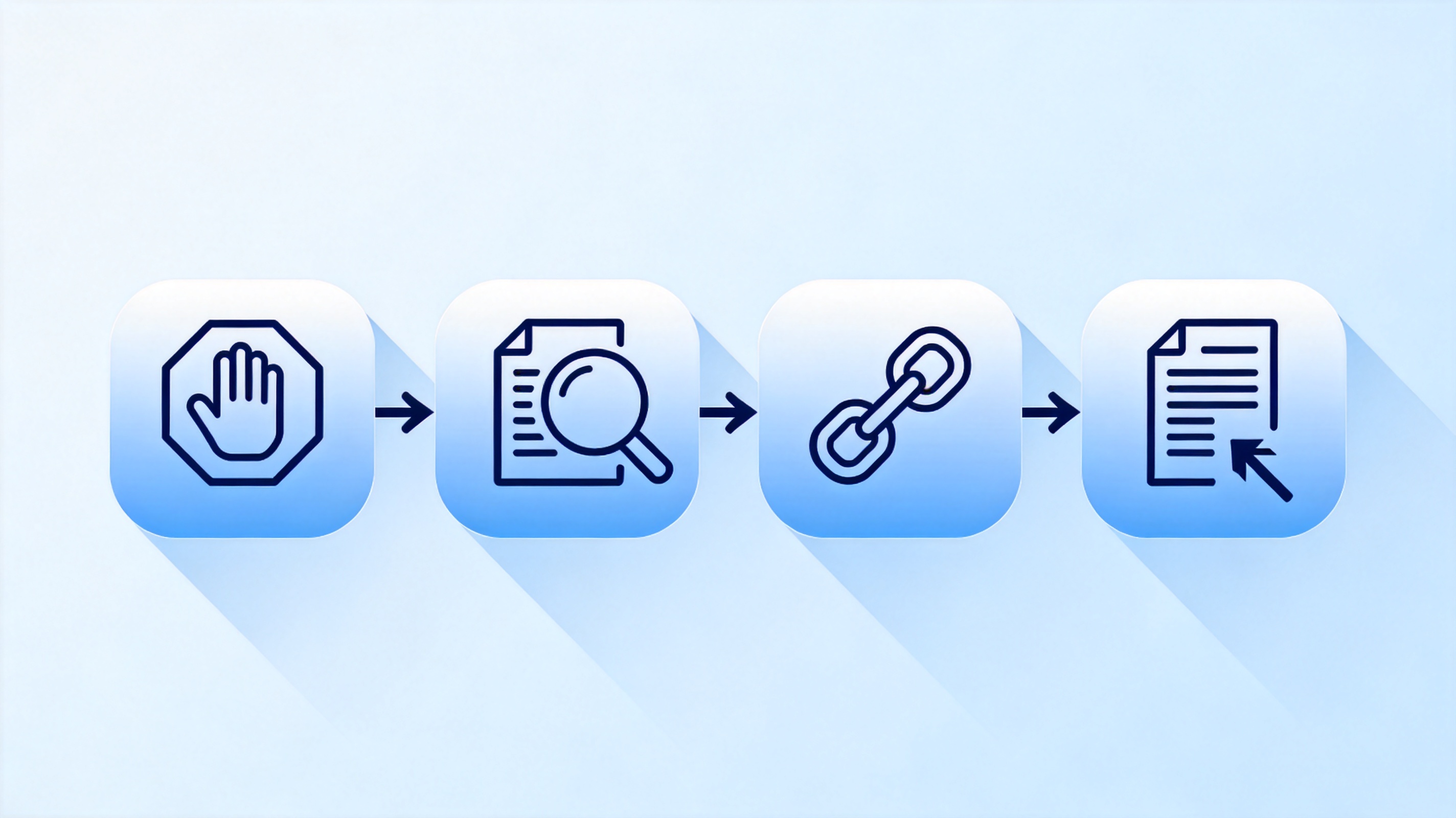
SIFT stop investigate find trace steps
A document workflow that proves digital literacy
Documents are where digital literacy becomes visible, because a file carries its own evidence: its name, its format, its permissions, and whether the text inside can be searched at all.
Name it so it sorts. Use project_client_YYYYMMDD_version, so the newest copy sits at the bottom of the folder.
Scan to PDF and run OCR. A 300 DPI scan keeps small print legible, and OCR makes the text selectable instead of a photo of words.
Export PDF/A for records. PDF/A embeds fonts and locks the layout, which is what an auditor or a court expects years later.
Share with the least permission that works. View-only for reviewers, comment access for editors, and a fresh link when the old one was forwarded too widely.
Send the PDF, keep the source. The recipient gets a stable copy; you keep the editable file.
WPS Writer and WPS PDF cover that chain in one place: write the document, export it as PDF, run OCR on a scan, then protect or compress the copy you actually send.
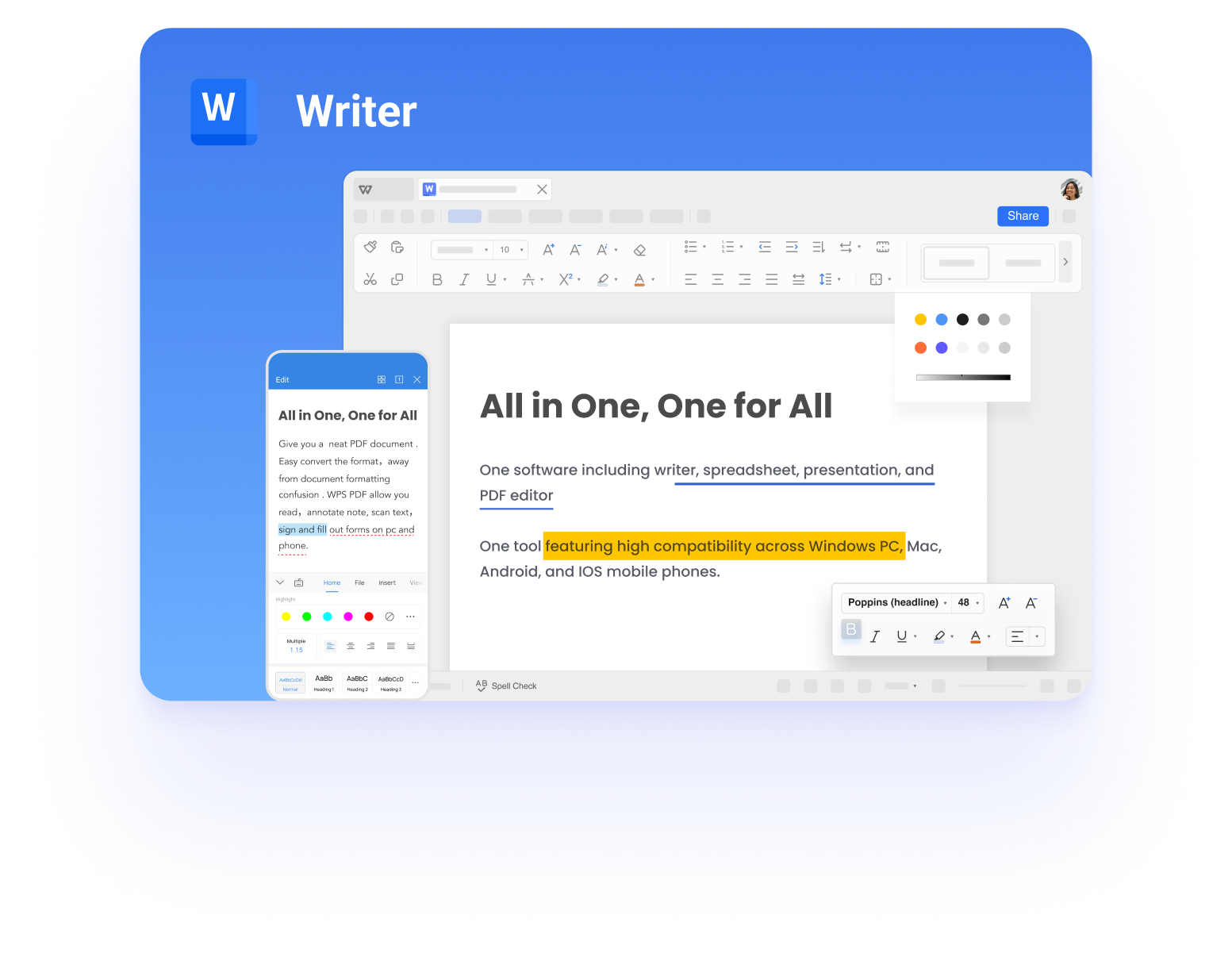
WPS Writer document with formatting tools
The 2026 shift: AI literacy is now part of the definition
The newest layer is AI literacy. Since February 2025 the EU AI Act has required organisations to make sure staff have sufficient AI literacy for the systems they use, and education bodies now treat “can you verify what a model produced” as a core skill rather than a specialist one.
Ask for sources, then open them. A citation nobody clicked is a rumour with a reference number.
Keep confidential data out of prompts unless the tool’s policy actually covers it.
Compare two prompts or two tools before you trust a number, a date, or a legal claim.
Label AI-assisted drafts when you hand them over, so the next reader knows what to check.
This raises the value of document skills instead of lowering it: model output only becomes work when someone can check it, format it, and deliver a file the recipient can open without installing anything.
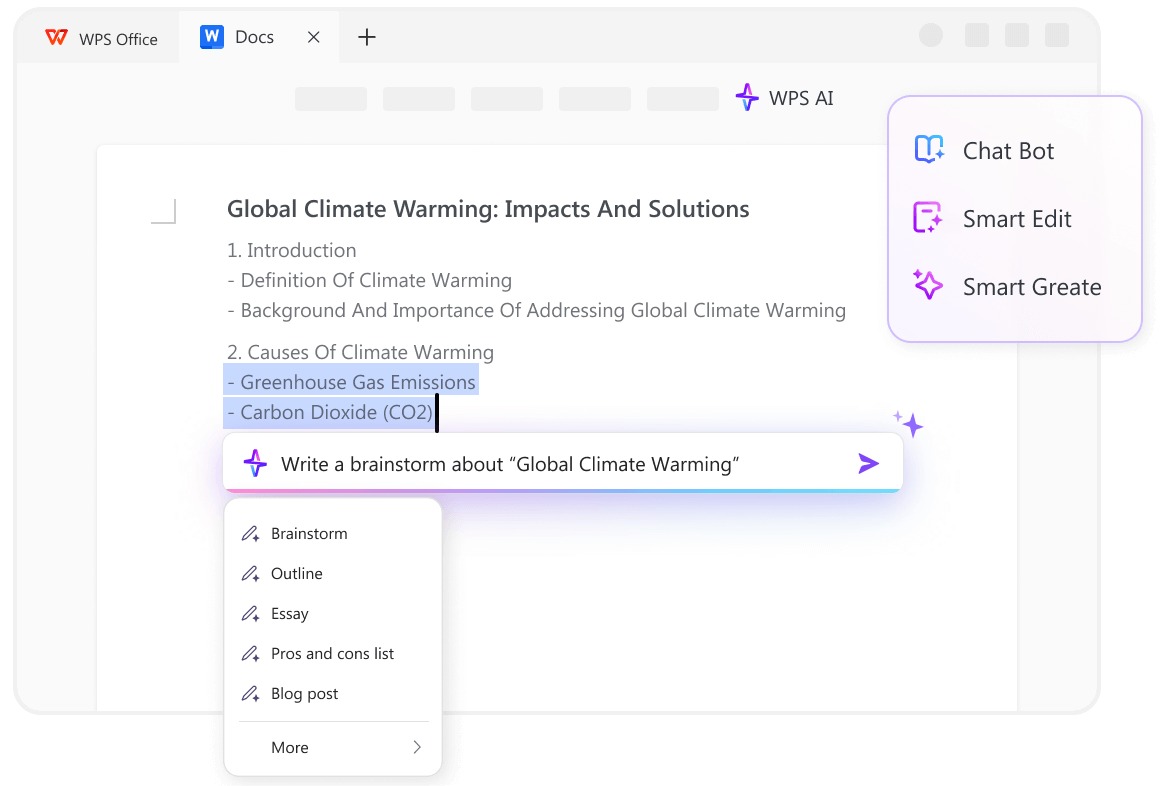
WPS AI drafting tools inside a document
The Best Free Digital Literacy Toolkit: WPS Office
WPS Office is a practical place to practise all five skills at once: Writer for reports, Spreadsheet for data, Presentation for briefings, and WPS PDF for the scan, OCR, signature, and compression steps most tasks end in. It is free, it opens Microsoft formats without a conversion round, and it runs on Windows, macOS, Android, and iOS, so the file you build on a laptop opens on the phone you actually carry.
If scanning is the step you keep avoiding, our guide to scanning to PDF on Windows walks through the built-in route before you install anything.
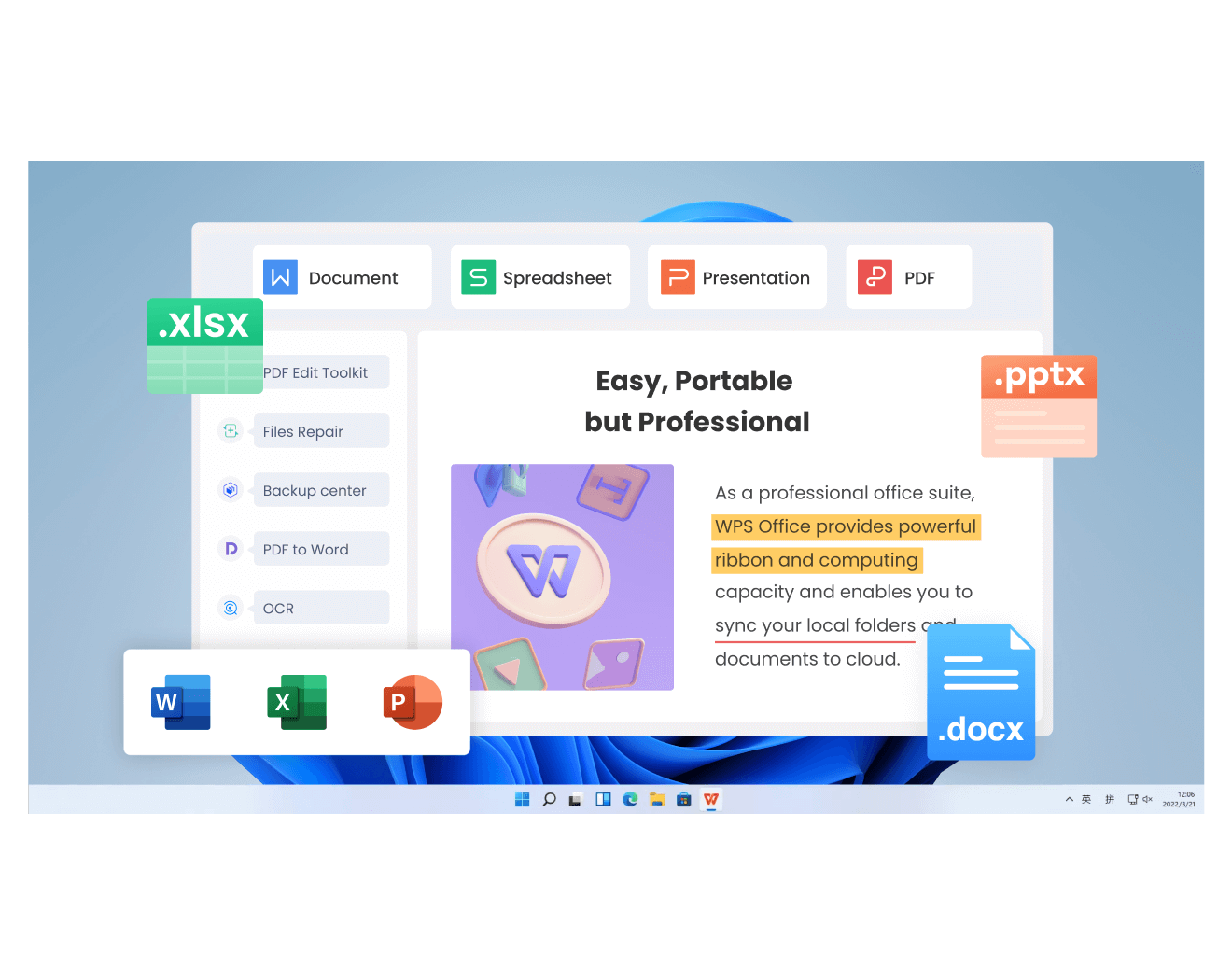
WPS Office suite across four components
FAQs
Is digital literacy the same as computer skills?
Not quite. Computer skills cover operating a device and its software, while digital literacy adds judgement, safe sharing, and the ability to finish a task end to end with a result someone else can use.
Why does digital literacy matter at work?
Most workplace tasks now end in a file: a PDF, a shared sheet, a signed form. Digital literacy decides whether that file opens, whether the data inside stays private, and whether a colleague can act on it without messaging you.
What are the five core digital literacy skills?
Finding information, judging its reliability, creating usable content, sharing it safely, and protecting accounts and personal data. UNESCO and DigComp organise the same ground into competence areas such as information literacy, communication, content creation, safety, and problem solving.
How can I improve my digital literacy quickly?
Pick one real task a week and finish it end to end: scan a receipt to searchable PDF, share a report view-only, or trace a claim back to its source. Skill builds from completed tasks, not from tutorials.
Is AI literacy part of digital literacy?
Increasingly yes. Judging generated text, protecting data in prompts, and verifying sources now sit alongside the older skills, and regulations in the EU already require organisations to provide AI literacy for staff.


'%3e%3cpath%20d='M19.9911%204.11386V6.471H18.5894C18.0775%206.471%2017.7322%206.57814%2017.5536%206.79243C17.3751%207.00671%2017.2858%207.32814%2017.2858%207.75671V9.44421H19.9019L19.5536%2012.0871H17.2858V18.8639H14.5536V12.0871H12.2769V9.44421H14.5536V7.49779C14.5536%206.39064%2014.8632%205.53201%2015.4822%204.92189C16.1013%204.31177%2016.9257%204.00671%2017.9554%204.00671C18.8304%204.00671%2019.509%204.04243%2019.9911%204.11386Z'%20fill='%23333333'/%3e%3c/g%3e%3cdefs%3e%3cclipPath%20id='clip0_2938_8199'%3e%3crect%20width='16'%20height='16'%20fill='white'%20transform='translate(8%204.00671)'/%3e%3c/clipPath%3e%3c/defs%3e%3c/svg%3e)
'%3e%3cpath%20d='M17.5237%2010.7813L23.4811%204H22.0699L16.8949%209.88693L12.7648%204H8L14.2469%2012.9029L8%2020.0133H9.4112L14.8725%2013.7952L19.2352%2020.0133H24M9.92053%205.04213H12.0885L22.0688%2019.0224H19.9003'%20fill='%23333333'/%3e%3c/g%3e%3cdefs%3e%3cclipPath%20id='clip0_2938_8200'%3e%3crect%20width='16'%20height='16.0134'%20fill='white'%20transform='translate(8%204)'/%3e%3c/clipPath%3e%3c/defs%3e%3c/svg%3e)


