

'%3e%3cpath%20d='M8%200C12.4183%200%2016%203.58172%2016%208C16%2012.4183%2012.4183%2016%208%2016C3.58172%2016%200%2012.4183%200%208C0%203.58172%203.58172%200%208%200ZM11.6162%204.38379C11.2257%203.99337%2010.5927%203.99338%2010.2021%204.38379L8%206.58594L5.79785%204.38379C5.40732%203.99334%204.77429%203.99329%204.38379%204.38379C3.99331%204.77429%203.99335%205.40733%204.38379%205.79785L6.58594%208L4.38379%2010.2021C3.99348%2010.5927%203.99341%2011.2257%204.38379%2011.6162C4.77426%2012.0066%205.40734%2012.0065%205.79785%2011.6162L8%209.41406L10.2021%2011.6162C10.5927%2012.0066%2011.2257%2012.0067%2011.6162%2011.6162C12.0067%2011.2257%2012.0066%2010.5927%2011.6162%2010.2021L9.41406%208L11.6162%205.79785C12.0066%205.40735%2012.0066%204.77429%2011.6162%204.38379Z'%20fill='%23080E17'%20fill-opacity='0.46'/%3e%3c/g%3e%3cdefs%3e%3cclipPath%20id='clip0_3761_713'%3e%3crect%20width='16'%20height='16'%20fill='white'/%3e%3c/clipPath%3e%3c/defs%3e%3c/svg%3e)




'%3e%3cpath%20fill-rule='evenodd'%20clip-rule='evenodd'%20d='M21.4999%2010.9993C21.4999%205.20009%2016.7986%200.498901%2010.9993%200.498901C5.19994%200.498901%200.498657%205.20009%200.498657%2010.9993C0.498657%2016.2404%204.33858%2020.5844%209.35855%2021.3722V14.0346H6.69238V10.9993H9.35855V8.68594C9.35855%206.05427%2010.9262%204.60062%2013.3248%204.60062C14.4736%204.60062%2015.6753%204.80571%2015.6753%204.80571V7.38979H14.3512C13.0468%207.38979%2012.64%208.19921%2012.64%209.0296V10.9993H15.5523L15.0867%2014.0346H12.64V21.3722C17.66%2020.5844%2021.4999%2016.2404%2021.4999%2010.9993Z'%20fill='%231568EA'/%3e%3c/g%3e%3c/svg%3e)


'%3e%3cpath%20d='M2.42045%2022.1876H6.31818V12.7217L0.75%208.54553V20.5171C0.75%2021.4414%201.49892%2022.1876%202.42045%2022.1876Z'%20fill='%234285F4'/%3e%3cpath%20d='M19.682%2022.1876H23.5797C24.5041%2022.1876%2025.2502%2021.4387%2025.2502%2020.5171V8.54553L19.682%2012.7217'%20fill='%2334A853'/%3e%3cpath%20d='M19.682%205.48293V12.7216L25.2502%208.54543V6.31816C25.2502%204.25236%2022.8921%203.07469%2021.2411%204.31361'%20fill='%23FBBC04'/%3e%3cpath%20d='M6.31824%2012.7217V5.48303L13.0001%2010.4944L19.6819%205.48303V12.7217L13.0001%2017.733'%20fill='%23EA4335'/%3e%3cpath%20d='M0.75%206.31816V8.54543L6.31818%2012.7216V5.48293L4.75909%204.31361C3.10534%203.07469%200.75%204.25236%200.75%206.31816Z'%20fill='%23C5221F'/%3e%3c/g%3e%3cdefs%3e%3cclipPath%20id='clip0_2954_7305'%3e%3crect%20width='24.5'%20height='18.375'%20fill='white'%20transform='translate(0.75%203.8125)'/%3e%3c/clipPath%3e%3c/defs%3e%3c/svg%3e)


A five-person nonprofit runs like a company with none of the company's infrastructure: no IT department, no stable payroll, and staff who may be volunteers that leave next month. Yet most "best software" lists judge suites by features enterprise teams care about. The real question is different: which productivity suite for nonprofits is actually built for mission-driven, volunteer-run, audit-exposed organizations? We tested the leading options against three questions most reviews never ask.
TL;DR: Quick Answer for the Best Productivity Suite for Nonprofits in 2026
"For most registered nonprofits, the best foundation is Google Workspace for Nonprofits — free for up to 2,000 users — paired with Slack's free nonprofit plan for communication. Microsoft 365 is the stronger choice when grant compliance and reporting demand enterprise-grade controls."
WPS Office covers teams that don't qualify for nonprofit programs or need offline desktop work; Notion organizes volunteer handover knowledge; Canva Pro (free for nonprofits) handles all creative output; and monday.com coordinates campaigns with 10 free seats.
Best free suite for most nonprofits: Google Workspace for Nonprofits (free up to 2,000 users; upgrades from $3.50/user/month)
Best for compliance-heavy organizations: Microsoft 365 for Nonprofits (Business Basic free up to 300 users)
Best no-verification, offline-capable suite: WPS Office (free; Premium from ~$2.99/month)
Best volunteer communication: Slack for Nonprofits (free Pro up to 250 members)
Best knowledge hub for handover: Notion (free plan; 50% nonprofit discount on paid)
Best creative productivity: Canva for Nonprofits (Pro free up to 50 users)
Best campaign coordination: monday.com (10 free nonprofit seats)
Quick Comparison: Who Actually Gets the Nonprofit Deal?
| Suite | Nonprofit program | Free tier | Discounted paid | Verification |
|---|---|---|---|---|
| Google Workspace | Free edition up to 2,000 users | Yes | From $3.50/user/mo (75%+ off) | Google for Nonprofits + charitable status |
| Microsoft 365 | Business Basic free up to 300 users | Yes | Heavily discounted upgrades | TechSoup validation |
| WPS Office | No program needed | Yes (full editing) | Premium ~$2.99/mo flat | None |
| Slack | Free Pro up to 250 members; 85% off above | Yes | 85% off list price | TechSoup validation |
| Notion | 50% off paid plans | Yes | Plus ~$5/user/mo | Notion nonprofit application |
| Canva | Pro free up to 50 users | Yes (Pro features) | — | Registered charity status |
| monday.com | 10 free seats | Yes (standard free plan) | Nonprofit pricing on request | Charity verification |


Why Nonprofits Need a Different Suite Logic
Most reviews rank productivity suites by features and price. Nonprofits fail under that logic for three structural reasons:
Volunteer turnover. Roles change every few months. A suite must make handover trivial — shared drives, searchable wikis, and admin controls — because institutional memory lives in the tools, not in any one person's laptop.
Compliance and grant reporting. Funders increasingly demand audit trails: who edited what, where data is stored, retention policies. A consumer free plan can't answer a grant auditor; a suite with admin controls and retention (Vault, Purview, shared drive permissions) can.
Zero IT staff. Whatever you choose, a volunteer with no training must administer it. Suites with genuine nonprofit programs include onboarding support — and their eligibility paperwork is a one-time cost worth paying.
So we ranked suites by how well they answer these three tests, not by feature checklists. One caution applies to every program below: churches and religious organizations, schools, hospitals, government offices, political organizations, and private grant-making foundations are excluded from most nonprofit programs (Google, Microsoft, and Slack all enforce this through validators like TechSoup). If your organization falls into an excluded category, the verification-free options in this list matter even more.
1. Google Workspace for Nonprofits: Best Free Suite for Most Organizations
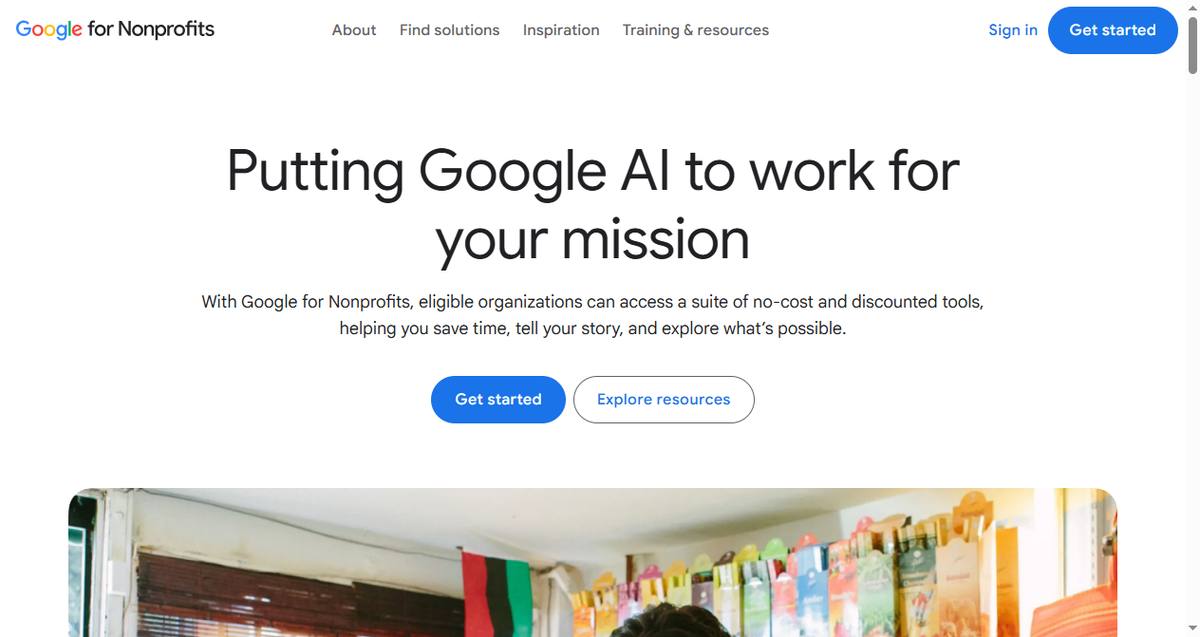
Google for Nonprofits is the most generous program in the category: verified organizations get the Business Starter feature set — Gmail on your own domain, Docs, Sheets, Drive, Meet, Calendar — completely free for up to 2,000 users, with 100 TB of pooled storage. That alone replaces most of what a small nonprofit would otherwise pay for.
Nonprofit fit:
Free for up to 2,000 users — no per-seat math as volunteers come and go
Paid upgrades at 72-80% off: Business Standard ~$3.50/user/mo adds recordings, Gemini AI, and shared drives
Business Plus (~$5.04/user/mo) adds Vault retention — the answer to funding-body compliance obligations
Best for: Any registered nonprofit that lives in the browser and wants zero cost at the core.
Trade-offs: Verification takes days to weeks; browser-only editing hurts on weak connections; excluded categories (churches, schools, hospitals) can't apply.
2. Microsoft 365 for Nonprofits: Best for Compliance-Heavy Organizations
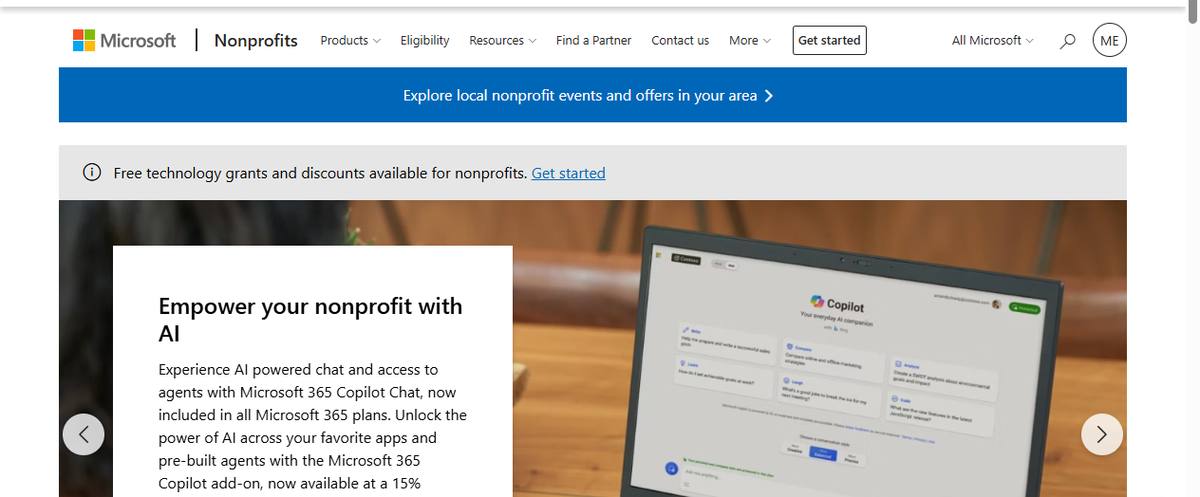
Microsoft 365 for Nonprofits grants Business Basic free for up to 300 users — web versions of Word, Excel, Outlook, and Teams with 1 TB of OneDrive storage each. Microsoft's strength is exactly where nonprofits feel the most pressure: Excel for grant budgets and funder reports, Teams for board meetings, and enterprise-grade security and retention controls through Purview on paid tiers.
Nonprofit fit:
Business Basic free up to 300 users via TechSoup validation
Excel + Power BI ecosystem handles donor reports and audit-ready financials
Compliance tooling (retention, eDiscovery) available at nonprofit prices on higher tiers
Best for: Nonprofits with strict funder reporting, finance-heavy operations, or boards that expect .docx and .xlsx files.
Trade-offs: Free tier is web-only — no desktop Office apps; TechSoup validation and Microsoft's nonprofit criteria exclude some organization types.

3. WPS Office: Best No-Verification Suite with Offline Desktop Apps
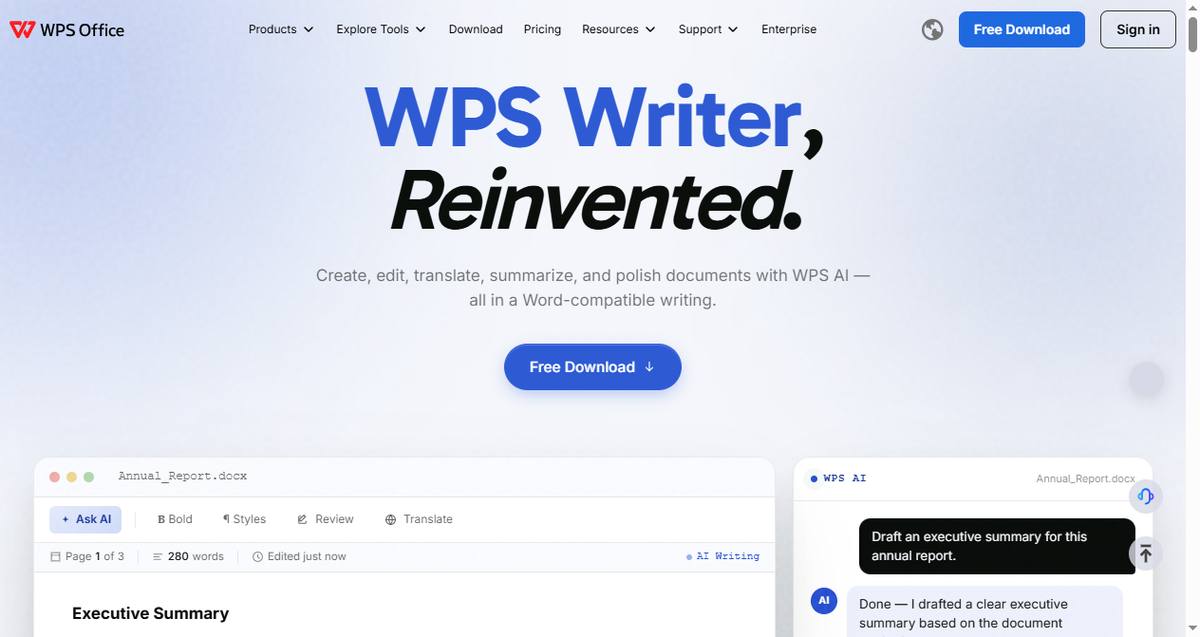
Here's the gap the big programs leave: organizations that fail eligibility (churches, advocacy groups, foundations), or teams working where connectivity is unreliable. WPS Office needs no nonprofit status to be affordable — the full editor suite is free for everyone, and Premium costs a flat ~$2.99/month rather than per-seat pricing that grows with volunteer headcount. Every member gets native desktop apps for Windows, macOS, and Linux that work fully offline, plus Cloud Docs with share, co-edit, and comments; AirSheet and AirPage extend collaboration to spreadsheets and pages; and AI Copilot drafts formulas and documents across all platforms. For teams comparing cloud and desktop workflows, our guide to the best cross-platform productivity apps covers the trade-offs in depth.
Nonprofit fit:
No eligibility verification — anyone can use it, including excluded organization types
Flat pricing instead of per-seat fees that punish volunteer growth
Offline desktop apps for field work, community centers, and unreliable connections
Best for: Organizations excluded from nonprofit programs, or teams doing offline field work with Office-format files.
Trade-offs: No grant-compliance tooling (retention, eDiscovery) — pair it with a compliant cloud drive if funders demand audit trails. If offline capability is the deciding factor, see our picks for the best office suite for offline use.
4. Slack for Nonprofits: Best Communication for Volunteer Coordination
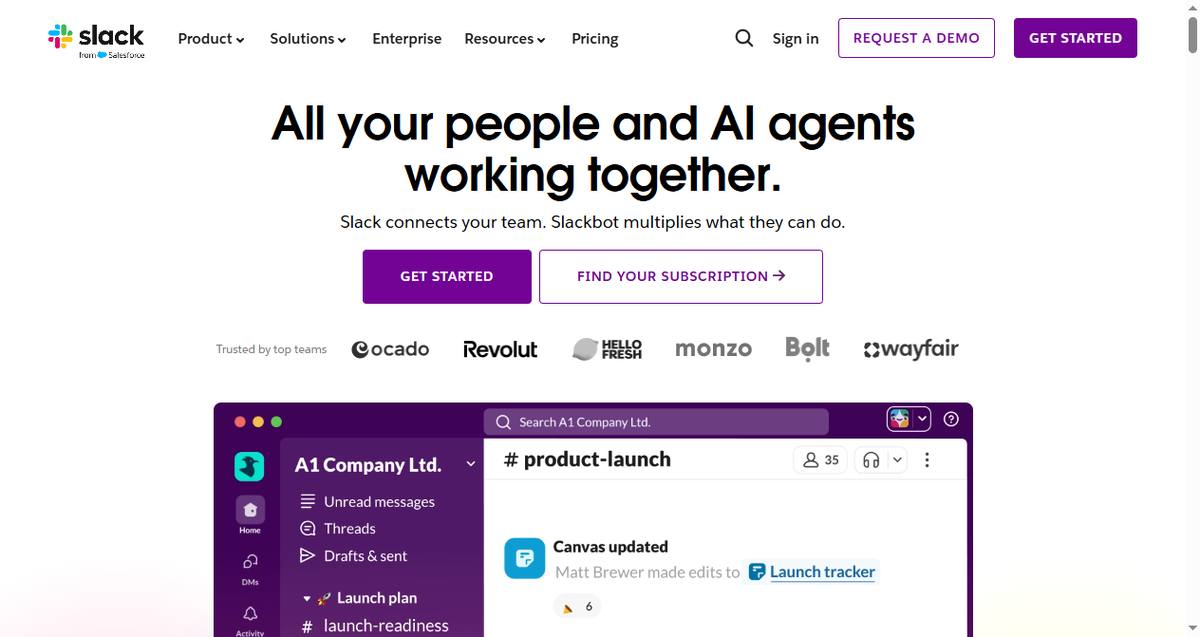
Slack gives verified charities the Pro plan free for workspaces of 250 members or fewer — that includes full message history, group huddles, and guest access for external partners. Above 250 members, nonprofits still get 85% off. For volunteer-run teams, the value is in the history: every decision, file, and conversation stays searchable, so a new volunteer can read the channel instead of asking around.
Nonprofit fit:
Free Pro for charities up to 250 members — normally $8.75/user/mo
85% discount above 250 members, validated through TechSoup
Channel history doubles as volunteer handover documentation
Best for: Active volunteer teams coordinating programs in real time.
Trade-offs: Same exclusions as other TechSoup-validated programs; needs channel discipline or notifications become noise.
5. Notion: Best Knowledge Hub for Volunteer Handover
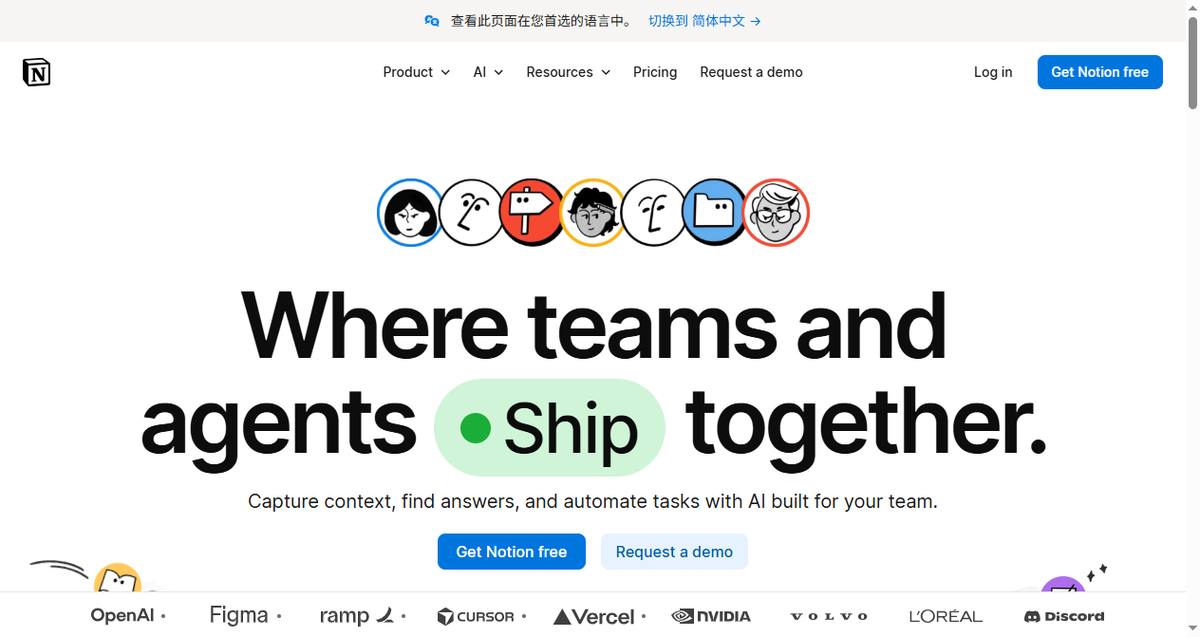
Notion answers the turnover problem directly: wikis, databases, and project boards in one workspace where every process is documented. Grant deadline trackers, donor communication logs, volunteer onboarding pages, and program playbooks all live in one searchable place — and Notion offers a 50% discount on paid plans for verified nonprofits.
Nonprofit fit:
One tool replaces the donor spreadsheet, the wiki, and the task tracker
50% nonprofit discount: Plus drops to ~$5/user/mo
Templates for grant tracking and onboarding shorten handover from weeks to days
Best for: Organizations whose biggest risk is knowledge leaving with each departing volunteer.
Trade-offs: Requires someone to build and maintain the structure; not a compliance system.
6. Canva for Nonprofits: Best Creative Productivity
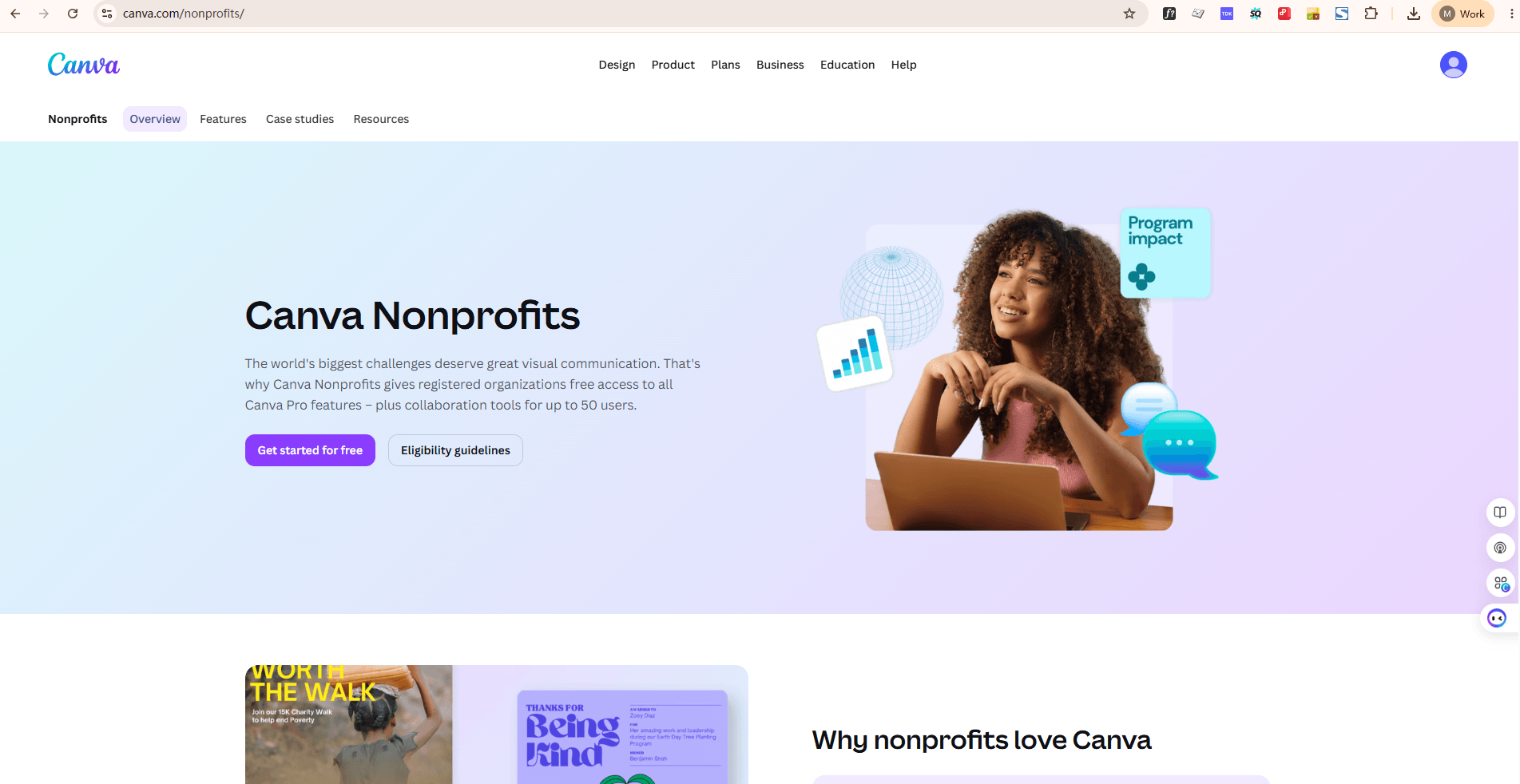
Canva for Nonprofits gives registered organizations the full Canva Pro package free for up to 50 users — brand kits, background remover, premium templates, and team collaboration. Fundraising campaigns live and die on visual quality, and this program lets a nonprofit produce donor reports, social campaigns, and event posters in-house instead of paying a designer.
Nonprofit fit:
Full Pro features free for up to 50 users
Brand kit keeps every volunteer's output on-message
Templates for appeals, reports, and social posts
Best for: Teams that need professional-quality design without a design budget.
Trade-offs: Design only — pair it with a document suite; requires registered charity status.
7. monday.com: Best Campaign and Workflow Coordination
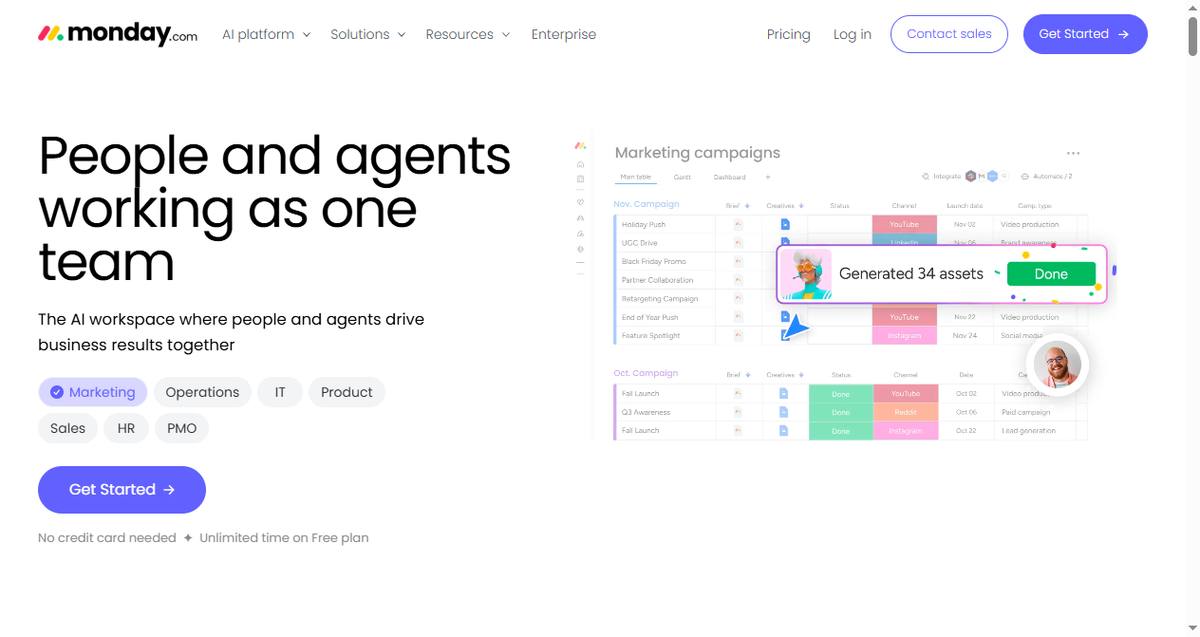
monday.com extends its standard free plan to nonprofits with 10 free seats, adding visual workflows for fundraising campaigns, event planning, and program delivery. Dashboards give the board a live view of every initiative without anyone updating a slide deck.
Nonprofit fit:
10 free seats on top of the standard free plan
Campaign, event, and grant-deadline workflow templates
Dashboards for board and funder reporting
Best for: Program teams juggling multiple campaigns and events at once.
Trade-offs: Ten seats is a hard limit; larger teams move to paid plans quickly.
How to Choose: The Three-Question Test
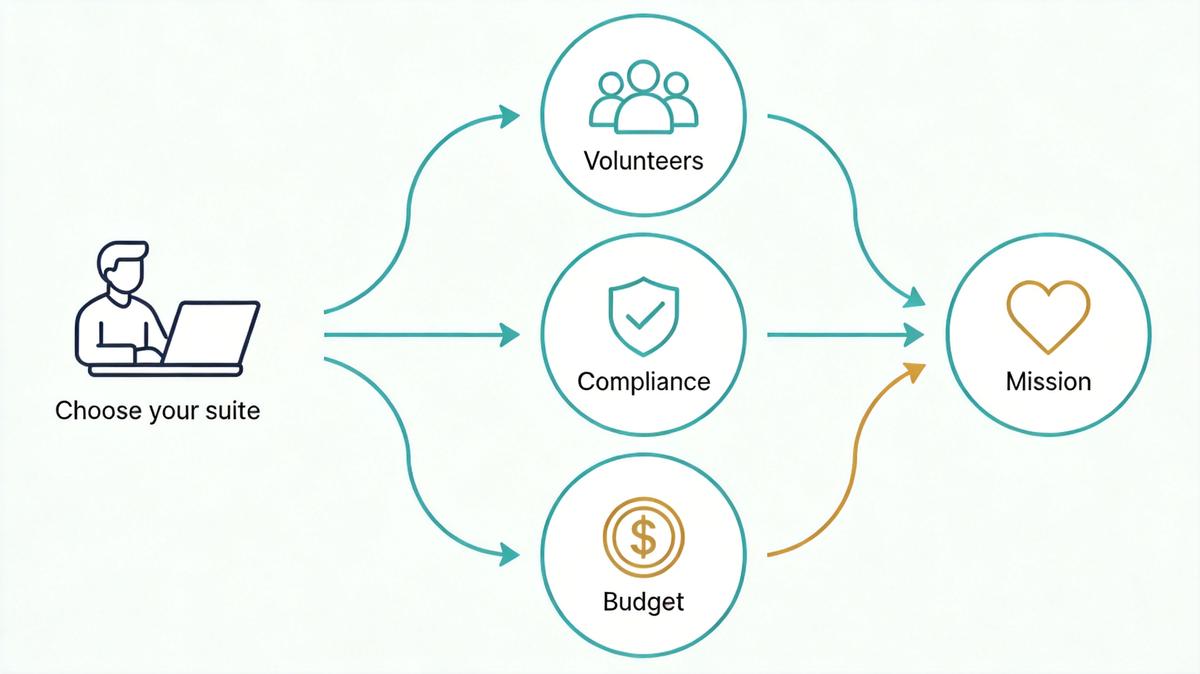
Run every candidate through the three tests. Can a new volunteer find everything without asking anyone? Can you hand a funder an audit trail? Can it be administered by someone who has never run software? Suites that pass all three — Google and Microsoft via their nonprofit programs, Notion via structure — earn their place; the rest fill specific gaps like offline work or design.
The Best Free Foundation for Excluded Organizations: WPS Office
If your organization doesn't qualify for Google, Microsoft, or Slack's programs — or you simply need the paperwork-free option — WPS Office is the fastest path to a working suite:
Install it on every machine. Download the desktop apps from the WPS download center for Windows, macOS, or Linux — no registration, no eligibility check.
Share files through Cloud Docs. Co-edit, comment, and share with the same link-based workflow the big suites use.
Work through connectivity gaps. Desktop editing means field volunteers keep working offline; files sync when they're back.
Keep costs flat. One Premium subscription covers the office needs of a small nonprofit — no per-seat math.
FAQs
What is the best productivity suite for nonprofits?
Google Workspace for Nonprofits is the best starting point: the free edition covers up to 2,000 users with custom-domain email, docs, and 100 TB of storage. Microsoft 365 for Nonprofits is the stronger choice for compliance-heavy organizations, and WPS Office covers teams that don't qualify for either program.
How do nonprofits get software for free or discounted?
Through the vendors' nonprofit programs: Google for Nonprofits, Microsoft's nonprofit grants (both validated via TechSoup in most countries), Slack's charity plan, Notion's 50% discount, Canva's free Pro, and monday.com's 10 free seats. All require registered charitable status and a verification step.
Which organizations are excluded from nonprofit software programs?
Most programs exclude churches and religious organizations, schools and universities, hospitals and health insurers, government offices, political organizations, and private grant-making foundations. Google, Microsoft, and Slack all enforce these exclusions through validators like TechSoup — verification-free options like WPS Office matter for these organizations.
Is Google Workspace really free for nonprofits?
Yes — the Google Workspace for Nonprofits edition is free for up to 2,000 verified users, including Gmail on your domain, Docs, Sheets, Drive, Meet, and 100 TB of pooled storage. Paid upgrades (with meeting recordings, Gemini AI, and Vault retention) cost 72-80% less than commercial prices.
What should a small nonprofit's software stack cost per month?
Potentially $0: Google Workspace for Nonprofits (free) + Slack Pro for charities (free up to 250 members) + Canva Pro (free up to 50 users) covers documents, communication, and design. Add Notion at the 50% discount or monday.com's free seats only when a specific gap appears.
Summary
The best productivity suite for nonprofits in 2026 isn't the one with the longest feature list — it's the one that survives volunteer turnover, satisfies grant compliance, and runs without an IT department. Google Workspace for Nonprofits anchors most stacks for free, Microsoft 365 wins when compliance demands it, WPS Office closes the gap for excluded organizations and offline work, and Slack, Notion, Canva, and monday.com each solve one structural problem. Verify your status once, claim the programs you qualify for, and spend the savings on the mission.
'%3e%3cpath%20d='M19.9911%204.11386V6.471H18.5894C18.0775%206.471%2017.7322%206.57814%2017.5536%206.79243C17.3751%207.00671%2017.2858%207.32814%2017.2858%207.75671V9.44421H19.9019L19.5536%2012.0871H17.2858V18.8639H14.5536V12.0871H12.2769V9.44421H14.5536V7.49779C14.5536%206.39064%2014.8632%205.53201%2015.4822%204.92189C16.1013%204.31177%2016.9257%204.00671%2017.9554%204.00671C18.8304%204.00671%2019.509%204.04243%2019.9911%204.11386Z'%20fill='%23333333'/%3e%3c/g%3e%3cdefs%3e%3cclipPath%20id='clip0_2938_8199'%3e%3crect%20width='16'%20height='16'%20fill='white'%20transform='translate(8%204.00671)'/%3e%3c/clipPath%3e%3c/defs%3e%3c/svg%3e)
'%3e%3cpath%20d='M17.5237%2010.7813L23.4811%204H22.0699L16.8949%209.88693L12.7648%204H8L14.2469%2012.9029L8%2020.0133H9.4112L14.8725%2013.7952L19.2352%2020.0133H24M9.92053%205.04213H12.0885L22.0688%2019.0224H19.9003'%20fill='%23333333'/%3e%3c/g%3e%3cdefs%3e%3cclipPath%20id='clip0_2938_8200'%3e%3crect%20width='16'%20height='16.0134'%20fill='white'%20transform='translate(8%204)'/%3e%3c/clipPath%3e%3c/defs%3e%3c/svg%3e)


