

'%3e%3cpath%20d='M8%200C12.4183%200%2016%203.58172%2016%208C16%2012.4183%2012.4183%2016%208%2016C3.58172%2016%200%2012.4183%200%208C0%203.58172%203.58172%200%208%200ZM11.6162%204.38379C11.2257%203.99337%2010.5927%203.99338%2010.2021%204.38379L8%206.58594L5.79785%204.38379C5.40732%203.99334%204.77429%203.99329%204.38379%204.38379C3.99331%204.77429%203.99335%205.40733%204.38379%205.79785L6.58594%208L4.38379%2010.2021C3.99348%2010.5927%203.99341%2011.2257%204.38379%2011.6162C4.77426%2012.0066%205.40734%2012.0065%205.79785%2011.6162L8%209.41406L10.2021%2011.6162C10.5927%2012.0066%2011.2257%2012.0067%2011.6162%2011.6162C12.0067%2011.2257%2012.0066%2010.5927%2011.6162%2010.2021L9.41406%208L11.6162%205.79785C12.0066%205.40735%2012.0066%204.77429%2011.6162%204.38379Z'%20fill='%23080E17'%20fill-opacity='0.46'/%3e%3c/g%3e%3cdefs%3e%3cclipPath%20id='clip0_3761_713'%3e%3crect%20width='16'%20height='16'%20fill='white'/%3e%3c/clipPath%3e%3c/defs%3e%3c/svg%3e)




'%3e%3cpath%20fill-rule='evenodd'%20clip-rule='evenodd'%20d='M21.4999%2010.9993C21.4999%205.20009%2016.7986%200.498901%2010.9993%200.498901C5.19994%200.498901%200.498657%205.20009%200.498657%2010.9993C0.498657%2016.2404%204.33858%2020.5844%209.35855%2021.3722V14.0346H6.69238V10.9993H9.35855V8.68594C9.35855%206.05427%2010.9262%204.60062%2013.3248%204.60062C14.4736%204.60062%2015.6753%204.80571%2015.6753%204.80571V7.38979H14.3512C13.0468%207.38979%2012.64%208.19921%2012.64%209.0296V10.9993H15.5523L15.0867%2014.0346H12.64V21.3722C17.66%2020.5844%2021.4999%2016.2404%2021.4999%2010.9993Z'%20fill='%231568EA'/%3e%3c/g%3e%3c/svg%3e)


'%3e%3cpath%20d='M2.42045%2022.1876H6.31818V12.7217L0.75%208.54553V20.5171C0.75%2021.4414%201.49892%2022.1876%202.42045%2022.1876Z'%20fill='%234285F4'/%3e%3cpath%20d='M19.682%2022.1876H23.5797C24.5041%2022.1876%2025.2502%2021.4387%2025.2502%2020.5171V8.54553L19.682%2012.7217'%20fill='%2334A853'/%3e%3cpath%20d='M19.682%205.48293V12.7216L25.2502%208.54543V6.31816C25.2502%204.25236%2022.8921%203.07469%2021.2411%204.31361'%20fill='%23FBBC04'/%3e%3cpath%20d='M6.31824%2012.7217V5.48303L13.0001%2010.4944L19.6819%205.48303V12.7217L13.0001%2017.733'%20fill='%23EA4335'/%3e%3cpath%20d='M0.75%206.31816V8.54543L6.31818%2012.7216V5.48293L4.75909%204.31361C3.10534%203.07469%200.75%204.25236%200.75%206.31816Z'%20fill='%23C5221F'/%3e%3c/g%3e%3cdefs%3e%3cclipPath%20id='clip0_2954_7305'%3e%3crect%20width='24.5'%20height='18.375'%20fill='white'%20transform='translate(0.75%203.8125)'/%3e%3c/clipPath%3e%3c/defs%3e%3c/svg%3e)


The CMS-1500 is the standard paper claim form used to bill insurance for care delivered outside a hospital — physician visits, labs, therapy, and most clinic services. Rejections are rarely about the medicine; they come from a handful of boxes left blank, a wrong place-of-service code, or a PDF that the payer's scanner cannot read. This guide walks the blocks that decide whether a claim clears, then shows how to fill and flatten the file.
CMS-1500 Claim Form: What Each Box Means and How to Fill It
Fill the Patient and Insured Blocks Without Rejections
The top third of the form identifies who received care and who holds the policy. Two rules prevent most errors here: copy names exactly as they appear on the insurance card, and never leave a required box blank — use "N/A" where the situation does not apply.
Box 1 and 1a. Tick the insurance type and enter the member ID exactly as printed, including any letters and suffixes.
Box 2, 3, 4. Patient name, date of birth, and sex. If the patient is also the insured, boxes 4 and 7 repeat the same details.
Box 5, 6, 7. Patient address, relationship to the insured, and the insured's address and policy group number.
Boxes 11, 12, 13. Insured's policy number, the patient's or authorized person's signature, and the date. A missing signature is one of the most common reasons a claim is returned.
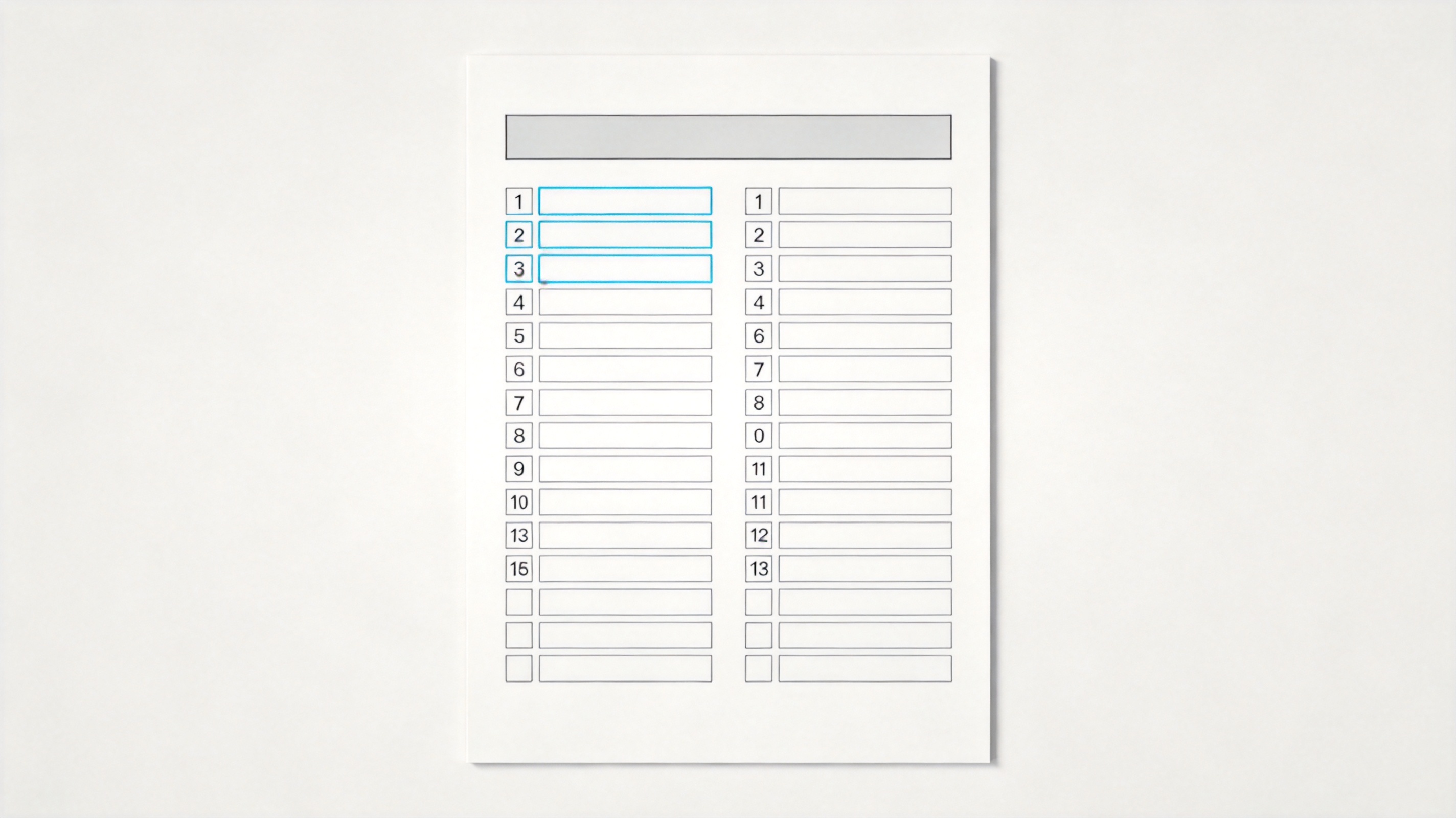
Patient and insured blocks on a claim form


Code the Diagnosis and Service Lines Correctly
The bottom third carries the clinical detail, and this is where the form is either internally consistent or rejected.
Box 21. Enter the ICD-10-CM diagnosis codes in priority order, A through L. The first diagnosis must be the reason the service was performed, not the most serious condition.
Box 24A–24J. One row per service. Give the date, the place-of-service code, the CPT or HCPCS code with any modifier, the diagnosis pointer letter, the charge, the units, and the rendering provider NPI.
The diagnosis pointer must match box 21. If the pointer says "A" but line A of box 21 is blank, the whole line falls over in edits.
Boxes 25, 28, 33. Federal tax ID, total charge for the claim, and the billing provider NPI. Make sure the total equals the sum of the service lines.
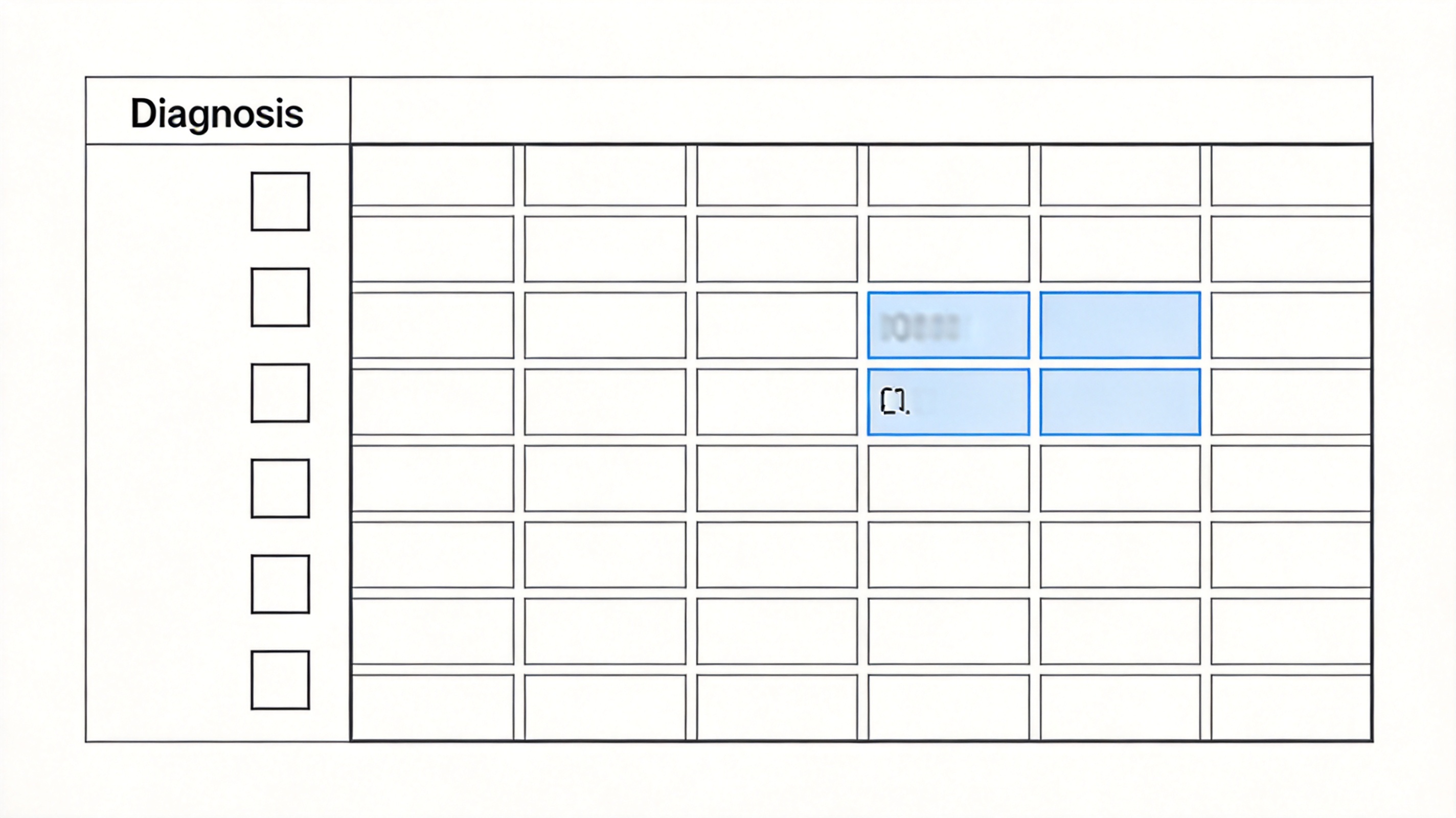
Diagnosis column and service lines on a claim form
Download, Fill, and Submit the CMS-1500 as a PDF
Payers scan the paper form with character recognition, so a clean digital file beats a neat handwriting job every time.
Download the current 02/12 version of the form from the official source your payer points to, and keep using that exact layout — older versions are returned.
Open the PDF in the WPS PDF toolkit and type into the fields rather than annotating over them. Use a standard font at 10–12pt and do not add highlights, stamps, or stickers.
Proofread against the payer's checklist: NPI present, pointers pointing at real diagnoses, totals adding up, signature and date in place.
Flatten or save the finished file so the text is locked to the page, then submit it through the payer portal or print it. Because the file carries protected health information, edit it locally and avoid uploading it to unknown online converters.
Fill a claim form PDF and save it
The Best Free PDF Alternative: WPS Office
Claim forms are the one document where you cannot compromise on layout: the payer maps boxes by position. WPS PDF keeps the 02/12 layout intact while you type into it, and everything happens on your own device.
| What you need | WPS Office | Paid PDF editors |
|---|---|---|
| Type into form fields | Included | Included |
| Keep the original layout | Boxes stay in place | Varies |
| Flatten before sending | Included | Often a paid feature |
| Cost | Free for everyday use | Subscription |
Stays local: patient information is not uploaded to a converter service.
No layout drift: the payer's box mapping still lines up after you save.
Templates in the same suite: keep the claim, the invoice, and the office spreadsheet together.
Free on every desktop: install it on the front-desk machine without a licence fee.
WPS PDF toolkit for medical claim forms
FAQs
What is the difference between a CMS-1500 and a UB-04?
A CMS-1500 bills non-institutional care such as physician and clinic services. The UB-04 is for institutional claims from hospitals and facilities.
Which version of the form must I use?
Use the 02/12 version unless your payer states otherwise. Older versions are usually returned unprocessed because the box layout no longer matches the scanning rules.
Can I fill the CMS-1500 by hand?
You can, in black ink and block capitals, but typed text is far more reliable. Scanners misread handwriting, and a single unread digit can hold up payment.
What is a place-of-service code?
It is the two-digit code in box 24B that says where the care happened — for example office, outpatient hospital, or telehealth. It changes how the claim is priced.
How many diagnosis codes fit on the form?
Box 21 accepts up to twelve ICD-10 codes, labelled A to L. Because the service-line pointers must reference those letters, keeping the list short and accurate is safer.


'%3e%3cpath%20d='M19.9911%204.11386V6.471H18.5894C18.0775%206.471%2017.7322%206.57814%2017.5536%206.79243C17.3751%207.00671%2017.2858%207.32814%2017.2858%207.75671V9.44421H19.9019L19.5536%2012.0871H17.2858V18.8639H14.5536V12.0871H12.2769V9.44421H14.5536V7.49779C14.5536%206.39064%2014.8632%205.53201%2015.4822%204.92189C16.1013%204.31177%2016.9257%204.00671%2017.9554%204.00671C18.8304%204.00671%2019.509%204.04243%2019.9911%204.11386Z'%20fill='%23333333'/%3e%3c/g%3e%3cdefs%3e%3cclipPath%20id='clip0_2938_8199'%3e%3crect%20width='16'%20height='16'%20fill='white'%20transform='translate(8%204.00671)'/%3e%3c/clipPath%3e%3c/defs%3e%3c/svg%3e)
'%3e%3cpath%20d='M17.5237%2010.7813L23.4811%204H22.0699L16.8949%209.88693L12.7648%204H8L14.2469%2012.9029L8%2020.0133H9.4112L14.8725%2013.7952L19.2352%2020.0133H24M9.92053%205.04213H12.0885L22.0688%2019.0224H19.9003'%20fill='%23333333'/%3e%3c/g%3e%3cdefs%3e%3cclipPath%20id='clip0_2938_8200'%3e%3crect%20width='16'%20height='16.0134'%20fill='white'%20transform='translate(8%204)'/%3e%3c/clipPath%3e%3c/defs%3e%3c/svg%3e)


