

'%3e%3cpath%20d='M8%200C12.4183%200%2016%203.58172%2016%208C16%2012.4183%2012.4183%2016%208%2016C3.58172%2016%200%2012.4183%200%208C0%203.58172%203.58172%200%208%200ZM11.6162%204.38379C11.2257%203.99337%2010.5927%203.99338%2010.2021%204.38379L8%206.58594L5.79785%204.38379C5.40732%203.99334%204.77429%203.99329%204.38379%204.38379C3.99331%204.77429%203.99335%205.40733%204.38379%205.79785L6.58594%208L4.38379%2010.2021C3.99348%2010.5927%203.99341%2011.2257%204.38379%2011.6162C4.77426%2012.0066%205.40734%2012.0065%205.79785%2011.6162L8%209.41406L10.2021%2011.6162C10.5927%2012.0066%2011.2257%2012.0067%2011.6162%2011.6162C12.0067%2011.2257%2012.0066%2010.5927%2011.6162%2010.2021L9.41406%208L11.6162%205.79785C12.0066%205.40735%2012.0066%204.77429%2011.6162%204.38379Z'%20fill='%23080E17'%20fill-opacity='0.46'/%3e%3c/g%3e%3cdefs%3e%3cclipPath%20id='clip0_3761_713'%3e%3crect%20width='16'%20height='16'%20fill='white'/%3e%3c/clipPath%3e%3c/defs%3e%3c/svg%3e)




'%3e%3cpath%20fill-rule='evenodd'%20clip-rule='evenodd'%20d='M21.4999%2010.9993C21.4999%205.20009%2016.7986%200.498901%2010.9993%200.498901C5.19994%200.498901%200.498657%205.20009%200.498657%2010.9993C0.498657%2016.2404%204.33858%2020.5844%209.35855%2021.3722V14.0346H6.69238V10.9993H9.35855V8.68594C9.35855%206.05427%2010.9262%204.60062%2013.3248%204.60062C14.4736%204.60062%2015.6753%204.80571%2015.6753%204.80571V7.38979H14.3512C13.0468%207.38979%2012.64%208.19921%2012.64%209.0296V10.9993H15.5523L15.0867%2014.0346H12.64V21.3722C17.66%2020.5844%2021.4999%2016.2404%2021.4999%2010.9993Z'%20fill='%231568EA'/%3e%3c/g%3e%3c/svg%3e)


'%3e%3cpath%20d='M2.42045%2022.1876H6.31818V12.7217L0.75%208.54553V20.5171C0.75%2021.4414%201.49892%2022.1876%202.42045%2022.1876Z'%20fill='%234285F4'/%3e%3cpath%20d='M19.682%2022.1876H23.5797C24.5041%2022.1876%2025.2502%2021.4387%2025.2502%2020.5171V8.54553L19.682%2012.7217'%20fill='%2334A853'/%3e%3cpath%20d='M19.682%205.48293V12.7216L25.2502%208.54543V6.31816C25.2502%204.25236%2022.8921%203.07469%2021.2411%204.31361'%20fill='%23FBBC04'/%3e%3cpath%20d='M6.31824%2012.7217V5.48303L13.0001%2010.4944L19.6819%205.48303V12.7217L13.0001%2017.733'%20fill='%23EA4335'/%3e%3cpath%20d='M0.75%206.31816V8.54543L6.31818%2012.7216V5.48293L4.75909%204.31361C3.10534%203.07469%200.75%204.25236%200.75%206.31816Z'%20fill='%23C5221F'/%3e%3c/g%3e%3cdefs%3e%3cclipPath%20id='clip0_2954_7305'%3e%3crect%20width='24.5'%20height='18.375'%20fill='white'%20transform='translate(0.75%203.8125)'/%3e%3c/clipPath%3e%3c/defs%3e%3c/svg%3e)


A clerk emails asking for a sworn statement, or a form header says “affiant” and “under penalties of perjury,” and you are not sure what you are promising. Signing without understanding can turn a routine PDF into a statement you must defend in court.
What Is an Affidavit? Prepare and Sign the PDF in WPS (2026 Guide)
When a sworn affidavit statement is required
An affidavit is a written statement the signer swears is true, usually signed in front of a notary or other authorized official. Courts and agencies treat it like testimony on paper: false facts can lead to perjury charges, not just a rejected form.
You are typically asked for one when someone needs your facts on record without calling you to the stand—proof of address, identity, service of papers, or financial details in a divorce or bankruptcy. If you only need a casual letter, you probably need a different document; when the caption says “affiant” or the instructions mention notarization, treat it as an affidavit workflow.
This article is general information, not legal advice. Rules vary by state and court; confirm requirements on the form or with a qualified professional before you sign.
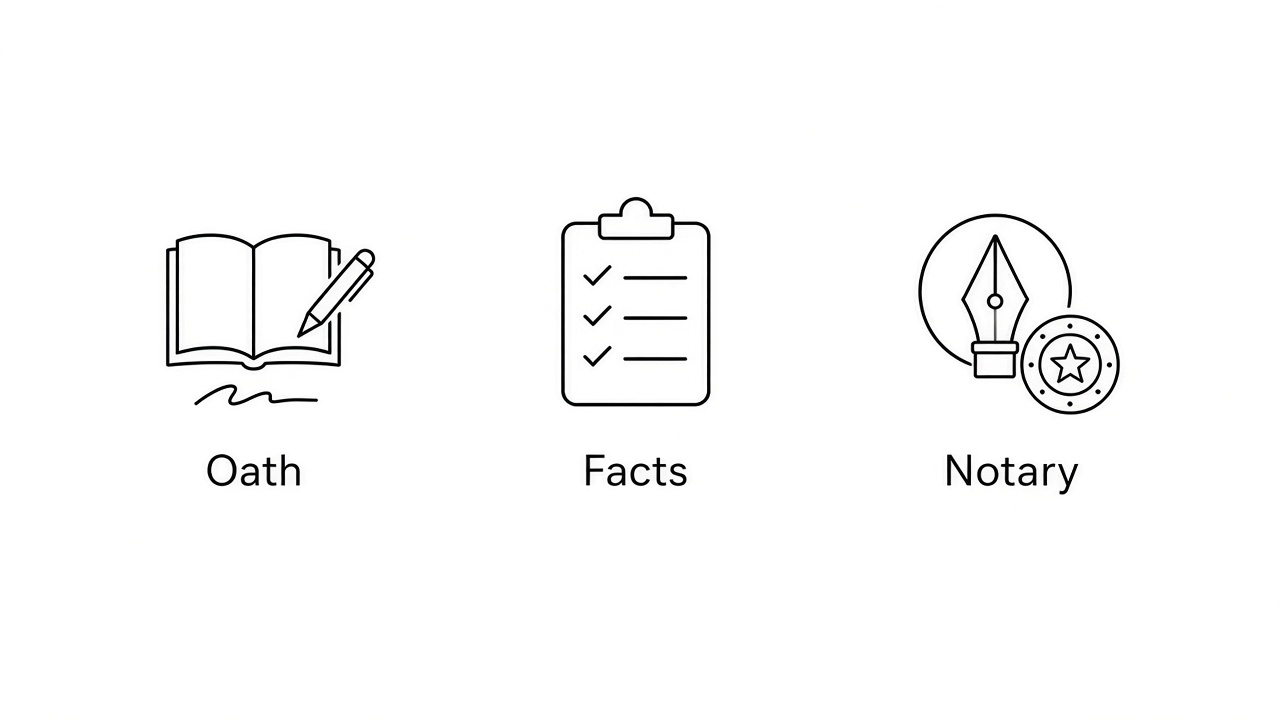
Sworn affidavit requires oath facts notary
Common affidavit form uses in court and business
Affidavit forms show up across civil and administrative work. The exact title changes, but the pattern is the same: first-person facts, signature, and often a notary block.
Residence and identity. Confirm where you live or verify a name when other records are missing.
Estate and family matters. Support wills, domicile claims, or travel consent for minors—often alongside templates like our child travel consent forms.
Financial and contract disputes. Attach income, expenses, or service-of-process confirmations in bankruptcy, divorce, or litigation.
Substitute testimony. In some proceedings, a properly prepared affidavit can be read into the record so you do not appear in person.
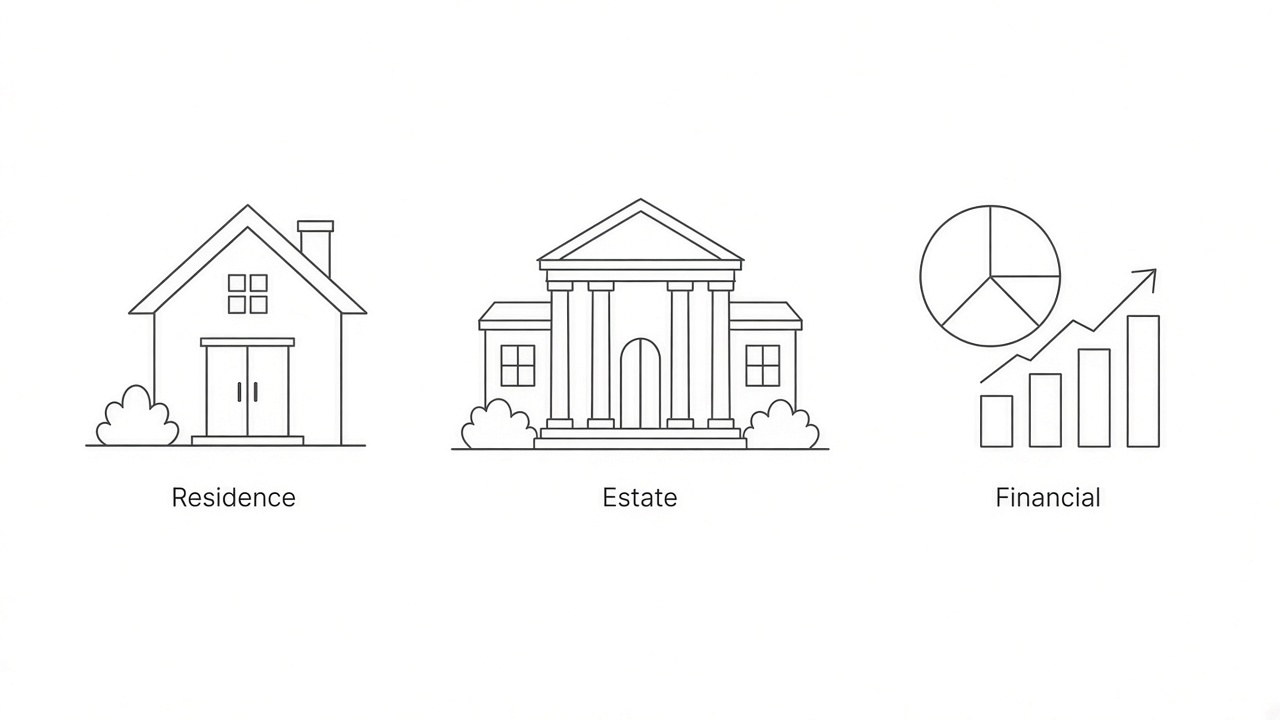
Common affidavit uses residence estate financial


Affidavit form sections you must complete
Most affidavit PDFs follow the same skeleton. Missing a jurat or mixing opinion with facts are common reasons clerks reject a filing.
Caption and title
The top identifies the court or agency, case number if any, and the affiant’s legal name. Match the spelling on your ID.
Sworn statement body
Write in the first person, in chronological order, and stick to facts you personally know. Label opinions clearly if the form allows them; many affidavits should contain facts only.
Signature and jurat
You sign after the statement. The jurat is where a notary or authorized officer records that you appeared, were identified, and signed voluntarily. Do not sign the jurat page until you are in front of the official unless local rules allow otherwise.
Exhibits
Attach receipts, photos, or records as labeled exhibits and refer to them in the statement (“Exhibit A”). Keep copies for yourself. If you draft the narrative in Writer first, use court-style margins and line numbers as described in our legal paper formatting guide before you paste into the PDF.
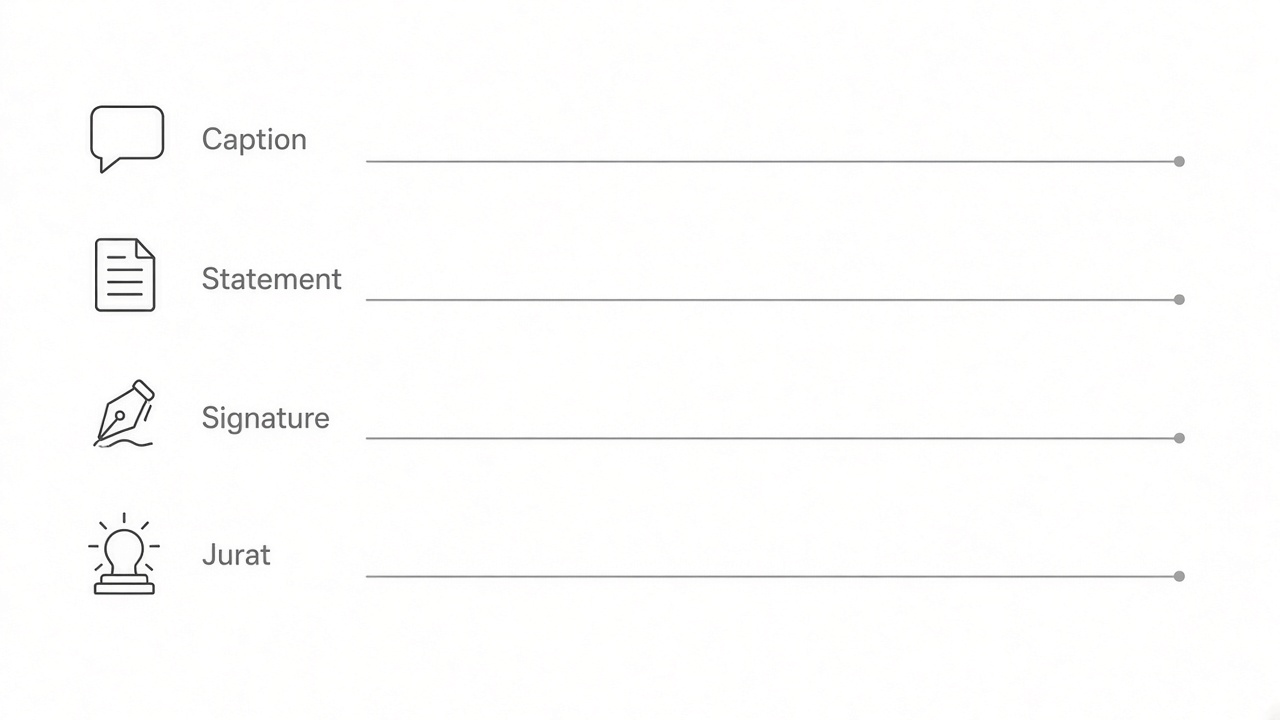
Affidavit form caption statement signature jurat
Fill and sign an affidavit PDF in WPS
When a clerk sends a fillable affidavit PDF, type your answers in WPS before the notary appointment. On Windows and Mac, WPS PDF shows the same ribbon tabs—Home, Edit, and Fill & Sign—next to the top menu button labeled Menu. These steps cover PDF preparation only; follow the form’s instructions about wet ink, e-sign acceptance, and notarization.
Open the affidavit PDF in WPS PDF. Click Menu (top-left) and choose Save As so you keep a working copy without overwriting the blank template.
Click the Fill & Sign tab on the ribbon. If the PDF has interactive fields, click each field and type. If the body is not fillable, open the Edit tab and use Edit PDF or Add Text to enter the sworn statement.
Complete the caption lines and statement text. Leave the jurat (notary certificate) blank when the instructions say you must sign in front of a notary or use wet ink.
When the form allows a draft e-signature on the affiant line only, stay on Fill & Sign, click Add Signature, draw or import a signature, and place it on the affiant signature line—not in the notary seal area.
Save the file with Menu > Save or Save As and bring that PDF to the notary. An electronic signature placed in WPS is not the same as notarization. For how signatures work in general, see signature types and when they bind.

WPS PDF Fill and Sign tab on the ribbon
Notarization and perjury rules for an affidavit
A notary verifies identity and witnesses the signature; they do not verify that your facts are true. You remain responsible for every statement. Many jurisdictions also require the affiant to be mentally competent and signing voluntarily—coerced affidavits can be thrown out.
Remote online notarization may be available where you live; bring the unsigned or partially completed PDF your lawyer or clerk specified. After notarization, scan the executed affidavit back to PDF in WPS if you need to email it, and keep the original if instructions require paper. A WPS e-signature helps you prepare drafts; it does not by itself complete a notarized jurat.
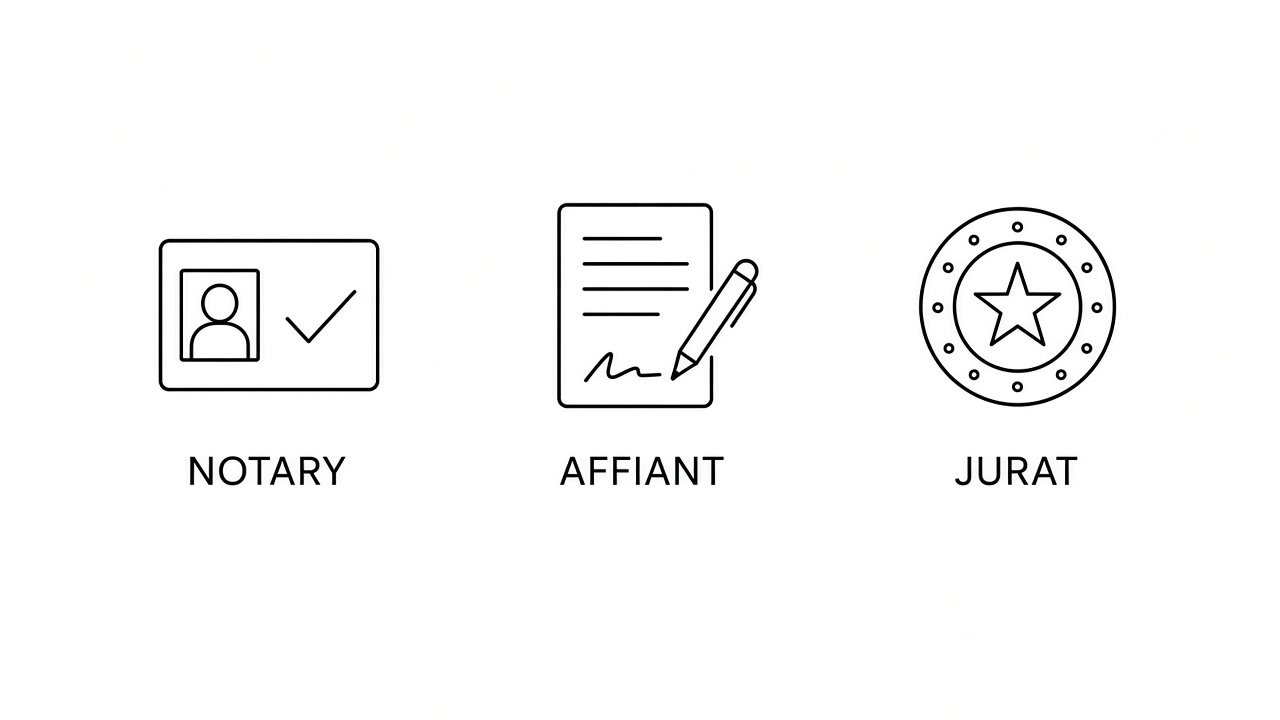
Notary affiant and jurat on affidavit
The Best Free PDF Alternative: WPS Office
Affidavit work spans drafting in Writer, filling the official PDF, signing, and archiving a notarized scan. WPS Office keeps those steps in one install instead of juggling separate browser tools.
Use Writer to outline facts, switch to PDF for Fill & Sign, and export a flat copy for filing. Password-protect sensitive drafts if you share a device with others.

WPS PDF editor for legal affidavit forms
FAQs
What is an affidavit in plain terms?
It is a written statement you swear is true, usually signed before a notary or authorized officer. It carries the same seriousness as oral testimony under oath.
Is an affidavit the same as a declaration?
Some jurisdictions use “declaration” for a sworn statement without notarization when a specific statute allows it. Read the form title and local rules; do not assume the labels are interchangeable.
Can I prepare an affidavit PDF without a lawyer?
Many people complete standard forms themselves, especially for administrative uses. Complex litigation, immigration, or estate matters usually need professional review before you sign.
Does WPS replace a notary for an affidavit?
No. WPS helps you draft, fill, sign, and store the PDF. Notarization still requires an authorized official where the form or law demands it.
What happens if an affidavit contains false information?
Knowingly false statements can lead to perjury penalties and rejection of the filing. Correct errors with a new affidavit or amendment process your clerk or attorney describes.


'%3e%3cpath%20d='M19.9911%204.11386V6.471H18.5894C18.0775%206.471%2017.7322%206.57814%2017.5536%206.79243C17.3751%207.00671%2017.2858%207.32814%2017.2858%207.75671V9.44421H19.9019L19.5536%2012.0871H17.2858V18.8639H14.5536V12.0871H12.2769V9.44421H14.5536V7.49779C14.5536%206.39064%2014.8632%205.53201%2015.4822%204.92189C16.1013%204.31177%2016.9257%204.00671%2017.9554%204.00671C18.8304%204.00671%2019.509%204.04243%2019.9911%204.11386Z'%20fill='%23333333'/%3e%3c/g%3e%3cdefs%3e%3cclipPath%20id='clip0_2938_8199'%3e%3crect%20width='16'%20height='16'%20fill='white'%20transform='translate(8%204.00671)'/%3e%3c/clipPath%3e%3c/defs%3e%3c/svg%3e)
'%3e%3cpath%20d='M17.5237%2010.7813L23.4811%204H22.0699L16.8949%209.88693L12.7648%204H8L14.2469%2012.9029L8%2020.0133H9.4112L14.8725%2013.7952L19.2352%2020.0133H24M9.92053%205.04213H12.0885L22.0688%2019.0224H19.9003'%20fill='%23333333'/%3e%3c/g%3e%3cdefs%3e%3cclipPath%20id='clip0_2938_8200'%3e%3crect%20width='16'%20height='16.0134'%20fill='white'%20transform='translate(8%204)'/%3e%3c/clipPath%3e%3c/defs%3e%3c/svg%3e)


