

'%3e%3cpath%20d='M8%200C12.4183%200%2016%203.58172%2016%208C16%2012.4183%2012.4183%2016%208%2016C3.58172%2016%200%2012.4183%200%208C0%203.58172%203.58172%200%208%200ZM11.6162%204.38379C11.2257%203.99337%2010.5927%203.99338%2010.2021%204.38379L8%206.58594L5.79785%204.38379C5.40732%203.99334%204.77429%203.99329%204.38379%204.38379C3.99331%204.77429%203.99335%205.40733%204.38379%205.79785L6.58594%208L4.38379%2010.2021C3.99348%2010.5927%203.99341%2011.2257%204.38379%2011.6162C4.77426%2012.0066%205.40734%2012.0065%205.79785%2011.6162L8%209.41406L10.2021%2011.6162C10.5927%2012.0066%2011.2257%2012.0067%2011.6162%2011.6162C12.0067%2011.2257%2012.0066%2010.5927%2011.6162%2010.2021L9.41406%208L11.6162%205.79785C12.0066%205.40735%2012.0066%204.77429%2011.6162%204.38379Z'%20fill='%23080E17'%20fill-opacity='0.46'/%3e%3c/g%3e%3cdefs%3e%3cclipPath%20id='clip0_3761_713'%3e%3crect%20width='16'%20height='16'%20fill='white'/%3e%3c/clipPath%3e%3c/defs%3e%3c/svg%3e)




'%3e%3cpath%20fill-rule='evenodd'%20clip-rule='evenodd'%20d='M21.4999%2010.9993C21.4999%205.20009%2016.7986%200.498901%2010.9993%200.498901C5.19994%200.498901%200.498657%205.20009%200.498657%2010.9993C0.498657%2016.2404%204.33858%2020.5844%209.35855%2021.3722V14.0346H6.69238V10.9993H9.35855V8.68594C9.35855%206.05427%2010.9262%204.60062%2013.3248%204.60062C14.4736%204.60062%2015.6753%204.80571%2015.6753%204.80571V7.38979H14.3512C13.0468%207.38979%2012.64%208.19921%2012.64%209.0296V10.9993H15.5523L15.0867%2014.0346H12.64V21.3722C17.66%2020.5844%2021.4999%2016.2404%2021.4999%2010.9993Z'%20fill='%231568EA'/%3e%3c/g%3e%3c/svg%3e)


'%3e%3cpath%20d='M2.42045%2022.1876H6.31818V12.7217L0.75%208.54553V20.5171C0.75%2021.4414%201.49892%2022.1876%202.42045%2022.1876Z'%20fill='%234285F4'/%3e%3cpath%20d='M19.682%2022.1876H23.5797C24.5041%2022.1876%2025.2502%2021.4387%2025.2502%2020.5171V8.54553L19.682%2012.7217'%20fill='%2334A853'/%3e%3cpath%20d='M19.682%205.48293V12.7216L25.2502%208.54543V6.31816C25.2502%204.25236%2022.8921%203.07469%2021.2411%204.31361'%20fill='%23FBBC04'/%3e%3cpath%20d='M6.31824%2012.7217V5.48303L13.0001%2010.4944L19.6819%205.48303V12.7217L13.0001%2017.733'%20fill='%23EA4335'/%3e%3cpath%20d='M0.75%206.31816V8.54543L6.31818%2012.7216V5.48293L4.75909%204.31361C3.10534%203.07469%200.75%204.25236%200.75%206.31816Z'%20fill='%23C5221F'/%3e%3c/g%3e%3cdefs%3e%3cclipPath%20id='clip0_2954_7305'%3e%3crect%20width='24.5'%20height='18.375'%20fill='white'%20transform='translate(0.75%203.8125)'/%3e%3c/clipPath%3e%3c/defs%3e%3c/svg%3e)


An operating agreement is the internal contract of a limited liability company: it names the members, records their ownership percentages, says who manages the business, and fixes how profits, transfers, and exits are handled. Below you get the sections every agreement needs, how to fill a template in WPS Writer, and how to sign and store the finished file as a PDF.
What Is an Operating Agreement? Sections, Template, and How to Fill It Out
The Sections Every Operating Agreement Includes
A one-page agreement usually leaves you arguing later. These eight blocks cover the questions a bank, a buyer, or a court will actually ask.
Members and ownership. Each member's name and percentage, plus what happens if a percentage is not a whole number.
Management. Member-managed or manager-managed, and which decisions need a unanimous vote rather than a majority.
Capital contributions. What each member put in, whether additional calls are allowed, and what happens when someone does not pay.
Profit and loss allocation. How distributions are split, and whether they follow ownership percentages or a separate schedule.
Transfers. Whether a member can sell their interest, and whether the other members get a right of first refusal.
Dispute resolution. Mediation or arbitration first, which state's law applies, and who pays the fees.
Dissolution. What triggers a wind-up and the order in which debts and members are paid.
Miscellaneous. Notices, amendments, severability, and the date the agreement takes effect.
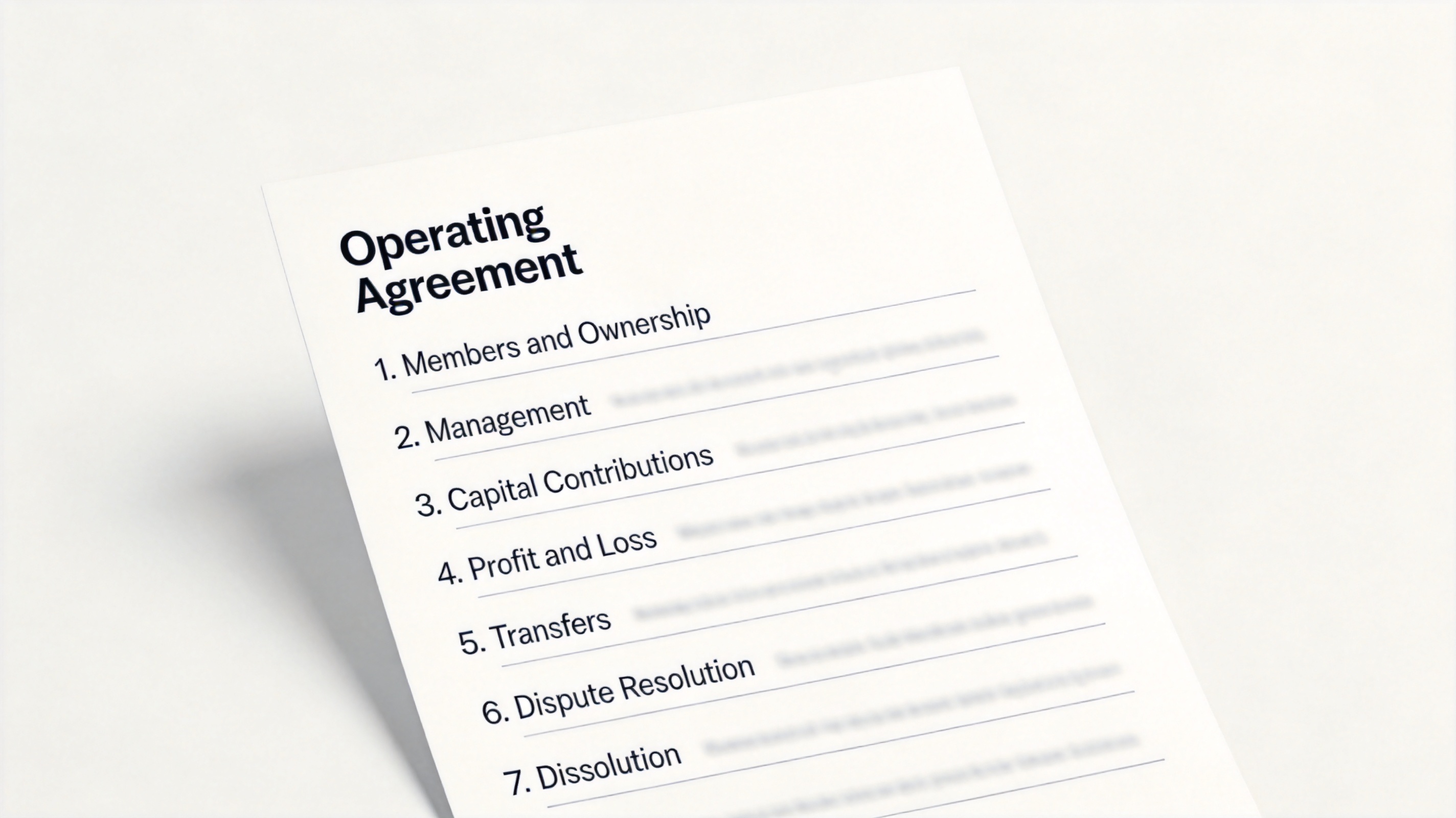
Operating agreement sections on a document page


Fill Out an Operating Agreement Template in WPS Writer
You do not need a lawyer to type the first draft. Start from a template, replace every placeholder, and keep the wording you did not write clearly marked for review.
Open WPS Office and start from a free business document template, or open an agreement you were sent as .docx.
Work through the highlighted fields in order: company name and state, member names, percentages, capital amounts, and management type.
Use Find & Replace to catch leftover placeholder text such as [Member 1] or [State] before you send the draft on.
Keep clashing edits visible with Track Changes so a second member or an attorney can see exactly what changed.
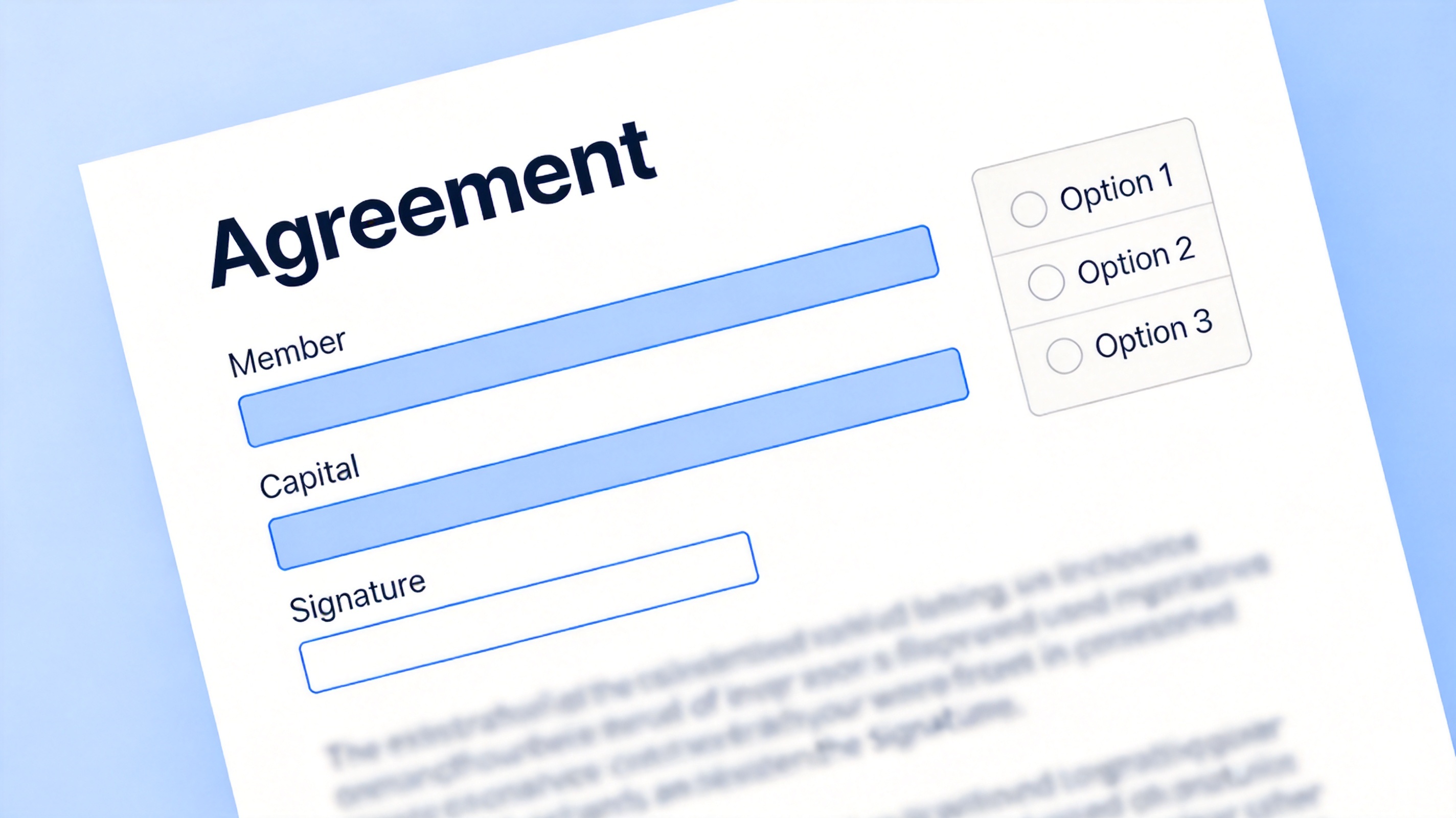
Fill an operating agreement template in WPS Writer
Sign, Store, and Share the Agreement as a PDF
Most states do not file an operating agreement with the government, but banks, landlords, and investors still ask to see a signed copy — so keep the final version as a PDF that cannot be quietly edited.
Export the finished document with File > Export to PDF, or open an agreement you received as a PDF directly in the WPS PDF toolkit.
Add each member's signature with Sign and drop in the date, then save a flat copy so the signatures are locked to the page.
Store one master PDF plus one copy per member, and keep a plain .docx version for future amendments.
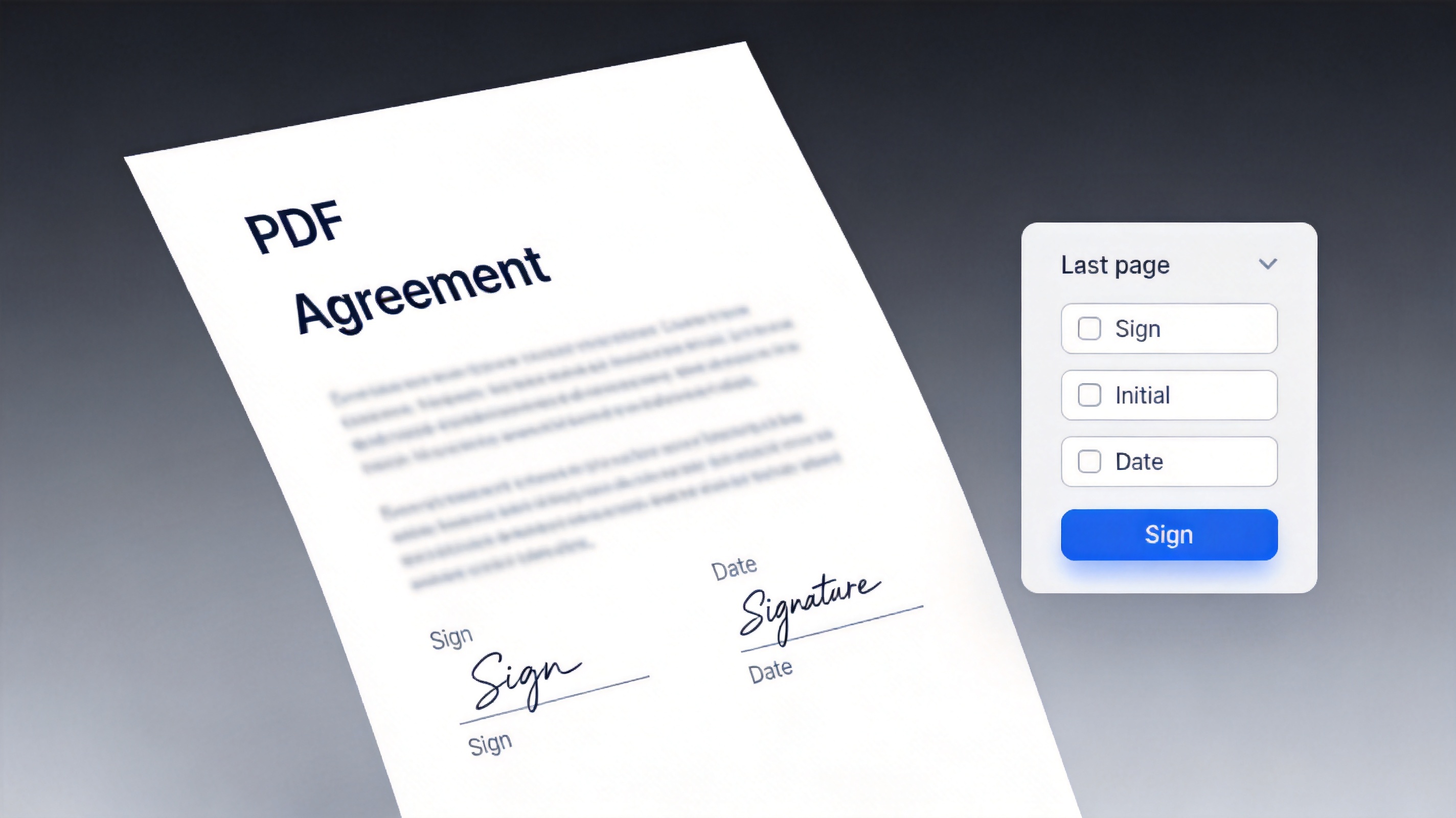
Sign the operating agreement PDF
The Best Free PDF Alternative: WPS Office
Preparing an operating agreement means writing a draft, filling a template, and signing the final page. WPS does all three in one install, so you do not pay per document just to add a signature.
| What you need | WPS Office | Paid PDF editors |
|---|---|---|
| Write and edit the agreement | Writer included | Separate licence |
| Type into a fillable PDF | Included | Included |
| Sign and date the last page | Included | Often a paid add-on |
| Cost | Free for everyday use | Subscription |
Draft to signature in one window: no exporting to a second tool just to sign.
Keeps formatting: the section numbering and member tables survive export to PDF.
Private by default: the file stays on your device instead of uploading to a converter site.
Free templates: a range of business documents are ready to adapt as a starting point.
WPS PDF toolkit for business documents
FAQs
Is an operating agreement legally required?
In most states it is not filed with the state and you are not fined for leaving it out, but a handful of states do expect one. Even where it is optional, banks and investors usually ask to see it.
Does a single-member LLC need an operating agreement?
It is strongly recommended. A written agreement shows the LLC is separate from you personally, which is what protects the limited liability if a claim ever comes up.
How long should an operating agreement be?
Long enough to answer ownership, management, money, transfer, and exit questions. Simple two-member LLCs often land between four and ten pages.
Can I change an operating agreement later?
Yes. Follow the amendment clause you wrote, record the change in writing, and have every affected member sign the updated version.
Should I notarize it?
Usually not required, but notarizing makes the signatures harder to dispute. Some banks ask for a notarized copy when you open an account.


'%3e%3cpath%20d='M19.9911%204.11386V6.471H18.5894C18.0775%206.471%2017.7322%206.57814%2017.5536%206.79243C17.3751%207.00671%2017.2858%207.32814%2017.2858%207.75671V9.44421H19.9019L19.5536%2012.0871H17.2858V18.8639H14.5536V12.0871H12.2769V9.44421H14.5536V7.49779C14.5536%206.39064%2014.8632%205.53201%2015.4822%204.92189C16.1013%204.31177%2016.9257%204.00671%2017.9554%204.00671C18.8304%204.00671%2019.509%204.04243%2019.9911%204.11386Z'%20fill='%23333333'/%3e%3c/g%3e%3cdefs%3e%3cclipPath%20id='clip0_2938_8199'%3e%3crect%20width='16'%20height='16'%20fill='white'%20transform='translate(8%204.00671)'/%3e%3c/clipPath%3e%3c/defs%3e%3c/svg%3e)
'%3e%3cpath%20d='M17.5237%2010.7813L23.4811%204H22.0699L16.8949%209.88693L12.7648%204H8L14.2469%2012.9029L8%2020.0133H9.4112L14.8725%2013.7952L19.2352%2020.0133H24M9.92053%205.04213H12.0885L22.0688%2019.0224H19.9003'%20fill='%23333333'/%3e%3c/g%3e%3cdefs%3e%3cclipPath%20id='clip0_2938_8200'%3e%3crect%20width='16'%20height='16.0134'%20fill='white'%20transform='translate(8%204)'/%3e%3c/clipPath%3e%3c/defs%3e%3c/svg%3e)


