

'%3e%3cpath%20d='M8%200C12.4183%200%2016%203.58172%2016%208C16%2012.4183%2012.4183%2016%208%2016C3.58172%2016%200%2012.4183%200%208C0%203.58172%203.58172%200%208%200ZM11.6162%204.38379C11.2257%203.99337%2010.5927%203.99338%2010.2021%204.38379L8%206.58594L5.79785%204.38379C5.40732%203.99334%204.77429%203.99329%204.38379%204.38379C3.99331%204.77429%203.99335%205.40733%204.38379%205.79785L6.58594%208L4.38379%2010.2021C3.99348%2010.5927%203.99341%2011.2257%204.38379%2011.6162C4.77426%2012.0066%205.40734%2012.0065%205.79785%2011.6162L8%209.41406L10.2021%2011.6162C10.5927%2012.0066%2011.2257%2012.0067%2011.6162%2011.6162C12.0067%2011.2257%2012.0066%2010.5927%2011.6162%2010.2021L9.41406%208L11.6162%205.79785C12.0066%205.40735%2012.0066%204.77429%2011.6162%204.38379Z'%20fill='%23080E17'%20fill-opacity='0.46'/%3e%3c/g%3e%3cdefs%3e%3cclipPath%20id='clip0_3761_713'%3e%3crect%20width='16'%20height='16'%20fill='white'/%3e%3c/clipPath%3e%3c/defs%3e%3c/svg%3e)




'%3e%3cpath%20fill-rule='evenodd'%20clip-rule='evenodd'%20d='M21.4999%2010.9993C21.4999%205.20009%2016.7986%200.498901%2010.9993%200.498901C5.19994%200.498901%200.498657%205.20009%200.498657%2010.9993C0.498657%2016.2404%204.33858%2020.5844%209.35855%2021.3722V14.0346H6.69238V10.9993H9.35855V8.68594C9.35855%206.05427%2010.9262%204.60062%2013.3248%204.60062C14.4736%204.60062%2015.6753%204.80571%2015.6753%204.80571V7.38979H14.3512C13.0468%207.38979%2012.64%208.19921%2012.64%209.0296V10.9993H15.5523L15.0867%2014.0346H12.64V21.3722C17.66%2020.5844%2021.4999%2016.2404%2021.4999%2010.9993Z'%20fill='%231568EA'/%3e%3c/g%3e%3c/svg%3e)


'%3e%3cpath%20d='M2.42045%2022.1876H6.31818V12.7217L0.75%208.54553V20.5171C0.75%2021.4414%201.49892%2022.1876%202.42045%2022.1876Z'%20fill='%234285F4'/%3e%3cpath%20d='M19.682%2022.1876H23.5797C24.5041%2022.1876%2025.2502%2021.4387%2025.2502%2020.5171V8.54553L19.682%2012.7217'%20fill='%2334A853'/%3e%3cpath%20d='M19.682%205.48293V12.7216L25.2502%208.54543V6.31816C25.2502%204.25236%2022.8921%203.07469%2021.2411%204.31361'%20fill='%23FBBC04'/%3e%3cpath%20d='M6.31824%2012.7217V5.48303L13.0001%2010.4944L19.6819%205.48303V12.7217L13.0001%2017.733'%20fill='%23EA4335'/%3e%3cpath%20d='M0.75%206.31816V8.54543L6.31818%2012.7216V5.48293L4.75909%204.31361C3.10534%203.07469%200.75%204.25236%200.75%206.31816Z'%20fill='%23C5221F'/%3e%3c/g%3e%3cdefs%3e%3cclipPath%20id='clip0_2954_7305'%3e%3crect%20width='24.5'%20height='18.375'%20fill='white'%20transform='translate(0.75%203.8125)'/%3e%3c/clipPath%3e%3c/defs%3e%3c/svg%3e)


A PDF page you need as an image rarely fails loudly. You export it, and the small text comes back soft, the chart loses its thin lines, or the transparent logo turns into a white box. The conversion takes seconds; the format and the resolution decide whether the PNG is usable.
PNG compresses an image without discarding detail, which is why it holds up on screenshots, charts, signatures, and line art. JPG is still the better choice when the page is mostly photographs and you need a small file.
Two routes cover almost every file: the image export built into WPS PDF on Windows and Mac, and a free online converter for a single page you do not want to install anything for.
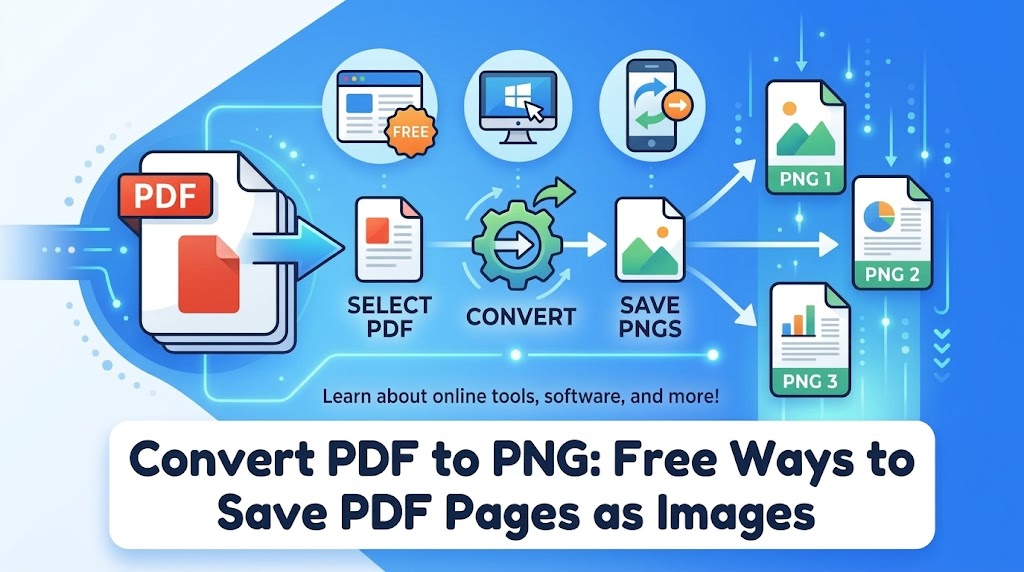
Convert PDF to PNG: Free Ways to Save PDF Pages as Images
How to convert PDF to PNG in WPS on desktop
WPS PDF writes the pages out as image files locally, which matters for invoices, contracts, and anything with a client name on it.
Open the PDF in WPS PDF. Launch WPS Office, choose Open, and select your file. The document loads in the PDF component with the Home, Edit, Convert, and Comment tabs across the top.
Find the image export on the Home tab. The Home tab lists the conversion tools next to Edit PDF, including PDF to Word and PDF to Image.
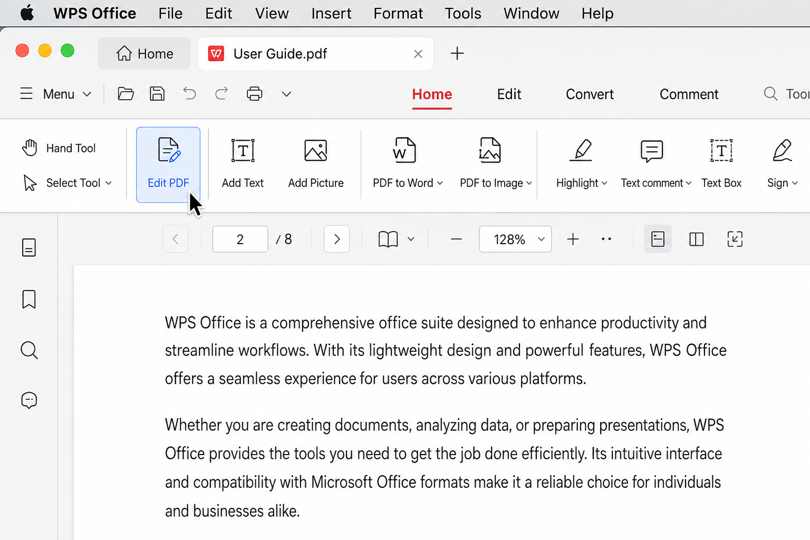
PDF to Image option in WPS
Choose PDF to Image and set the page range. Export the pages you need rather than the whole file when a document runs to dozens of pages. Pick PNG when the format list offers it; if your build exports JPG only, use the online route below for that single page.
Set the output quality. Higher resolution keeps small type and thin chart lines readable, at the cost of a larger file. Export one test page first, open it at 100% zoom, then convert the rest with the same settings.
Save the results and check them. WPS PDF writes one image file per page into the folder you choose. Open a page that contains small text before you send the files on.
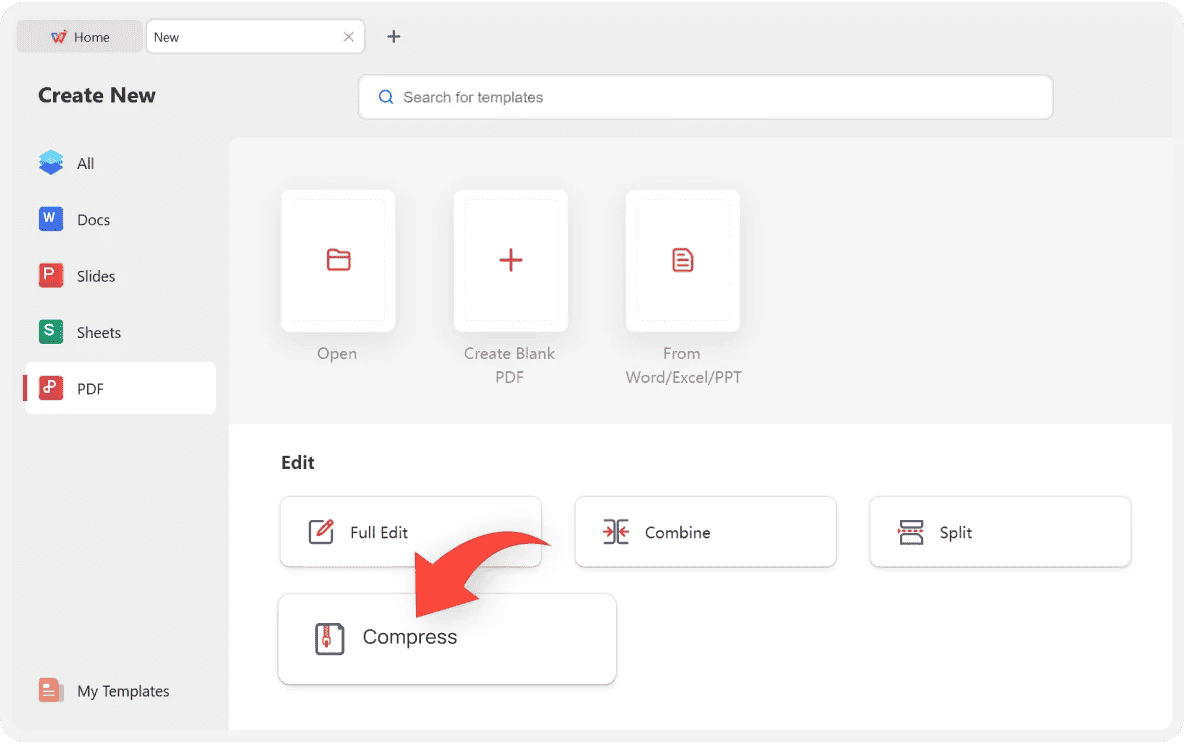
WPS PDF tools and options panel


How to convert PDF to PNG online free
A browser converter is enough for a page you need once, especially on a computer you do not own. Check the output format before you upload, because PNG support is far less universal than JPG.
Pick a converter that lists PNG in its format menu. Many free tools only produce JPG. WPS PDF Tools runs a free online converter at pdf.wps.com/convert-pdf-to-jpg when a smaller JPG is acceptable.
Upload the file and set the page range. Most services convert every page by default, which is rarely what you want for a 40-page report.
Choose PNG and the resolution. Look for output settings rather than accepting the default, and set a resolution high enough for the text you need to read.
Convert and download the images. Multi-page jobs usually arrive as a ZIP archive with one image per page, named after the original file and the page number.
Inspect the download before you delete the source. Open the PNG at 100% zoom and check the smallest text on the page, plus any logo or signature with fine lines.
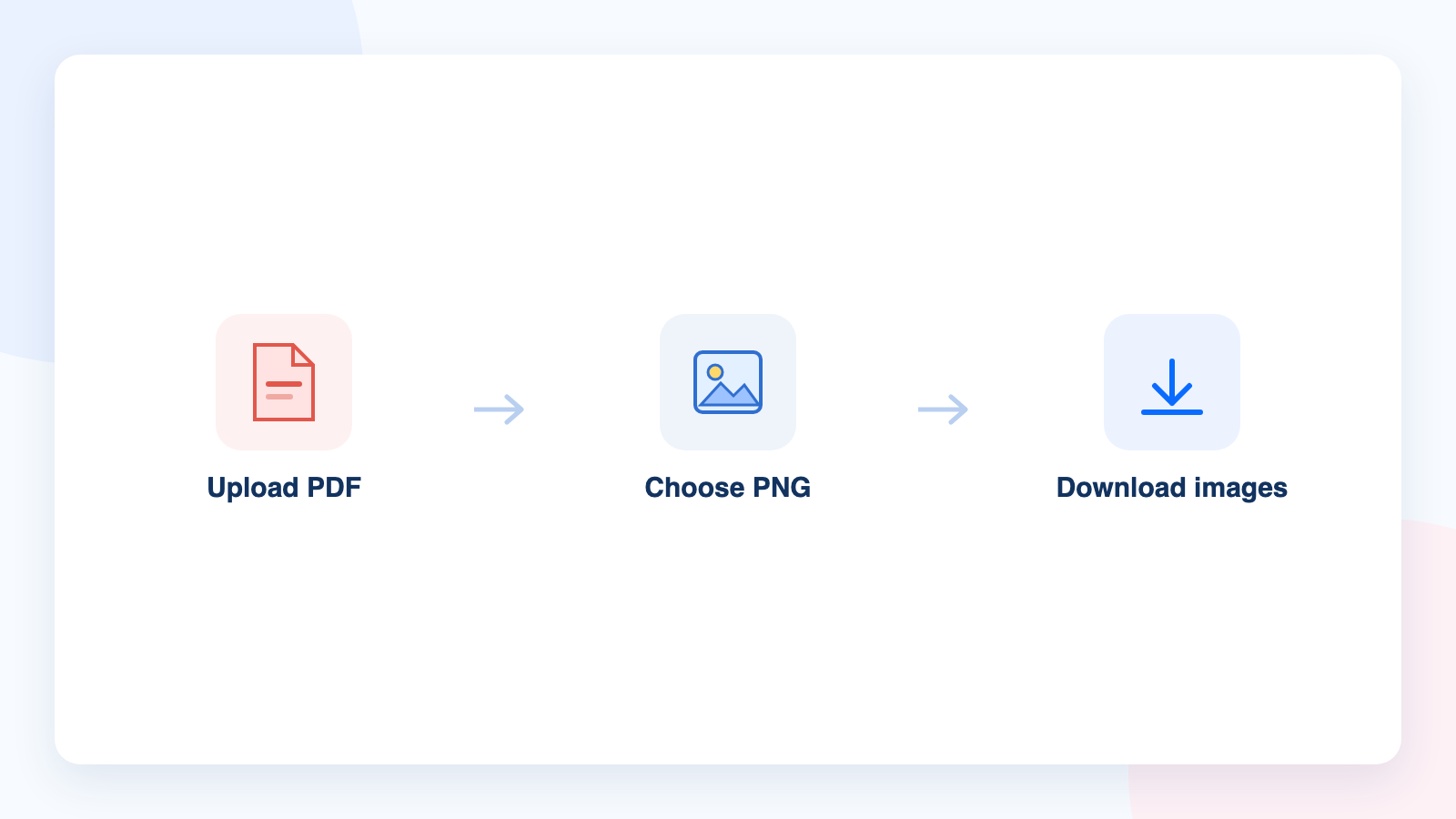
PDF to PNG conversion steps
Choose the right PNG settings for converted PDF pages
Resolution is the setting that decides whether a converted page is readable, and it depends on where the image will be used.
150 DPI for screens. Enough for slides, chat threads, and previews where the image will be viewed on a monitor and never printed.
300 DPI for print. The working standard for pages that go to a printer, including flyers and handouts.
600 DPI for fine line work. Use it for signatures, stamps, engineering drawings, and small type you may need to read at high zoom, then crop the result rather than exporting the whole page.
Keep transparency when the page has none. A PDF page is opaque, so a transparent PNG only creates problems in viewers that render white as black.
Watch the file size. A single 300 DPI page can pass 5 MB, which is why multi-page exports should stay in a ZIP archive rather than a message.
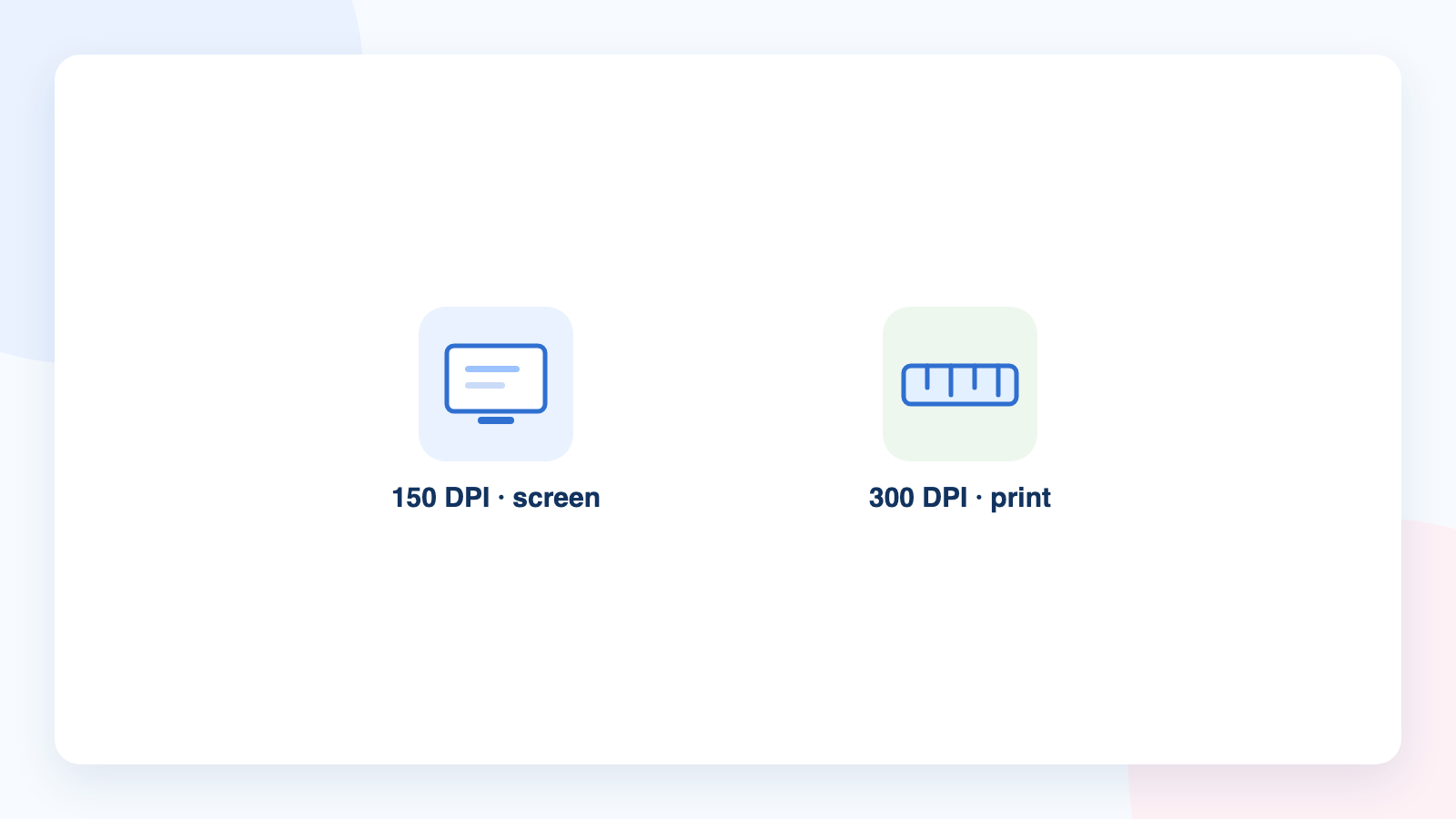
PNG resolution for screen and print
Fix blurry or blank PNG files after converting a PDF
Most failed conversions have a straightforward cause, and each one has a quick fix.
The PNG is blank or nearly white. The page is a scan or the text sits on a transparent layer. Run OCR on the file or export the page again at a higher resolution.
The text is soft when you zoom in. The export resolution was too low. Re-export the page at 300 DPI or higher instead of enlarging the PNG you already have.
Only the first page came back. The converter dropped the page range or hit a free-tier page cap. Convert the remaining pages in a second batch.
The image is enormous. 600 DPI on a full page produces a very large file. Crop the PNG to the area you need, or export the page as JPG when lossless edges are not essential.
Thin lines disappeared. Aggressive compression flattened the page detail. Use PNG output for charts, signatures, and stamps rather than a JPG that has been re-compressed.
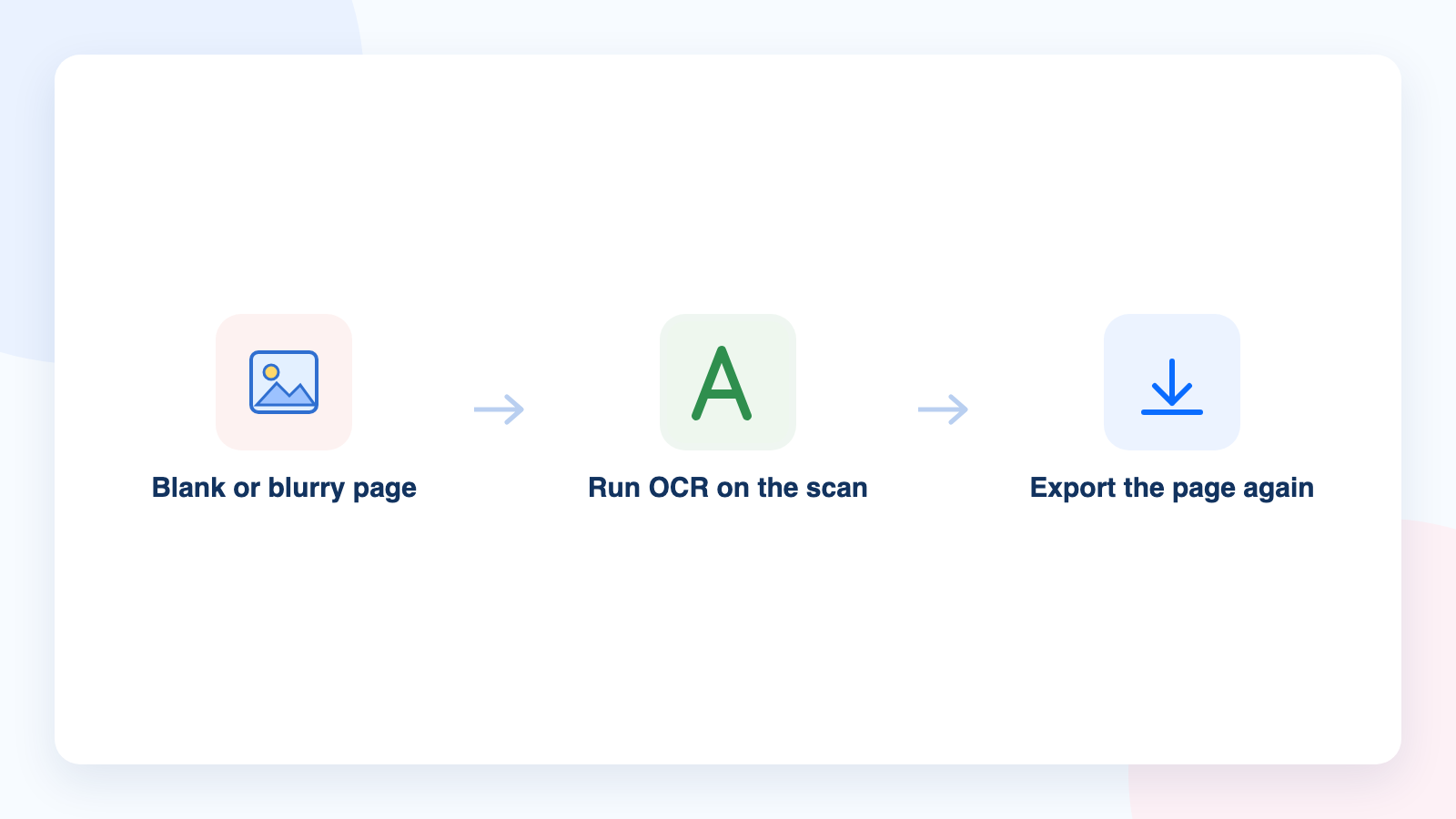
Blank and blurry PNG fixes
The best free alternative: WPS Office
WPS PDF keeps the conversion in the desktop app and adds the tools you would otherwise need three websites for: page organization, compression, OCR, signing, and conversion to Word, Excel, or PowerPoint.
No upload, no retention window. Confidential pages are converted on your own machine, which is the safest option for anything containing personal data.
One workflow from PDF to image and back. Export a page as an image, crop it, and rebuild it into a PDF later without leaving the suite.
Free to download and use. The PDF component ships with WPS Office, so the conversion tools are available without a subscription.
Download WPS Office from wps.com/office/pdf for the desktop route, or read the reverse workflow in how to convert PNG to PDF when you need to bundle images back into a document.
WPS PDF Editor
FAQs
How do I convert a PDF to PNG for free?
Open the PDF in WPS PDF and use the PDF to Image export on the Home tab, choosing PNG when the format list offers it. For a single page on a borrowed computer, a free online converter that lists PNG as an output format also works, as long as the file is not confidential.
Does WPS PDF export PDF pages as PNG images?
WPS PDF includes a PDF to Image export alongside its Word and PowerPoint conversions, and it writes one image file per page. Choose PNG in the format list when your build offers it; if your version exports JPG only, use a PNG-capable online converter or take the JPG and convert it afterwards.
Why is my PNG blurry when I zoom in?
The export resolution was too low, so the page was rendered with fewer pixels than you need. Export again at 300 DPI or higher, and keep the PDF as the source rather than enlarging the PNG you already have.
Should I convert a PDF page to PNG or JPG?
Use PNG for screenshots, charts, signatures, logos, and text you need to stay crisp, because the format keeps sharp edges. Use JPG when the page is mostly photographs and you need a much smaller file.
Can I convert only one page of a PDF?
Yes. Both the WPS PDF image export and the online converters let you set a page range, so you can export the single page you need instead of the whole document.


'%3e%3cpath%20d='M19.9911%204.11386V6.471H18.5894C18.0775%206.471%2017.7322%206.57814%2017.5536%206.79243C17.3751%207.00671%2017.2858%207.32814%2017.2858%207.75671V9.44421H19.9019L19.5536%2012.0871H17.2858V18.8639H14.5536V12.0871H12.2769V9.44421H14.5536V7.49779C14.5536%206.39064%2014.8632%205.53201%2015.4822%204.92189C16.1013%204.31177%2016.9257%204.00671%2017.9554%204.00671C18.8304%204.00671%2019.509%204.04243%2019.9911%204.11386Z'%20fill='%23333333'/%3e%3c/g%3e%3cdefs%3e%3cclipPath%20id='clip0_2938_8199'%3e%3crect%20width='16'%20height='16'%20fill='white'%20transform='translate(8%204.00671)'/%3e%3c/clipPath%3e%3c/defs%3e%3c/svg%3e)
'%3e%3cpath%20d='M17.5237%2010.7813L23.4811%204H22.0699L16.8949%209.88693L12.7648%204H8L14.2469%2012.9029L8%2020.0133H9.4112L14.8725%2013.7952L19.2352%2020.0133H24M9.92053%205.04213H12.0885L22.0688%2019.0224H19.9003'%20fill='%23333333'/%3e%3c/g%3e%3cdefs%3e%3cclipPath%20id='clip0_2938_8200'%3e%3crect%20width='16'%20height='16.0134'%20fill='white'%20transform='translate(8%204)'/%3e%3c/clipPath%3e%3c/defs%3e%3c/svg%3e)


