

'%3e%3cpath%20d='M8%200C12.4183%200%2016%203.58172%2016%208C16%2012.4183%2012.4183%2016%208%2016C3.58172%2016%200%2012.4183%200%208C0%203.58172%203.58172%200%208%200ZM11.6162%204.38379C11.2257%203.99337%2010.5927%203.99338%2010.2021%204.38379L8%206.58594L5.79785%204.38379C5.40732%203.99334%204.77429%203.99329%204.38379%204.38379C3.99331%204.77429%203.99335%205.40733%204.38379%205.79785L6.58594%208L4.38379%2010.2021C3.99348%2010.5927%203.99341%2011.2257%204.38379%2011.6162C4.77426%2012.0066%205.40734%2012.0065%205.79785%2011.6162L8%209.41406L10.2021%2011.6162C10.5927%2012.0066%2011.2257%2012.0067%2011.6162%2011.6162C12.0067%2011.2257%2012.0066%2010.5927%2011.6162%2010.2021L9.41406%208L11.6162%205.79785C12.0066%205.40735%2012.0066%204.77429%2011.6162%204.38379Z'%20fill='%23080E17'%20fill-opacity='0.46'/%3e%3c/g%3e%3cdefs%3e%3cclipPath%20id='clip0_3761_713'%3e%3crect%20width='16'%20height='16'%20fill='white'/%3e%3c/clipPath%3e%3c/defs%3e%3c/svg%3e)




'%3e%3cpath%20fill-rule='evenodd'%20clip-rule='evenodd'%20d='M21.4999%2010.9993C21.4999%205.20009%2016.7986%200.498901%2010.9993%200.498901C5.19994%200.498901%200.498657%205.20009%200.498657%2010.9993C0.498657%2016.2404%204.33858%2020.5844%209.35855%2021.3722V14.0346H6.69238V10.9993H9.35855V8.68594C9.35855%206.05427%2010.9262%204.60062%2013.3248%204.60062C14.4736%204.60062%2015.6753%204.80571%2015.6753%204.80571V7.38979H14.3512C13.0468%207.38979%2012.64%208.19921%2012.64%209.0296V10.9993H15.5523L15.0867%2014.0346H12.64V21.3722C17.66%2020.5844%2021.4999%2016.2404%2021.4999%2010.9993Z'%20fill='%231568EA'/%3e%3c/g%3e%3c/svg%3e)


'%3e%3cpath%20d='M2.42045%2022.1876H6.31818V12.7217L0.75%208.54553V20.5171C0.75%2021.4414%201.49892%2022.1876%202.42045%2022.1876Z'%20fill='%234285F4'/%3e%3cpath%20d='M19.682%2022.1876H23.5797C24.5041%2022.1876%2025.2502%2021.4387%2025.2502%2020.5171V8.54553L19.682%2012.7217'%20fill='%2334A853'/%3e%3cpath%20d='M19.682%205.48293V12.7216L25.2502%208.54543V6.31816C25.2502%204.25236%2022.8921%203.07469%2021.2411%204.31361'%20fill='%23FBBC04'/%3e%3cpath%20d='M6.31824%2012.7217V5.48303L13.0001%2010.4944L19.6819%205.48303V12.7217L13.0001%2017.733'%20fill='%23EA4335'/%3e%3cpath%20d='M0.75%206.31816V8.54543L6.31818%2012.7216V5.48293L4.75909%204.31361C3.10534%203.07469%200.75%204.25236%200.75%206.31816Z'%20fill='%23C5221F'/%3e%3c/g%3e%3cdefs%3e%3cclipPath%20id='clip0_2954_7305'%3e%3crect%20width='24.5'%20height='18.375'%20fill='white'%20transform='translate(0.75%203.8125)'/%3e%3c/clipPath%3e%3c/defs%3e%3c/svg%3e)


If you have ever typed a book title into a search engine and landed on Ocean of PDF, you already know the appeal: a plain search box, a long list of PDF and ePub files, and no sign-up wall in front of the download button. The catch is that a large share of what the site offers is uploaded by users rather than licensed by publishers, and that changes what you are actually getting.
This guide explains what Ocean of PDF is, why identical searches can lead to very different legal and security outcomes, and where you can read free books with far less risk. You will also see how WPS Office fits in once a legitimate file is on your device, so a downloaded PDF becomes something you can read, annotate, convert, and organize instead of a file that just sits in your downloads folder.
Ocean of PDF: What It Is and 7 Safer Places to Read Free eBooks
Ocean of PDF explained: a catalog, not a publisher
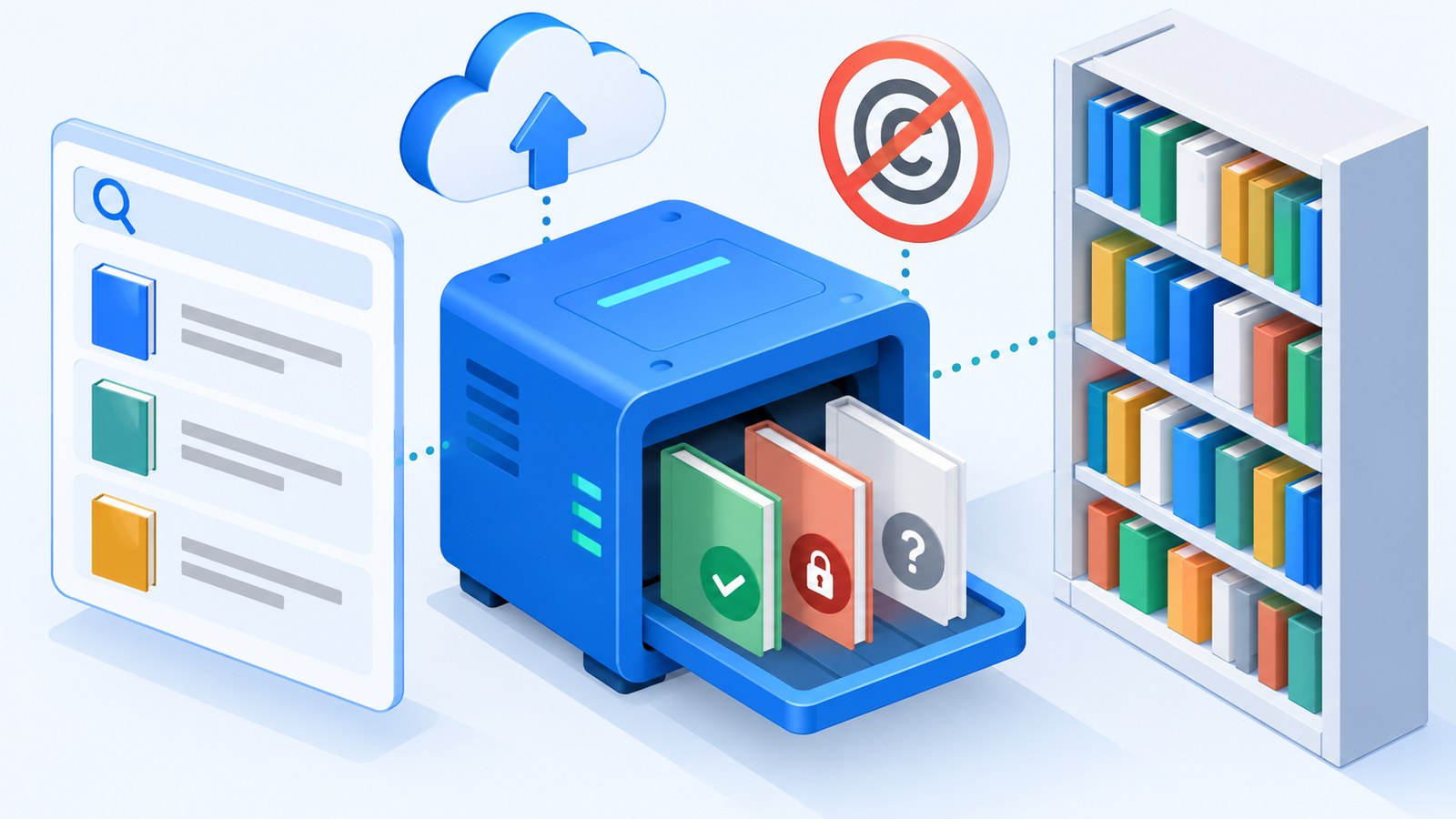
Ocean of PDF is a file-sharing website rather than a bookstore, a library, or a publisher. It indexes files that visitors and third parties upload, then serves them from its own download pages. That single design decision explains almost everything about the site, including why one search can return a public-domain classic sitting next to a current bestseller.
That mix matters because the site does not verify that whoever uploaded a file had the right to distribute it. Public-domain titles such as older classics are usually fine to download and share. Recent commercial books, textbooks, and translated editions normally are not, and a file host does not acquire distribution rights simply by hosting them.
Practical signs of the same pattern show up on every visit:
Mixed sources: one catalog holds scanned classics, magazine uploads, and current releases side by side.
No rights metadata: pages rarely state a license, an edition, or the publisher that authorized the file.
Uploader-driven quality: scans, OCR layers, and page counts vary because different people created the files.
Ad-funded downloads: download buttons compete with sponsored placements, which is where many accidental clicks happen.
None of this means every file on the site is illegitimate. It means the site itself does not tell you which is which, so the responsibility for checking lands on you.
File host mixing legal and pirated books


Risks of downloading books from Ocean of PDF
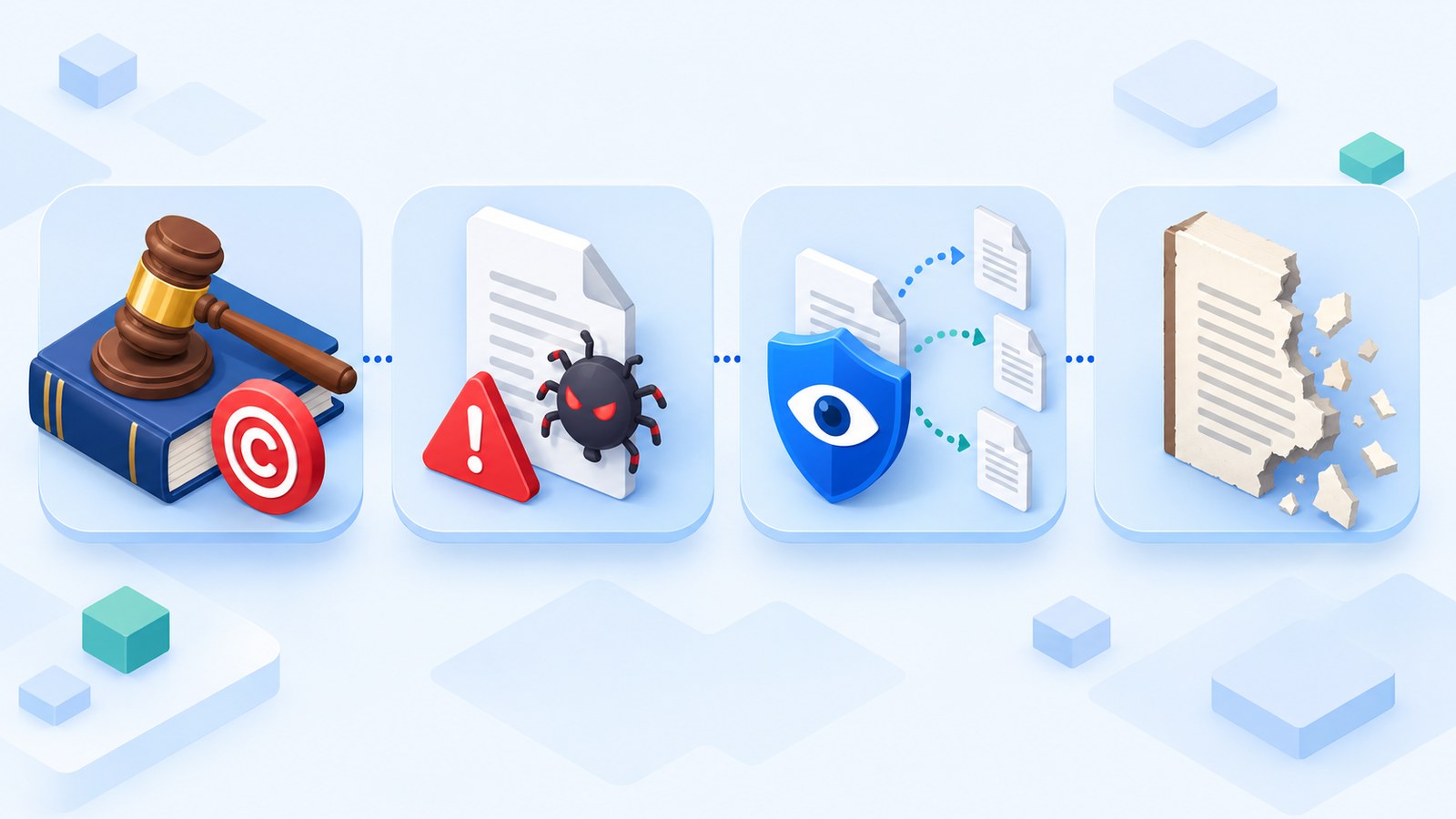
When people search for Ocean of PDF, they usually ask whether it is safe. The honest answer is that the risk depends on the specific file and page, and there are four areas worth checking before you download anything.
Copyright exposure: downloading and redistributing a copyrighted title without permission can carry legal consequences depending on your country and how the file is used.
Malware and unwanted software: file hosts are a familiar target for fake download buttons, bundled installers, and drive-by redirects.
Privacy and tracking: an unfamiliar host may log your IP address, serve third-party trackers, or redirect you through ad networks you did not choose.
Poor file quality: missing pages, skewed scans, and broken text layers are common when uploads come from unknown scanners.
There is also a practical downside that rarely gets mentioned: a file with no reliable edition information is hard to cite, quote, or study from. If you need a textbook chapter for a course or a specific edition of a novel for a book club, a mislabeled upload wastes more time than it saves.
If you decide to keep using a file host, treat every download like an untrusted attachment. Keep your browser and antivirus current, decline bundled software, verify the file type before opening it, and never enter credentials on a page you reached through an unexpected redirect.
Four risks of pirated ebook downloads
7 safer alternatives for free ebooks
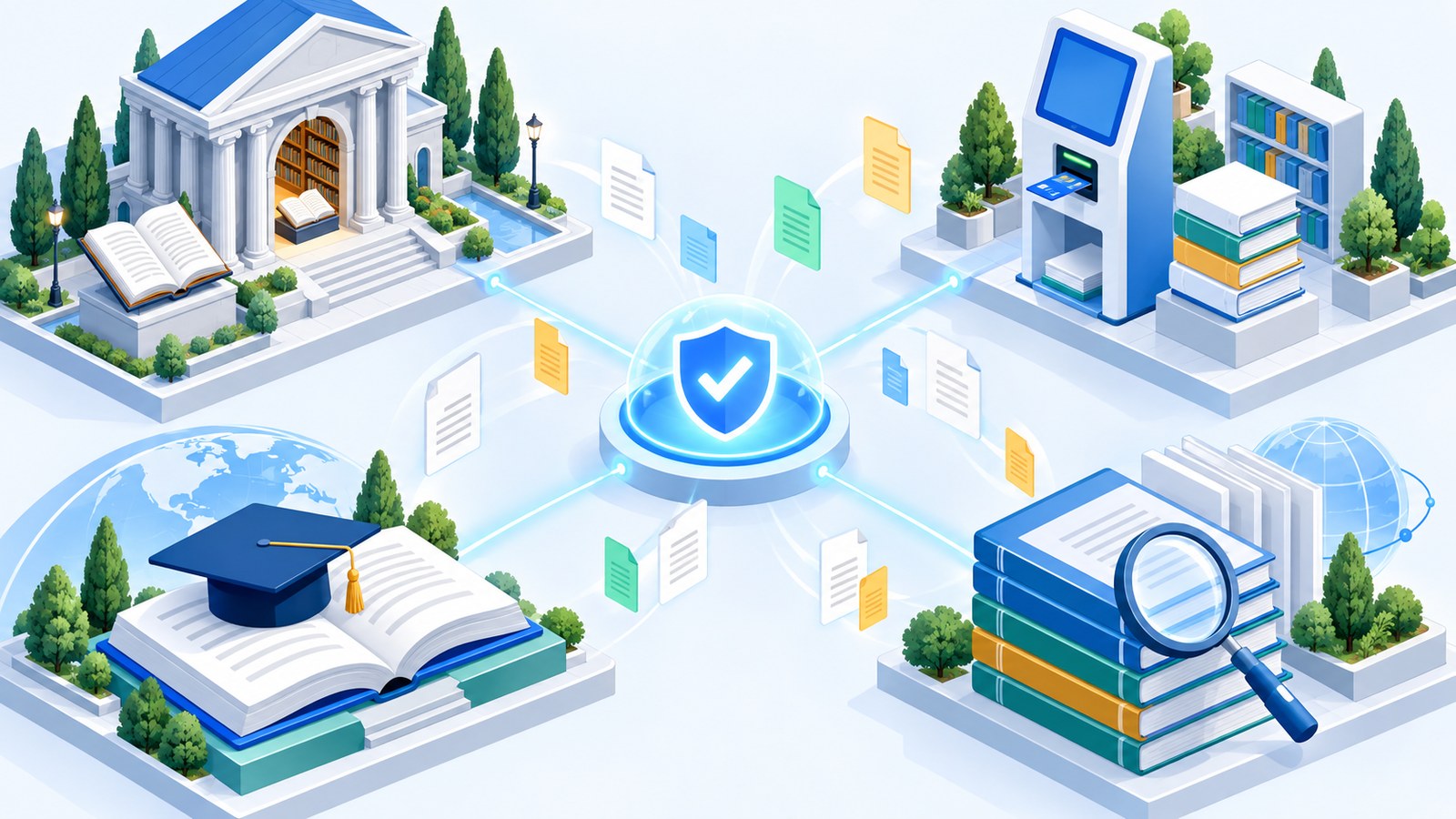
The good news is that a huge amount of reading material is genuinely free and legally distributed. The seven sources below cover classics, current library titles, textbooks, and academic research, and each one is run by a library, a university, or a nonprofit with a clear rights model.
Project Gutenberg publishes tens of thousands of public-domain books in PDF, ePub, Kindle, and plain-text formats. It is the fastest starting point for classic literature.
Libby connects your library card to your local library's digital collection, so you borrow current ebooks and audiobooks under a license rather than downloading them from an unknown host.
Standard Ebooks takes public-domain texts and re-edits them with modern typography and clean metadata, which makes it a strong pick when you care about formatting.
OpenStax offers peer-reviewed, openly licensed college textbooks at no cost, with PDF versions designed for offline study.
DOAB (Directory of Open Access Books) indexes peer-reviewed open-access books from academic publishers and links to the official full text.
Google Books is useful for discovery and for full downloads of public-domain titles, while in-copyright books are limited to previews that publishers authorized.
Open Library focuses on discovery and time-limited digital borrowing, so you can read many titles through a controlled loan instead of a permanent download.
A simple habit makes these sources easier to use: start with the library or nonprofit that owns the rights to distribute the file. That way the license is already settled, and you can spend your time reading instead of verifying where a file came from.
If you want a closer look at how one of these archives works before you commit to it, our guide to Anna's Archive and reading eBooks in WPS Office walks through a similar search-and-read workflow.
Legal ebook sources with a library hub
How to download and read free ebooks safely
Where you download a book matters, but so does what you do next. This short workflow keeps a free ebook useful after the download finishes.
Confirm the license. Check whether the title is public domain, openly licensed, or borrowed through a library. If the page does not say, treat it as unresolved.
Use the official link. Download from the project, publisher, or library page rather than a mirror or a third-party re-upload.
Check the file before opening it. Confirm the extension matches the format you expected, and scan anything that arrived in an archive.
Keep a stable library. Rename files with the author and title, store them in one folder, and back up anything you need for study.
Open the file in a real reader. A dedicated PDF or ePub reader handles long documents, highlights, and page navigation far better than a browser tab.
Two small details save a lot of frustration. First, prefer formats that match your device: PDF preserves fixed layouts such as textbooks and scanned editions, while ePub reflows text for smaller screens. Second, keep the original file intact before you edit it, so a failed conversion never costs you the only copy you have.
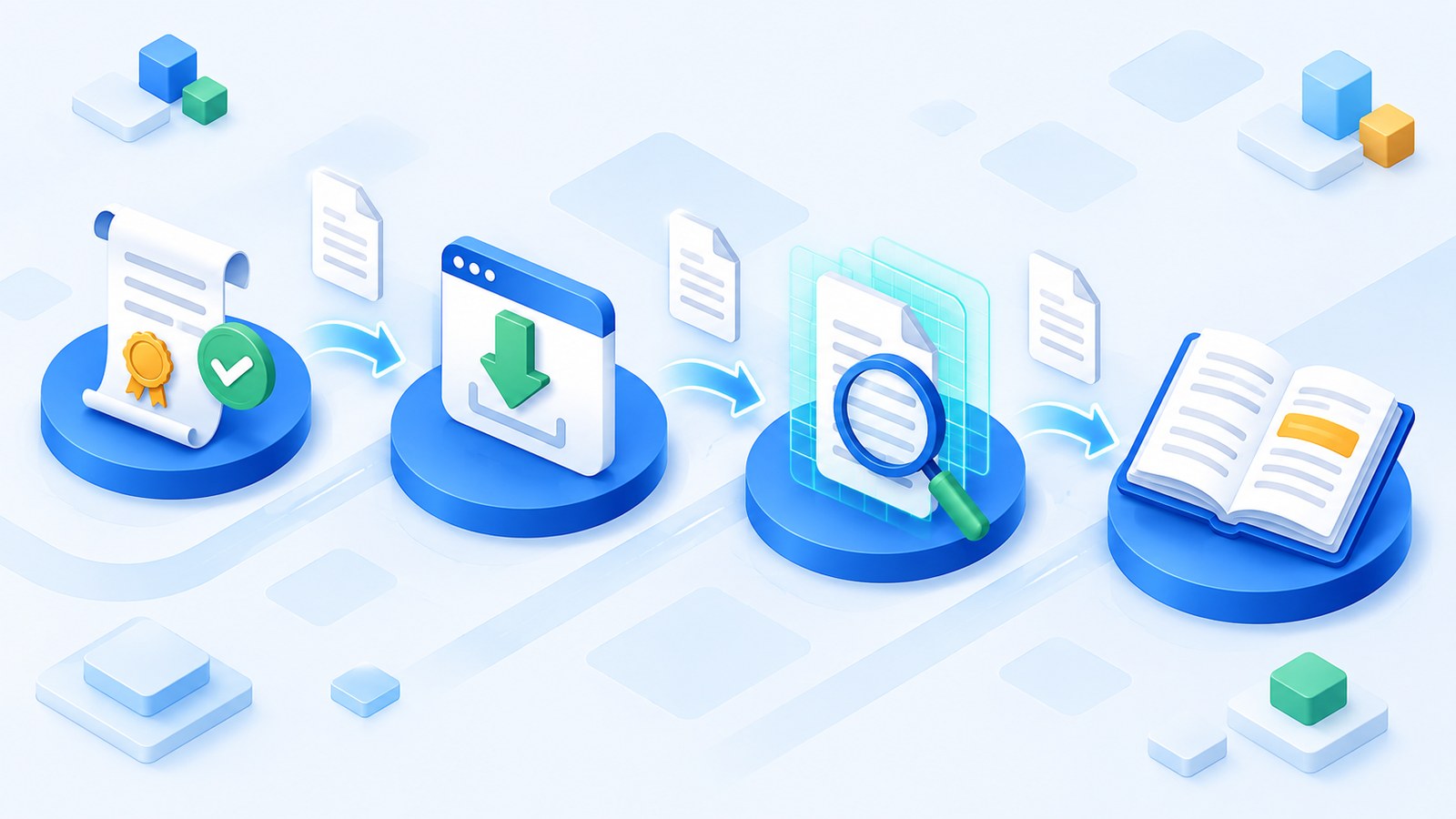
Four steps to verify a free download
Read and manage legal PDF and ePub downloads in WPS Office
Once you have a legitimately sourced ebook on your device, the next question is how to actually work with it. WPS Office opens PDF and ePub files in the same workspace you already use for documents and spreadsheets, so a public-domain classic or a borrowed textbook does not need a separate reader installed just to get started.
Open the file with WPS PDF and the toolbar splits into the tasks that matter for reading: Comment for highlights and notes, Edit for text and images, Page for organizing and rotating, and Convert when you need a Word or Excel version of the content, the same way you would convert XPS to PDF in WPS Office. A PDF toolkit on the same menu covers merging chapters, compressing large scans, and exporting pages.
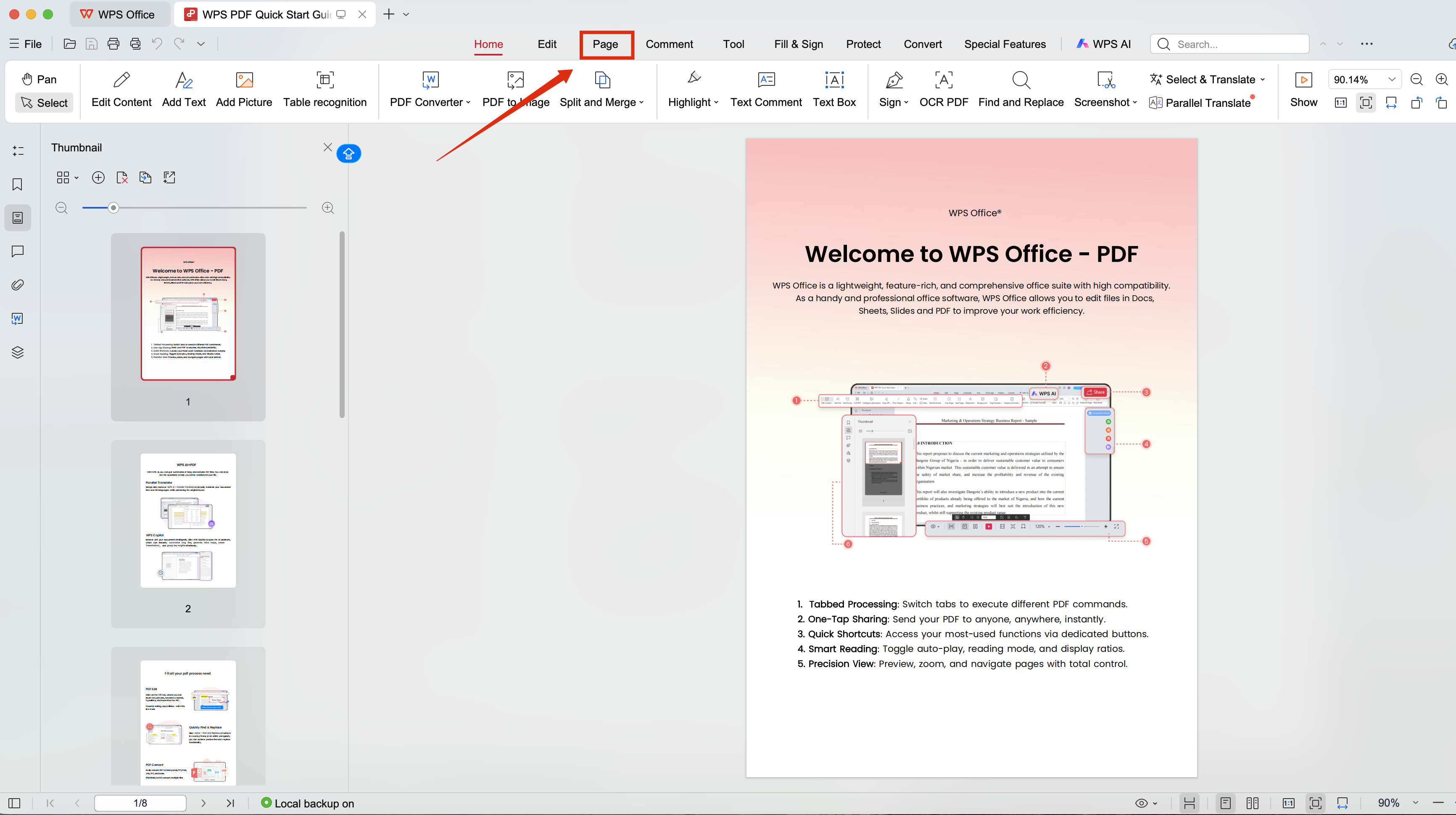
WPS PDF toolkit reading workspace
Annotate and organize what you read
Highlight the passages you want to revisit, add comments next to a paragraph, and use bookmarks for chapters you will return to. For study material, this turns a flat PDF into a working copy, which is difficult to do when all you have is a browser tab and a download folder.
Convert and compress when a task requires it
Textbooks and scanned classics often arrive as heavy PDFs. Compressing one keeps it easy to email or upload, and converting a chapter to Word is useful when you need to quote a passage, reorganize notes, or fill in a study template. Always keep the original file before converting, so the source stays intact.
Use WPS AI on long documents
Long academic books and dense reports are hard to scan. WPS AI can produce a quick summary, pull out an outline, and help translate sections as you read, which shortens the gap between finishing a download and understanding what is inside it.
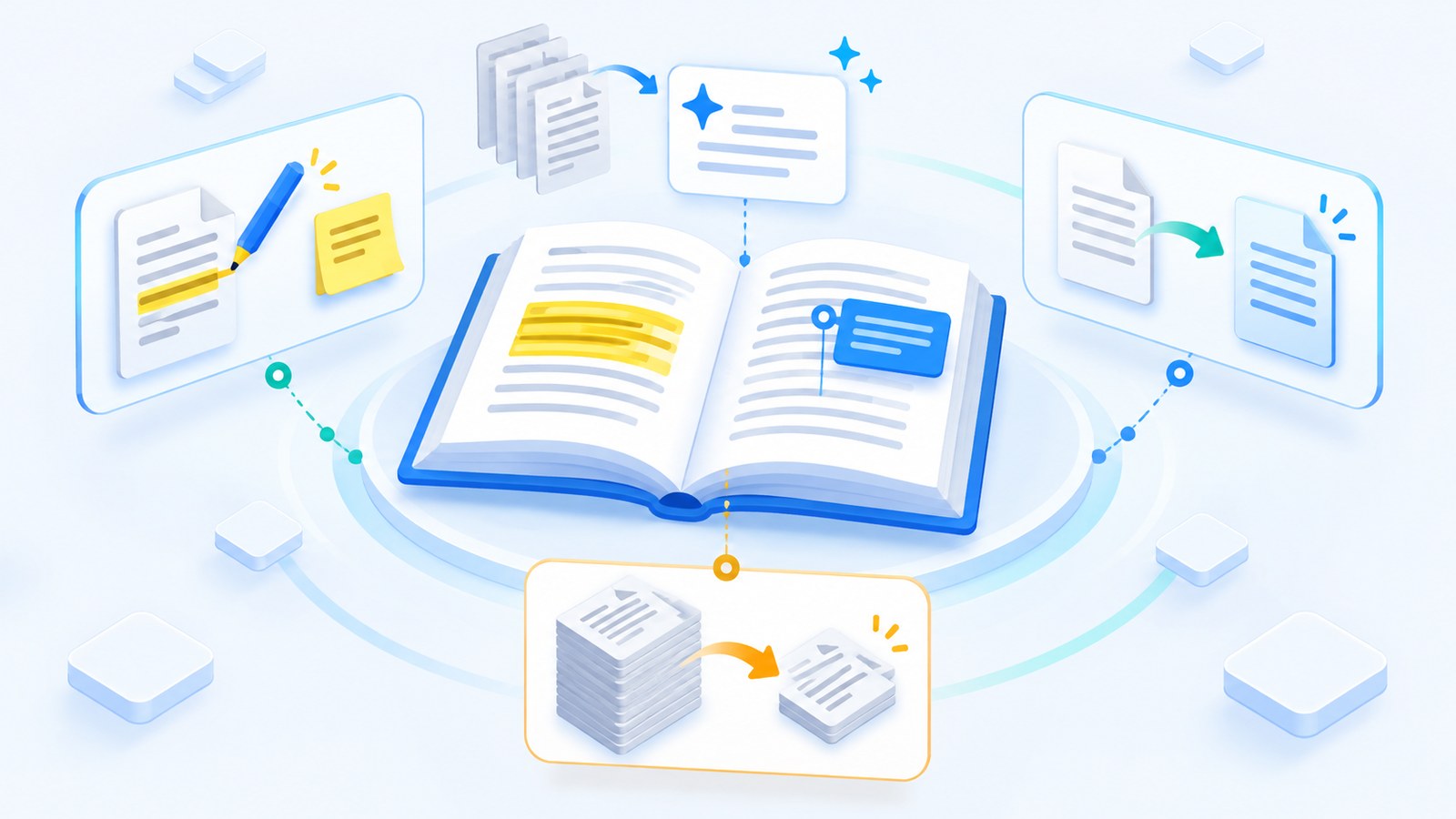
Reading and annotating ebooks in WPS
Why WPS Office is the practical companion for free ebooks
Reading a free ebook is only half the job. The other half is everything that happens afterward: converting a chapter, compressing a scan, highlighting a passage, or turning notes into a document you can hand in. WPS Office handles those steps inside one lightweight workspace, and the same free app covers writing, spreadsheets, presentations, and PDFs.
One free workspace: open the ebook, read and annotate it, convert a chapter, and compress a large scan without installing a second or third application.
Built-in PDF toolkit: comment, edit, organize pages, merge chapters, compress files, and export to Word or Excel from the same toolbar.
WPS AI on long documents: summarize a dense book, pull out an outline, or translate a section while you read.
Familiar by design: the ribbon layout and menu names follow the conventions most Office users already know, so there is very little to relearn.
Across your devices: the same free apps run on Windows, macOS, Linux, Android, and iOS, so your reading list is not tied to one machine.
Low barrier to entry: the free download covers everyday document and PDF work, so the cost of trying it is close to zero.
For most readers who download free books legally, the practical value comes down to a short list:
If your reading list has grown past a downloads folder, that is usually the point where a single tool starts saving real time.
FAQs
Is Ocean of PDF legal?
The site itself operates as a file host, and what you find on it varies. Public-domain titles are generally fine to download, while copyrighted books uploaded without permission are not. Because Ocean of PDF does not clearly label the rights status of each file, you have to verify it yourself before downloading.
Is Ocean of PDF safe to use?
There is no single answer, because safety depends on the individual page and file. File-sharing sites are frequently targeted by fake download buttons, bundled installers, and ad redirects. If you use one, keep security software current, avoid bundled offers, and check the file before opening it.
What is the best free alternative to Ocean of PDF?
It depends on what you want to read. Project Gutenberg and Standard Ebooks are excellent for public-domain classics, Libby is the strongest option for current library ebooks and audiobooks, and OpenStax and DOAB cover textbooks and academic research. All of them distribute files under a clear license.
Can I read downloaded ebooks in WPS Office?
Yes. WPS Office opens PDF and ePub files, and the PDF toolbar includes comment, edit, page, convert, and compress tools. You can highlight passages, add notes, build bookmarks, and export a chapter to Word or Excel when you need to work with the text.
How do I know if a free ebook download is legitimate?
Start with the source. Libraries, universities, nonprofits, and publishers publish their rights terms openly, so you can confirm whether a title is public domain, openly licensed, or borrowed under a library loan. If a site does not state a license and mainly hosts user uploads, treat the file as unresolved.


'%3e%3cpath%20d='M19.9911%204.11386V6.471H18.5894C18.0775%206.471%2017.7322%206.57814%2017.5536%206.79243C17.3751%207.00671%2017.2858%207.32814%2017.2858%207.75671V9.44421H19.9019L19.5536%2012.0871H17.2858V18.8639H14.5536V12.0871H12.2769V9.44421H14.5536V7.49779C14.5536%206.39064%2014.8632%205.53201%2015.4822%204.92189C16.1013%204.31177%2016.9257%204.00671%2017.9554%204.00671C18.8304%204.00671%2019.509%204.04243%2019.9911%204.11386Z'%20fill='%23333333'/%3e%3c/g%3e%3cdefs%3e%3cclipPath%20id='clip0_2938_8199'%3e%3crect%20width='16'%20height='16'%20fill='white'%20transform='translate(8%204.00671)'/%3e%3c/clipPath%3e%3c/defs%3e%3c/svg%3e)
'%3e%3cpath%20d='M17.5237%2010.7813L23.4811%204H22.0699L16.8949%209.88693L12.7648%204H8L14.2469%2012.9029L8%2020.0133H9.4112L14.8725%2013.7952L19.2352%2020.0133H24M9.92053%205.04213H12.0885L22.0688%2019.0224H19.9003'%20fill='%23333333'/%3e%3c/g%3e%3cdefs%3e%3cclipPath%20id='clip0_2938_8200'%3e%3crect%20width='16'%20height='16.0134'%20fill='white'%20transform='translate(8%204)'/%3e%3c/clipPath%3e%3c/defs%3e%3c/svg%3e)


