



'%3e%3cpath%20fill-rule='evenodd'%20clip-rule='evenodd'%20d='M21.4999%2010.9993C21.4999%205.20009%2016.7986%200.498901%2010.9993%200.498901C5.19994%200.498901%200.498657%205.20009%200.498657%2010.9993C0.498657%2016.2404%204.33858%2020.5844%209.35855%2021.3722V14.0346H6.69238V10.9993H9.35855V8.68594C9.35855%206.05427%2010.9262%204.60062%2013.3248%204.60062C14.4736%204.60062%2015.6753%204.80571%2015.6753%204.80571V7.38979H14.3512C13.0468%207.38979%2012.64%208.19921%2012.64%209.0296V10.9993H15.5523L15.0867%2014.0346H12.64V21.3722C17.66%2020.5844%2021.4999%2016.2404%2021.4999%2010.9993Z'%20fill='%231568EA'/%3e%3c/g%3e%3c/svg%3e)


'%3e%3cpath%20d='M2.42045%2022.1876H6.31818V12.7217L0.75%208.54553V20.5171C0.75%2021.4414%201.49892%2022.1876%202.42045%2022.1876Z'%20fill='%234285F4'/%3e%3cpath%20d='M19.682%2022.1876H23.5797C24.5041%2022.1876%2025.2502%2021.4387%2025.2502%2020.5171V8.54553L19.682%2012.7217'%20fill='%2334A853'/%3e%3cpath%20d='M19.682%205.48293V12.7216L25.2502%208.54543V6.31816C25.2502%204.25236%2022.8921%203.07469%2021.2411%204.31361'%20fill='%23FBBC04'/%3e%3cpath%20d='M6.31824%2012.7217V5.48303L13.0001%2010.4944L19.6819%205.48303V12.7217L13.0001%2017.733'%20fill='%23EA4335'/%3e%3cpath%20d='M0.75%206.31816V8.54543L6.31818%2012.7216V5.48293L4.75909%204.31361C3.10534%203.07469%200.75%204.25236%200.75%206.31816Z'%20fill='%23C5221F'/%3e%3c/g%3e%3cdefs%3e%3cclipPath%20id='clip0_2954_7305'%3e%3crect%20width='24.5'%20height='18.375'%20fill='white'%20transform='translate(0.75%203.8125)'/%3e%3c/clipPath%3e%3c/defs%3e%3c/svg%3e)


Malayalam is the official language of Kerala, India, spoken by tens of millions of people. Whether you need to read a report, submit a certificate, or share a letter, translating an English PDF to Malayalam while keeping the layout is easier with the right tool. This guide compares the main options so you can pick the best one for your document.
How to Translate English PDF to Malayalam
Why Translate English PDF to Malayalam?
Malayalam uses its own script, which looks very different from the Latin alphabet. Copying text between English and Malayalam often breaks formatting, tables, and headings.
Translating English PDF to Malayalam matters for school admissions, work letters, legal papers, and family records. A tool that preserves the layout saves you from rebuilding the document by hand.
Why translate a PDF into Malayalam


Method 1: Translate a PDF with WPS Office
The best option for a full document is WPS Office, which bundles an AI translator that keeps the original layout.
- Open the English PDF in WPS PDF.
- Open the translation tool from the AI or Review menu (Sync Translate or Parallel Translate).
- Set the source to English and the target to Malayalam.
- Start the translation and export the result as a new PDF.
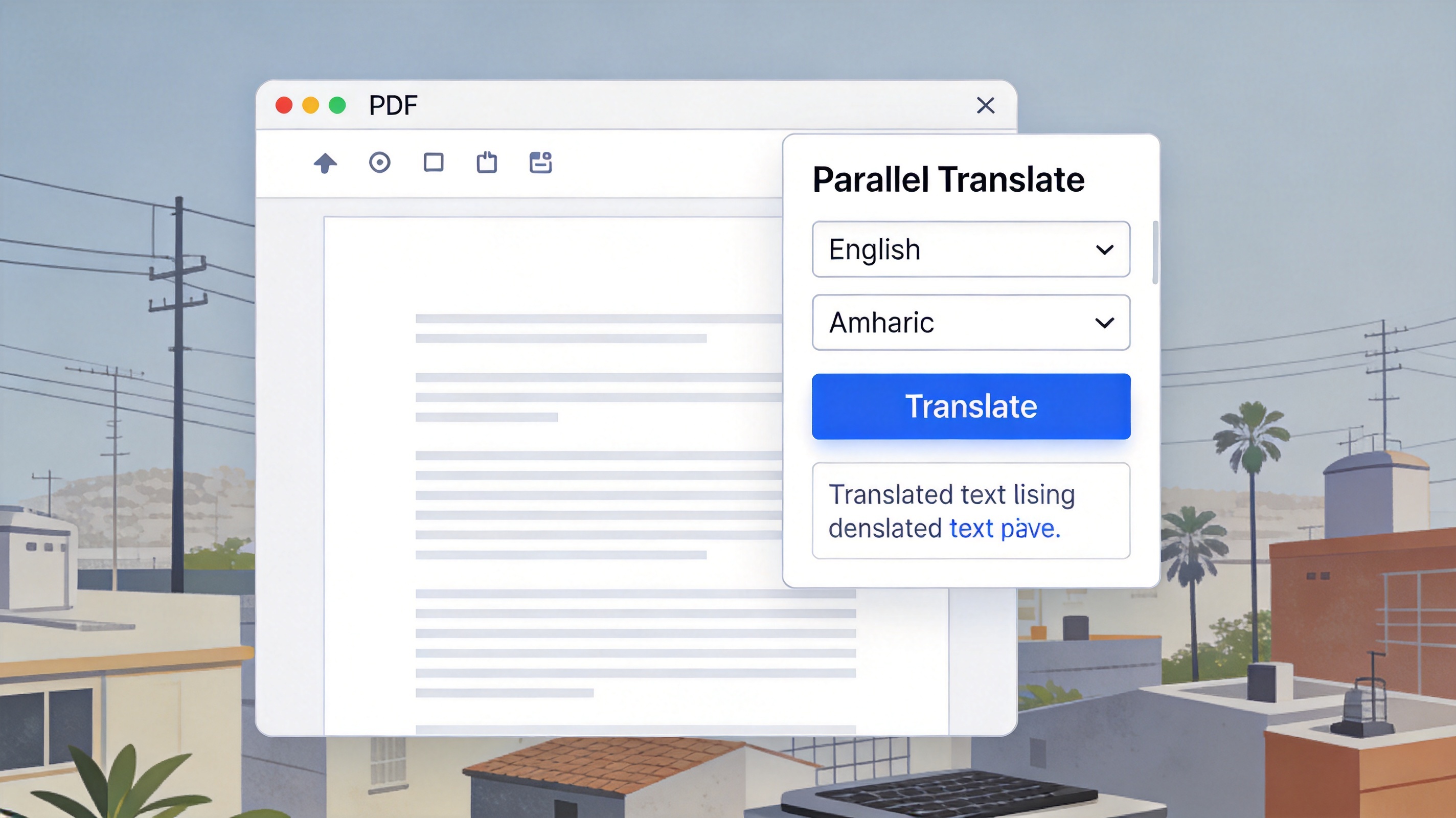
Method 1 WPS AI translation
The translated PDF keeps its columns, fonts, and images, so a multi-page letter stays clean and professional.
Method 2: Use Google Translate for Quick Jobs
For a short passage or a single paragraph, Google Translate is a fast, free option.
- Open Google Translate and set English to Malayalam.
- Paste your text, or upload the document if the service supports it.
- Copy the Malayalam result into WPS Writer and rebuild the layout if formatting is lost.
Method 2 Google Translate
Google Translate is handy for quick jobs, but it often flattens a complex PDF into plain text, so multi-page files are better done in a desktop translator.
Method 3: Use Mobile Translator Apps and Dictionaries
When you are on the go, mobile apps help you translate on your phone.
- English to Malayalam Translate and similar apps translate short text instantly.
- Microsoft Translator supports camera translation and works offline for many languages.
- English Malayalam dictionaries are useful for checking the meaning of individual words.
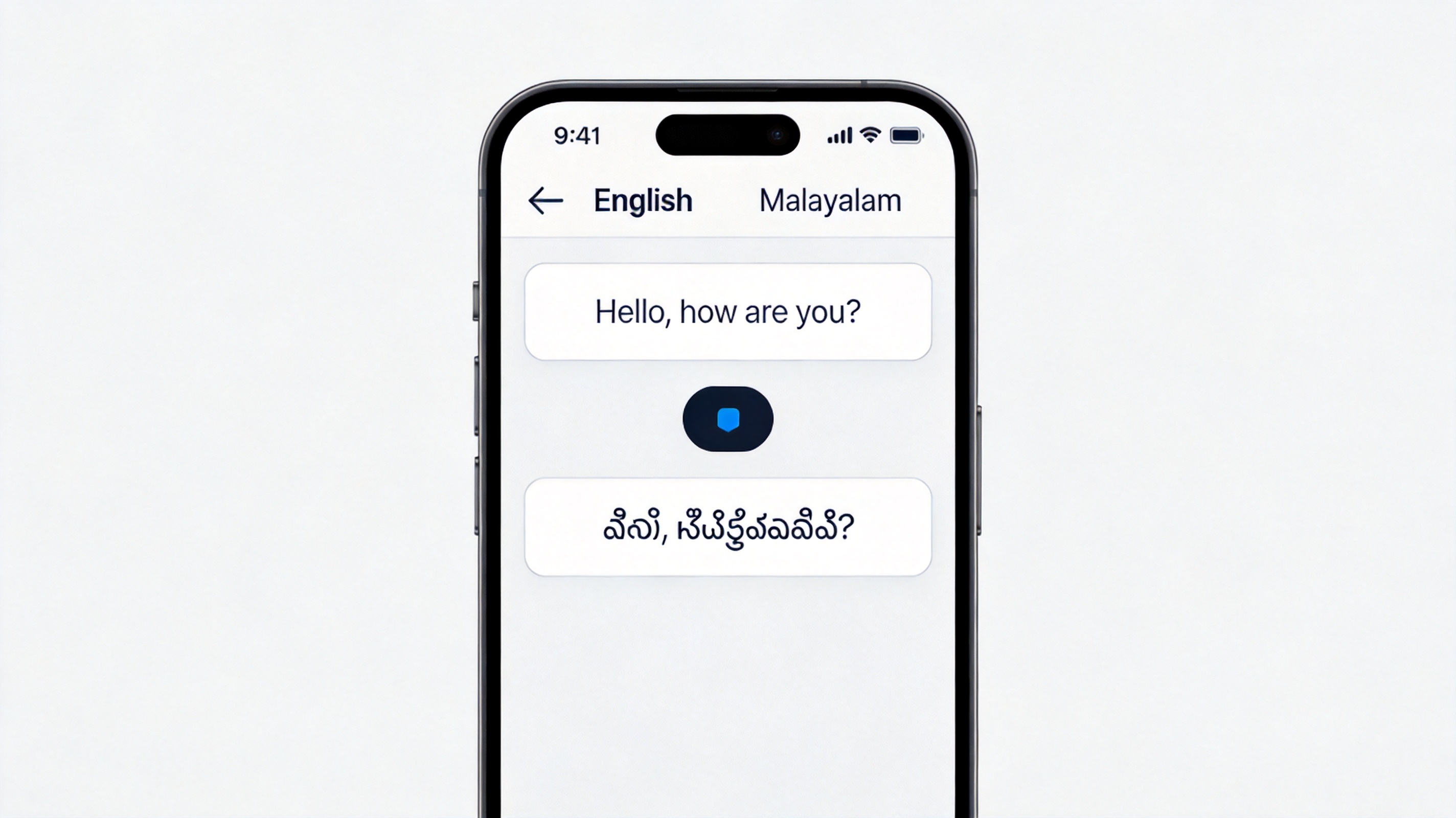
Method 3 mobile translator apps
Mobile apps are convenient for quick phrases, but they are not ideal for long, formatted PDFs.
How to Choose the Best Tool for Your PDF
The right choice depends on your file and how much formatting you need to keep.
| Tool | Best for | Keeps layout |
| WPS Office AI | Whole multi-page PDFs | Yes |
| Google Translate | Short text and phrases | No |
| Mobile apps | On-the-go phrases | No |
For a full English PDF to Malayalam translation that looks like the original, a desktop AI translator such as WPS Office is your best bet.
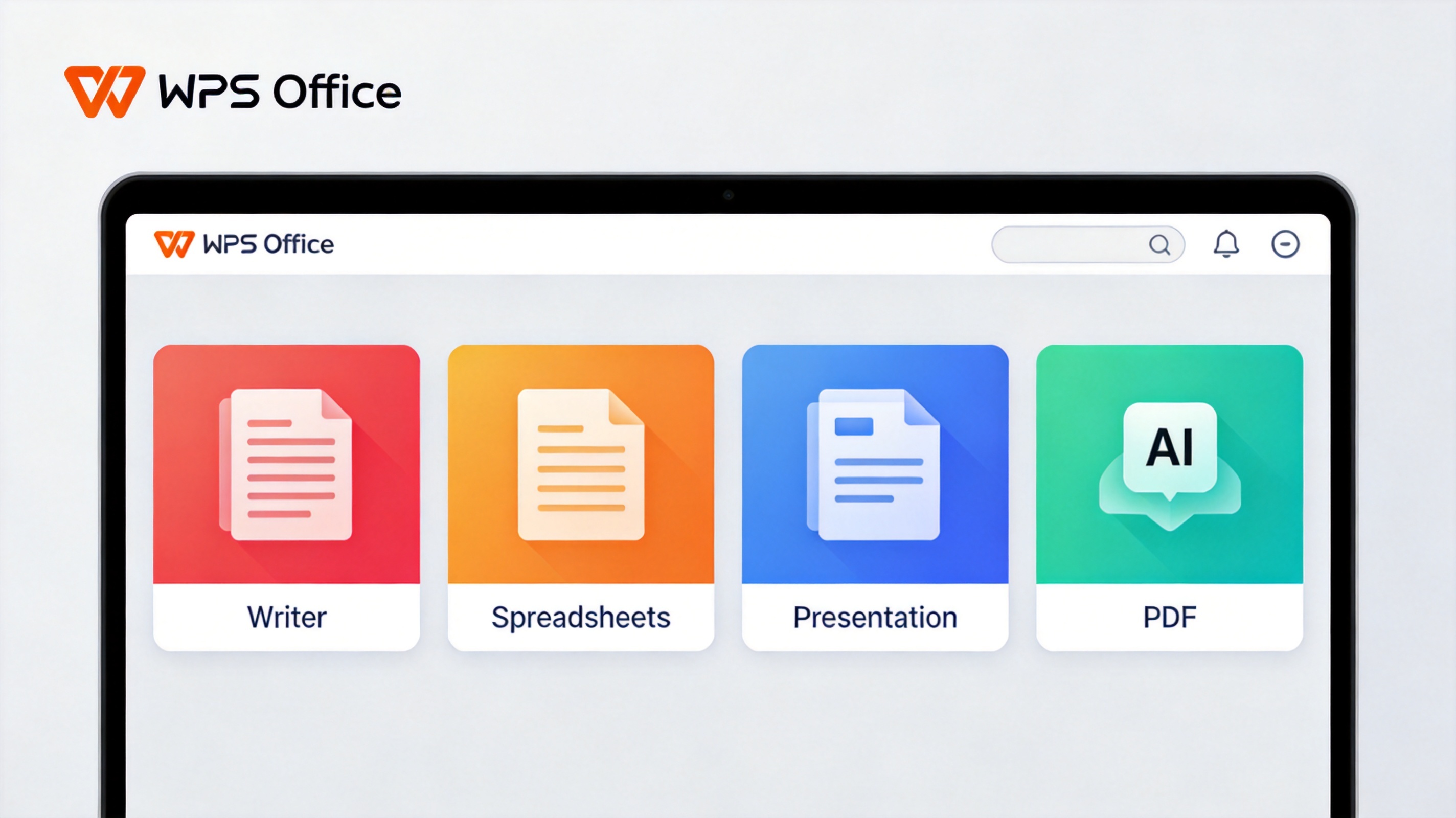
Choose the best tool for your PDF
FAQs
Can I translate a scanned English PDF to Malayalam?
Yes, if your tool can run OCR first. WPS PDF can read the text in a scanned page before translating it into Malayalam.
Is Malayalam supported by WPS PDF translation?
WPS AI document translation supports many languages. In the translation panel, choose Malayalam as the target; if it is missing, Google Translate is a reliable fallback.
Which tool keeps the PDF layout best?
A desktop AI translator such as WPS preserves columns, fonts, and images, while online pasters usually flatten the layout.
Are free translators accurate enough for Malayalam?
They are good for general meaning and routine documents, but you should proofread names, dates, and legal terms before sending the file.
Can I translate only part of a PDF?
Yes. WPS lets you select a passage or a page and translate just that part instead of the whole document.


'%3e%3cpath%20d='M19.9911%204.11386V6.471H18.5894C18.0775%206.471%2017.7322%206.57814%2017.5536%206.79243C17.3751%207.00671%2017.2858%207.32814%2017.2858%207.75671V9.44421H19.9019L19.5536%2012.0871H17.2858V18.8639H14.5536V12.0871H12.2769V9.44421H14.5536V7.49779C14.5536%206.39064%2014.8632%205.53201%2015.4822%204.92189C16.1013%204.31177%2016.9257%204.00671%2017.9554%204.00671C18.8304%204.00671%2019.509%204.04243%2019.9911%204.11386Z'%20fill='%23333333'/%3e%3c/g%3e%3cdefs%3e%3cclipPath%20id='clip0_2938_8199'%3e%3crect%20width='16'%20height='16'%20fill='white'%20transform='translate(8%204.00671)'/%3e%3c/clipPath%3e%3c/defs%3e%3c/svg%3e)
'%3e%3cpath%20d='M17.5237%2010.7813L23.4811%204H22.0699L16.8949%209.88693L12.7648%204H8L14.2469%2012.9029L8%2020.0133H9.4112L14.8725%2013.7952L19.2352%2020.0133H24M9.92053%205.04213H12.0885L22.0688%2019.0224H19.9003'%20fill='%23333333'/%3e%3c/g%3e%3cdefs%3e%3cclipPath%20id='clip0_2938_8200'%3e%3crect%20width='16'%20height='16.0134'%20fill='white'%20transform='translate(8%204)'/%3e%3c/clipPath%3e%3c/defs%3e%3c/svg%3e)


