

'%3e%3cpath%20d='M8%200C12.4183%200%2016%203.58172%2016%208C16%2012.4183%2012.4183%2016%208%2016C3.58172%2016%200%2012.4183%200%208C0%203.58172%203.58172%200%208%200ZM11.6162%204.38379C11.2257%203.99337%2010.5927%203.99338%2010.2021%204.38379L8%206.58594L5.79785%204.38379C5.40732%203.99334%204.77429%203.99329%204.38379%204.38379C3.99331%204.77429%203.99335%205.40733%204.38379%205.79785L6.58594%208L4.38379%2010.2021C3.99348%2010.5927%203.99341%2011.2257%204.38379%2011.6162C4.77426%2012.0066%205.40734%2012.0065%205.79785%2011.6162L8%209.41406L10.2021%2011.6162C10.5927%2012.0066%2011.2257%2012.0067%2011.6162%2011.6162C12.0067%2011.2257%2012.0066%2010.5927%2011.6162%2010.2021L9.41406%208L11.6162%205.79785C12.0066%205.40735%2012.0066%204.77429%2011.6162%204.38379Z'%20fill='%23080E17'%20fill-opacity='0.46'/%3e%3c/g%3e%3cdefs%3e%3cclipPath%20id='clip0_3761_713'%3e%3crect%20width='16'%20height='16'%20fill='white'/%3e%3c/clipPath%3e%3c/defs%3e%3c/svg%3e)




'%3e%3cpath%20fill-rule='evenodd'%20clip-rule='evenodd'%20d='M21.4999%2010.9993C21.4999%205.20009%2016.7986%200.498901%2010.9993%200.498901C5.19994%200.498901%200.498657%205.20009%200.498657%2010.9993C0.498657%2016.2404%204.33858%2020.5844%209.35855%2021.3722V14.0346H6.69238V10.9993H9.35855V8.68594C9.35855%206.05427%2010.9262%204.60062%2013.3248%204.60062C14.4736%204.60062%2015.6753%204.80571%2015.6753%204.80571V7.38979H14.3512C13.0468%207.38979%2012.64%208.19921%2012.64%209.0296V10.9993H15.5523L15.0867%2014.0346H12.64V21.3722C17.66%2020.5844%2021.4999%2016.2404%2021.4999%2010.9993Z'%20fill='%231568EA'/%3e%3c/g%3e%3c/svg%3e)


'%3e%3cpath%20d='M2.42045%2022.1876H6.31818V12.7217L0.75%208.54553V20.5171C0.75%2021.4414%201.49892%2022.1876%202.42045%2022.1876Z'%20fill='%234285F4'/%3e%3cpath%20d='M19.682%2022.1876H23.5797C24.5041%2022.1876%2025.2502%2021.4387%2025.2502%2020.5171V8.54553L19.682%2012.7217'%20fill='%2334A853'/%3e%3cpath%20d='M19.682%205.48293V12.7216L25.2502%208.54543V6.31816C25.2502%204.25236%2022.8921%203.07469%2021.2411%204.31361'%20fill='%23FBBC04'/%3e%3cpath%20d='M6.31824%2012.7217V5.48303L13.0001%2010.4944L19.6819%205.48303V12.7217L13.0001%2017.733'%20fill='%23EA4335'/%3e%3cpath%20d='M0.75%206.31816V8.54543L6.31818%2012.7216V5.48293L4.75909%204.31361C3.10534%203.07469%200.75%204.25236%200.75%206.31816Z'%20fill='%23C5221F'/%3e%3c/g%3e%3cdefs%3e%3cclipPath%20id='clip0_2954_7305'%3e%3crect%20width='24.5'%20height='18.375'%20fill='white'%20transform='translate(0.75%203.8125)'/%3e%3c/clipPath%3e%3c/defs%3e%3c/svg%3e)


You gave more than the annual exclusion to one person, funded a trust, or split gifts with a spouse—and now you need federal gift tax paperwork, not just a thank-you note. Form 709 reports those transfers so the IRS can track lifetime exemption use.
This walkthrough follows IRS Form 709 instructions at a high level: who files, which schedules apply, how to complete fields, and how to prepare a clean PDF before you mail or e-file. It is general tax information, not advice for your specific return—confirm amounts on IRS.gov or with a qualified preparer.
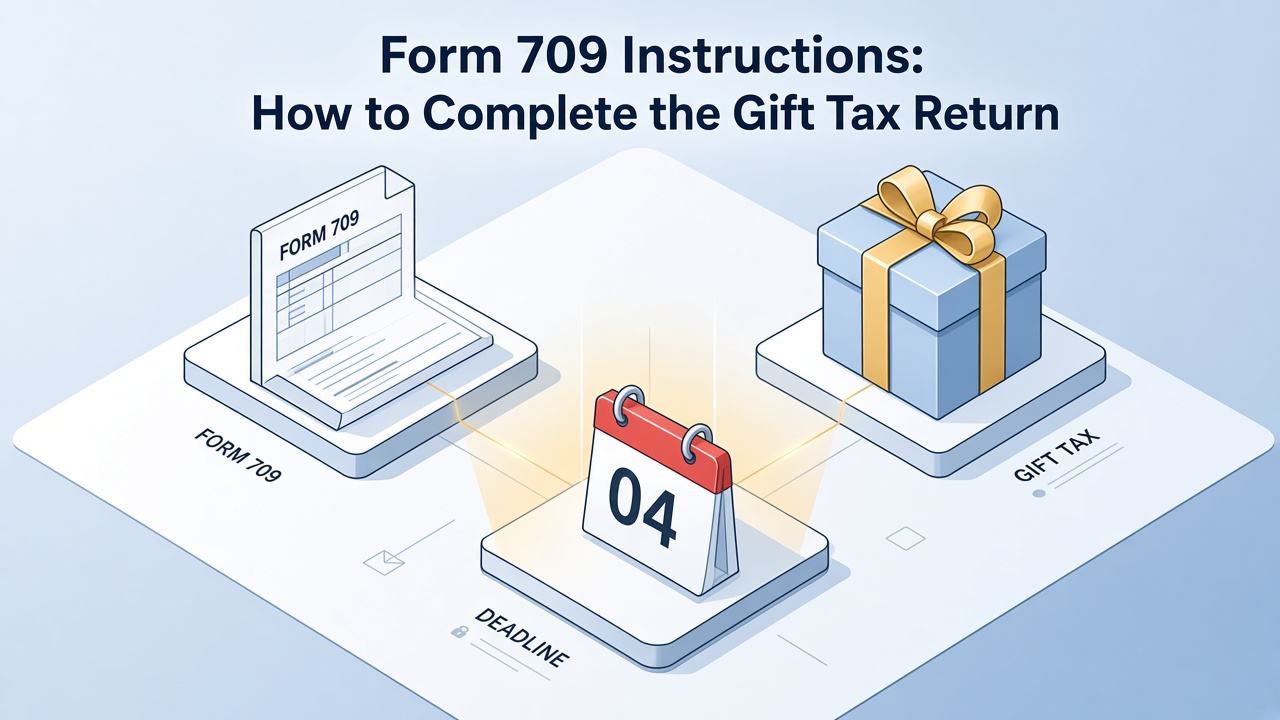
Form 709 Instructions: How to Complete the Gift Tax Return
Who must file Form 709 gift tax return
U.S. citizens and residents file Form 709 when they make taxable gifts above the annual exclusion, use special valuation rules, or need to report certain trust transfers. Married couples may elect gift splitting, which usually requires both spouses to sign and a complete return even if only one made the transfer.
Typical triggers include a gift over the annual exclusion to one person, a gift of a future interest (the recipient cannot use it now), a transfer to certain trusts, and an election to split gifts with a spouse. A check you hand to a college for someone else’s tuition, or a hospital bill you pay directly, is often excluded—paying the student or patient instead usually is not. Confirm the current exception on IRS.gov before you skip the form.
Gifts to a spouse who is not a U.S. citizen use a different exclusion. Do not copy last year’s return: the form year, the exclusion, and the lifetime exemption amount change.
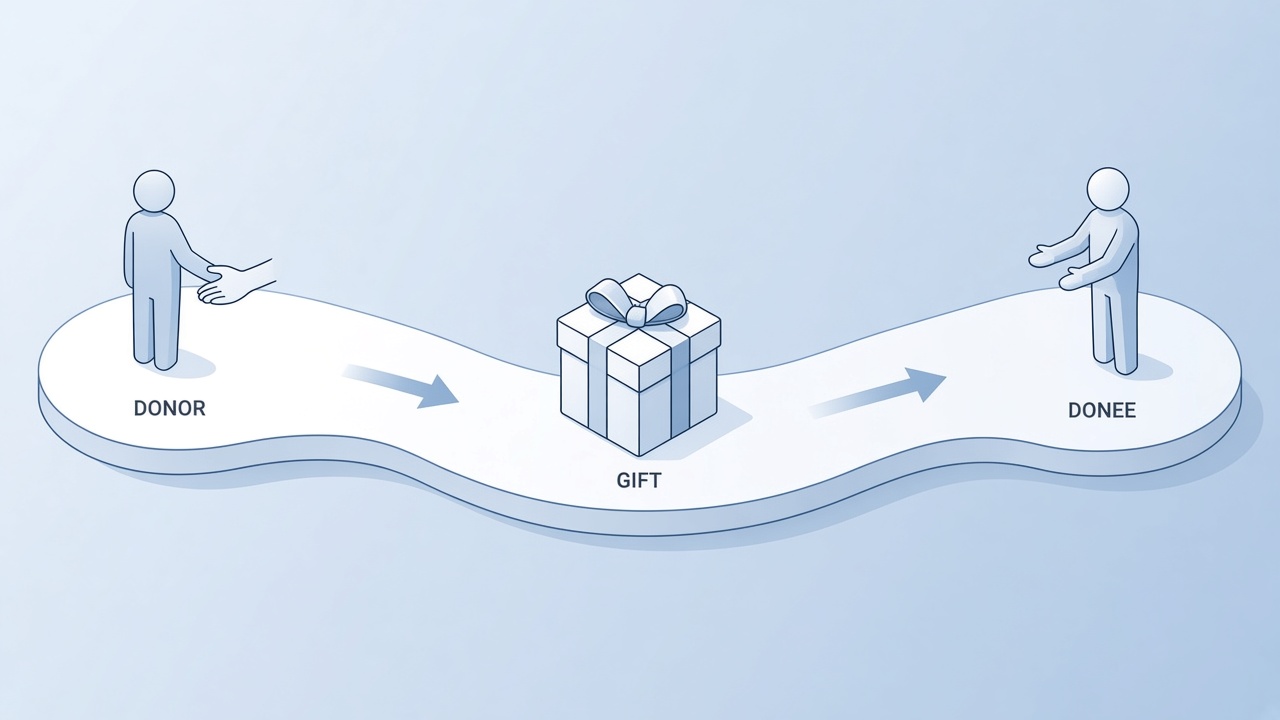
Donor gift and donee filing trigger


Form 709 instructions for gifts and exclusions
Part 1 captures donor information and the election to split gifts. Schedule A lists each donee, description, and value. You also report prior-period gifts that affect the lifetime exemption on Schedule B and compute tax on Schedule D when owed.
Annual exclusion. Confirm the current per-donee limit on IRS.gov. Split gifts use each spouse’s exclusion, which is why both usually sign.
Basis and appraisals. For real estate, closely held stock, or art, attach the appraisal the instructions require. A guess on Schedule A is a common reason a return is questioned.
Generation-skipping transfers. Complete Schedule C when the gift skips a generation, such as a direct gift to a grandchild when GST tax may apply.
Schedule A is the gift list (donee, date, description, value). Schedule B carries prior taxable gifts that reduce the lifetime exemption. Schedule D is where tax is computed if any is due. Leave a schedule blank only when the instructions say it does not apply—not because a line looks optional.
Exclusion appraisal and GST schedules
Complete each Form 709 schedule step by step
Work schedule by schedule instead of jumping across the PDF. Enter donor details once, then add each gift on Schedule A with date of gift, description, and fair market value. Carry totals forward and reconcile with Schedule B’s prior gifts before you sign.
Download the Form 709 PDF for the calendar year of the gift, not the year you happen to be preparing it.
Gather donor ID details, each donee’s name and address, gift dates, appraisals, and the spouse’s consent if you split gifts.
Finish Schedule A, roll prior gifts through Schedule B, complete C and D only when they apply, then sign Part 2.
Work in a copy. If a field total does not match your worksheet, fix the worksheet first—changing only the PDF line hides the error on the next draft.
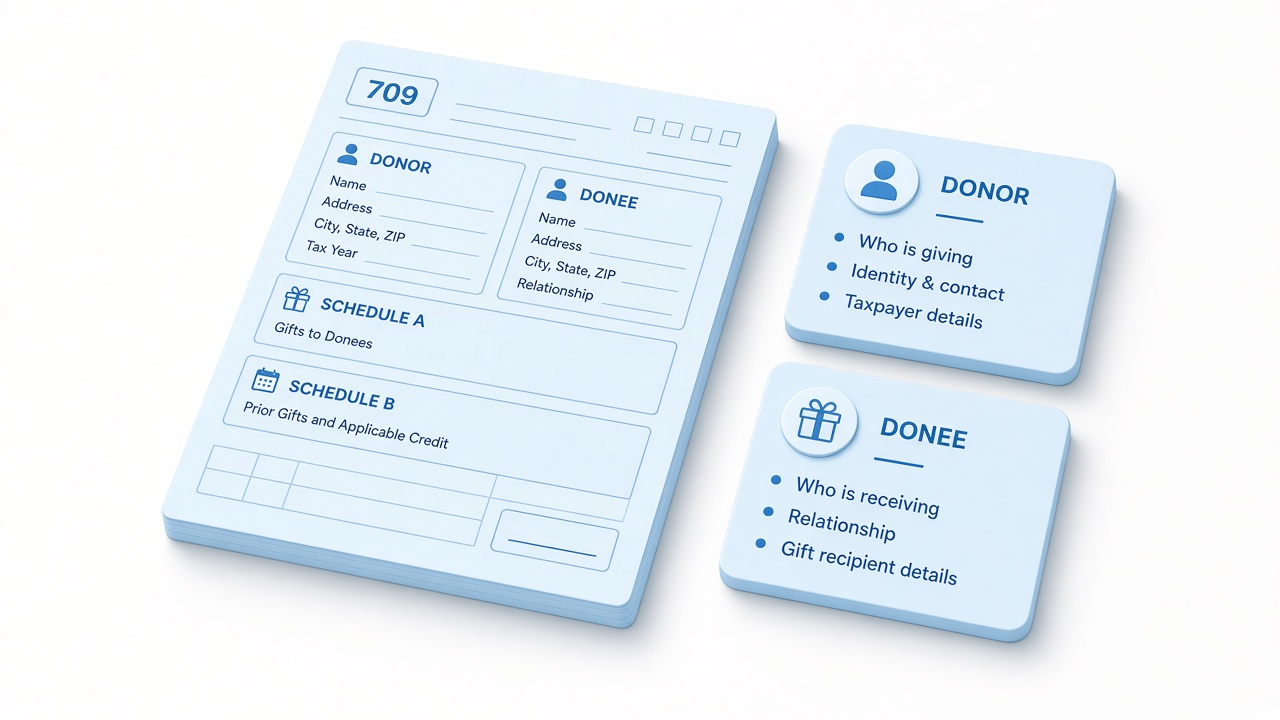
Schedule A then Schedule B then sign
Fill Form 709 PDF fields in WPS
IRS PDFs are usually fillable. Open the return in WPS PDF, save a working copy with Menu → Save As, then open the Fill & Sign tab.
Open the Form 709 PDF and duplicate the file before you type.
On Fill & Sign, use Highlight Form Fields to see empty boxes, then Fill out Form or Edit Form. Check totals with Check Filled Fields.
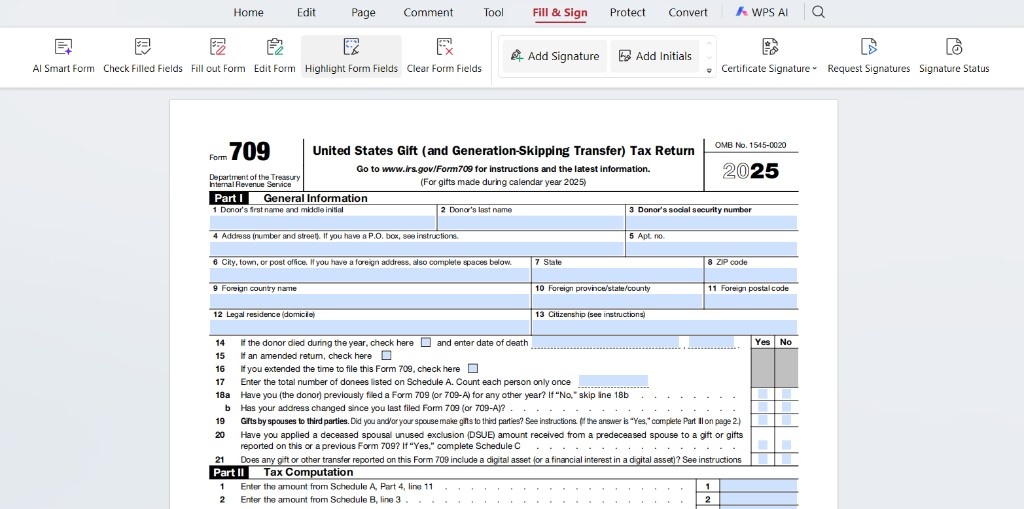
WPS PDF Fill and Sign on Form 709
When both spouses must sign, use Add Signature or Add Initials on the correct line only after you review totals. Request Signatures is for sending the file to the other spouse; it does not file the return.
Export a flat PDF with Menu → Export to PDF if your filing method requires non-editable copies.
Form 709 filing deadlines and extensions
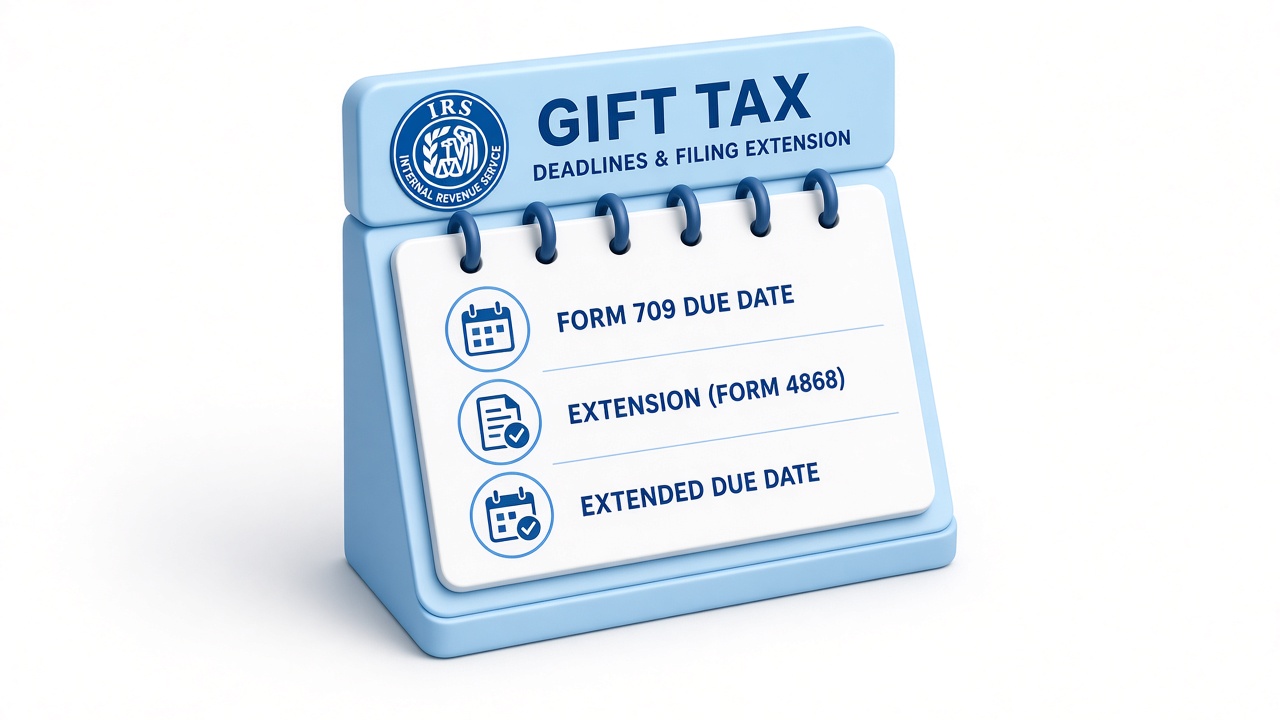
The gift tax return is generally due on the same date as your income tax return for the year of the gift, including extensions if you filed one for income tax. Late filing can trigger penalties on tax due, so mail or e-file before the posted due date and keep proof of mailing.
An income-tax extension generally extends Form 709 for that year, but only if you actually filed the extension. A gift in December is reported on the return for that calendar year, due the following spring—not “whenever you remember.”
Retain worksheets, appraisals, and a signed copy for at least seven years. Store the final PDF in a password-protected folder if it lists account numbers or family details.
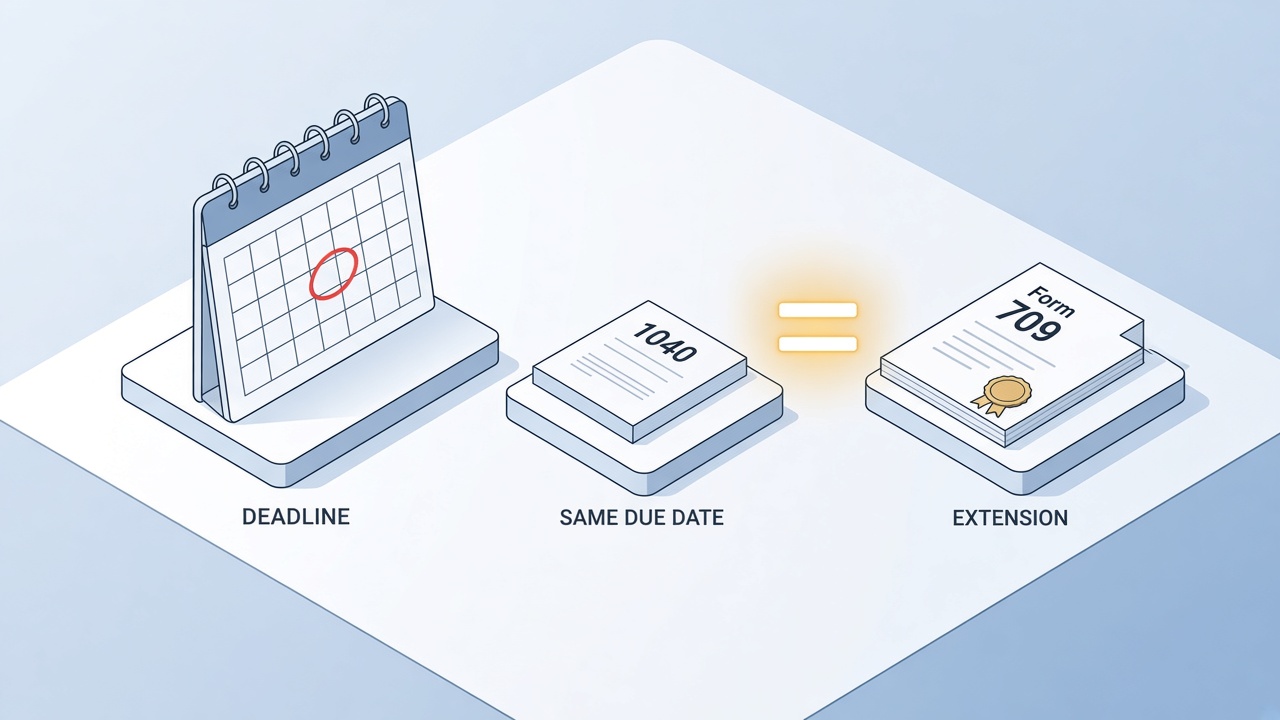
Gift tax return due with income tax
The Best Free PDF Alternative: WPS Office
Gift tax prep mixes spreadsheets, PDF forms, and scanned appraisals. WPS Office combines PDF fill-and-sign, text editing, and secure export without a separate Acrobat subscription—helpful when you update Schedule A multiple times before signing.
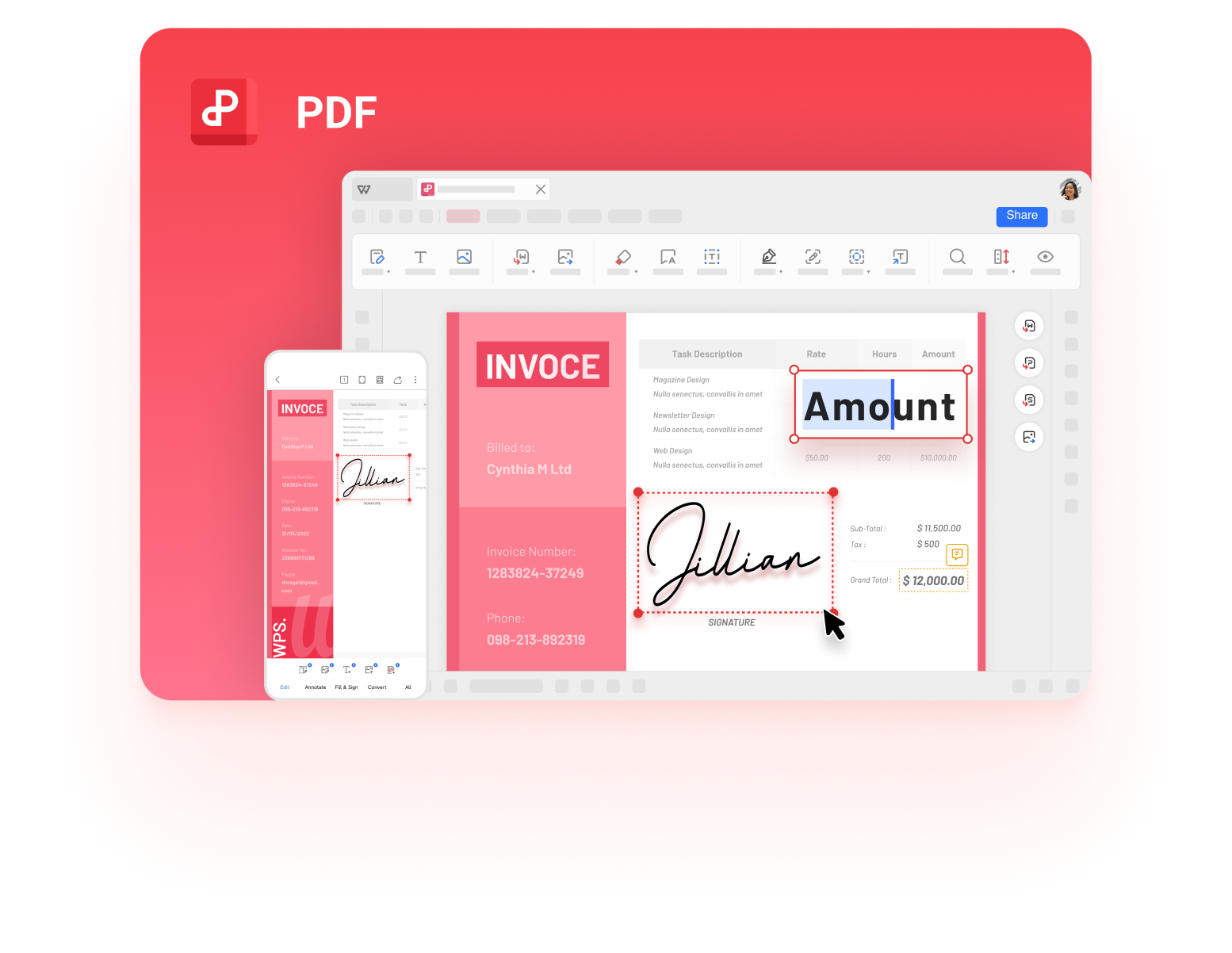
WPS PDF for gift tax form files
FAQs
What is Form 709 used for?
It reports taxable gifts and tracks use of the lifetime gift and estate tax exemption.
Do I file Form 709 for every gift?
No. Many routine gifts fall under the annual exclusion or qualify for educational and medical exclusions when paid correctly.
Can I e-file Form 709?
Filing methods change; check IRS.gov for the current e-file and mail addresses before you send a return.
How does gift splitting work on Form 709?
Eligible spouses elect to treat gifts as made half by each donor, which often requires Form 709 even when one spouse funded the gift.
Can WPS fill IRS Form 709?
Yes for standard fillable IRS PDFs: open in WPS PDF, complete fields with Fill & Sign, and export a copy for your records and filing.


'%3e%3cpath%20d='M19.9911%204.11386V6.471H18.5894C18.0775%206.471%2017.7322%206.57814%2017.5536%206.79243C17.3751%207.00671%2017.2858%207.32814%2017.2858%207.75671V9.44421H19.9019L19.5536%2012.0871H17.2858V18.8639H14.5536V12.0871H12.2769V9.44421H14.5536V7.49779C14.5536%206.39064%2014.8632%205.53201%2015.4822%204.92189C16.1013%204.31177%2016.9257%204.00671%2017.9554%204.00671C18.8304%204.00671%2019.509%204.04243%2019.9911%204.11386Z'%20fill='%23333333'/%3e%3c/g%3e%3cdefs%3e%3cclipPath%20id='clip0_2938_8199'%3e%3crect%20width='16'%20height='16'%20fill='white'%20transform='translate(8%204.00671)'/%3e%3c/clipPath%3e%3c/defs%3e%3c/svg%3e)
'%3e%3cpath%20d='M17.5237%2010.7813L23.4811%204H22.0699L16.8949%209.88693L12.7648%204H8L14.2469%2012.9029L8%2020.0133H9.4112L14.8725%2013.7952L19.2352%2020.0133H24M9.92053%205.04213H12.0885L22.0688%2019.0224H19.9003'%20fill='%23333333'/%3e%3c/g%3e%3cdefs%3e%3cclipPath%20id='clip0_2938_8200'%3e%3crect%20width='16'%20height='16.0134'%20fill='white'%20transform='translate(8%204)'/%3e%3c/clipPath%3e%3c/defs%3e%3c/svg%3e)


