



'%3e%3cpath%20fill-rule='evenodd'%20clip-rule='evenodd'%20d='M21.4999%2010.9993C21.4999%205.20009%2016.7986%200.498901%2010.9993%200.498901C5.19994%200.498901%200.498657%205.20009%200.498657%2010.9993C0.498657%2016.2404%204.33858%2020.5844%209.35855%2021.3722V14.0346H6.69238V10.9993H9.35855V8.68594C9.35855%206.05427%2010.9262%204.60062%2013.3248%204.60062C14.4736%204.60062%2015.6753%204.80571%2015.6753%204.80571V7.38979H14.3512C13.0468%207.38979%2012.64%208.19921%2012.64%209.0296V10.9993H15.5523L15.0867%2014.0346H12.64V21.3722C17.66%2020.5844%2021.4999%2016.2404%2021.4999%2010.9993Z'%20fill='%231568EA'/%3e%3c/g%3e%3c/svg%3e)


'%3e%3cpath%20d='M2.42045%2022.1876H6.31818V12.7217L0.75%208.54553V20.5171C0.75%2021.4414%201.49892%2022.1876%202.42045%2022.1876Z'%20fill='%234285F4'/%3e%3cpath%20d='M19.682%2022.1876H23.5797C24.5041%2022.1876%2025.2502%2021.4387%2025.2502%2020.5171V8.54553L19.682%2012.7217'%20fill='%2334A853'/%3e%3cpath%20d='M19.682%205.48293V12.7216L25.2502%208.54543V6.31816C25.2502%204.25236%2022.8921%203.07469%2021.2411%204.31361'%20fill='%23FBBC04'/%3e%3cpath%20d='M6.31824%2012.7217V5.48303L13.0001%2010.4944L19.6819%205.48303V12.7217L13.0001%2017.733'%20fill='%23EA4335'/%3e%3cpath%20d='M0.75%206.31816V8.54543L6.31818%2012.7216V5.48293L4.75909%204.31361C3.10534%203.07469%200.75%204.25236%200.75%206.31816Z'%20fill='%23C5221F'/%3e%3c/g%3e%3cdefs%3e%3cclipPath%20id='clip0_2954_7305'%3e%3crect%20width='24.5'%20height='18.375'%20fill='white'%20transform='translate(0.75%203.8125)'/%3e%3c/clipPath%3e%3c/defs%3e%3c/svg%3e)


Need to reduce a PDF size to 200KB? Many government portals, visa systems, job application sites, and email providers reject files that are even a few kilobytes over the limit. A document that looks ready can stall your submission at the very last step, right when you need it most.
In this guide you will learn how to reduce a PDF size to 200KB with WPS Office, keep your text and layout readable, and get your file accepted on the first try.
How to Reduce PDF Size to 200KB
Why Reduce PDF Size to 200KB?
PDFs get large for a few simple reasons. High-resolution images, embedded fonts, and leftover metadata all add weight. When a scanned page is stored as a full-color photo, a single page can already exceed 200KB before you add the rest of the document.
A 200KB ceiling is common. Visa applications, scholarship and exam registration forms, bank KYC uploads, and several national e-government services set a hard limit near this number. The same limit appears in email attachment tools that cap outgoing files. Reaching it means your submission moves, your email sends, and your reviewer can open the file without a fight.
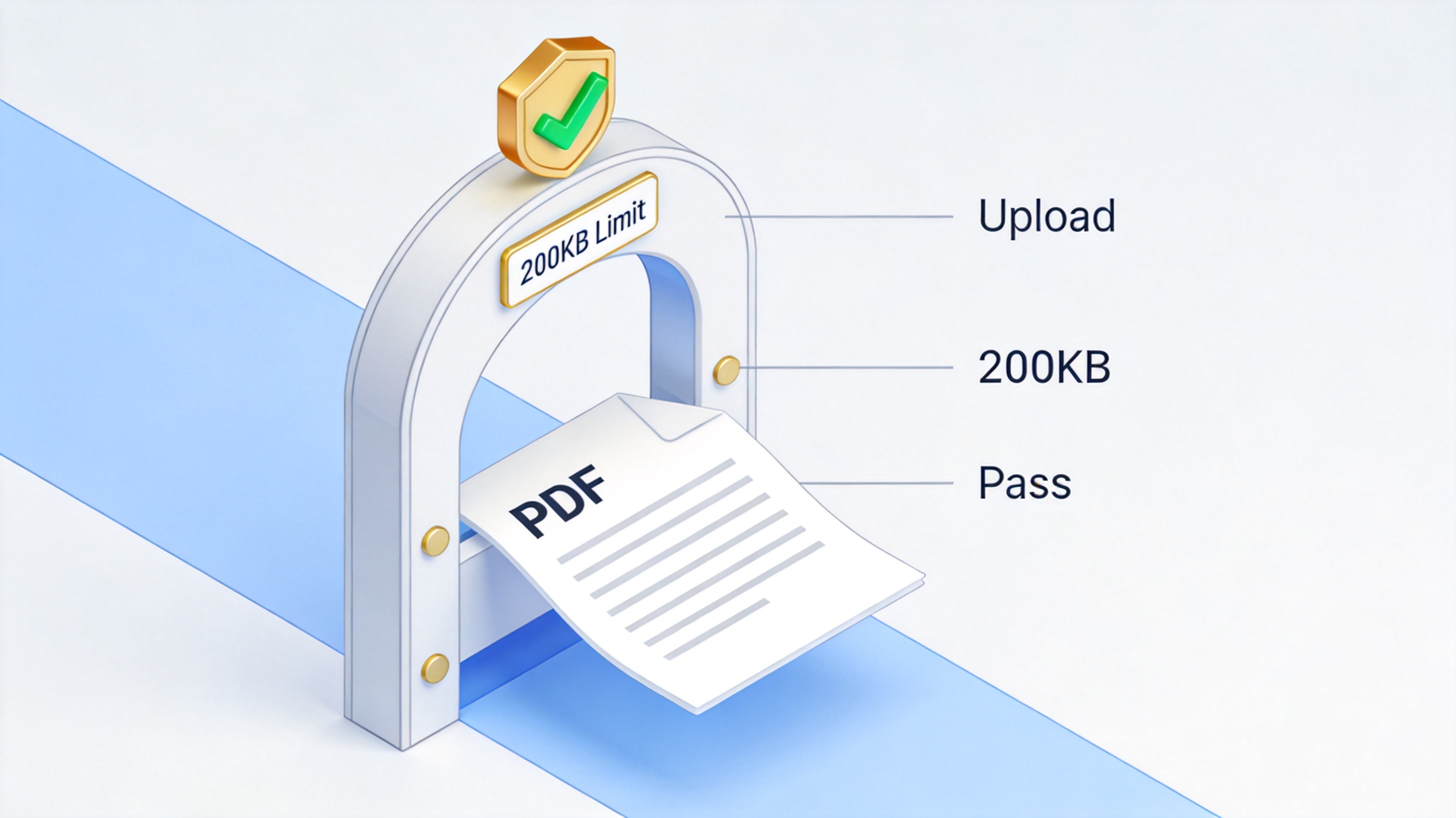
PDF passes a 200KB upload limit


How to Reduce PDF Size to 200KB in WPS Office
WPS Office shrinks PDFs on your own computer, so you never upload a sensitive resume, passport, or contract to a random website. Follow these steps to reduce a PDF size to 200KB.
Open the PDF in WPS Office on your desktop.
Click the Home tab and choose Compress from the toolbar.
In the Compress PDF dialog, pick a compression effect: High quality, Standard, or Normal.
Set the output folder where the smaller file should be saved.
Click Start Compression and wait for the result.
Open the output file and check its new size against the 200KB target.
If the file is still over 200KB, run the compression again with a stronger level, or use the tips below. For a broader look at trimming files, see our guide to compressing PDFs on PC and mobile.
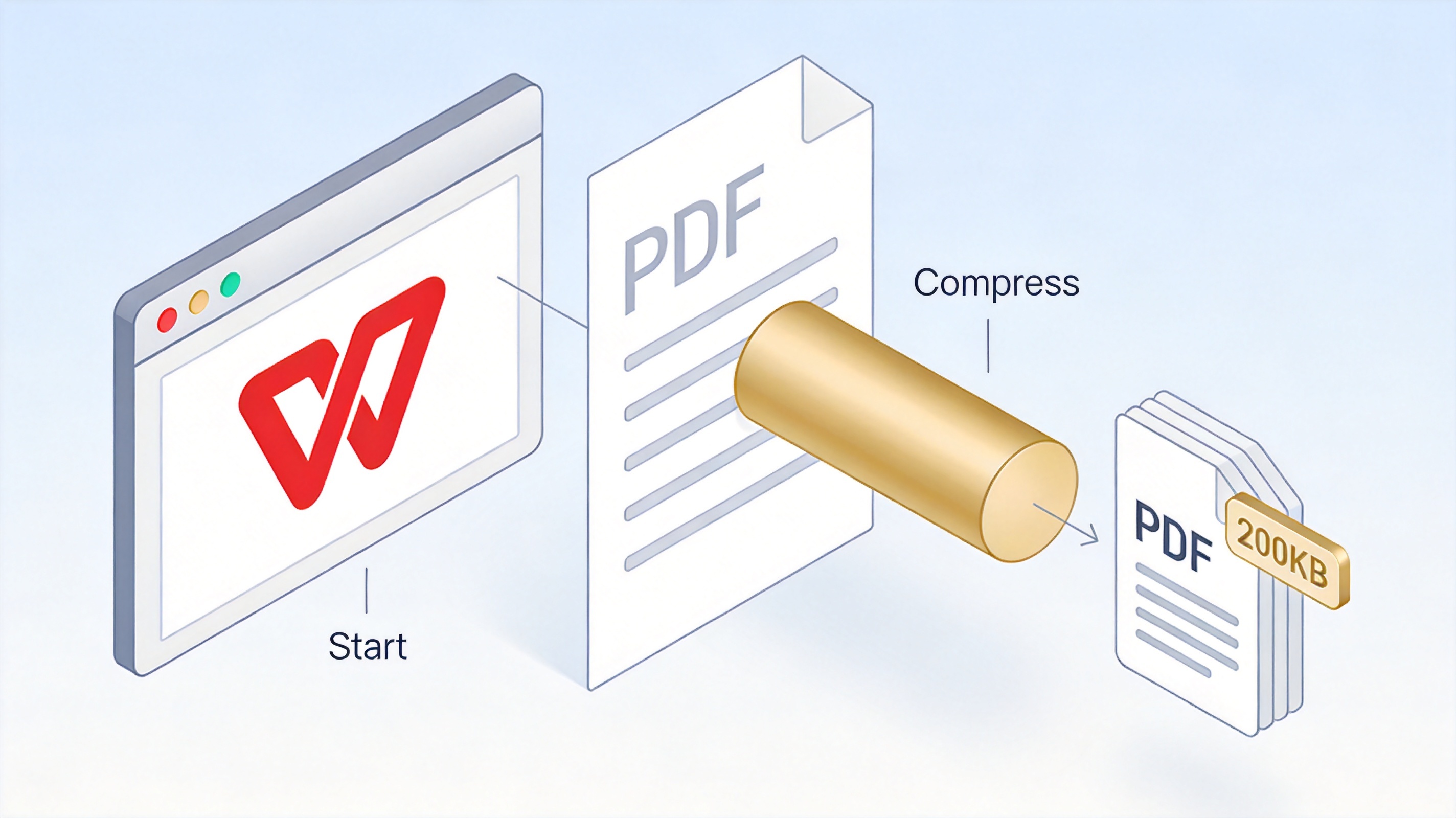
Reduce PDF size to 200KB in WPS
How to Check That Your PDF Is Under 200KB
A quick size check after compression prevents a late surprise at the upload page.
Locate the compressed file in the output folder you chose.
Right-click the file and open Properties (Windows) or Get Info (Mac).
Read the Size field. Aim for 200KB or slightly below.
If it is over the limit, reopen it in WPS and compress again with a stronger level.
For files that are close to the target, an online compressor that targets an exact size can help finish the job; see our article on compressing a PDF to a specific size.
Check compressed PDF is under 200KB
The Best Free Alternative: WPS Office to Reduce PDF Size
WPS PDF is the free alternative that keeps compression on your device. Unlike ad-supported converter sites, WPS Office never uploads your document, so private files stay private. It also handles PDF compression online when you prefer not to install software.
Local and secure: compression runs on your computer, with no upload to a third-party server.
Several compression levels: High quality, Standard, and Normal let you balance size and clarity.
Batch processing: compress many PDFs at once for job packs or form submissions.
Cross-platform: available on Windows, Mac, Android, and iOS.
WPS Office free PDF compression software
Pro Tips to Reduce a Large PDF to Under 200KB
When even the strongest compression keeps the file above 200KB, the content itself usually needs a trim. These tips target the largest parts of a PDF.
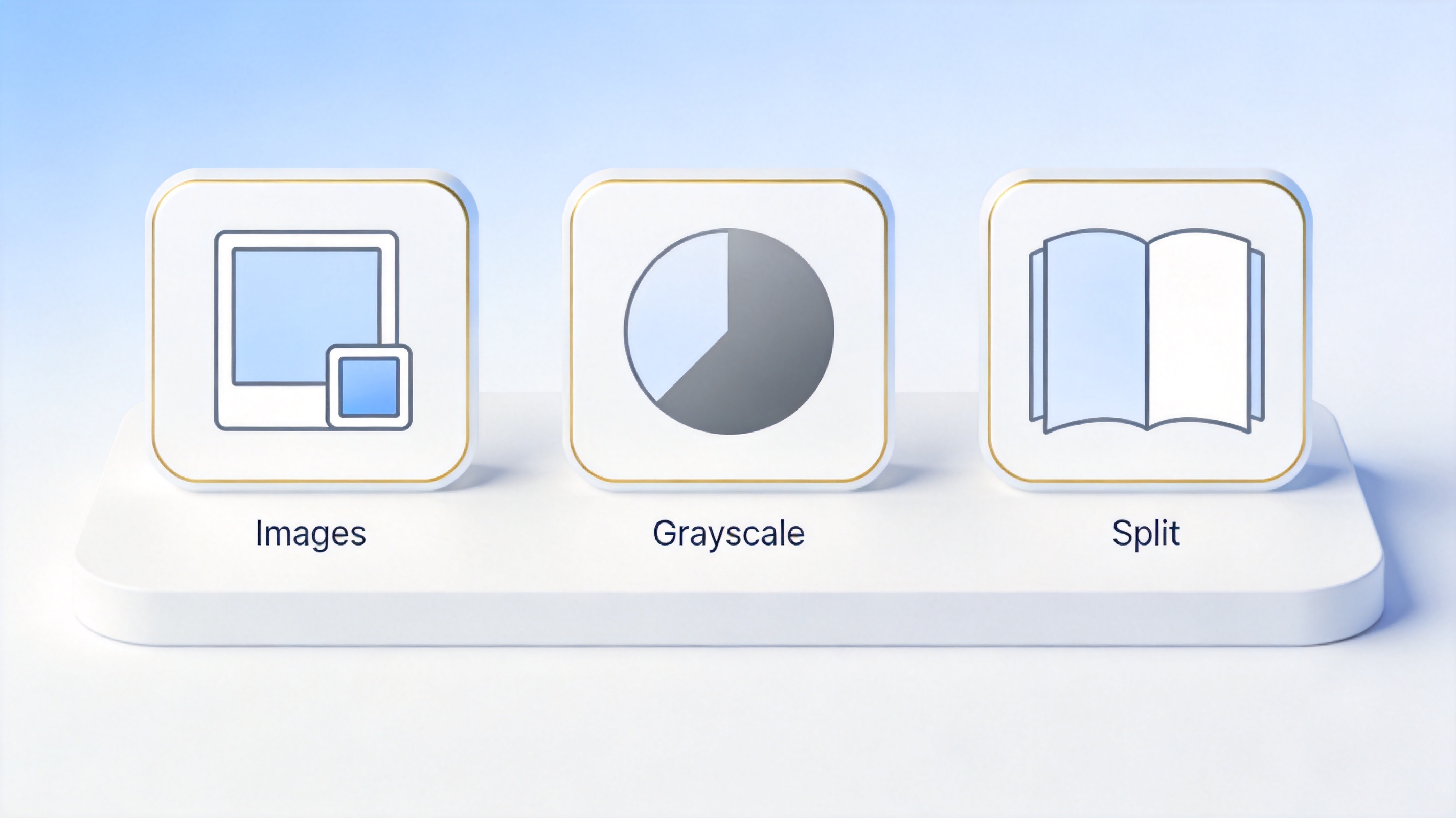
Shrink images before you export. In the source document, compress photos to screen resolution (150ppi) before saving to PDF.
Convert to grayscale. Color scans are much heavier; a grayscale copy cuts size sharply when color is not required.
Split the PDF. If a long document cannot fit 200KB, split it into smaller parts that each pass the limit.
Remove hidden data. Clear unused metadata and editing history that silently inflate the file.
Reduce large PDF size to 200KB
FAQs
Can I reduce a PDF to exactly 200KB in WPS Office?
WPS Office offers High quality, Standard, and Normal levels rather than an exact-size guarantee. Pick the strongest level that still looks clean, then check the size and adjust until you reach or fall below 200KB.
Is compressing a PDF to 200KB free in WPS Office?
WPS Office includes PDF compression and lets you start for free. Some advanced compression options and batch features are part of a paid membership, so the free level is enough for most single-file submissions.
Why is my PDF so large in the first place?
Large PDFs usually come from high-resolution images, embedded fonts, and leftover metadata. Scanned pages stored as full-color photos are the most common cause.
Will compressing to 200KB lower the quality?
Text stays crisp because it remains vector data. Images may soften at the strongest compression levels, which is a reasonable trade-off when a portal requires a 200KB upload.
Can I compress multiple PDFs to 200KB at once?
Yes. WPS Office supports batch compression, so you can add several PDFs and process them together in one step, then check each result against the limit.


'%3e%3cpath%20d='M19.9911%204.11386V6.471H18.5894C18.0775%206.471%2017.7322%206.57814%2017.5536%206.79243C17.3751%207.00671%2017.2858%207.32814%2017.2858%207.75671V9.44421H19.9019L19.5536%2012.0871H17.2858V18.8639H14.5536V12.0871H12.2769V9.44421H14.5536V7.49779C14.5536%206.39064%2014.8632%205.53201%2015.4822%204.92189C16.1013%204.31177%2016.9257%204.00671%2017.9554%204.00671C18.8304%204.00671%2019.509%204.04243%2019.9911%204.11386Z'%20fill='%23333333'/%3e%3c/g%3e%3cdefs%3e%3cclipPath%20id='clip0_2938_8199'%3e%3crect%20width='16'%20height='16'%20fill='white'%20transform='translate(8%204.00671)'/%3e%3c/clipPath%3e%3c/defs%3e%3c/svg%3e)
'%3e%3cpath%20d='M17.5237%2010.7813L23.4811%204H22.0699L16.8949%209.88693L12.7648%204H8L14.2469%2012.9029L8%2020.0133H9.4112L14.8725%2013.7952L19.2352%2020.0133H24M9.92053%205.04213H12.0885L22.0688%2019.0224H19.9003'%20fill='%23333333'/%3e%3c/g%3e%3cdefs%3e%3cclipPath%20id='clip0_2938_8200'%3e%3crect%20width='16'%20height='16.0134'%20fill='white'%20transform='translate(8%204)'/%3e%3c/clipPath%3e%3c/defs%3e%3c/svg%3e)


