



'%3e%3cpath%20fill-rule='evenodd'%20clip-rule='evenodd'%20d='M21.4999%2010.9993C21.4999%205.20009%2016.7986%200.498901%2010.9993%200.498901C5.19994%200.498901%200.498657%205.20009%200.498657%2010.9993C0.498657%2016.2404%204.33858%2020.5844%209.35855%2021.3722V14.0346H6.69238V10.9993H9.35855V8.68594C9.35855%206.05427%2010.9262%204.60062%2013.3248%204.60062C14.4736%204.60062%2015.6753%204.80571%2015.6753%204.80571V7.38979H14.3512C13.0468%207.38979%2012.64%208.19921%2012.64%209.0296V10.9993H15.5523L15.0867%2014.0346H12.64V21.3722C17.66%2020.5844%2021.4999%2016.2404%2021.4999%2010.9993Z'%20fill='%231568EA'/%3e%3c/g%3e%3c/svg%3e)


'%3e%3cpath%20d='M2.42045%2022.1876H6.31818V12.7217L0.75%208.54553V20.5171C0.75%2021.4414%201.49892%2022.1876%202.42045%2022.1876Z'%20fill='%234285F4'/%3e%3cpath%20d='M19.682%2022.1876H23.5797C24.5041%2022.1876%2025.2502%2021.4387%2025.2502%2020.5171V8.54553L19.682%2012.7217'%20fill='%2334A853'/%3e%3cpath%20d='M19.682%205.48293V12.7216L25.2502%208.54543V6.31816C25.2502%204.25236%2022.8921%203.07469%2021.2411%204.31361'%20fill='%23FBBC04'/%3e%3cpath%20d='M6.31824%2012.7217V5.48303L13.0001%2010.4944L19.6819%205.48303V12.7217L13.0001%2017.733'%20fill='%23EA4335'/%3e%3cpath%20d='M0.75%206.31816V8.54543L6.31818%2012.7216V5.48293L4.75909%204.31361C3.10534%203.07469%200.75%204.25236%200.75%206.31816Z'%20fill='%23C5221F'/%3e%3c/g%3e%3cdefs%3e%3cclipPath%20id='clip0_2954_7305'%3e%3crect%20width='24.5'%20height='18.375'%20fill='white'%20transform='translate(0.75%203.8125)'/%3e%3c/clipPath%3e%3c/defs%3e%3c/svg%3e)


A passport photo, a school ID, or a job application image is often rejected simply because the file is over 2MB. The good news is that shrinking it is fast and free. This guide shows you how to reduce photo size to 2MB while keeping the image sharp, with tools that run right on your device.
How to Reduce Photo Size to 2MB
Why Do Platforms Require a 2MB Photo?
Many official portals set a 2MB limit so that servers stay fast and images load quickly. Government forms, visa applications, school systems, and online profiles all use this common cap.
A phone camera often produces a photo of 4MB or more, which is exactly why so many uploads fail. Knowing how to reduce photo size to 2MB lets you meet that requirement instead of getting stuck at the last step.
Why platforms require a 2MB photo


What You Need to Compress a Photo to 2MB
You do not need heavy photo-editing software. A simple compressor is enough.
- The photo you want to shrink.
- A photo or PDF compressor, such as the one in WPS Office.
- A quick check to confirm the final file is under 2MB.
Download WPS Office free from the official WPS website.
Prepare a photo for compression
How to Reduce Photo Size to 2MB with WPS Office
WPS Office compresses a photo quickly, and if you need a document, it can also turn the image into a small PDF.
- Open the photo in WPS Office, or use the image tools to import it.
- Open the Compress or Resize tool and choose a quality or dimension that brings the file under 2MB.
- Apply the change and save the smaller image.
- Check the file size; if it is still above 2MB, lower the quality or reduce the dimensions further.
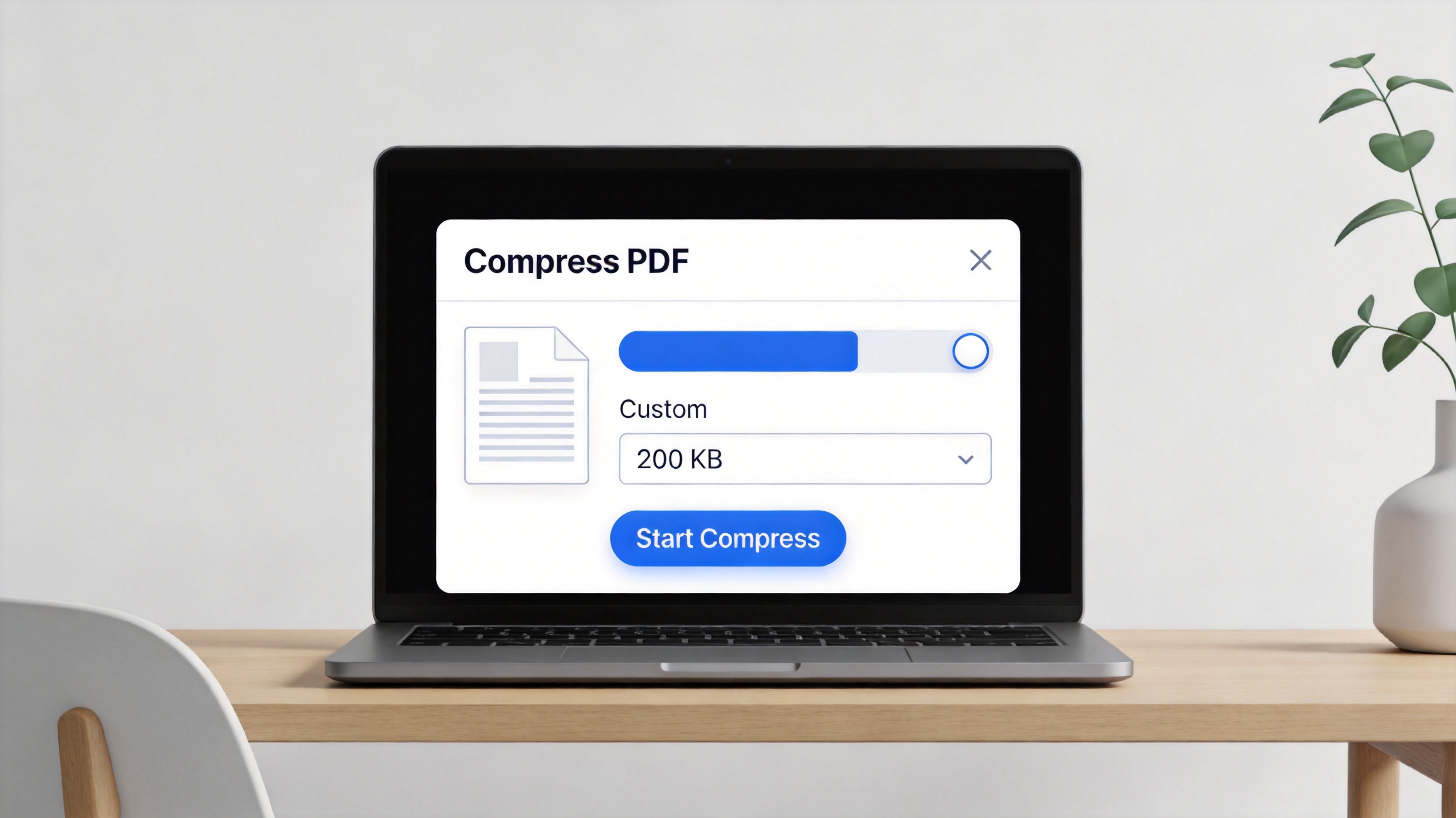
WPS compress image file size dialog
You can also convert the compressed photo to a PDF in the same app, which is handy for forms that ask for a document instead of an image.
Keep Quality While Shrinking to 2MB
Compression always trades some detail for a smaller size, but you can control the balance.
- Reduce dimensions, not just quality: a 3000px-wide photo can drop to 1600px and still look sharp on screens.
- Use the right format: JPG suits photos well and compresses far more than PNG.
- Start with a mild setting: lower the quality gradually and check until the file is just under 2MB.
- Avoid compressing twice: re-saving an already compressed photo adds blur without much extra space.
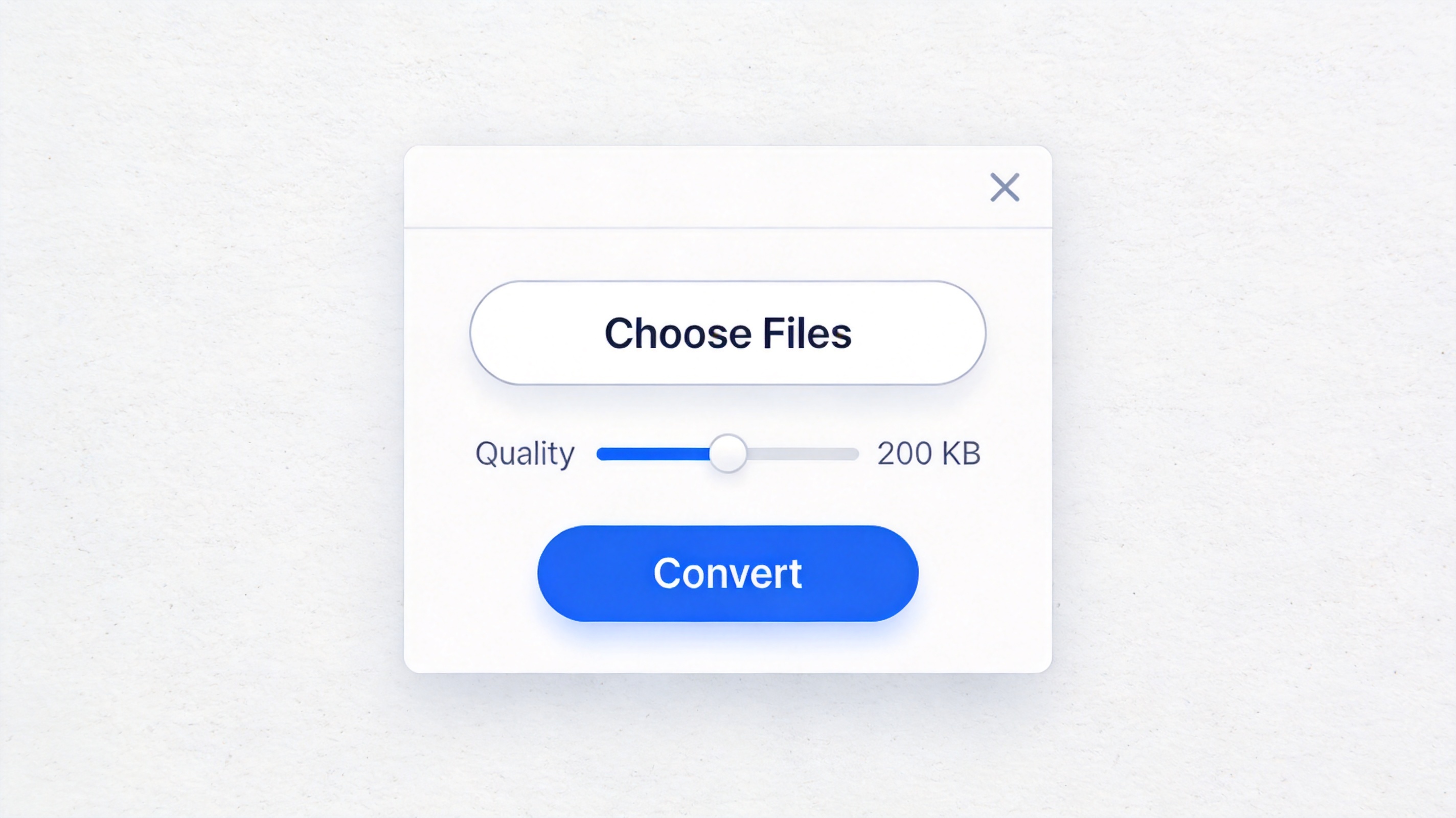
Keep quality while shrinking to 2MB
The Best Free Alternative: WPS Office
WPS Office is a free suite for Windows and Mac with Word, Excel, PPT, and a PDF toolkit. It can compress images, resize photos, and convert them to PDFs all in one place.
You get a complete workflow without installing separate tools, and your photos stay on your own computer. Compared with paid editors, WPS keeps everyday compression and conversion features free.
It is the simplest way to reduce photo size to 2MB without spending a cent.
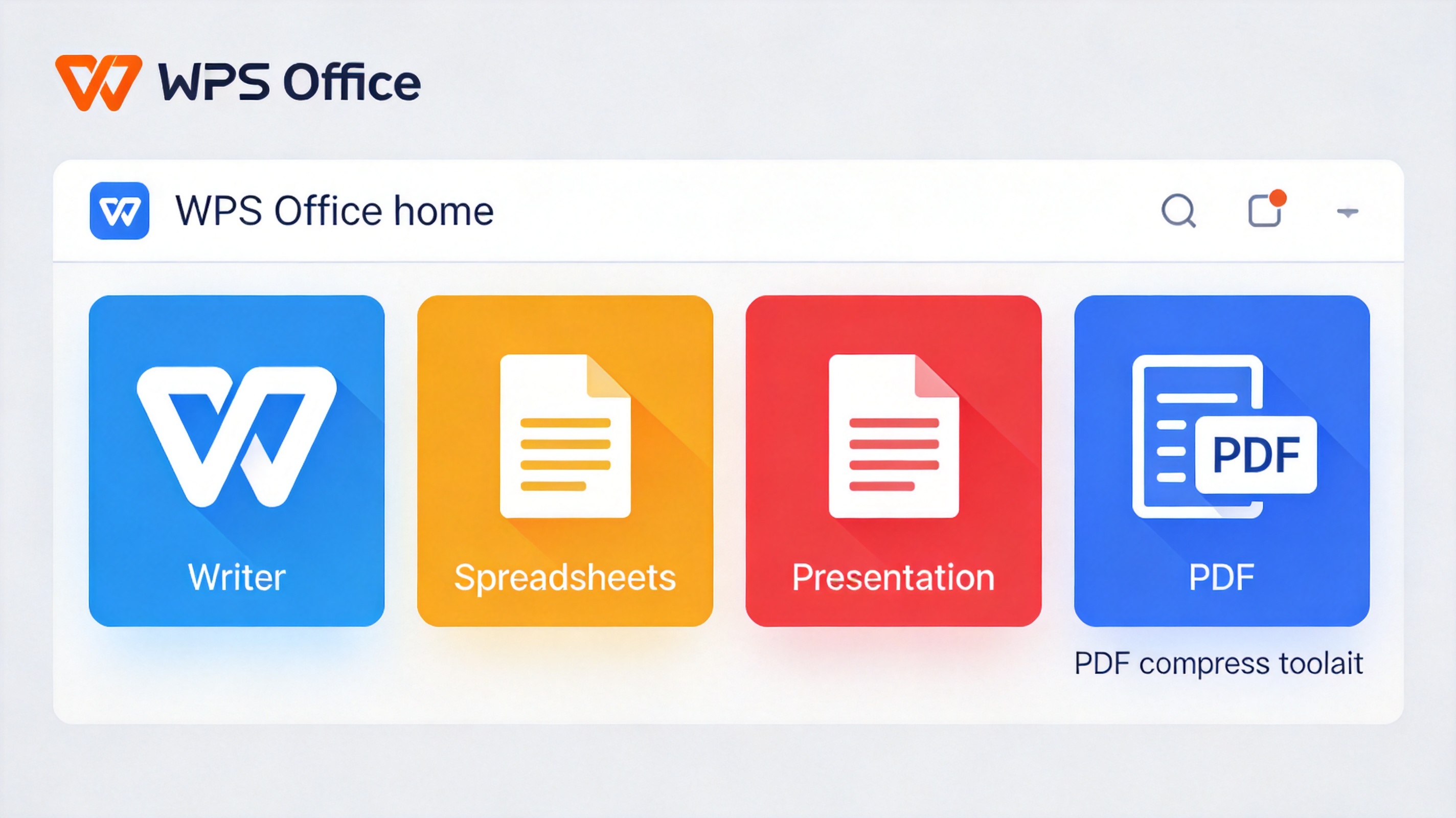
WPS Office free suite with PDF compress
FAQs
How do I know if my photo is over 2MB?
Check the file size in your phone or computer. A photo above 2MB will usually be rejected by upload forms that enforce the limit.
Does compressing a photo lose quality?
Compression reduces image detail. A mild setting keeps the photo looking sharp, while a strong one can blur it. Balance size and clarity.
Can I reduce a photo to exactly 2MB?
You can get very close by adjusting quality and dimensions. Most tools let you preview the resulting size before saving.
Why do platforms ask for a 2MB photo?
The limit keeps uploads fast and servers light. It is a common requirement for government forms, visas, and profile pictures.
Is it safe to use an online photo compressor?
Online tools upload your image to a server, so avoid them for private photos. Use a desktop tool such as WPS for sensitive images.


'%3e%3cpath%20d='M19.9911%204.11386V6.471H18.5894C18.0775%206.471%2017.7322%206.57814%2017.5536%206.79243C17.3751%207.00671%2017.2858%207.32814%2017.2858%207.75671V9.44421H19.9019L19.5536%2012.0871H17.2858V18.8639H14.5536V12.0871H12.2769V9.44421H14.5536V7.49779C14.5536%206.39064%2014.8632%205.53201%2015.4822%204.92189C16.1013%204.31177%2016.9257%204.00671%2017.9554%204.00671C18.8304%204.00671%2019.509%204.04243%2019.9911%204.11386Z'%20fill='%23333333'/%3e%3c/g%3e%3cdefs%3e%3cclipPath%20id='clip0_2938_8199'%3e%3crect%20width='16'%20height='16'%20fill='white'%20transform='translate(8%204.00671)'/%3e%3c/clipPath%3e%3c/defs%3e%3c/svg%3e)
'%3e%3cpath%20d='M17.5237%2010.7813L23.4811%204H22.0699L16.8949%209.88693L12.7648%204H8L14.2469%2012.9029L8%2020.0133H9.4112L14.8725%2013.7952L19.2352%2020.0133H24M9.92053%205.04213H12.0885L22.0688%2019.0224H19.9003'%20fill='%23333333'/%3e%3c/g%3e%3cdefs%3e%3cclipPath%20id='clip0_2938_8200'%3e%3crect%20width='16'%20height='16.0134'%20fill='white'%20transform='translate(8%204)'/%3e%3c/clipPath%3e%3c/defs%3e%3c/svg%3e)


