



'%3e%3cpath%20fill-rule='evenodd'%20clip-rule='evenodd'%20d='M21.4999%2010.9993C21.4999%205.20009%2016.7986%200.498901%2010.9993%200.498901C5.19994%200.498901%200.498657%205.20009%200.498657%2010.9993C0.498657%2016.2404%204.33858%2020.5844%209.35855%2021.3722V14.0346H6.69238V10.9993H9.35855V8.68594C9.35855%206.05427%2010.9262%204.60062%2013.3248%204.60062C14.4736%204.60062%2015.6753%204.80571%2015.6753%204.80571V7.38979H14.3512C13.0468%207.38979%2012.64%208.19921%2012.64%209.0296V10.9993H15.5523L15.0867%2014.0346H12.64V21.3722C17.66%2020.5844%2021.4999%2016.2404%2021.4999%2010.9993Z'%20fill='%231568EA'/%3e%3c/g%3e%3c/svg%3e)


'%3e%3cpath%20d='M2.42045%2022.1876H6.31818V12.7217L0.75%208.54553V20.5171C0.75%2021.4414%201.49892%2022.1876%202.42045%2022.1876Z'%20fill='%234285F4'/%3e%3cpath%20d='M19.682%2022.1876H23.5797C24.5041%2022.1876%2025.2502%2021.4387%2025.2502%2020.5171V8.54553L19.682%2012.7217'%20fill='%2334A853'/%3e%3cpath%20d='M19.682%205.48293V12.7216L25.2502%208.54543V6.31816C25.2502%204.25236%2022.8921%203.07469%2021.2411%204.31361'%20fill='%23FBBC04'/%3e%3cpath%20d='M6.31824%2012.7217V5.48303L13.0001%2010.4944L19.6819%205.48303V12.7217L13.0001%2017.733'%20fill='%23EA4335'/%3e%3cpath%20d='M0.75%206.31816V8.54543L6.31818%2012.7216V5.48293L4.75909%204.31361C3.10534%203.07469%200.75%204.25236%200.75%206.31816Z'%20fill='%23C5221F'/%3e%3c/g%3e%3cdefs%3e%3cclipPath%20id='clip0_2954_7305'%3e%3crect%20width='24.5'%20height='18.375'%20fill='white'%20transform='translate(0.75%203.8125)'/%3e%3c/clipPath%3e%3c/defs%3e%3c/svg%3e)


"PDF to ZIP" can mean two different things: shrinking a single PDF, or packing one or more PDFs into a compressed archive. Both are useful, and this guide explains the difference and shows how to convert PDF to ZIP file on Windows and Mac with free tools.
How to Convert PDF to ZIP File
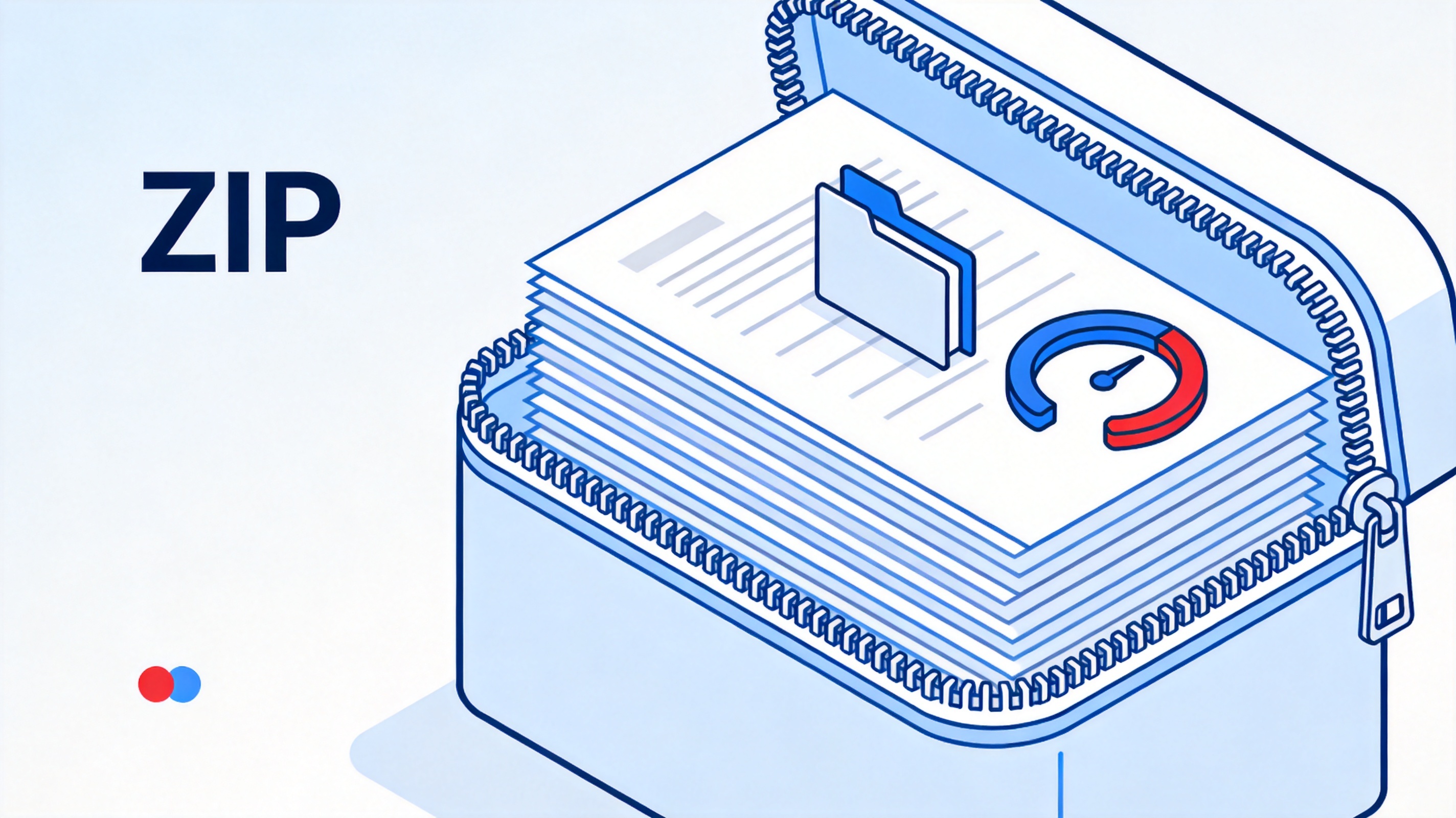
Compress a PDF vs Pack It into a ZIP: What Is the Difference?
These two operations are easy to confuse.
- Compressing a PDF makes that one file smaller, so it passes a size limit.
- Packing into a ZIP bundles several files into one archive and compresses them together, which is great for sending a whole set.
You can do either one. If you only need a smaller single PDF, compress it directly. If you want to send several documents in one tidy package, convert them to a ZIP file instead.
Compress a PDF vs pack it into a ZIP


What You Need to Convert PDF to ZIP
You need the PDFs and a tool that can create a ZIP archive. WPS Office and your operating system both cover this.
- The PDF file, or several PDFs, you want to bundle.
- A compressor such as the one in WPS Office, or your system's built-in ZIP tool.
- A quick check that the ZIP file opens and contains your PDFs.
Download WPS Office free from the official WPS website.
Prepare a PDF for ZIP compression
How to Convert PDF to ZIP File on Windows and Mac
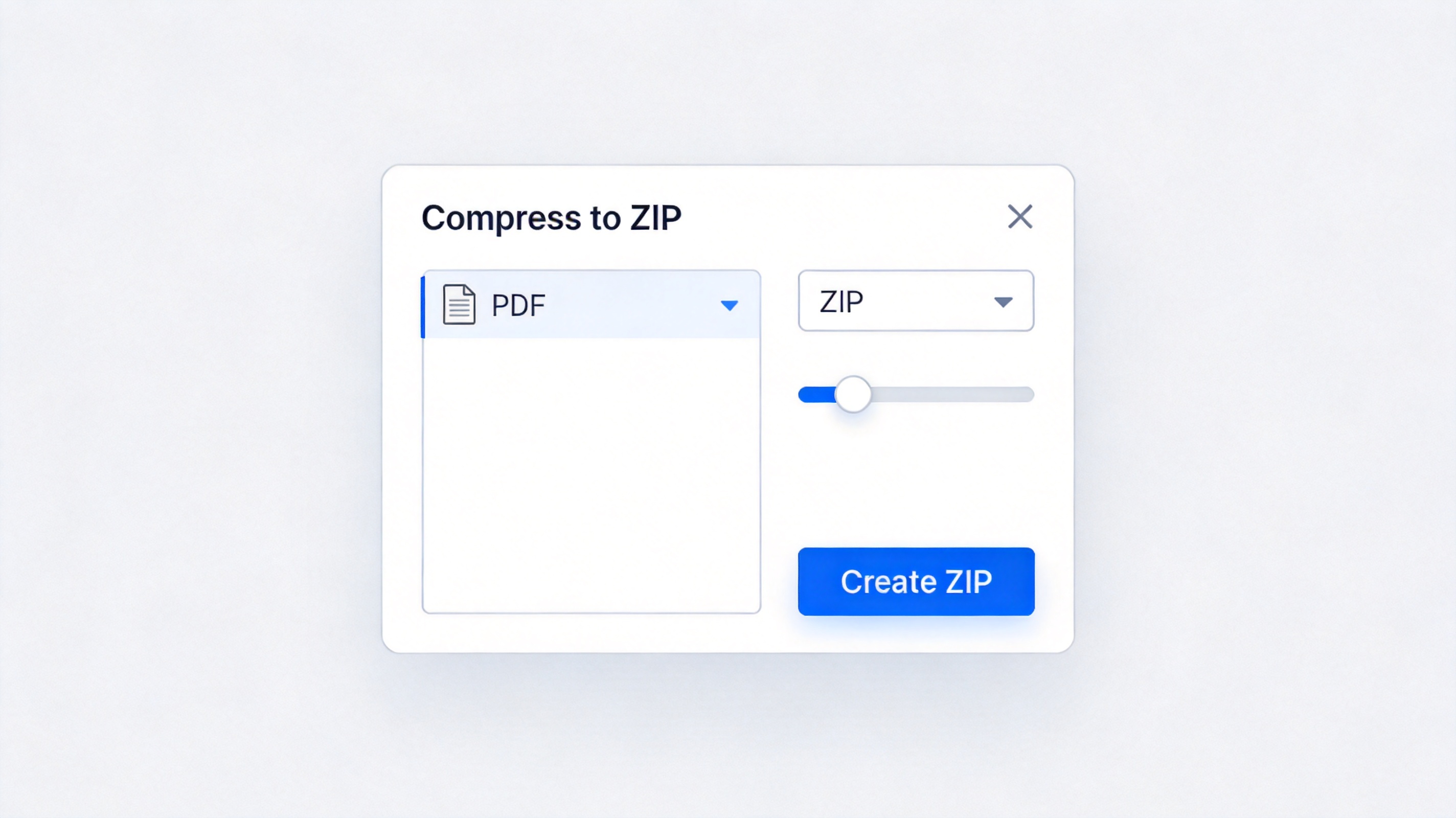
Your operating system can create a ZIP without any extra software.
- Select the PDF file, or hold Ctrl (Windows) or Command (Mac) to select several.
- Right-click the selection.
- On Windows choose Send to > Compressed (zipped) folder; on Mac choose Compress.
- Rename the new ZIP file and check that it opens.
Convert PDF to ZIP on Windows and Mac
WPS Office offers the same archiving workflow inside the app, so you can manage, compress, and ZIP documents without leaving your office suite.
How to Compress a PDF without Zipping
If your goal is just a smaller single PDF, compress the PDF itself instead of wrapping it in a ZIP.
- Open the PDF in WPS PDF.
- Open the Compress PDF tool.
- Choose a compression level or target size.
- Save the smaller PDF and check its size.
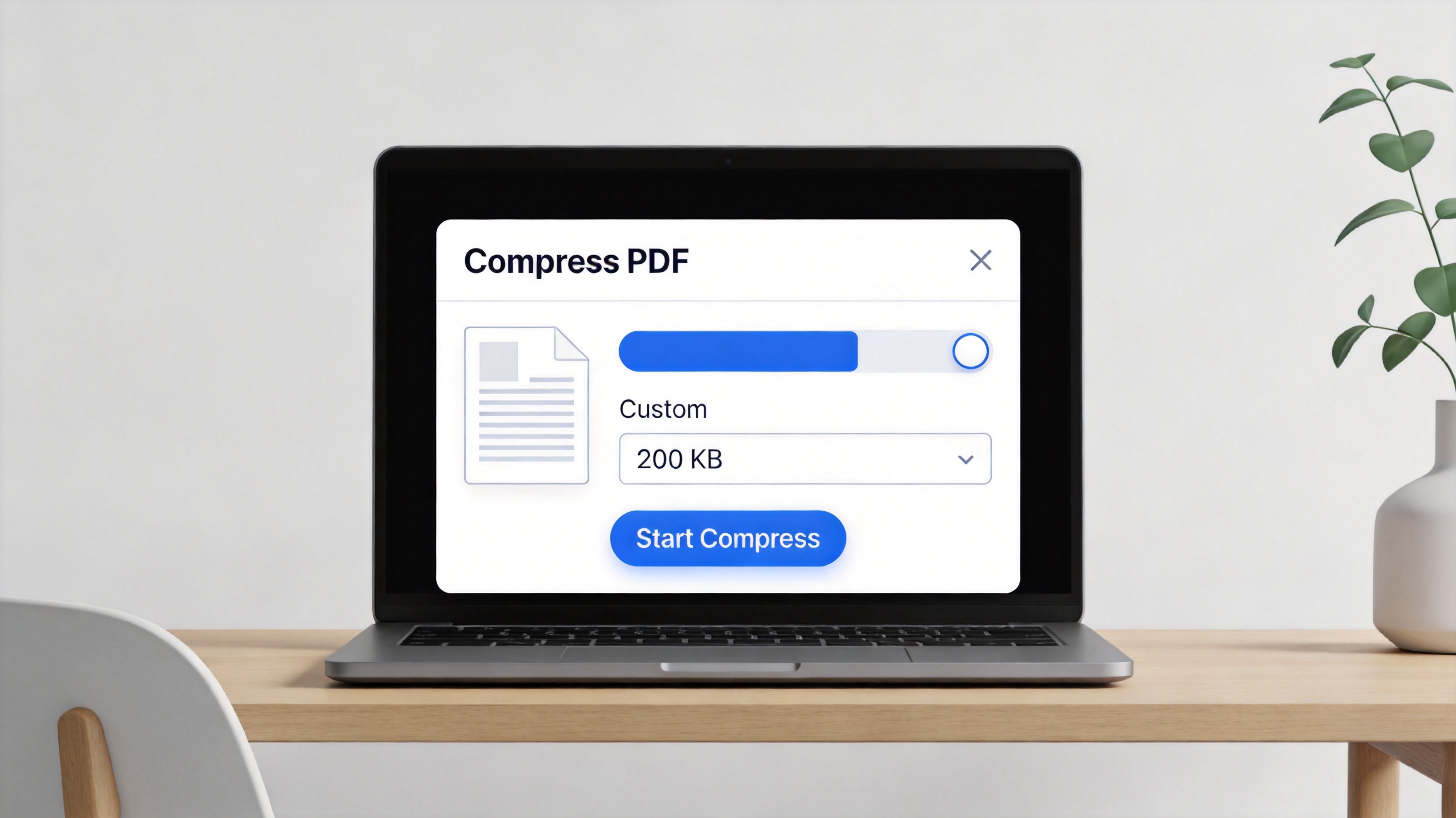
Compress a PDF without zipping
ZIP compression is useful for bundling many files, but for a single PDF, direct compression usually gives better results and keeps it easy to open.
The Best Free Alternative: WPS Office
WPS Office is a free suite for Windows and Mac with Word, Excel, PPT, and a full PDF toolkit. It handles compression, conversion, and file management in one place.
Instead of jumping between a converter, a zip tool, and an editor, you keep your whole workflow in WPS, and your documents stay on your own computer.
That makes it the easiest way to convert PDF to ZIP file, or to compress a single PDF, without paying for separate tools.
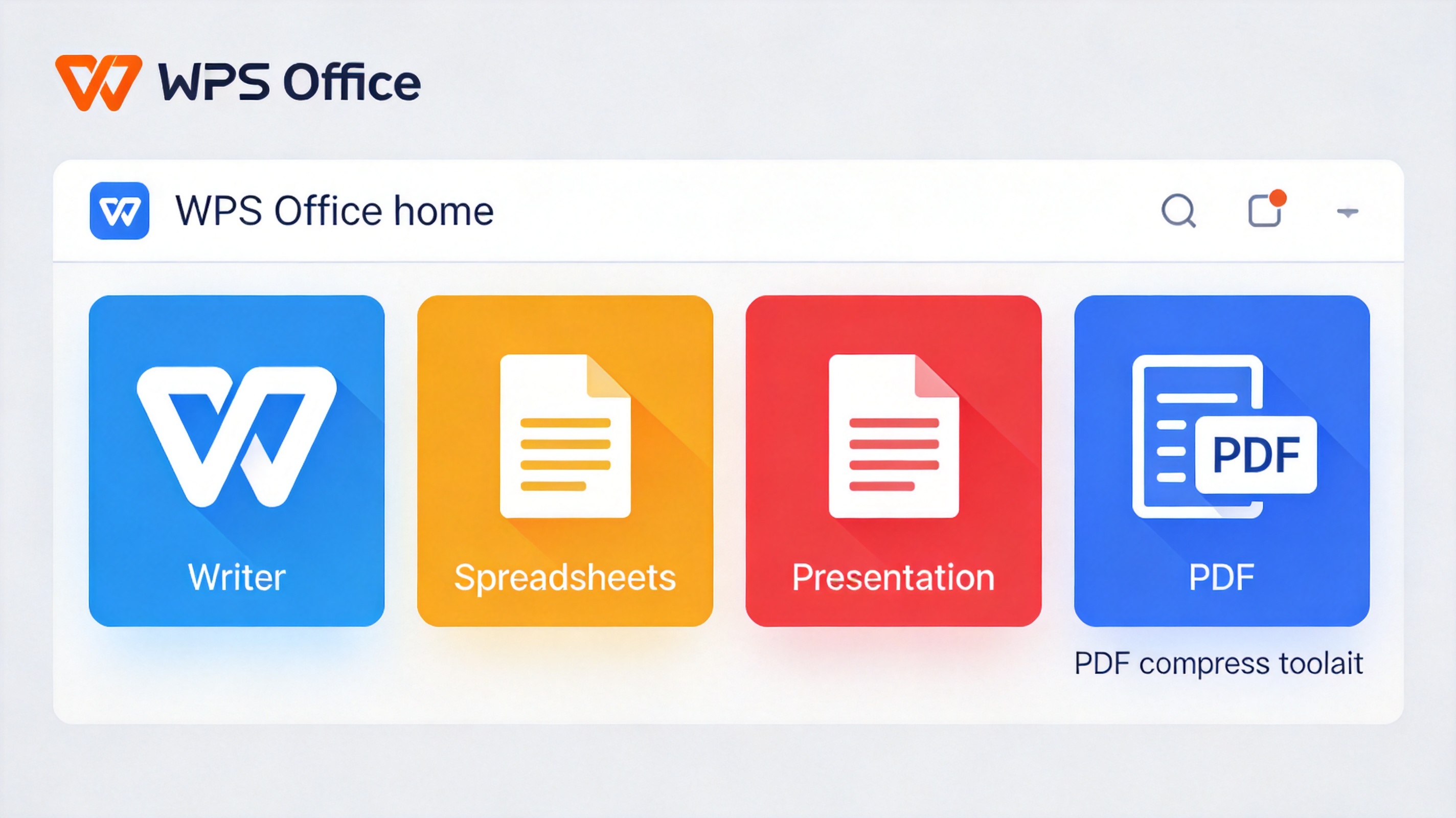
WPS Office free suite with file tools
FAQs
Is a ZIP the same as a compressed PDF?
No. A compressed PDF is one smaller file. A ZIP bundles and compresses several files together. Choose based on whether you need one file or a set.
Does converting a PDF to ZIP reduce its size?
Yes. ZIP compression shrinks the files it contains, often noticeably for text-heavy PDFs.
Can I put several PDFs into one ZIP?
Yes. Select all the PDFs and compress them together so they are bundled into a single ZIP archive.
Will a ZIP file open on any device?
ZIP is a common format supported by Windows, macOS, Android, and iOS, so most devices can open it.
Is it safe to use an online PDF to ZIP tool?
Online tools upload your PDF to a server, so use them only for non-sensitive files. Use a local tool for private documents.


'%3e%3cpath%20d='M19.9911%204.11386V6.471H18.5894C18.0775%206.471%2017.7322%206.57814%2017.5536%206.79243C17.3751%207.00671%2017.2858%207.32814%2017.2858%207.75671V9.44421H19.9019L19.5536%2012.0871H17.2858V18.8639H14.5536V12.0871H12.2769V9.44421H14.5536V7.49779C14.5536%206.39064%2014.8632%205.53201%2015.4822%204.92189C16.1013%204.31177%2016.9257%204.00671%2017.9554%204.00671C18.8304%204.00671%2019.509%204.04243%2019.9911%204.11386Z'%20fill='%23333333'/%3e%3c/g%3e%3cdefs%3e%3cclipPath%20id='clip0_2938_8199'%3e%3crect%20width='16'%20height='16'%20fill='white'%20transform='translate(8%204.00671)'/%3e%3c/clipPath%3e%3c/defs%3e%3c/svg%3e)
'%3e%3cpath%20d='M17.5237%2010.7813L23.4811%204H22.0699L16.8949%209.88693L12.7648%204H8L14.2469%2012.9029L8%2020.0133H9.4112L14.8725%2013.7952L19.2352%2020.0133H24M9.92053%205.04213H12.0885L22.0688%2019.0224H19.9003'%20fill='%23333333'/%3e%3c/g%3e%3cdefs%3e%3cclipPath%20id='clip0_2938_8200'%3e%3crect%20width='16'%20height='16.0134'%20fill='white'%20transform='translate(8%204)'/%3e%3c/clipPath%3e%3c/defs%3e%3c/svg%3e)


