



'%3e%3cpath%20fill-rule='evenodd'%20clip-rule='evenodd'%20d='M21.4999%2010.9993C21.4999%205.20009%2016.7986%200.498901%2010.9993%200.498901C5.19994%200.498901%200.498657%205.20009%200.498657%2010.9993C0.498657%2016.2404%204.33858%2020.5844%209.35855%2021.3722V14.0346H6.69238V10.9993H9.35855V8.68594C9.35855%206.05427%2010.9262%204.60062%2013.3248%204.60062C14.4736%204.60062%2015.6753%204.80571%2015.6753%204.80571V7.38979H14.3512C13.0468%207.38979%2012.64%208.19921%2012.64%209.0296V10.9993H15.5523L15.0867%2014.0346H12.64V21.3722C17.66%2020.5844%2021.4999%2016.2404%2021.4999%2010.9993Z'%20fill='%231568EA'/%3e%3c/g%3e%3c/svg%3e)


'%3e%3cpath%20d='M2.42045%2022.1876H6.31818V12.7217L0.75%208.54553V20.5171C0.75%2021.4414%201.49892%2022.1876%202.42045%2022.1876Z'%20fill='%234285F4'/%3e%3cpath%20d='M19.682%2022.1876H23.5797C24.5041%2022.1876%2025.2502%2021.4387%2025.2502%2020.5171V8.54553L19.682%2012.7217'%20fill='%2334A853'/%3e%3cpath%20d='M19.682%205.48293V12.7216L25.2502%208.54543V6.31816C25.2502%204.25236%2022.8921%203.07469%2021.2411%204.31361'%20fill='%23FBBC04'/%3e%3cpath%20d='M6.31824%2012.7217V5.48303L13.0001%2010.4944L19.6819%205.48303V12.7217L13.0001%2017.733'%20fill='%23EA4335'/%3e%3cpath%20d='M0.75%206.31816V8.54543L6.31818%2012.7216V5.48293L4.75909%204.31361C3.10534%203.07469%200.75%204.25236%200.75%206.31816Z'%20fill='%23C5221F'/%3e%3c/g%3e%3cdefs%3e%3cclipPath%20id='clip0_2954_7305'%3e%3crect%20width='24.5'%20height='18.375'%20fill='white'%20transform='translate(0.75%203.8125)'/%3e%3c/clipPath%3e%3c/defs%3e%3c/svg%3e)


A PDF that refuses to upload can stop a job application, a tax submission, or an important email in seconds. The file may look simple on screen, but high-resolution images and embedded assets can push it far beyond an upload limit.
This guide explains how to decrease PDF size with WPS Office, which settings protect readability, and how to choose the right method for scanned documents, presentations, and image-heavy files.
How to Decrease PDF Size: 6 Practical Ways That Work
What Does It Mean to Decrease PDF Size?
To decrease PDF size means reducing the amount of data needed to store the document while preserving the content you need. Compression can down sample images, remove duplicate objects, simplify fonts, and discard unused metadata. The result is a smaller file that opens faster, uploads more reliably, and takes less storage space.
Image resolution: photos and scans stored at print resolution are often the largest part of a PDF.
Embedded fonts: full font sets can add weight when only a few characters are used.
Unused metadata: editing history, thumbnails, and hidden objects can remain in the file.
Redundant pages or layers: blank pages, duplicated scans, and flattened layers all add bytes.
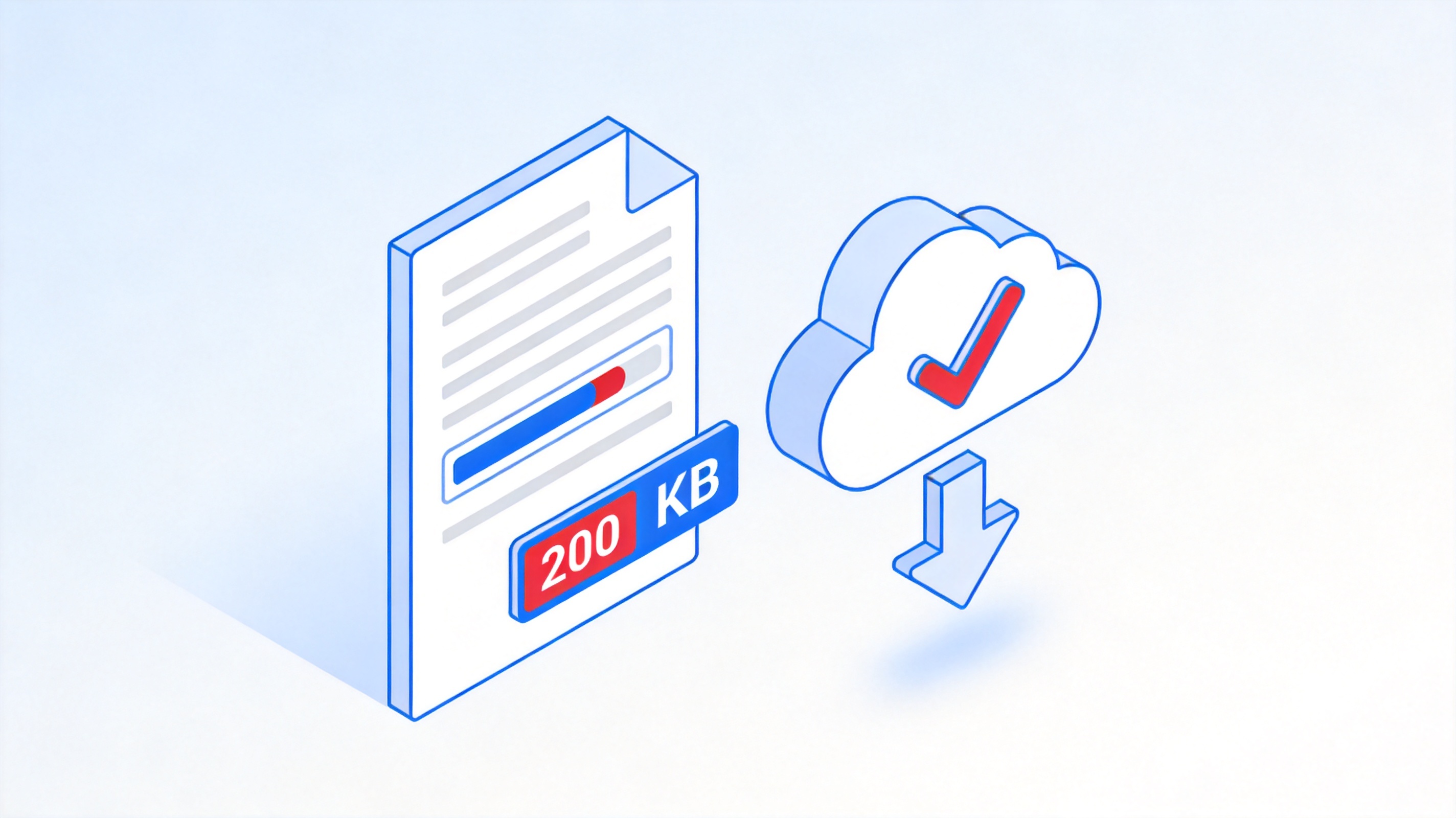
PDF size gets smaller illustration


Why Decreasing PDF Size Matters
Upload portals, email providers, learning platforms, and cloud storage services often enforce file-size limits. A smaller PDF avoids failed submissions and makes the document easier to send from a phone or a slow connection. Compression also helps large document collections stay searchable and affordable to archive.
The right target depends on the destination. A 5 MB email attachment may be fine, while a visa portal, scholarship form, or KYC system may reject anything above 200 KB. Compress a copy rather than the only version of the file so you always keep a high-quality original.
Prepare PDF for smaller file size
How to Decrease PDF Size in WPS Office
WPS Office compresses PDFs on your desktop, so you can keep a contract, resume, or scanned record on your own device while you work. Open the PDF and follow these steps.
Open the PDF in WPS Office on Windows or Mac.
Click the Home tab and choose Compress from the toolbar.
In the Compress PDF dialog, choose a compression effect: High quality, Standard, or Normal.
Set the output folder for the compressed copy.
Click Start Compression and wait for the process to finish.
Open the new file, check its size, and compare a few pages before you delete the original.
Start with High quality. If the file is still too large, repeat the process with Standard or Normal. For more ways to reduce a file, see the WPS guide on compressing PDFs on PC and mobile.
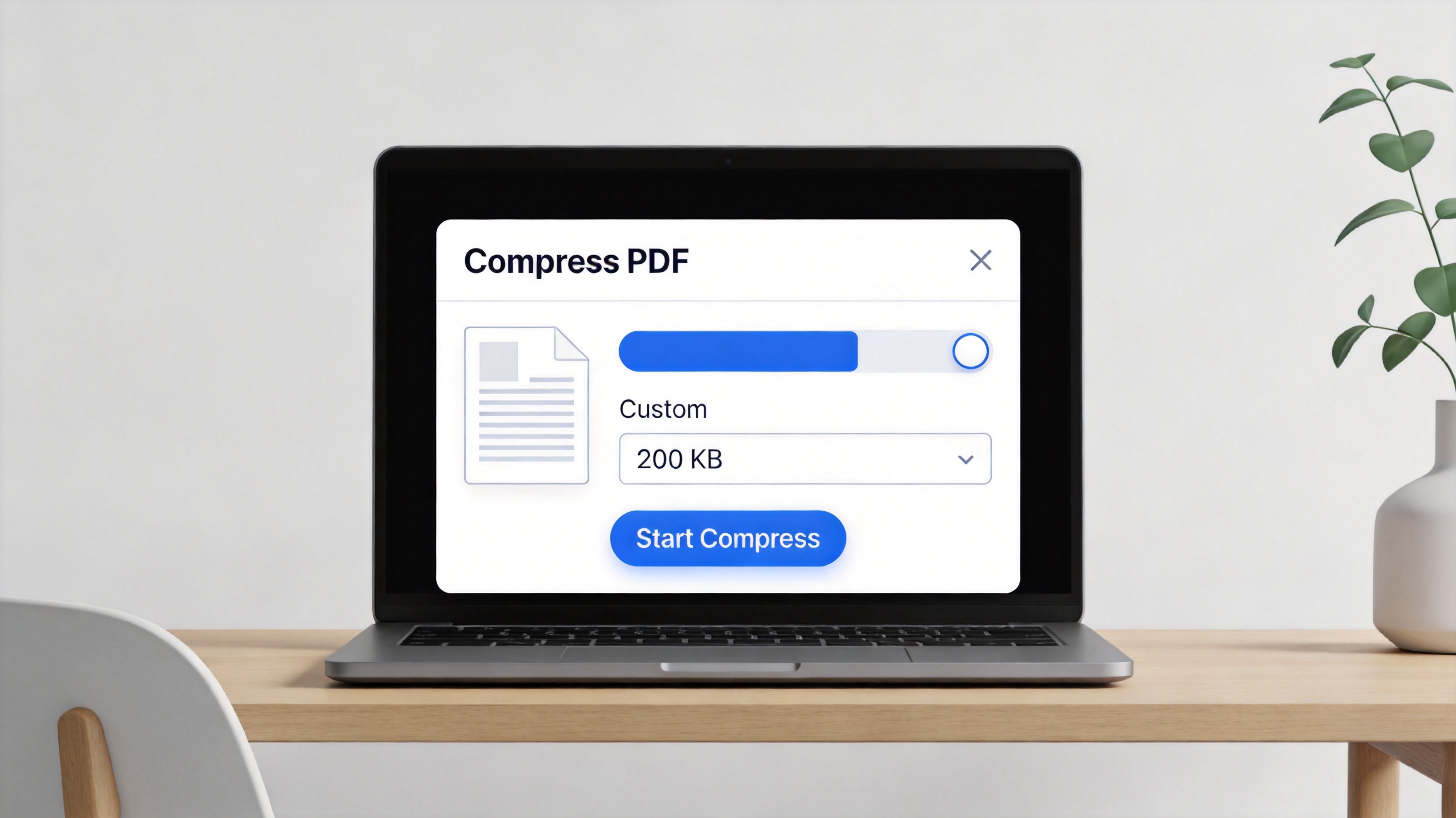
WPS Compress PDF settings dialog
How to Decrease PDF Size Without Losing Quality
Compression is a balance, not a magic switch. These practices help you reach a smaller size while keeping text sharp and images usable.
Resize images before export: 150–200 ppi is usually enough for screen viewing and ordinary forms.
Use grayscale when color is not required: grayscale scans can be dramatically smaller than full-color scans.
Remove pages you do not need: split the document or delete blank and duplicate pages before compression.
Choose the right image format: JPEG suits photos, while PNG is better for screenshots, charts, and sharp line art.
Avoid repeated print-to-PDF conversions: each conversion can rasterize text and make the file larger and less accessible.
Check text after compression: open the result and search for a word to confirm that text remains selectable.
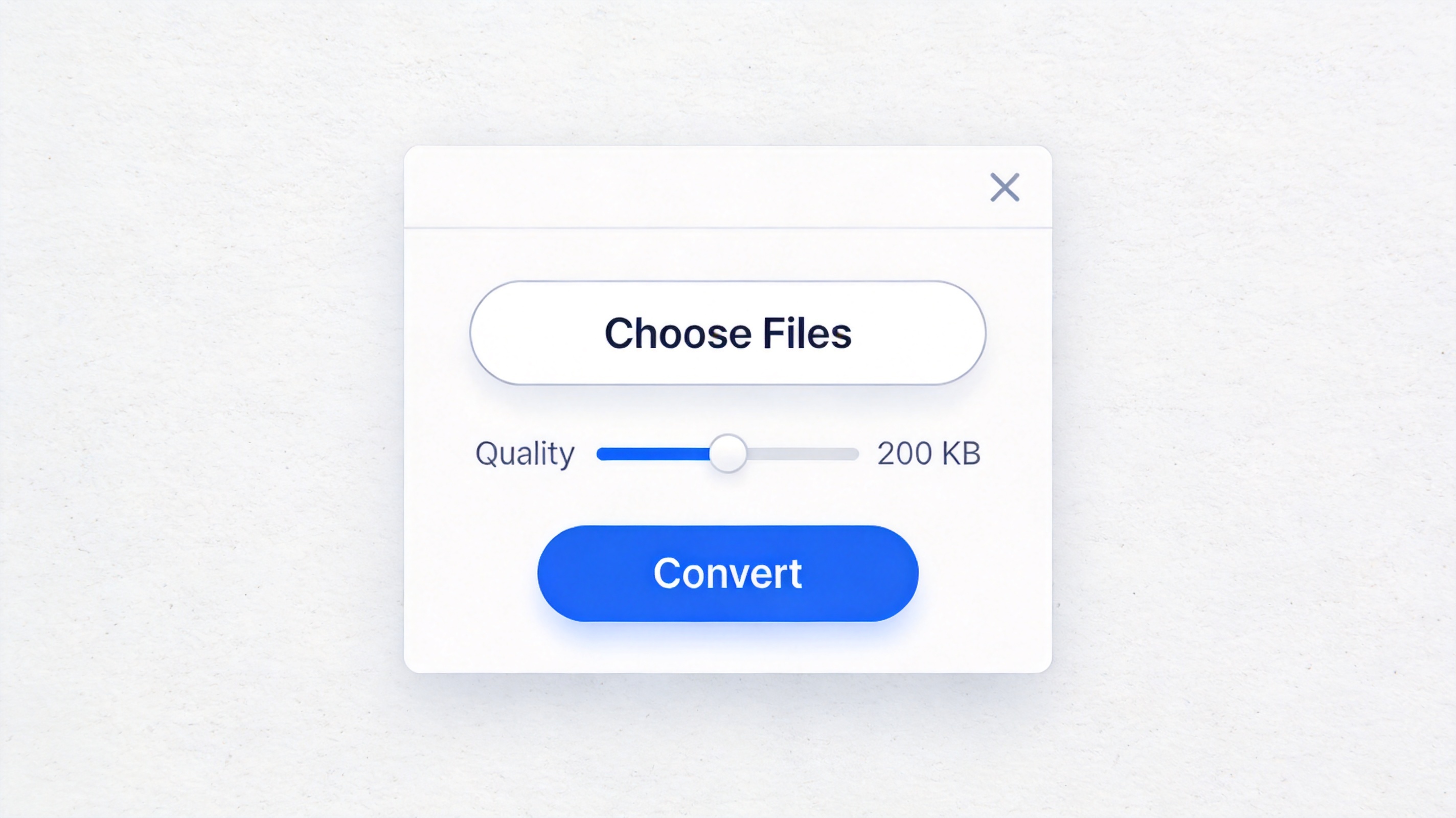
Ways to shrink PDF file size
The Best Free Alternative: WPS Office
WPS Office combines PDF compression, editing, conversion, OCR, and document creation in one lightweight suite. Instead of uploading a private file to an unfamiliar converter, you can reduce PDF size locally and continue working with the same document.
| What matters | WPS Office | Typical online compressor |
|---|---|---|
| Workflow efficiency | Compress, review, edit, and export in one desktop suite | Upload, download, and switch tools for follow-up edits |
| Privacy control | Desktop compression keeps the working copy on your device | The file must be uploaded to a third-party server |
| Quality control | Multiple compression levels with a visual result to inspect | Often limited to a few preset output sizes |
| All-in-one capability | PDF toolkit, OCR, conversion, Writer, Spreadsheet, and Presentation | Usually handles only one conversion task |
| Batch support | Compress multiple files in one workflow | Batch limits or paid tiers are common |
| Accessibility | Free desktop and mobile options with a familiar interface | Browser and connection dependent |
Work locally: keep sensitive files on your own computer while you reduce their size.
Stay in one workspace: compress, edit, sign, and convert without installing several tools.
Start free: use the core PDF toolkit and upgrade only when advanced options are needed.
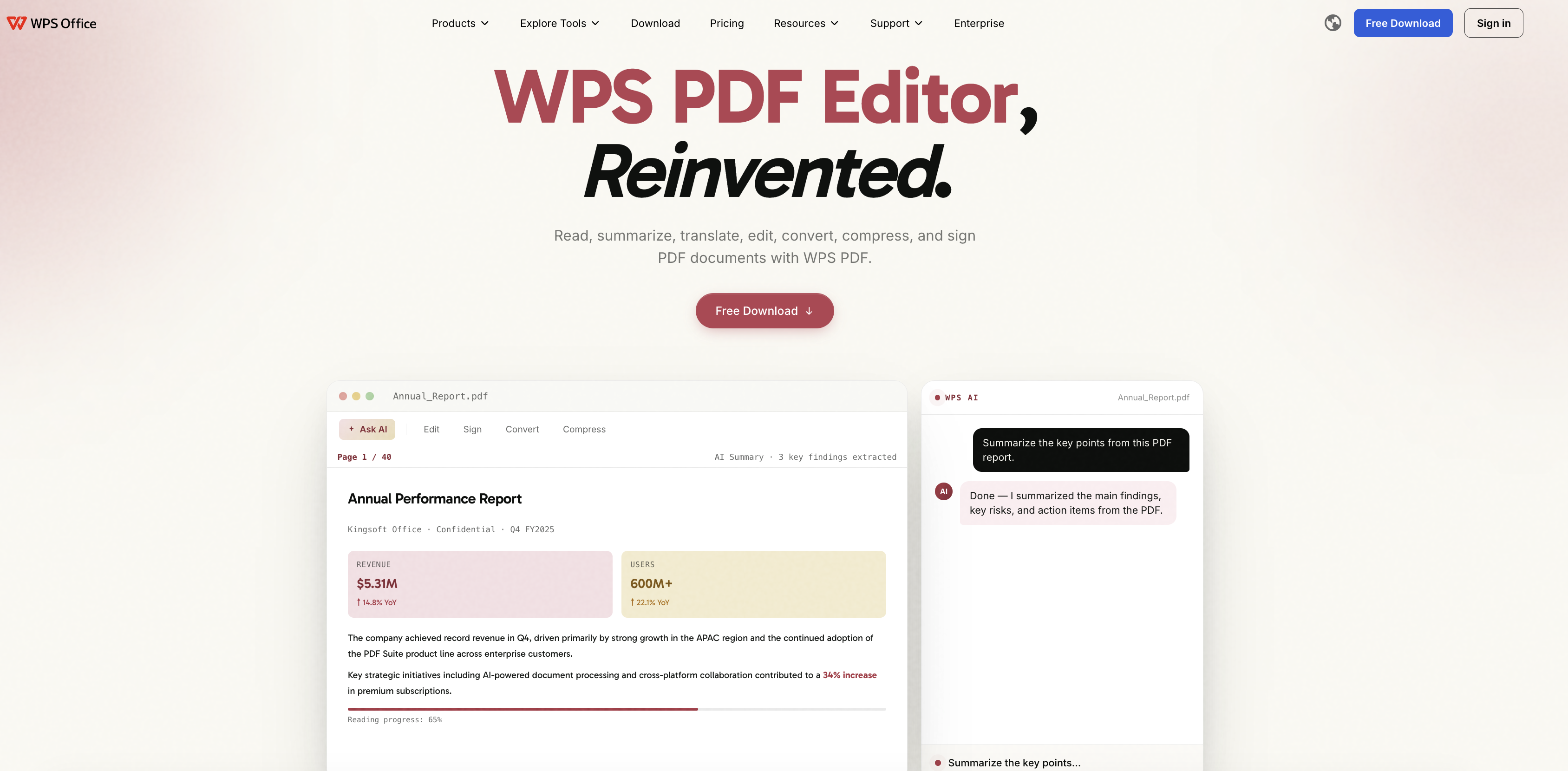
WPS Office PDF compression suite
FAQs
Does decreasing PDF size reduce quality?
It can. Image sharpness may change at stronger settings, while selectable text usually remains crisp. Always compare the compressed copy with the original.
What is the best way to decrease PDF size without losing quality?
Start with the mildest compression level, resize oversized images, remove unused pages, and avoid repeated print-to-PDF conversions.
Can WPS Office decrease PDF size for free?
WPS Office includes PDF compression and lets you start for free. Some advanced or batch options may require a paid membership depending on your version and region.
How much can I decrease PDF size?
The result depends on the content. A scanned, image-heavy document often shrinks substantially, while a text-only PDF with efficient fonts may have little room for improvement.
Can I decrease PDF size on my phone?
Yes. WPS Office is available on mobile platforms, and online PDF tools can also work when desktop software is unavailable.


'%3e%3cpath%20d='M19.9911%204.11386V6.471H18.5894C18.0775%206.471%2017.7322%206.57814%2017.5536%206.79243C17.3751%207.00671%2017.2858%207.32814%2017.2858%207.75671V9.44421H19.9019L19.5536%2012.0871H17.2858V18.8639H14.5536V12.0871H12.2769V9.44421H14.5536V7.49779C14.5536%206.39064%2014.8632%205.53201%2015.4822%204.92189C16.1013%204.31177%2016.9257%204.00671%2017.9554%204.00671C18.8304%204.00671%2019.509%204.04243%2019.9911%204.11386Z'%20fill='%23333333'/%3e%3c/g%3e%3cdefs%3e%3cclipPath%20id='clip0_2938_8199'%3e%3crect%20width='16'%20height='16'%20fill='white'%20transform='translate(8%204.00671)'/%3e%3c/clipPath%3e%3c/defs%3e%3c/svg%3e)
'%3e%3cpath%20d='M17.5237%2010.7813L23.4811%204H22.0699L16.8949%209.88693L12.7648%204H8L14.2469%2012.9029L8%2020.0133H9.4112L14.8725%2013.7952L19.2352%2020.0133H24M9.92053%205.04213H12.0885L22.0688%2019.0224H19.9003'%20fill='%23333333'/%3e%3c/g%3e%3cdefs%3e%3cclipPath%20id='clip0_2938_8200'%3e%3crect%20width='16'%20height='16.0134'%20fill='white'%20transform='translate(8%204)'/%3e%3c/clipPath%3e%3c/defs%3e%3c/svg%3e)


