

'%3e%3cpath%20d='M8%200C12.4183%200%2016%203.58172%2016%208C16%2012.4183%2012.4183%2016%208%2016C3.58172%2016%200%2012.4183%200%208C0%203.58172%203.58172%200%208%200ZM11.6162%204.38379C11.2257%203.99337%2010.5927%203.99338%2010.2021%204.38379L8%206.58594L5.79785%204.38379C5.40732%203.99334%204.77429%203.99329%204.38379%204.38379C3.99331%204.77429%203.99335%205.40733%204.38379%205.79785L6.58594%208L4.38379%2010.2021C3.99348%2010.5927%203.99341%2011.2257%204.38379%2011.6162C4.77426%2012.0066%205.40734%2012.0065%205.79785%2011.6162L8%209.41406L10.2021%2011.6162C10.5927%2012.0066%2011.2257%2012.0067%2011.6162%2011.6162C12.0067%2011.2257%2012.0066%2010.5927%2011.6162%2010.2021L9.41406%208L11.6162%205.79785C12.0066%205.40735%2012.0066%204.77429%2011.6162%204.38379Z'%20fill='%23080E17'%20fill-opacity='0.46'/%3e%3c/g%3e%3cdefs%3e%3cclipPath%20id='clip0_3761_713'%3e%3crect%20width='16'%20height='16'%20fill='white'/%3e%3c/clipPath%3e%3c/defs%3e%3c/svg%3e)




'%3e%3cpath%20fill-rule='evenodd'%20clip-rule='evenodd'%20d='M21.4999%2010.9993C21.4999%205.20009%2016.7986%200.498901%2010.9993%200.498901C5.19994%200.498901%200.498657%205.20009%200.498657%2010.9993C0.498657%2016.2404%204.33858%2020.5844%209.35855%2021.3722V14.0346H6.69238V10.9993H9.35855V8.68594C9.35855%206.05427%2010.9262%204.60062%2013.3248%204.60062C14.4736%204.60062%2015.6753%204.80571%2015.6753%204.80571V7.38979H14.3512C13.0468%207.38979%2012.64%208.19921%2012.64%209.0296V10.9993H15.5523L15.0867%2014.0346H12.64V21.3722C17.66%2020.5844%2021.4999%2016.2404%2021.4999%2010.9993Z'%20fill='%231568EA'/%3e%3c/g%3e%3c/svg%3e)


'%3e%3cpath%20d='M2.42045%2022.1876H6.31818V12.7217L0.75%208.54553V20.5171C0.75%2021.4414%201.49892%2022.1876%202.42045%2022.1876Z'%20fill='%234285F4'/%3e%3cpath%20d='M19.682%2022.1876H23.5797C24.5041%2022.1876%2025.2502%2021.4387%2025.2502%2020.5171V8.54553L19.682%2012.7217'%20fill='%2334A853'/%3e%3cpath%20d='M19.682%205.48293V12.7216L25.2502%208.54543V6.31816C25.2502%204.25236%2022.8921%203.07469%2021.2411%204.31361'%20fill='%23FBBC04'/%3e%3cpath%20d='M6.31824%2012.7217V5.48303L13.0001%2010.4944L19.6819%205.48303V12.7217L13.0001%2017.733'%20fill='%23EA4335'/%3e%3cpath%20d='M0.75%206.31816V8.54543L6.31818%2012.7216V5.48293L4.75909%204.31361C3.10534%203.07469%200.75%204.25236%200.75%206.31816Z'%20fill='%23C5221F'/%3e%3c/g%3e%3cdefs%3e%3cclipPath%20id='clip0_2954_7305'%3e%3crect%20width='24.5'%20height='18.375'%20fill='white'%20transform='translate(0.75%203.8125)'/%3e%3c/clipPath%3e%3c/defs%3e%3c/svg%3e)


If an upload portal rejects your PDF because it is measured in megabytes and you need a result in kilobytes, the problem is usually not the document itself. The file contains more image data, fonts, or scan detail than the receiving system will accept.
A PDF MB to KB converter solves that practical problem by rewriting the PDF with smaller images and less unnecessary data. This guide shows how to convert a PDF from MB to KB in WPS Office, choose a realistic target, and check the result before you submit it.
PDF MB to KB Converter: Reduce PDF Size Without Losing Readability
Why a PDF MB to KB Converter Matters for Upload Limits
Upload rules are usually written in kilobytes, even when your source file is measured in megabytes. A visa portal, job application, scholarship form, or email attachment may reject a 1.4 MB file when the stated ceiling is 1,000 KB or less. The conversion step gives you a smaller file that fits inside that limit.
Most systems treat 1 MB as 1,024 KB, but some use a decimal equivalent of 1,000 KB. For a reliable result, aim slightly below the stated limit instead of landing exactly on it. A converter can reduce the file, but it cannot guarantee a precise output size because every PDF contains different images, fonts, and page elements.
Scanned pages stored as full-color images are often the largest files.
High-resolution photos and embedded graphics add weight quickly.
Embedded fonts and leftover metadata can keep a file larger than expected.
A file with hundreds of pages needs stronger compression than a short document.
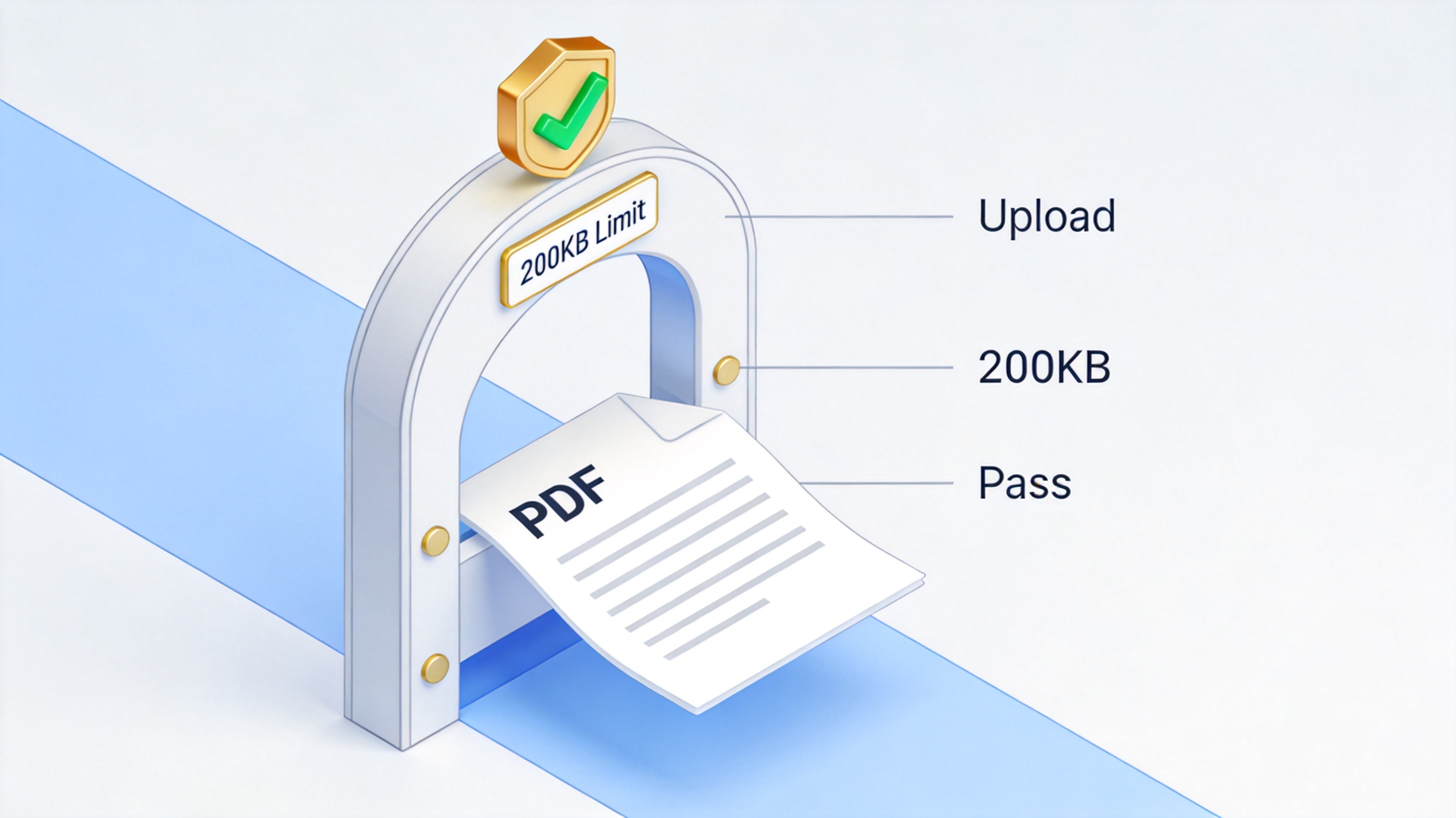
PDF converted from MB to KB


Use WPS Office as Your PDF MB to KB Converter
WPS Office gives you a desktop and online route to the same result. Menu labels can vary slightly by version, but the workflow is consistent: open the compressor, choose a level, run the conversion, and check the output rather than assuming the first attempt will be small enough.
Open WPS Office and select PDF.
Choose Compress, or open the PDF and select the compression tool from the Home tab.
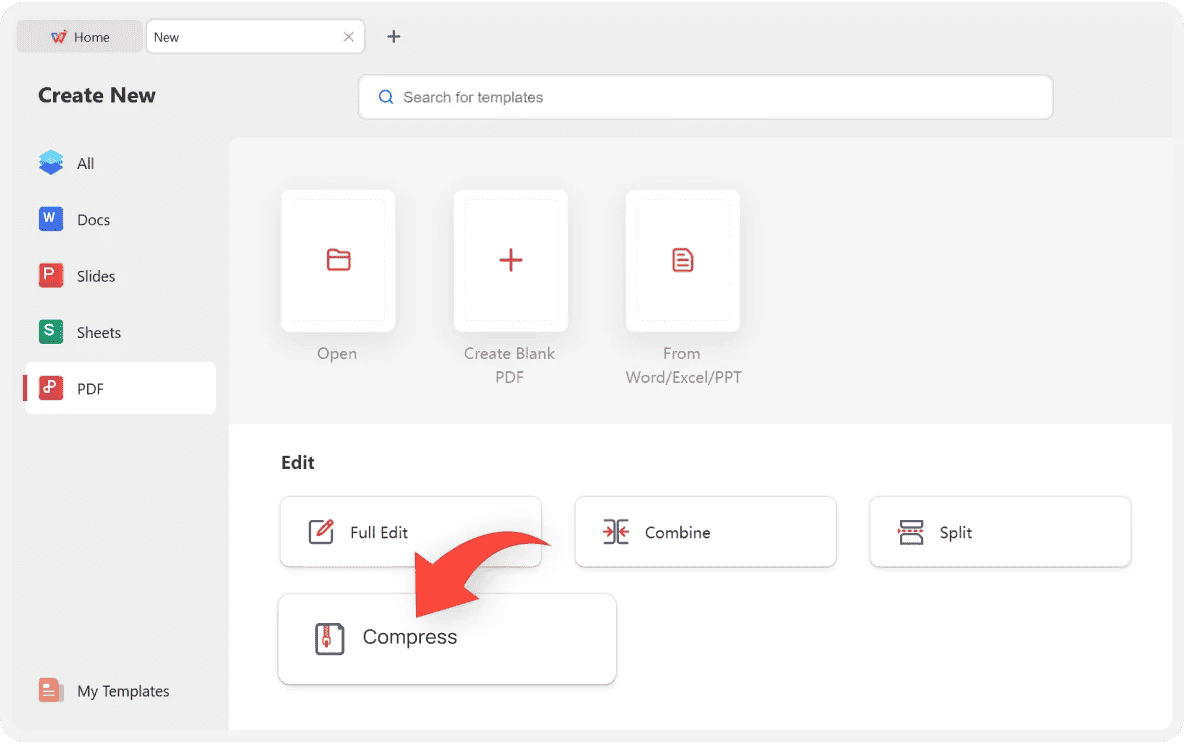
WPS Office PDF compression option
Add the PDF you want to convert. If your version supports batch compression, you can add several files at once.
Choose the available compression level. Labels such as HD, Standard, or Smallest Size control how aggressively images and other data are reduced.
Set the output folder, then start compression.
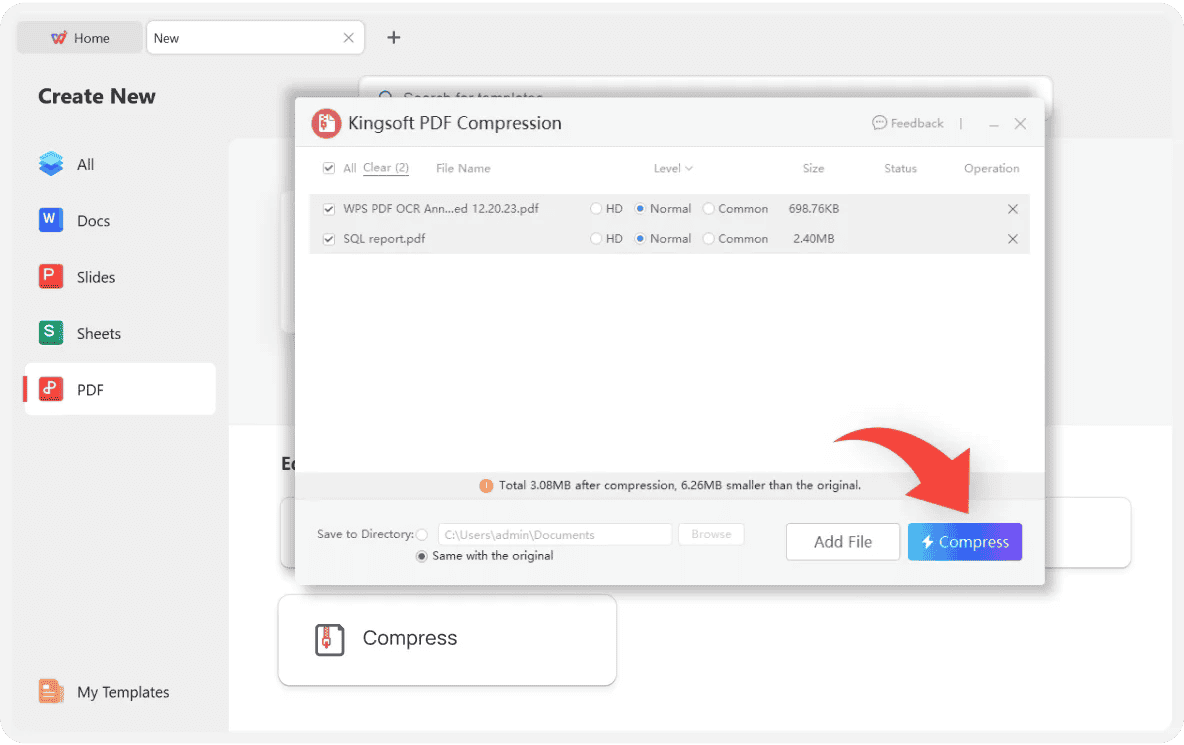
WPS PDF compression settings panel
Open the new file and check its size. If it is still above the portal limit, repeat the process with a stronger level or reduce the number of scanned pages.
Choose a Realistic PDF MB to KB Target
It helps to translate the portal limit into a target before you compress. The table below shows a common binary conversion; use it as a planning guide, then leave a small safety margin.
| Source size | Approximate KB | Practical target |
|---|---|---|
| 1 MB | 1,024 KB | Aim for 950 KB or lower on strict portals. |
| 2 MB | 2,048 KB | Aim for 1,800 KB or lower when possible. |
| 5 MB | 5,120 KB | Compress in stages and check image quality. |
| 10 MB | 10,240 KB | Use the strongest level and consider splitting the file. |
A PDF MB to KB converter does not work like a calculator with one fixed output. Choose the strongest compression level that still keeps names, dates, signatures, and other important details readable. If a portal asks for an exact number, export a copy, check the result, and adjust before you upload.
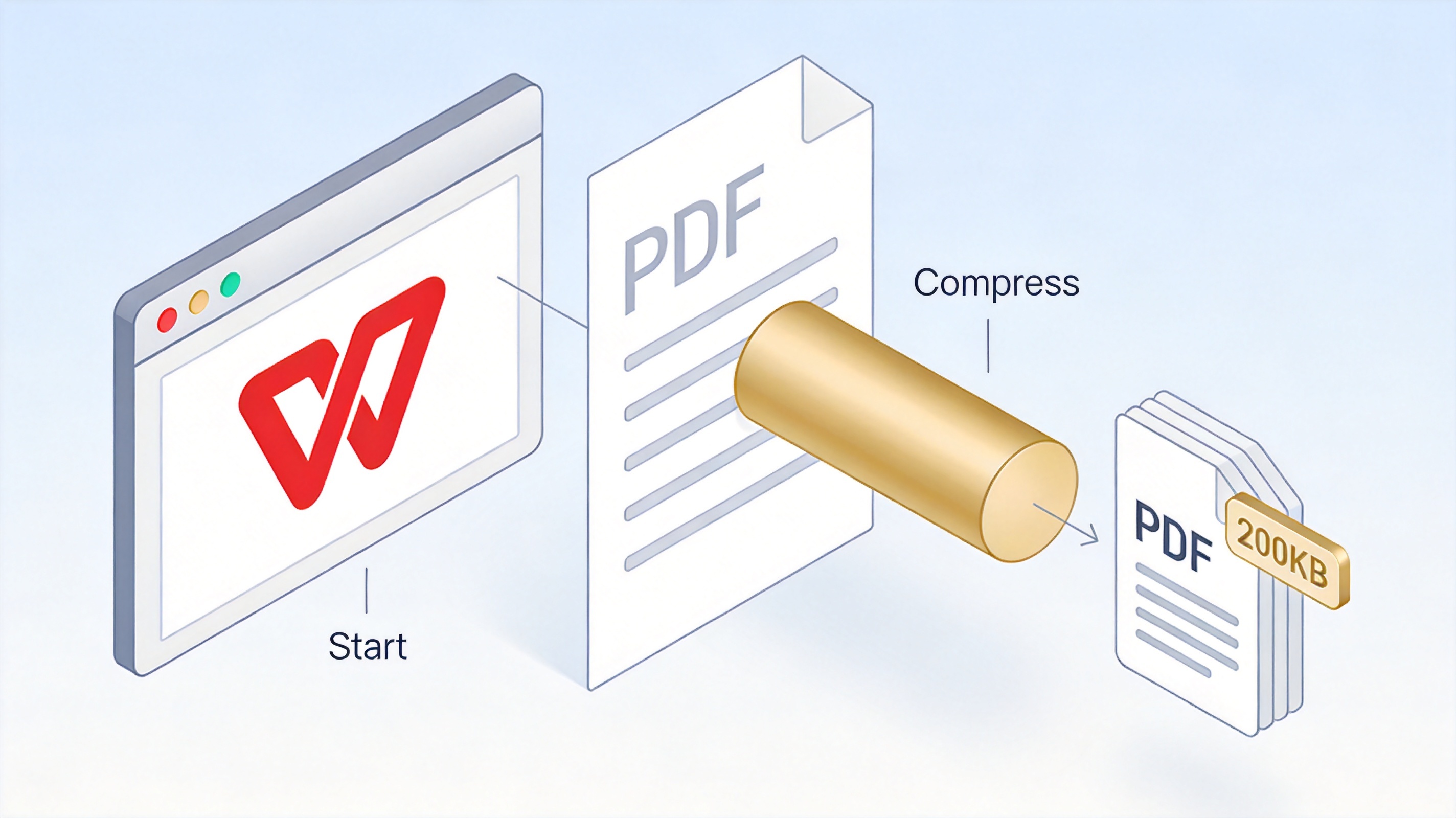
WPS PDF compression workflow diagram
Use a Free Online PDF MB to KB Converter
If you do not want to install desktop software, use WPS PDF Compress online. It follows the same basic steps and supports batch uploads for multiple documents.
Open the WPS PDF Compress online tool.
Upload one PDF or add several files for batch compression.
Select the compression level that matches the balance you need between size and image quality.
Start the compression and wait for the download link.
Download the new PDF and check its file size before submitting it.
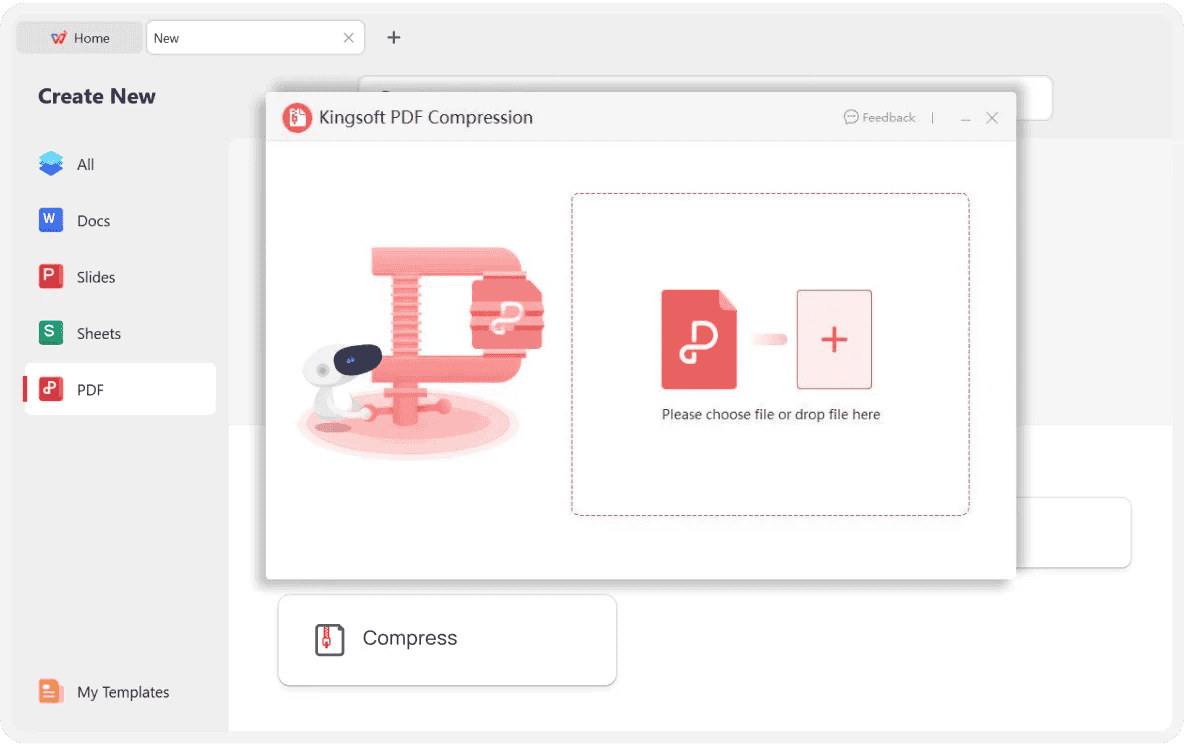
Upload PDF to online compressor
The Best Free Alternative: WPS Office
WPS Office is a practical alternative to a standalone PDF converter because it combines reading, editing, compressing, and exporting in one workspace. You can open the result immediately, inspect the pages, and export a new copy without switching to another app.
Desktop and online options: work with a local PDF or use a browser-based compressor when you are on another device.
Readable results: text remains clear, while images can be adjusted with the compression level you choose.
One workspace: review the converted file, make final edits, and export it without leaving WPS Office.
Use the strongest level: choose the smallest-size option, then check that text and signatures remain readable.
Remove unnecessary pages: blank pages, duplicate scans, and oversized photos all add weight.
Handle scans separately: scanned pages are images. Compression is the size control, while OCR only makes the text selectable.
Check the conversion method: a decimal-based portal may count 1,000 KB as 1 MB, so a file that looks correct in one tool may still be rejected elsewhere.
Try batch compression: if you have several files, process them together and compare the results before uploading the best version.
If you need a specific target, the 200KB PDF guide shows how to check a tight upload limit after compression.
WPS PDF Editor product page
Fix PDF MB to KB Converter Problems Before Upload
If the first conversion still leaves the file too large, work through the likely causes in order. Do not keep applying stronger compression blindly, because image quality can drop before the size reaches the number you need.
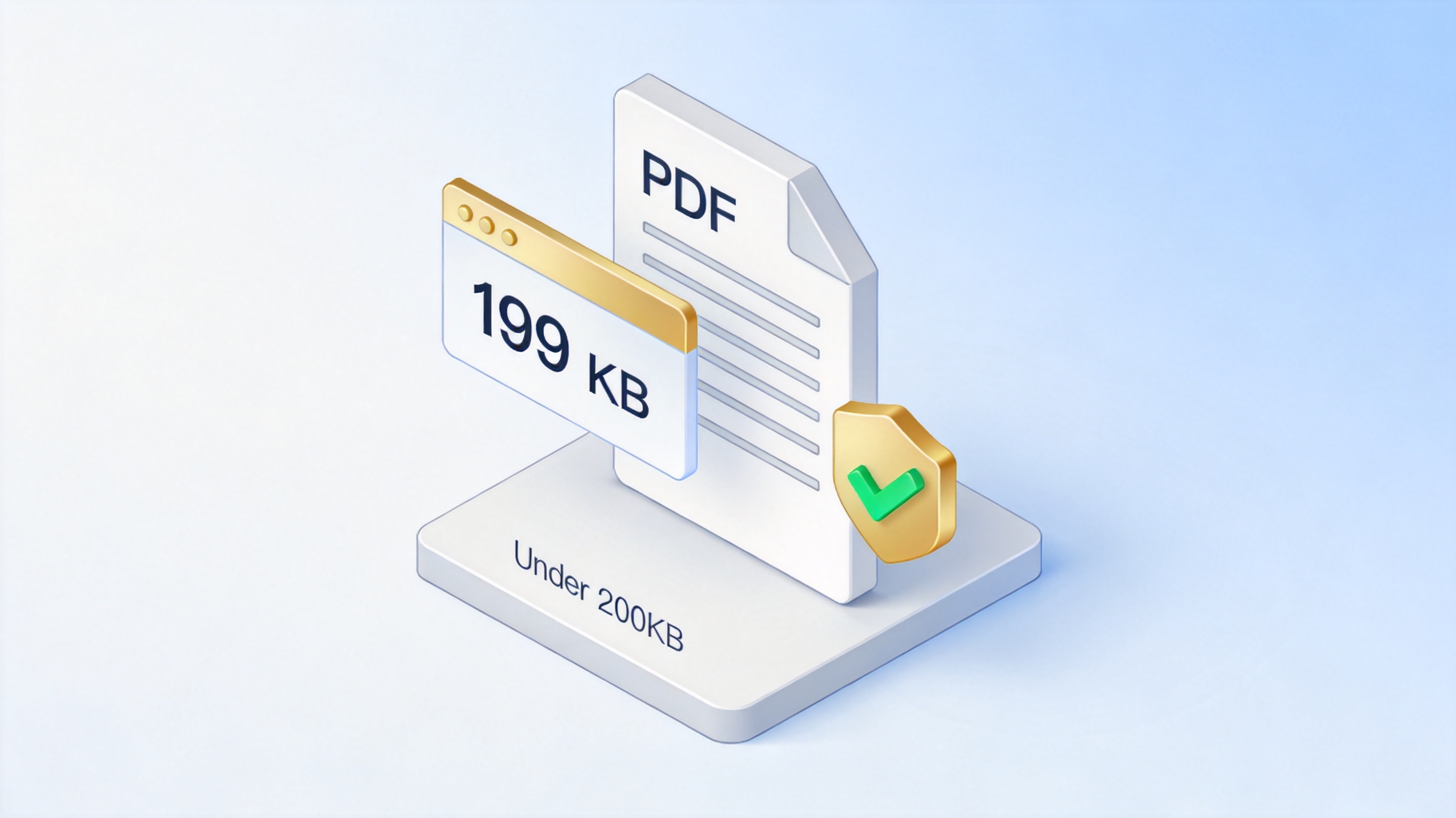
Verified PDF result below 200KB
FAQs
Can a PDF MB to KB converter make an exact file size?
No reliable converter can guarantee an exact KB value because every PDF contains different images and fonts. Aim slightly below the limit and check the output after each attempt.
Is 1 MB equal to 1,024 KB?
Many file systems use 1,024 KB for 1 MB, while some upload portals use 1,000 KB. Treat the smaller number as your practical target.
Can I convert a PDF from MB to KB for free?
WPS Office includes PDF compression and lets you start for free. Some advanced options, batch features, or membership controls may vary by version.
Will compression make the text blurry?
Text usually stays crisp because it remains vector data. Images may soften at the strongest levels, so review the result before submitting it.
Can I compress multiple PDFs at once?
Yes. WPS Office supports batch compression in supported versions and in the online tool, so you can process several PDFs and check each result.


'%3e%3cpath%20d='M19.9911%204.11386V6.471H18.5894C18.0775%206.471%2017.7322%206.57814%2017.5536%206.79243C17.3751%207.00671%2017.2858%207.32814%2017.2858%207.75671V9.44421H19.9019L19.5536%2012.0871H17.2858V18.8639H14.5536V12.0871H12.2769V9.44421H14.5536V7.49779C14.5536%206.39064%2014.8632%205.53201%2015.4822%204.92189C16.1013%204.31177%2016.9257%204.00671%2017.9554%204.00671C18.8304%204.00671%2019.509%204.04243%2019.9911%204.11386Z'%20fill='%23333333'/%3e%3c/g%3e%3cdefs%3e%3cclipPath%20id='clip0_2938_8199'%3e%3crect%20width='16'%20height='16'%20fill='white'%20transform='translate(8%204.00671)'/%3e%3c/clipPath%3e%3c/defs%3e%3c/svg%3e)
'%3e%3cpath%20d='M17.5237%2010.7813L23.4811%204H22.0699L16.8949%209.88693L12.7648%204H8L14.2469%2012.9029L8%2020.0133H9.4112L14.8725%2013.7952L19.2352%2020.0133H24M9.92053%205.04213H12.0885L22.0688%2019.0224H19.9003'%20fill='%23333333'/%3e%3c/g%3e%3cdefs%3e%3cclipPath%20id='clip0_2938_8200'%3e%3crect%20width='16'%20height='16.0134'%20fill='white'%20transform='translate(8%204)'/%3e%3c/clipPath%3e%3c/defs%3e%3c/svg%3e)


