

'%3e%3cpath%20d='M8%200C12.4183%200%2016%203.58172%2016%208C16%2012.4183%2012.4183%2016%208%2016C3.58172%2016%200%2012.4183%200%208C0%203.58172%203.58172%200%208%200ZM11.6162%204.38379C11.2257%203.99337%2010.5927%203.99338%2010.2021%204.38379L8%206.58594L5.79785%204.38379C5.40732%203.99334%204.77429%203.99329%204.38379%204.38379C3.99331%204.77429%203.99335%205.40733%204.38379%205.79785L6.58594%208L4.38379%2010.2021C3.99348%2010.5927%203.99341%2011.2257%204.38379%2011.6162C4.77426%2012.0066%205.40734%2012.0065%205.79785%2011.6162L8%209.41406L10.2021%2011.6162C10.5927%2012.0066%2011.2257%2012.0067%2011.6162%2011.6162C12.0067%2011.2257%2012.0066%2010.5927%2011.6162%2010.2021L9.41406%208L11.6162%205.79785C12.0066%205.40735%2012.0066%204.77429%2011.6162%204.38379Z'%20fill='%23080E17'%20fill-opacity='0.46'/%3e%3c/g%3e%3cdefs%3e%3cclipPath%20id='clip0_3761_713'%3e%3crect%20width='16'%20height='16'%20fill='white'/%3e%3c/clipPath%3e%3c/defs%3e%3c/svg%3e)




'%3e%3cpath%20fill-rule='evenodd'%20clip-rule='evenodd'%20d='M21.4999%2010.9993C21.4999%205.20009%2016.7986%200.498901%2010.9993%200.498901C5.19994%200.498901%200.498657%205.20009%200.498657%2010.9993C0.498657%2016.2404%204.33858%2020.5844%209.35855%2021.3722V14.0346H6.69238V10.9993H9.35855V8.68594C9.35855%206.05427%2010.9262%204.60062%2013.3248%204.60062C14.4736%204.60062%2015.6753%204.80571%2015.6753%204.80571V7.38979H14.3512C13.0468%207.38979%2012.64%208.19921%2012.64%209.0296V10.9993H15.5523L15.0867%2014.0346H12.64V21.3722C17.66%2020.5844%2021.4999%2016.2404%2021.4999%2010.9993Z'%20fill='%231568EA'/%3e%3c/g%3e%3c/svg%3e)


'%3e%3cpath%20d='M2.42045%2022.1876H6.31818V12.7217L0.75%208.54553V20.5171C0.75%2021.4414%201.49892%2022.1876%202.42045%2022.1876Z'%20fill='%234285F4'/%3e%3cpath%20d='M19.682%2022.1876H23.5797C24.5041%2022.1876%2025.2502%2021.4387%2025.2502%2020.5171V8.54553L19.682%2012.7217'%20fill='%2334A853'/%3e%3cpath%20d='M19.682%205.48293V12.7216L25.2502%208.54543V6.31816C25.2502%204.25236%2022.8921%203.07469%2021.2411%204.31361'%20fill='%23FBBC04'/%3e%3cpath%20d='M6.31824%2012.7217V5.48303L13.0001%2010.4944L19.6819%205.48303V12.7217L13.0001%2017.733'%20fill='%23EA4335'/%3e%3cpath%20d='M0.75%206.31816V8.54543L6.31818%2012.7216V5.48293L4.75909%204.31361C3.10534%203.07469%200.75%204.25236%200.75%206.31816Z'%20fill='%23C5221F'/%3e%3c/g%3e%3cdefs%3e%3cclipPath%20id='clip0_2954_7305'%3e%3crect%20width='24.5'%20height='18.375'%20fill='white'%20transform='translate(0.75%203.8125)'/%3e%3c/clipPath%3e%3c/defs%3e%3c/svg%3e)


E to B translation is English to Bengali, the language also written Bangla - about 230 million speakers, the official language of Bangladesh and the state language of West Bengal. For a sentence or two you do not need an account: paste the text into a free translator, pick English to Bengali, and the Bengali appears instantly in Unicode, so it displays without installing a font. Documents, signs and photos take one extra step, and this guide covers that too.
E to B Translation: How to Translate English to Bengali Free
Translate English to Bengali Text in a Browser
Text translation is the easy case, and it is worth knowing which input methods exist so you are not stuck hunting for Bengali letters on a keyboard you do not have.
Open a free translator in your browser. Google Translate and similar tools all offer English to Bengali with no sign-up.
Paste or type the English. If you do not have a Bengali keyboard, use the on-screen keyboard or handwriting input the tool provides - you draw the letter shapes and the tool finds them.
Read the Bengali output. It arrives as Unicode text, which copies and pastes correctly into email, chat and documents.
Use the speaker button to hear it, which is the fastest way to catch an obviously wrong translation before you send it.
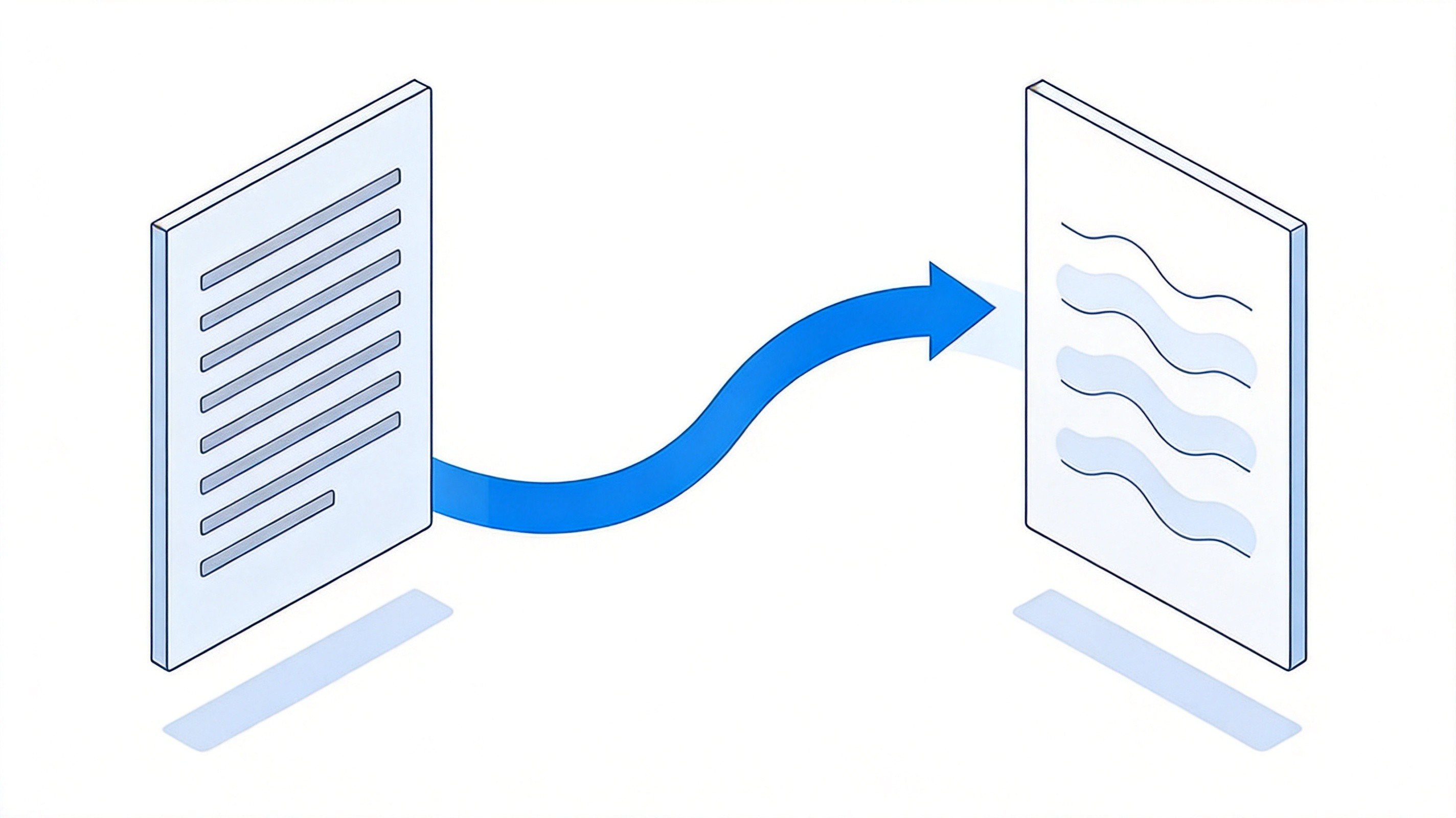
Translating English text into Bengali
Short, complete sentences translate far better than fragments. If you are translating a message rather than a label, write it out properly first and translate the whole thing.


Translate English to Bengali Documents and Photos
Two situations come up constantly: a contract or form in English that a Bengali reader needs, and a printed notice you are holding in your hand.
Documents: a document translator takes the file itself - PDF, Word or PowerPoint - and returns a Bengali version with the layout, tables and images kept in place, which is far less work than copying text block by block. WPS AI Translator covers 100+ languages this way and keeps the page formatting intact.
Scanned files: if the PDF is a scan, run OCR first so the text becomes selectable. Without that step the translator only sees a picture and returns nothing useful.
Photos and signs: switch the translator to camera mode, point it at the text and read the Bengali overlay live. Crop tightly around the text and keep the camera parallel to the surface, or the recognition will guess at the letters.
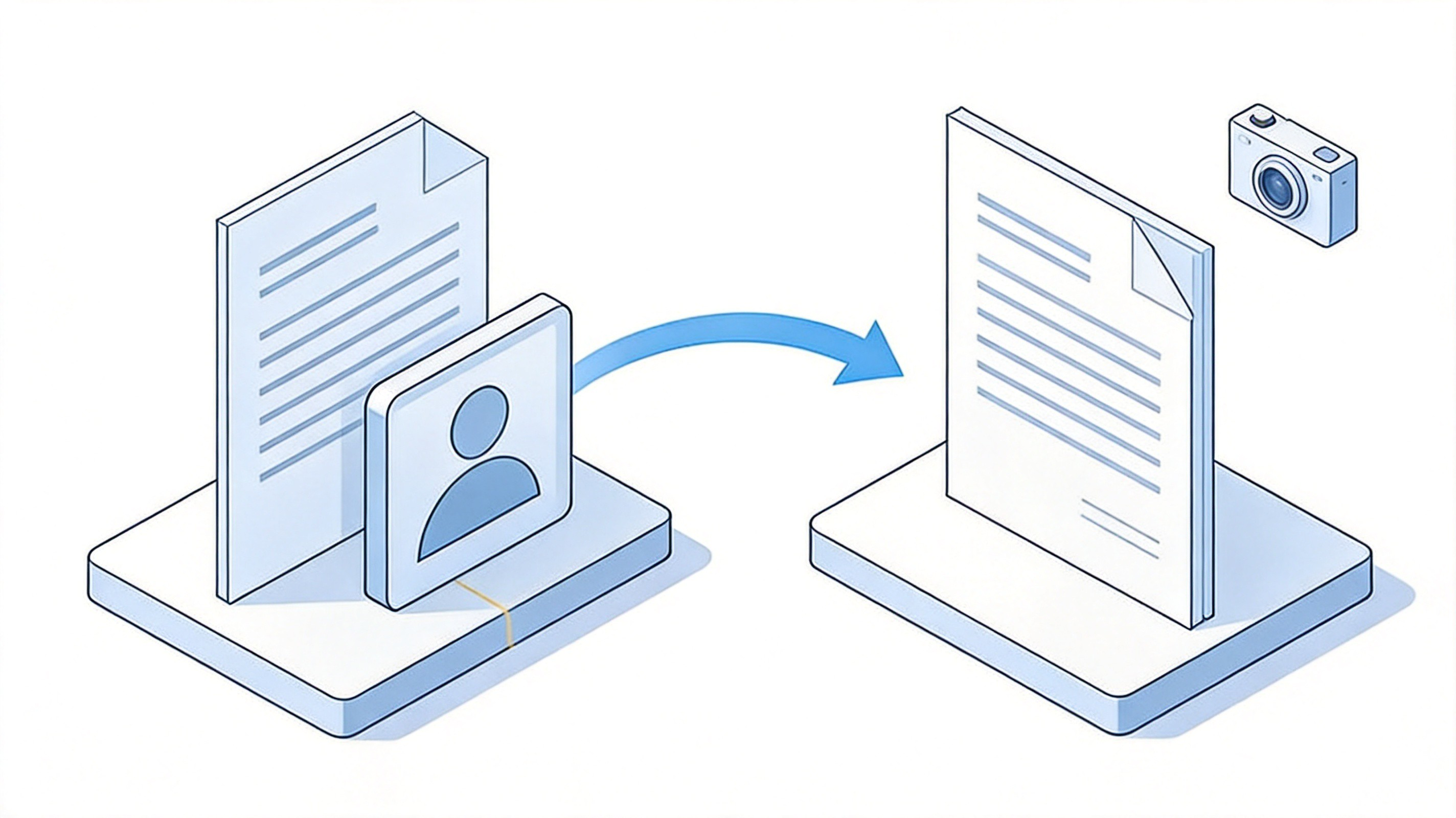
Translating whole documents and photos
Camera mode is the one exception to the copy-and-paste rule, and it is genuinely useful in a station, a clinic or a shop where the sign is the only information you have.
Translate English to Bengali on Your Phone
On a phone the same three modes are in one app, plus one feature worth setting up before you need it.
Install a translator app that supports Bengali and download the offline language pack for English and Bengali while you still have Wi-Fi.
Type or dictate when you have a signal; the microphone is much faster than typing Bengali letters on a phone keyboard.
Use the camera tab for menus, notices and forms you cannot type out.
Save the phrase you keep needing. Both major translators let you star a translation for instant recall later.
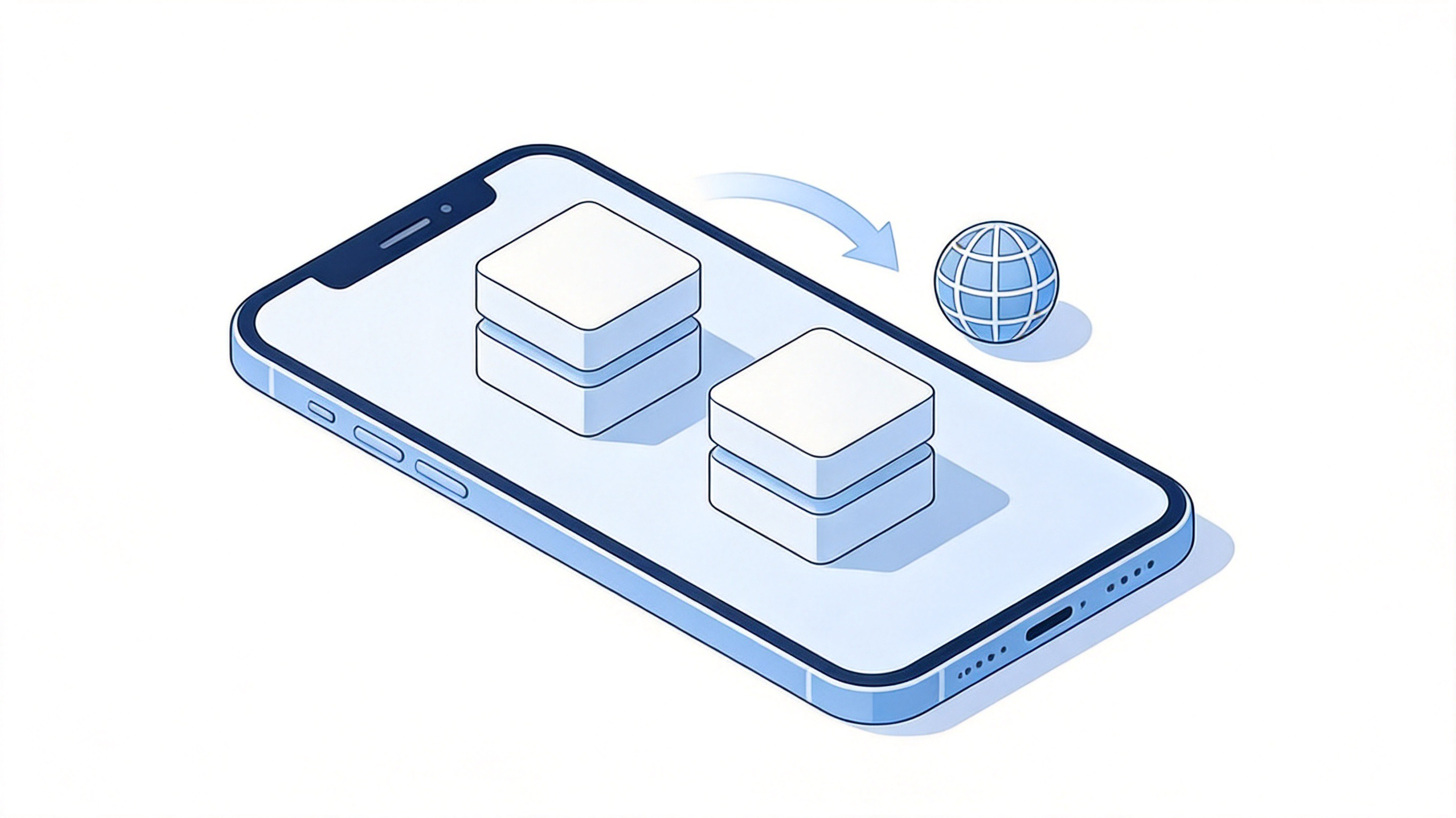
Translating two languages on a phone
The offline pack matters more than people expect: on a train, in a market or abroad with no data, it is the difference between a working translator and a blank screen.
Tips for More Accurate English to Bengali Translation
Machine translation handles Bengali well, but three habits catch most of the errors before they reach the person reading it.
Split long sentences. A sentence with three clauses in English often comes back with the relationships reversed. Break it into shorter lines, translate each one, and check the meaning survives.
Check numbers, names and dates by hand. Figures, addresses and proper nouns are exactly where automatic translation slips, and exactly where a mistake costs the most.
Match the register. Bengali distinguishes formal and everyday phrasing. A customer email and a message to a friend should not come out the same, so add a word or two of context if the tone looks off.
Read it back. Play the Bengali audio and listen. If a native speaker would not say it that way, a native speaker is the right final check for anything important.
Accuracy tips for better translation
The Best Free Alternative: WPS Office
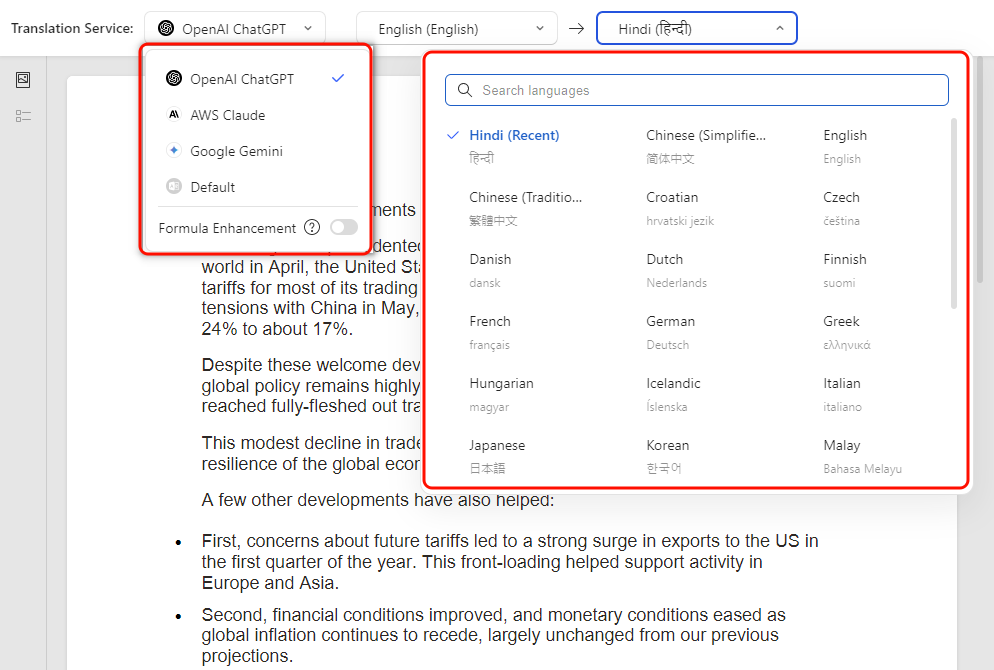
When the thing you need translated is already a file - a contract, a report, a set of slides - doing it inside the app you wrote it in saves the round trip through copy and paste. WPS Office translates PDF, Word and PowerPoint documents with AI models, keeps the original layout and images in place, and runs on desktop and mobile. It is free to use for everyday translations, so a Bengali drafting step fits into the same window you already work in.
Whole documents: translate PDF, DOCX and PPTX files and keep the formatting, not just the words.
100+ languages: English to Bengali plus the other languages your supplier or student correspondence arrives in.
One app: translate, edit the result and export the finished file without switching tools.
WPS AI translation settings and language choice
The photo-and-camera workflow has its own walkthrough if you mainly translate images and notices: this guide to translating a photo from English into another language covers the same steps from a different language pair.
FAQs
1. What does E to B mean in translation?
E is English and B is Bengali, also written Bangla, so E to B translation means translating from English into Bengali. The language uses its own script, and modern tools output it as Unicode text you can copy anywhere.
2. Is English to Bengali translation free?
For text, yes - the major online translators are free with no account. Document translation is also free in tools such as WPS Office for everyday files, and paid plans only matter for very large volumes or advanced workflows.
3. Can I translate a PDF into Bengali and keep the layout?
Yes, with a document translator rather than a text translator. Choose a tool that states it preserves formatting, because the result keeps tables, columns and images in position instead of collapsing into a single block of text.
4. Why does the Bengali look broken on my computer?
The font is missing or the text was copied as an image. Unicode Bengali needs a font with Bengali glyphs; modern operating systems include one, and copying from a translation tool as text rather than a screenshot usually fixes it.
5. How accurate is machine English to Bengali translation?
Good enough for messages, notices and understanding documents, but not for anything legally binding without a human check. Numbers, names and formal phrasing are the usual weak spots, so review those by hand.


'%3e%3cpath%20d='M19.9911%204.11386V6.471H18.5894C18.0775%206.471%2017.7322%206.57814%2017.5536%206.79243C17.3751%207.00671%2017.2858%207.32814%2017.2858%207.75671V9.44421H19.9019L19.5536%2012.0871H17.2858V18.8639H14.5536V12.0871H12.2769V9.44421H14.5536V7.49779C14.5536%206.39064%2014.8632%205.53201%2015.4822%204.92189C16.1013%204.31177%2016.9257%204.00671%2017.9554%204.00671C18.8304%204.00671%2019.509%204.04243%2019.9911%204.11386Z'%20fill='%23333333'/%3e%3c/g%3e%3cdefs%3e%3cclipPath%20id='clip0_2938_8199'%3e%3crect%20width='16'%20height='16'%20fill='white'%20transform='translate(8%204.00671)'/%3e%3c/clipPath%3e%3c/defs%3e%3c/svg%3e)
'%3e%3cpath%20d='M17.5237%2010.7813L23.4811%204H22.0699L16.8949%209.88693L12.7648%204H8L14.2469%2012.9029L8%2020.0133H9.4112L14.8725%2013.7952L19.2352%2020.0133H24M9.92053%205.04213H12.0885L22.0688%2019.0224H19.9003'%20fill='%23333333'/%3e%3c/g%3e%3cdefs%3e%3cclipPath%20id='clip0_2938_8200'%3e%3crect%20width='16'%20height='16.0134'%20fill='white'%20transform='translate(8%204)'/%3e%3c/clipPath%3e%3c/defs%3e%3c/svg%3e)


