

'%3e%3cpath%20d='M8%200C12.4183%200%2016%203.58172%2016%208C16%2012.4183%2012.4183%2016%208%2016C3.58172%2016%200%2012.4183%200%208C0%203.58172%203.58172%200%208%200ZM11.6162%204.38379C11.2257%203.99337%2010.5927%203.99338%2010.2021%204.38379L8%206.58594L5.79785%204.38379C5.40732%203.99334%204.77429%203.99329%204.38379%204.38379C3.99331%204.77429%203.99335%205.40733%204.38379%205.79785L6.58594%208L4.38379%2010.2021C3.99348%2010.5927%203.99341%2011.2257%204.38379%2011.6162C4.77426%2012.0066%205.40734%2012.0065%205.79785%2011.6162L8%209.41406L10.2021%2011.6162C10.5927%2012.0066%2011.2257%2012.0067%2011.6162%2011.6162C12.0067%2011.2257%2012.0066%2010.5927%2011.6162%2010.2021L9.41406%208L11.6162%205.79785C12.0066%205.40735%2012.0066%204.77429%2011.6162%204.38379Z'%20fill='%23080E17'%20fill-opacity='0.46'/%3e%3c/g%3e%3cdefs%3e%3cclipPath%20id='clip0_3761_713'%3e%3crect%20width='16'%20height='16'%20fill='white'/%3e%3c/clipPath%3e%3c/defs%3e%3c/svg%3e)




'%3e%3cpath%20fill-rule='evenodd'%20clip-rule='evenodd'%20d='M21.4999%2010.9993C21.4999%205.20009%2016.7986%200.498901%2010.9993%200.498901C5.19994%200.498901%200.498657%205.20009%200.498657%2010.9993C0.498657%2016.2404%204.33858%2020.5844%209.35855%2021.3722V14.0346H6.69238V10.9993H9.35855V8.68594C9.35855%206.05427%2010.9262%204.60062%2013.3248%204.60062C14.4736%204.60062%2015.6753%204.80571%2015.6753%204.80571V7.38979H14.3512C13.0468%207.38979%2012.64%208.19921%2012.64%209.0296V10.9993H15.5523L15.0867%2014.0346H12.64V21.3722C17.66%2020.5844%2021.4999%2016.2404%2021.4999%2010.9993Z'%20fill='%231568EA'/%3e%3c/g%3e%3c/svg%3e)


'%3e%3cpath%20d='M2.42045%2022.1876H6.31818V12.7217L0.75%208.54553V20.5171C0.75%2021.4414%201.49892%2022.1876%202.42045%2022.1876Z'%20fill='%234285F4'/%3e%3cpath%20d='M19.682%2022.1876H23.5797C24.5041%2022.1876%2025.2502%2021.4387%2025.2502%2020.5171V8.54553L19.682%2012.7217'%20fill='%2334A853'/%3e%3cpath%20d='M19.682%205.48293V12.7216L25.2502%208.54543V6.31816C25.2502%204.25236%2022.8921%203.07469%2021.2411%204.31361'%20fill='%23FBBC04'/%3e%3cpath%20d='M6.31824%2012.7217V5.48303L13.0001%2010.4944L19.6819%205.48303V12.7217L13.0001%2017.733'%20fill='%23EA4335'/%3e%3cpath%20d='M0.75%206.31816V8.54543L6.31818%2012.7216V5.48293L4.75909%204.31361C3.10534%203.07469%200.75%204.25236%200.75%206.31816Z'%20fill='%23C5221F'/%3e%3c/g%3e%3cdefs%3e%3cclipPath%20id='clip0_2954_7305'%3e%3crect%20width='24.5'%20height='18.375'%20fill='white'%20transform='translate(0.75%203.8125)'/%3e%3c/clipPath%3e%3c/defs%3e%3c/svg%3e)


A submission portal asks for A4 and your file is Letter - 216 x 279 mm against A4's 210 x 297 mm. Close, but not close enough for an automated check. You can convert a PDF to A4 size for free without buying anything: print the file back to PDF with A4 selected as the paper size, or use an online resizer that changes the page geometry directly. The whole job takes a minute, and the only decision is whether the content should scale down or the page should gain white space.
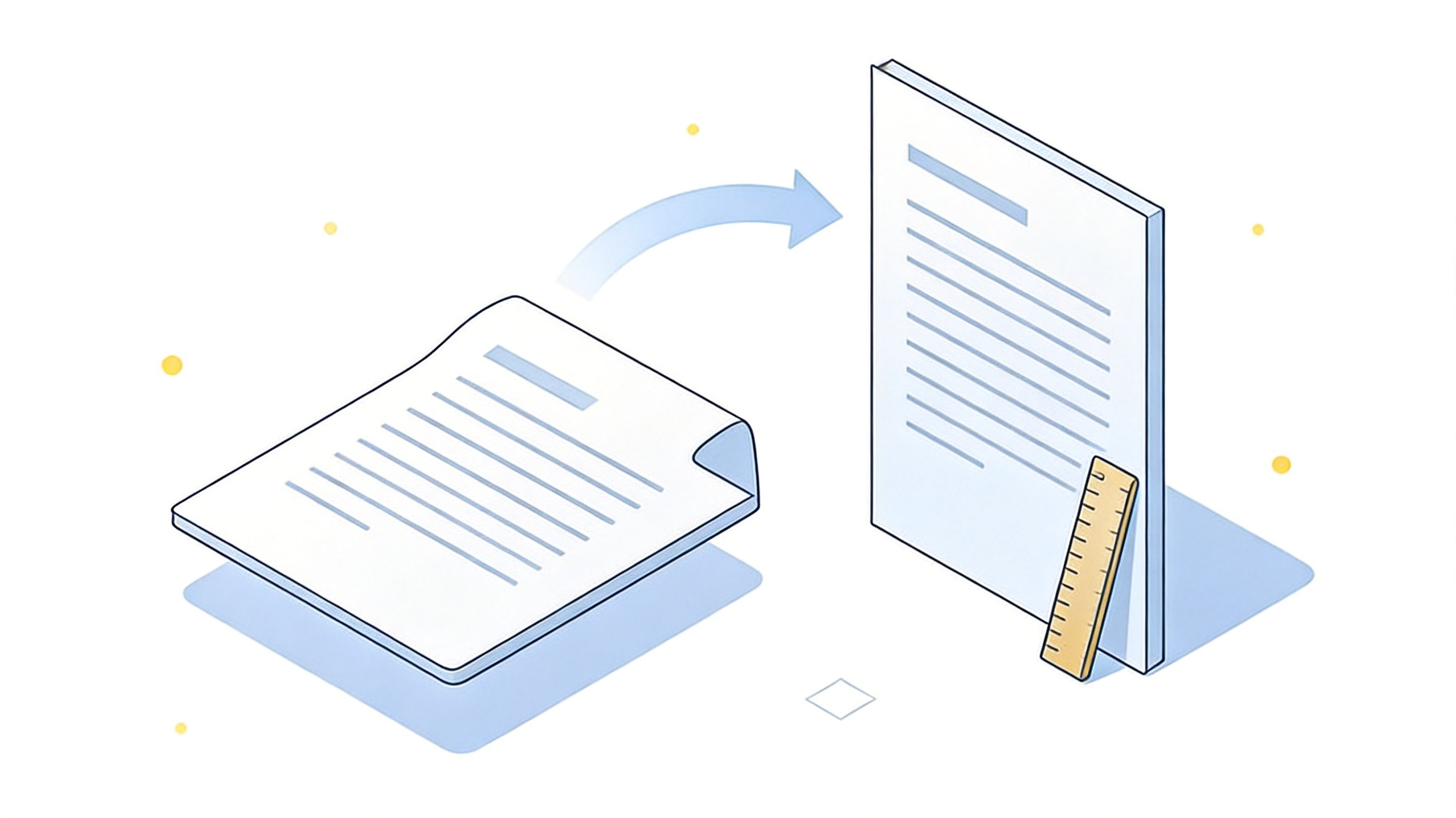
How to Convert a PDF to A4 Size: Free Methods
Convert a PDF to A4 Size by Printing to PDF
Every modern browser and reader can re-create a PDF, which makes this the method that needs no downloads.
Open the PDF in your browser, Preview or a reader that has a print option.
Choose Print, then set Destination - or Printer - to Save as PDF.
Set Paper size to A4. This single field is what changes the output page dimensions.
Set Scale to Fit to printable area so nothing is cut off, or lower the percentage until the whole page fits inside the A4 frame.
Save and open the new file to confirm the page size before you upload it.
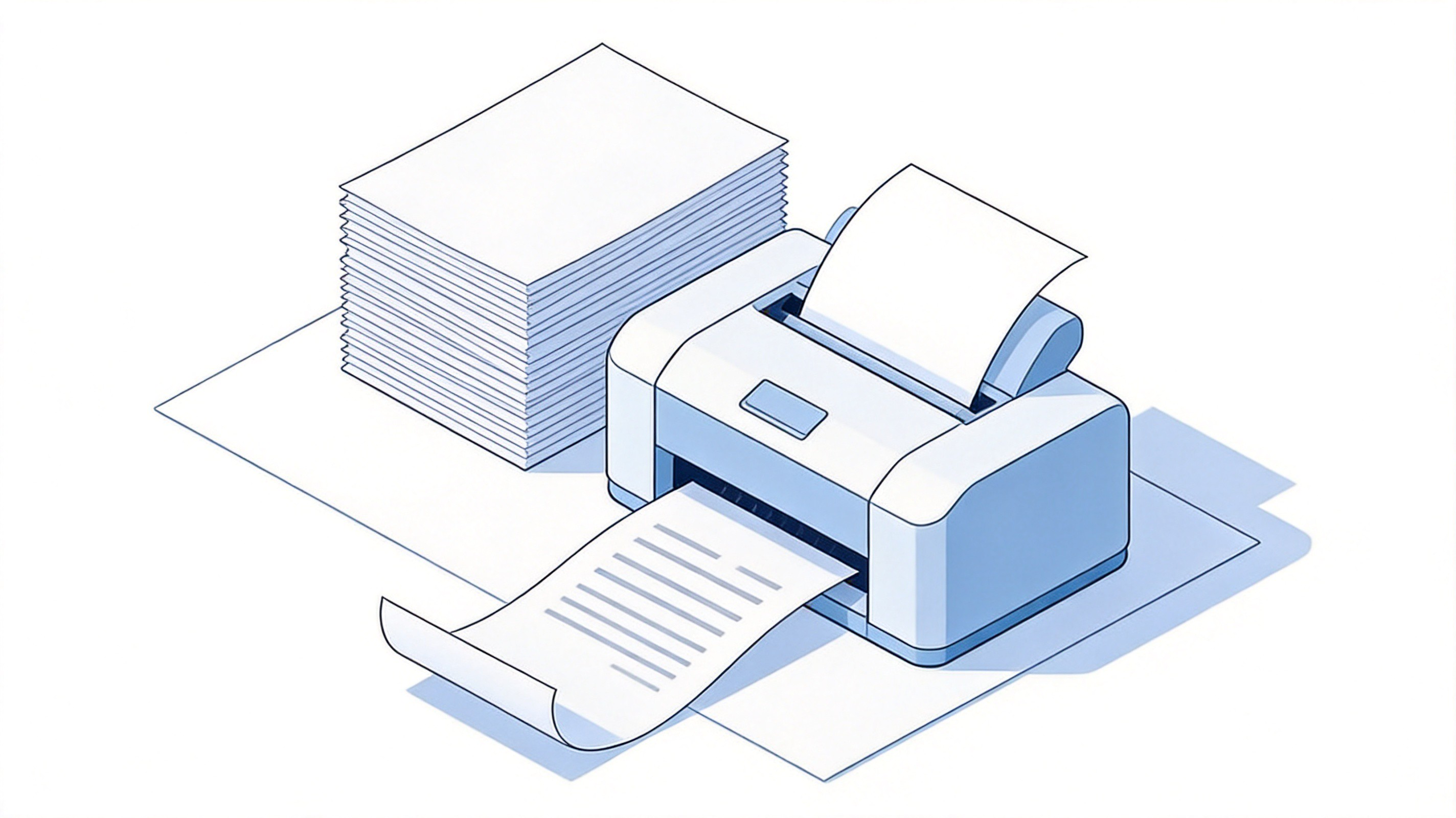
Printing a PDF onto A4 paper
The catch is that print-to-PDF rasterises nothing but regenerates the page: text stays selectable, but thin borders can shift by a fraction of a millimetre. For forms that are scanned by a machine, that is normally fine; if a signature field has to stay exactly where it was placed, use a page-size tool instead.


Convert a PDF to A4 Size with an Online Resizer
Online resizers target the page box itself, which is the difference between "fits on A4 paper" and "is an A4 file".
Upload the PDF to a page-resize tool. Most free tools also report what sizes they found, so you can see whether all pages need converting or only one.
Choose A4 as the target - 210 x 297 mm, or 595 x 842 pt.
Pick Fit to size to scale the content, or Add white space to keep the content at its original size and pad the page out to A4.
Download and check the first page and the last page; mixed-orientation documents are where resizers go wrong.
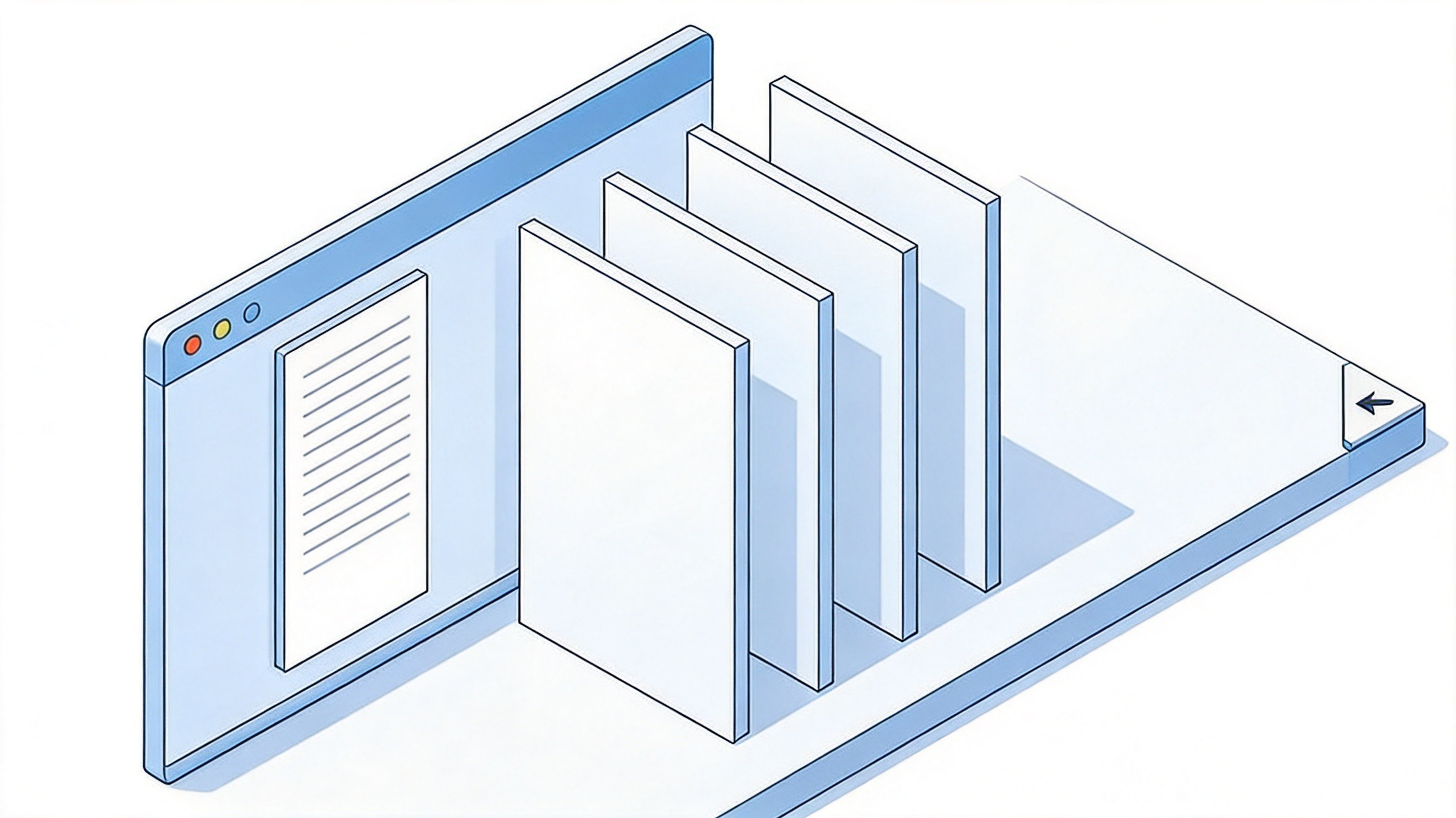
Resizing PDF pages to A4 online
Only use a tool that processes the file locally in the browser or states a deletion policy, since contracts and certificates are exactly the documents people resize.
Convert a PDF to A4 Size in WPS Office
If you already have the file open in WPS Office, no upload is needed and the change stays on your machine.
Open the PDF in WPS. Documents that were scanned open as pages you can re-page.
Go to Print and choose the PDF printer or Save as PDF.
Set the paper size to A4 and pick fit-to-page scaling, then save the new file.
Alternatively, convert the PDF to Word first, set the page size in the layout options and export a fresh A4 PDF - the better route when you also need to edit the text.
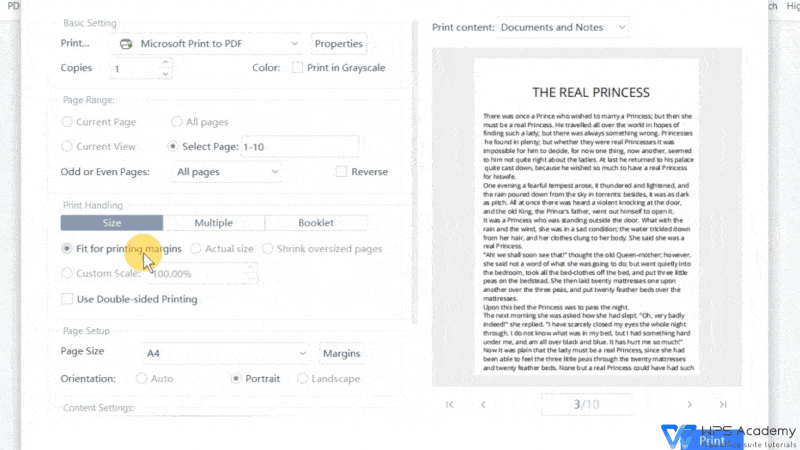
WPS PDF print dialog with A4 page setup
Re-paging from the source document is the cleanest option of all: when the original letterhead is still Letter, set the page size there and export once, instead of patching the size at the end. A quick guide to resizing a PDF to A4 walks through the shorter version of this workflow.
Fit or Fill: Keep the Page Readable When Sizes Change
Letter and A4 are not the same shape - Letter is wider and shorter - so something has to give when you move between them. There are only two honest choices.
Fit (scale): the whole page stays visible and the content shrinks or grows by a few per cent. Nothing is lost, the text is slightly smaller, and any margin that was tight becomes tighter.
Fill: the content fills the new page with no extra margin, which keeps text at its original size but can crop the outermost millimetres - risky if a page number, a barcode or a stamp sits near the edge.
Add white space instead: keep the content at its exact size and pad the page out to A4. Best for forms and signed pages where nothing may move.
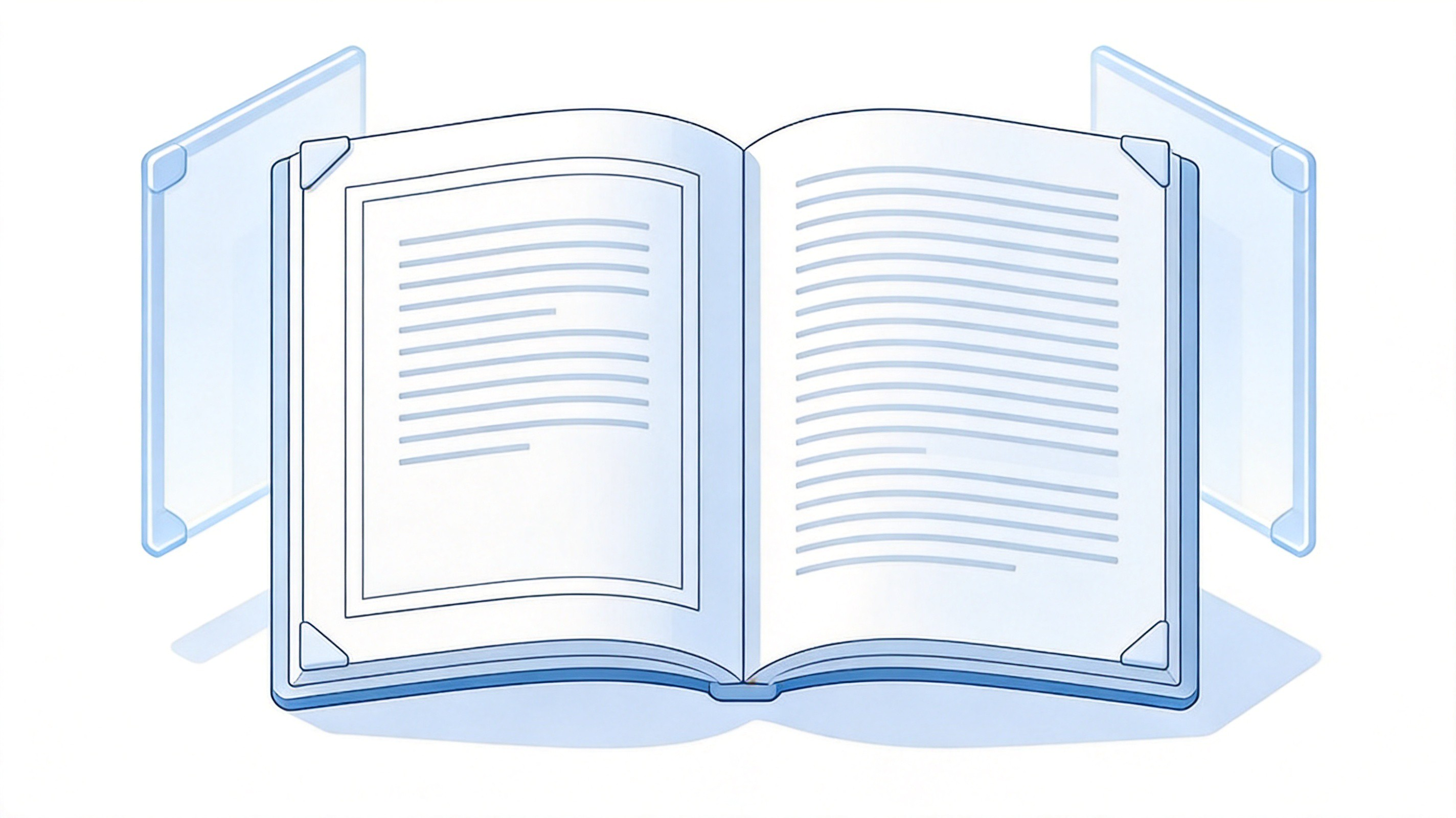
Comparing fit and fill page options
For a text document, fit is almost always right. For a form that will be printed and signed, adding white space is safer because it preserves the original measurements.
Check the Page Size After Converting
Two minutes of checking saves a rejected upload. Open the converted file and confirm three things.
The page size reads A4. Document properties should show 210 x 297 mm, or 595 x 842 pt. If the width and height read 216 x 279 mm, the file is still Letter and the conversion did not apply.
The page count matches. A one-page file that became two usually means the content was too large for the frame - redo it with fit scaling instead of fill.
Nothing is clipped. Scroll to the last page and check the corners at 100 per cent zoom, especially anywhere a page number or a signature sits close to the edge.
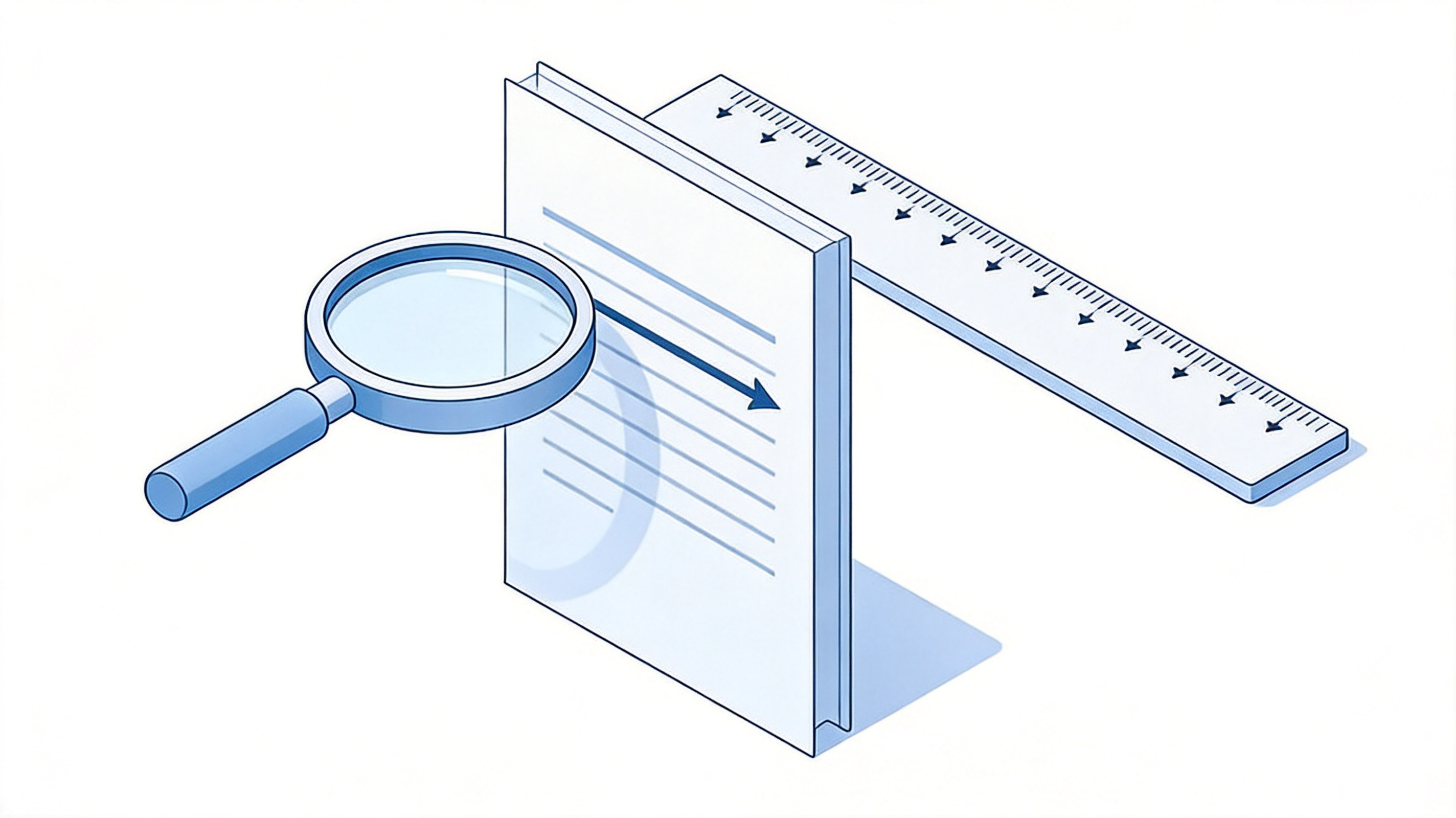
Checking the finished page size
The Best Free PDF Alternative: WPS Office
WPS Office does the conversion and the repair in one place, free of charge. Open the PDF, change the page geometry through the print or layout options, and check the result in the same window - then convert to Word if the A4 version needs real edits, or compress the file if the finished PDF is too large to upload.
Free PDF tools: view, print to PDF, annotate, sign and convert without a subscription.
Page layout control: set the page size from the source document, not just the print dialog.
One suite: PDF, Writer, Spreadsheet and Presentation on desktop and mobile.
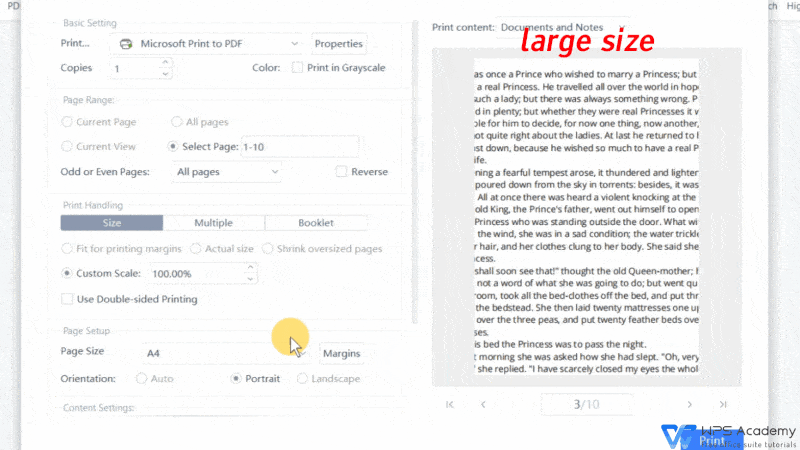
Print settings in WPS PDF
FAQs
1. Is A4 the same as Letter size?
No. A4 is 210 x 297 mm (8.27 x 11.69 in) and is standard almost everywhere except North America; Letter is 216 x 279 mm (8.5 x 11 in). Letter is wider and shorter, so converting between them always rescales the content slightly.
2. How do I convert a PDF to A4 for free?
Open it in a browser or reader, choose Print, set Destination to Save as PDF and Paper size to A4, then save. For a true page-size change with no scaling side effects, use a page-resize tool or set the page size in WPS Office.
3. Can I convert only some pages to A4?
Yes, in two steps: extract the pages you want with a PDF split or extract tool, resize that smaller file to A4, and then merge it back with the rest if the document has to stay whole.
4. Why is my converted PDF still Letter size?
The size setting did not apply - most often because the reader used its own default paper size, or the tool only scaled the printout rather than the page box. Check the page size in document properties: it should read 210 x 297 mm.
5. Does converting to A4 reduce quality?
Slightly, because the content is scaled by a few per cent to fit the new page. Text stays sharp and selectable in print-to-PDF output, and adding white space instead of scaling avoids resampling the page entirely.


'%3e%3cpath%20d='M19.9911%204.11386V6.471H18.5894C18.0775%206.471%2017.7322%206.57814%2017.5536%206.79243C17.3751%207.00671%2017.2858%207.32814%2017.2858%207.75671V9.44421H19.9019L19.5536%2012.0871H17.2858V18.8639H14.5536V12.0871H12.2769V9.44421H14.5536V7.49779C14.5536%206.39064%2014.8632%205.53201%2015.4822%204.92189C16.1013%204.31177%2016.9257%204.00671%2017.9554%204.00671C18.8304%204.00671%2019.509%204.04243%2019.9911%204.11386Z'%20fill='%23333333'/%3e%3c/g%3e%3cdefs%3e%3cclipPath%20id='clip0_2938_8199'%3e%3crect%20width='16'%20height='16'%20fill='white'%20transform='translate(8%204.00671)'/%3e%3c/clipPath%3e%3c/defs%3e%3c/svg%3e)
'%3e%3cpath%20d='M17.5237%2010.7813L23.4811%204H22.0699L16.8949%209.88693L12.7648%204H8L14.2469%2012.9029L8%2020.0133H9.4112L14.8725%2013.7952L19.2352%2020.0133H24M9.92053%205.04213H12.0885L22.0688%2019.0224H19.9003'%20fill='%23333333'/%3e%3c/g%3e%3cdefs%3e%3cclipPath%20id='clip0_2938_8200'%3e%3crect%20width='16'%20height='16.0134'%20fill='white'%20transform='translate(8%204)'/%3e%3c/clipPath%3e%3c/defs%3e%3c/svg%3e)


