

'%3e%3cpath%20d='M8%200C12.4183%200%2016%203.58172%2016%208C16%2012.4183%2012.4183%2016%208%2016C3.58172%2016%200%2012.4183%200%208C0%203.58172%203.58172%200%208%200ZM11.6162%204.38379C11.2257%203.99337%2010.5927%203.99338%2010.2021%204.38379L8%206.58594L5.79785%204.38379C5.40732%203.99334%204.77429%203.99329%204.38379%204.38379C3.99331%204.77429%203.99335%205.40733%204.38379%205.79785L6.58594%208L4.38379%2010.2021C3.99348%2010.5927%203.99341%2011.2257%204.38379%2011.6162C4.77426%2012.0066%205.40734%2012.0065%205.79785%2011.6162L8%209.41406L10.2021%2011.6162C10.5927%2012.0066%2011.2257%2012.0067%2011.6162%2011.6162C12.0067%2011.2257%2012.0066%2010.5927%2011.6162%2010.2021L9.41406%208L11.6162%205.79785C12.0066%205.40735%2012.0066%204.77429%2011.6162%204.38379Z'%20fill='%23080E17'%20fill-opacity='0.46'/%3e%3c/g%3e%3cdefs%3e%3cclipPath%20id='clip0_3761_713'%3e%3crect%20width='16'%20height='16'%20fill='white'/%3e%3c/clipPath%3e%3c/defs%3e%3c/svg%3e)




'%3e%3cpath%20fill-rule='evenodd'%20clip-rule='evenodd'%20d='M21.4999%2010.9993C21.4999%205.20009%2016.7986%200.498901%2010.9993%200.498901C5.19994%200.498901%200.498657%205.20009%200.498657%2010.9993C0.498657%2016.2404%204.33858%2020.5844%209.35855%2021.3722V14.0346H6.69238V10.9993H9.35855V8.68594C9.35855%206.05427%2010.9262%204.60062%2013.3248%204.60062C14.4736%204.60062%2015.6753%204.80571%2015.6753%204.80571V7.38979H14.3512C13.0468%207.38979%2012.64%208.19921%2012.64%209.0296V10.9993H15.5523L15.0867%2014.0346H12.64V21.3722C17.66%2020.5844%2021.4999%2016.2404%2021.4999%2010.9993Z'%20fill='%231568EA'/%3e%3c/g%3e%3c/svg%3e)


'%3e%3cpath%20d='M2.42045%2022.1876H6.31818V12.7217L0.75%208.54553V20.5171C0.75%2021.4414%201.49892%2022.1876%202.42045%2022.1876Z'%20fill='%234285F4'/%3e%3cpath%20d='M19.682%2022.1876H23.5797C24.5041%2022.1876%2025.2502%2021.4387%2025.2502%2020.5171V8.54553L19.682%2012.7217'%20fill='%2334A853'/%3e%3cpath%20d='M19.682%205.48293V12.7216L25.2502%208.54543V6.31816C25.2502%204.25236%2022.8921%203.07469%2021.2411%204.31361'%20fill='%23FBBC04'/%3e%3cpath%20d='M6.31824%2012.7217V5.48303L13.0001%2010.4944L19.6819%205.48303V12.7217L13.0001%2017.733'%20fill='%23EA4335'/%3e%3cpath%20d='M0.75%206.31816V8.54543L6.31818%2012.7216V5.48293L4.75909%204.31361C3.10534%203.07469%200.75%204.25236%200.75%206.31816Z'%20fill='%23C5221F'/%3e%3c/g%3e%3cdefs%3e%3cclipPath%20id='clip0_2954_7305'%3e%3crect%20width='24.5'%20height='18.375'%20fill='white'%20transform='translate(0.75%203.8125)'/%3e%3c/clipPath%3e%3c/defs%3e%3c/svg%3e)


Many schools, job portals, and online forms accept a PDF only when it stays under a certain size, often 200KB. A large photo converted carelessly can easily blow past that limit. This guide shows you how to convert JPG to PDF under 200KB with free tools, so your file is small enough to upload, email, and submit without problems.
How to Convert JPG to PDF under 200KB
Why Convert JPG to PDF under 200KB
Portals and apps often reject large attachments. A resume scan, a school ID photo, or a product image that is sent as a 2MB PDF may simply fail to upload, or be returned as an error.
Converting JPG to PDF under 200KB solves this by turning your picture into a compact document. PDFs keep the image readable on any device, while the smaller size satisfies upload limits and keeps email attachments light.
JPG to PDF under 200KB file size limit


What You Need to Convert JPG to PDF under 200KB
You only need the image and a tool that can both convert and compress. WPS Office covers both steps for free.
One or more JPG images on your computer.
A PDF converter that can create a PDF from a picture, such as WPS Office.
A PDF compressor to shrink the result to 200KB or less.
You can download WPS Office free from the official WPS website.
Prepare a JPG for PDF conversion
How to Convert JPG to PDF under 200KB with WPS Office
WPS Office turns a JPG into a PDF and then compresses it in a couple of clicks, all in one app.
Open WPS Office and create a new PDF, or insert your JPG and export it as a PDF from the PDF or Convert tools.
Open the generated PDF, then go to the Compress PDF tool.
Choose a compression level or target size that brings the file to 200KB or less.
Click Start Compress and save the smaller PDF.
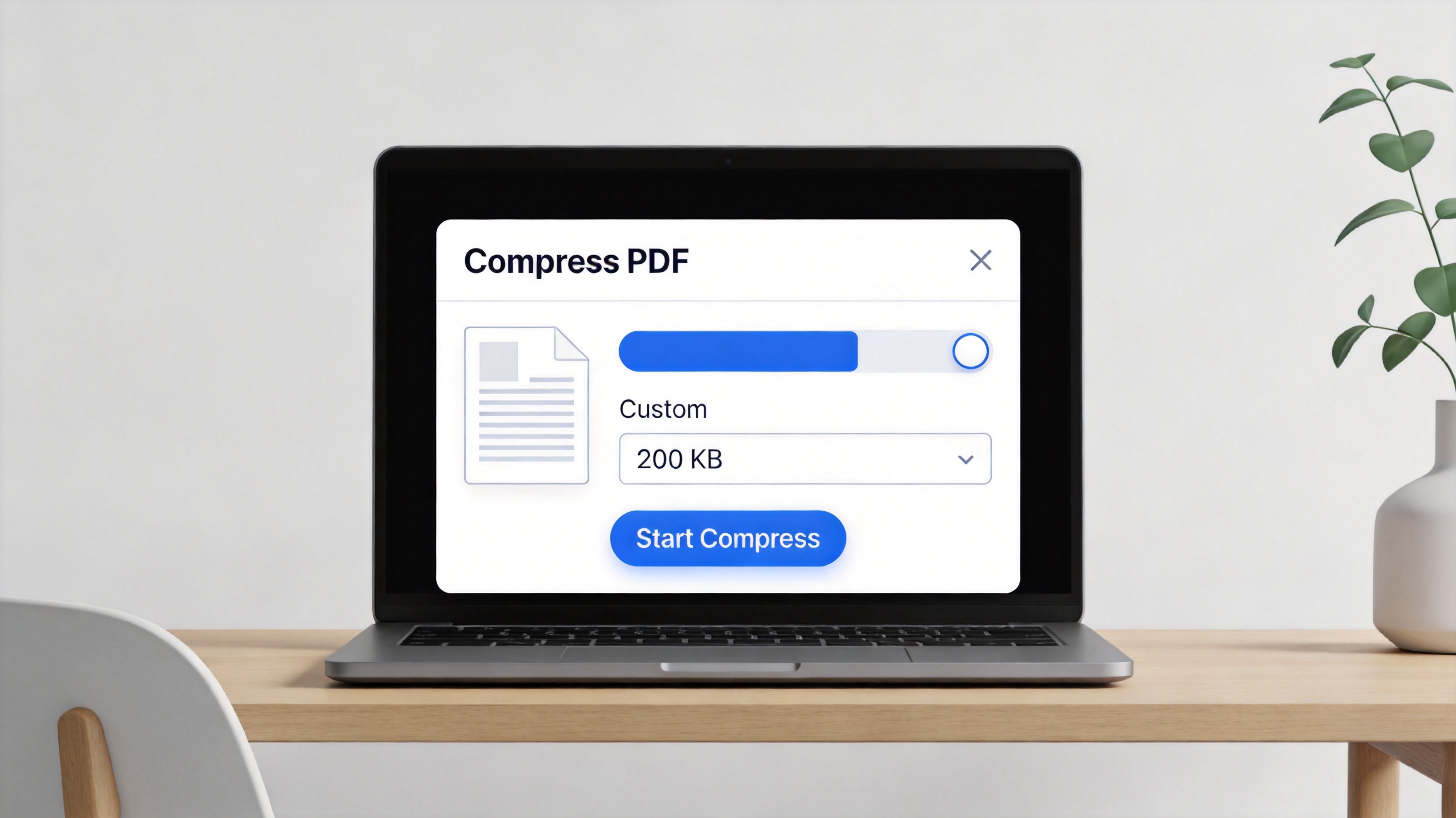
WPS compress PDF under 200KB dialog
After compressing, right-click the file and check its size in your file manager. If it is still above 200KB, run the compressor once more with a higher compression level.
Other Ways to Compress JPG to PDF under 200KB
If you prefer a browser-based option, online converters are handy for quick jobs, especially on a borrowed computer.
Open an online JPG to PDF tool such as SmallPDF, BigPDF, or iLovePDF.
Upload your JPG and convert it to PDF.
Use the site's compression option, if available, and adjust the quality so the result is under 200KB.
Download the compressed PDF and confirm its size.
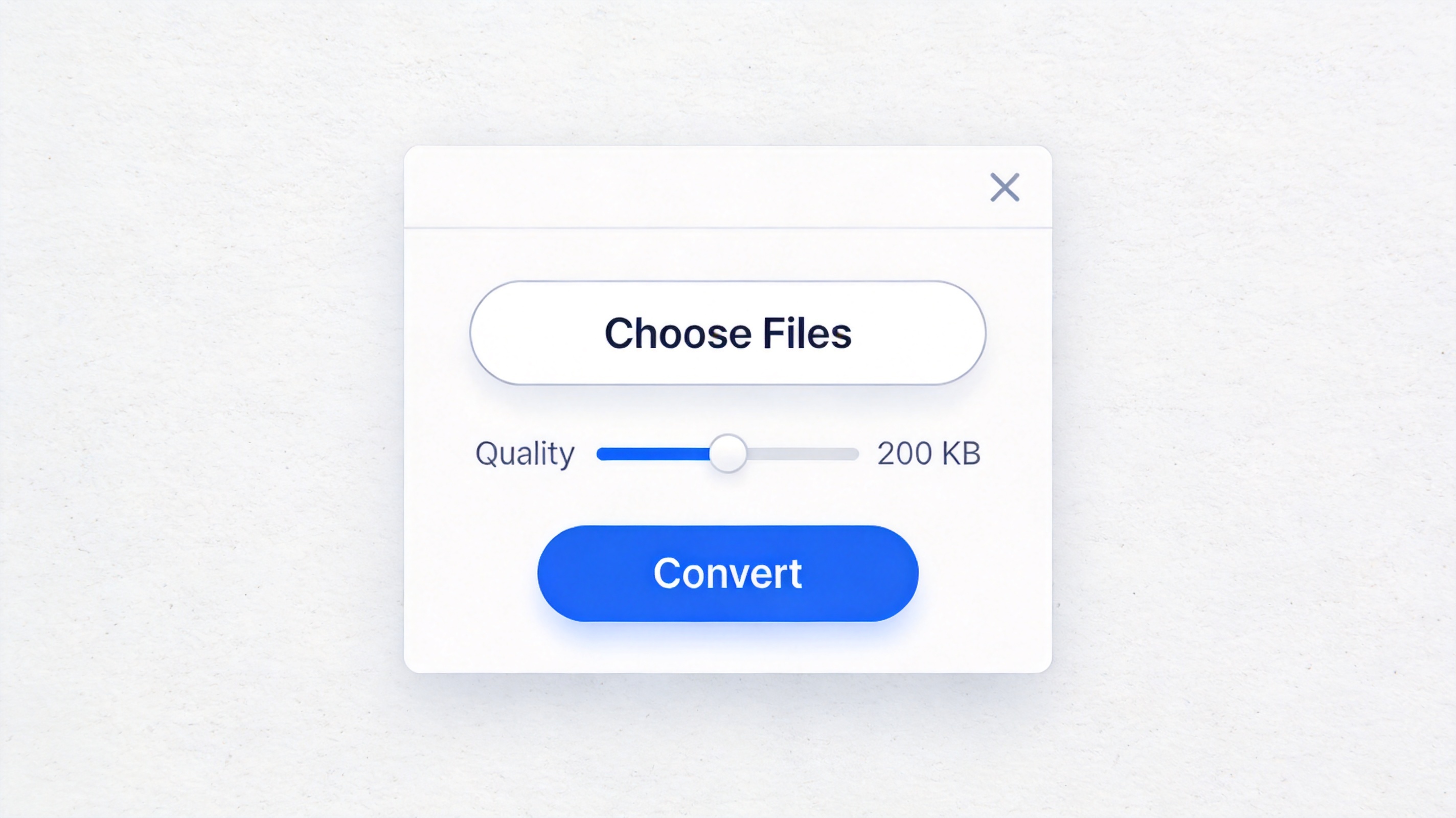
Online JPG to PDF under 200KB converter
Online tools are convenient, but they upload your image to a third-party server. For private or sensitive pictures, a desktop tool like WPS keeps the file on your own computer.
The Best Free Alternative: WPS Office
WPS Office is a free office suite for Windows and Mac with Word, Excel, PPT, and a full PDF toolkit in one app. You can convert JPG to PDF, compress the PDF, and even edit or sign it without installing several tools.
Its Compress PDF feature lets you control the file size, while the converter handles images, documents, and spreadsheets in one workflow. Because everything runs on your desktop, your pictures never leave your computer.
Compared with paid PDF suites, WPS keeps PDF conversion and compression free, with premium features unlocked only when you need them. It is the simplest way to convert JPG to PDF under 200KB without spending a cent.
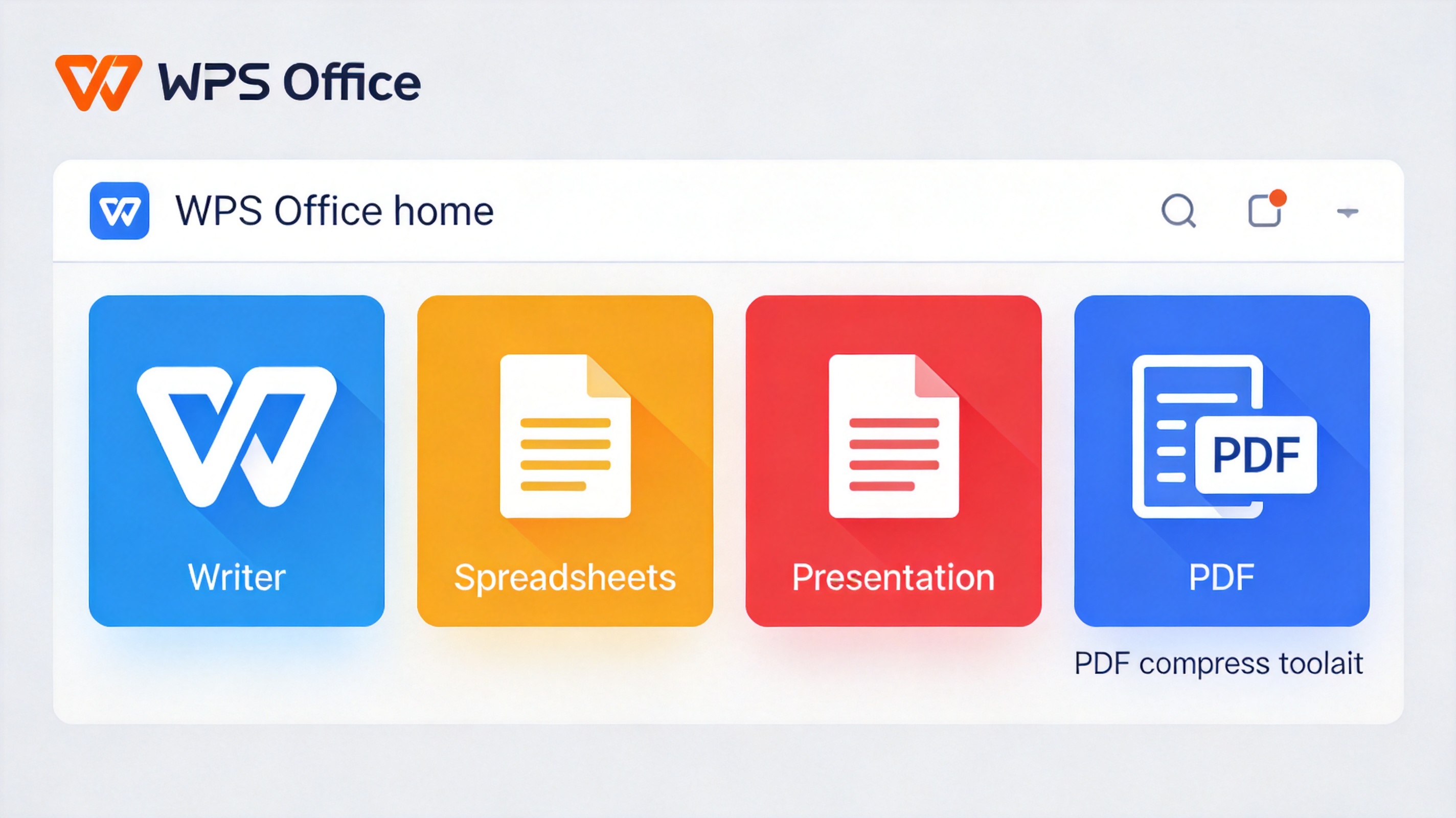
WPS Office free suite with PDF compress
FAQs
Why does my JPG to PDF file stay too large?
High-resolution photos contain a lot of image data. Convert the image to PDF, then run the Compress PDF tool and choose a stronger compression level to shrink it under 200KB.
Can I make a 200KB PDF from several JPG images?
Yes. Combine your JPGs into one PDF first, then compress the whole document. Multiple photos together usually need stronger compression to fit the limit.
Does compressing a PDF reduce image quality?
Compression lowers the file size by reducing image detail. A mild compression keeps the picture sharp, while a strong one can blur it. Pick the level that still looks acceptable.
Is it safe to use an online JPG to PDF converter?
Online tools upload your file to a server, so avoid them for private images. Use a desktop tool such as WPS Office when the picture is sensitive.
Can I convert JPG to PDF on my phone?
Yes. WPS Office is available on mobile, so you can convert and compress a photo into a small PDF directly on your phone.


'%3e%3cpath%20d='M19.9911%204.11386V6.471H18.5894C18.0775%206.471%2017.7322%206.57814%2017.5536%206.79243C17.3751%207.00671%2017.2858%207.32814%2017.2858%207.75671V9.44421H19.9019L19.5536%2012.0871H17.2858V18.8639H14.5536V12.0871H12.2769V9.44421H14.5536V7.49779C14.5536%206.39064%2014.8632%205.53201%2015.4822%204.92189C16.1013%204.31177%2016.9257%204.00671%2017.9554%204.00671C18.8304%204.00671%2019.509%204.04243%2019.9911%204.11386Z'%20fill='%23333333'/%3e%3c/g%3e%3cdefs%3e%3cclipPath%20id='clip0_2938_8199'%3e%3crect%20width='16'%20height='16'%20fill='white'%20transform='translate(8%204.00671)'/%3e%3c/clipPath%3e%3c/defs%3e%3c/svg%3e)
'%3e%3cpath%20d='M17.5237%2010.7813L23.4811%204H22.0699L16.8949%209.88693L12.7648%204H8L14.2469%2012.9029L8%2020.0133H9.4112L14.8725%2013.7952L19.2352%2020.0133H24M9.92053%205.04213H12.0885L22.0688%2019.0224H19.9003'%20fill='%23333333'/%3e%3c/g%3e%3cdefs%3e%3cclipPath%20id='clip0_2938_8200'%3e%3crect%20width='16'%20height='16.0134'%20fill='white'%20transform='translate(8%204)'/%3e%3c/clipPath%3e%3c/defs%3e%3c/svg%3e)


