

'%3e%3cpath%20d='M8%200C12.4183%200%2016%203.58172%2016%208C16%2012.4183%2012.4183%2016%208%2016C3.58172%2016%200%2012.4183%200%208C0%203.58172%203.58172%200%208%200ZM11.6162%204.38379C11.2257%203.99337%2010.5927%203.99338%2010.2021%204.38379L8%206.58594L5.79785%204.38379C5.40732%203.99334%204.77429%203.99329%204.38379%204.38379C3.99331%204.77429%203.99335%205.40733%204.38379%205.79785L6.58594%208L4.38379%2010.2021C3.99348%2010.5927%203.99341%2011.2257%204.38379%2011.6162C4.77426%2012.0066%205.40734%2012.0065%205.79785%2011.6162L8%209.41406L10.2021%2011.6162C10.5927%2012.0066%2011.2257%2012.0067%2011.6162%2011.6162C12.0067%2011.2257%2012.0066%2010.5927%2011.6162%2010.2021L9.41406%208L11.6162%205.79785C12.0066%205.40735%2012.0066%204.77429%2011.6162%204.38379Z'%20fill='%23080E17'%20fill-opacity='0.46'/%3e%3c/g%3e%3cdefs%3e%3cclipPath%20id='clip0_3761_713'%3e%3crect%20width='16'%20height='16'%20fill='white'/%3e%3c/clipPath%3e%3c/defs%3e%3c/svg%3e)




'%3e%3cpath%20fill-rule='evenodd'%20clip-rule='evenodd'%20d='M21.4999%2010.9993C21.4999%205.20009%2016.7986%200.498901%2010.9993%200.498901C5.19994%200.498901%200.498657%205.20009%200.498657%2010.9993C0.498657%2016.2404%204.33858%2020.5844%209.35855%2021.3722V14.0346H6.69238V10.9993H9.35855V8.68594C9.35855%206.05427%2010.9262%204.60062%2013.3248%204.60062C14.4736%204.60062%2015.6753%204.80571%2015.6753%204.80571V7.38979H14.3512C13.0468%207.38979%2012.64%208.19921%2012.64%209.0296V10.9993H15.5523L15.0867%2014.0346H12.64V21.3722C17.66%2020.5844%2021.4999%2016.2404%2021.4999%2010.9993Z'%20fill='%231568EA'/%3e%3c/g%3e%3c/svg%3e)


'%3e%3cpath%20d='M2.42045%2022.1876H6.31818V12.7217L0.75%208.54553V20.5171C0.75%2021.4414%201.49892%2022.1876%202.42045%2022.1876Z'%20fill='%234285F4'/%3e%3cpath%20d='M19.682%2022.1876H23.5797C24.5041%2022.1876%2025.2502%2021.4387%2025.2502%2020.5171V8.54553L19.682%2012.7217'%20fill='%2334A853'/%3e%3cpath%20d='M19.682%205.48293V12.7216L25.2502%208.54543V6.31816C25.2502%204.25236%2022.8921%203.07469%2021.2411%204.31361'%20fill='%23FBBC04'/%3e%3cpath%20d='M6.31824%2012.7217V5.48303L13.0001%2010.4944L19.6819%205.48303V12.7217L13.0001%2017.733'%20fill='%23EA4335'/%3e%3cpath%20d='M0.75%206.31816V8.54543L6.31818%2012.7216V5.48293L4.75909%204.31361C3.10534%203.07469%200.75%204.25236%200.75%206.31816Z'%20fill='%23C5221F'/%3e%3c/g%3e%3cdefs%3e%3cclipPath%20id='clip0_2954_7305'%3e%3crect%20width='24.5'%20height='18.375'%20fill='white'%20transform='translate(0.75%203.8125)'/%3e%3c/clipPath%3e%3c/defs%3e%3c/svg%3e)


An EPUB file is a reflowable e-book package: a compressed bundle of HTML pages, images, and stylesheets that a reading app lays out to fit your screen. That is exactly why it reads well on a phone and refuses to open in Word or Excel, so here is the one-line answer, the fastest way to read one on each device, and a tested route to turn it into a PDF you can print or mark up in WPS.
What Is an EPUB File? How to Open, Read, and Convert One
What an EPUB file really contains
Rename any .epub file to .zip and unpack it, and you will find a mimetype file, a META-INF folder with container.xml, and a content folder holding XHTML chapters, CSS, images, fonts, and a package .opf file that lists every item in reading order. That structure explains three surprises: the text reflows because it is web content, files stay small because there are no page scans, and page numbers drift because the app generates pages at runtime.
EPUB 3 is a W3C standard, and it also has a fixed-layout variant for comics and illustrated textbooks where every page must stay exactly as designed. Those files behave much more like a PDF, which is why some EPUB files feel rigid and others let you change the font size freely.
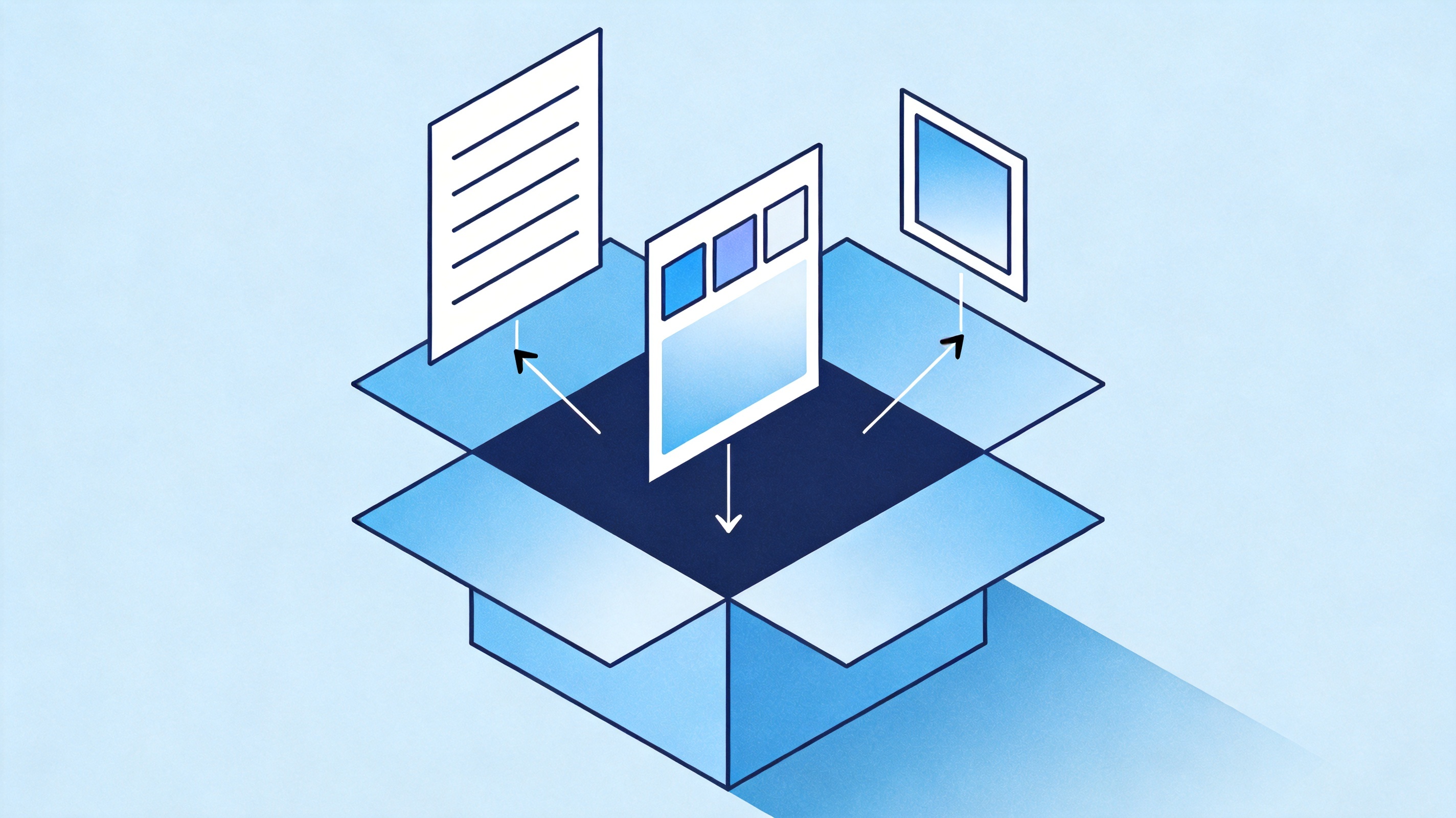
Chapters, styles, and images inside an EPUB


EPUB file vs PDF: which one should you send
The choice comes down to who controls the layout. In an EPUB file the reader decides font size, margins, and line length; in a PDF the file decides for everyone. Every other trade-off follows from that single difference:
| Aspect | EPUB file | |
| Layout | Reflows to any screen size | Fixed page geometry |
| Best for | Novels, essays, long reading on phones | Reports, contracts, forms, printing |
| Font and spacing | Controlled by the reader | Locked inside the file |
| Review and signing | Depends on the reading app | Comments, Fill & Sign, stamps in WPS PDF |
| Printing | Unpredictable page breaks | Identical output every time |
Send an EPUB file when the recipient will read on a phone or e-reader and wants to control text size. Send a PDF when the layout carries meaning, such as a signed offer letter or a form that must print identically, and whenever comments or signatures need tracking.
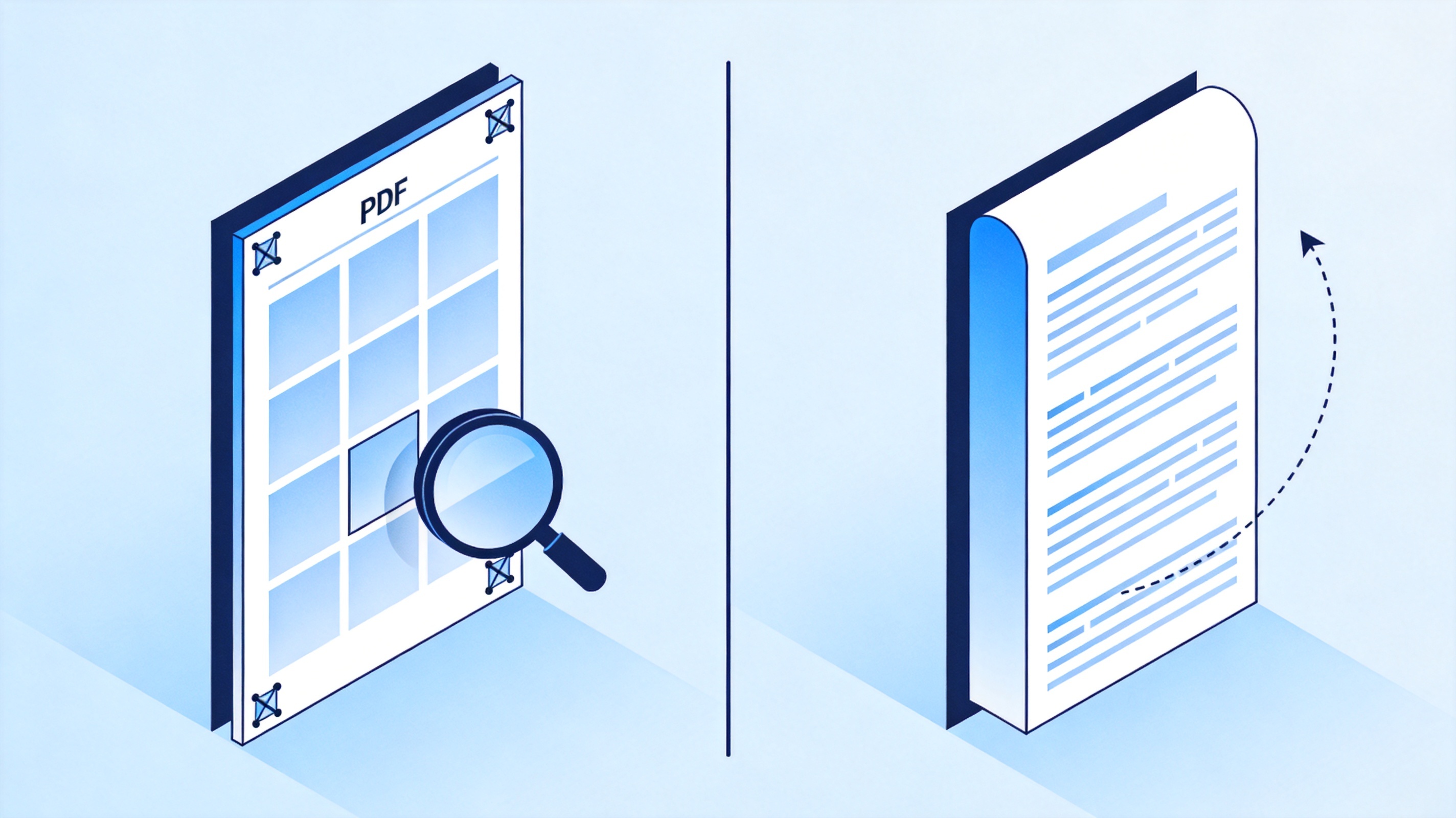
Fixed PDF page versus reflowable EPUB text
How to open an EPUB file on any device
Most phones and tablets already ship with an EPUB reader, so the real friction appears on desktops, where an office suite is set as the default app for every file. Use the route that matches your device:
iPhone and iPad: save the .epub to Files, tap the file, then choose Books. Apple Books keeps your reading position and font size across devices signed in with the same Apple Account.
Android: open the file from Files by Google or Downloads and pick Google Play Books. Uploading it to Play Books also syncs it to your other Android devices.
Kindle: email the .epub to your Send to Kindle address or use the Send to Kindle web page. Amazon converts the file during delivery; dragging an .epub onto a Kindle over USB will not add it to your library.
Windows: Calibre, Adobe Digital Editions, and Freda all open EPUB files, and WPS PDF also reads .epub and .mobi e-books on Windows, so you can finish a chapter and move straight into converting it.
macOS: Apple Books is built in, while Thorium Reader and Calibre handle unusual fonts or right-to-left text. If an app reports that the book is protected, the licence belongs to the store that sold it, so open it there instead of converting it.
If you plan to read and annotate on a laptop, our roundup of EPUB readers for Windows compares the text-to-speech and highlighting options before you install anything.
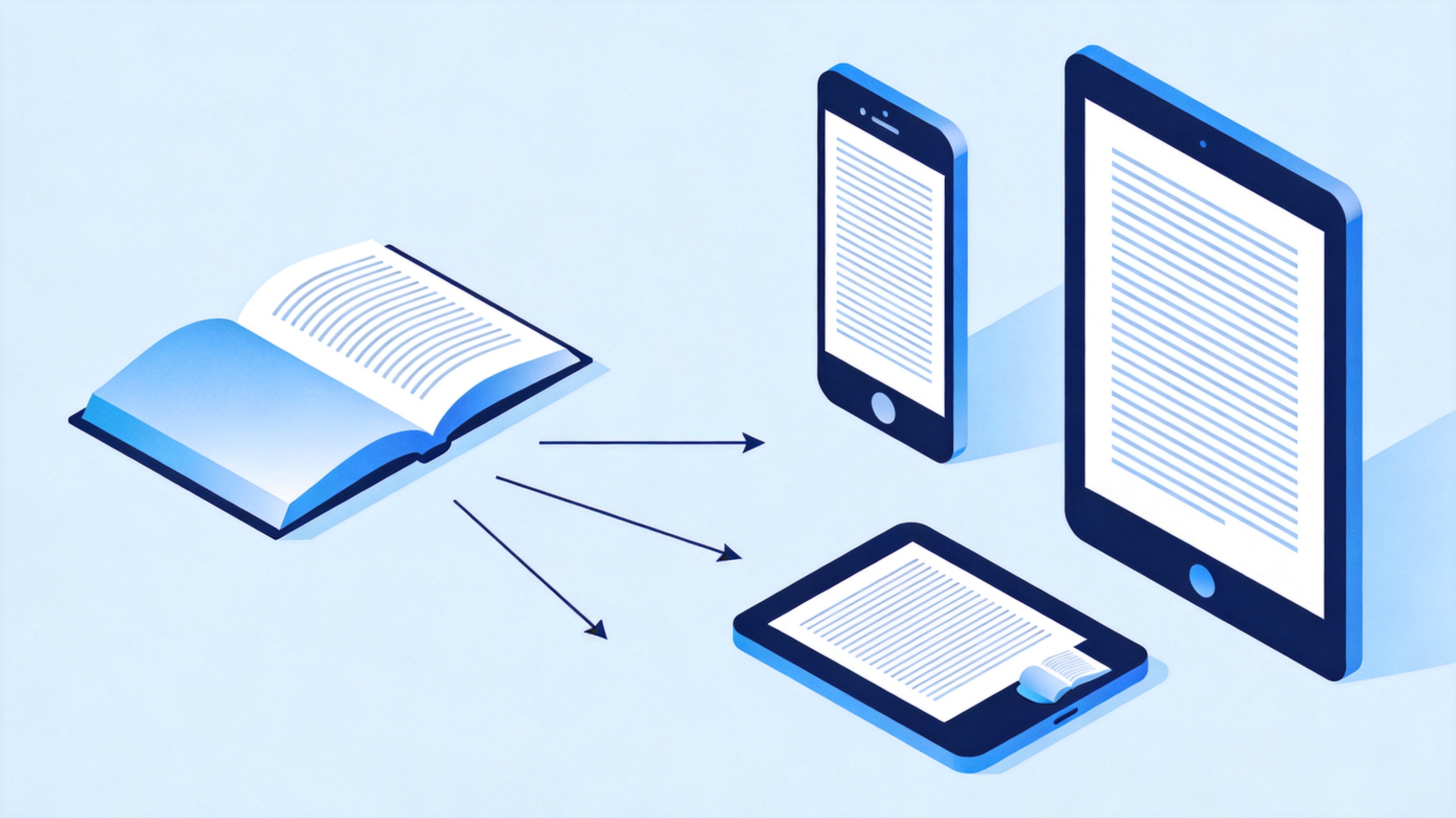
Same EPUB book on phone tablet e-reader
How to convert an EPUB file to PDF in WPS
You need a PDF when the e-book has to survive a printer, a reviewer, or a shared drive. Conversion is the step where reflowable text becomes fixed pages, so check the output page by page instead of trusting the progress bar:
Open the free WPS EPUB to PDF converter in any browser; no account or install is needed for a single file.
Drag the .epub into the upload area, or click Upload EPUB File and pick it from your folder.
Start the conversion and wait for the download button; a novel with dozens of images takes longer than a short essay.
Download the PDF and open it in WPS PDF on desktop or mobile to inspect chapter order, image placement, and page breaks.
Fix what conversion could not: add bookmarks for chapters, insert a cover page, or compress the file before you email it.
Keep the original .epub as well: it stays the better copy for reading on a phone, while the PDF becomes the copy you print, sign, and archive. If you publish as well as read, the reverse workflow is covered in our guide to converting PDF to EPUB without losing formatting.
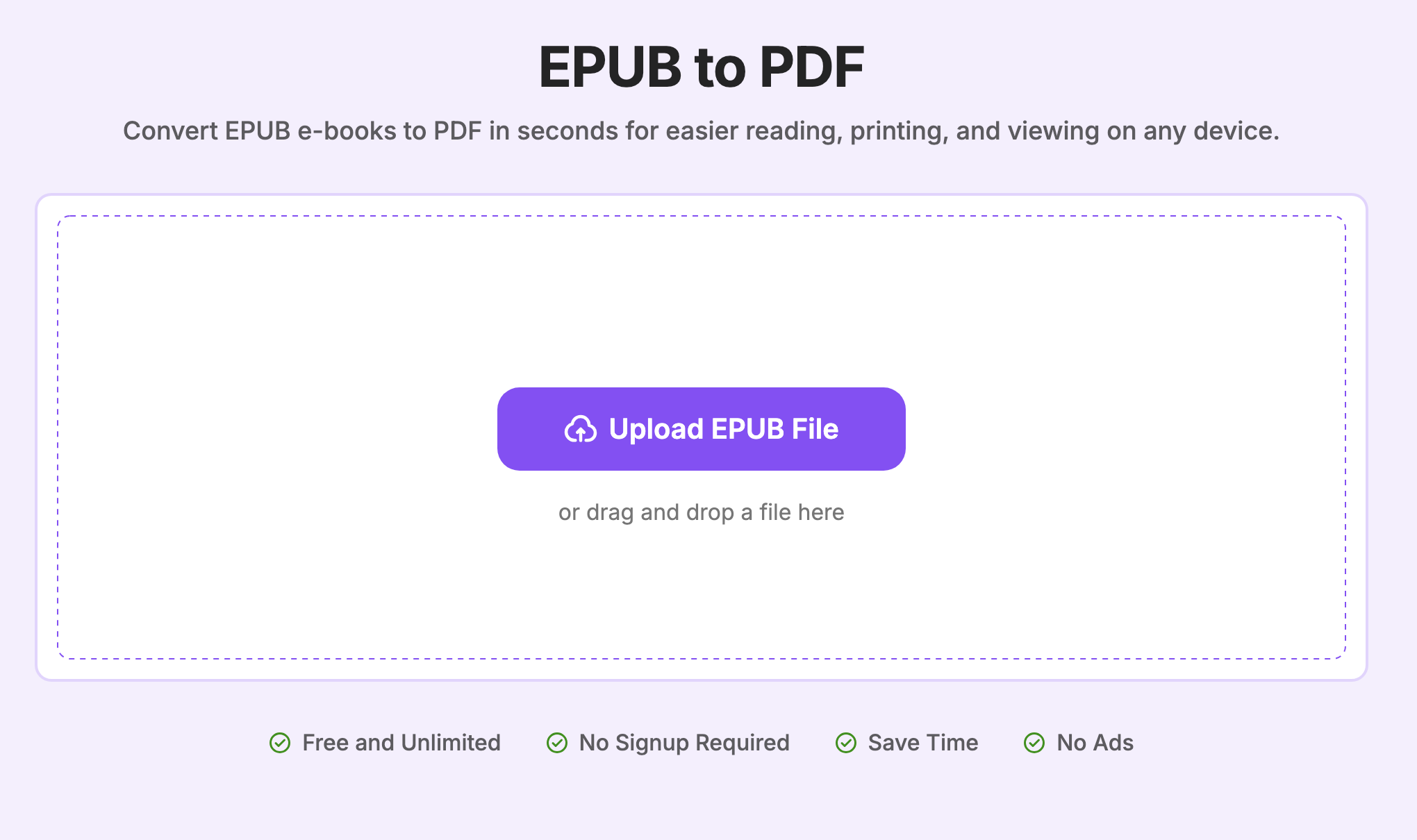
Upload EPUB to WPS PDF converter
Fix the most common EPUB file problems
Five failures account for almost every “my EPUB file will not open” message, and each needs a different fix:
It opened as a wall of code. The archive was sent to a text editor. Right-click the file, choose Open with, and select a reading app instead.
The book is locked. A DRM-protected EPUB file only opens in the app that issued the licence, such as Adobe Digital Editions, Kobo, or Google Play Books. Conversion will fail, and no setting bypasses it.
Images are missing or fonts changed. The file is either fixed-layout or never embedded its fonts. Compare it in Calibre, then convert to PDF when print fidelity matters.
The chapter list is empty. Some converters drop the navigation document. Rebuild the outline as PDF bookmarks in WPS PDF before you share the file.
Kindle says the format is not supported. Send the file through Send to Kindle rather than copying it to the device, and the service will deliver it in a Kindle format.
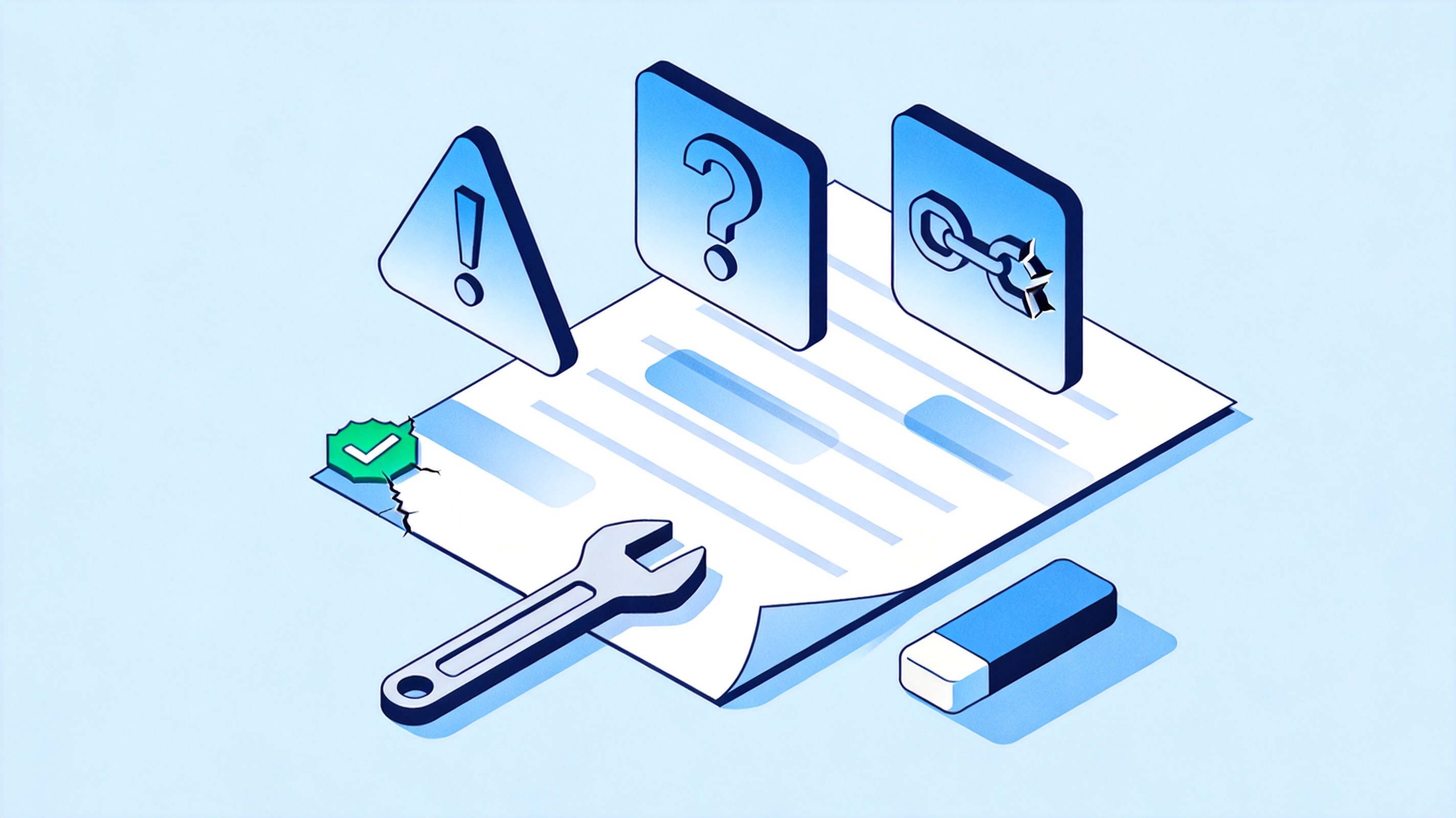
Common EPUB file errors and quick fixes
The Best Free E-book Companion: WPS Office
WPS Office covers the practical end of this workflow: once the EPUB file has become a PDF, WPS PDF gives you the reader, the annotation layer, and the editor in one free app, with Writer, Spreadsheet, and Presentation sitting next to it. Highlight a passage, drop a comment for a study group, fill and sign a form, then compress the file before you send it. No plugin, no second subscription, and no switching between five tools to finish one reading task.
The same suite also handles the files you build around the book: a reading log in Spreadsheet, a summary deck in Presentation, a review memo in Writer.
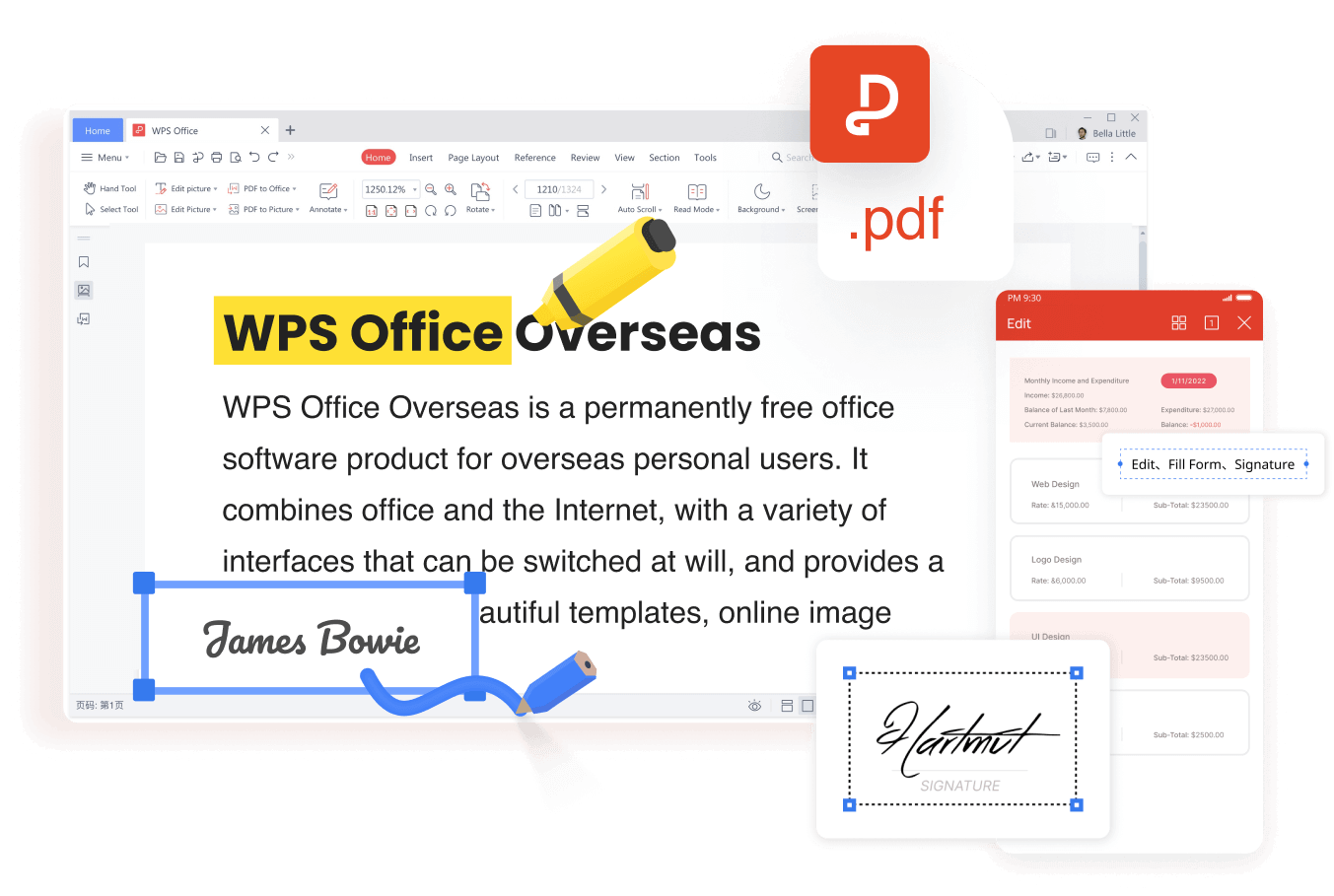
WPS PDF editor with annotate and sign
FAQs
Is an EPUB file the same as a PDF?
No. Both can hold a book, but an EPUB file reflows its text to the screen while a PDF keeps fixed pages. EPUB suits reading on phones; PDF suits printing, forms, and comment-based review.
Can I open an EPUB file in Microsoft Word?
Not directly, because Word has no EPUB reader. Convert the EPUB file to PDF with the WPS converter first, then use WPS PDF to Office when you need the text in an editable Word document.
Why will my EPUB file not open?
The usual causes are DRM protection, an incomplete download, or the wrong default app. Re-download the file, and open DRM-protected titles in the store app that issued them.
Is the WPS EPUB to PDF converter free?
Yes. The browser tool converts a single file without an account, and the downloaded PDF opens in the free WPS Office app for annotation, signing, and compression.
Does a Kindle support EPUB files?
Modern Kindles accept EPUB files through Send to Kindle, which converts them during delivery. Copying an .epub to the device over USB does not add it to your library.


'%3e%3cpath%20d='M19.9911%204.11386V6.471H18.5894C18.0775%206.471%2017.7322%206.57814%2017.5536%206.79243C17.3751%207.00671%2017.2858%207.32814%2017.2858%207.75671V9.44421H19.9019L19.5536%2012.0871H17.2858V18.8639H14.5536V12.0871H12.2769V9.44421H14.5536V7.49779C14.5536%206.39064%2014.8632%205.53201%2015.4822%204.92189C16.1013%204.31177%2016.9257%204.00671%2017.9554%204.00671C18.8304%204.00671%2019.509%204.04243%2019.9911%204.11386Z'%20fill='%23333333'/%3e%3c/g%3e%3cdefs%3e%3cclipPath%20id='clip0_2938_8199'%3e%3crect%20width='16'%20height='16'%20fill='white'%20transform='translate(8%204.00671)'/%3e%3c/clipPath%3e%3c/defs%3e%3c/svg%3e)
'%3e%3cpath%20d='M17.5237%2010.7813L23.4811%204H22.0699L16.8949%209.88693L12.7648%204H8L14.2469%2012.9029L8%2020.0133H9.4112L14.8725%2013.7952L19.2352%2020.0133H24M9.92053%205.04213H12.0885L22.0688%2019.0224H19.9003'%20fill='%23333333'/%3e%3c/g%3e%3cdefs%3e%3cclipPath%20id='clip0_2938_8200'%3e%3crect%20width='16'%20height='16.0134'%20fill='white'%20transform='translate(8%204)'/%3e%3c/clipPath%3e%3c/defs%3e%3c/svg%3e)


