

'%3e%3cpath%20d='M8%200C12.4183%200%2016%203.58172%2016%208C16%2012.4183%2012.4183%2016%208%2016C3.58172%2016%200%2012.4183%200%208C0%203.58172%203.58172%200%208%200ZM11.6162%204.38379C11.2257%203.99337%2010.5927%203.99338%2010.2021%204.38379L8%206.58594L5.79785%204.38379C5.40732%203.99334%204.77429%203.99329%204.38379%204.38379C3.99331%204.77429%203.99335%205.40733%204.38379%205.79785L6.58594%208L4.38379%2010.2021C3.99348%2010.5927%203.99341%2011.2257%204.38379%2011.6162C4.77426%2012.0066%205.40734%2012.0065%205.79785%2011.6162L8%209.41406L10.2021%2011.6162C10.5927%2012.0066%2011.2257%2012.0067%2011.6162%2011.6162C12.0067%2011.2257%2012.0066%2010.5927%2011.6162%2010.2021L9.41406%208L11.6162%205.79785C12.0066%205.40735%2012.0066%204.77429%2011.6162%204.38379Z'%20fill='%23080E17'%20fill-opacity='0.46'/%3e%3c/g%3e%3cdefs%3e%3cclipPath%20id='clip0_3761_713'%3e%3crect%20width='16'%20height='16'%20fill='white'/%3e%3c/clipPath%3e%3c/defs%3e%3c/svg%3e)




'%3e%3cpath%20fill-rule='evenodd'%20clip-rule='evenodd'%20d='M21.4999%2010.9993C21.4999%205.20009%2016.7986%200.498901%2010.9993%200.498901C5.19994%200.498901%200.498657%205.20009%200.498657%2010.9993C0.498657%2016.2404%204.33858%2020.5844%209.35855%2021.3722V14.0346H6.69238V10.9993H9.35855V8.68594C9.35855%206.05427%2010.9262%204.60062%2013.3248%204.60062C14.4736%204.60062%2015.6753%204.80571%2015.6753%204.80571V7.38979H14.3512C13.0468%207.38979%2012.64%208.19921%2012.64%209.0296V10.9993H15.5523L15.0867%2014.0346H12.64V21.3722C17.66%2020.5844%2021.4999%2016.2404%2021.4999%2010.9993Z'%20fill='%231568EA'/%3e%3c/g%3e%3c/svg%3e)


'%3e%3cpath%20d='M2.42045%2022.1876H6.31818V12.7217L0.75%208.54553V20.5171C0.75%2021.4414%201.49892%2022.1876%202.42045%2022.1876Z'%20fill='%234285F4'/%3e%3cpath%20d='M19.682%2022.1876H23.5797C24.5041%2022.1876%2025.2502%2021.4387%2025.2502%2020.5171V8.54553L19.682%2012.7217'%20fill='%2334A853'/%3e%3cpath%20d='M19.682%205.48293V12.7216L25.2502%208.54543V6.31816C25.2502%204.25236%2022.8921%203.07469%2021.2411%204.31361'%20fill='%23FBBC04'/%3e%3cpath%20d='M6.31824%2012.7217V5.48303L13.0001%2010.4944L19.6819%205.48303V12.7217L13.0001%2017.733'%20fill='%23EA4335'/%3e%3cpath%20d='M0.75%206.31816V8.54543L6.31818%2012.7216V5.48293L4.75909%204.31361C3.10534%203.07469%200.75%204.25236%200.75%206.31816Z'%20fill='%23C5221F'/%3e%3c/g%3e%3cdefs%3e%3cclipPath%20id='clip0_2954_7305'%3e%3crect%20width='24.5'%20height='18.375'%20fill='white'%20transform='translate(0.75%203.8125)'/%3e%3c/clipPath%3e%3c/defs%3e%3c/svg%3e)


Need to know whether a PDF was written by a person or a language model? A PDF AI detector gives you a probability score in seconds — and this guide shows you how to run one on your file, read the result without over-trusting it, and check the manual signals the tools never see.
PDF AI Detector: How to Check If a PDF Is AI-Generated
What a PDF AI detector can and cannot see
A PDF AI detector is a classifier, not an authorship test. When you upload a file, the tool first extracts plain text — sometimes through OCR if the pages are scans — and then scores how predictable the wording is. That is why the score follows the text, not the file: the same content pasted as plain text and submitted as a PDF produces almost the same verdict.
What the tool cannot see matters just as much. A detector does not know who typed the words, whether a human edited a chatbot draft, or whether the PDF is a resume, an essay, or a contract. It only reports how much the writing pattern resembles machine output. Treat the percentage as a signal worth investigating, never as proof on its own.
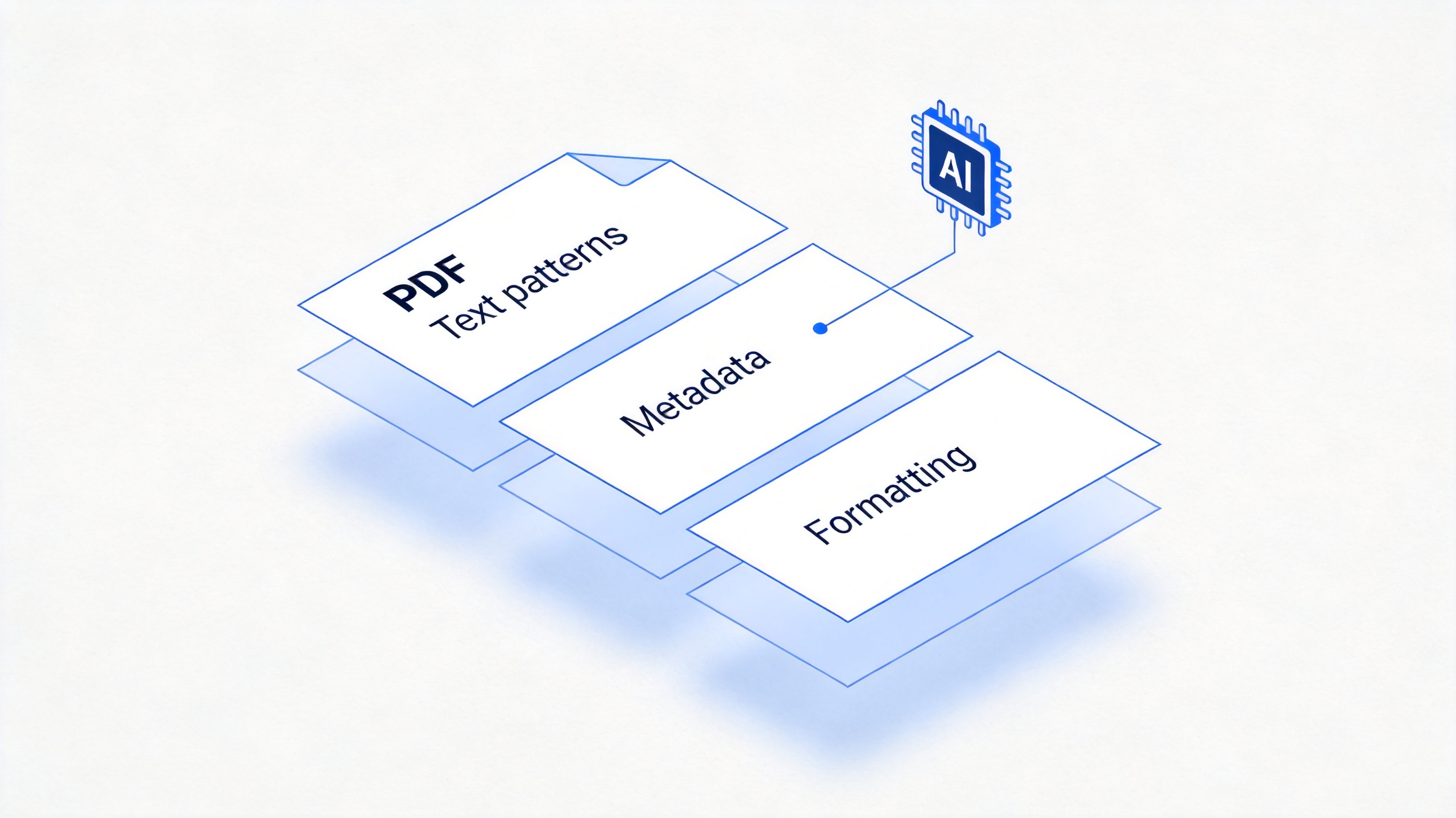
What a detector reads inside a PDF file
Detectors also differ in what they accept. Some pasted-text tools strip the PDF and score only the words, missing layout and metadata entirely; upload-based tools keep the full document context. For any decision that matters, choose an upload-based PDF AI detector so the score at least refers to the file you actually received.


How to run a PDF AI detector check step by step
Several major detectors — including GPTZero and Originality.ai — accept direct PDF uploads, and the workflow is nearly identical across tools. Here is the sequence that produces a result you can actually defend:
Start from the exact file you received. Upload the original PDF, not a copy-paste extract, so the tool reads the whole document and its layout.
Pick one detector and run one check. AI scoring and plagiarism checking are separate reports; run them one at a time so the numbers do not blur together.
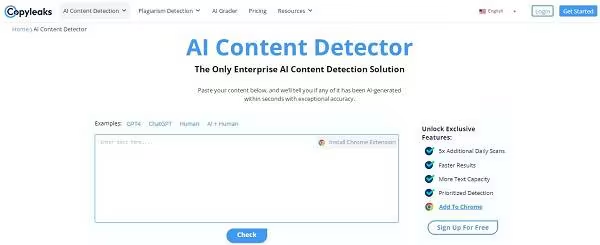
Open a PDF AI detector upload page
Upload the PDF and wait for the scan. Long documents take a few minutes; the report usually highlights the passages that scored highest.
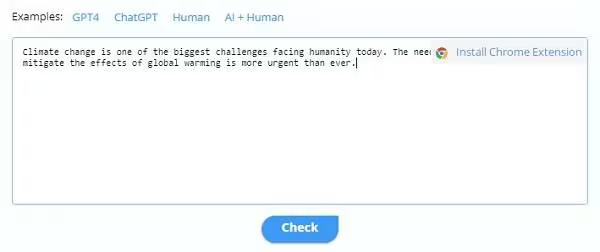
Upload the PDF for AI detection
Read the highlighted passages, not just the headline score. A 70% overall score with five flagged paragraphs means something very different from a 70% score spread across every line.
Corroborate before you act. Run the most suspicious paragraphs through a second detector and compare with the manual signals in the next section. Two tools agreeing is evidence; one tool alone is a hunch.
Keep the exported report with the file. If you are later asked why you flagged a document, the report shows which tool, which version, and which passages produced the score.
Check the AI signals yourself inside the PDF
Detection scores wobble — published tests have flagged fully human-written essays as high as 85% AI. Before you confront anyone, open the PDF and look for the signals a machine leaves behind:
Document metadata. Check File > Properties. A file produced directly by ChatGPT export tools often shows a generic producer string and a creation timestamp seconds before the modification time.
Repeated sentence shapes. AI text leans on the same scaffolds: "It's important to note that…", "In conclusion…", triads of examples. Three paragraphs starting the same way is a flag.
Generic, unverifiable detail. Invented statistics without sources, placeholder names, and hedged claims everywhere are classic model habits.
Formatting artifacts. Straight quotes in one paragraph and curly quotes in the next suggest content pasted from multiple sources, including chat windows.
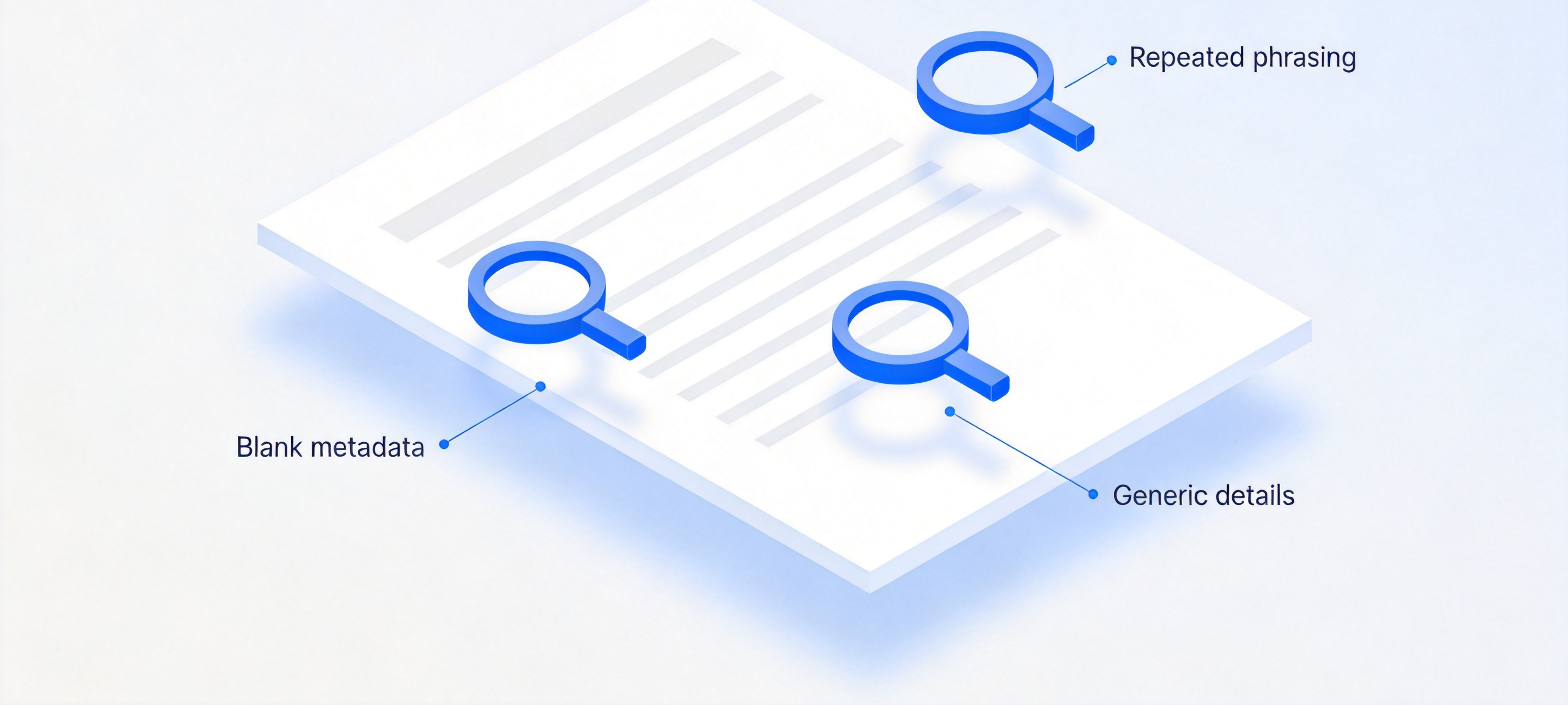
Manual signals to check in a suspect PDF
What detection scores really mean right now
The tooling landscape shifted noticeably through 2025 and 2026. Detectors increasingly report confidence ranges and per-sentence highlighting instead of a single scary percentage, and vendors now publish false-positive rates next to accuracy claims because schools demanded it. Meanwhile, paraphrasing and "humanizer" tools went mainstream, which pushed detectors to flag pattern-smoothed text more aggressively — catching more AI drafts, and more innocent ones with them.
The practical takeaway for anyone reviewing PDFs: version-pin your evidence. Note the tool, the date, and the model version in your report, because the same document can score differently two weeks apart. And when a decision carries real consequences — a grade, a contract, a publication — escalate from scores to provenance: draft history, sources, and a conversation beat any classifier.
The Best Free PDF Alternative: WPS PDF
No detector proves authorship, so pair the probability with hands-on inspection — and for that, WPS Office is the free companion. WPS PDF opens any suspect file, exposes document properties, and lets you extract or re-check the exact passages a detector flagged without paying for a PDF editor.
You can highlight the flagged sections, add review comments, and export a clean evidence summary to share with a teacher, an editor, or a client. Because WPS reads Word, Excel, and PowerPoint files too, the whole review stays in one free app.
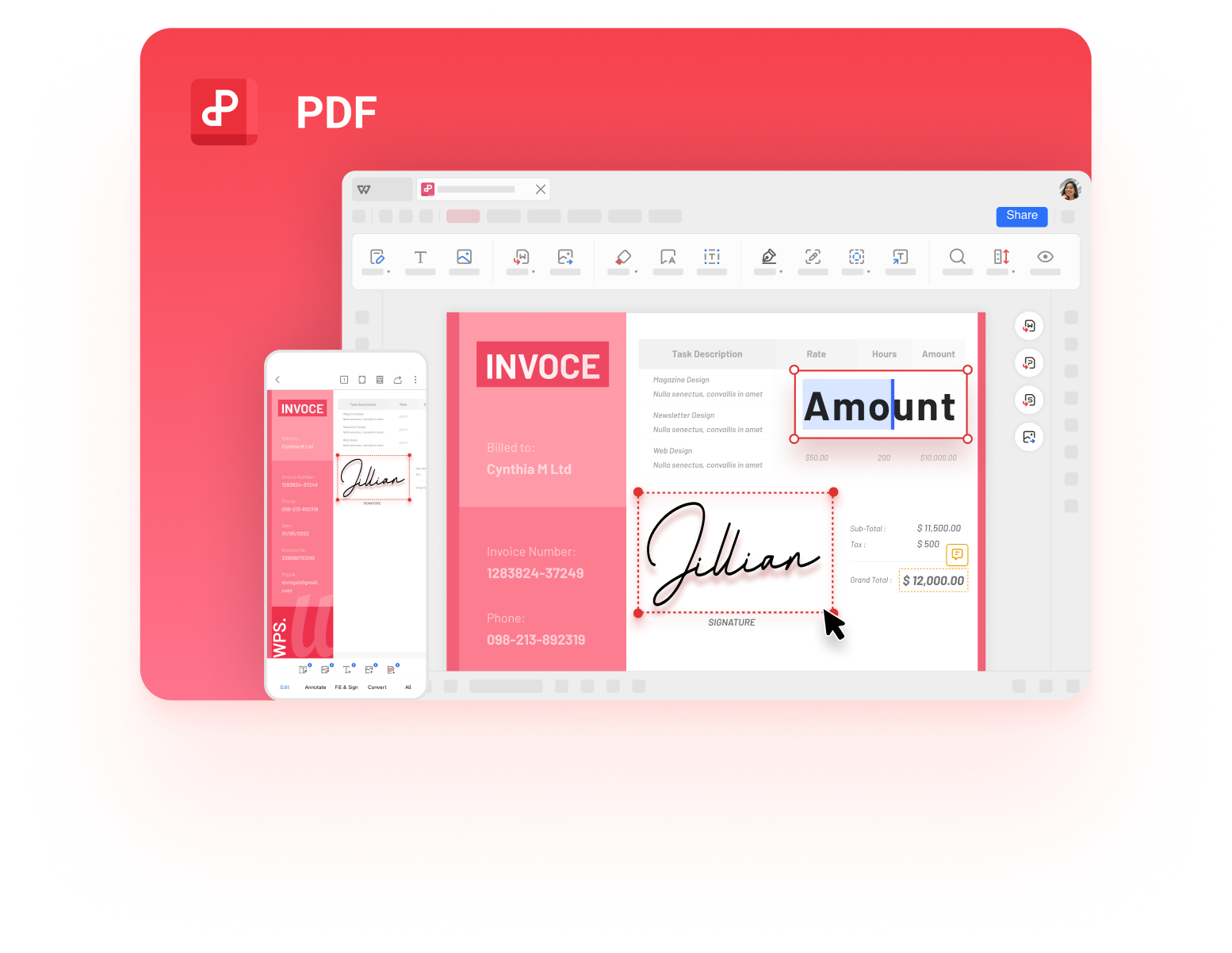
Inspect flagged PDFs in WPS Office
FAQs
Can a PDF AI detector be wrong?
Yes, in both directions. Human writing with formulaic structure gets flagged, and edited AI text can pass. Published tests show human essays scoring above 80% AI. Always corroborate with a second tool and your own reading.
Which PDF AI detector is free?
GPTZero offers a free web check that accepts PDF uploads, and Originality.ai has included file uploads in its free tier. Free plans cap how much text or how many scans you get per day.
Do detectors work on scanned PDFs?
Only if the tool runs OCR first. Some paid plans include OCR; with free plans, extract the text with a PDF reader first, then paste it into the detector.
Can I trust the score as evidence?
No. Treat it as a lead, not a verdict. Combine the score with metadata, writing signals, and version history before drawing any conclusion.
How do I prove my own PDF is human-written?
Keep your drafts and edit history. Documents with visible revision timelines, source notes, and progressive drafts are the strongest defense against a wrong accusation.


'%3e%3cpath%20d='M19.9911%204.11386V6.471H18.5894C18.0775%206.471%2017.7322%206.57814%2017.5536%206.79243C17.3751%207.00671%2017.2858%207.32814%2017.2858%207.75671V9.44421H19.9019L19.5536%2012.0871H17.2858V18.8639H14.5536V12.0871H12.2769V9.44421H14.5536V7.49779C14.5536%206.39064%2014.8632%205.53201%2015.4822%204.92189C16.1013%204.31177%2016.9257%204.00671%2017.9554%204.00671C18.8304%204.00671%2019.509%204.04243%2019.9911%204.11386Z'%20fill='%23333333'/%3e%3c/g%3e%3cdefs%3e%3cclipPath%20id='clip0_2938_8199'%3e%3crect%20width='16'%20height='16'%20fill='white'%20transform='translate(8%204.00671)'/%3e%3c/clipPath%3e%3c/defs%3e%3c/svg%3e)
'%3e%3cpath%20d='M17.5237%2010.7813L23.4811%204H22.0699L16.8949%209.88693L12.7648%204H8L14.2469%2012.9029L8%2020.0133H9.4112L14.8725%2013.7952L19.2352%2020.0133H24M9.92053%205.04213H12.0885L22.0688%2019.0224H19.9003'%20fill='%23333333'/%3e%3c/g%3e%3cdefs%3e%3cclipPath%20id='clip0_2938_8200'%3e%3crect%20width='16'%20height='16.0134'%20fill='white'%20transform='translate(8%204)'/%3e%3c/clipPath%3e%3c/defs%3e%3c/svg%3e)


