

'%3e%3cpath%20d='M8%200C12.4183%200%2016%203.58172%2016%208C16%2012.4183%2012.4183%2016%208%2016C3.58172%2016%200%2012.4183%200%208C0%203.58172%203.58172%200%208%200ZM11.6162%204.38379C11.2257%203.99337%2010.5927%203.99338%2010.2021%204.38379L8%206.58594L5.79785%204.38379C5.40732%203.99334%204.77429%203.99329%204.38379%204.38379C3.99331%204.77429%203.99335%205.40733%204.38379%205.79785L6.58594%208L4.38379%2010.2021C3.99348%2010.5927%203.99341%2011.2257%204.38379%2011.6162C4.77426%2012.0066%205.40734%2012.0065%205.79785%2011.6162L8%209.41406L10.2021%2011.6162C10.5927%2012.0066%2011.2257%2012.0067%2011.6162%2011.6162C12.0067%2011.2257%2012.0066%2010.5927%2011.6162%2010.2021L9.41406%208L11.6162%205.79785C12.0066%205.40735%2012.0066%204.77429%2011.6162%204.38379Z'%20fill='%23080E17'%20fill-opacity='0.46'/%3e%3c/g%3e%3cdefs%3e%3cclipPath%20id='clip0_3761_713'%3e%3crect%20width='16'%20height='16'%20fill='white'/%3e%3c/clipPath%3e%3c/defs%3e%3c/svg%3e)




'%3e%3cpath%20fill-rule='evenodd'%20clip-rule='evenodd'%20d='M21.4999%2010.9993C21.4999%205.20009%2016.7986%200.498901%2010.9993%200.498901C5.19994%200.498901%200.498657%205.20009%200.498657%2010.9993C0.498657%2016.2404%204.33858%2020.5844%209.35855%2021.3722V14.0346H6.69238V10.9993H9.35855V8.68594C9.35855%206.05427%2010.9262%204.60062%2013.3248%204.60062C14.4736%204.60062%2015.6753%204.80571%2015.6753%204.80571V7.38979H14.3512C13.0468%207.38979%2012.64%208.19921%2012.64%209.0296V10.9993H15.5523L15.0867%2014.0346H12.64V21.3722C17.66%2020.5844%2021.4999%2016.2404%2021.4999%2010.9993Z'%20fill='%231568EA'/%3e%3c/g%3e%3c/svg%3e)


'%3e%3cpath%20d='M2.42045%2022.1876H6.31818V12.7217L0.75%208.54553V20.5171C0.75%2021.4414%201.49892%2022.1876%202.42045%2022.1876Z'%20fill='%234285F4'/%3e%3cpath%20d='M19.682%2022.1876H23.5797C24.5041%2022.1876%2025.2502%2021.4387%2025.2502%2020.5171V8.54553L19.682%2012.7217'%20fill='%2334A853'/%3e%3cpath%20d='M19.682%205.48293V12.7216L25.2502%208.54543V6.31816C25.2502%204.25236%2022.8921%203.07469%2021.2411%204.31361'%20fill='%23FBBC04'/%3e%3cpath%20d='M6.31824%2012.7217V5.48303L13.0001%2010.4944L19.6819%205.48303V12.7217L13.0001%2017.733'%20fill='%23EA4335'/%3e%3cpath%20d='M0.75%206.31816V8.54543L6.31818%2012.7216V5.48293L4.75909%204.31361C3.10534%203.07469%200.75%204.25236%200.75%206.31816Z'%20fill='%23C5221F'/%3e%3c/g%3e%3cdefs%3e%3cclipPath%20id='clip0_2954_7305'%3e%3crect%20width='24.5'%20height='18.375'%20fill='white'%20transform='translate(0.75%203.8125)'/%3e%3c/clipPath%3e%3c/defs%3e%3c/svg%3e)


PDF is usually seen as a safe, print-ready format, yet the same file type can also quietly carry code that harms your computer. The short answer is yes: PDFs can contain viruses, and attackers keep using them because almost everyone opens PDF attachments without thinking twice.
This guide explains how a PDF virus actually works, the warning signs to watch for before you click, and free ways to scan a suspicious file on Windows, Mac, or online. You will also see how a trustworthy reader like WPS Office reduces the attack surface when you work with PDFs every day.
Can PDFs Contain Viruses? How to Spot and Stop Them
Can PDFs Contain Viruses? The Short Answer
Yes. A PDF can contain viruses, although the format itself is not a program. A PDF is a container: it can hold embedded JavaScript, file attachments, and launch actions alongside the visible text. Malicious code inside those components only activates when a vulnerable or over-permissive reader processes it, which is why updated, security-focused readers matter.
Real-world PDF threats usually arrive through email attachments, fake invoice downloads, or links in phishing messages. The file opens normally and shows a normal-looking invoice or report, while hidden payloads run in the background. Keeping your reader current and scanning unfamiliar files before opening them removes most of this risk.
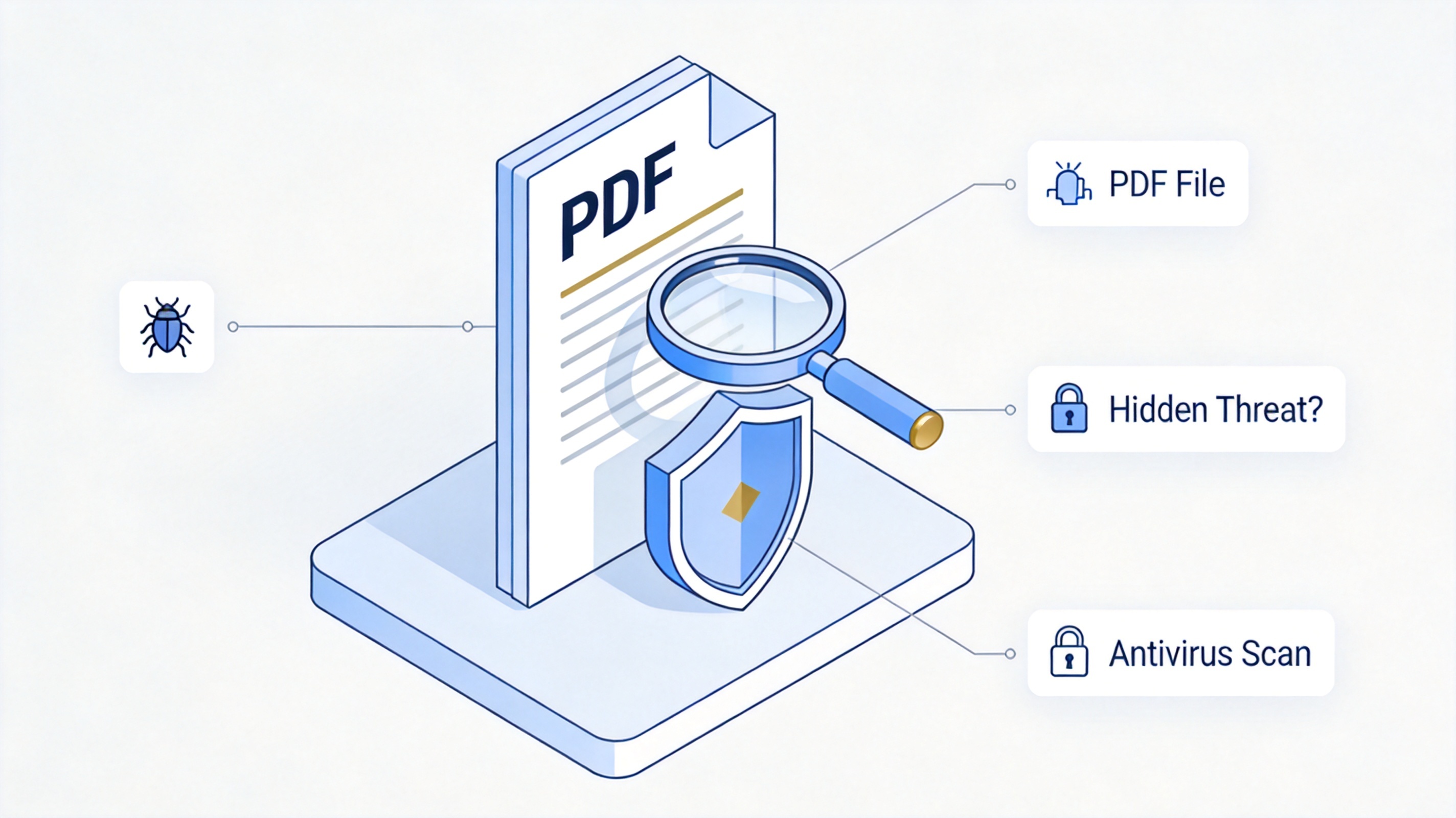
PDF file hidden threat antivirus scan
How Hackers Hide Viruses in PDF Files
Attackers do not need a broken PDF for their tricks. The specification itself includes features that can be abused:
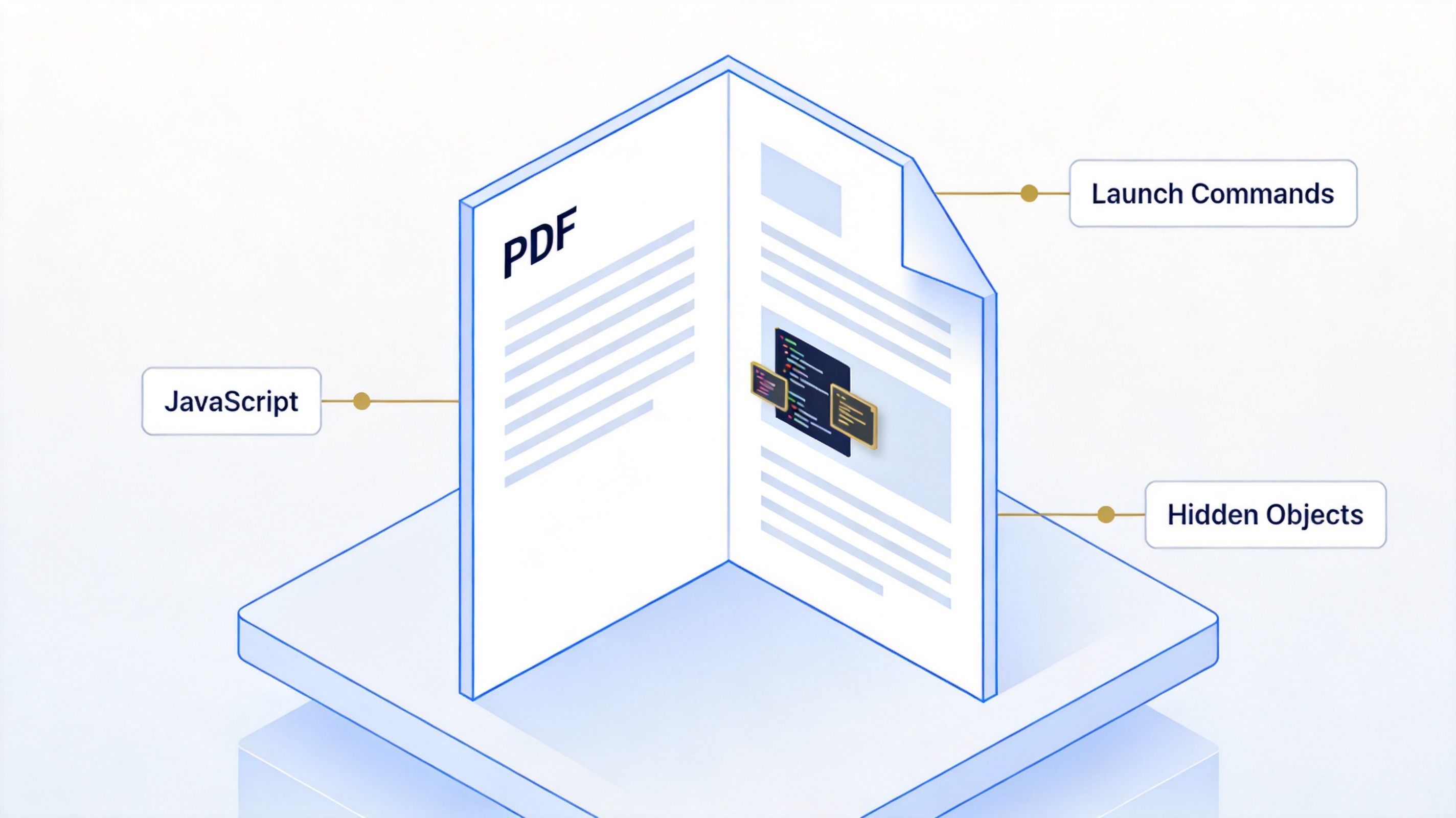
Embedded JavaScript — PDF supports scripts for forms and automation. Malicious JavaScript can exploit vulnerabilities in an outdated reader or drop further payloads.
Launch commands — A PDF can define actions that open other files or call system commands, letting a crafted document start an executable outside the PDF.
Hidden objects — Embedded attachments and concealed objects can carry a disguised executable inside an innocent-looking document.
A modern reader limits all three paths: WPS Office, like most mainstream readers, does not auto-execute embedded attachments or launch external applications from PDFs by default. Vulnerable setups are typically old, unpatched viewers with JavaScript left fully enabled.
Hackers hide viruses inside PDF files
Warning Signs of a PDF Virus
Most PDF malware still reaches you through social engineering rather than an exploit. Treat a file as suspicious when several of these apply:
The email comes from an unknown sender or a lookalike domain mimicking your bank, a delivery firm, or HR.
The message uses an urgent tone — overdue invoices, locked accounts, or deadlines that pressure you into clicking first.
The attachment name is odd: double extensions, strings of random characters, or "invoice" when you expect nothing.
The PDF pushes you to enable JavaScript, open an external link, or enter a password on a page it opens.
When in doubt, verify with the sender through a different channel before opening the attachment. For the wider security picture — including which full antivirus tools are worth running on a Mac — see our guide to the best antivirus for Mac.
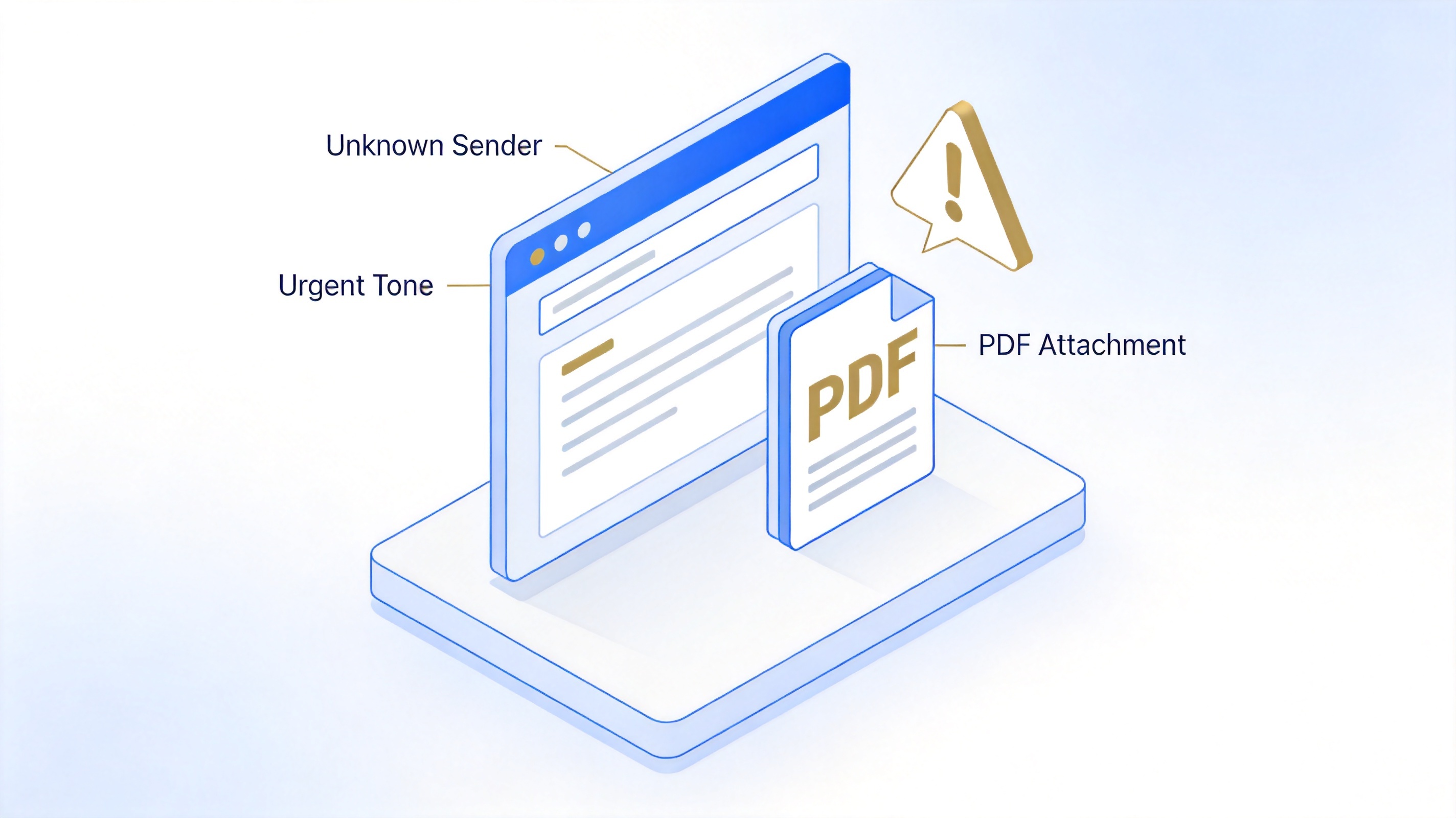
Phishing email with suspicious PDF attachment
How to Scan a PDF for Viruses
If you have already downloaded a questionable PDF, scan it before opening. Every option below is free.
Scan a PDF on Windows with Microsoft Defender
Right-click the PDF file in File Explorer.
Choose Scan with Microsoft Defender (on Windows 10/11).
Wait for the scan result. If Defender flags the file, follow its prompts to quarantine or remove it, and do not open it.
Scan a PDF on Mac
Let XProtect work — macOS scans downloaded files automatically against known malware signatures, so a detected file will trigger a warning when opened.
Add a second opinion — For a targeted check, open your antivirus app and use its custom or file scan option to point at the PDF, then quarantine anything it finds.
Quick online scan with VirusTotal
Go to virustotal.com and switch to the File tab.
Upload the PDF — VirusTotal checks it against dozens of antivirus engines at once.
Read the verdict — A file flagged by multiple engines should be deleted; one or zero flags on a file from a trusted source is usually clean.
Keep in mind that online scanners upload your file to a third party, so avoid using them for PDFs that contain confidential business or personal data. A locally installed scanner is the better choice for sensitive documents.
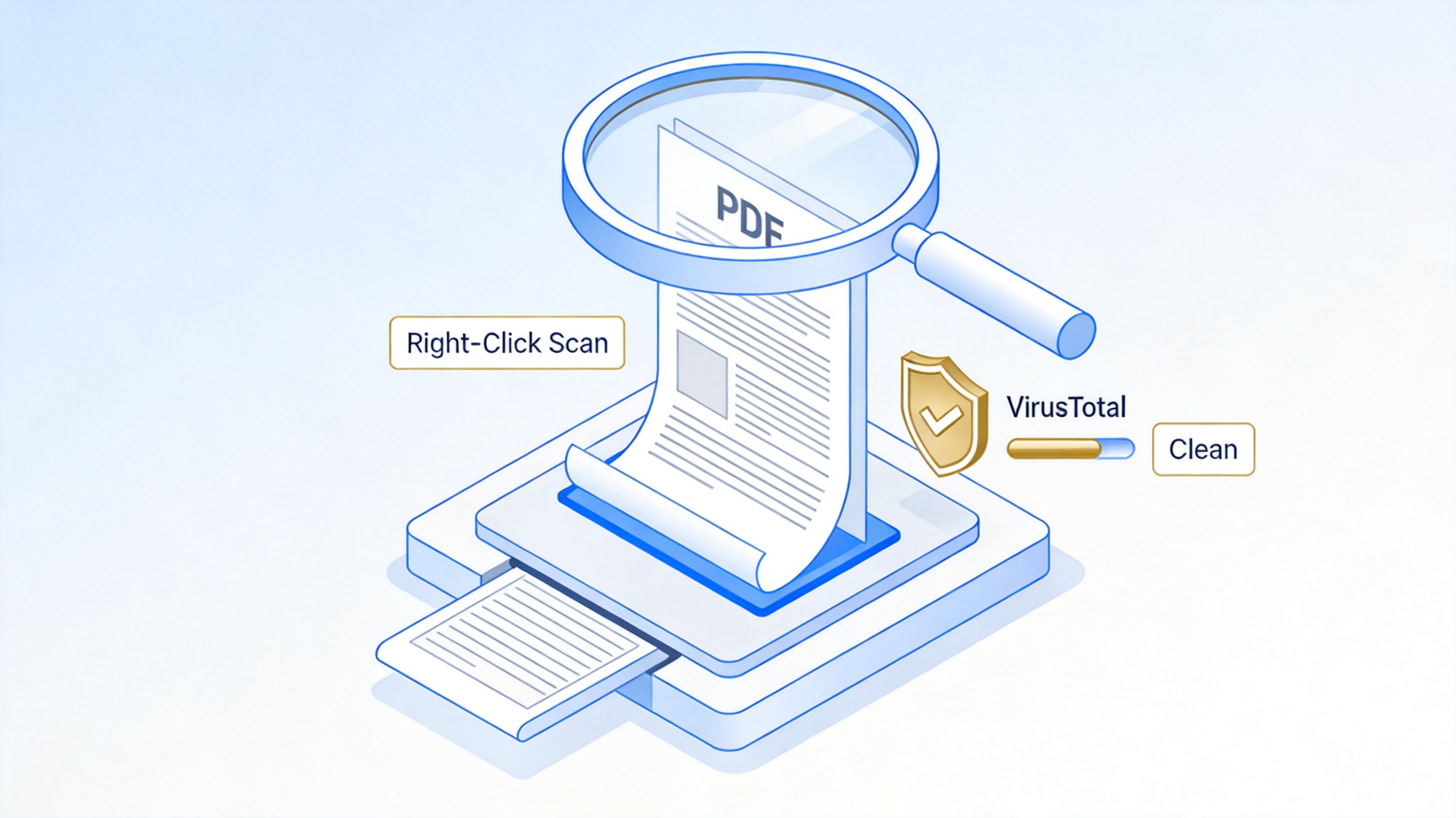
Scan a PDF for viruses before opening
The Best Free PDF Alternative: WPS Office
The reader you choose is part of your defenses. WPS Office is a free, actively updated office suite with a full PDF module, so a single lightweight app covers reading, editing, converting, and protecting PDFs:
Hardened by default — WPS PDF does not auto-launch embedded non-PDF attachments or external applications, closing the launch-command path.
Continuously patched — Regular updates fix vulnerabilities that old viewers leave exposed.
More than a viewer — Convert PDF to Word, fill forms, annotate, and merge files without installing extra tools. For a minimal, edit-free reading experience you can also compare it with Sumatra PDF Reader.
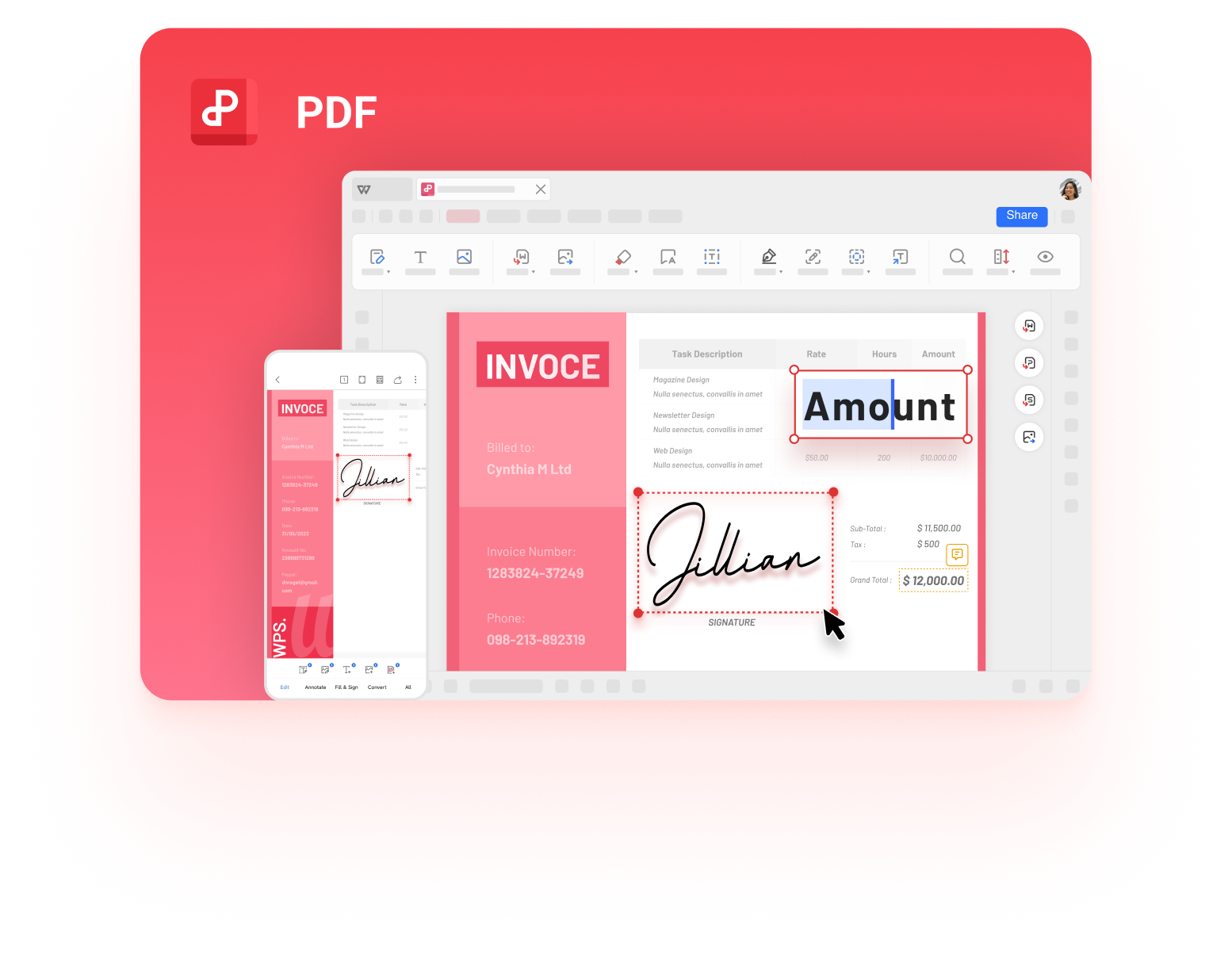
WPS PDF Editor
FAQs
Can a PDF virus infect my device just from opening it?
Only in specific cases. The PDF viewer must have a vulnerability the payload can exploit, and scripting or launch actions must be allowed. An updated reader with sensible security settings blocks the common paths; very old or modified viewers are the risky ones.
How do I check a PDF for viruses before opening it?
Right-click the file and choose Scan with Microsoft Defender on Windows, run a targeted scan in your Mac antivirus app, or upload it to VirusTotal for a multi-engine check. Scan before opening, never after.
Are PDFs from known contacts always safe?
No. Attackers hijack real email accounts and resend malware to contact lists. If an attachment is unexpected or out of character, confirm with the sender through another channel before opening it, even from a familiar name.
Do I need antivirus software if I mainly open PDFs?
Basic protection is already built in: Microsoft Defender on Windows and XProtect on macOS. Whether to add a third-party suite depends on your habits and risk level; our antivirus guides cover when the built-in tools are enough.
Is WPS Office safe for opening PDF files?
WPS Office is developed by Kingsoft, receives regular security updates, and does not auto-execute embedded attachments or external launch actions from PDFs. Keeping any reader up to date matters more than the specific brand you pick.

'%3e%3cpath%20d='M19.9911%204.11386V6.471H18.5894C18.0775%206.471%2017.7322%206.57814%2017.5536%206.79243C17.3751%207.00671%2017.2858%207.32814%2017.2858%207.75671V9.44421H19.9019L19.5536%2012.0871H17.2858V18.8639H14.5536V12.0871H12.2769V9.44421H14.5536V7.49779C14.5536%206.39064%2014.8632%205.53201%2015.4822%204.92189C16.1013%204.31177%2016.9257%204.00671%2017.9554%204.00671C18.8304%204.00671%2019.509%204.04243%2019.9911%204.11386Z'%20fill='%23333333'/%3e%3c/g%3e%3cdefs%3e%3cclipPath%20id='clip0_2938_8199'%3e%3crect%20width='16'%20height='16'%20fill='white'%20transform='translate(8%204.00671)'/%3e%3c/clipPath%3e%3c/defs%3e%3c/svg%3e)
'%3e%3cpath%20d='M17.5237%2010.7813L23.4811%204H22.0699L16.8949%209.88693L12.7648%204H8L14.2469%2012.9029L8%2020.0133H9.4112L14.8725%2013.7952L19.2352%2020.0133H24M9.92053%205.04213H12.0885L22.0688%2019.0224H19.9003'%20fill='%23333333'/%3e%3c/g%3e%3cdefs%3e%3cclipPath%20id='clip0_2938_8200'%3e%3crect%20width='16'%20height='16.0134'%20fill='white'%20transform='translate(8%204)'/%3e%3c/clipPath%3e%3c/defs%3e%3c/svg%3e)


