

'%3e%3cpath%20d='M8%200C12.4183%200%2016%203.58172%2016%208C16%2012.4183%2012.4183%2016%208%2016C3.58172%2016%200%2012.4183%200%208C0%203.58172%203.58172%200%208%200ZM11.6162%204.38379C11.2257%203.99337%2010.5927%203.99338%2010.2021%204.38379L8%206.58594L5.79785%204.38379C5.40732%203.99334%204.77429%203.99329%204.38379%204.38379C3.99331%204.77429%203.99335%205.40733%204.38379%205.79785L6.58594%208L4.38379%2010.2021C3.99348%2010.5927%203.99341%2011.2257%204.38379%2011.6162C4.77426%2012.0066%205.40734%2012.0065%205.79785%2011.6162L8%209.41406L10.2021%2011.6162C10.5927%2012.0066%2011.2257%2012.0067%2011.6162%2011.6162C12.0067%2011.2257%2012.0066%2010.5927%2011.6162%2010.2021L9.41406%208L11.6162%205.79785C12.0066%205.40735%2012.0066%204.77429%2011.6162%204.38379Z'%20fill='%23080E17'%20fill-opacity='0.46'/%3e%3c/g%3e%3cdefs%3e%3cclipPath%20id='clip0_3761_713'%3e%3crect%20width='16'%20height='16'%20fill='white'/%3e%3c/clipPath%3e%3c/defs%3e%3c/svg%3e)




'%3e%3cpath%20fill-rule='evenodd'%20clip-rule='evenodd'%20d='M21.4999%2010.9993C21.4999%205.20009%2016.7986%200.498901%2010.9993%200.498901C5.19994%200.498901%200.498657%205.20009%200.498657%2010.9993C0.498657%2016.2404%204.33858%2020.5844%209.35855%2021.3722V14.0346H6.69238V10.9993H9.35855V8.68594C9.35855%206.05427%2010.9262%204.60062%2013.3248%204.60062C14.4736%204.60062%2015.6753%204.80571%2015.6753%204.80571V7.38979H14.3512C13.0468%207.38979%2012.64%208.19921%2012.64%209.0296V10.9993H15.5523L15.0867%2014.0346H12.64V21.3722C17.66%2020.5844%2021.4999%2016.2404%2021.4999%2010.9993Z'%20fill='%231568EA'/%3e%3c/g%3e%3c/svg%3e)


'%3e%3cpath%20d='M2.42045%2022.1876H6.31818V12.7217L0.75%208.54553V20.5171C0.75%2021.4414%201.49892%2022.1876%202.42045%2022.1876Z'%20fill='%234285F4'/%3e%3cpath%20d='M19.682%2022.1876H23.5797C24.5041%2022.1876%2025.2502%2021.4387%2025.2502%2020.5171V8.54553L19.682%2012.7217'%20fill='%2334A853'/%3e%3cpath%20d='M19.682%205.48293V12.7216L25.2502%208.54543V6.31816C25.2502%204.25236%2022.8921%203.07469%2021.2411%204.31361'%20fill='%23FBBC04'/%3e%3cpath%20d='M6.31824%2012.7217V5.48303L13.0001%2010.4944L19.6819%205.48303V12.7217L13.0001%2017.733'%20fill='%23EA4335'/%3e%3cpath%20d='M0.75%206.31816V8.54543L6.31818%2012.7216V5.48293L4.75909%204.31361C3.10534%203.07469%200.75%204.25236%200.75%206.31816Z'%20fill='%23C5221F'/%3e%3c/g%3e%3cdefs%3e%3cclipPath%20id='clip0_2954_7305'%3e%3crect%20width='24.5'%20height='18.375'%20fill='white'%20transform='translate(0.75%203.8125)'/%3e%3c/clipPath%3e%3c/defs%3e%3c/svg%3e)


Phone photos and scans often look sharp on screen, then print soft or cropped once you wrap them in a PDF. If you need a client-ready handout, a form on A4 paper, or a shop print that holds fine text, the converter has to protect pixel density and page size—not just merge images into a file.
This guide compares the best JPG to PDF converters for print, explains why 300 DPI and A4 settings matter in practice, and shows a WPS Office path that keeps conversion offline before you send pages to a printer.
Best JPG to PDF Converters for Print (High DPI / A4)
Why print jobs fail after a JPG to PDF conversion
A JPEG stores pixels, not inches. When a converter forces those pixels onto A4 without enough resolution, edges softens and small type breaks. For a full A4 portrait page at about 300 DPI you generally want around 2480 × 3508 pixels in the source. Upscaling a 1280-pixel screenshot cannot invent missing detail.
Letter vs A4 also matters. An A4 layout printed on US Letter paper leaves uneven margins or clips the edge. Pick the paper size your printer actually loads before you convert.
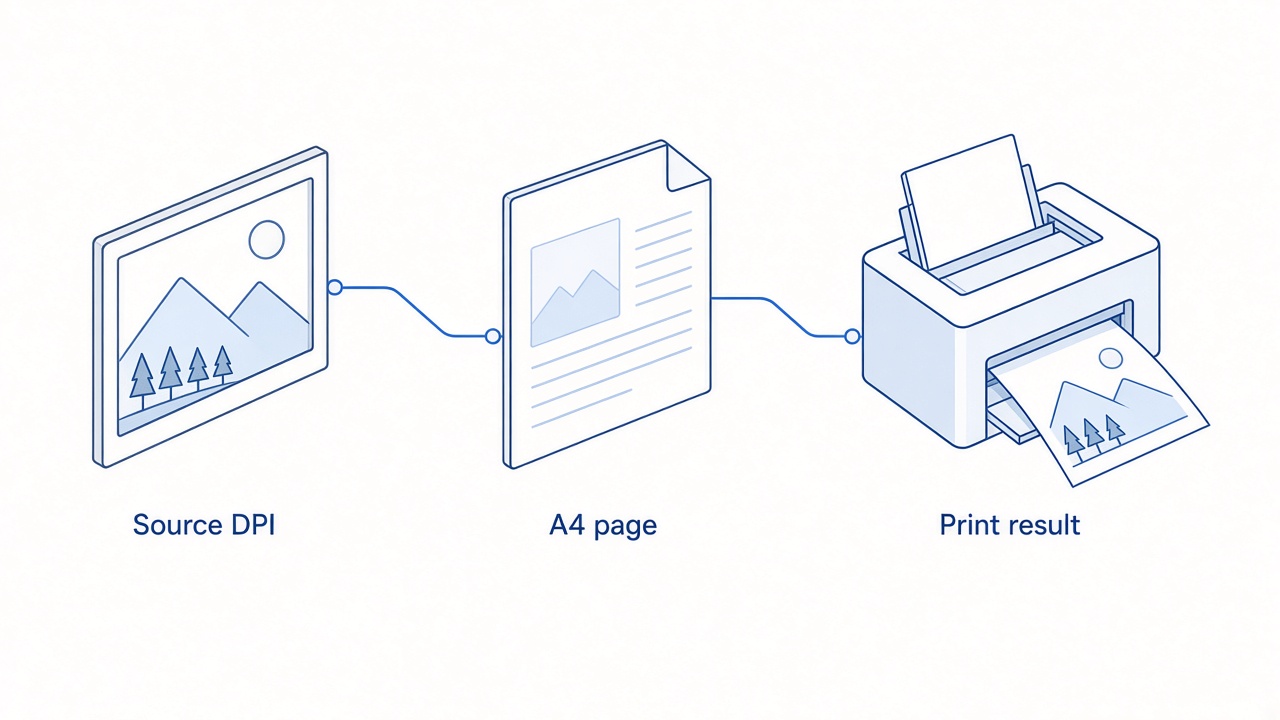
Source DPI A4 print result flow


What print-ready JPG to PDF converters must control
Look for tools that expose page size (A4 / Letter), orientation, margins, image order, and DPI or fit mode. Browser converters that only “fit to image” are fine for email, but shops usually want fixed A4 with a small margin so the printer can grip the sheet.
Page size: lock A4 or Letter instead of auto-fit when the destination is a physical printer.
DPI / scale: map pixels to inches intentionally; 300 DPI is the common print shop target.
Order and rotation: keep multi-page scans in reading order before export.
Local processing: keep confidential scans offline when possible.
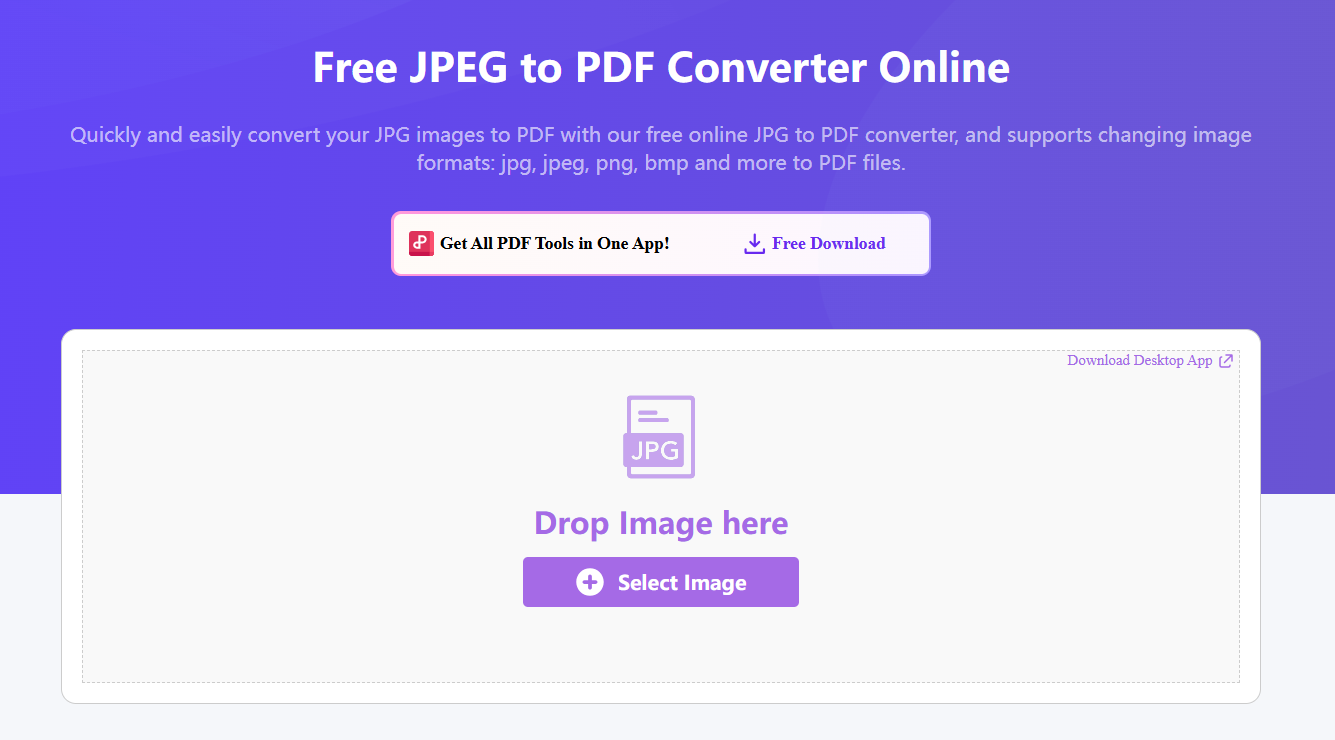
Online JPG to PDF page size options
How to make a print-ready JPG to PDF with WPS Office
Use desktop conversion when fidelity and privacy both matter. WPS can import images, keep batch order, and continue editing in the same suite after export.
Open WPS Office and start a new PDF or open the Picture to PDF / convert tools.
Add your JPG files and drag them into the final page order.
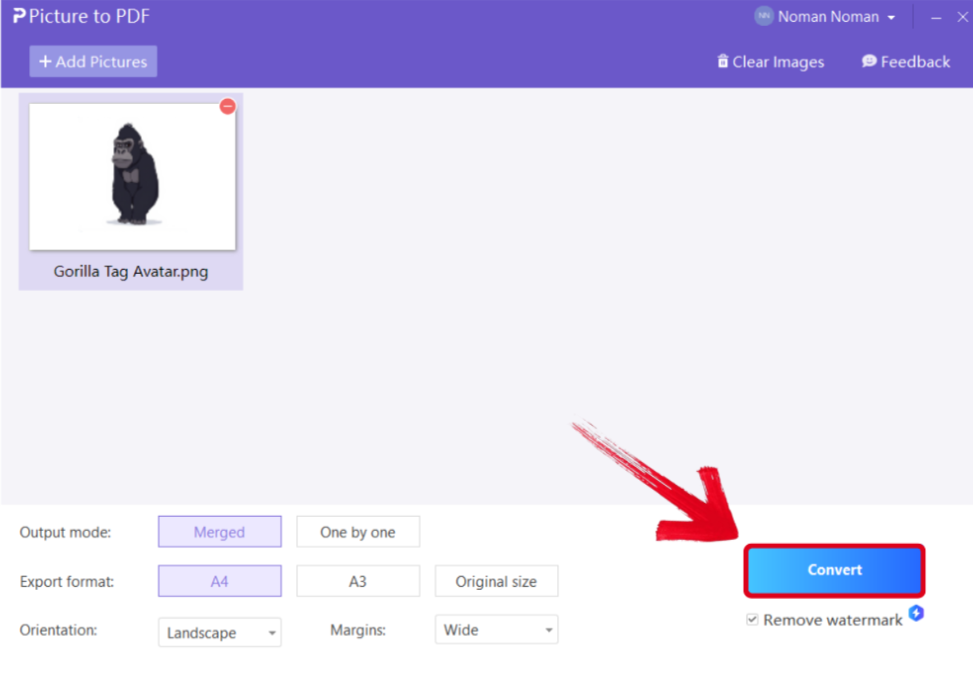
WPS Picture to PDF page order window
Choose A4 (or Letter), set orientation, and leave a modest margin if your printer needs it.
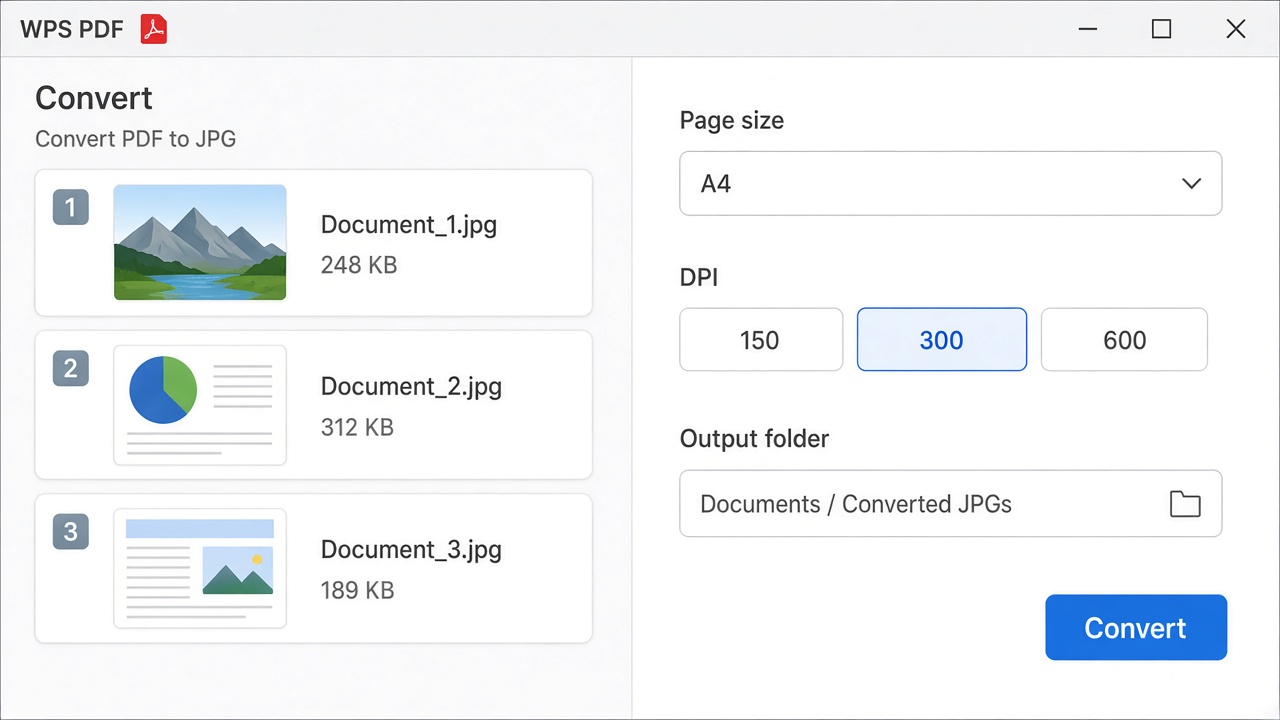
WPS A4 300 DPI convert settings panel
Export the PDF, then open it to confirm each page fills the intended paper size without soft edges.
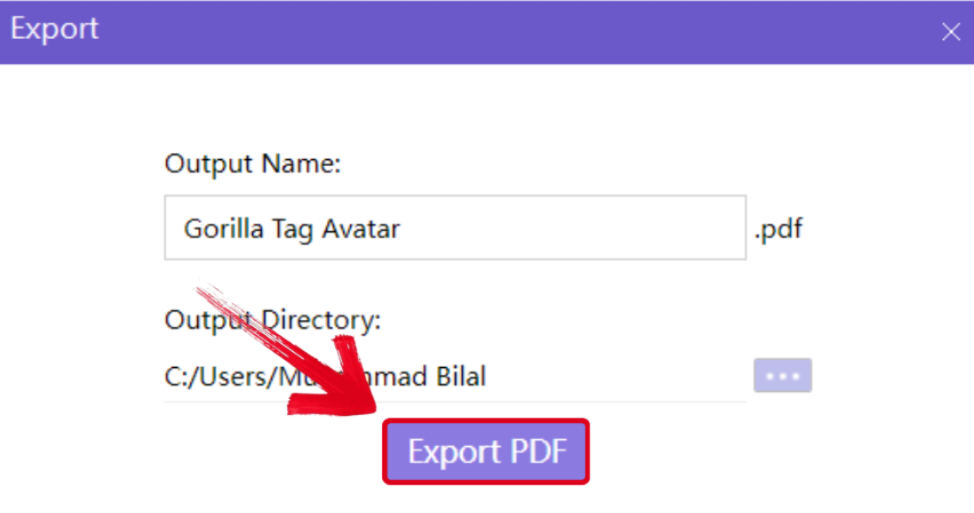
WPS export PDF print size confirmation
Need the day-to-day desktop walkthrough? See how to convert JPG to PDF on Windows or the Mac JPG to PDF guide. For a feature overview, open the WPS JPG to PDF feature page.
Best JPG to PDF converters for print compared
Use this short shortlist when print fidelity is the deciding factor. Pricing details live in our JPG to PDF pricing and free trials comparison; free web caps are covered in the best free JPG to PDF converters guide.
| Tool | Best for print | Watch-outs |
|---|---|---|
| Adobe Acrobat / Express online | Clean page output and production workflows | Advanced control sits behind paid Acrobat plans |
| WPS Office / WPS PDF | Offline batches that continue into editing and print prep | Confirm A4/Letter before export |
| Browser converters with DPI controls | Quick one-offs when page size and DPI are exposed | Uploads leave your device; free caps vary |
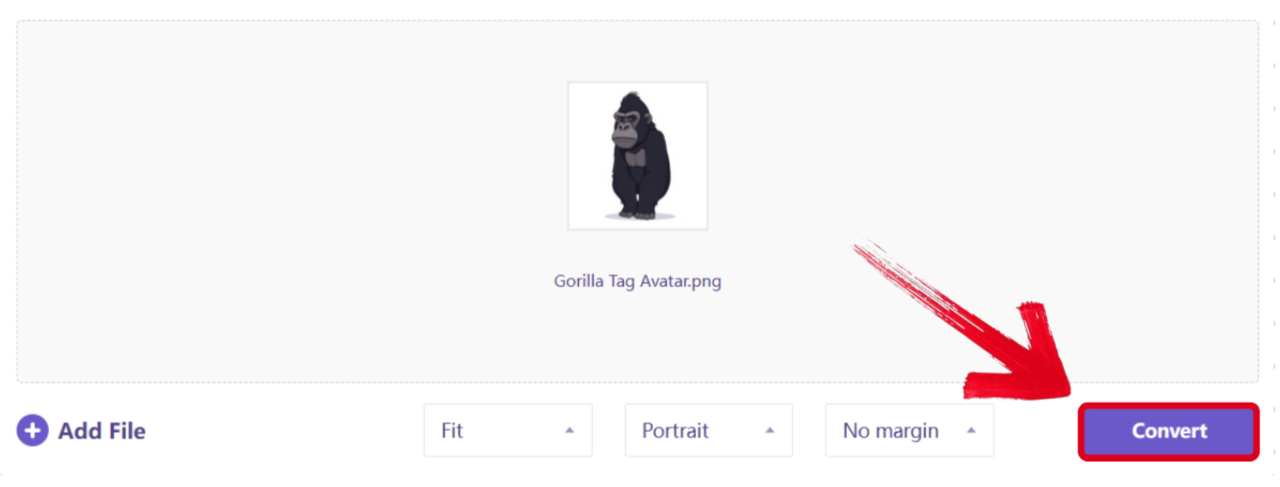
JPG to PDF conversion preview before print
The Best Free PDF Alternative: WPS Office
WPS Office bundles Writer, Spreadsheet, Presentation, and a full PDF toolkit, so print prep does not stop at conversion. After you build the PDF you can reorder pages, compress for email drafts, or continue layout work without hopping between apps.
Compared with one-off web tools, desktop conversion keeps high-resolution scans on your machine—useful for contracts, IDs, and client artwork. Start from the best JPG to PDF converter hub if you still need to pick a product tier, or jump to PNG to PDF when transparency matters more than print DPI.
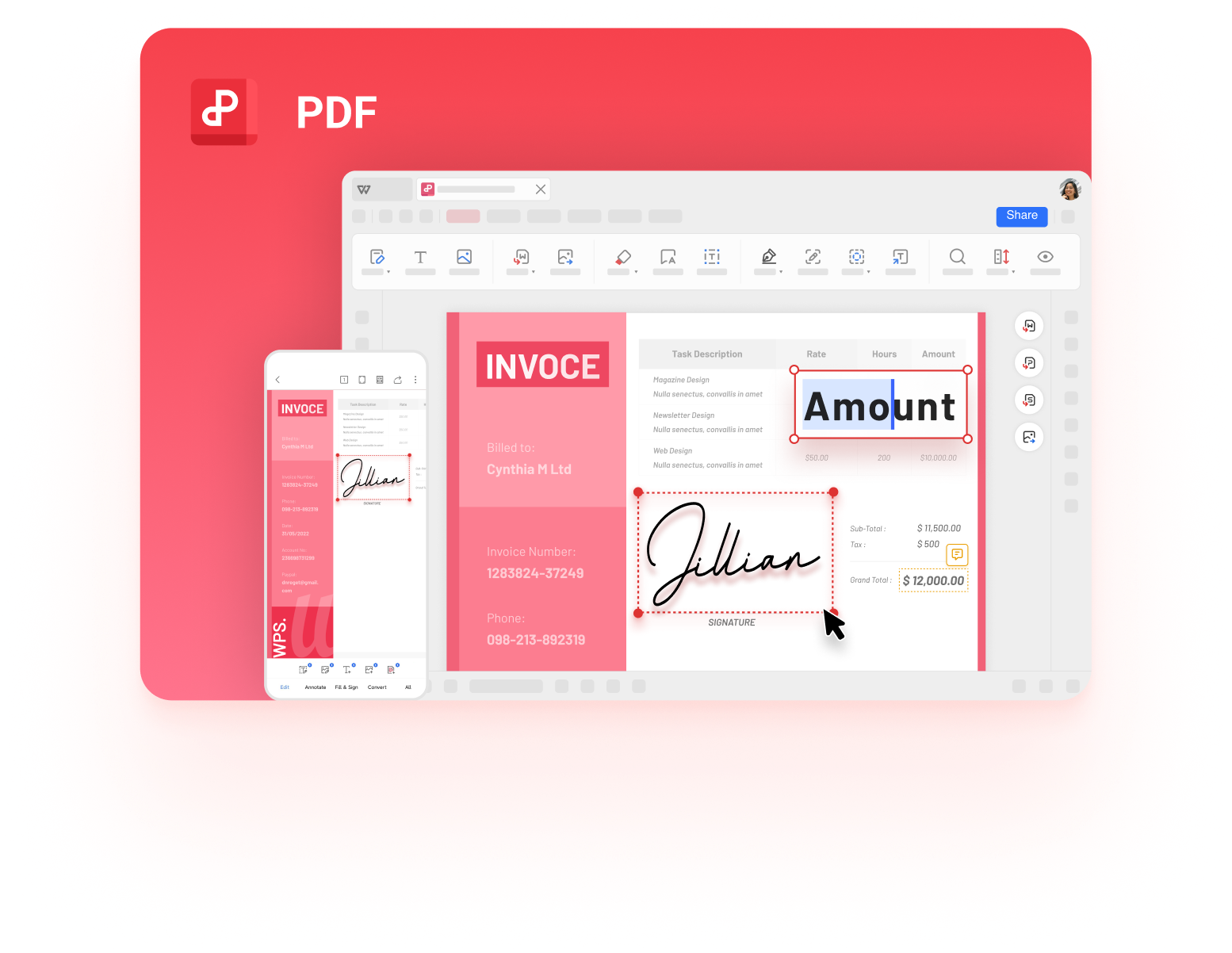
WPS PDF desktop and mobile document UI
More guides when you need a specific JPG to PDF path
If this page answered one scenario, these related guides cover the rest of the cluster without repeating the same checklist:
FAQs
What DPI should I use for JPG to PDF print files?
Commercial shops commonly expect about 300 DPI at the final paper size. Draft handouts can use 150 DPI, but fine text and photos look softer.
How many pixels do I need for an A4 print PDF?
A full A4 portrait page at roughly 300 DPI needs about 2480 × 3508 pixels. Lower pixel counts print larger soft areas when stretched to A4.
Can I fix a blurry print by raising DPI in the converter?
No. DPI only maps existing pixels to inches. Rescan or re-export a higher-resolution JPG if the source is soft.
Should I choose A4 or Letter before converting?
Match the paper tray you will use. A4 content on Letter stock shows uneven margins; Letter on A4 can clip.
Is an online JPG to PDF converter safe for print-ready scans?
Online tools upload files to a server. Prefer offline conversion in WPS for confidential documents.


'%3e%3cpath%20d='M19.9911%204.11386V6.471H18.5894C18.0775%206.471%2017.7322%206.57814%2017.5536%206.79243C17.3751%207.00671%2017.2858%207.32814%2017.2858%207.75671V9.44421H19.9019L19.5536%2012.0871H17.2858V18.8639H14.5536V12.0871H12.2769V9.44421H14.5536V7.49779C14.5536%206.39064%2014.8632%205.53201%2015.4822%204.92189C16.1013%204.31177%2016.9257%204.00671%2017.9554%204.00671C18.8304%204.00671%2019.509%204.04243%2019.9911%204.11386Z'%20fill='%23333333'/%3e%3c/g%3e%3cdefs%3e%3cclipPath%20id='clip0_2938_8199'%3e%3crect%20width='16'%20height='16'%20fill='white'%20transform='translate(8%204.00671)'/%3e%3c/clipPath%3e%3c/defs%3e%3c/svg%3e)
'%3e%3cpath%20d='M17.5237%2010.7813L23.4811%204H22.0699L16.8949%209.88693L12.7648%204H8L14.2469%2012.9029L8%2020.0133H9.4112L14.8725%2013.7952L19.2352%2020.0133H24M9.92053%205.04213H12.0885L22.0688%2019.0224H19.9003'%20fill='%23333333'/%3e%3c/g%3e%3cdefs%3e%3cclipPath%20id='clip0_2938_8200'%3e%3crect%20width='16'%20height='16.0134'%20fill='white'%20transform='translate(8%204)'/%3e%3c/clipPath%3e%3c/defs%3e%3c/svg%3e)


