

'%3e%3cpath%20d='M8%200C12.4183%200%2016%203.58172%2016%208C16%2012.4183%2012.4183%2016%208%2016C3.58172%2016%200%2012.4183%200%208C0%203.58172%203.58172%200%208%200ZM11.6162%204.38379C11.2257%203.99337%2010.5927%203.99338%2010.2021%204.38379L8%206.58594L5.79785%204.38379C5.40732%203.99334%204.77429%203.99329%204.38379%204.38379C3.99331%204.77429%203.99335%205.40733%204.38379%205.79785L6.58594%208L4.38379%2010.2021C3.99348%2010.5927%203.99341%2011.2257%204.38379%2011.6162C4.77426%2012.0066%205.40734%2012.0065%205.79785%2011.6162L8%209.41406L10.2021%2011.6162C10.5927%2012.0066%2011.2257%2012.0067%2011.6162%2011.6162C12.0067%2011.2257%2012.0066%2010.5927%2011.6162%2010.2021L9.41406%208L11.6162%205.79785C12.0066%205.40735%2012.0066%204.77429%2011.6162%204.38379Z'%20fill='%23080E17'%20fill-opacity='0.46'/%3e%3c/g%3e%3cdefs%3e%3cclipPath%20id='clip0_3761_713'%3e%3crect%20width='16'%20height='16'%20fill='white'/%3e%3c/clipPath%3e%3c/defs%3e%3c/svg%3e)




'%3e%3cpath%20fill-rule='evenodd'%20clip-rule='evenodd'%20d='M21.4999%2010.9993C21.4999%205.20009%2016.7986%200.498901%2010.9993%200.498901C5.19994%200.498901%200.498657%205.20009%200.498657%2010.9993C0.498657%2016.2404%204.33858%2020.5844%209.35855%2021.3722V14.0346H6.69238V10.9993H9.35855V8.68594C9.35855%206.05427%2010.9262%204.60062%2013.3248%204.60062C14.4736%204.60062%2015.6753%204.80571%2015.6753%204.80571V7.38979H14.3512C13.0468%207.38979%2012.64%208.19921%2012.64%209.0296V10.9993H15.5523L15.0867%2014.0346H12.64V21.3722C17.66%2020.5844%2021.4999%2016.2404%2021.4999%2010.9993Z'%20fill='%231568EA'/%3e%3c/g%3e%3c/svg%3e)


'%3e%3cpath%20d='M2.42045%2022.1876H6.31818V12.7217L0.75%208.54553V20.5171C0.75%2021.4414%201.49892%2022.1876%202.42045%2022.1876Z'%20fill='%234285F4'/%3e%3cpath%20d='M19.682%2022.1876H23.5797C24.5041%2022.1876%2025.2502%2021.4387%2025.2502%2020.5171V8.54553L19.682%2012.7217'%20fill='%2334A853'/%3e%3cpath%20d='M19.682%205.48293V12.7216L25.2502%208.54543V6.31816C25.2502%204.25236%2022.8921%203.07469%2021.2411%204.31361'%20fill='%23FBBC04'/%3e%3cpath%20d='M6.31824%2012.7217V5.48303L13.0001%2010.4944L19.6819%205.48303V12.7217L13.0001%2017.733'%20fill='%23EA4335'/%3e%3cpath%20d='M0.75%206.31816V8.54543L6.31818%2012.7216V5.48293L4.75909%204.31361C3.10534%203.07469%200.75%204.25236%200.75%206.31816Z'%20fill='%23C5221F'/%3e%3c/g%3e%3cdefs%3e%3cclipPath%20id='clip0_2954_7305'%3e%3crect%20width='24.5'%20height='18.375'%20fill='white'%20transform='translate(0.75%203.8125)'/%3e%3c/clipPath%3e%3c/defs%3e%3c/svg%3e)


Performance teams lose budget when JPG to PDF ads promise “unlimited free forever” while the landing page shows daily caps. Strong creatives sell a clear job-to-be-done—merge photos into one PDF, keep order, stay private—then match the claim on the page.
This B2B-oriented guide shows how to promote online JPG to PDF tools with hooks, demo frames, and channel mixes that stay separate from end-user how-tos. Use this page for acquisition creative, not day-to-day conversion tutorials.
How to Promote Online JPG to PDF Tools: Ad Creatives Guide
Position online JPG to PDF tools before you write ads
Pick one primary promise per campaign: free one-off convert, offline privacy, print fidelity, or Office workflow. Mixing every benefit into one square creative flattens click-through and invites policy issues when “free” claims overreach. Keep consumer steps on the step-by-step JPG to PDF guide.
Search: capture high-intent queries like convert JPG to PDF.
Social: show a three-second demo of drop → order → download.
Retargeting: remind visitors who abandoned after the first convert.
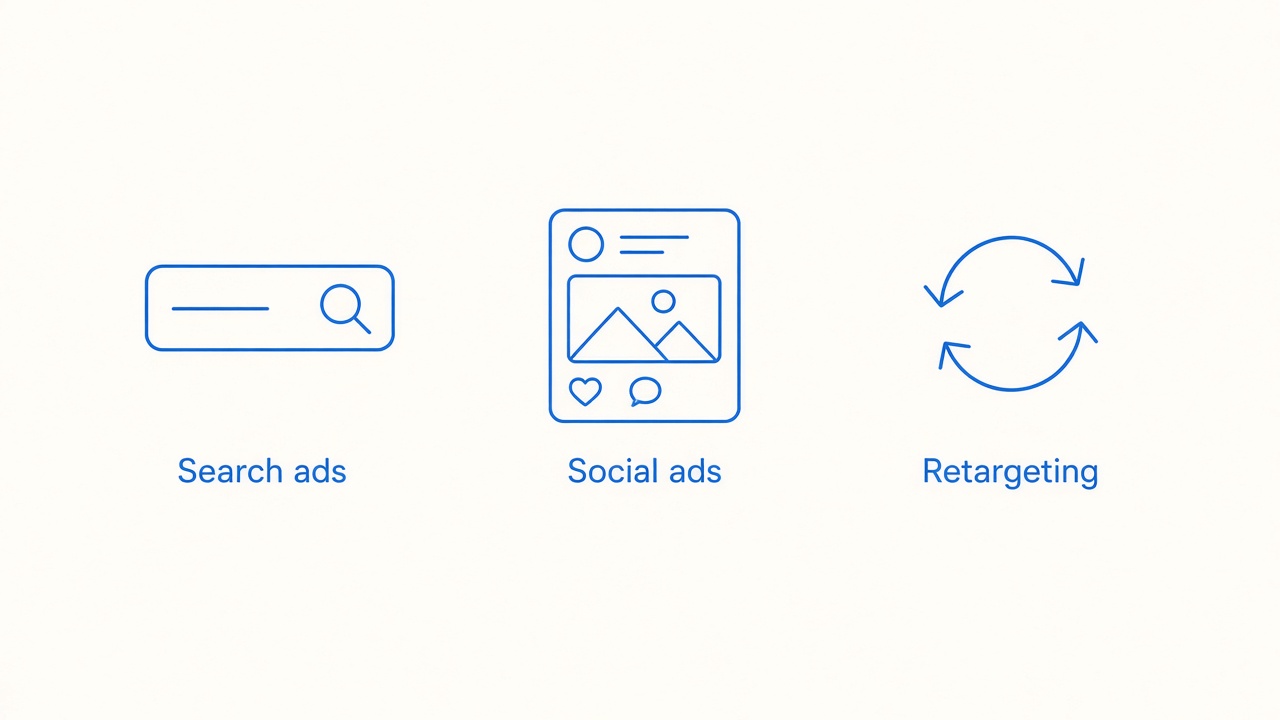
Search ads Social ads Retargeting mix


Ad creative framework for JPG to PDF tools
Ship every concept as Hook → Demo → CTA. The hook names the pain (“20 photos, one PDF”), the demo shows the UI without clutter, and the CTA points to a page that mirrors the claim.
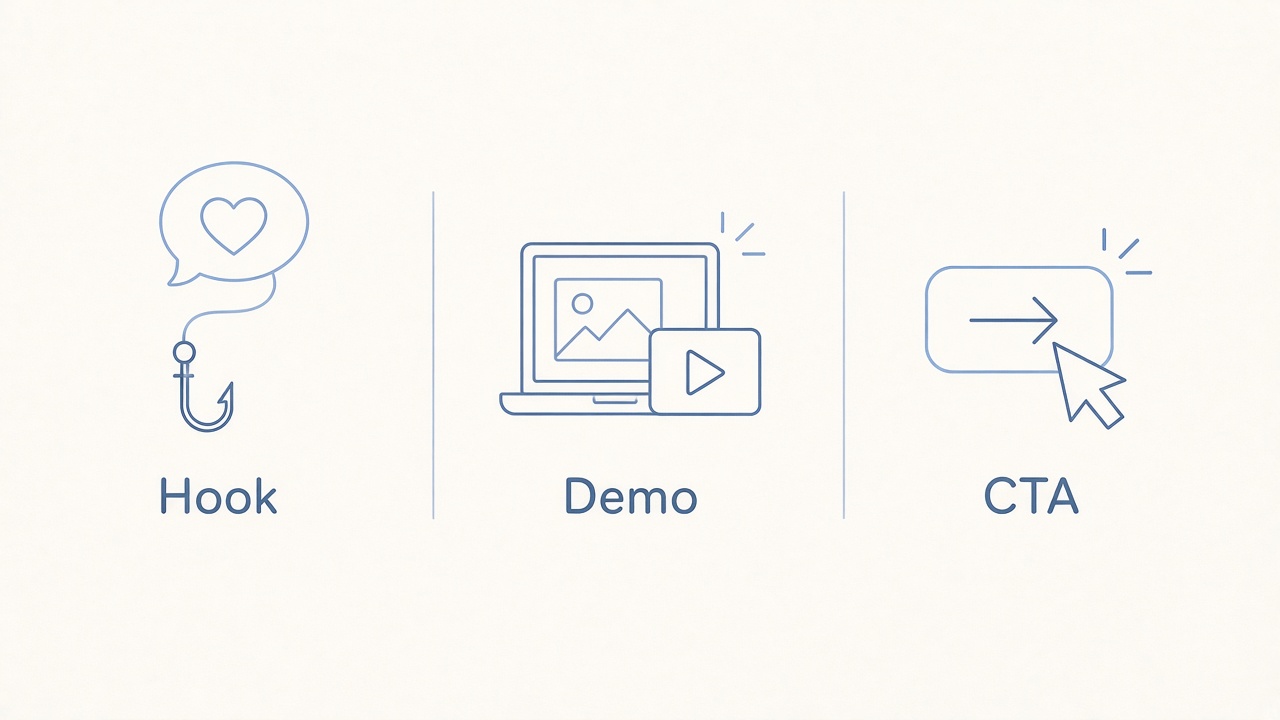
Hook Demo CTA ad creative framework
Creative angles that usually test well:
Speed: “Drop JPGs, download one PDF in under a minute.”
Order control: “Keep receipt pages in the right sequence.”
Privacy: “Convert offline when files stay confidential.”
Print fidelity: send A4-minded traffic to JPG to PDF converters for print instead of a generic free tool claim.
Channel-ready examples to promote JPG to PDF tools
Google Search RSA angles: headline inventory around convert JPG to PDF, free JPG to PDF, and batch images to PDF. Sitelines can deep-link pricing honesty via pricing and free trials compared so paid clicks are not surprised by caps.
Meta / LinkedIn static: one UI frame of ordered thumbnails plus a short caption that states free limits if they exist. Avoid fake “unlimited” badges.
Short demo video: mute-friendly captions showing import, reorder, convert. End on the same CTA used in search.
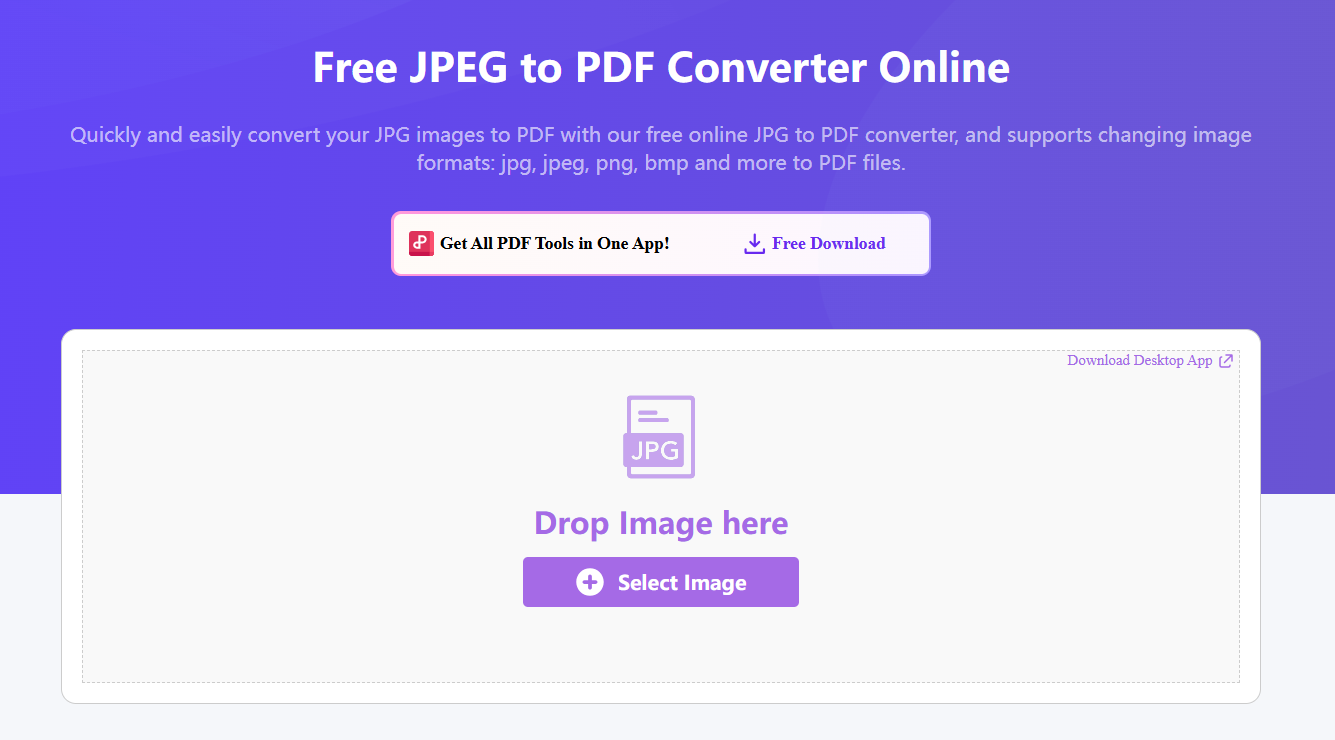
Online JPG to PDF tool UI for ad demos
Compliance and landing-page rules for converter ads
Keep marketing claims aligned with product reality. If free tiers throttle tasks, say so in primary text or the first screen of the landing page. Link B2B readers to transparent product pages such as WPS JPG to PDF rather than burying limits.
Do not reuse end-user tutorial screenshots that imply OS-only steps when the ad sells a web SaaS.
Separate this cluster from consumer how-tos; those live on Windows/Mac guides and the JPG to PDF converter hub.
For PNG transparency campaigns, route to PNG to PDF converter guidance instead of stretching JPG creative.
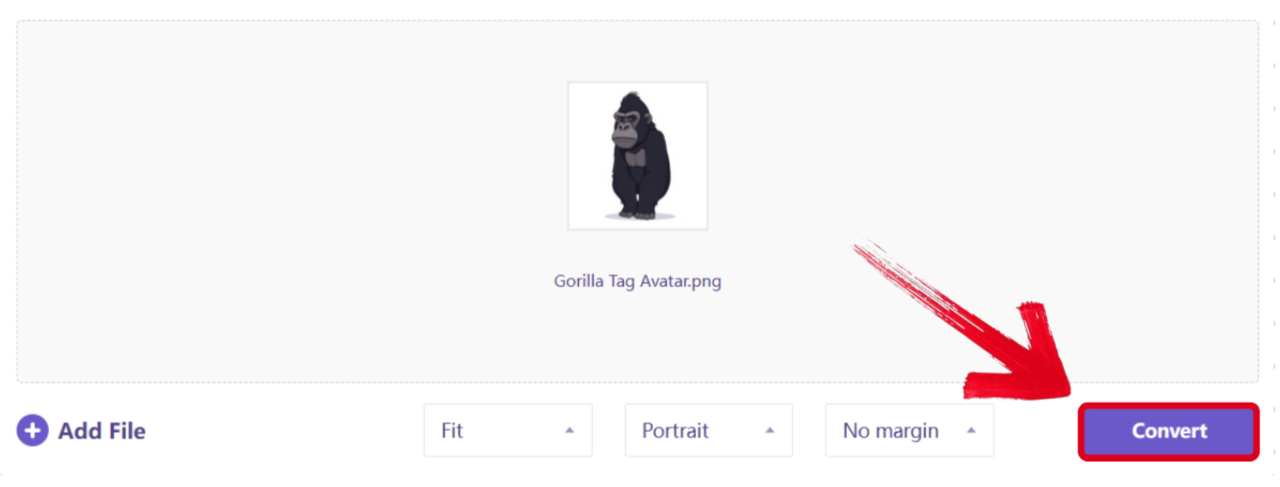
JPG to PDF landing demo conversion screen
The Best Free PDF Alternative: WPS Office
When the product story is “convert then keep working,” WPS is the clearest proof point: free Office apps plus PDF tools in one install. Ads can truthfully focus on offline batches and continued editing without inventing unlimited cloud claims.
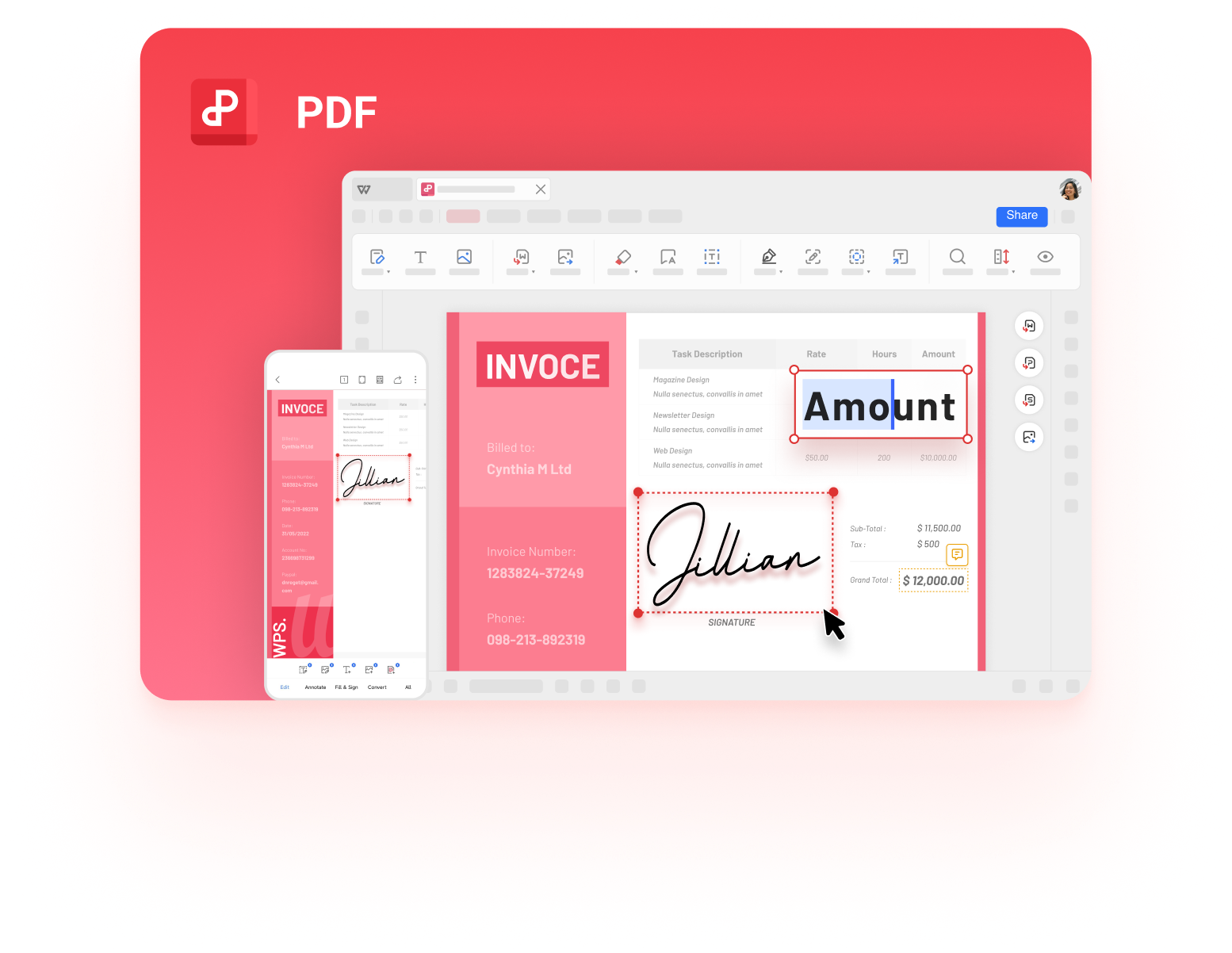
WPS PDF product UI for converter campaigns
More guides when you need a specific JPG to PDF path
If this page answered one scenario, these related guides cover the rest of the cluster without repeating the same checklist:
FAQs
What hook works best for JPG to PDF tool ads?
Lead with a concrete job: merge many photos, keep page order, or convert without uploading sensitive files.
Should converter ads promise unlimited free use?
Only if the product truly has no caps. Otherwise disclose free limits to protect trust and ad policy compliance.
Which landing page should paid traffic open?
Match intent: free seekers to free guides, print buyers to print pages, and evaluators to the hub or pricing comparison.
Can I reuse blog how-to screenshots in ads?
Yes if they show the same product surface you sell. Do not mix OS Preview steps into a SaaS converter ad.
How is this guide different from user tutorials?
It is for B2B promotion and creative testing. End users should follow how-to and OS guides instead.


'%3e%3cpath%20d='M19.9911%204.11386V6.471H18.5894C18.0775%206.471%2017.7322%206.57814%2017.5536%206.79243C17.3751%207.00671%2017.2858%207.32814%2017.2858%207.75671V9.44421H19.9019L19.5536%2012.0871H17.2858V18.8639H14.5536V12.0871H12.2769V9.44421H14.5536V7.49779C14.5536%206.39064%2014.8632%205.53201%2015.4822%204.92189C16.1013%204.31177%2016.9257%204.00671%2017.9554%204.00671C18.8304%204.00671%2019.509%204.04243%2019.9911%204.11386Z'%20fill='%23333333'/%3e%3c/g%3e%3cdefs%3e%3cclipPath%20id='clip0_2938_8199'%3e%3crect%20width='16'%20height='16'%20fill='white'%20transform='translate(8%204.00671)'/%3e%3c/clipPath%3e%3c/defs%3e%3c/svg%3e)
'%3e%3cpath%20d='M17.5237%2010.7813L23.4811%204H22.0699L16.8949%209.88693L12.7648%204H8L14.2469%2012.9029L8%2020.0133H9.4112L14.8725%2013.7952L19.2352%2020.0133H24M9.92053%205.04213H12.0885L22.0688%2019.0224H19.9003'%20fill='%23333333'/%3e%3c/g%3e%3cdefs%3e%3cclipPath%20id='clip0_2938_8200'%3e%3crect%20width='16'%20height='16.0134'%20fill='white'%20transform='translate(8%204)'/%3e%3c/clipPath%3e%3c/defs%3e%3c/svg%3e)


