

'%3e%3cpath%20d='M8%200C12.4183%200%2016%203.58172%2016%208C16%2012.4183%2012.4183%2016%208%2016C3.58172%2016%200%2012.4183%200%208C0%203.58172%203.58172%200%208%200ZM11.6162%204.38379C11.2257%203.99337%2010.5927%203.99338%2010.2021%204.38379L8%206.58594L5.79785%204.38379C5.40732%203.99334%204.77429%203.99329%204.38379%204.38379C3.99331%204.77429%203.99335%205.40733%204.38379%205.79785L6.58594%208L4.38379%2010.2021C3.99348%2010.5927%203.99341%2011.2257%204.38379%2011.6162C4.77426%2012.0066%205.40734%2012.0065%205.79785%2011.6162L8%209.41406L10.2021%2011.6162C10.5927%2012.0066%2011.2257%2012.0067%2011.6162%2011.6162C12.0067%2011.2257%2012.0066%2010.5927%2011.6162%2010.2021L9.41406%208L11.6162%205.79785C12.0066%205.40735%2012.0066%204.77429%2011.6162%204.38379Z'%20fill='%23080E17'%20fill-opacity='0.46'/%3e%3c/g%3e%3cdefs%3e%3cclipPath%20id='clip0_3761_713'%3e%3crect%20width='16'%20height='16'%20fill='white'/%3e%3c/clipPath%3e%3c/defs%3e%3c/svg%3e)




'%3e%3cpath%20fill-rule='evenodd'%20clip-rule='evenodd'%20d='M21.4999%2010.9993C21.4999%205.20009%2016.7986%200.498901%2010.9993%200.498901C5.19994%200.498901%200.498657%205.20009%200.498657%2010.9993C0.498657%2016.2404%204.33858%2020.5844%209.35855%2021.3722V14.0346H6.69238V10.9993H9.35855V8.68594C9.35855%206.05427%2010.9262%204.60062%2013.3248%204.60062C14.4736%204.60062%2015.6753%204.80571%2015.6753%204.80571V7.38979H14.3512C13.0468%207.38979%2012.64%208.19921%2012.64%209.0296V10.9993H15.5523L15.0867%2014.0346H12.64V21.3722C17.66%2020.5844%2021.4999%2016.2404%2021.4999%2010.9993Z'%20fill='%231568EA'/%3e%3c/g%3e%3c/svg%3e)


'%3e%3cpath%20d='M2.42045%2022.1876H6.31818V12.7217L0.75%208.54553V20.5171C0.75%2021.4414%201.49892%2022.1876%202.42045%2022.1876Z'%20fill='%234285F4'/%3e%3cpath%20d='M19.682%2022.1876H23.5797C24.5041%2022.1876%2025.2502%2021.4387%2025.2502%2020.5171V8.54553L19.682%2012.7217'%20fill='%2334A853'/%3e%3cpath%20d='M19.682%205.48293V12.7216L25.2502%208.54543V6.31816C25.2502%204.25236%2022.8921%203.07469%2021.2411%204.31361'%20fill='%23FBBC04'/%3e%3cpath%20d='M6.31824%2012.7217V5.48303L13.0001%2010.4944L19.6819%205.48303V12.7217L13.0001%2017.733'%20fill='%23EA4335'/%3e%3cpath%20d='M0.75%206.31816V8.54543L6.31818%2012.7216V5.48293L4.75909%204.31361C3.10534%203.07469%200.75%204.25236%200.75%206.31816Z'%20fill='%23C5221F'/%3e%3c/g%3e%3cdefs%3e%3cclipPath%20id='clip0_2954_7305'%3e%3crect%20width='24.5'%20height='18.375'%20fill='white'%20transform='translate(0.75%203.8125)'/%3e%3c/clipPath%3e%3c/defs%3e%3c/svg%3e)


Sumatra PDF is a tiny Windows-only reader that opens files in a split second, but it stops at reading: there is no built-in text editing, OCR, or form filling. Below you get the features it does handle well, the gaps that force you to switch, and a free reader that covers both sides.
Sumatra PDF Reader: Features, Pros and Cons, and a Free Alternative
Open and Read PDFs Instantly with Sumatra PDF Reader
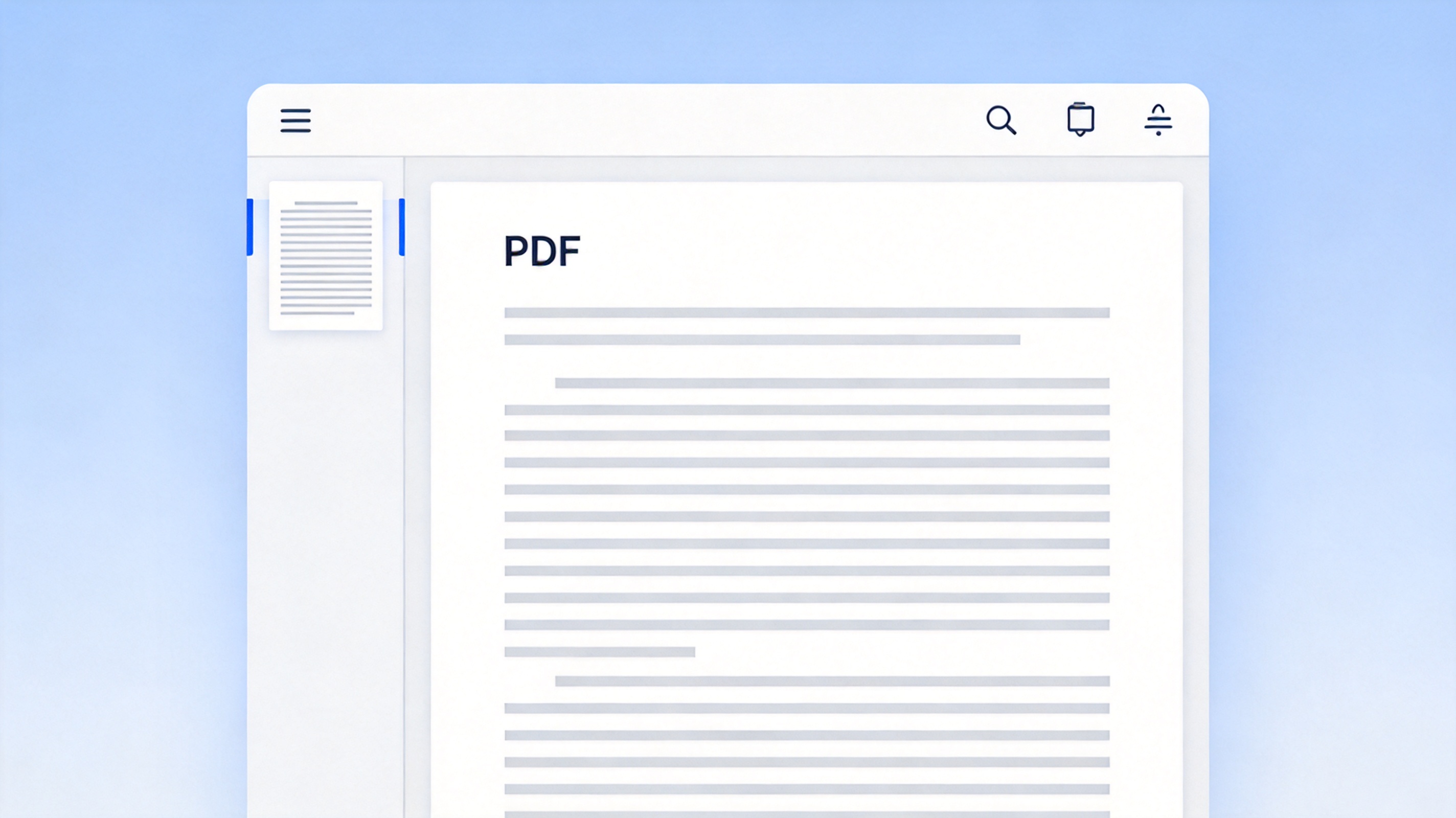
Sumatra is built for speed. It launches nearly instantly, uses little memory, and opens most PDFs, EPUBs, and comics without a long loading screen, which makes it a good fit for long documents on low-end machines.
Download and install Sumatra PDF Reader on Windows.
Open a PDF; the page appears almost immediately.
Use the toolbar to zoom, fit the page, and move between pages.
Lightweight PDF reader window opens a file


Annotate, Copy, and Print PDFs with Sumatra’s Simple Toolbar
Beyond reading, Sumatra offers a small set of essentials: select and copy text, print, and set the file as your default reader. It deliberately leaves out heavy editing to stay fast, so tasks like highlighting or adding a note are not built in.
The trade-off is clear: everything it does is quick, but anything that means changing the page belongs to another tool. If you only read and print, Sumatra is enough; if you need to edit, OCR, or fill a form, you will switch to a full PDF editor.

PDF reader and editor tools comparison
When Sumatra PDF Hits Its Limits: Editing, OCR, and Forms
The moment a file needs more than reading, Sumatra stops being useful. Editing a heading, converting a scan to selectable text, or typing into a form all need OCR and editing tools that Sumatra does not include.
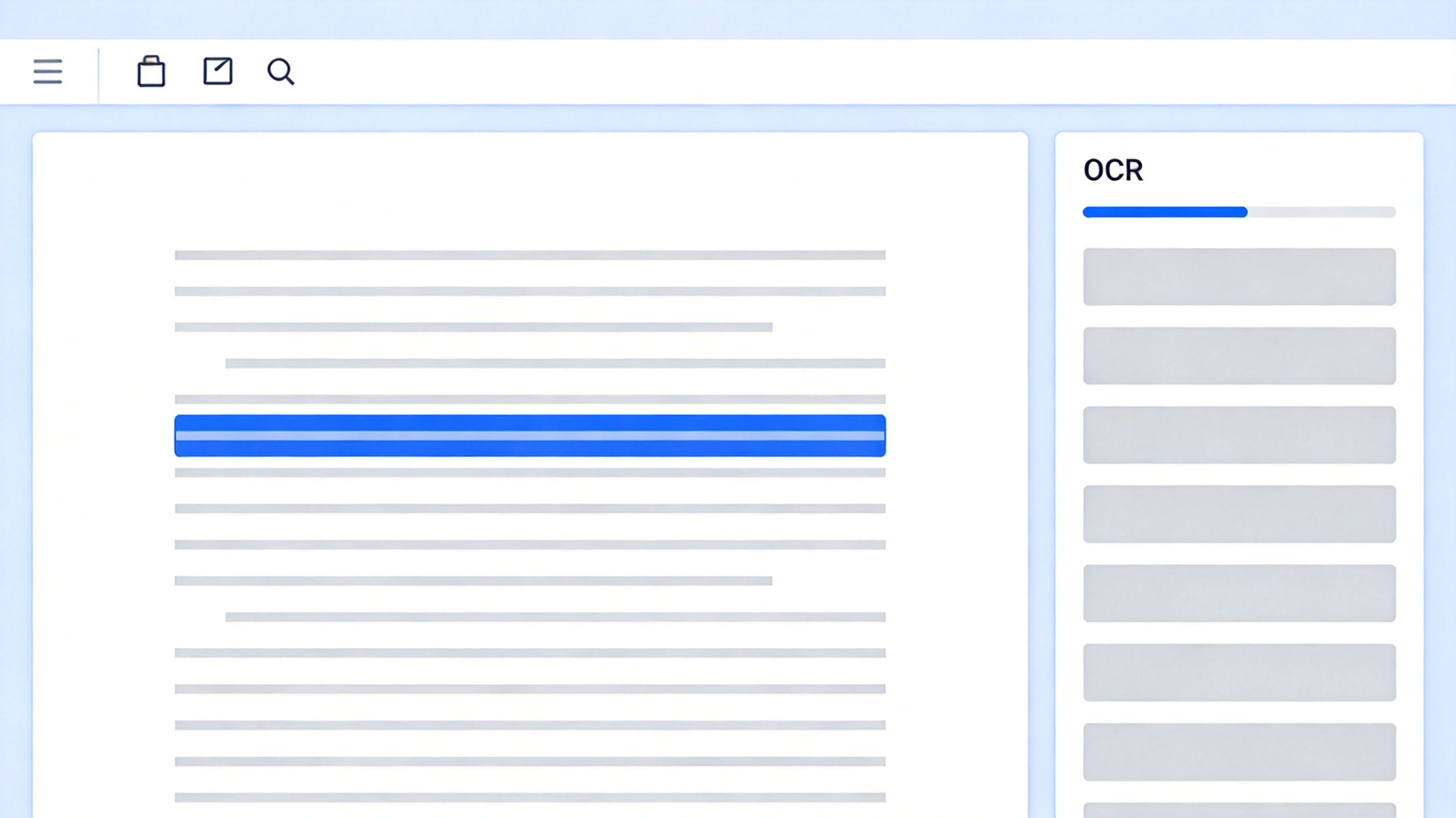
For those jobs you want a reader that opens PDFs fast and still lets you edit the text, run OCR on a scan, and fill forms in the same window.
WPS PDF editor with text and OCR tools
Get Editing, OCR, and Forms That Sumatra PDF Leaves Out, Free
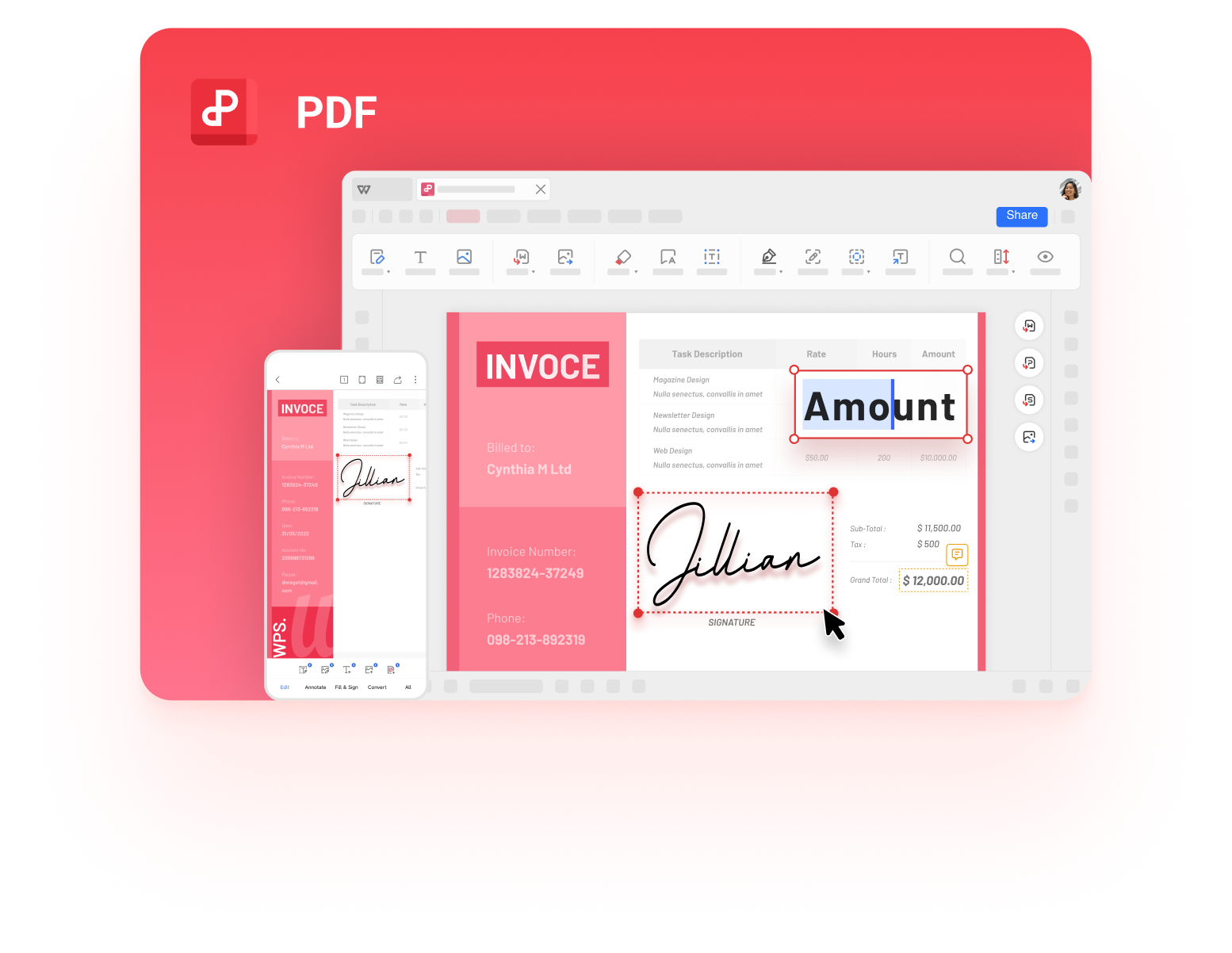
WPS PDF Editor is as quick to open a PDF as Sumatra, but it does not stop there: you can edit text, run OCR on scanned pages, and fill and sign forms in the same free PDF toolkit, on Windows, macOS, Android, and iOS.
| What you need | WPS PDF Editor | Sumatra PDF |
|---|---|---|
| Fast PDF reading | Included | Core strength |
| Edit text and annotate | Built in | Not included |
| OCR for scanned pages | Included in the toolkit | Not included |
| Fill and sign forms | Included | Not included |
| Platforms | Windows, macOS, mobile | Windows only |
Read and edit in one app: you no longer need a separate editor for every file that needs a change.
Scans become searchable: turn a scanned contract into editable text with the built-in OCR.
Runs where you work: the same PDF toolkit follows you to macOS and mobile.
WPS PDF Editor: read, edit, and OCR free
FAQs
Is Sumatra PDF Reader free?
Yes, Sumatra PDF is open-source and free to download and use on Windows, with no account or ads.
Can Sumatra PDF Reader edit PDFs?
No. Sumatra is a reader; it opens and prints PDFs but has no editing, OCR, or form-filling tools.
Is Sumatra PDF Reader safe?
Sumatra is open-source and widely reviewed, and it runs locally. As with any download, install it from the official site.
Does Sumatra PDF Reader open EPUB and comics?
Yes, Sumatra can open EPUB files, Mobi, and comic formats alongside PDFs.
What is a good free alternative to Sumatra PDF Reader?
WPS PDF Editor opens PDFs just as fast and adds text editing, OCR, and form filling for free, on Windows, macOS, Android, and iOS.


'%3e%3cpath%20d='M19.9911%204.11386V6.471H18.5894C18.0775%206.471%2017.7322%206.57814%2017.5536%206.79243C17.3751%207.00671%2017.2858%207.32814%2017.2858%207.75671V9.44421H19.9019L19.5536%2012.0871H17.2858V18.8639H14.5536V12.0871H12.2769V9.44421H14.5536V7.49779C14.5536%206.39064%2014.8632%205.53201%2015.4822%204.92189C16.1013%204.31177%2016.9257%204.00671%2017.9554%204.00671C18.8304%204.00671%2019.509%204.04243%2019.9911%204.11386Z'%20fill='%23333333'/%3e%3c/g%3e%3cdefs%3e%3cclipPath%20id='clip0_2938_8199'%3e%3crect%20width='16'%20height='16'%20fill='white'%20transform='translate(8%204.00671)'/%3e%3c/clipPath%3e%3c/defs%3e%3c/svg%3e)
'%3e%3cpath%20d='M17.5237%2010.7813L23.4811%204H22.0699L16.8949%209.88693L12.7648%204H8L14.2469%2012.9029L8%2020.0133H9.4112L14.8725%2013.7952L19.2352%2020.0133H24M9.92053%205.04213H12.0885L22.0688%2019.0224H19.9003'%20fill='%23333333'/%3e%3c/g%3e%3cdefs%3e%3cclipPath%20id='clip0_2938_8200'%3e%3crect%20width='16'%20height='16.0134'%20fill='white'%20transform='translate(8%204)'/%3e%3c/clipPath%3e%3c/defs%3e%3c/svg%3e)


