

'%3e%3cpath%20d='M8%200C12.4183%200%2016%203.58172%2016%208C16%2012.4183%2012.4183%2016%208%2016C3.58172%2016%200%2012.4183%200%208C0%203.58172%203.58172%200%208%200ZM11.6162%204.38379C11.2257%203.99337%2010.5927%203.99338%2010.2021%204.38379L8%206.58594L5.79785%204.38379C5.40732%203.99334%204.77429%203.99329%204.38379%204.38379C3.99331%204.77429%203.99335%205.40733%204.38379%205.79785L6.58594%208L4.38379%2010.2021C3.99348%2010.5927%203.99341%2011.2257%204.38379%2011.6162C4.77426%2012.0066%205.40734%2012.0065%205.79785%2011.6162L8%209.41406L10.2021%2011.6162C10.5927%2012.0066%2011.2257%2012.0067%2011.6162%2011.6162C12.0067%2011.2257%2012.0066%2010.5927%2011.6162%2010.2021L9.41406%208L11.6162%205.79785C12.0066%205.40735%2012.0066%204.77429%2011.6162%204.38379Z'%20fill='%23080E17'%20fill-opacity='0.46'/%3e%3c/g%3e%3cdefs%3e%3cclipPath%20id='clip0_3761_713'%3e%3crect%20width='16'%20height='16'%20fill='white'/%3e%3c/clipPath%3e%3c/defs%3e%3c/svg%3e)




'%3e%3cpath%20fill-rule='evenodd'%20clip-rule='evenodd'%20d='M21.4999%2010.9993C21.4999%205.20009%2016.7986%200.498901%2010.9993%200.498901C5.19994%200.498901%200.498657%205.20009%200.498657%2010.9993C0.498657%2016.2404%204.33858%2020.5844%209.35855%2021.3722V14.0346H6.69238V10.9993H9.35855V8.68594C9.35855%206.05427%2010.9262%204.60062%2013.3248%204.60062C14.4736%204.60062%2015.6753%204.80571%2015.6753%204.80571V7.38979H14.3512C13.0468%207.38979%2012.64%208.19921%2012.64%209.0296V10.9993H15.5523L15.0867%2014.0346H12.64V21.3722C17.66%2020.5844%2021.4999%2016.2404%2021.4999%2010.9993Z'%20fill='%231568EA'/%3e%3c/g%3e%3c/svg%3e)


'%3e%3cpath%20d='M2.42045%2022.1876H6.31818V12.7217L0.75%208.54553V20.5171C0.75%2021.4414%201.49892%2022.1876%202.42045%2022.1876Z'%20fill='%234285F4'/%3e%3cpath%20d='M19.682%2022.1876H23.5797C24.5041%2022.1876%2025.2502%2021.4387%2025.2502%2020.5171V8.54553L19.682%2012.7217'%20fill='%2334A853'/%3e%3cpath%20d='M19.682%205.48293V12.7216L25.2502%208.54543V6.31816C25.2502%204.25236%2022.8921%203.07469%2021.2411%204.31361'%20fill='%23FBBC04'/%3e%3cpath%20d='M6.31824%2012.7217V5.48303L13.0001%2010.4944L19.6819%205.48303V12.7217L13.0001%2017.733'%20fill='%23EA4335'/%3e%3cpath%20d='M0.75%206.31816V8.54543L6.31818%2012.7216V5.48293L4.75909%204.31361C3.10534%203.07469%200.75%204.25236%200.75%206.31816Z'%20fill='%23C5221F'/%3e%3c/g%3e%3cdefs%3e%3cclipPath%20id='clip0_2954_7305'%3e%3crect%20width='24.5'%20height='18.375'%20fill='white'%20transform='translate(0.75%203.8125)'/%3e%3c/clipPath%3e%3c/defs%3e%3c/svg%3e)


You have a long article or report to skim, and TLDR This promises a one-click summary. It works well on straightforward news pieces, but it drops the context, numbers, and citations you need for research. Below is how to use it, where it lets you down, and a free way to summarize PDFs and reports while keeping the details.
TLDR This: Summarize Articles Fast with a Free Alternative
Use TLDR This to Summarize a Long Article in Seconds
TLDR This takes a URL or pasted text and returns a short paragraph plus a bullet list. It is free for everyday use and handy when you only need the gist of a news page or a blog post.
Paste the article link or text into the TLDR This box.
Choose the summary length you want, then run the summarizer.
Copy the bullet points and skim the original only where you need details.

AI summarizer turns long text into bullets


What TLDR This Gets Wrong: Context, Citations, and Paywalls
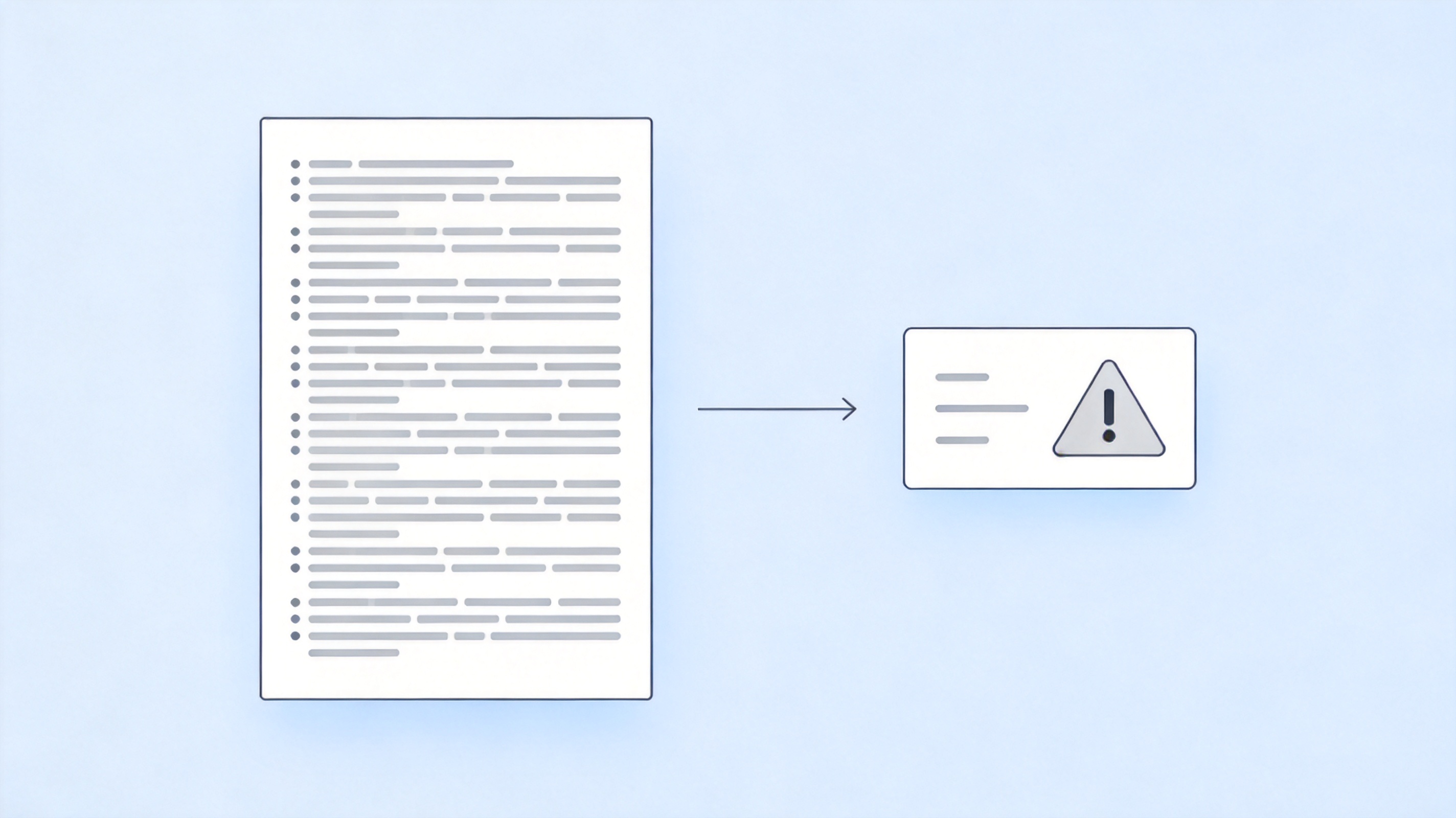
The catch is that a short summary removes exactly what research needs: the exact numbers, the cited sources, and the nuances an argument depends on. On paywalled or complex PDFs, web summarizers often fail or return a summary you cannot trust.
So a one-click web summary is fine for a quick read, but not as evidence. When you summarize for work, school, or any decision, you want the tool to work on the original PDF and keep the source lines intact.
Original document loses context in summary
Summarize Any PDF or Report Locally with WPS AI
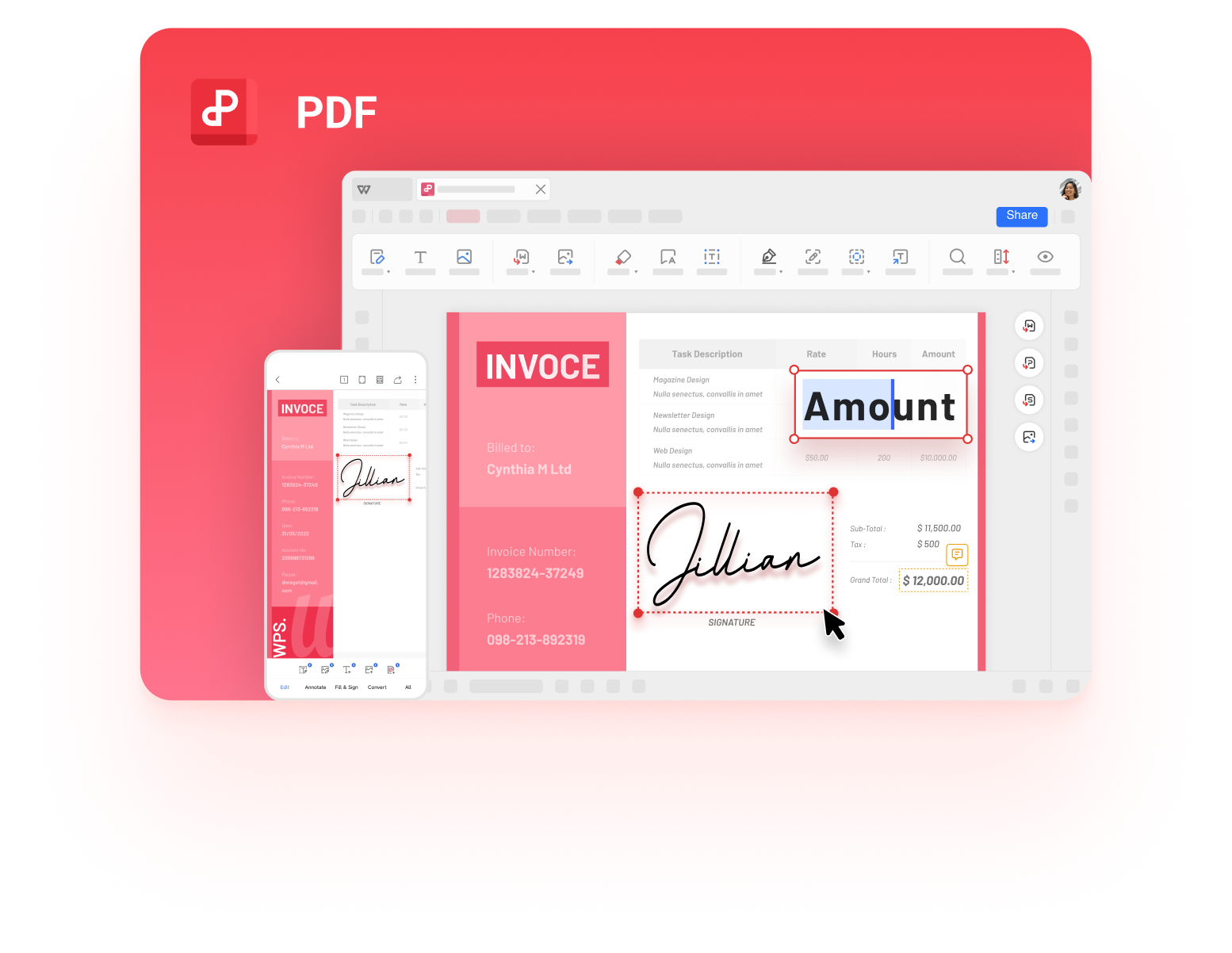
For reports and PDFs, use the AI assistant inside WPS PDF Editor instead of copying text into a web tool. It reads the actual file on your machine, returns a point-form summary, and you can ask follow-up questions about the numbers without re-pasting anything.
Open the PDF or report in WPS Office.
Open the AI assistant and ask for a summary of the document.
Ask follow-ups about specific figures or sections to keep the context.

WPS AI summarizes a PDF report locally
The Free TLDR This Alternative That Keeps the Details: WPS AI
Web summarizers route your file through their servers and strip out the details you need to verify. WPS AI keeps the summary on your device, works on PDFs and reports directly, and answers follow-up questions so no figure is left to guesswork.
| What you need | WPS AI | TLDR This |
|---|---|---|
| Summarize web articles | Works on PDFs and text | Core feature |
| Summarize PDFs and reports | Reads the file directly | Copy-paste only |
| Ask follow-up questions | Included | Not included |
| File privacy | Stays on your device | Uploaded to the web |
Summarize the original file: no copying a PDF into a web box, no lost formatting.
Keep the numbers: follow-up questions pull the exact figures from the report.
Local by default: sensitive work does not leave your machine. Learn how to paraphrase and summarize without losing meaning.
WPS AI summarizes PDFs in the PDF toolkit
FAQs
Is TLDR This free?
TLDR This has a free tier for everyday summarization; heavier use or longer documents sit behind a paid plan.
Can TLDR This summarize a PDF?
Not directly. You have to copy the PDF text into the tool, which loses layout and can miss figures.
Is TLDR This accurate?
For simple news it is usually fine, but it drops citations, numbers, and nuance, so do not rely on it for research.
How do I summarize a PDF for free?
Open the PDF in WPS Office, use the AI assistant to summarize it, and ask follow-ups about the figures without uploading the file.
What is the best TLDR This alternative?
WPS AI in WPS PDF Editor summarizes the original PDF locally, keeps the details, and works across Word, PDF, and spreadsheets.


'%3e%3cpath%20d='M19.9911%204.11386V6.471H18.5894C18.0775%206.471%2017.7322%206.57814%2017.5536%206.79243C17.3751%207.00671%2017.2858%207.32814%2017.2858%207.75671V9.44421H19.9019L19.5536%2012.0871H17.2858V18.8639H14.5536V12.0871H12.2769V9.44421H14.5536V7.49779C14.5536%206.39064%2014.8632%205.53201%2015.4822%204.92189C16.1013%204.31177%2016.9257%204.00671%2017.9554%204.00671C18.8304%204.00671%2019.509%204.04243%2019.9911%204.11386Z'%20fill='%23333333'/%3e%3c/g%3e%3cdefs%3e%3cclipPath%20id='clip0_2938_8199'%3e%3crect%20width='16'%20height='16'%20fill='white'%20transform='translate(8%204.00671)'/%3e%3c/clipPath%3e%3c/defs%3e%3c/svg%3e)
'%3e%3cpath%20d='M17.5237%2010.7813L23.4811%204H22.0699L16.8949%209.88693L12.7648%204H8L14.2469%2012.9029L8%2020.0133H9.4112L14.8725%2013.7952L19.2352%2020.0133H24M9.92053%205.04213H12.0885L22.0688%2019.0224H19.9003'%20fill='%23333333'/%3e%3c/g%3e%3cdefs%3e%3cclipPath%20id='clip0_2938_8200'%3e%3crect%20width='16'%20height='16.0134'%20fill='white'%20transform='translate(8%204)'/%3e%3c/clipPath%3e%3c/defs%3e%3c/svg%3e)


