

'%3e%3cpath%20d='M8%200C12.4183%200%2016%203.58172%2016%208C16%2012.4183%2012.4183%2016%208%2016C3.58172%2016%200%2012.4183%200%208C0%203.58172%203.58172%200%208%200ZM11.6162%204.38379C11.2257%203.99337%2010.5927%203.99338%2010.2021%204.38379L8%206.58594L5.79785%204.38379C5.40732%203.99334%204.77429%203.99329%204.38379%204.38379C3.99331%204.77429%203.99335%205.40733%204.38379%205.79785L6.58594%208L4.38379%2010.2021C3.99348%2010.5927%203.99341%2011.2257%204.38379%2011.6162C4.77426%2012.0066%205.40734%2012.0065%205.79785%2011.6162L8%209.41406L10.2021%2011.6162C10.5927%2012.0066%2011.2257%2012.0067%2011.6162%2011.6162C12.0067%2011.2257%2012.0066%2010.5927%2011.6162%2010.2021L9.41406%208L11.6162%205.79785C12.0066%205.40735%2012.0066%204.77429%2011.6162%204.38379Z'%20fill='%23080E17'%20fill-opacity='0.46'/%3e%3c/g%3e%3cdefs%3e%3cclipPath%20id='clip0_3761_713'%3e%3crect%20width='16'%20height='16'%20fill='white'/%3e%3c/clipPath%3e%3c/defs%3e%3c/svg%3e)




'%3e%3cpath%20fill-rule='evenodd'%20clip-rule='evenodd'%20d='M21.4999%2010.9993C21.4999%205.20009%2016.7986%200.498901%2010.9993%200.498901C5.19994%200.498901%200.498657%205.20009%200.498657%2010.9993C0.498657%2016.2404%204.33858%2020.5844%209.35855%2021.3722V14.0346H6.69238V10.9993H9.35855V8.68594C9.35855%206.05427%2010.9262%204.60062%2013.3248%204.60062C14.4736%204.60062%2015.6753%204.80571%2015.6753%204.80571V7.38979H14.3512C13.0468%207.38979%2012.64%208.19921%2012.64%209.0296V10.9993H15.5523L15.0867%2014.0346H12.64V21.3722C17.66%2020.5844%2021.4999%2016.2404%2021.4999%2010.9993Z'%20fill='%231568EA'/%3e%3c/g%3e%3c/svg%3e)


'%3e%3cpath%20d='M2.42045%2022.1876H6.31818V12.7217L0.75%208.54553V20.5171C0.75%2021.4414%201.49892%2022.1876%202.42045%2022.1876Z'%20fill='%234285F4'/%3e%3cpath%20d='M19.682%2022.1876H23.5797C24.5041%2022.1876%2025.2502%2021.4387%2025.2502%2020.5171V8.54553L19.682%2012.7217'%20fill='%2334A853'/%3e%3cpath%20d='M19.682%205.48293V12.7216L25.2502%208.54543V6.31816C25.2502%204.25236%2022.8921%203.07469%2021.2411%204.31361'%20fill='%23FBBC04'/%3e%3cpath%20d='M6.31824%2012.7217V5.48303L13.0001%2010.4944L19.6819%205.48303V12.7217L13.0001%2017.733'%20fill='%23EA4335'/%3e%3cpath%20d='M0.75%206.31816V8.54543L6.31818%2012.7216V5.48293L4.75909%204.31361C3.10534%203.07469%200.75%204.25236%200.75%206.31816Z'%20fill='%23C5221F'/%3e%3c/g%3e%3cdefs%3e%3cclipPath%20id='clip0_2954_7305'%3e%3crect%20width='24.5'%20height='18.375'%20fill='white'%20transform='translate(0.75%203.8125)'/%3e%3c/clipPath%3e%3c/defs%3e%3c/svg%3e)


You have just been handed a contract full of legal language and one small line keeps catching your eye: non-disclosure agreement. Someone wants you to sign it before you can see their business plan, their customer list, or their product prototype. So, what is an NDA, and are you about to sign away more than you realize?
This guide explains what an NDA is in plain English, when you actually need one, the most common types, what a valid NDA should include, and how to sign one electronically in minutes using WPS PDF. By the end, you will know exactly what you are agreeing to — and what an NDA can never do.
What Is an NDA? Meaning, Types, and How to Sign One
What Is an NDA? The Non-Disclosure Agreement Meaning
An NDA — short for non-disclosure agreement — is a legally binding contract in which two or more parties promise not to share specific sensitive information with anyone else. It is also called a confidentiality agreement. The information can be a business idea, a client database, financial results, source code, a recipe, or anything else the owner considers valuable and wants to keep private.
In an NDA, one party (the disclosing party) shares confidential information, and the other party (the receiving party) agrees to protect it. If the receiving party leaks or misuses that information, the NDA gives the disclosing party legal grounds to seek damages.
NDAs are common between employers and employees, companies and contractors, startups and investors, and businesses entering partnerships. They are not just for big corporations — freelancers, consultants, and small business owners sign NDAs every day.
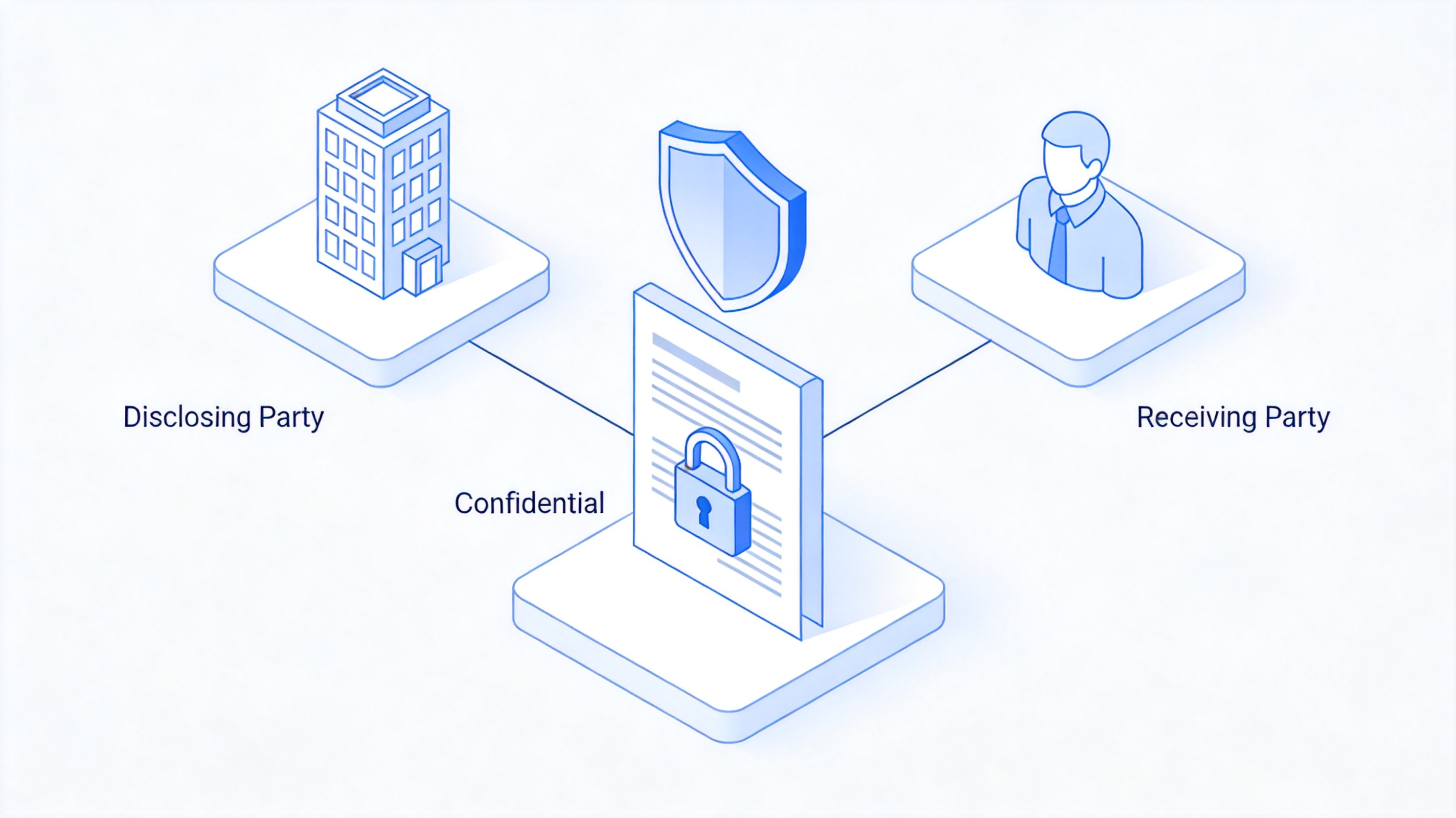
NDA between disclosing and receiving party


When Should You Use an NDA?
An NDA makes sense whenever valuable private information changes hands before a formal relationship exists — or alongside one. The most common situations are:
New hires and employees. Staff often see trade secrets, pricing, and customer data. Companies use NDAs to set expectations from day one.
Contractors and freelancers. Designers, developers, and consultants work on unreleased products. An NDA protects the work before launch.
Investor conversations. When you pitch a startup, an NDA (where investors accept one) protects your business plan and financials.
Partnerships and joint ventures. Two companies evaluating a deal exchange sensitive operational data they would never share publicly.
Product development. Suppliers, manufacturers, and beta testers often learn proprietary designs and specifications.
A good rule of thumb: if the information would hurt you competitively if it became public, and the other party has no other legal duty to keep it secret, use an NDA.
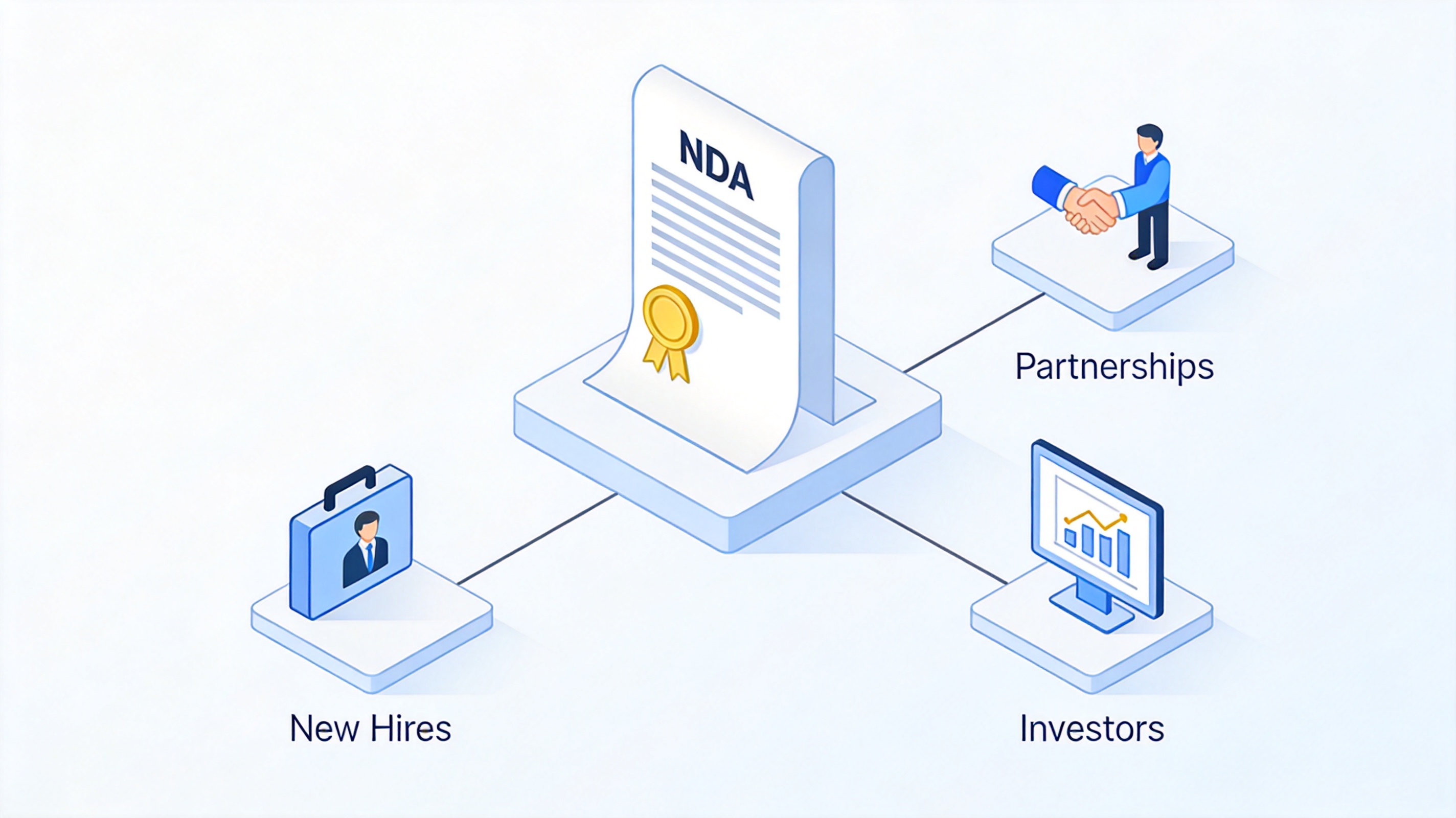
When to use an NDA agreement
Common Types of NDA Agreements
Not every NDA works the same way. Depending on who is sharing information and how many parties are involved, you will encounter these common types of NDA agreements:
Mutual NDA. Both parties share confidential information and both agree to protect it. Common in partnerships, mergers, and joint development projects.
Unilateral (one-way) NDA. Only one party discloses information, and only the other party promises to protect it. This is the typical employer–employee or company–contractor arrangement.
Multilateral NDA. Three or more parties are involved, and the agreement covers every exchange of confidential information among them. Useful for consortiums and multi-company projects.
NDAs are also described by duration: a terminating NDA expires on a set date or when the project or relationship ends, while a non-terminating NDA keeps the confidentiality obligations alive for as long as the information stays secret. If both sides exchange secrets, choose a mutual NDA; if only you are revealing anything, a unilateral NDA is simpler and fairer.
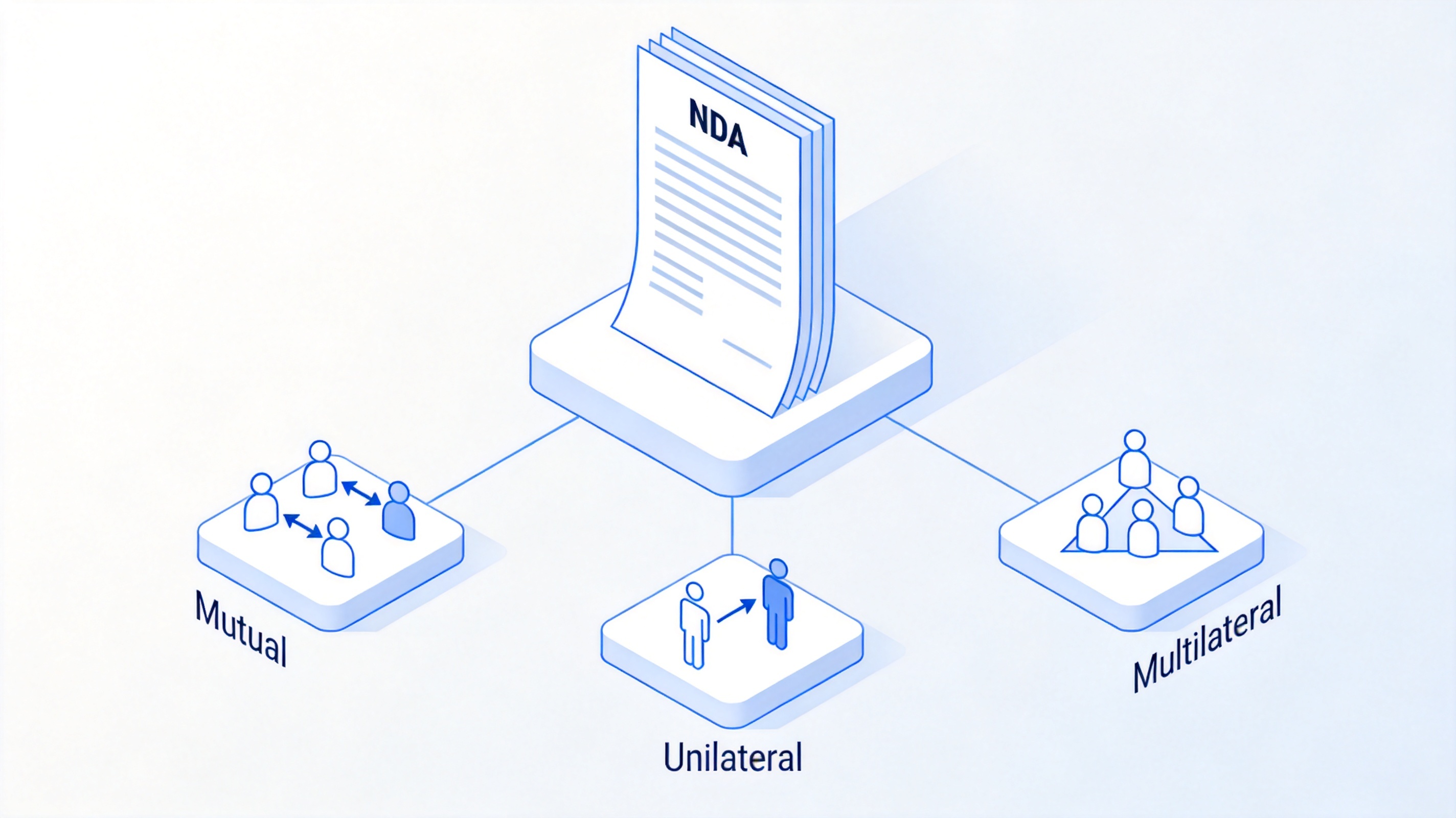
Types of NDA mutual unilateral multilateral
What Should an NDA Include?
A weak NDA can be as risky as no NDA at all. Whether you use a template or write one from scratch, a solid non-disclosure agreement should cover these core elements:
Definition of confidential information. Describe precisely what is protected — documents, data, designs, conversations — and mark materials as "Confidential" where possible.
Identification of the parties. Full legal names of the disclosing and receiving parties, and their roles.
Obligations of the receiving party. What the receiver must do: keep the information secret, use it only for the agreed purpose, and limit access to people who need to know.
Exclusions. Information that does not count as confidential, such as anything already public, independently developed, or received lawfully from a third party.
Term and duration. How long the confidentiality obligation lasts — a fixed number of years or until the information becomes public.
Consequences of breach. Remedies such as damages, legal fees, or injunctive relief if the agreement is violated.
Before signing, read these six elements carefully. If the definition of "confidential information" is so broad that it could cover anything, or if the term has no end, that is a signal to negotiate.
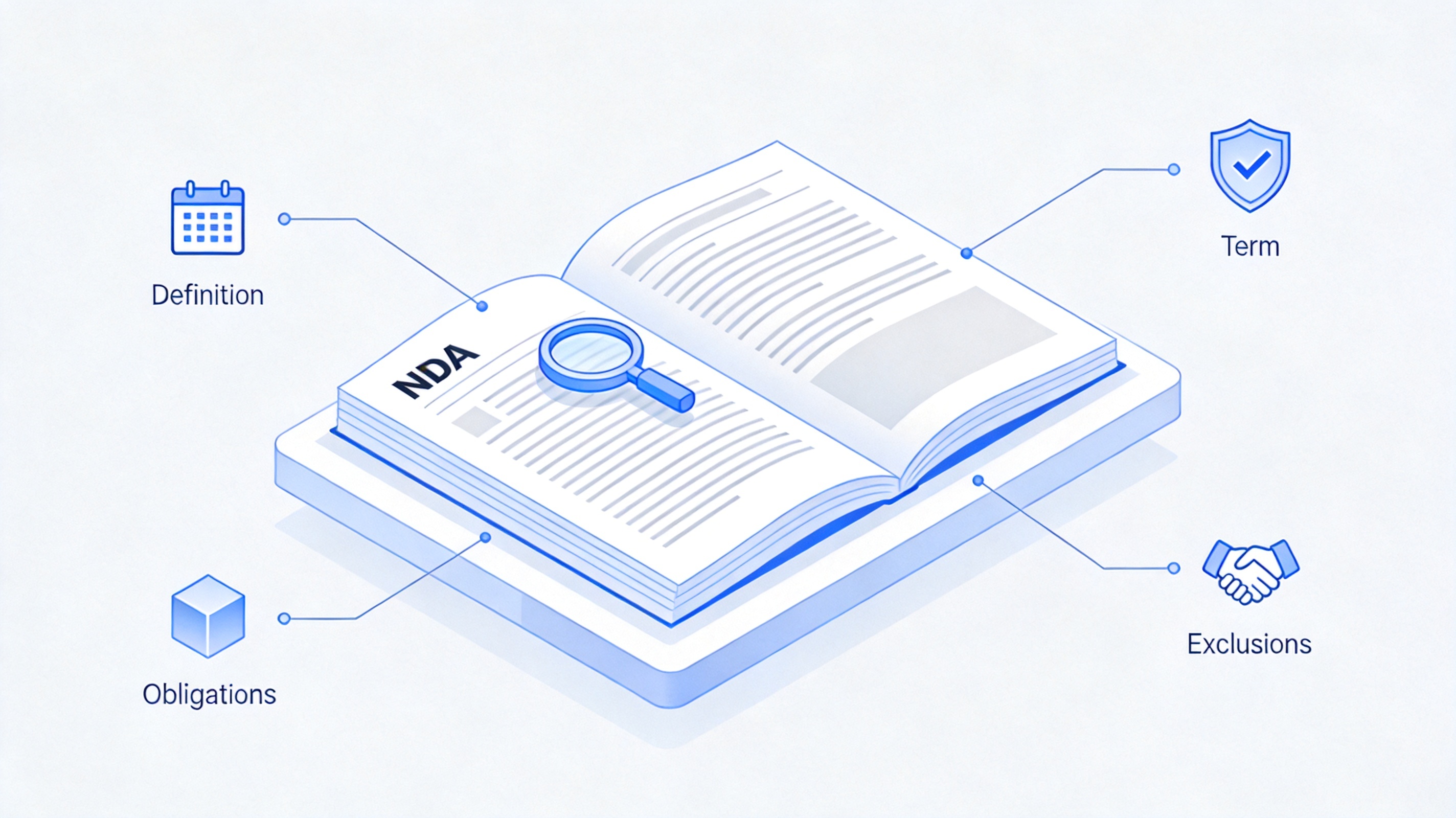
What an NDA document should include
How to Sign an NDA in WPS PDF
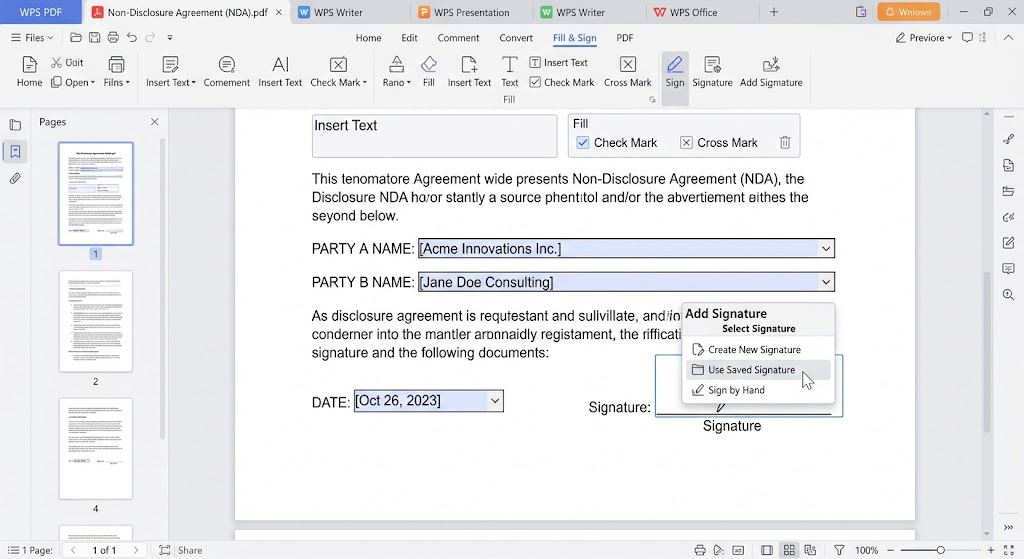
Most NDAs circulate as PDFs, and you do not need to print anything to sign one. WPS PDF has a built-in Fill & Sign tool that lets you complete and sign an NDA in a few steps. If you are preparing the agreement yourself, you can start from a ready-made NDA template — see this guide to confidentiality agreement templates for Word — then export it to PDF and follow the steps below.
Open the NDA in WPS PDF. Download WPS Office for free, right-click the NDA file, and open it with WPS PDF.
Go to the Fill & Sign tab. The tool lets you add text, checkmarks, dates, and signatures anywhere on the page.
Fill in party names, dates, and terms. Click where you need to type and fill in the blanks, such as the parties' legal names and the effective date.
Add your signature. Click Add Signature, then draw, type, or insert an image of your signature, and place it on the signature line.
Save and send it back. Save the signed PDF and return it by email or your preferred secure channel. The other party can countersign the same way.
For a deeper walkthrough of annotations, text, and signatures in PDFs, see how to write on a PDF and this tutorial on how to fill and sign PDF documents.
What an NDA Cannot Protect
An NDA is powerful, but it has real limits. Knowing them helps you avoid a false sense of security:
Public information. Anything already in the public domain — published articles, granted patents, public filings — cannot be made secret by an NDA.
Time limits. Most NDAs expire. Once the term ends, the confidentiality duty usually ends with it, so negotiate a duration that matches how long the information stays valuable.
Defined scope only. An NDA protects only what it defines. Information you never actually shared, or that falls outside the definition, is not covered.
Jurisdiction and enforceability. Enforcement depends on local law and on the agreement being reasonably scoped. Overly broad NDAs can be struck down by courts.
NDAs also cannot stop someone from independently developing the same idea, and they are not a substitute for patents, trademarks, or copyrights. For high-stakes deals, have a lawyer review the agreement before you sign — this guide is general information, not legal advice.
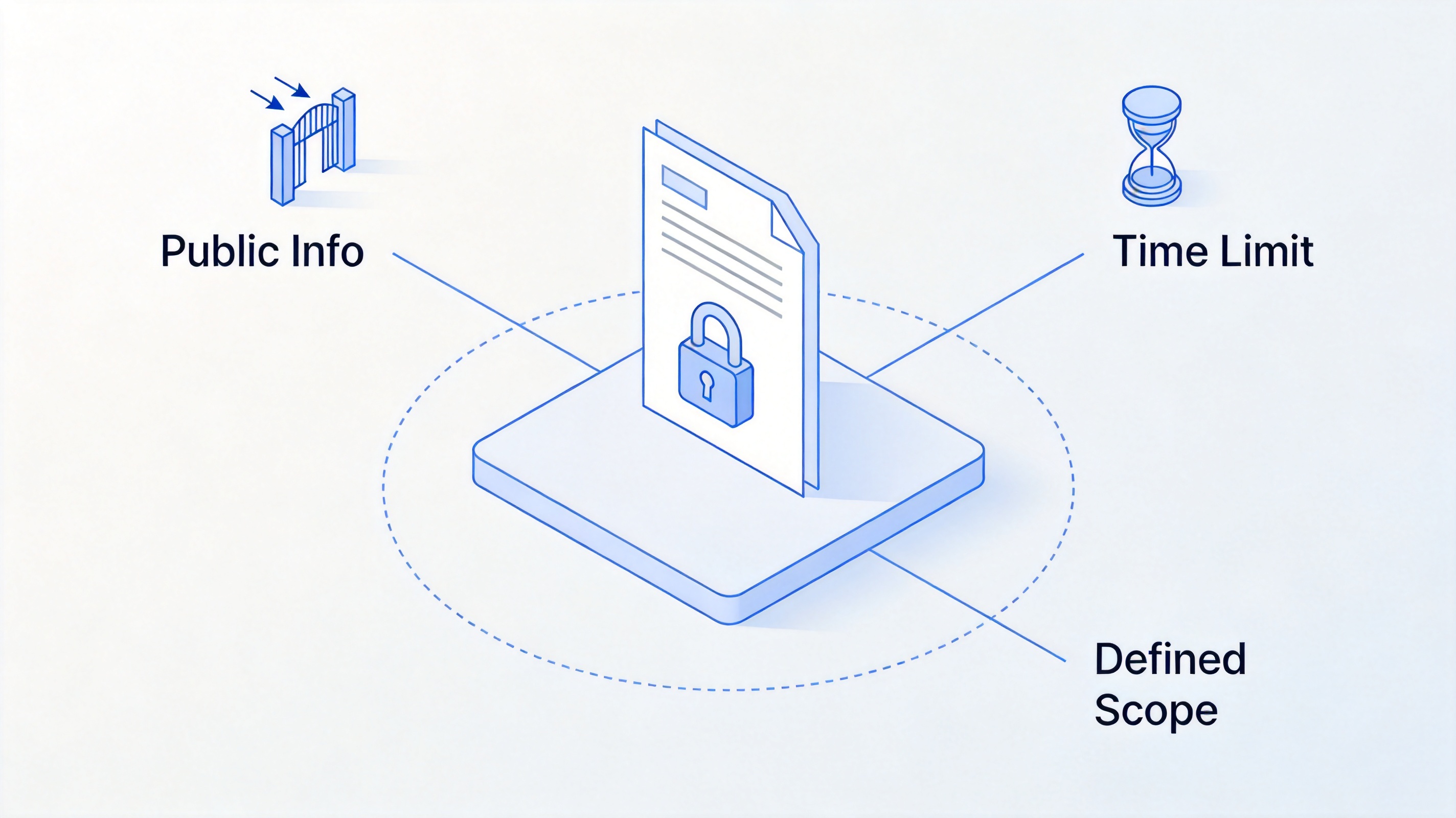
Limits of NDA protection
The Best Free Alternative: WPS Office for NDA Documents
Creating and signing an NDA does not require an expensive office suite. WPS Office is a free, Microsoft-compatible suite that handles the entire workflow: draft the NDA in WPS Writer from a template, convert or export it to PDF, then fill and sign it in WPS PDF — all in one place, on Windows, Mac, Linux, iOS, or Android. Its interface feels familiar if you have used Word, and the built-in template library includes confidentiality and contract templates you can adapt in minutes.
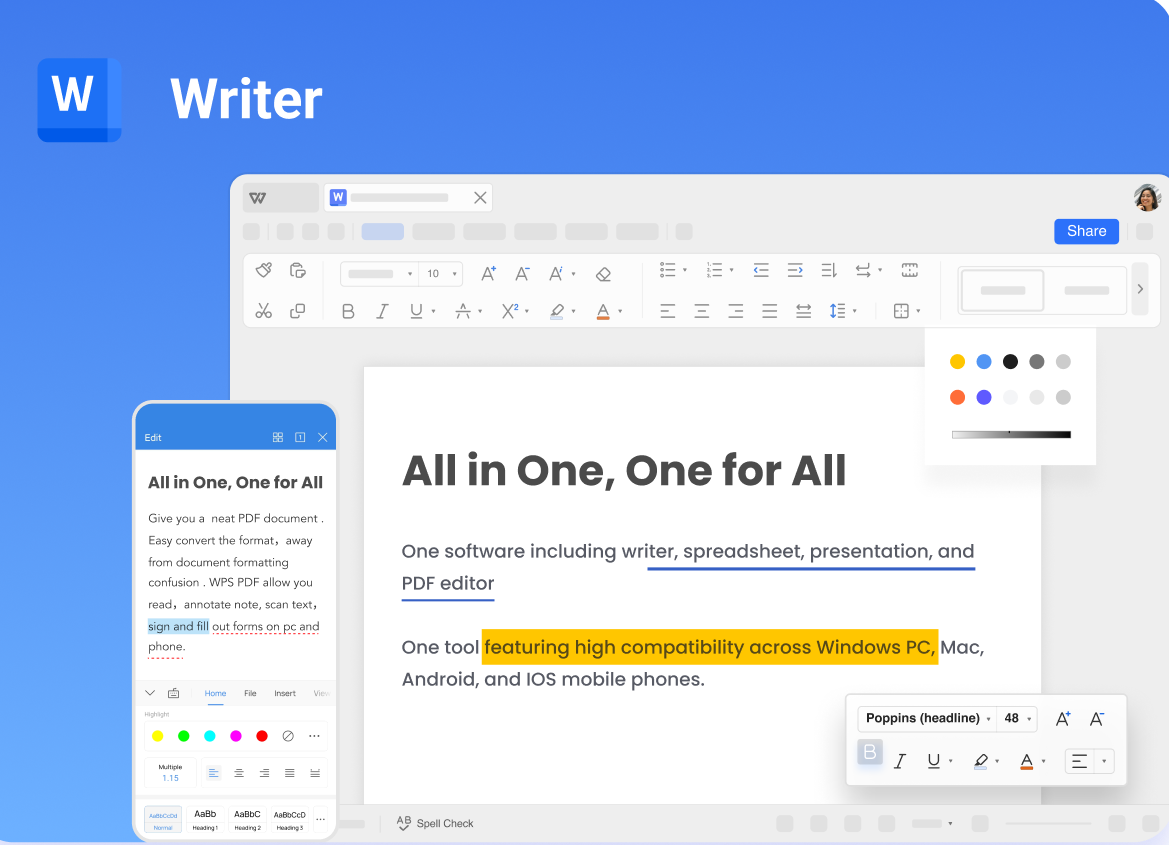
WPS Writer
FAQs
What is an NDA in simple terms?
An NDA (non-disclosure agreement) is a contract where one or more parties promise to keep specified confidential information private and use it only for an agreed purpose. If they leak it, the disclosing party can pursue legal remedies.
What does MNDA mean?
MNDA stands for mutual non-disclosure agreement. In an MNDA, both sides share confidential information and both promise to protect it. This differs from a unilateral NDA, where only one party discloses and only the other party owes confidentiality.
How long is an NDA valid?
It depends on the term written in the agreement. A terminating NDA ends on a fixed date or when the project or relationship ends; a non-terminating NDA remains in force while the relationship continues or until the information becomes public. Common commercial terms run from two to five years.
Can an NDA be signed electronically?
Yes, in most jurisdictions electronic signatures on PDF documents are legally recognized for commercial agreements. Tools like WPS PDF let you fill in the parties and terms, add your signature, and return the signed NDA without printing. For regulated industries or high-value deals, confirm the e-signature requirements that apply to you.
What happens if you break an NDA?
Consequences depend on the agreement and local law, but can include paying damages, covering the other party's legal fees, court-ordered injunctions, and termination of the underlying business relationship. In serious cases involving trade secrets, willful misuse can lead to additional statutory penalties.


'%3e%3cpath%20d='M19.9911%204.11386V6.471H18.5894C18.0775%206.471%2017.7322%206.57814%2017.5536%206.79243C17.3751%207.00671%2017.2858%207.32814%2017.2858%207.75671V9.44421H19.9019L19.5536%2012.0871H17.2858V18.8639H14.5536V12.0871H12.2769V9.44421H14.5536V7.49779C14.5536%206.39064%2014.8632%205.53201%2015.4822%204.92189C16.1013%204.31177%2016.9257%204.00671%2017.9554%204.00671C18.8304%204.00671%2019.509%204.04243%2019.9911%204.11386Z'%20fill='%23333333'/%3e%3c/g%3e%3cdefs%3e%3cclipPath%20id='clip0_2938_8199'%3e%3crect%20width='16'%20height='16'%20fill='white'%20transform='translate(8%204.00671)'/%3e%3c/clipPath%3e%3c/defs%3e%3c/svg%3e)
'%3e%3cpath%20d='M17.5237%2010.7813L23.4811%204H22.0699L16.8949%209.88693L12.7648%204H8L14.2469%2012.9029L8%2020.0133H9.4112L14.8725%2013.7952L19.2352%2020.0133H24M9.92053%205.04213H12.0885L22.0688%2019.0224H19.9003'%20fill='%23333333'/%3e%3c/g%3e%3cdefs%3e%3cclipPath%20id='clip0_2938_8200'%3e%3crect%20width='16'%20height='16.0134'%20fill='white'%20transform='translate(8%204)'/%3e%3c/clipPath%3e%3c/defs%3e%3c/svg%3e)


