


Sejda PDF Editor is a browser-based tool that edits text, merges, splits, compresses, signs, and OCRs PDFs, and its free plan limits you to 3 tasks per hour and 200 pages per file. Below is what free and paid plans actually include, where those limits hurt, and a free local alternative without them.
Sejda PDF Editor: Features, Free Limits, and a Free Local Alternative
Sejda PDF Editor: What Free and Paid Plans Actually Include
Sejda markets itself on privacy and simplicity: you pick a tool, upload a file, and the document is deleted from its servers after processing. The trade-off is a free tier that is capped by design.
Free plan: no account needed, 3 tasks per hour, 200 pages or 50 MB per file, and files are automatically deleted after processing.
Web Pro (weekly, monthly, or annual): unlimited tasks and pages, OCR up to 100 pages, multiple files at once, 500 MB uploads, and up to 21 minutes of processing per task.
Sejda Desktop: a one-time purchase that runs offline and keeps files on your machine.
Core tools cover the everyday list: edit text, merge, split, compress, e-sign, redact, fill and create forms, OCR scanned pages, and convert between PDF, Word, and images. Sejda keeps the interface to one task at a time, which is easy to learn but slow when you have several files.
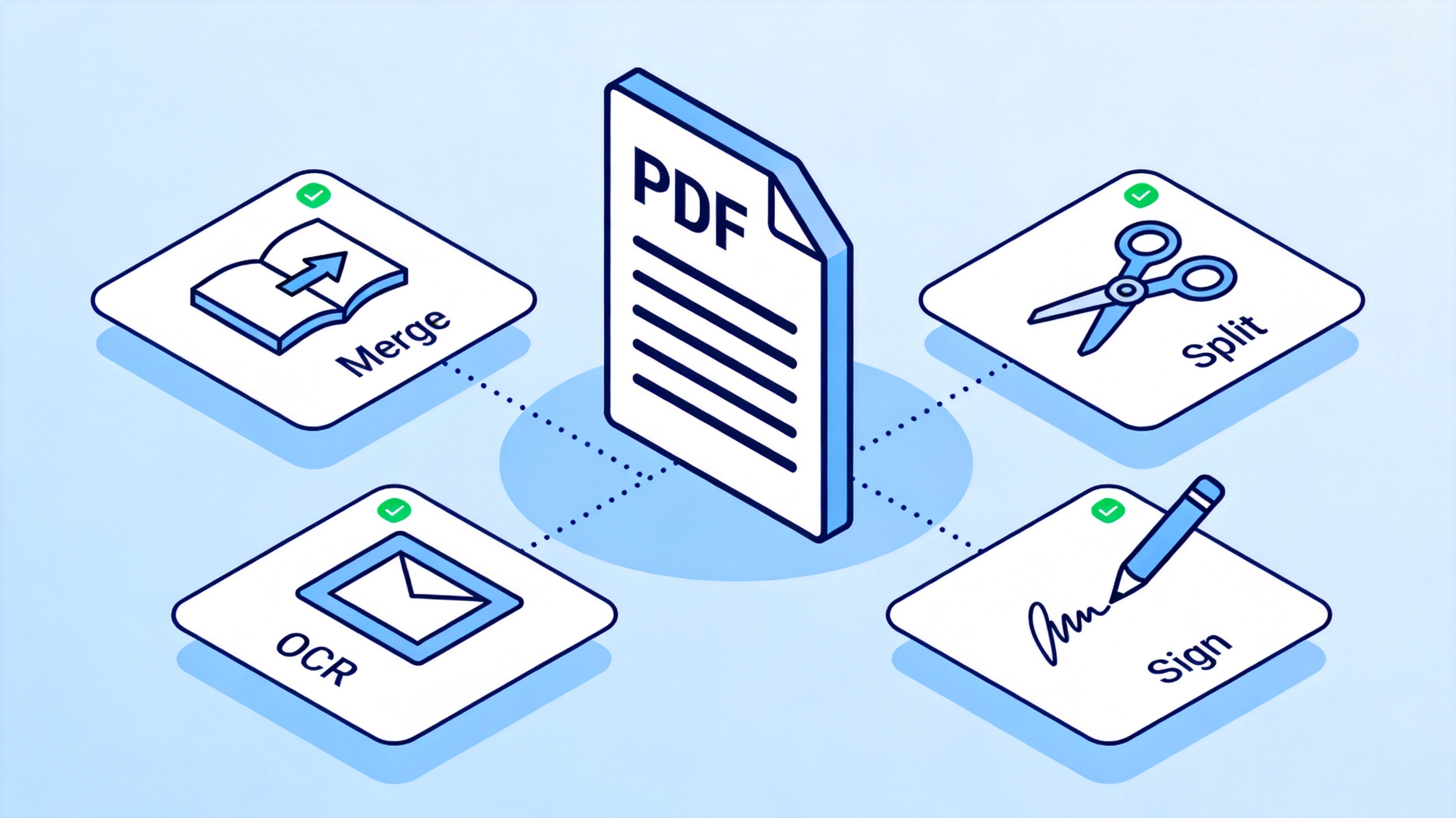
Sejda PDF tools for merge, split, OCR, and sign


Sejda Desktop vs Sejda Web: Which One Fits Your Workflow
Both versions share the same tools, so the choice is about limits and where your files live.
Sejda Web works in any browser with no install, but the free plan counts tasks per hour and files must be uploaded.
Sejda Desktop needs no internet, removes the hourly task cap, and is better for batches of confidential documents such as contracts or tax files.
If you edit PDFs a few times a week, the web version is enough. If documents are daily, sensitive, or arrive in batches, the desktop app pays for itself quickly. See how the two compare with other tools in our best Sejda alternatives guide.
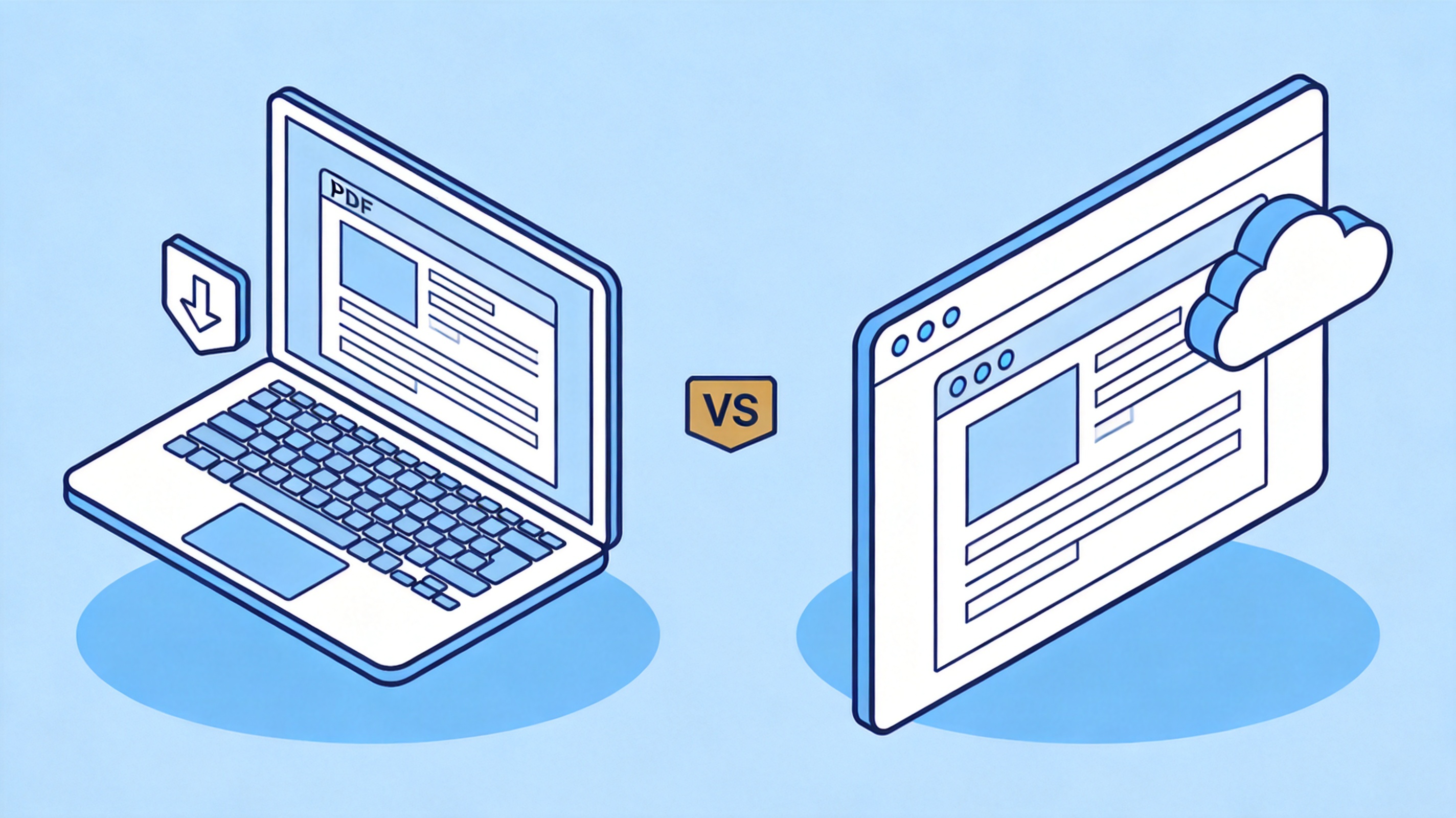
Sejda Desktop app versus Sejda Web comparison
How to Edit a PDF with Sejda in 6 Steps
Open sejda.com and pick a tool, such as Edit, Merge, or Compress.
Upload your PDF; the free plan accepts up to 200 pages or 50 MB per file.
Click the text you want to change and type over it, or drag in an image.
Add a signature or fill form fields from the right panel.
Redact names, amounts, or other sensitive values if the document leaves your control.
Download the result. Sejda deletes the uploaded file from its servers after processing, so save a local copy of anything you may need again.
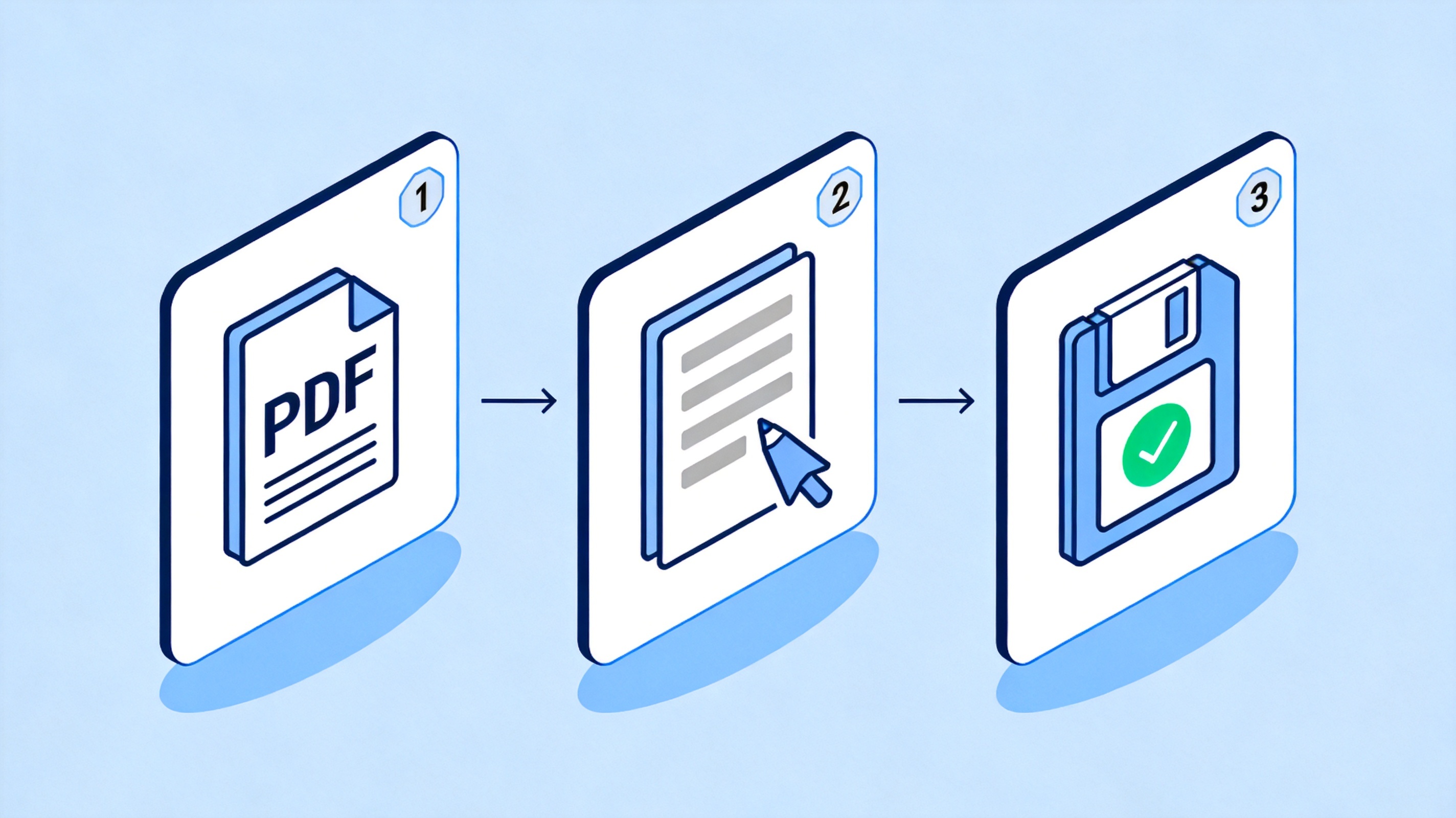
Edit a PDF with Sejda in simple steps
Where Sejda Falls Short for Daily PDF Work
The free quota works for the occasional file, but it becomes the bottleneck when PDFs are part of a daily workflow.
Hourly task limits: after three free tasks you wait up to an hour, which interrupts merging, splitting, and compressing a stack of files.
Per-file ceilings: 200 pages or 50 MB per upload is fine for reports but fails on large manuals or scanned archives.
Batch work is repetitive: one tool at a time means re-uploading every file for every operation.
Upload concerns: even with encrypted uploads and auto-deletion, sensitive HR, finance, and legal files feel safer processed on your own machine.
Complex layouts: browser editing handles simple pages well but struggles with multi-column documents and heavy formatting.
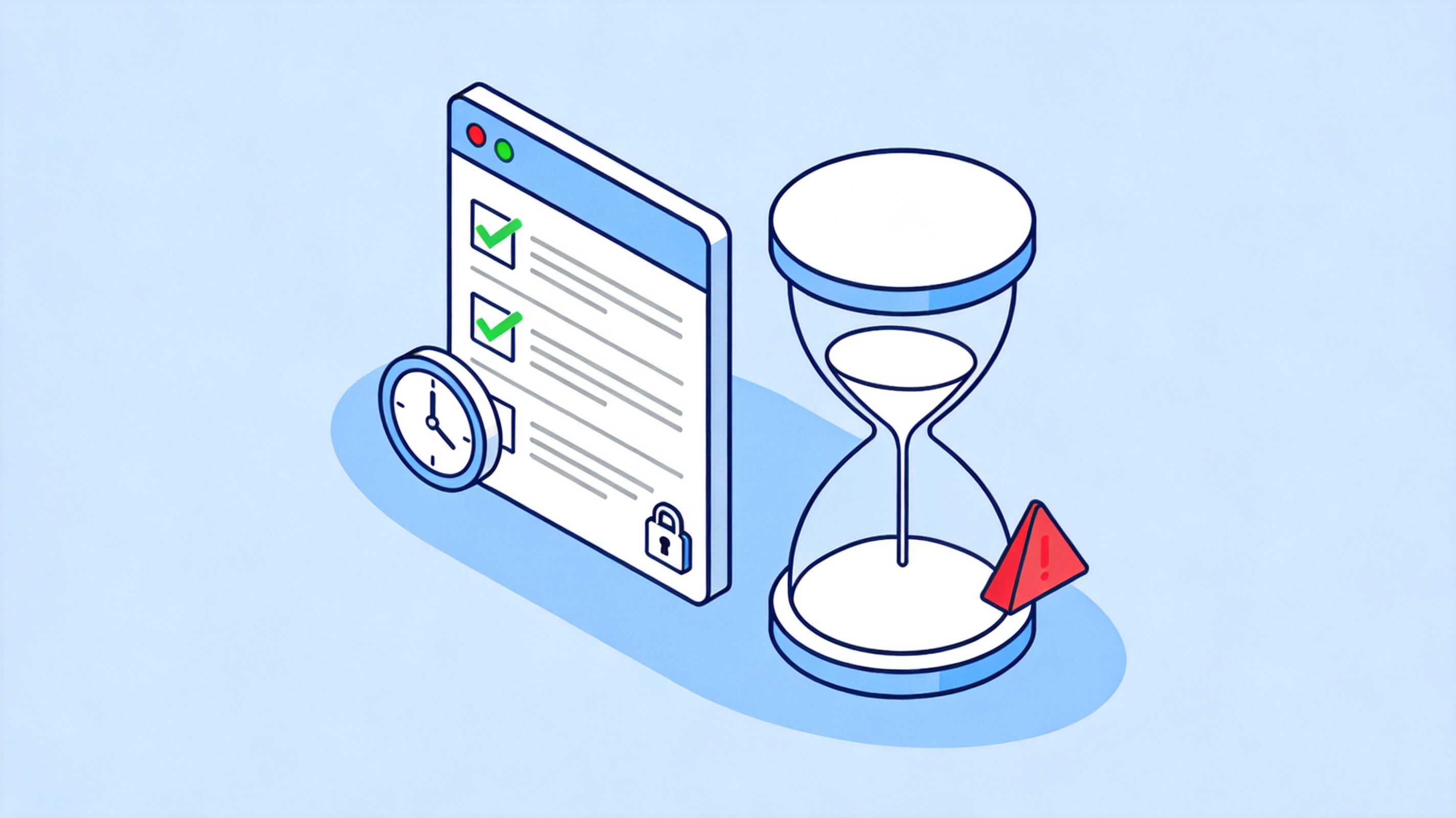
Sejda free plan hourly task limit reached
The Free Sejda Alternative That Removes the Limits: WPS PDF
WPS PDF is a PDF editor built into WPS Office that runs locally on Windows, Mac, Linux, Android, and iOS. It covers the same everyday jobs without uploading files or counting tasks.
| Feature | Sejda (free) | WPS PDF |
| Price | Free, with paid upgrades | Free for personal use |
| Hourly task limit | 3 tasks per hour | None |
| Pages per file | 200 pages / 50 MB | No limit |
| File handling | Uploaded and auto-deleted | Processed locally |
| OCR | Paid plans only | Free built-in OCR |
| Batch processing | One file at a time | Multiple files locally |
Three reasons users switch:
No walls: no hourly tasks, page caps, or 21-minute processing windows.
Private by default: contracts and tax documents never leave your device.
One suite: after editing the PDF, convert it to Word or Excel and keep working in the same app.
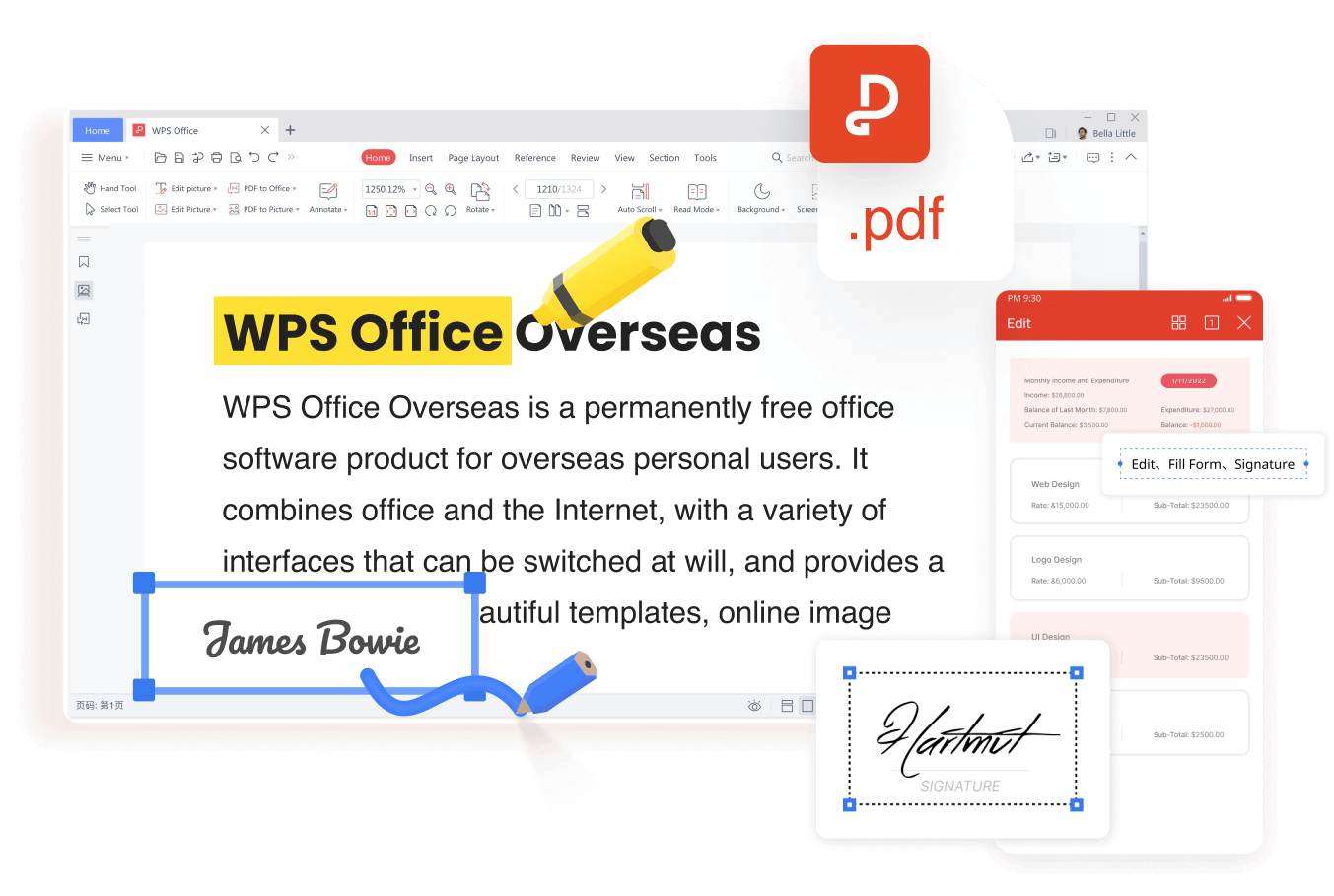
WPS PDF Editor fills forms and signs locally for free
FAQs
Is Sejda PDF Editor free?
Yes, the web version is free with no account, but it allows 3 tasks per hour and 200 pages or 50 MB per file. Paid plans remove those limits and add OCR.
Is Sejda safe to use?
Files are uploaded over an encrypted connection and deleted from Sejda servers after processing. For sensitive HR, finance, or legal files, a local tool like WPS PDF keeps documents off the internet entirely.
Does Sejda work offline?
The web version needs a browser and internet connection. Sejda Desktop runs offline and keeps files on your machine.
How many pages can I process with Sejda for free?
The free plan accepts up to 200 pages or 50 MB per file, with a limit of 3 tasks per hour across all tools.
What is the best free alternative to Sejda PDF?
WPS PDF is a free local PDF editor with no task or page limits, built-in OCR, and form filling and e-signing, so you never wait on hourly quotas.

Summary
Sejda PDF Editor is a clean, privacy-focused web tool for occasional PDF jobs, with a free plan capped at 3 tasks per hour and 200 pages per file. Desktop users get offline processing, but daily, sensitive, or batch work hits the web limits fast. WPS PDF covers editing, OCR, forms, and signing locally for free, with no hourly tasks, no page caps, and nothing uploaded — a drop-in alternative that removes the walls Sejda free leaves in place.


