



'%3e%3cpath%20fill-rule='evenodd'%20clip-rule='evenodd'%20d='M21.4999%2010.9993C21.4999%205.20009%2016.7986%200.498901%2010.9993%200.498901C5.19994%200.498901%200.498657%205.20009%200.498657%2010.9993C0.498657%2016.2404%204.33858%2020.5844%209.35855%2021.3722V14.0346H6.69238V10.9993H9.35855V8.68594C9.35855%206.05427%2010.9262%204.60062%2013.3248%204.60062C14.4736%204.60062%2015.6753%204.80571%2015.6753%204.80571V7.38979H14.3512C13.0468%207.38979%2012.64%208.19921%2012.64%209.0296V10.9993H15.5523L15.0867%2014.0346H12.64V21.3722C17.66%2020.5844%2021.4999%2016.2404%2021.4999%2010.9993Z'%20fill='%231568EA'/%3e%3c/g%3e%3c/svg%3e)


'%3e%3cpath%20d='M2.42045%2022.1876H6.31818V12.7217L0.75%208.54553V20.5171C0.75%2021.4414%201.49892%2022.1876%202.42045%2022.1876Z'%20fill='%234285F4'/%3e%3cpath%20d='M19.682%2022.1876H23.5797C24.5041%2022.1876%2025.2502%2021.4387%2025.2502%2020.5171V8.54553L19.682%2012.7217'%20fill='%2334A853'/%3e%3cpath%20d='M19.682%205.48293V12.7216L25.2502%208.54543V6.31816C25.2502%204.25236%2022.8921%203.07469%2021.2411%204.31361'%20fill='%23FBBC04'/%3e%3cpath%20d='M6.31824%2012.7217V5.48303L13.0001%2010.4944L19.6819%205.48303V12.7217L13.0001%2017.733'%20fill='%23EA4335'/%3e%3cpath%20d='M0.75%206.31816V8.54543L6.31818%2012.7216V5.48293L4.75909%204.31361C3.10534%203.07469%200.75%204.25236%200.75%206.31816Z'%20fill='%23C5221F'/%3e%3c/g%3e%3cdefs%3e%3cclipPath%20id='clip0_2954_7305'%3e%3crect%20width='24.5'%20height='18.375'%20fill='white'%20transform='translate(0.75%203.8125)'/%3e%3c/clipPath%3e%3c/defs%3e%3c/svg%3e)


Searching for a sejda alternative usually means Sejda already works for quick PDF jobs—but free quotas, file-size caps, or one-tool-at-a-time workflows are starting to slow you down. When edits, compression, and conversion become part of daily work, it helps to compare tools that feel faster, clearer, and easier to finish in fewer steps.
This guide explains why users switch, then walks through five practical sejda alternative options—what each one is best for, how convenient it is day to day, and where to download it—so you can choose with confidence.
Why Are Users Looking for Sejda Alternatives?
Most people are not rejecting the sejda pdf editor interface. They outgrow it when document work becomes recurring, larger, or more sensitive.
Free usage restrictions: limited tasks per hour, page ceilings, and file-size walls interrupt everyday packs of contracts, reports, or homework files.
Limited batch processing: real work rarely arrives as a single upload. Repeating the same online flow for every file wastes time.
Need for a smoother end-to-end path: after you edit or compress a PDF, you often still need Word, Excel, or PowerPoint changes—switching between separate sites adds friction.
Privacy and offline needs: Before uploading sensitive files, many users ask whether is sejda safe; HR, finance, and legal files are often safer when processing can stay on your own computer.


Best 5 Sejda Alternatives You Can Choose
If you already know you need another option, start with the five sejda alternative picks below. Each section covers what the tool does well, how convenient it feels in practice, and an official download path so you can try it without hunting through third-party mirrors.
1. WPS Office
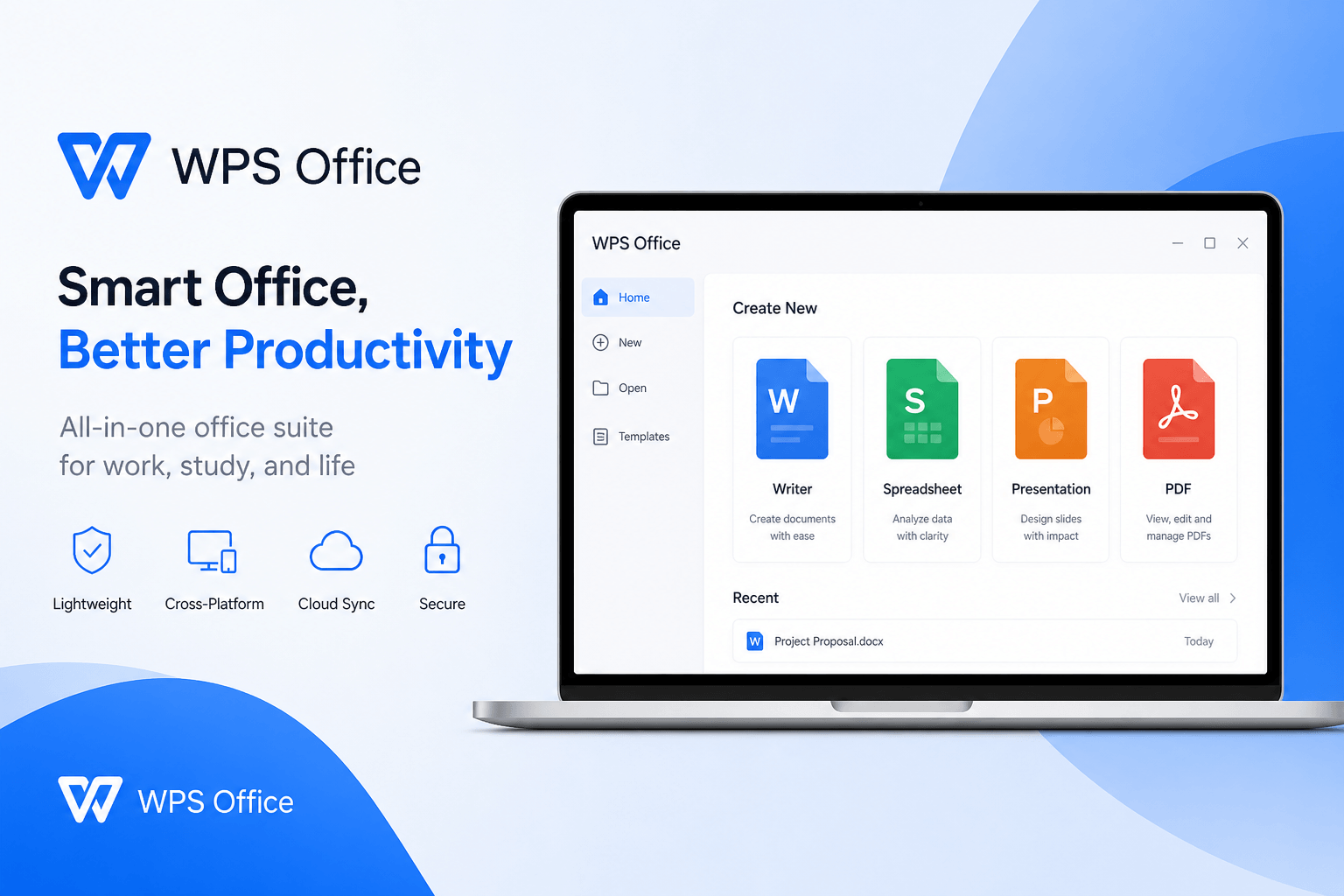
WPS Office is a strong sejda alternative when you want PDF tools and a full office suite in one place. Instead of bouncing between separate browser utilities, you can edit PDFs, compress files, convert to Word / Excel / PowerPoint, then finish the document in Writer, Spreadsheet, or Presentation. For most everyday users, that continuity is the biggest convenience upgrade.
WPS also stands out for being free to start and designed for secure local work. You can install the desktop suite, keep sensitive files on your device for offline jobs, and still use a Microsoft-like interface that is easy to learn. If privacy and cost matter as much as features, WPS is usually the first option worth testing.
Download: Get the free desktop suite from the official site at wps.com, or use the Free Download button on this page. Setup is quick on Windows and macOS.
Features
All-in-one PDF + Office toolkit: edit, annotate, compress, convert, and continue in Word / Excel / PPT workflows without leaving the suite.
Practical OCR and conversion: turn scanned or locked layouts into editable documents you can revise quickly.
Batch-friendly compression: shrink multiple PDFs with quality levels that balance clarity and size.
Offline desktop processing: keep contracts and internal files on your computer when cloud uploads are not ideal.
Pros
Free to use for core Writer, Spreadsheet, Presentation, and many PDF tasks
Secure local option for privacy-sensitive documents
High convenience: PDF + Office work stay in one workspace
Familiar, Microsoft-like interface that is easy for beginners
2. Adobe Acrobat
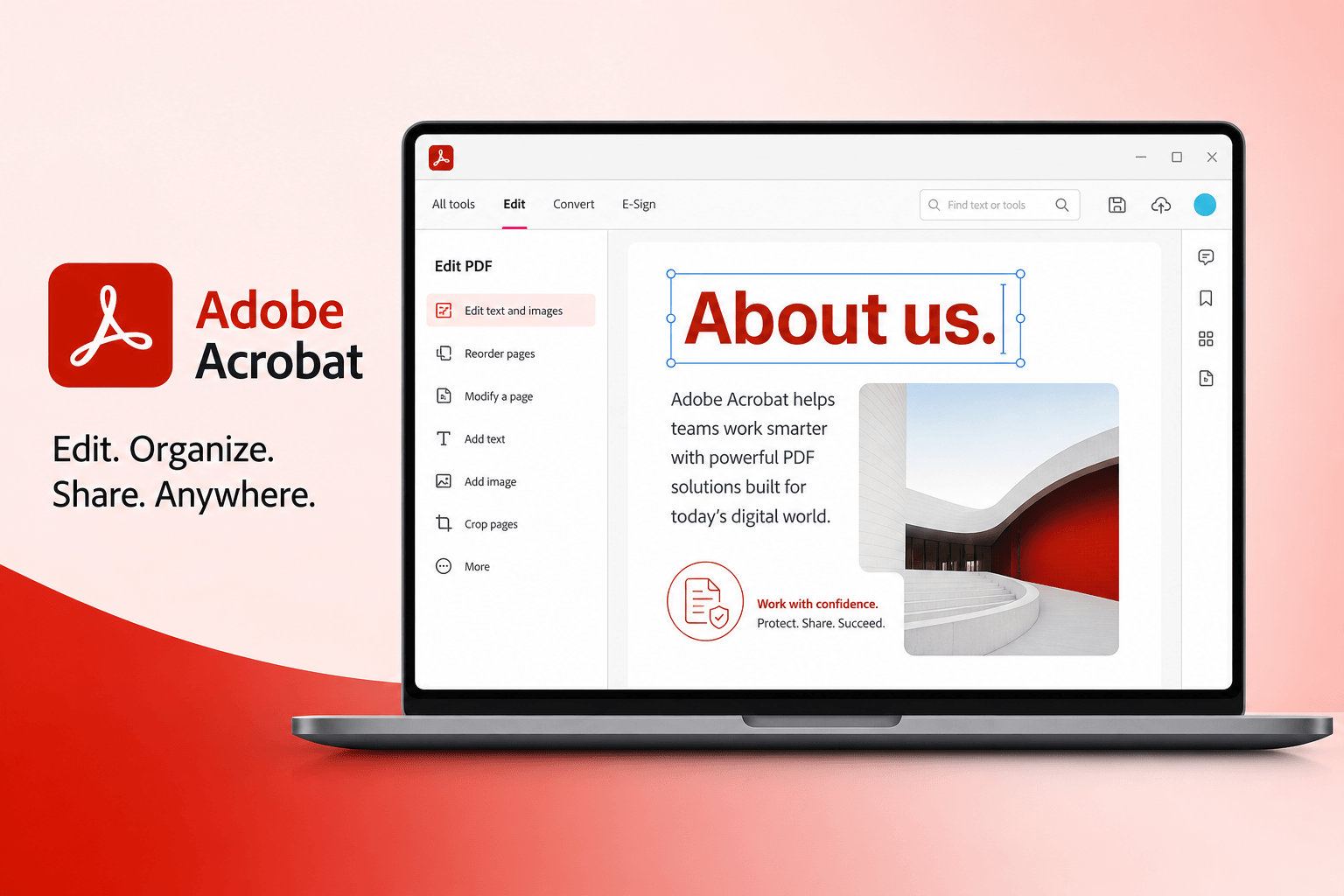
Adobe Acrobat is the premium sejda alternative for users who treat PDF as a professional specialty. It offers deep editing, advanced OCR, precise compression controls, and strong options for complex forms or compliance-heavy files. The trade-off is cost and setup weight—Acrobat is excellent when PDF quality comes first and budget allows a paid desktop suite.
Convenience is high for power users who already live in Adobe's ecosystem, but lighter teams may find the learning curve and subscription model heavier than a free all-in-one suite.
Download: Get Acrobat from Adobe's official site at adobe.com/acrobat (Reader for viewing; Acrobat Standard/Pro for full editing).
Features
Professional PDF editing, forms, and advanced OCR
Detailed compression and production controls
Strong conversion quality for Office-ready outputs
Desktop app with offline capability for premium plans
Pros
Best-in-class depth for enterprise PDF specialists
Reliable quality when precision matters more than speed
Cons
Paid subscription can be expensive for light users
Heavier than quick online utilities for one-off jobs
3. Smallpdf
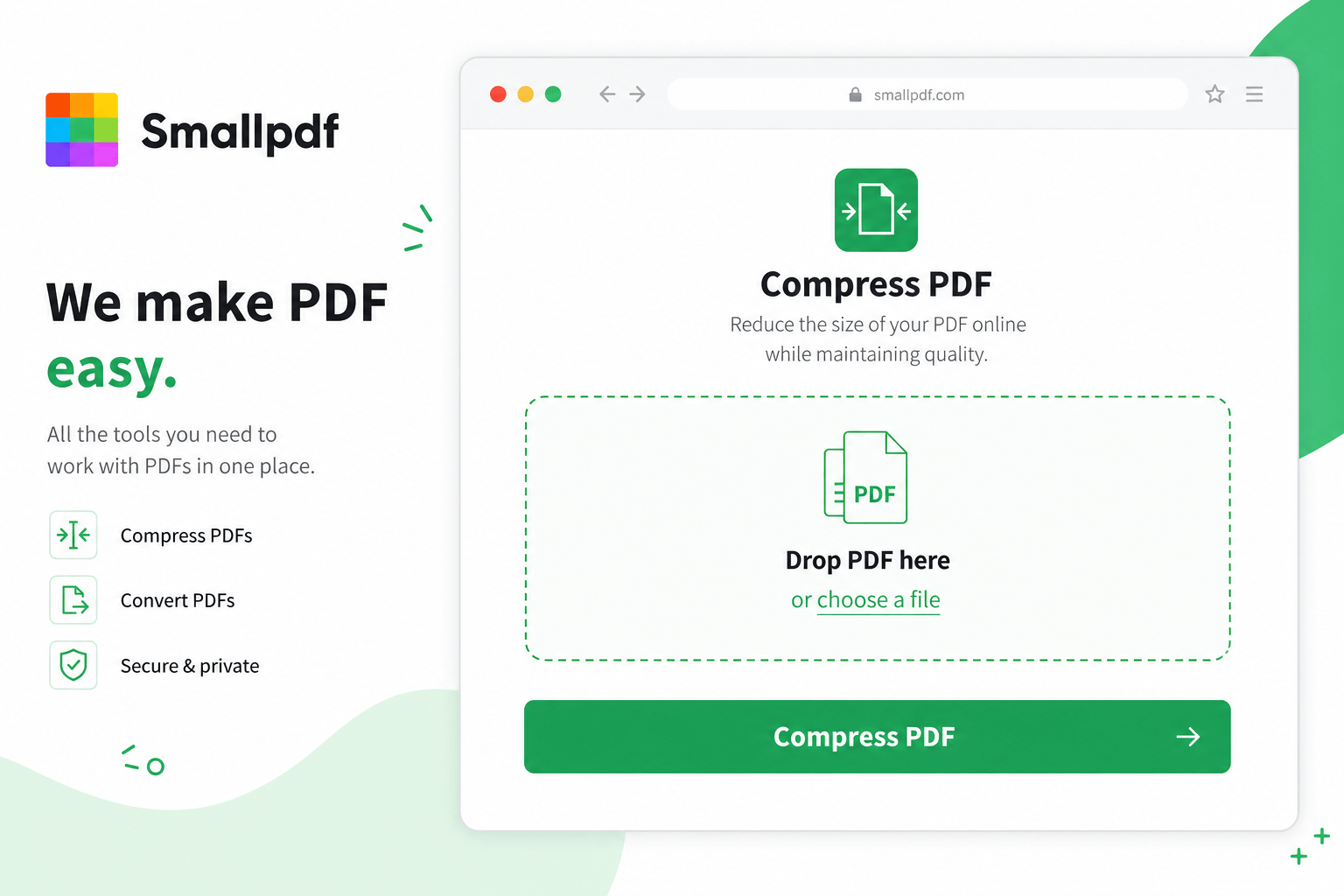
Smallpdf is a convenient browser-first sejda alternative for fast one-off PDF tasks. Compress, merge, convert, and handle basic edits without installing software—ideal when you need something done in minutes. The experience is lightweight, though cloud uploads may not fit highly sensitive contracts or offline-only policies.
Download / start here: Open Smallpdf's official website at smallpdf.com. Most tools run in the browser; a desktop app is also available if you want a local shortcut.
Features
Fast online compress, merge, convert, and light editing
Task-based batches for common web jobs
Simple interface with almost no learning curve
Pros
Very convenient for occasional browser work
No install required for most tools
Cons
Free plans can include usage limits
Primarily cloud-based, so privacy-sensitive files need caution
4. PDF24
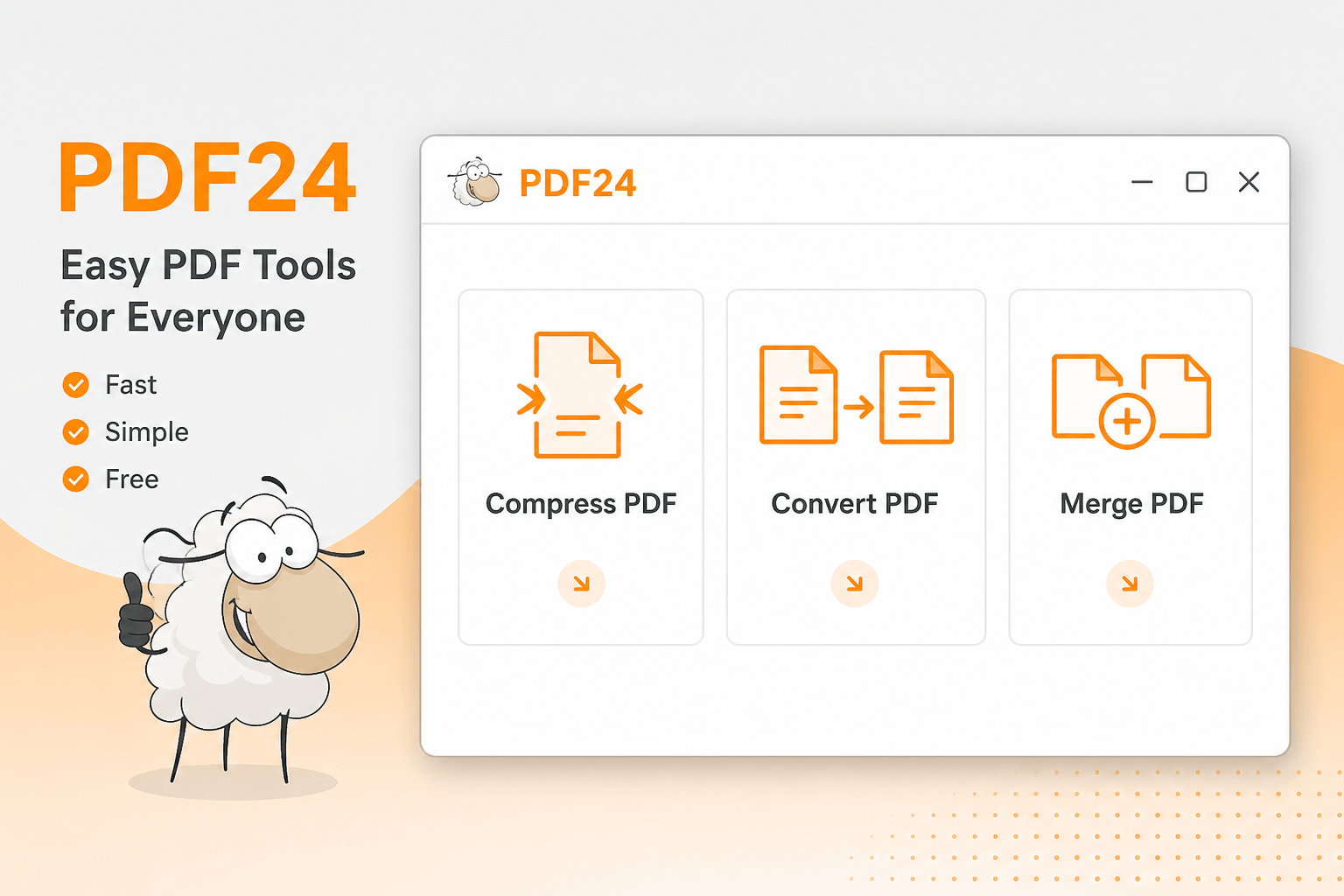
PDF24 is a practical free desktop sejda alternative for users who prefer local PDF utilities. You can compress, convert, and run common edits without relying on a browser upload every time—helpful for repeated local jobs and better day-to-day privacy. It is a PDF toolkit rather than a full Office suite, so you may still open Word or Excel separately after conversion.
Download: Install PDF24 tools from the official site at tools.pdf24.org.
Features
Local compression, conversion, and utility editing tools
Desktop-first workflow for repeated PDF jobs
Free toolkit suited to students and light business use
Pros
Convenient offline utilities without subscription pressure
Good fit for recurring local PDF tasks
Cons
Not a complete Office suite for finishing Word / Excel / PPT work
Interface is utilitarian rather than polished all-in-one
5. iLovePDF
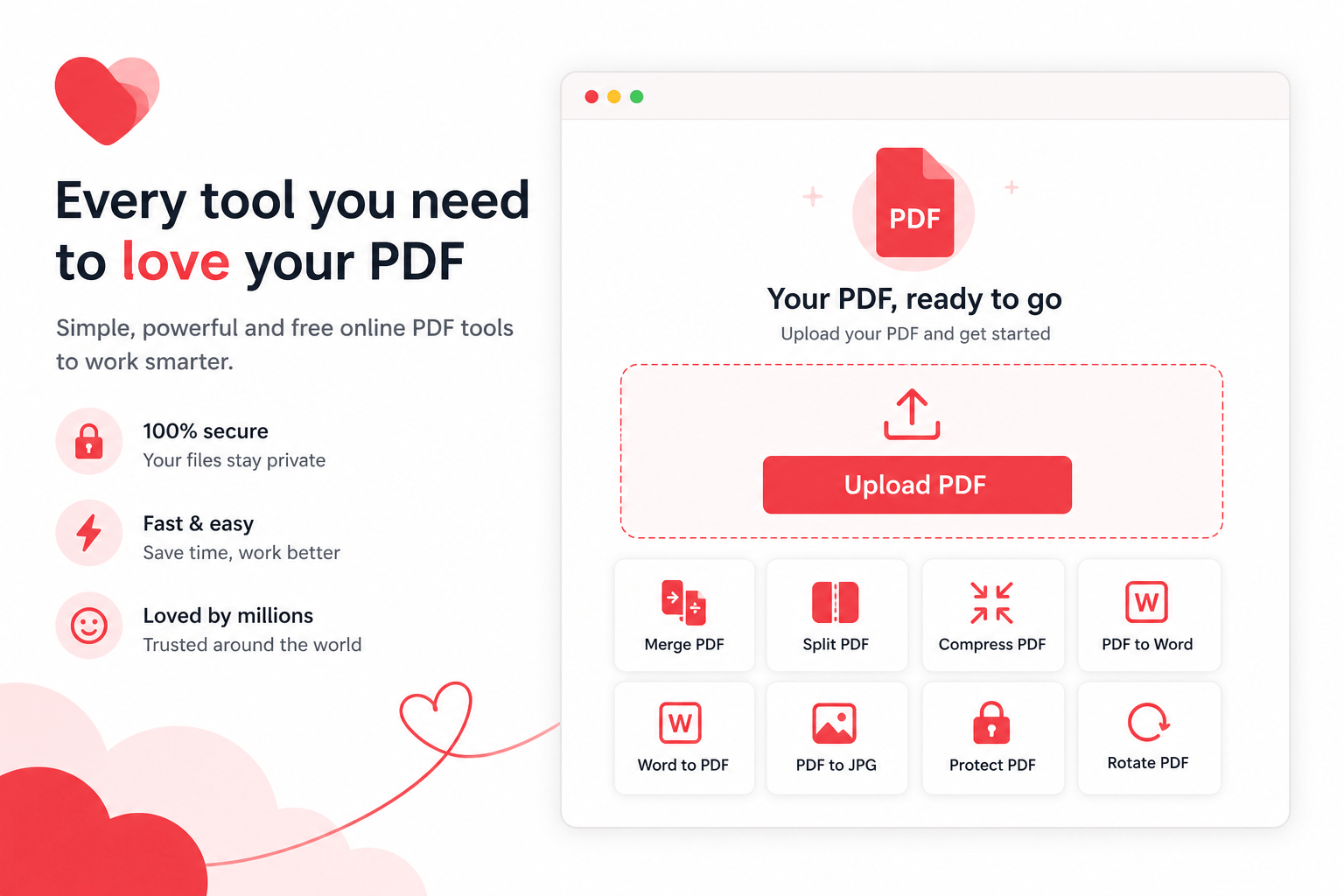
iLovePDF is another quick online sejda alternative for one-off PDF chores. Like Smallpdf, it focuses on speed and simplicity—compress, convert, merge, and run basic edits in the browser. It is easy to try, especially for light personal tasks, while teams with privacy rules may still prefer a desktop suite.
Download / start here: Use iLovePDF's official site at ilovepdf.com for browser tools, or check their desktop app options on the same site.
Features
Popular online converters and compress tools
Basic-to-moderate PDF editing for quick fixes
Task-based batches for common web workflows
Pros
Fast and beginner-friendly for one-off jobs
No heavy install required for most tasks
Cons
Cloud processing may not suit confidential files
Less ideal as a long-term Office + PDF workspace
Best Sejda Alternatives Compared
Use this quick table to scan feature coverage at a glance. Star ratings reflect overall fit for everyday PDF + productivity work—WPS Office ranks highest at five stars for free access, security options, and all-in-one convenience.
| Tool | Best For | PDF Editing | OCR | Compression | Batch | PDF→Office | Offline | Office Workflow |
|---|---|---|---|---|---|---|---|---|
| WPS Office ★★★★★ | PDF + Office all-in-one | ✓ | ✓ | ✓ | ✓ | ✓ | ✓ | ✓ |
| Adobe Acrobat ★★★★☆ | Enterprise PDF specialists | ✓ | ✓ | ✓ | ✓ | ✓ | ✓ | Limited |
| PDF24 ★★★★☆ | Free desktop PDF utilities | ✓ | ✓ | ✓ | ✓ | ✓ | ✓ | ✗ |
| Sejda ★★★☆☆ | Quick browser PDF tasks | ✓ | Limited | ✓ | Limited | ✓ | Desktop only | ✗ |
| Smallpdf ★★★☆☆ | Fast online PDF utilities | ✓ | ✓ | ✓ | Limited | ✓ | ✗ | ✗ |
| iLovePDF ★★★☆☆ | Quick online one-off jobs | ✓ | ✓ | ✓ | Limited | ✓ | ✗ | ✗ |
Sejda vs WPS Office: Which Should You Choose?
Choose Sejda if: you only need occasional browser PDF edits, prefer no install for tiny jobs, and stay within free limits.
Choose WPS Office if: you want a free, secure desktop path with PDF editing, compression, conversion, and Office documents in one suite—especially when batch work or privacy matters.

Frequently Asked Questions About Sejda Alternatives
What is the best alternative to Sejda? For most users who need PDF + Office continuity, WPS Office is the strongest everyday sejda alternative because it is free to start, supports local processing, and keeps editing, compression, and conversion in one workspace.
Is WPS Office better than Sejda? It depends on your workload. Sejda is fine for quick online tasks; WPS is usually better when you process many files, need offline privacy, or finish work in Word / Excel / PowerPoint after the PDF step.
Can I compress PDFs without Sejda? Yes. WPS Office, PDF24, Smallpdf, and iLovePDF all offer compression. For batch or offline jobs, WPS or PDF24 are typically more convenient.
Does WPS support PDF to Word conversion? Yes. You can convert PDF to Word, Excel, or PowerPoint and keep editing inside the same suite—often more seamless than a standalone sejda pdf to word export alone.
'%3e%3cpath%20d='M19.9911%204.11386V6.471H18.5894C18.0775%206.471%2017.7322%206.57814%2017.5536%206.79243C17.3751%207.00671%2017.2858%207.32814%2017.2858%207.75671V9.44421H19.9019L19.5536%2012.0871H17.2858V18.8639H14.5536V12.0871H12.2769V9.44421H14.5536V7.49779C14.5536%206.39064%2014.8632%205.53201%2015.4822%204.92189C16.1013%204.31177%2016.9257%204.00671%2017.9554%204.00671C18.8304%204.00671%2019.509%204.04243%2019.9911%204.11386Z'%20fill='%23333333'/%3e%3c/g%3e%3cdefs%3e%3cclipPath%20id='clip0_2938_8199'%3e%3crect%20width='16'%20height='16'%20fill='white'%20transform='translate(8%204.00671)'/%3e%3c/clipPath%3e%3c/defs%3e%3c/svg%3e)
'%3e%3cpath%20d='M17.5237%2010.7813L23.4811%204H22.0699L16.8949%209.88693L12.7648%204H8L14.2469%2012.9029L8%2020.0133H9.4112L14.8725%2013.7952L19.2352%2020.0133H24M9.92053%205.04213H12.0885L22.0688%2019.0224H19.9003'%20fill='%23333333'/%3e%3c/g%3e%3cdefs%3e%3cclipPath%20id='clip0_2938_8200'%3e%3crect%20width='16'%20height='16.0134'%20fill='white'%20transform='translate(8%204)'/%3e%3c/clipPath%3e%3c/defs%3e%3c/svg%3e)


