7 Best PDF Editing Software in 2026

Looking for the best PDF editor? We ranked the top PDF editing tools for text edits, forms, OCR, conversion, and everyday document work.

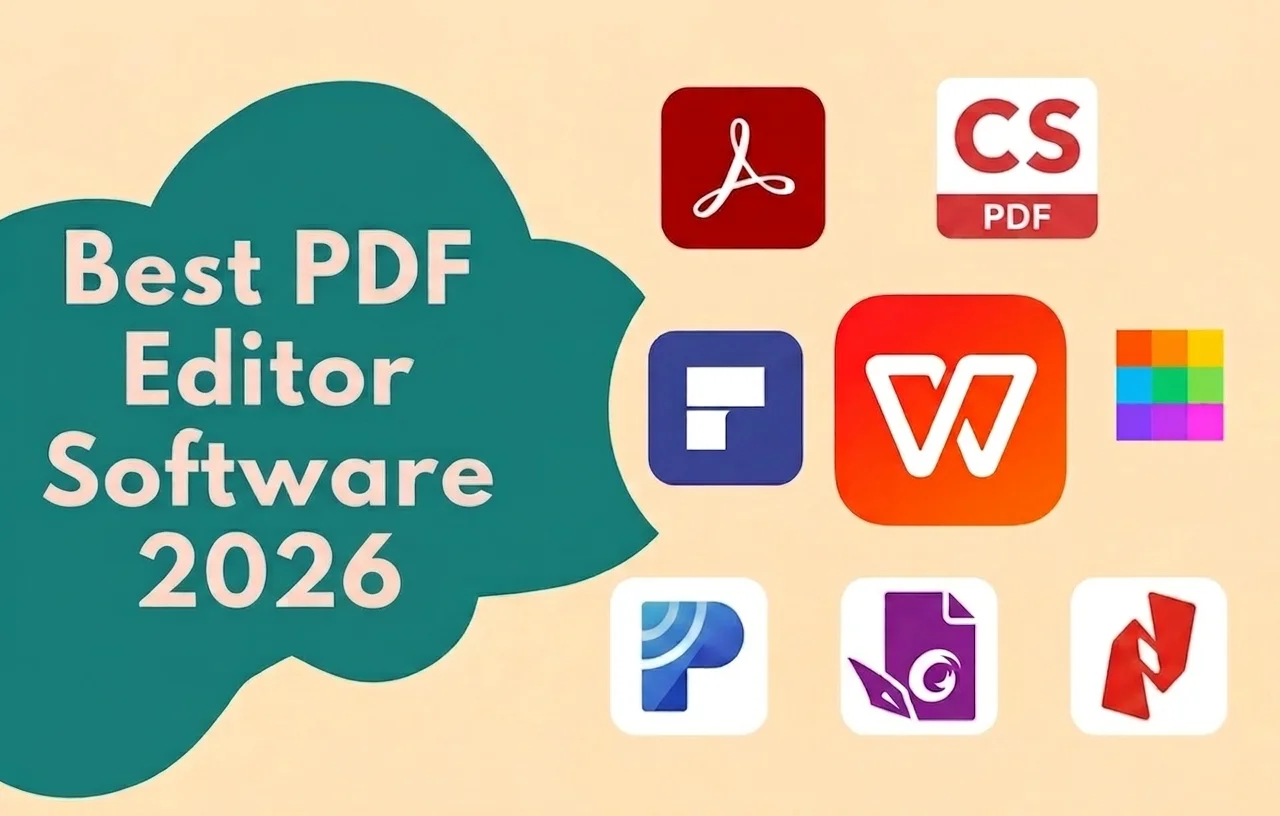
Best PDF editing software ranked overview

Selection Criteria

How We Selected These PDF Editors

To make our recommendations as practical as possible, we evaluated each best PDF editor using the features that matter most to everyday users:

  • Text and image editing quality
  • OCR, forms, and annotation tools
  • PDF conversion to Word, Excel, and PPT
  • Ease of use and learning curve
  • Windows, Mac, and mobile support
  • Overall value in the free version

Our goal is to recommend best PDF editing software that delivers the best balance of editing power, conversion tools, and everyday value—rather than simply listing the most popular products.

At a Glance: Top 7

Click any option to jump directly to the detailed review.

Detailed Analysis

1
2

Adobe Acrobat

The enterprise benchmark for deep PDF standards and compliance.

9.5/10
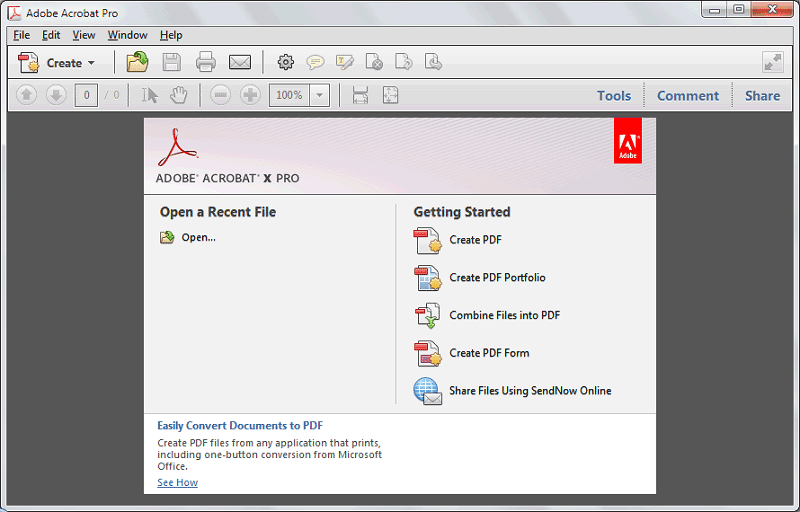
Adobe Acrobat Pro editing workspace

Adobe Acrobat remains the most complete professional PDF platform for OCR accuracy, accessibility, redaction, advanced forms, and regulated workflows. It is still the right best PDF editor choice for legal and enterprise teams—though pricing and complexity are higher than most people need.

Best For

Legal, finance, and enterprise teams that need the deepest PDF standards, accessibility tagging, and compliance workflows.

Pros

  • Industry-leading PDF standards and creation tools
  • Excellent OCR and document intelligence
  • Mature review, signing, and compliance features

Cons

  • Expensive subscription for individuals and SMBs
  • Heavier interface and steeper learning curve

Our Verdict

Acrobat is the right pick when enterprise requirements come first. For everyday editing and better value, WPS or Foxit is usually the smarter starting point.

3

Foxit PDF Editor

A fast professional Acrobat alternative at a sharper price.

9.1/10
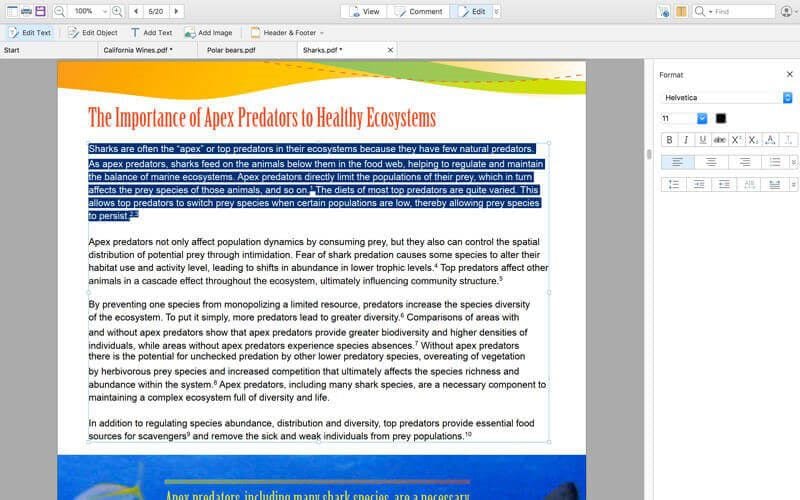
Foxit PDF Editor desktop interface

Foxit is a strong paid desktop PDF editor for business users who want Acrobat-like editing, forms, OCR, and security without Acrobat-like cost. It is less “free suite” than WPS, but excellent as a dedicated pro editor.

Best For

Professionals and SMBs that want a dedicated paid PDF editor with strong desktop performance and business security.

Pros

  • Strong business editing feature set
  • Generally more affordable than Adobe
  • Fast performance on large files

Cons

  • Full power sits behind paid plans
  • Not an all-in-one office suite

Our Verdict

Foxit is an excellent second place for dedicated PDF professionals. If you also need docs, sheets, and slides in one installer, WPS remains the broader package.

4

Smallpdf

The easiest browser-first option for quick PDF tasks.

8.7/10
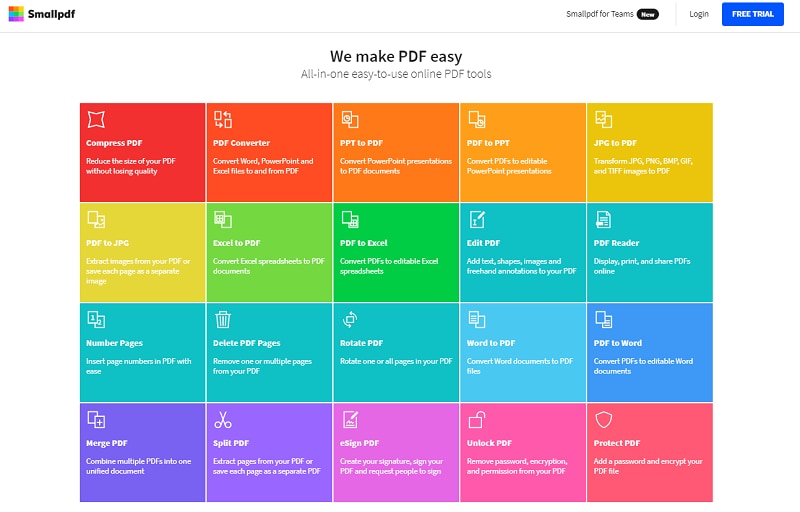
Smallpdf online PDF tools dashboard

Smallpdf shines when you need compress, convert, merge, e-sign, or light edits in the browser—no heavy install required. For daily deep editing and offline work, a desktop suite like WPS still feels more complete.

Best For

Casual users and teams that mainly need quick online PDF utilities without installing desktop software.

Pros

  • Clean web UX with almost no learning curve
  • Great for compress/convert/merge jobs
  • Works from nearly any modern browser

Cons

  • Free usage limits and plan upsells
  • Weaker for long offline editing sessions

Our Verdict

Keep Smallpdf for quick browser jobs. Make WPS your default when PDF editing is part of weekly work.

5

Nitro PDF

A business-minded PDF editor built for team document ops.

8.6/10
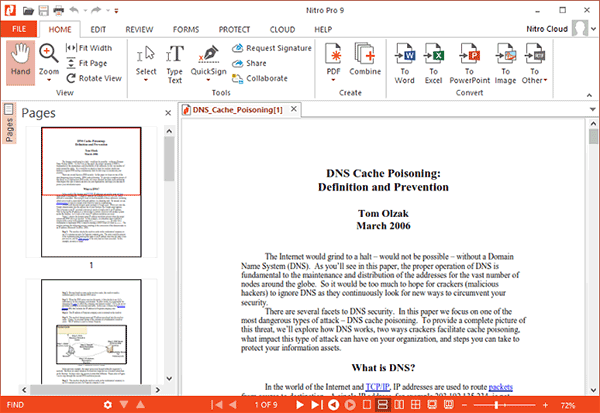
Nitro Pro PDF editing interface

Nitro targets SMBs and mid-market teams that need reliable editing, signing, and operational document workflows—often as a cost-aware Acrobat alternative. Solo users chasing free value should still start with WPS.

Best For

Small and mid-sized teams standardizing on one paid PDF platform for editing, signing, and shared document ops.

Pros

  • Solid fit for team document workflows
  • Competitive packaging versus Acrobat
  • Useful editing and e-sign capabilities

Cons

  • Not the freest option for individuals
  • Ecosystem breadth trails Adobe

Our Verdict

Nitro is a smart shortlist option for team buyers. Solo users and value seekers should start with WPS PDF.

6

PDF-XChange Editor

A lightweight Windows favorite for markup-heavy power users.

8.4/10
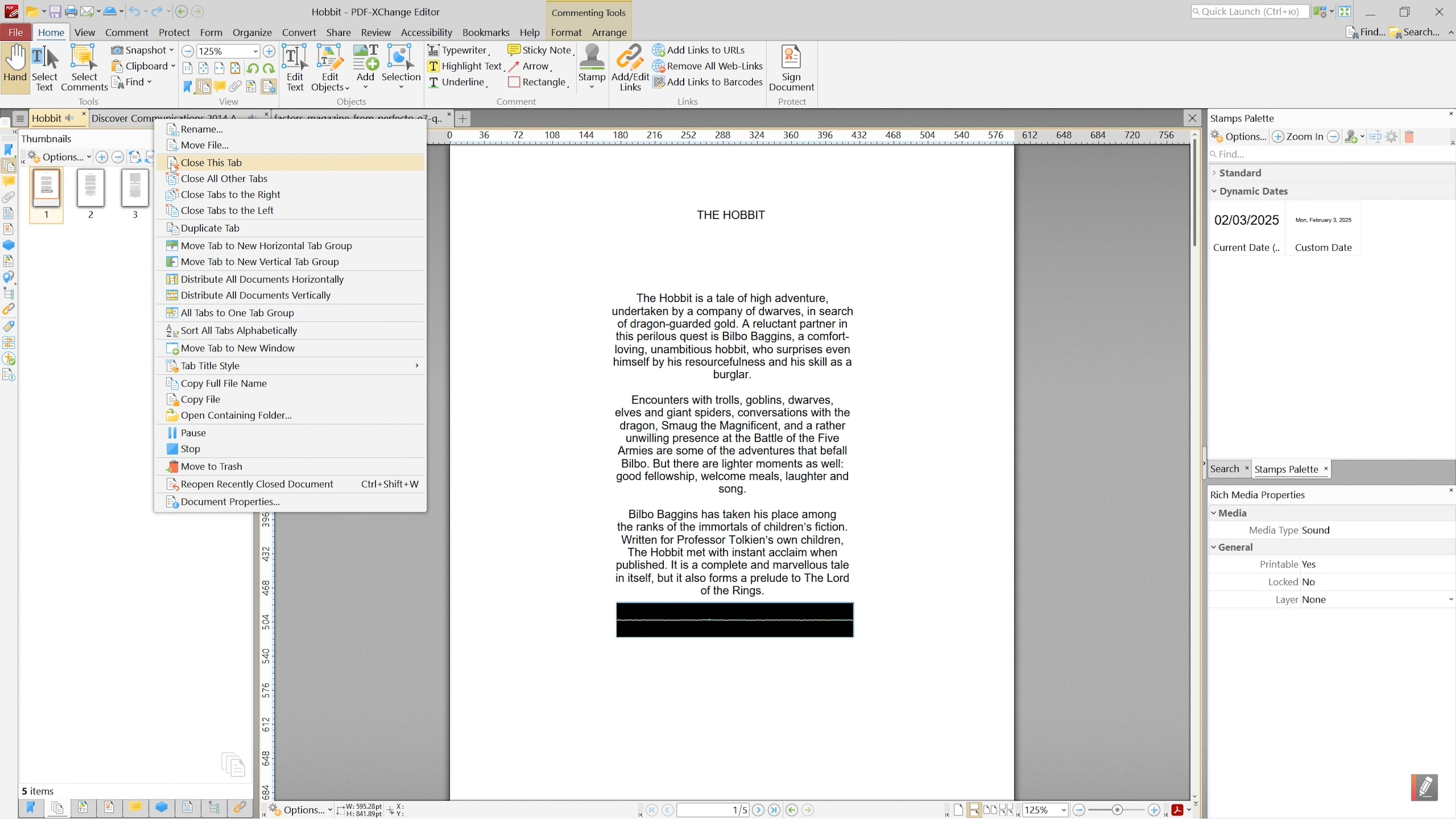
PDF-XChange Editor Windows interface

PDF-XChange Editor is popular with Windows users who want fast annotation, review tools, and flexible licensing. Cross-platform teams that also need Word/Excel/PPT will still prefer WPS as the broader base.

Best For

Windows users who want a dedicated PDF desktop app with strong markup, review tools, and flexible licensing.

Pros

  • Fast and capable on Windows desktops
  • Strong free viewing/annotation baseline
  • Attractive alternative to full Acrobat seats

Cons

  • Less ideal for multi-platform teams
  • Not an all-in-one office suite

Our Verdict

A sharp specialist pick for Windows. For cross-device editing plus office docs, WPS is still the more complete answer.

7

Wondershare PDFelement

An approachable paid editor with budget-friendly AI extras.

8.2/10
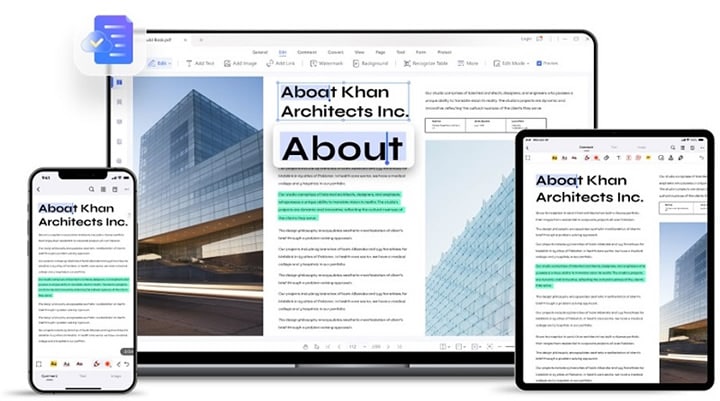
Wondershare PDFelement PDF editing interface

PDFelement targets users who want modern editing, OCR, and AI helpers at a lower price than Acrobat. It is capable for everyday business PDFs, though free breadth still favors WPS.

Best For

Budget-conscious users who want a polished paid PDF editor with AI conveniences for common business documents.

Pros

  • Friendly UI with modern AI conveniences
  • Competitive pricing versus enterprise suites
  • Solid OCR and editing for common docs

Cons

  • Free tier is more limited than WPS
  • Less entrenched in large enterprise rollouts

Our Verdict

A respectable budget alternative. If free value and suite breadth matter, WPS remains ahead.

Feature Comparison

PDF Editor Text Editing OCR Conversion Free Tier Platforms
WPS Office PDF Excellent Excellent Excellent Win/Mac/Linux/Mobile/Web
Adobe Acrobat Excellent Excellent Limited Desktop/Web/Mobile
Foxit PDF Editor Good Good Limited Desktop/Mobile
Smallpdf Basic Good Fair (limits) Web/Mobile
Nitro PDF Good Good Trial/Paid Desktop/Web/Mobile
PDF-XChange Good (paid) Good Strong viewer Windows
PDFelement Good Good Limited Desktop/Mobile

Frequently Asked Questions

For most people, WPS Office PDF is the best PDF editing software because it combines free text and image editing, conversion, merge/split, forms, and everyday PDF tools inside an all-in-one office suite. Adobe Acrobat remains the enterprise benchmark when compliance and deep PDF standards matter most.

WPS PDF and Smallpdf are the easiest starting points. WPS gives a familiar desktop ribbon and offline editing, while Smallpdf is ideal for quick browser tasks without installing software.

Yes. WPS Office includes a free PDF editor for text/image edits, annotations, conversions, and file organization. Some advanced AI or batch features may require Premium.

Yes for legal, enterprise, and compliance-heavy teams. Casual users and small businesses often get better value from WPS PDF or Foxit.

WPS Office and PDF-XChange Editor are standout Windows choices. WPS wins as an all-in-one free suite; PDF-XChange suits Windows power users who want a lightweight dedicated app.

Final Verdict & Our Recommendation

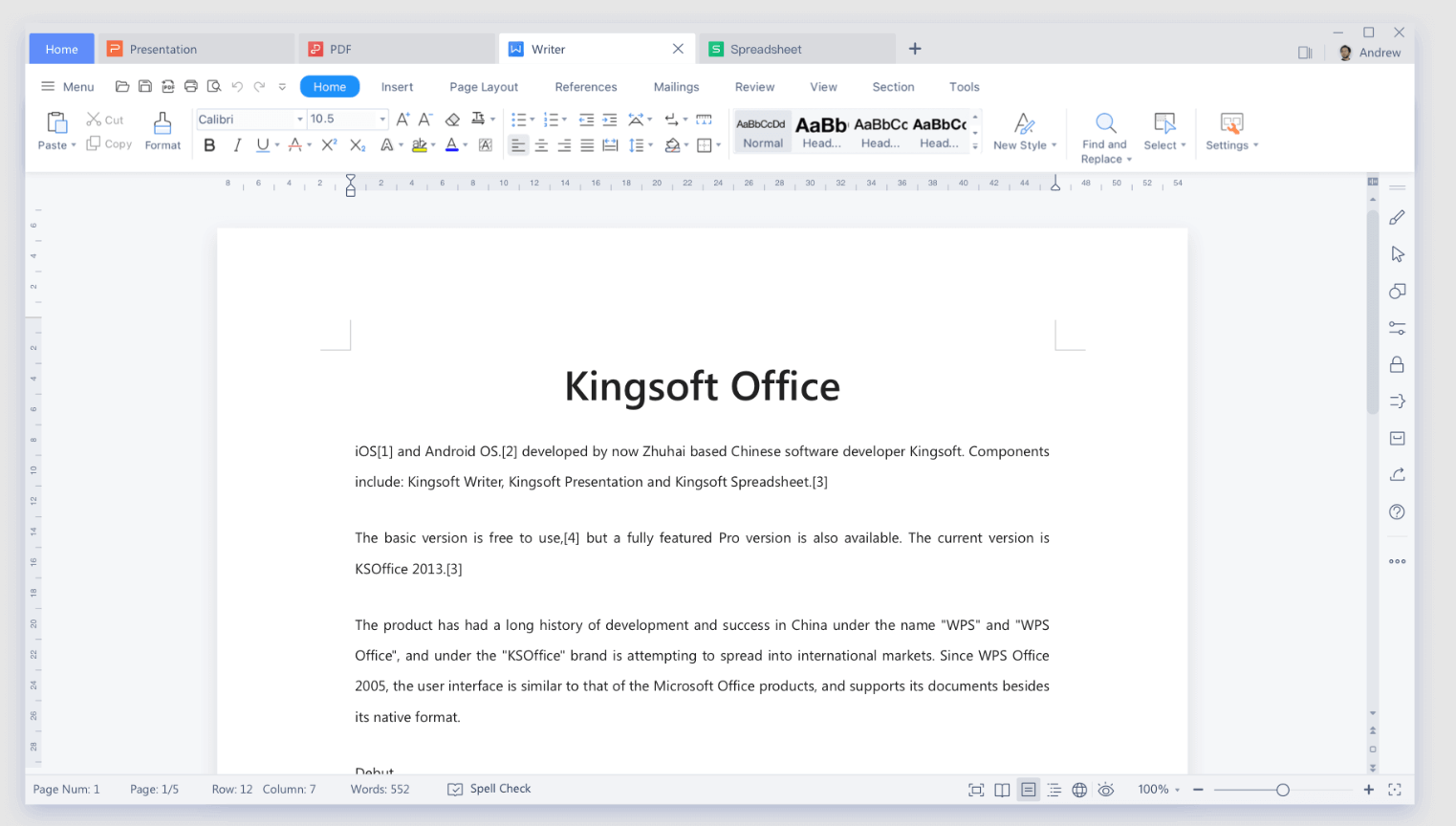
Finding the best PDF editing software in 2026 means balancing editing depth, conversion quality, platforms, and price. Our top recommendation is WPS Office PDF—the strongest everyday mix of free value and real editing power.

Choose Adobe Acrobat for enterprise compliance, Foxit for a paid pro alternative, Smallpdf for quick browser jobs, and PDF-XChange for Windows power users.

Best for Enterprise

Adobe Acrobat

Best Online

Smallpdf