
0
PDF Tools Built In
Edit, convert, merge, split, compress, OCR, and sign—this Adobe Acrobat alternative bundles every everyday PDF task in one client.
#Best Adobe Acrobat Alternative
Looking for a powerful Adobe Acrobat alternative? WPS PDF delivers edit, convert, sign, OCR, and merge tools—plus Word, Excel, and PowerPoint in one free suite. No Acrobat subscription required.
Free PDF tools · Also on Linux, Android, and iOS · Installer matches this device
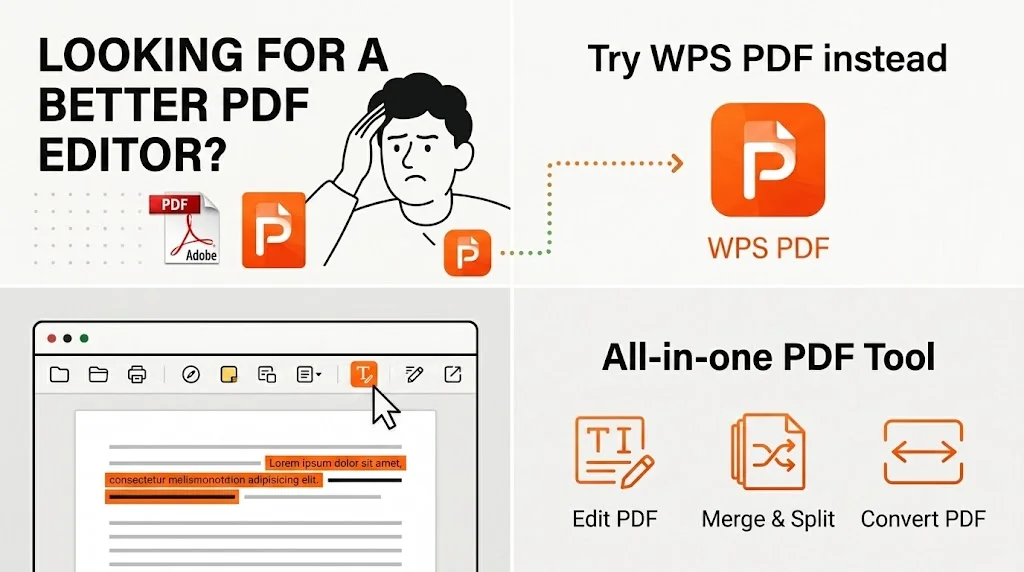
Every metric that matters—from PDF compatibility to total cost—proves WPS PDF is the Adobe Acrobat alternative users trust most.
0
Edit, convert, merge, split, compress, OCR, and sign—this Adobe Acrobat alternative bundles every everyday PDF task in one client.
100%
Open and save PDF files without losing bookmarks, form fields, or annotations—a true Adobe Acrobat alternative for professional documents.
$0
Access edit, convert, sign, and OCR tools free—the best Acrobat alternative free of any Adobe subscription fee.
See how WPS PDF stacks up as an Adobe Acrobat alternative against Foxit, PDFelement, and the Adobe subscription—feature by feature.
| Feature | WPS PDF | Adobe Acrobat | Foxit PDF | PDFelement |
|---|---|---|---|---|
| Core Price | Free | $19.99+/mo | $79+/year | $79.99/year |
| Offline Desktop Experience | ⭐⭐⭐⭐⭐ | ⭐⭐⭐⭐⭐ | ⭐⭐⭐⭐ | ⭐⭐⭐⭐ |
| Edit PDF Text & Images | Yes | Yes (Pro) | Yes (Paid) | Yes |
| PDF to Word Conversion | Yes | Yes | Yes | Yes |
| E-Sign & Fill Forms | Yes | Yes | Yes | Yes |
| OCR for Scanned PDFs | Yes | Yes (Pro) | Yes (Paid) | Yes |
| Office Suite Included | Word, Excel, PPT | No | No | No |
| System Footprint | Lightweight | Heavy | Moderate | Moderate |
Ready to switch? Download the best Adobe Acrobat alternative and open your existing PDFs in seconds—no formatting loss, no learning curve.
Free Forever · Best Acrobat Alternative Free · Windows, Mac & Linux
Download WPS PDF FreeWPS PDF packs professional-grade tools into the best Adobe Acrobat alternative—no feature compromises, no paywall on everyday tasks.
Edit text, images, and links in place with Edit Content—this Adobe Acrobat alternative handles contracts, invoices, and reports without exporting to another app.
Convert PDF to Word, Excel, or PowerPoint in one click—then edit in WPS Writer and export back. A smoother Acrobat alternative free of round-trip headaches.
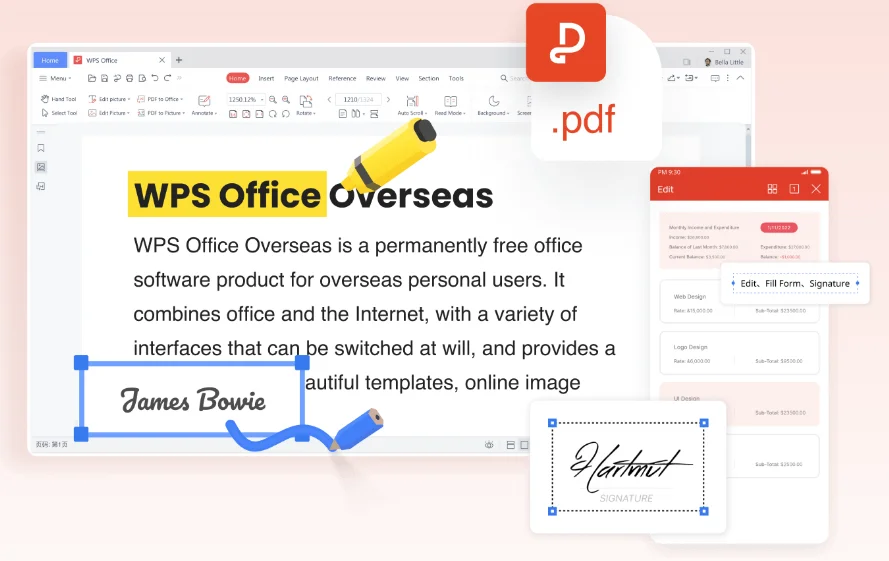
Add signatures, fill interactive forms, and add checkmarks—form tools you'd expect from Adobe Acrobat, included in this free PDF editor alternative.
Summarize long PDFs, ask questions about contracts, and draft replies—an exclusive edge no other free Adobe Acrobat alternative offers at zero cost.
Turn scanned pages into searchable, editable text—OCR power you'd expect from Acrobat Pro, bundled free in this Adobe Acrobat alternative.
Combine PDFs, extract pages, and shrink file size for email—batch PDF tools built into the best Adobe Acrobat alternative, no add-on purchase needed.
Fix typos, replace logos, and update tables directly in the PDF. As a full-featured Adobe Acrobat alternative, WPS PDF keeps edits local on your desktop—no upload required for everyday changes.
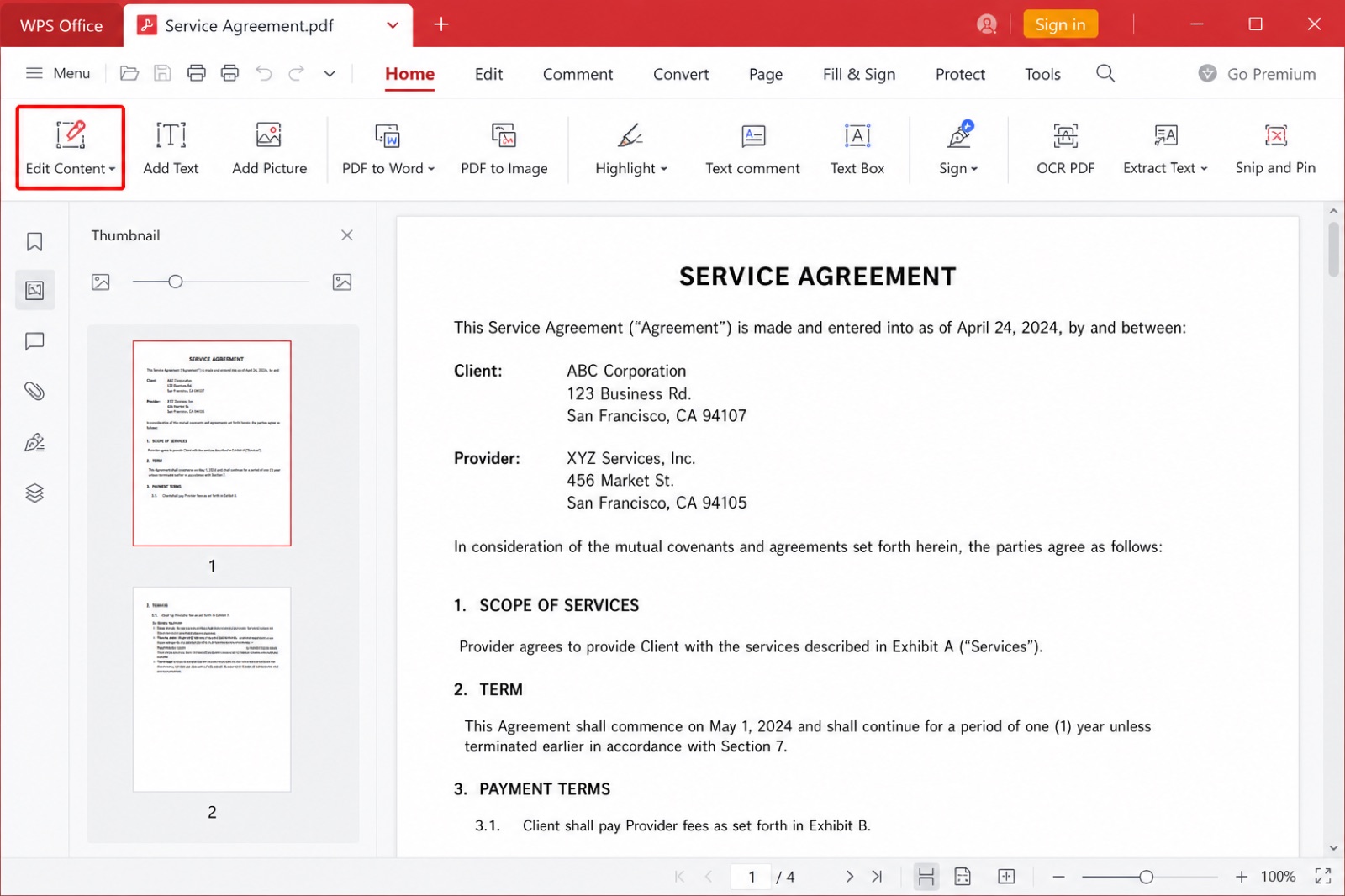
WPS PDF Edit Content toolbar
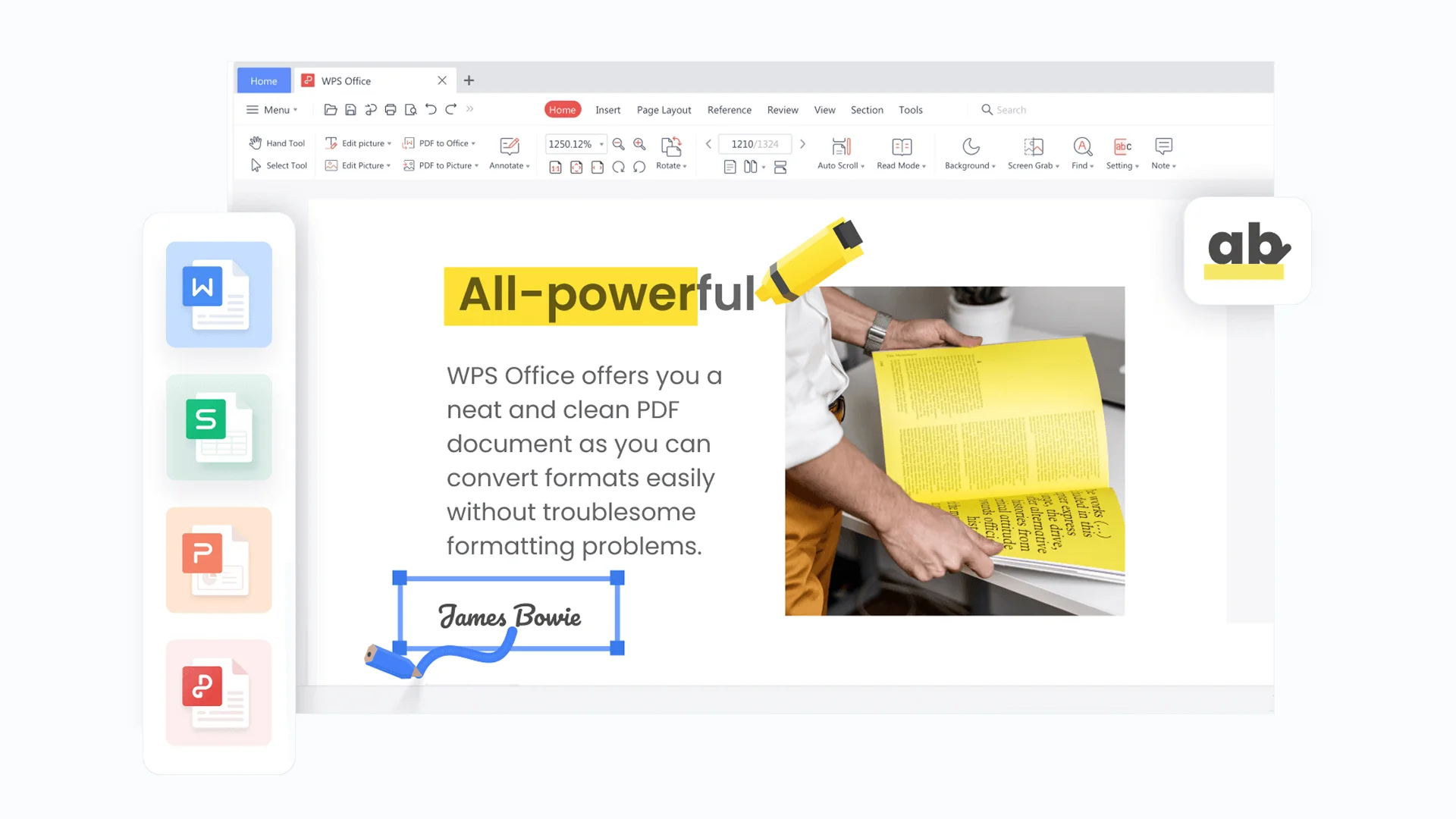
WPS PDF editor text tools
Why pay for Acrobat alone? This Adobe Acrobat alternative includes Writer, Spreadsheet, and Presentation—so you convert a PDF to Word, edit deeply, and export back without leaving WPS Office.
Skip the manual read-through. WPS AI summarizes long PDFs and answers questions about contracts in plain English—intelligence built into the best Adobe Acrobat alternative at no extra charge.
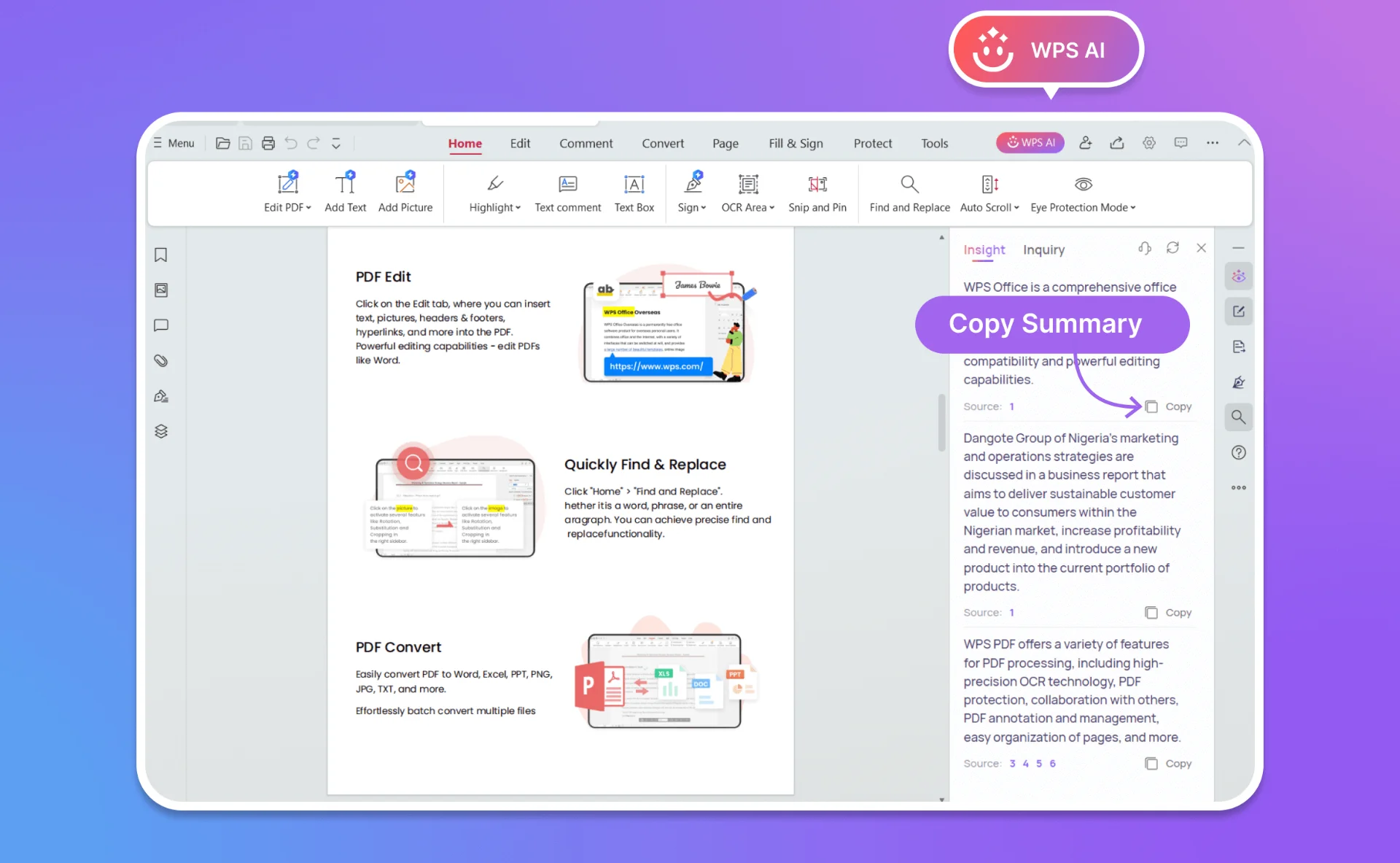
WPS AI PDF analysis chat
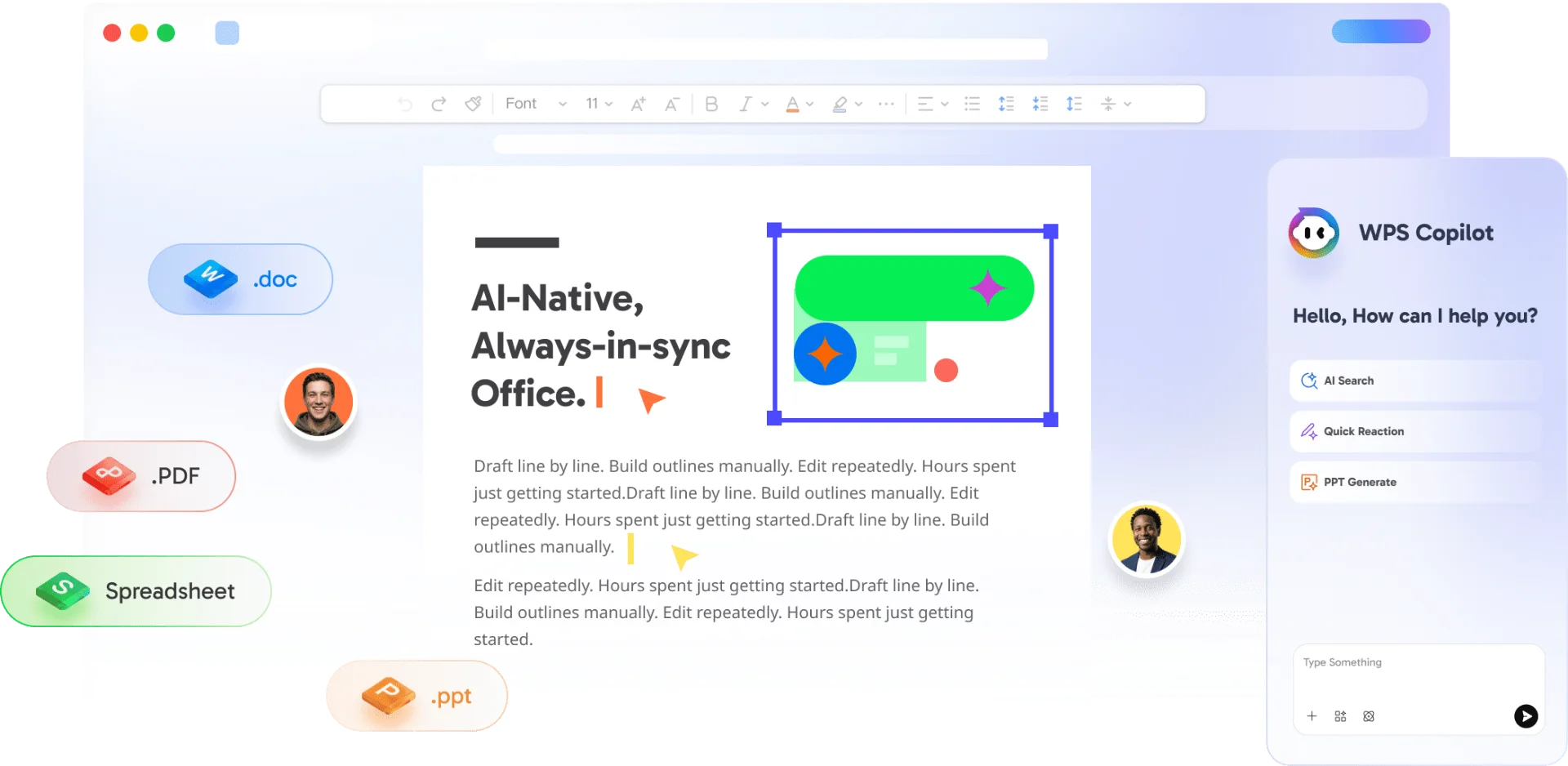
WPS Office desktop and mobile PDF
Open PDFs on Windows, Mac, Linux, Android, and iOS. Full desktop editing offline, cloud sync when you need it—a cross-platform Adobe Acrobat alternative Adobe itself cannot match at this price.
Migrating from Adobe Acrobat to WPS PDF—the best Adobe Acrobat alternative—takes less than a minute. No data loss, no reformatting.
Download the lightweight WPS Office package—your Adobe Acrobat alternative installer. Setup takes less than 60 seconds on Windows, Mac, or Linux.
Drag and drop your PDFs into WPS. As a 100% compatible Adobe Acrobat alternative, all bookmarks, form fields, and annotations stay intact.
Use Edit Content, PDF to Word, OCR, merge, split, and e-sign—every pro tool you'd expect from the best Adobe Acrobat alternative, at zero cost.
Free Forever · No Credit Card · Windows, Mac & Linux
Real feedback from professionals who switched from Adobe Acrobat to WPS PDF.
I canceled my Acrobat subscription and switched to WPS PDF. Edit Content handles my contracts perfectly—it's the best Adobe Acrobat alternative I've tried, and it's free.

PDF to Word conversion saved me hours every week. Having Word, Excel, and PDF in one Adobe Acrobat alternative beats paying Adobe monthly.

As a student, I needed an Adobe Acrobat alternative without a subscription. WPS gave me edit, sign, and OCR tools for free—100% compatible when submitting PDFs to professors.

Everything you need to know before switching from Adobe Acrobat to WPS PDF.
WPS PDF is the best Adobe Acrobat alternative available today. It offers PDF editing, conversion, OCR, merge, split, e-sign, and form tools—completely free in the core desktop suite, with no Adobe subscription required.
Yes. As an Adobe Acrobat alternative, WPS PDF opens standard PDF files including fillable forms, bookmarks, and annotations. You can edit, save, and share without compatibility issues.
Absolutely. WPS PDF includes professional PDF tools—edit text and images, convert to Word, OCR scanned pages, merge and split files—at zero cost in the free desktop client. Some advanced cloud and AI features sit in optional paid plans.
Yes. Turn on Edit Content in WPS PDF to change text, resize images, add annotations, and fill forms—just like Adobe Acrobat, without the subscription fee.
Yes. WPS PDF is a robust desktop Adobe Acrobat alternative that works perfectly offline. Sync to WPS 365 cloud when you need cross-device access.
Yes—PDF to Word, Excel, PowerPoint, and image conversion are built in. Convert a contract to .docx for deeper edits in WPS Writer, then export back to PDF.
WPS PDF runs on Windows, macOS, Linux, Android, and iOS. Use the desktop app for full offline power, or edit PDFs on your phone or tablet.
Yes. WPS PDF saves to standard PDF format with full formatting, annotations, and form field preservation. Colleagues using Adobe Acrobat can open your files without any conversion issues.
Join 600 million users who chose WPS PDF as their Adobe Acrobat alternative. No subscription, no credit card—just professional PDF power at zero cost.
Download Adobe Acrobat Alternative NowFree Forever · Best Adobe Acrobat Alternative · Windows, Mac & Linux