LibreOffice alternative

The Best LibreOffice Alternative for Windows & Mac

Tired of .docx files that reflow, dated toolbars, and a separate PDF workflow? WPS Office is a modern alternative to LibreOffice that opens Microsoft Office files with high layout fidelity, then keeps Word, Excel, PowerPoint, and PDF in one lightweight client.

Free desktop suite · Also on Linux, Android, and iOS · Installer matches this device

0 users worldwidedocx / xlsx / pptx firstOpens .odt files too
Report.docxBudget.xlsxPitch.pptxContract.pdf
FileHomeInsertLayoutReviewWPS AI

Layout stays intact

Open the same .docx your team sent from Word

Headers, tables, and fonts stay aligned—so you spend time editing, not fixing LibreOffice reflow.

Word

Writer

Excel

Spreadsheet

PDF

Built-in editor

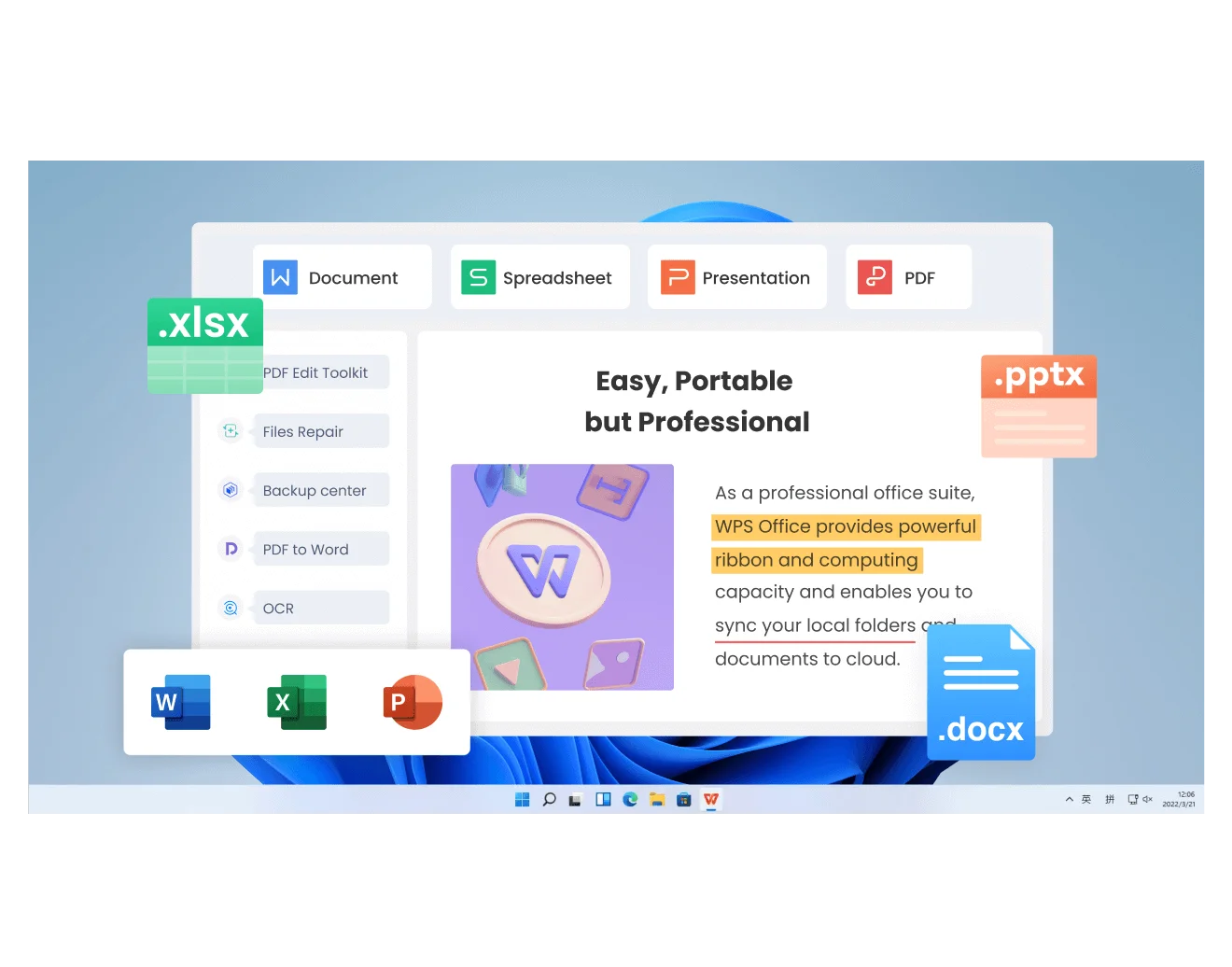
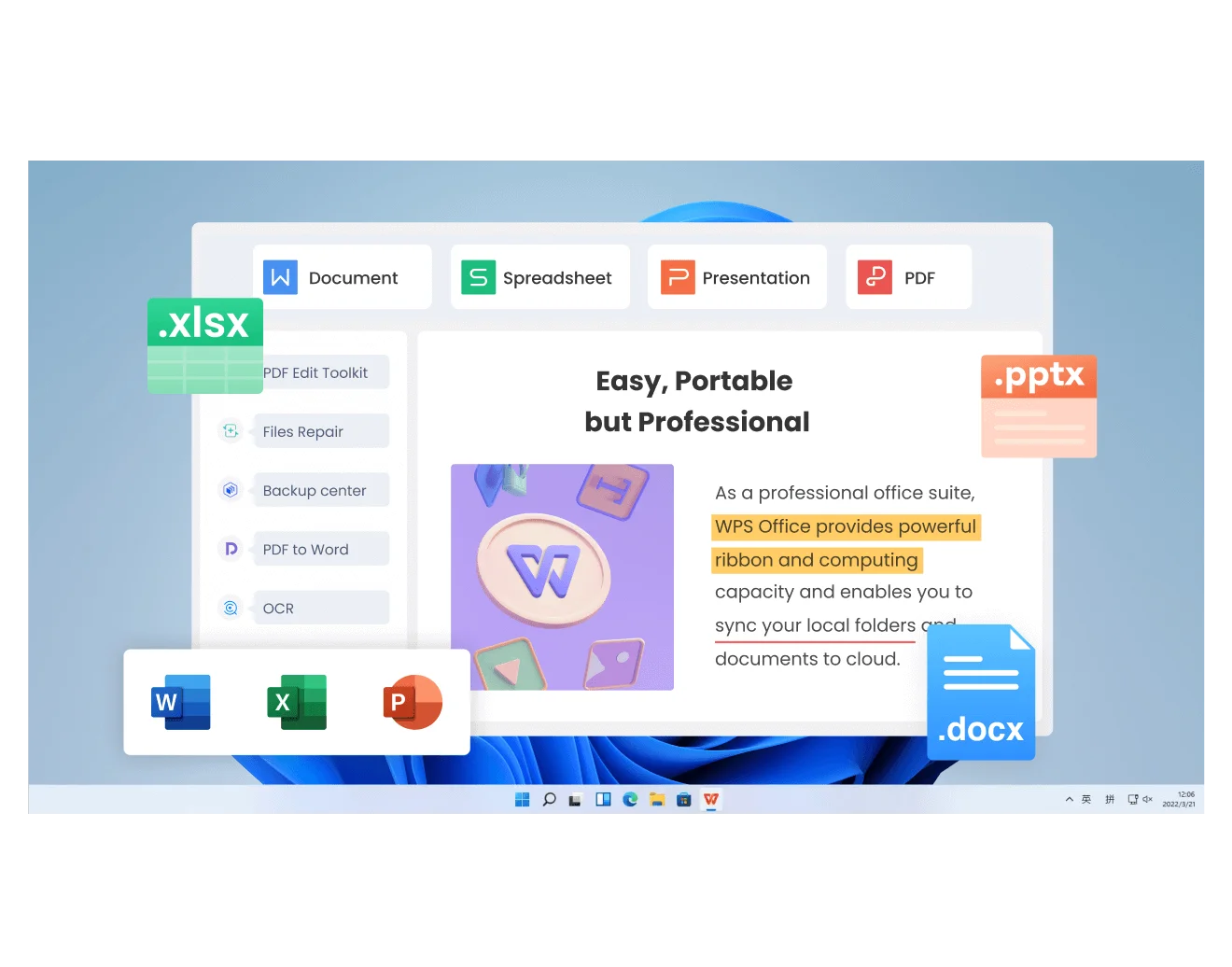
WPS Office tabbed workspace with Word, Excel, PowerPoint, and PDF

Six reasons people switch

6 Reasons Why WPS Office Is the Best LibreOffice Alternative

LibreOffice is a capable open-source suite. WPS Office is the LibreOffice alternative for people who live in Microsoft Office files, want a current interface, and prefer PDF plus AI in the same window.

High-Fidelity MS Office Compatibility

LibreOffice pain · broken layouts

Complex .docx, .xlsx, and .pptx files often shift in LibreOffice. WPS saves those formats by default so fonts, tables, and slides stay closer to Word, Excel, and PowerPoint.

WPS solution · native OOXML workflow

Modern & Intuitive UI

LibreOffice pain · 2000s toolbars

Replace stacked classic toolbars with a Microsoft-style ribbon and browser-like tabs. Open a report, a workbook, a deck, and a PDF without a cluttered desktop.

WPS solution · tabbed all-in-one window

Cloud Sync & WPS AI

LibreOffice pain · local-only, no native AI

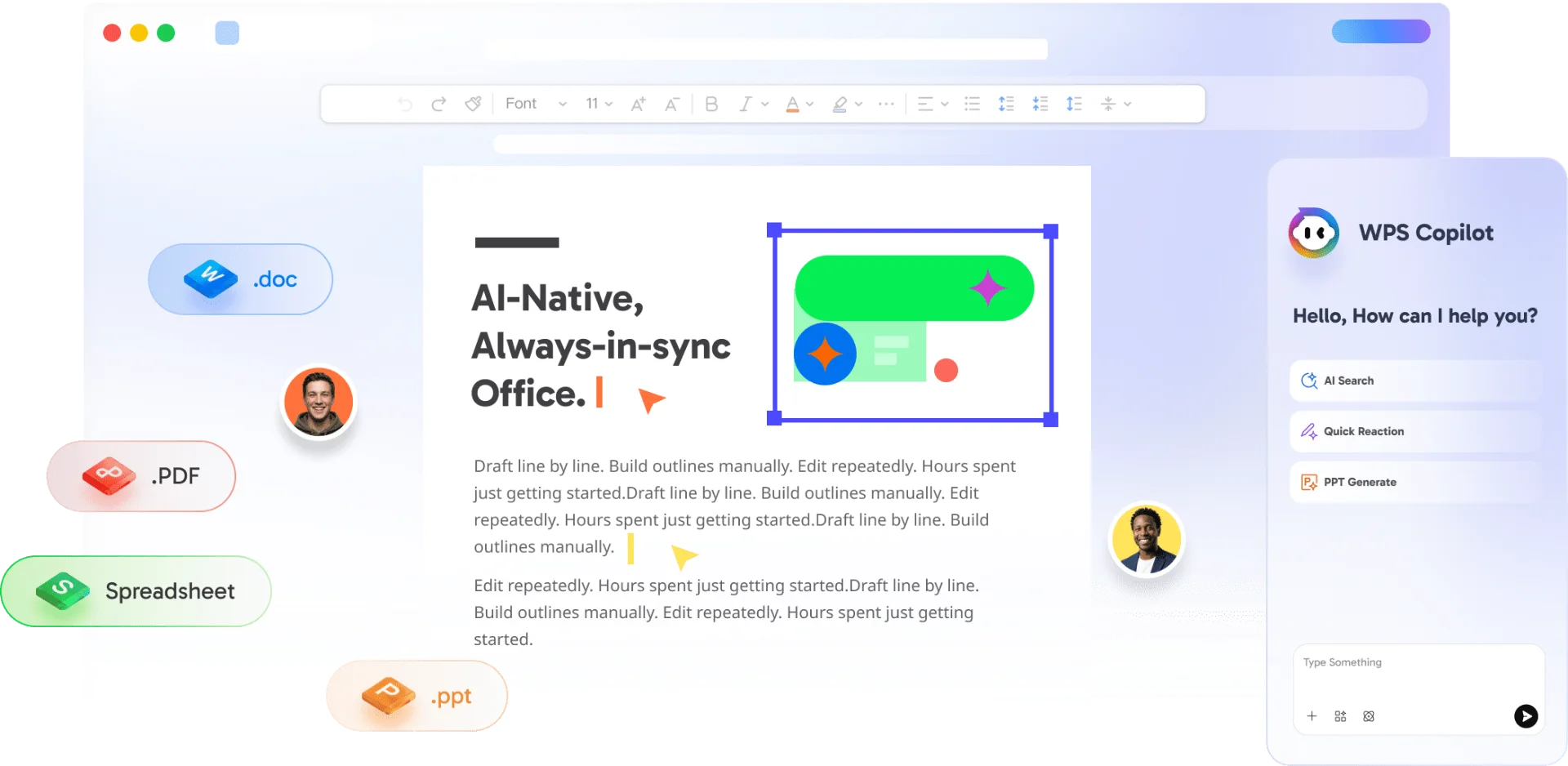
Continue a file on another device with built-in cloud. Draft, rewrite, summarize, and chat with PDFs using WPS AI instead of hunting for plugins.

WPS solution · assistant inside the doc

All-in-One Office + PDF

LibreOffice pain · Draw is not Acrobat

Writer, Spreadsheet, Presentation, and a real PDF editor ship in one installer. Edit, convert, and sign without jumping to a second product.

WPS solution · one client, four jobs

Windows, Mac, Linux, and Mobile

LibreOffice pain · uneven Mac and mobile

Get a native LibreOffice alternative on Windows and Mac, plus Linux and full-featured Android and iOS apps—so the same file can move from desktop to phone without a viewer-only dead end.

WPS solution · one suite, every screen

Open LibreOffice Files With No Conversion Project

LibreOffice pain · fear of switching

Drop in existing .odt, .ods, and .odp files the same way you open .docx. Keep OpenDocument when you need it, or save Microsoft Office formats for teammates who still use Word.

WPS solution · open and keep working

Free download · Windows & Mac

Try WPS Office as Your LibreOffice Alternative Today

Install once, open the files you already have, and keep working. No migration project. No new file-type religion.

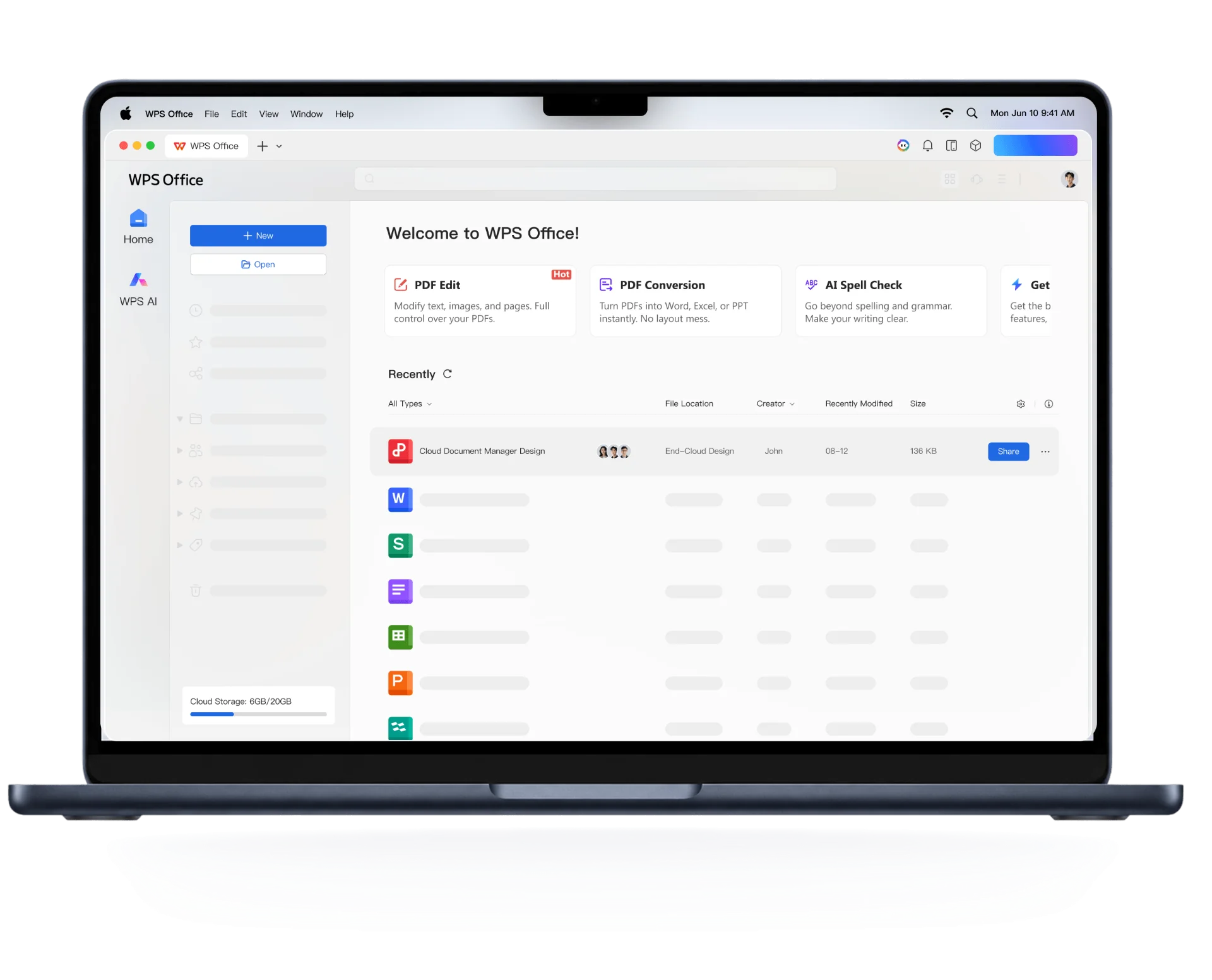
WPS Office LibreOffice alternative desktop workspace

WPS Office LibreOffice alternative desktop workspace

Choose the Best LibreOffice Alternative for Your OS

Whether you work on a MacBook or a Windows PC, WPS Office delivers a modern office suite with Microsoft file compatibility, tabbed documents, and built-in PDF tools—without the layout surprises LibreOffice users often hit.

macOS · Apple Silicon

The Best LibreOffice Alternative for Mac

If LibreOffice on Mac feels like a Windows port—awkward chrome, laggy scrolling, or files that never quite match macOS—WPS Office is built as a native Mac client. It supports Intel and Apple Silicon, follows familiar macOS windowing, and includes dark mode so late-night editing does not fight a bright 2003 toolbar.

  • Native Apple Silicon & Intel support with modern Ribbon UI
  • Seamless Dark Mode and macOS windowing navigation
  • Tabbed document viewing (Writer, Spreadsheet, Presentation, PDF)
Get WPS Office for Mac
WPS Office · Dark Mode · Mac
WPS Office dark mode on Mac

WPS Office dark mode on Mac

WPS Office · Windows
WPS spreadsheet tools on Windows

WPS spreadsheet tools on Windows

Windows 10 & 11

Powerful & Lightweight LibreOffice Alternative for Windows

On Windows, WPS Office is a lightweight alternative that still covers Word, Excel, PowerPoint, and PDF. The client is designed to start quickly and stay comfortable on everyday PCs—not only high-end workstations—while the ribbon feels familiar if you already know Microsoft Office.

  • Lightning-fast startup on modern and legacy PCs
  • 100% Microsoft Office file format compatibility (.docx, .xlsx, .pptx)
  • All-in-one workspace for documents, spreadsheets, and slides
Get WPS Office for Windows
Side-by-side

WPS Office vs LibreOffice Feature Comparison

Use this table when you are choosing an alternative to LibreOffice. LibreOffice still wins if you must have fully open-source code. WPS Office wins if Microsoft compatibility, UI, PDF, cloud, and AI matter more day to day. A longer write-up lives on our WPS Office vs LibreOffice comparison.

FeaturesLibreOfficeWPS Office
Microsoft Office compatibilityGood; complex .docx / .xlsx layouts can still shift High-fidelity .docx, .xlsx, .pptx as default formats
Modern tabbed interfaceClassic toolbars; optional NotebookBar Ribbon + browser-like tabs for mixed file types
Built-in PDF editorBasic import/export; deeper edits via Draw Edit, convert, OCR, and sign in the same suite
Cloud storage & collaborationLocal-first; cloud is not a native core workflow Built-in cloud sync and shareable links
AI productivity toolsNo native AI; third-party plugins only Native WPS AI for write, summarize, and PDF chat
System resource usageFull-featured; can feel heavy on older hardware Lightweight client aimed at everyday Windows PCs and Macs
License & pricingFree and fully open sourceFree core suite; optional Premium / AI plans. Proprietary, not open source.

WPS Office is a better fit if you…

  • Exchange .docx / .xlsx / .pptx files with Microsoft Office users
  • Want tabs, a ribbon, and a built-in PDF editor
  • Need cloud pickup or WPS AI in the same workspace

Stay with LibreOffice if you…

  • Require a fully open-source stack with no proprietary client
  • Standardize on OpenDocument and rarely send Word files
  • Need Draw, Math, or Base as first-class desktop modules
3 steps

How to Switch from LibreOffice to WPS Office in 3 Steps

You do not convert a whole archive first. Install WPS, open the files you already have, and save in the format your next collaborator actually uses.

  1. 1

    Download WPS Office for Windows or Mac

    Get the free installer for this computer. The same suite includes Writer, Spreadsheet, Presentation, and PDF—no extra PDF app for everyday edits.

  2. 2

    Open .odt, .ods, .odp, and Microsoft Office files

    Use Open or drag-and-drop. WPS reads LibreOffice OpenDocument files and Microsoft Office files in the same window, so the switch does not start with a batch converter.

  3. 3

    Save in the format your team already uses

    Keep .odt if you still share with LibreOffice users, or save .docx / .xlsx / .pptx when the next reader is Word, Excel, or PowerPoint. That is usually the whole migration.

FAQ

FAQs

Straight answers on price, .odt files, Mac vs Windows, and who should stay on LibreOffice.

Free download · all platforms

Switch to the WPS Office LibreOffice Alternative

Download WPS Office for Windows or Mac, open the documents you already have, and keep Microsoft Office-compatible files, PDFs, and AI tools in one workspace.

  • High-fidelity .docx / .xlsx / .pptx
  • Tabbed UI plus built-in PDF editor
  • One installer · Windows, Mac, Linux, mobile
WPS Office on desktop and mobile

WPS Office on desktop and mobile